The details to include
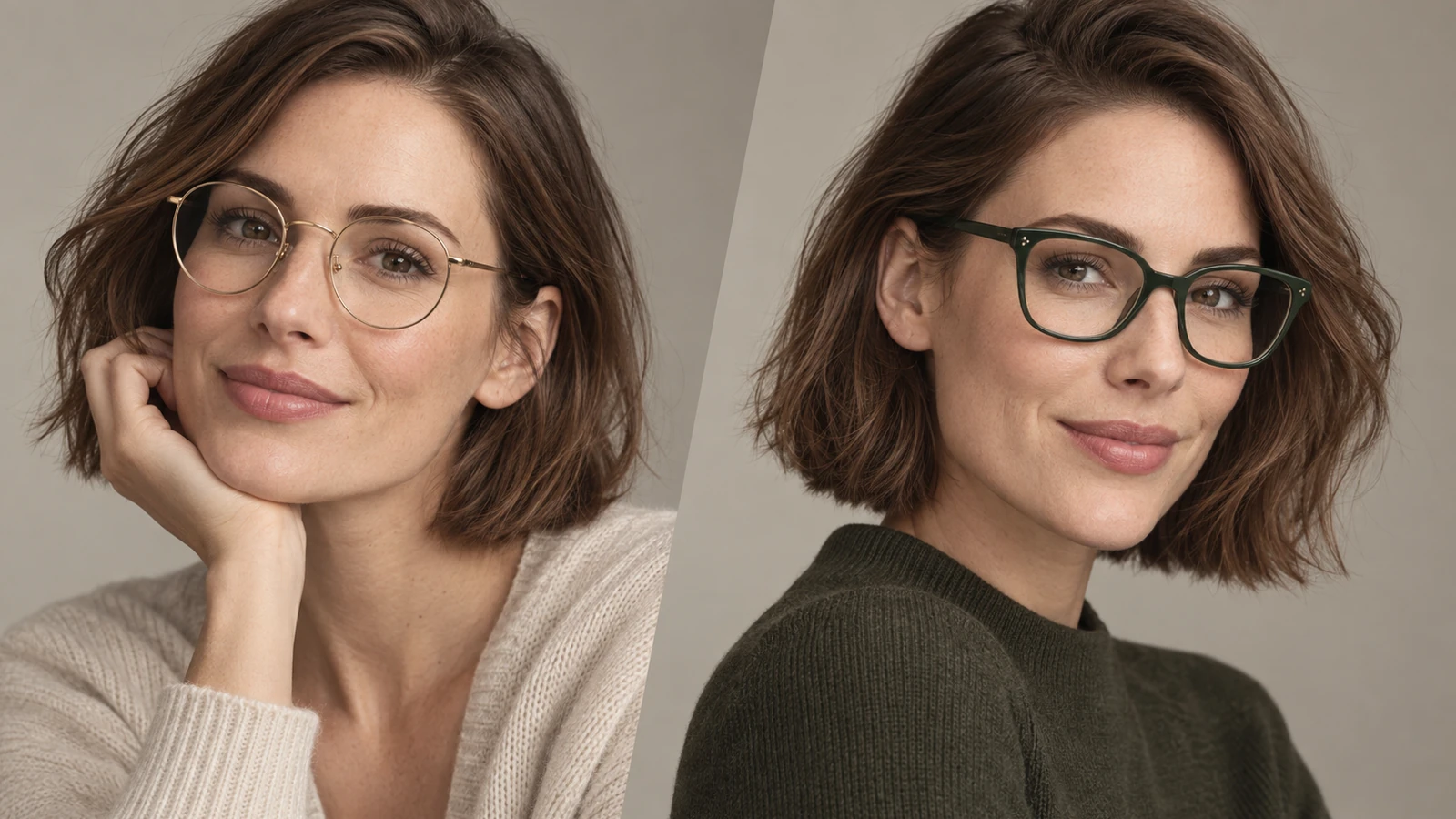
Use a front-facing photo and describe the frame's shape, color, thickness, and lens style.
Try it now
AI image tools
Explore how a frame shape could work with your portrait.
Creative possibilities
Illustrative concepts show framing and visual treatment. Use your own brief and references to create a version for your project.
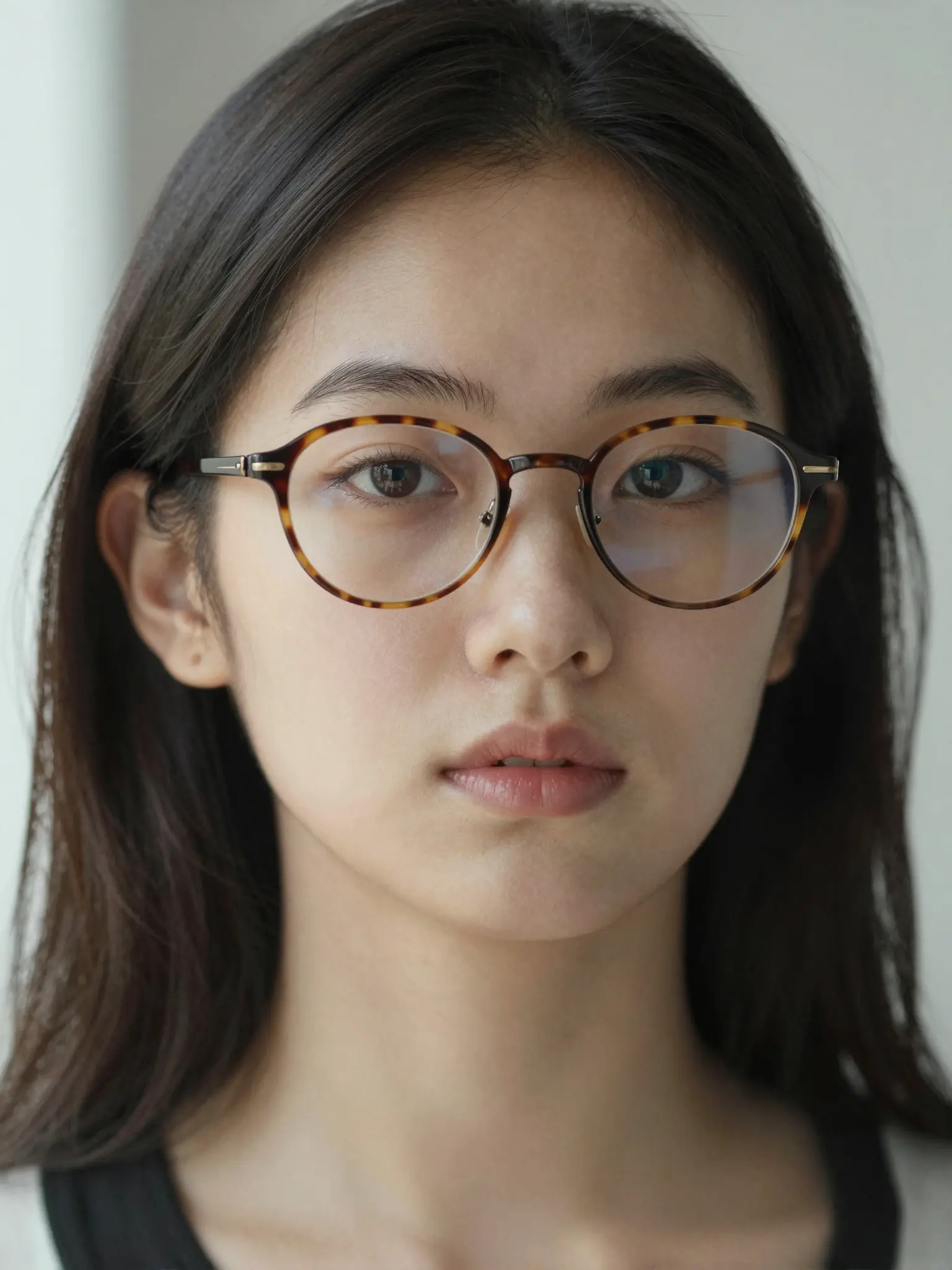
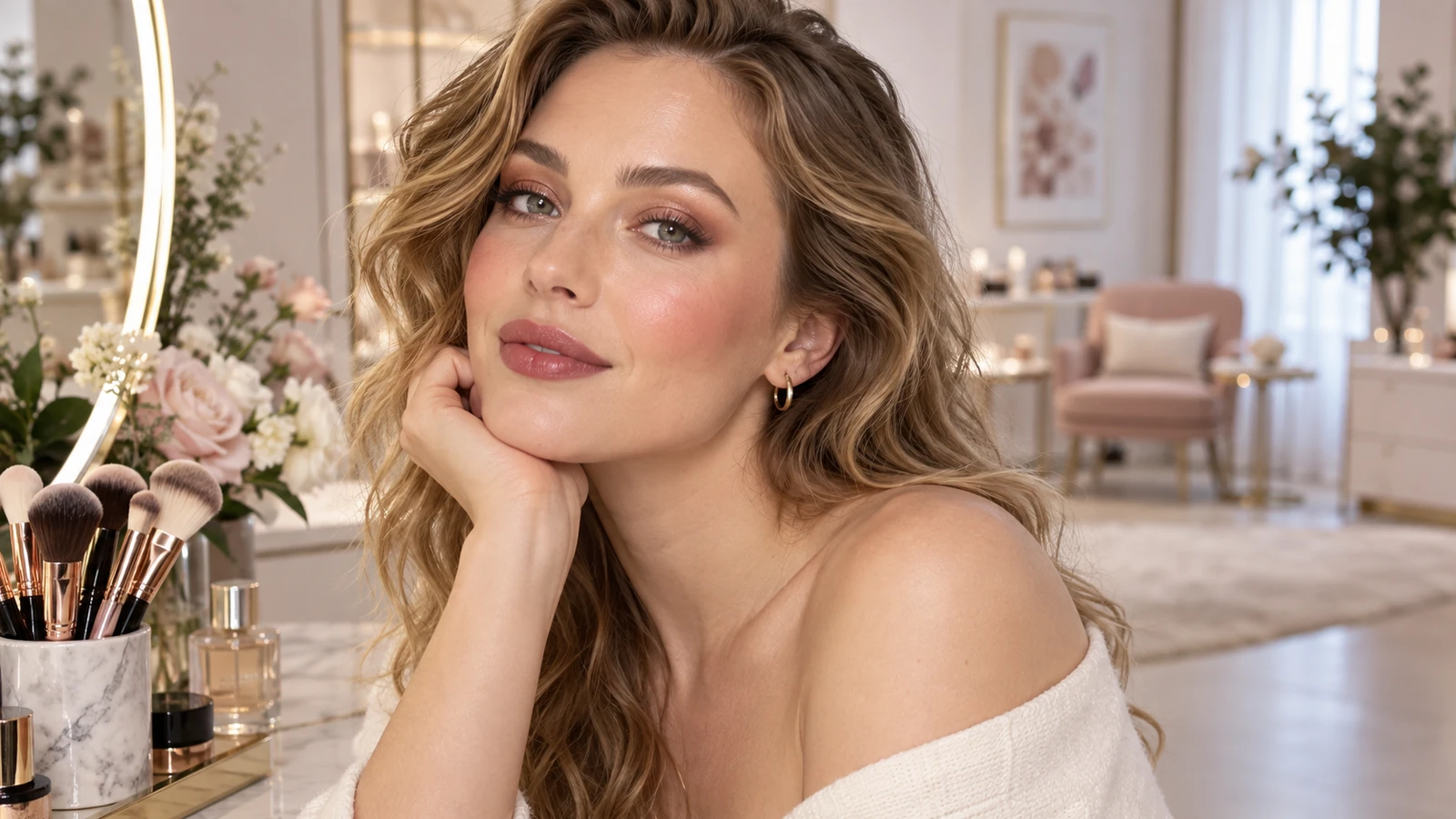
Soft daylight brings out expression and natural skin texture.
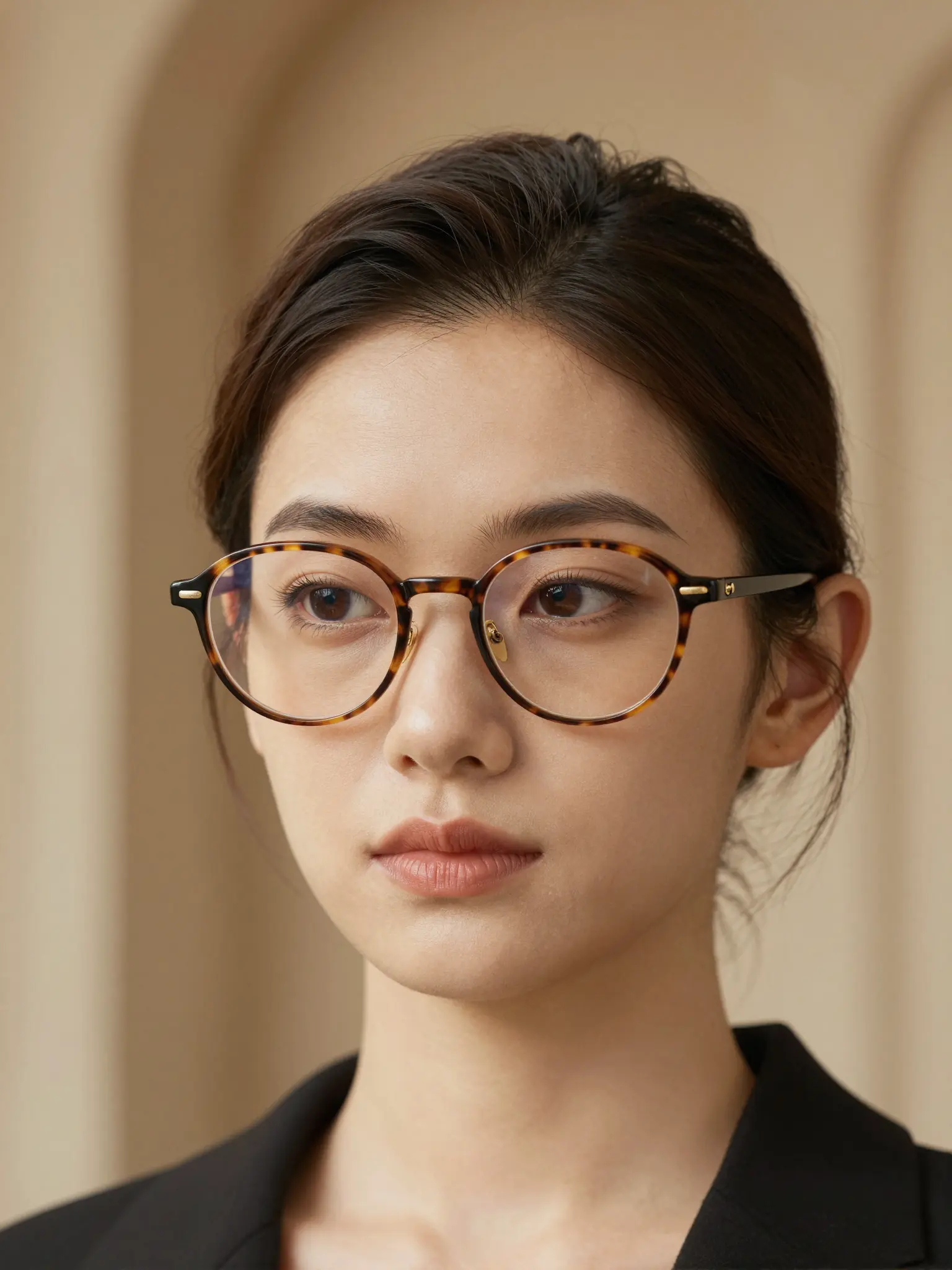
A styled setting gives the portrait a more editorial mood.
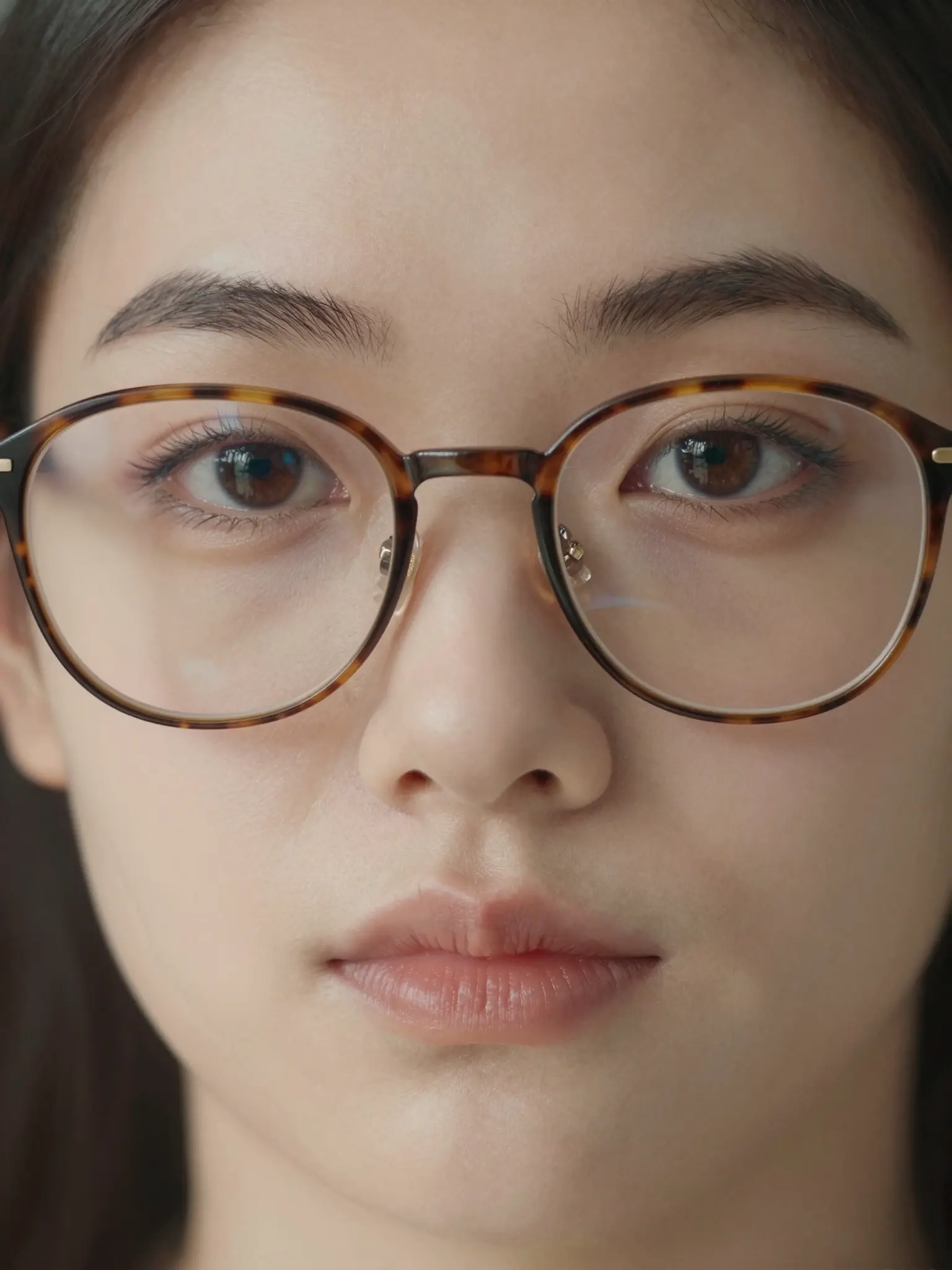
A closer crop puts expression, texture, and light in focus.
Use a front-facing photo and describe the frame's shape, color, thickness, and lens style.
Try it nowAdd thin tortoiseshell oval glasses, clear lenses, subtle reflections. Keep the face and hairstyle recognizable.
Try it nowFrom idea to creation
Upload one clear reference image, then add instructions for the result you want.
Use a front-facing photo and describe the frame's shape, color, thickness, and lens style.
This is a visual approximation, not a fit measurement or a preview of a specific frame's exact dimensions.
This is a visual approximation, not a fit measurement or a preview of a specific frame's exact dimensions.
Find your next creative tool
Your next creation starts here
Start with your own content in Virtual Glasses Try On. Review the settings in Studio and create your result.