The details to include
Upload both people, then describe their pose, clothing, distance from the camera, and surroundings.
Try it now
AI image tools
Bring two portrait references into a shared scene, from a casual walk to a dressed-up evening.
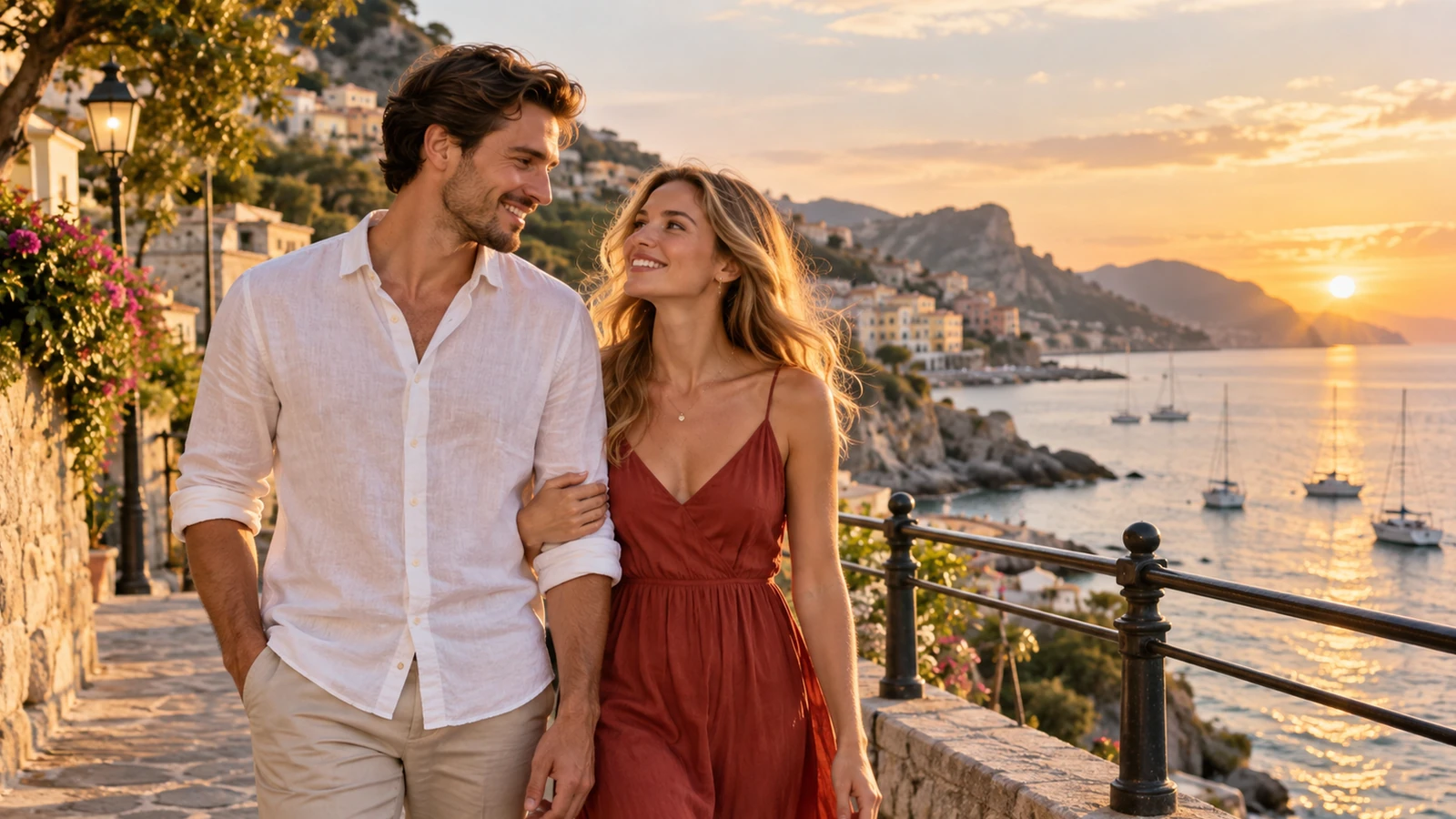
Creative possibilities
Illustrative concepts show framing and visual treatment. Use your own brief and references to create a version for your project.
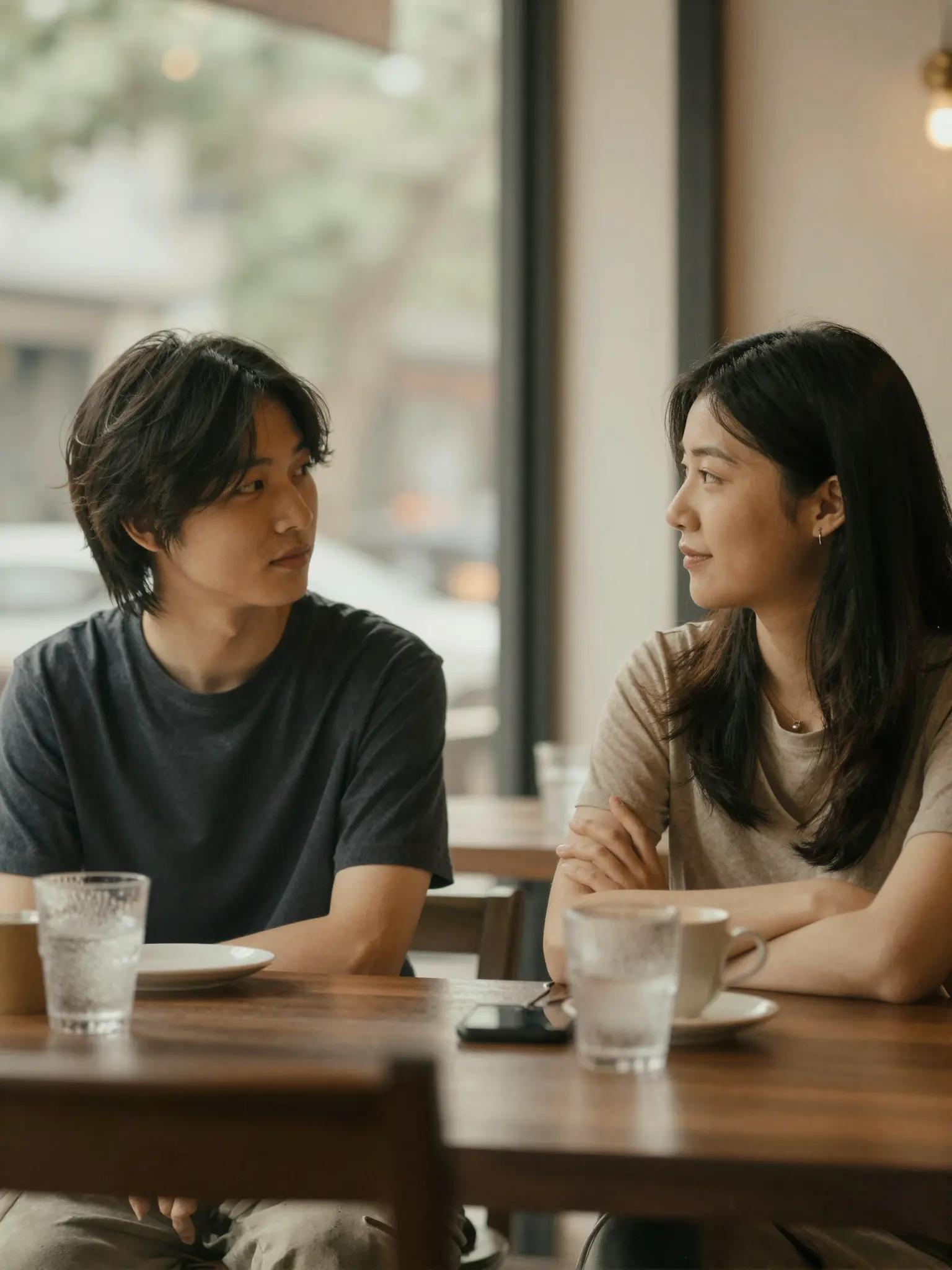
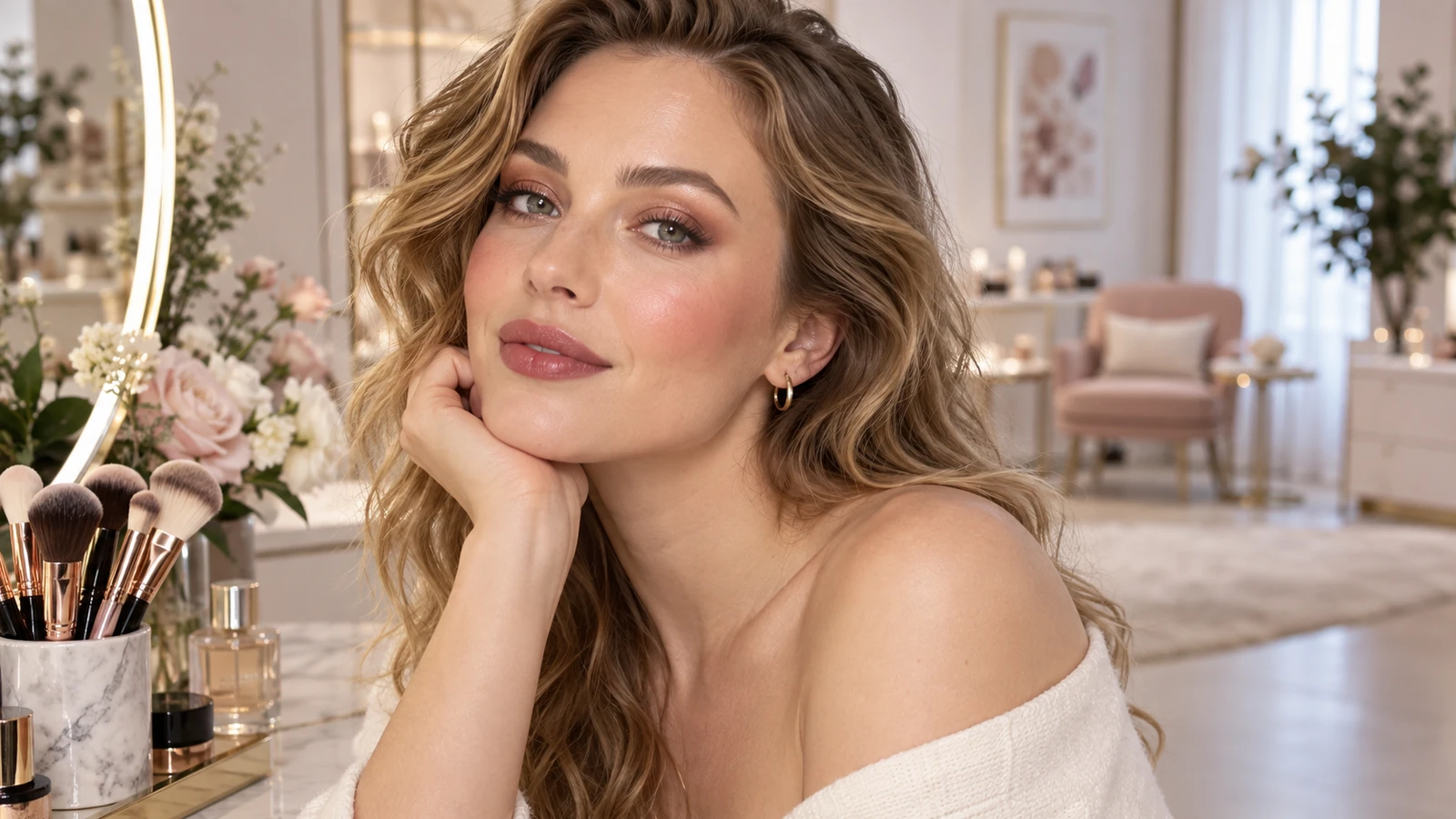
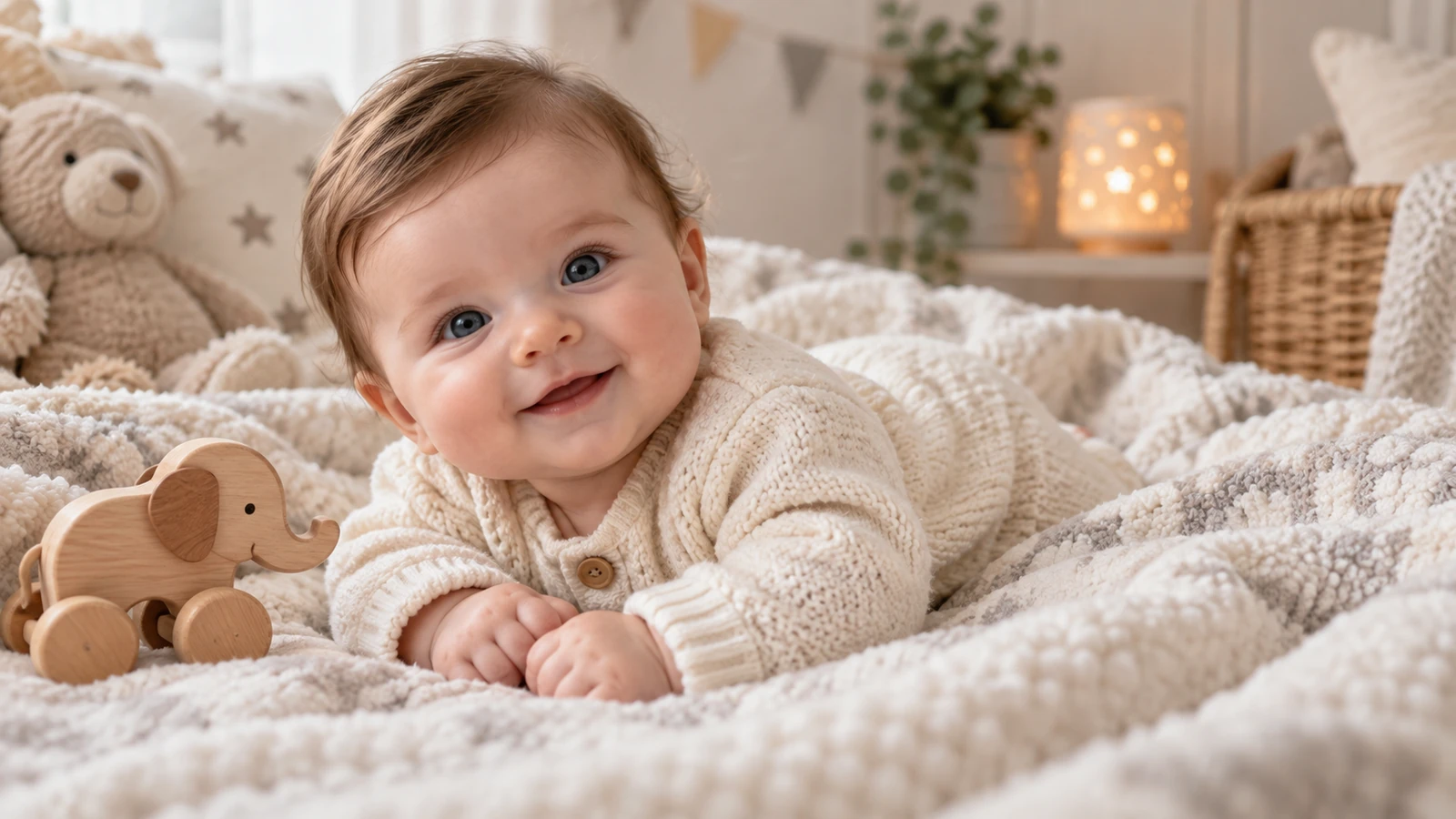
Soft daylight brings out expression and natural skin texture.
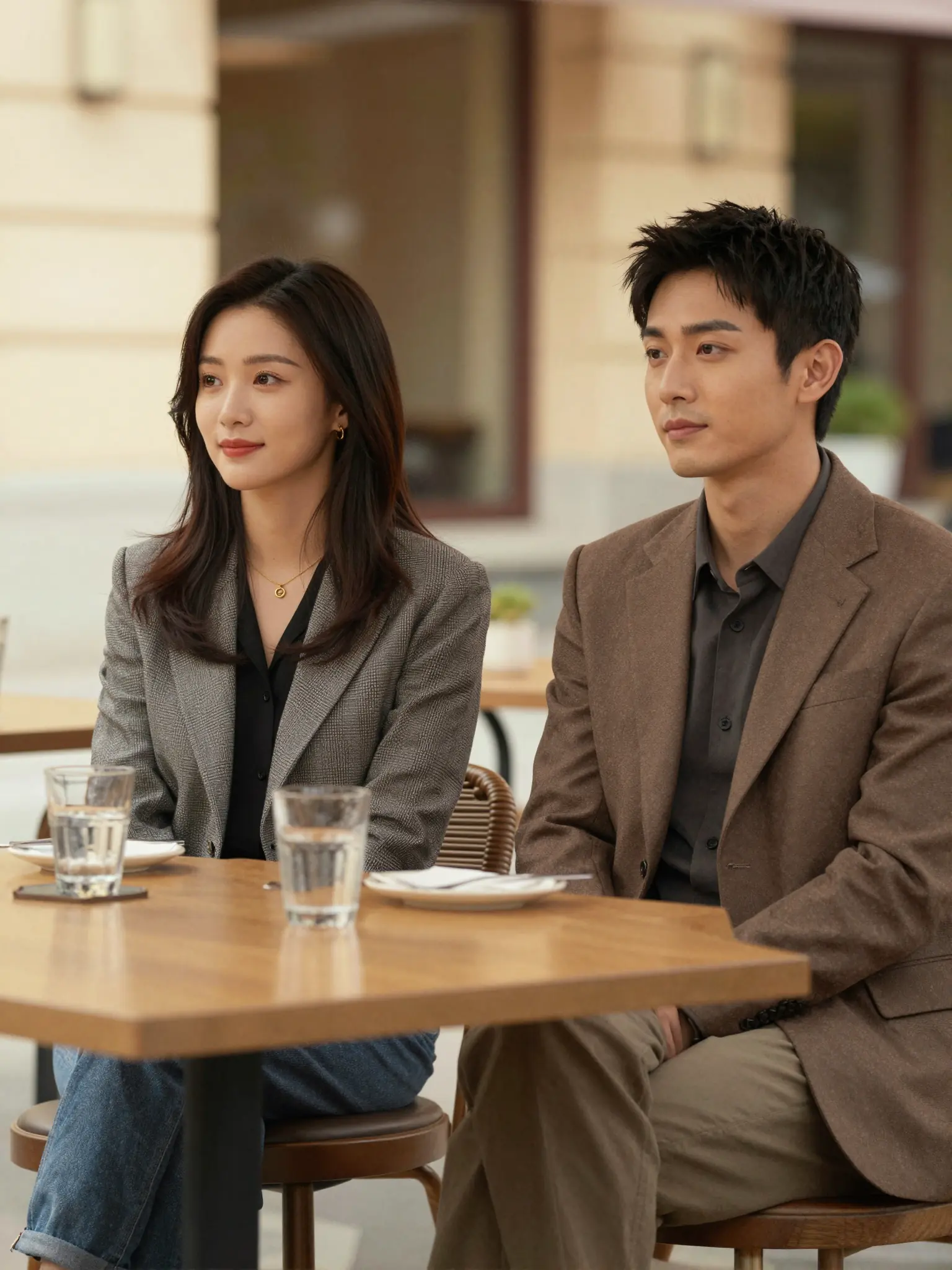
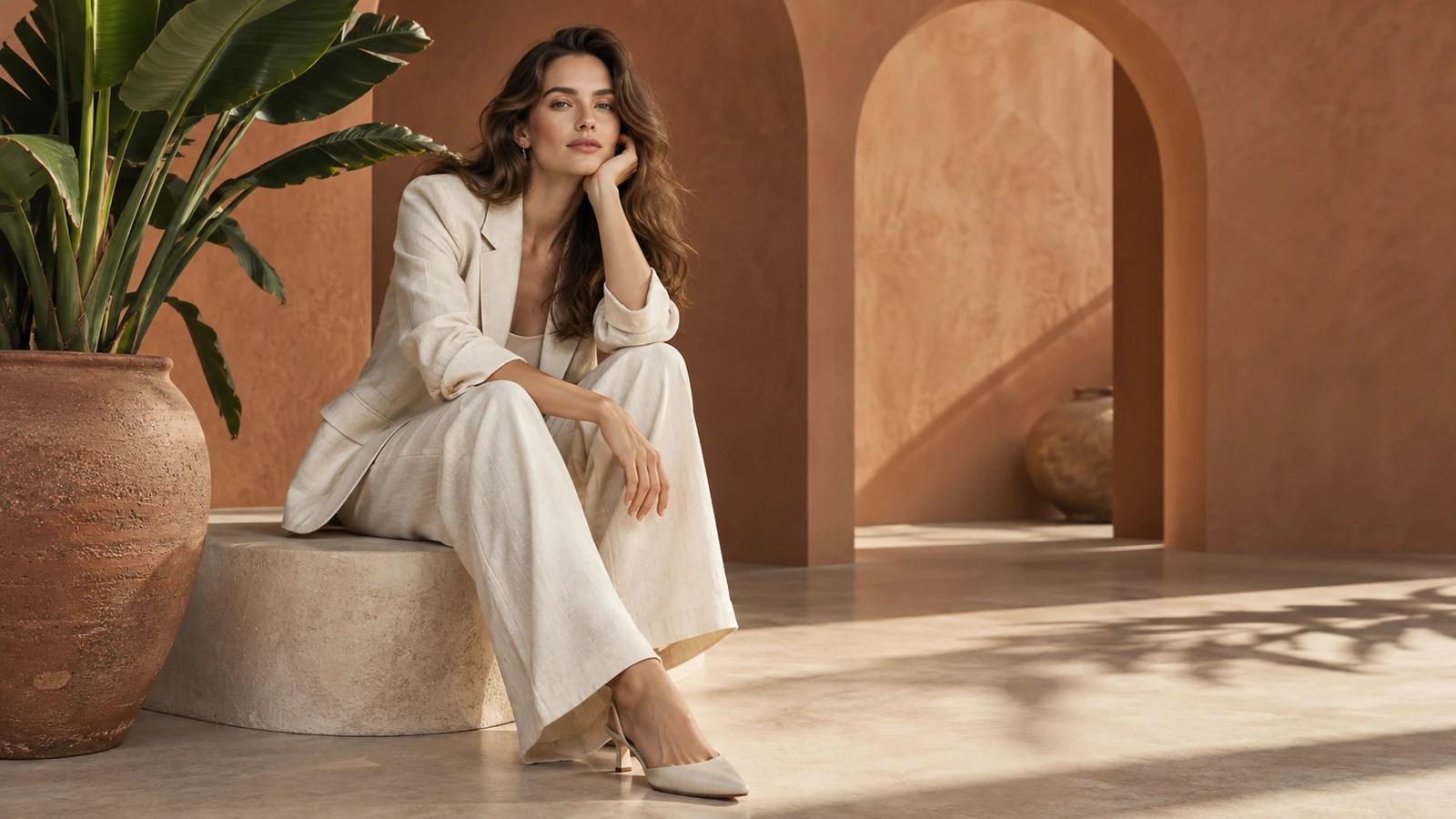
A styled setting gives the portrait a more editorial mood.
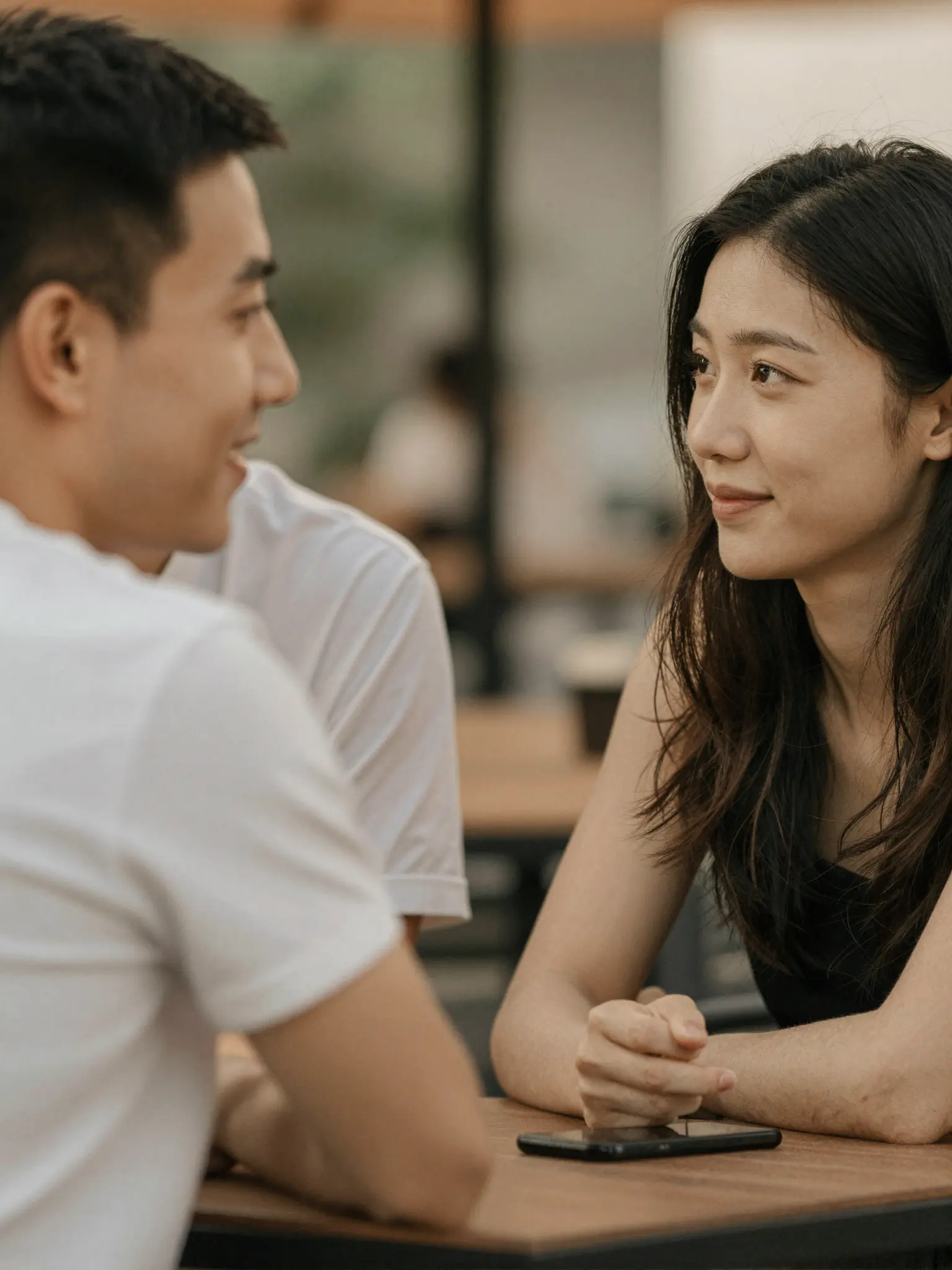
A closer crop puts expression, texture, and light in focus.
Upload both people, then describe their pose, clothing, distance from the camera, and surroundings.
Try it nowPlace both people side by side at an outdoor café, relaxed expressions, warm afternoon light, waist-up framing.
Try it nowFrom idea to creation
Upload both reference images, then describe how their subjects or elements should appear together.
Upload both people, then describe their pose, clothing, distance from the camera, and surroundings.
Review both faces and hands. The image is an imagined scene, not a record of a real meeting.
Review both faces and hands. The image is an imagined scene, not a record of a real meeting.
Find your next creative tool
Your next creation starts here
Start with your own content in AI Couple Photo Maker. Review the settings in Studio and create your result.