CutaCuta
HomeInspireToolsAssets
CutaCuta
HomeCreateCanvasMarketing StudioAds StudioAll toolsImageVideoAudioAssets
Log in
Loading...

Lipsync Studio

Lipsync StudioSelect a model

Preview your speech first, or click Generate to create both audio and video. Speech generation uses additional credits.

Lipsync Studio

Lipsync models,
One click away

Create lipsynced videos with leading AI models.
Bring your own audio or turn a script into speech, all in one studio.

  1. A portrait ready to use as the base for a lipsynced video
    1

    Upload Image or Video

    Add any photo or clip as your base

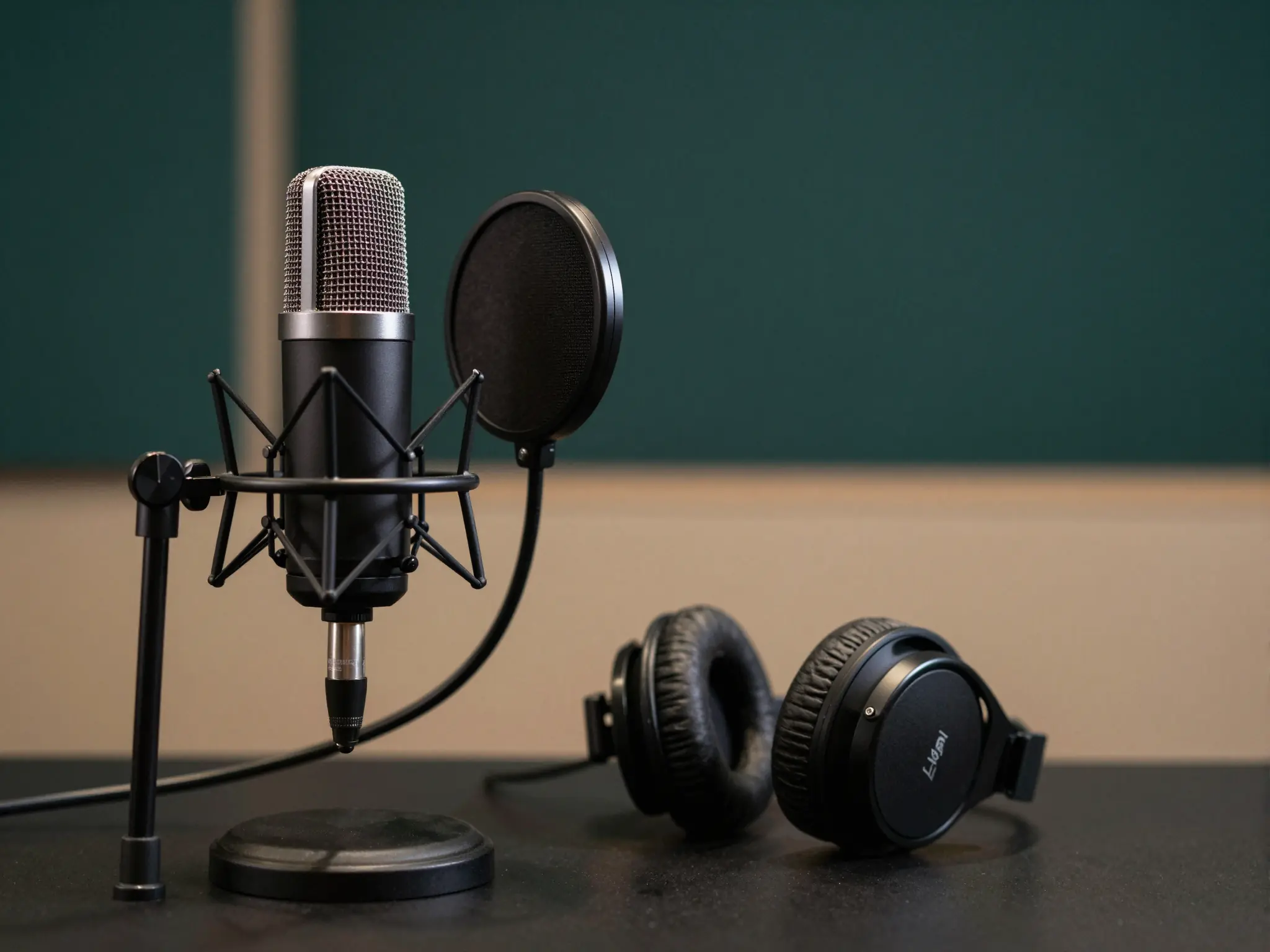
  2. A studio microphone and headphones for recording a voice track
    2

    Generate or Upload Audio

    Upload audio or type to generate speech

  3. A speaking portrait illustrating the video generation step
    3

    Select a Model & Generate

    Choose a model and create your video