
Image
Generate and edit images
Find a tool and pin your favorites on this device.
Pins are saved for your account in this browser.
Generate and edit images
Create videos from text or images
Create a reusable project character
Change the voice in an existing recording
Separate an image into transparent layers
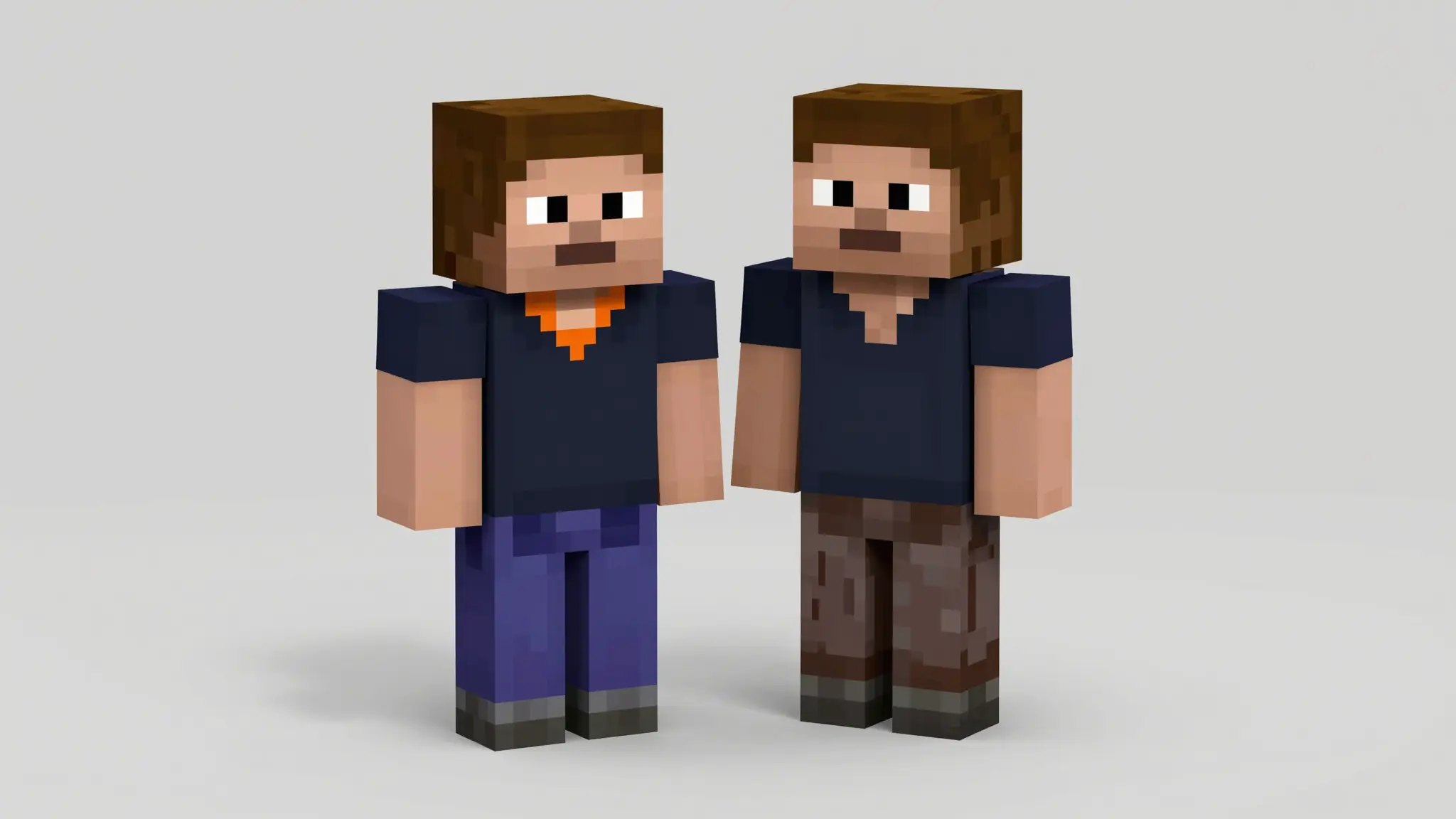
Turn your character idea into a Minecraft-style skin concept. Describe the outfit, colors, and accessories to create a front-and-back reference for your next skin. Results are concept images, not ready-to-import game skin files.
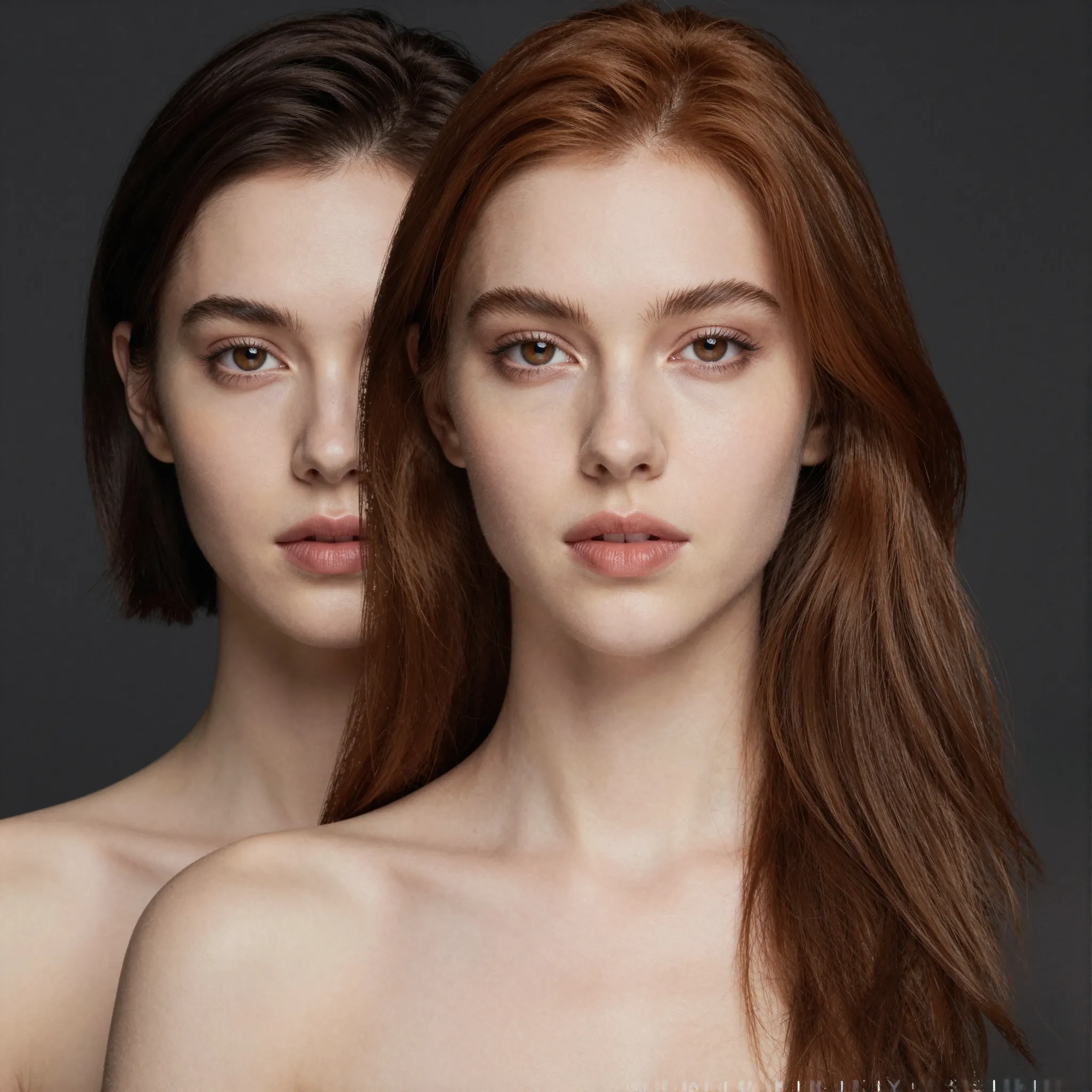
Give the source and replacement references separate roles.
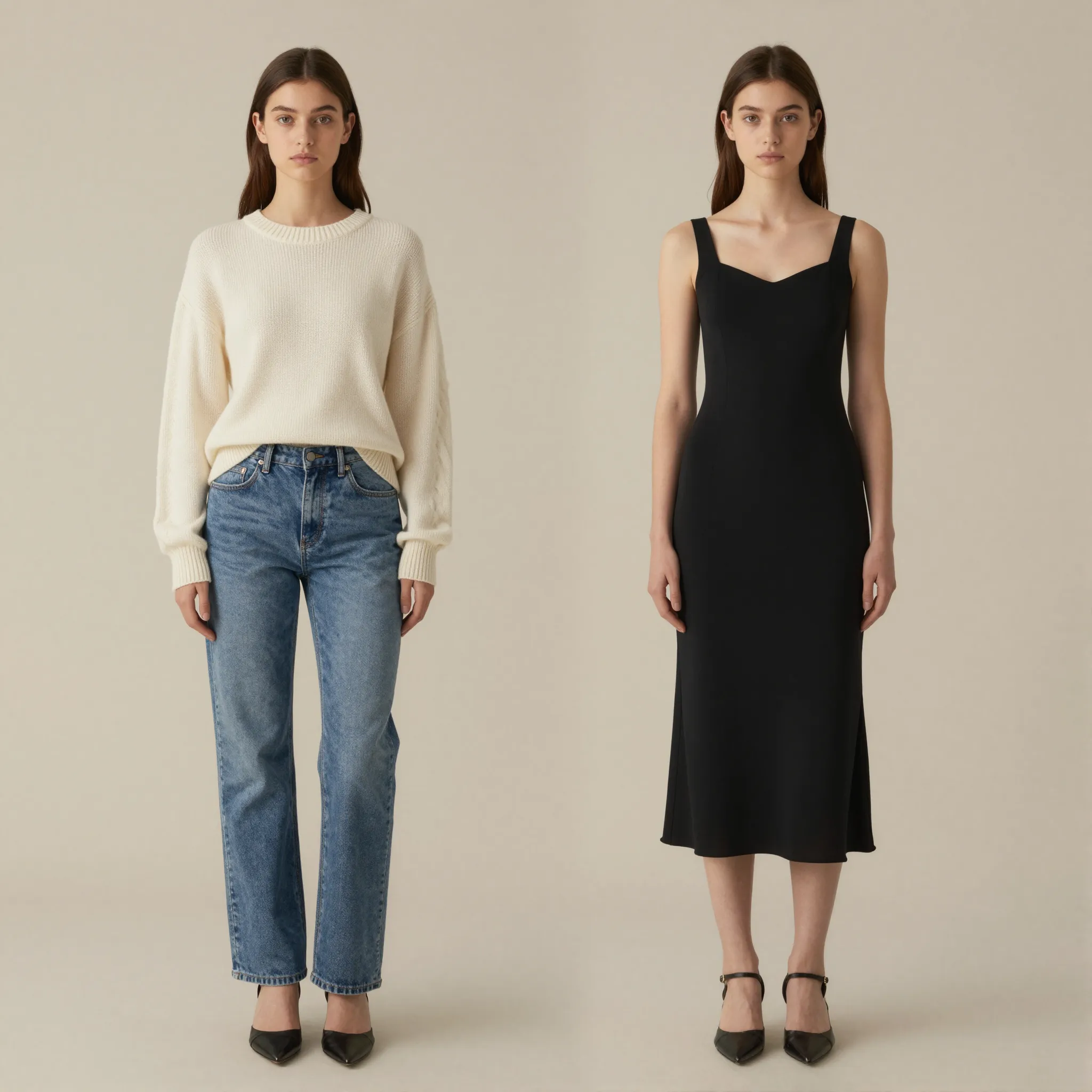
Change the clothes in a photo with Cuta's AI clothes changer. Explore outfit styles, colors and garment combinations using your portrait as a reference.
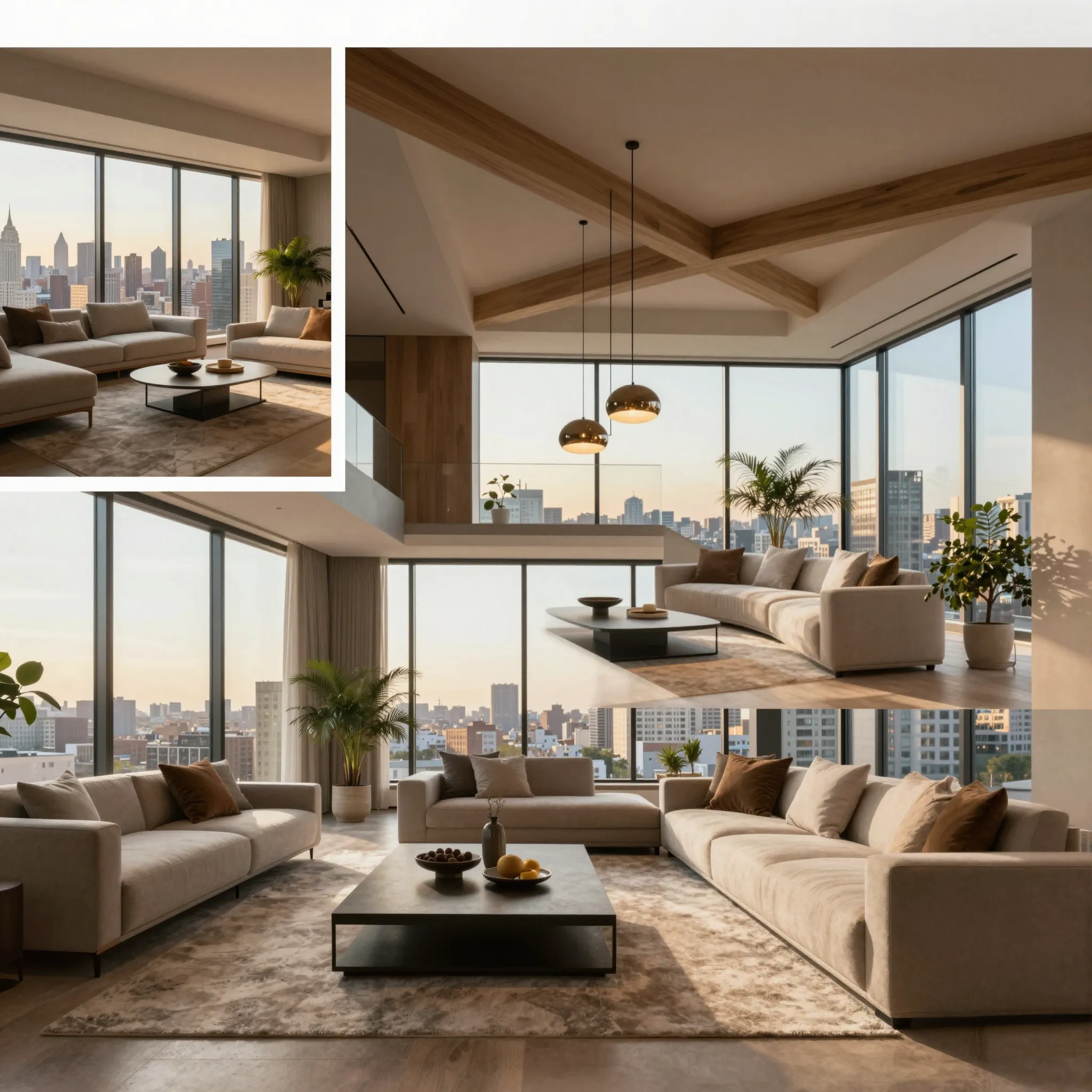
Explore another viewpoint of your subject.
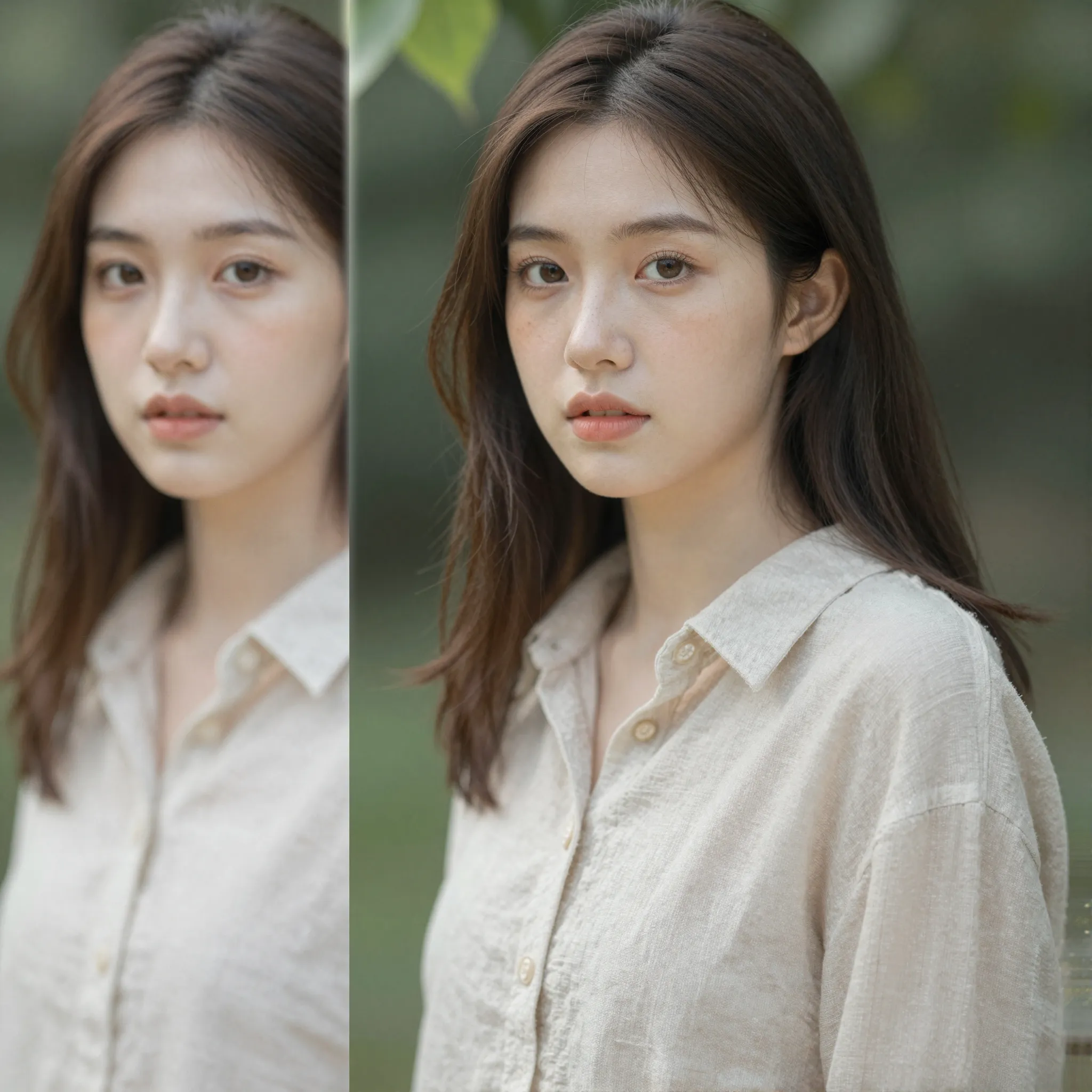
Enlarge an image for its intended layout.
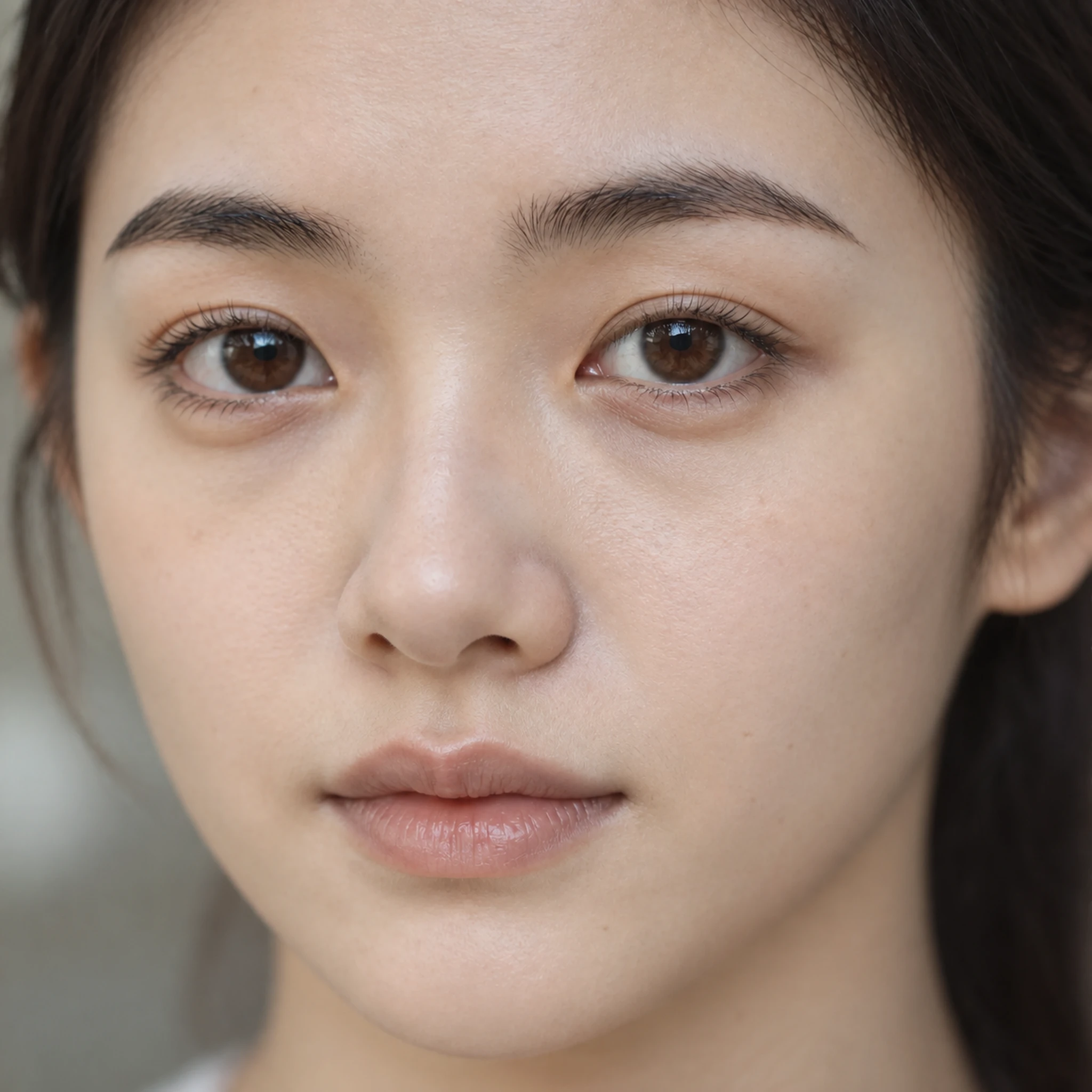
Explore more natural-looking facial texture.
Give a cropped image more space.
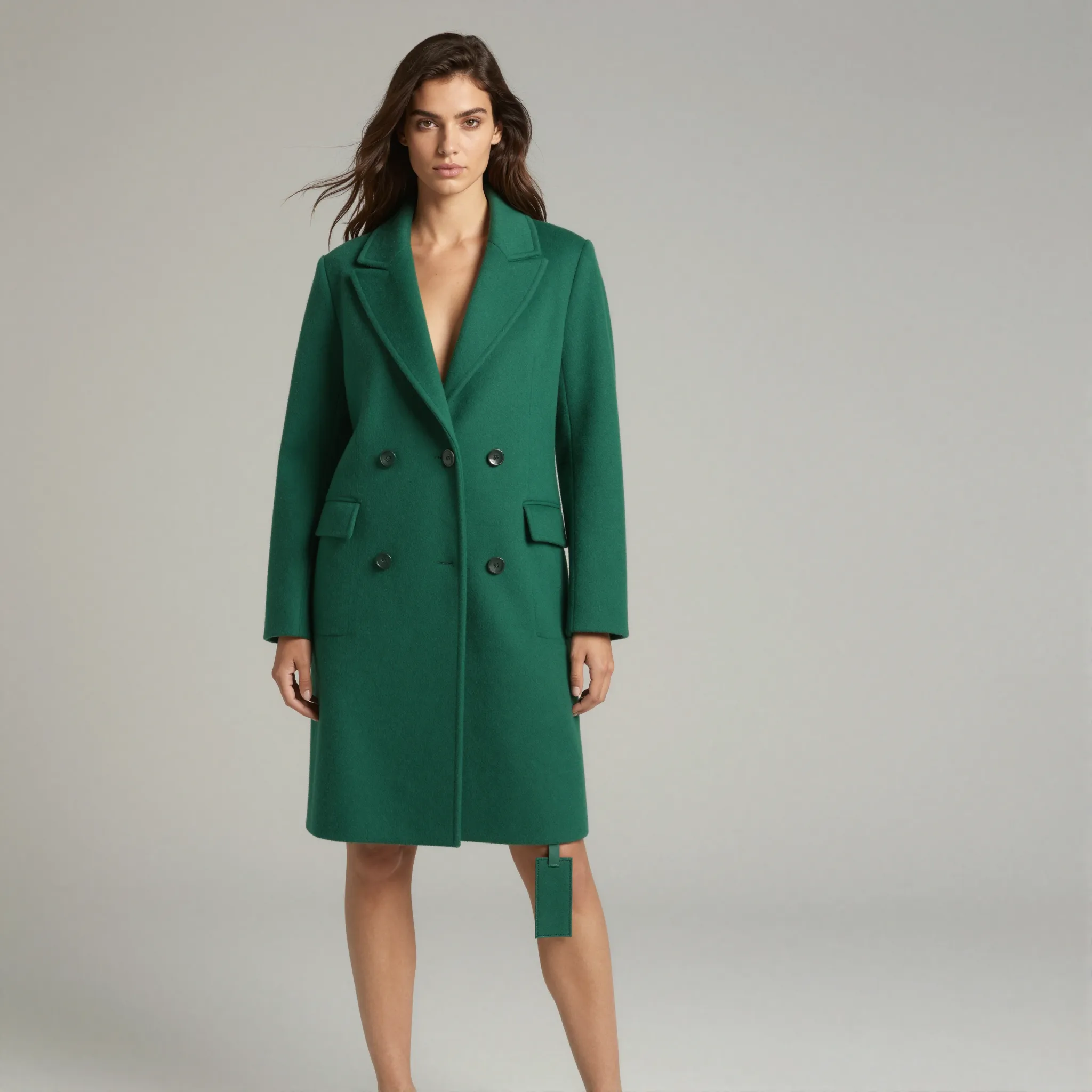
Isolate the main subject of a photo.
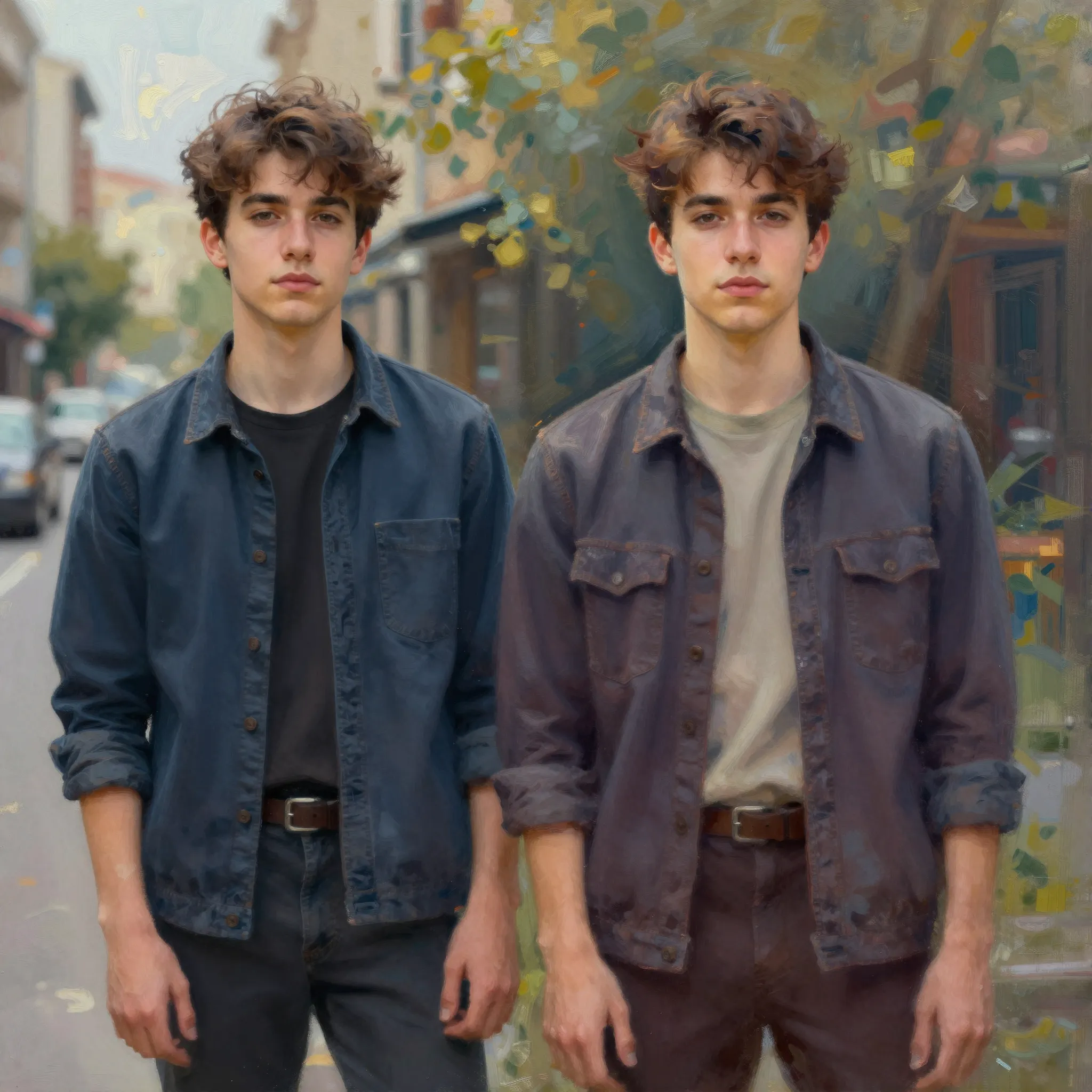
Change the medium while keeping a recognizable subject.

Describe the mark and the background behind it.
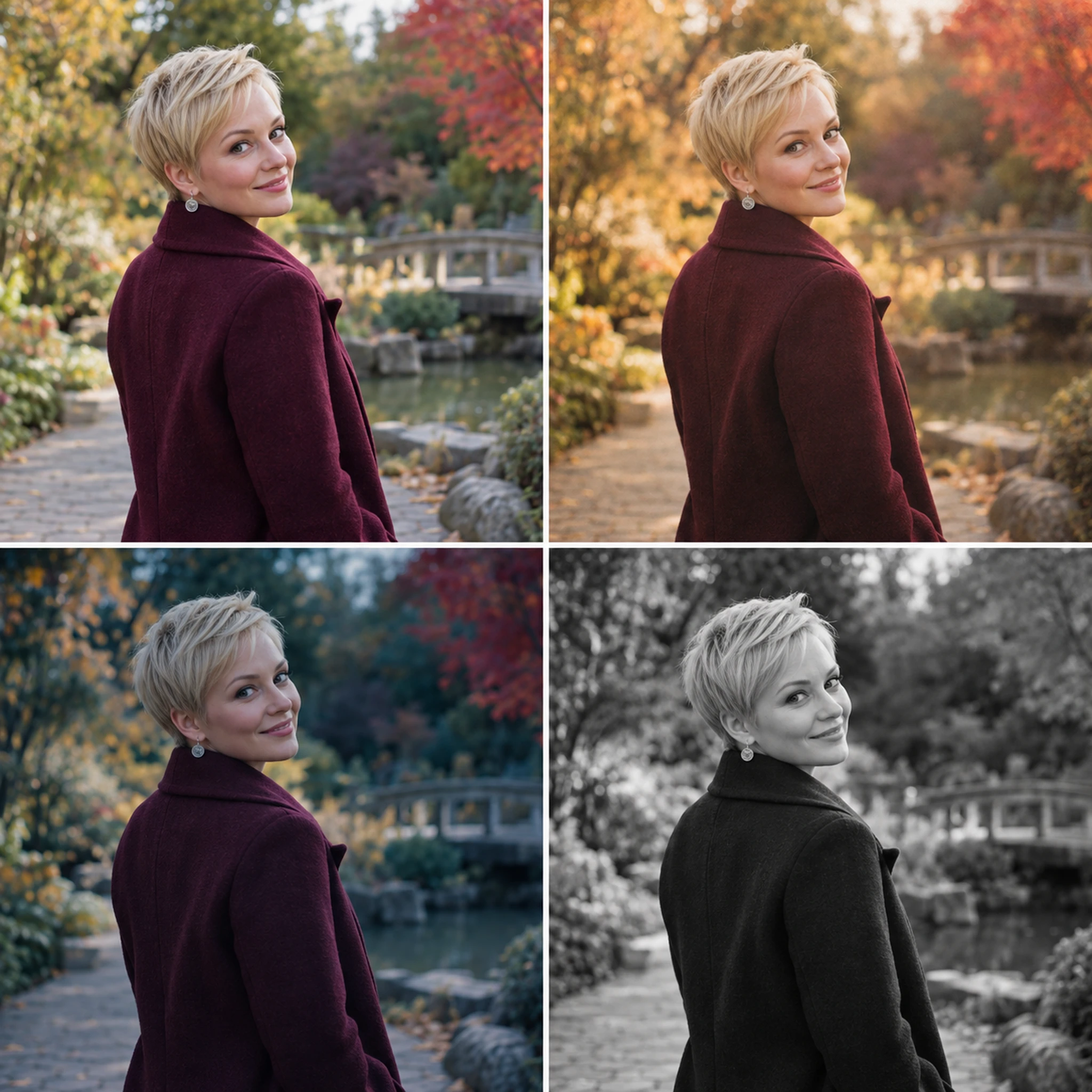
Try a different visual treatment on your photo.
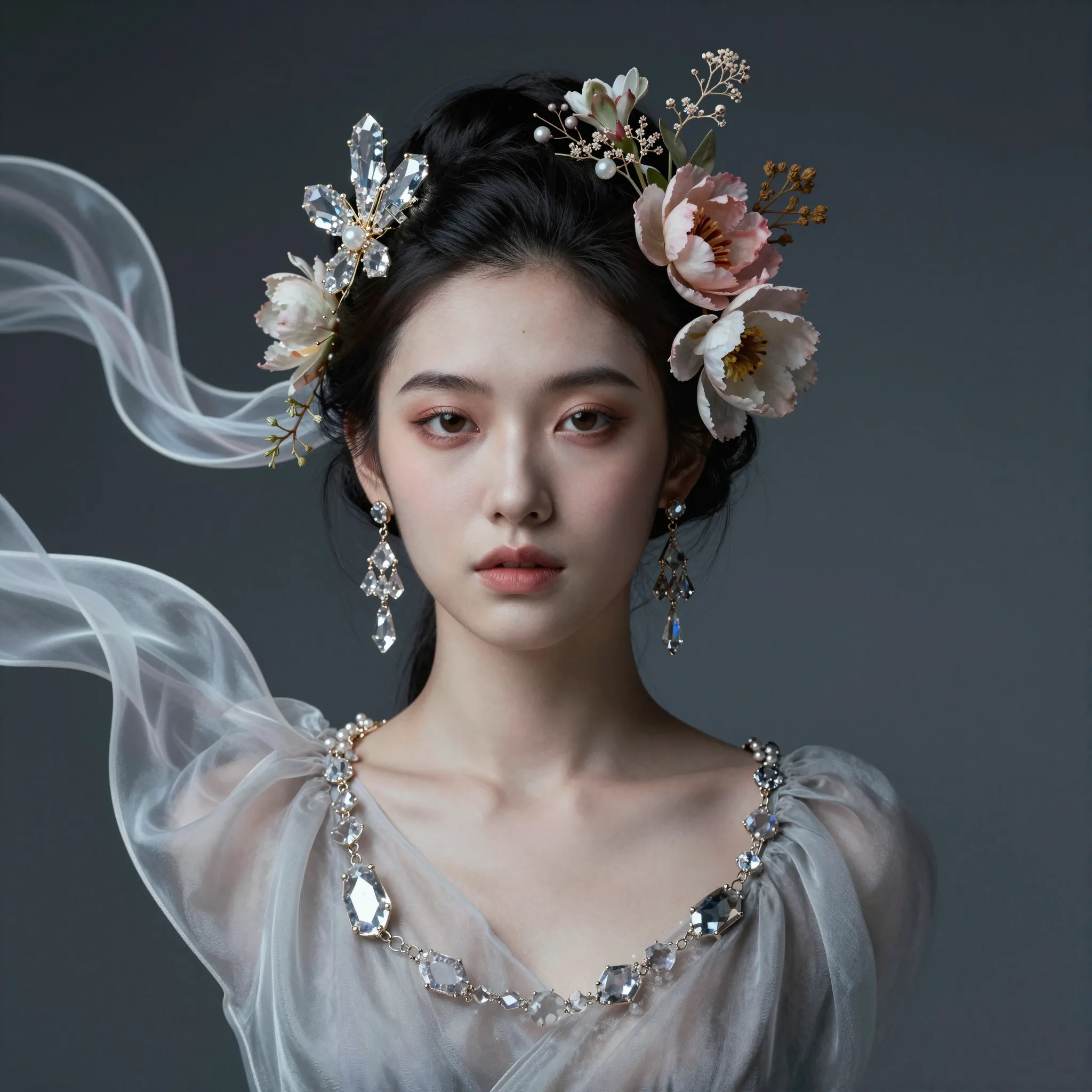
Bring references into one visual concept.
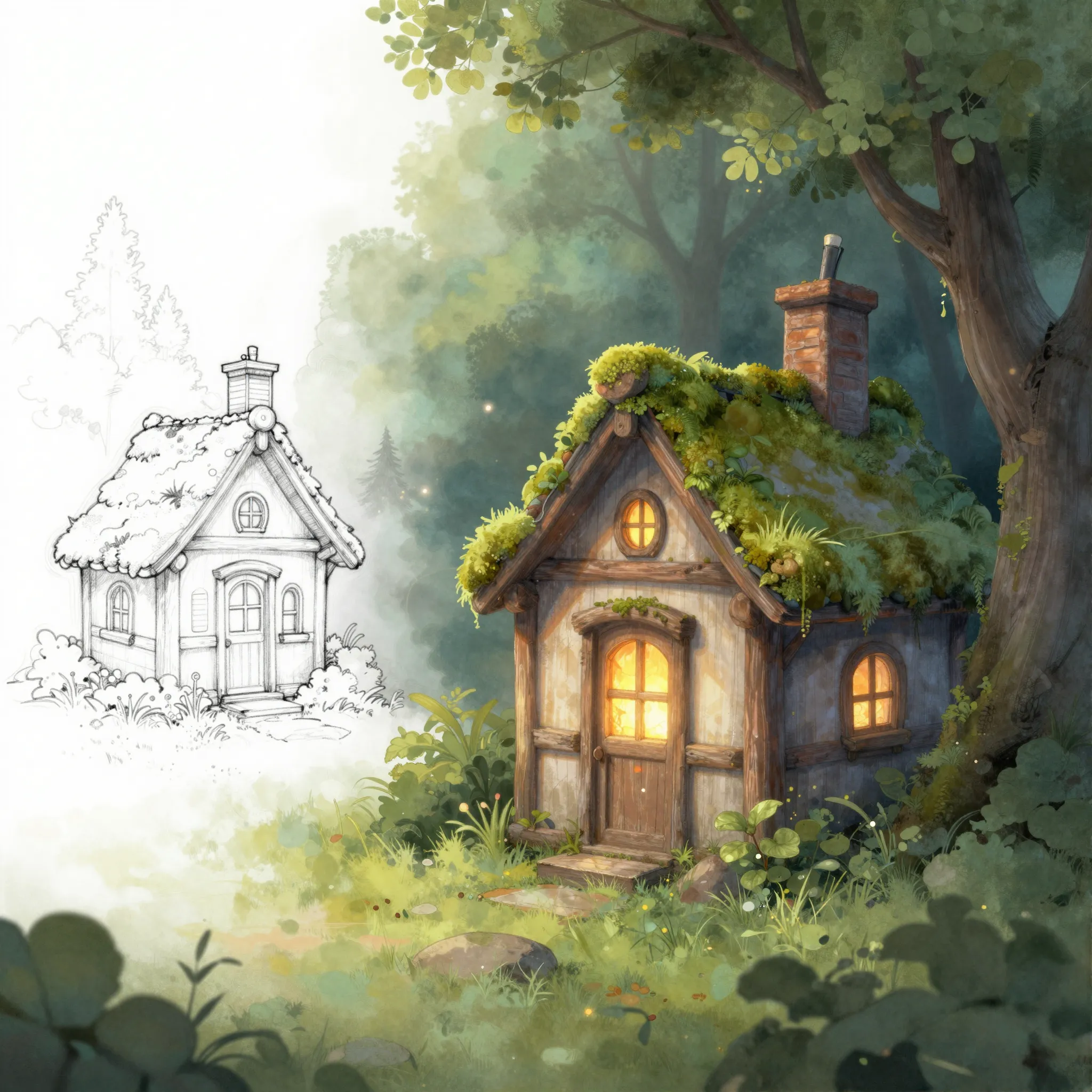
Develop a finished-looking image from a sketch.
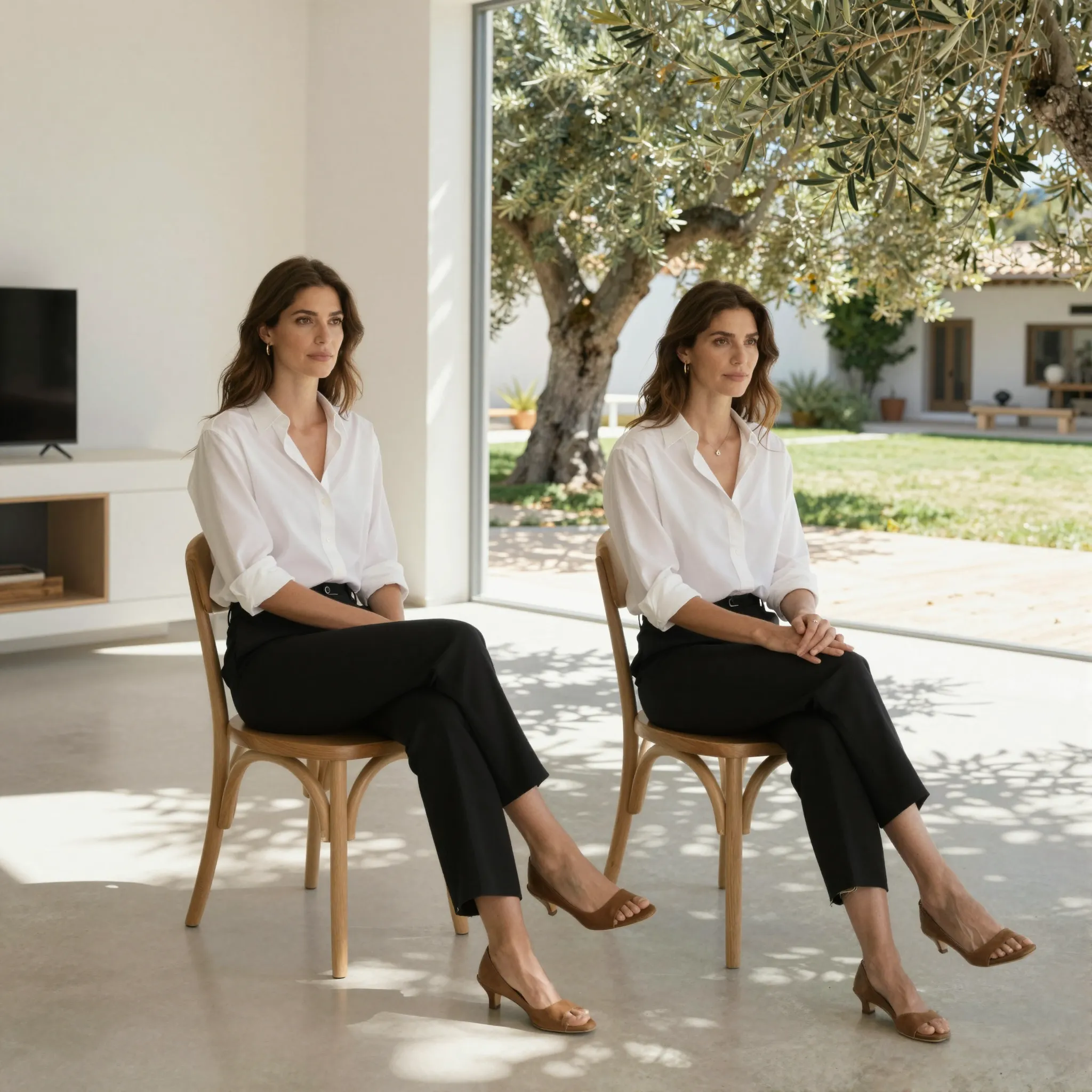
Give the subject a new setting.

Describe the distraction to remove.
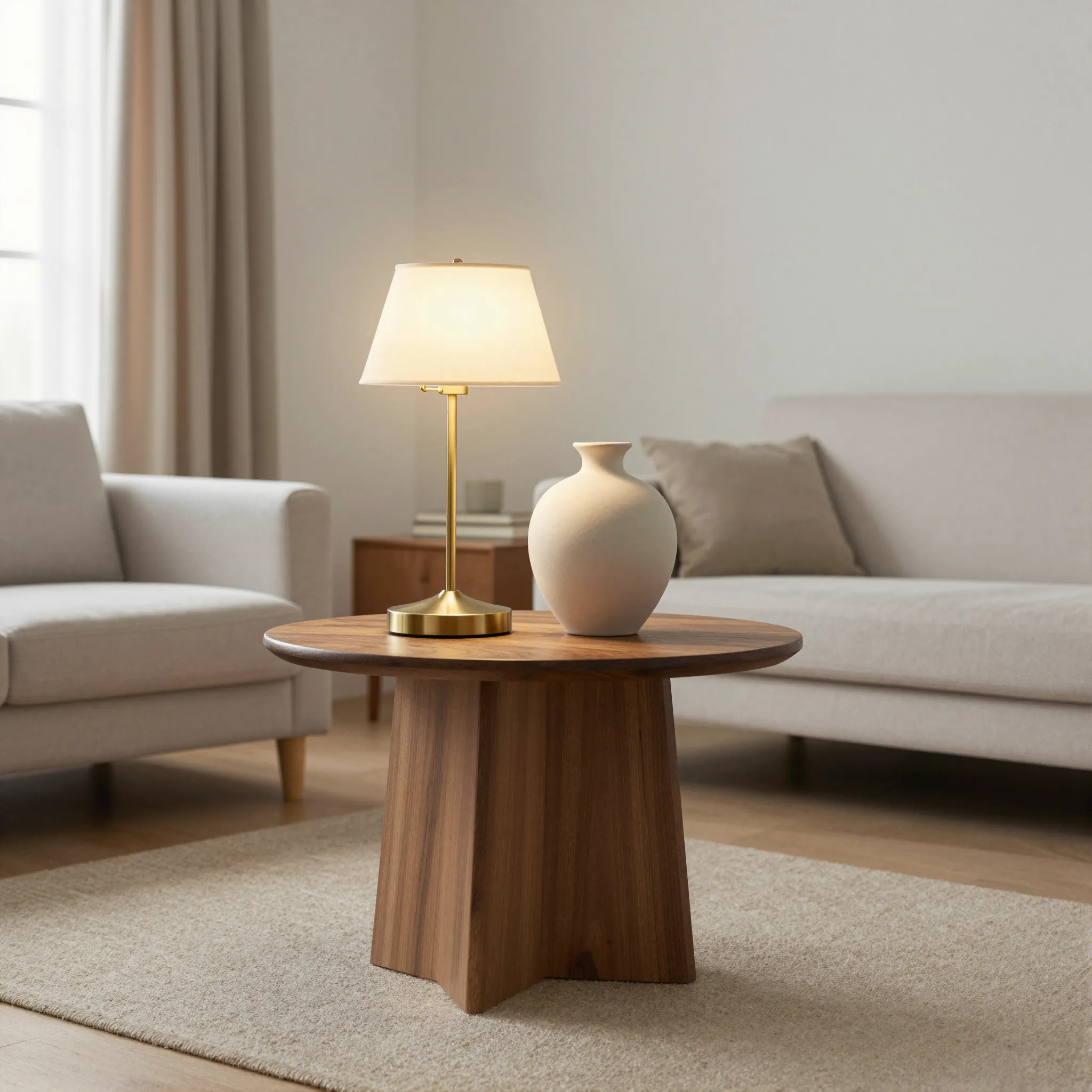
Name the object to replace and its alternative.
Create social media videos for every platform with Cuta's AI social media video maker. Generate from a script, direct each shot, and stay on brand. Free to start!
Describe one shot with a clear action.
Turn a still composition into a moving shot.
Explore another lighting direction on a clip.
Give the character a movement reference.
Explore a preset visual effect around your source material.
Give a silent clip a sound direction.
Prepare a small clip for a larger display.
Align visible speech with an audio reference.
Plan a speaking scene around the supplied audio.
Reimagine the subject while retaining the scene.
Explore an artistic treatment across moving footage.
Continue a shot beyond its ending.
Give supplied text a clear spoken delivery.
Develop a track around mood and arrangement.
Create speech with an authorized voice reference.
Make a sound around a specific event.
Choose a template in Batch Video Ads, add your content, and review the settings before generation.
Choose a template in Batch Video Clone, add your content, and review the settings before generation.

Choose a template in URL Video Ads, add your content, and review the settings before generation.
Choose a template in Video Ad Maker, add your content, and review the settings before generation.
Choose a template in Product Video, add your content, and review the settings before generation.
Choose a template in Video Editor, add your content, and review the settings before generation.

Choose a template in Comparison Video, add your content, and review the settings before generation.
Choose a template in Video Ad Cloning, add your content, and review the settings before generation.
Choose a template in Article to Video, add your content, and review the settings before generation.

Choose a template in Product Photo Set, add your content, and review the settings before generation.

Choose a template in Video Cloning, add your content, and review the settings before generation.

Choose a template in Reference Video, add your content, and review the settings before generation.
Choose a template in Video Boomerang, add your content, and review the settings before generation.
Choose a template in Video Highlights, add your content, and review the settings before generation.
Choose a template in Video Import, add your content, and review the settings before generation.
Choose a template in Video Clipping, add your content, and review the settings before generation.
Choose a template in Video Captions, add your content, and review the settings before generation.
Choose a template in Music Video Maker, add your content, and review the settings before generation.
Choose a template in Lyric Video Maker, add your content, and review the settings before generation.
Choose a template in Story Video Maker, add your content, and review the settings before generation.
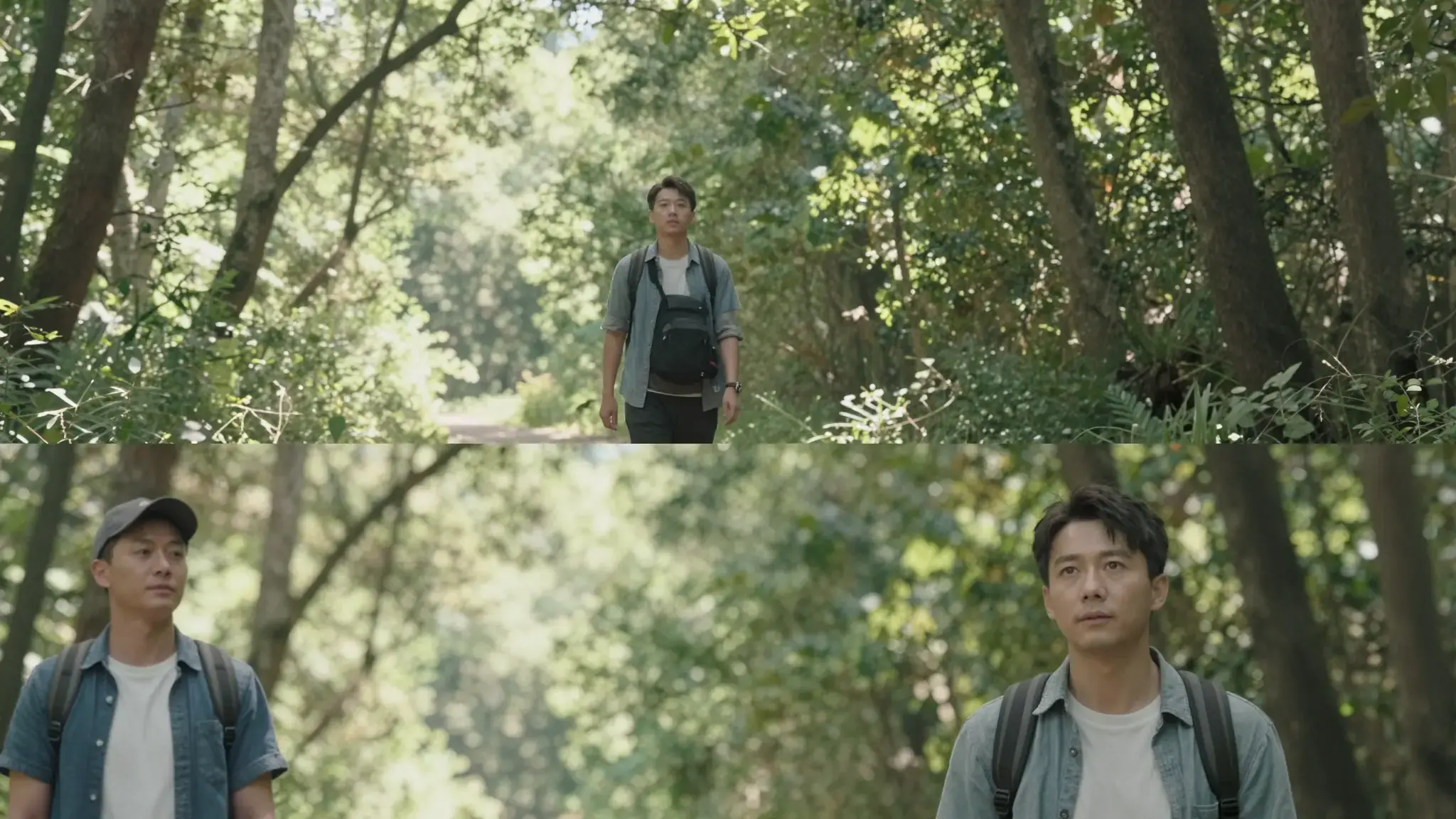
Choose a template in Video Collage, add your content, and review the settings before generation.
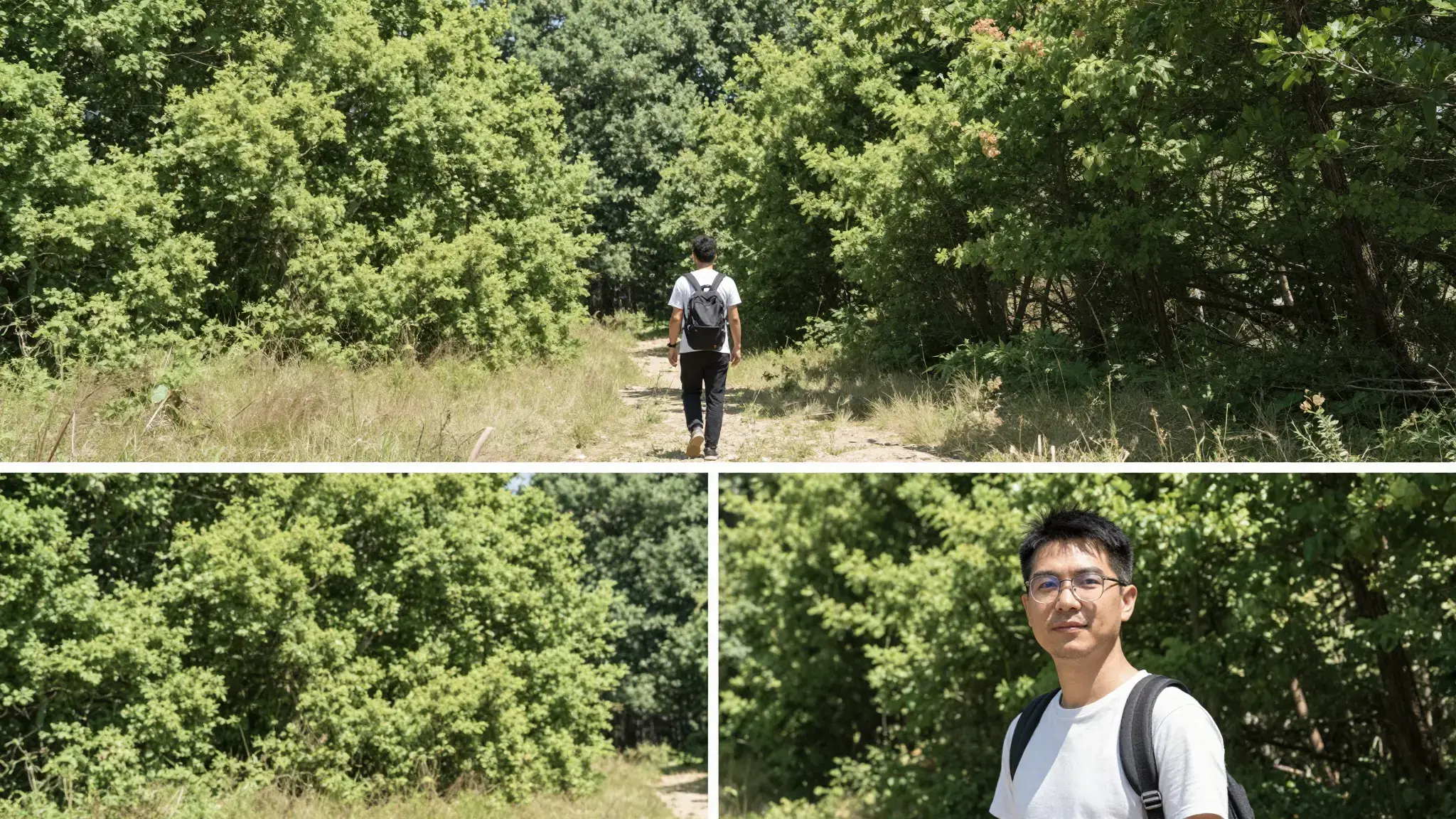
Choose a template in Video Composition, add your content, and review the settings before generation.

Choose a template in Video Voiceover, add your content, and review the settings before generation.
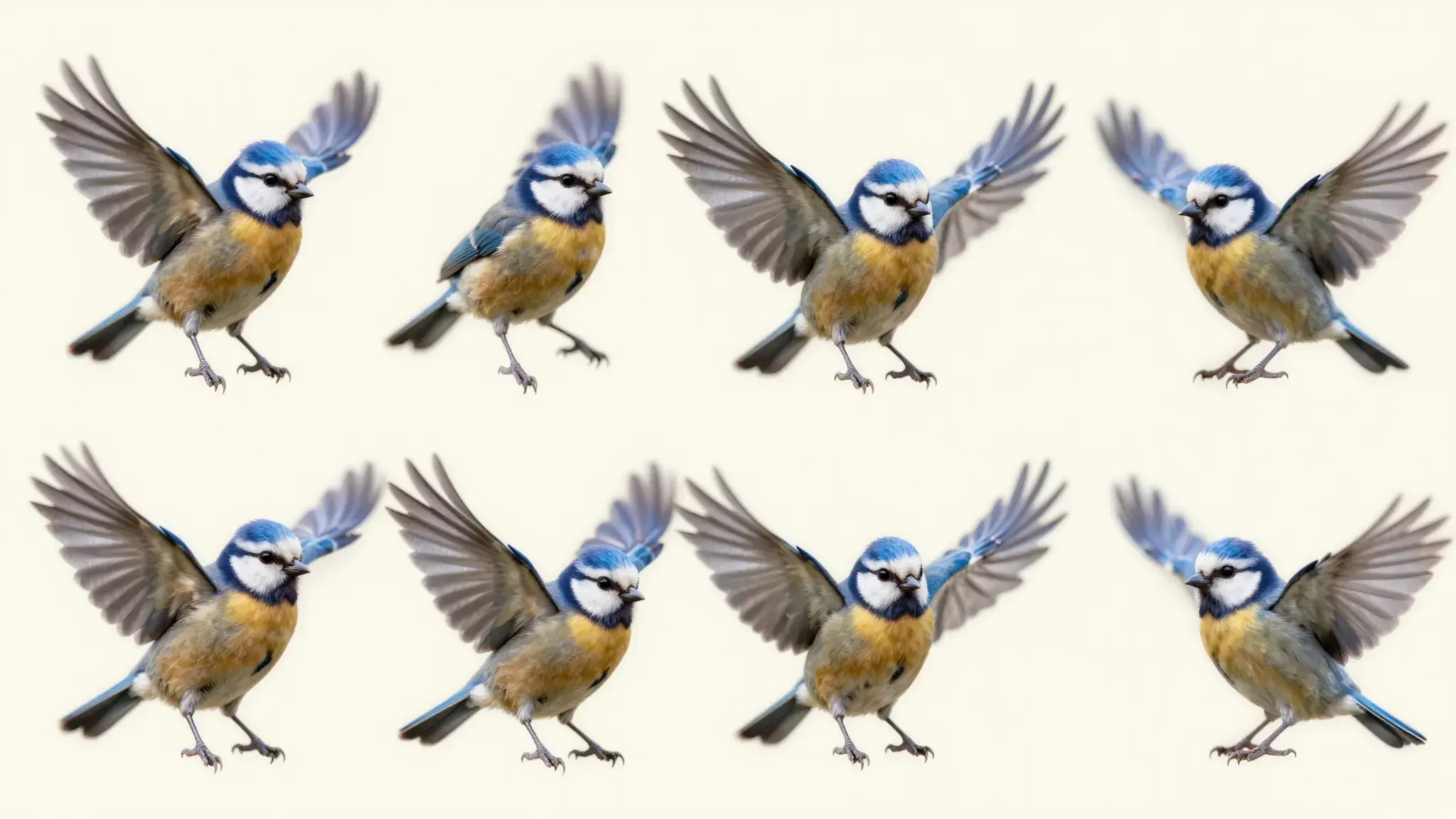
Choose a template in Video to GIF, add your content, and review the settings before generation.

Choose a template in Bilingual Dialogue, add your content, and review the settings before generation.
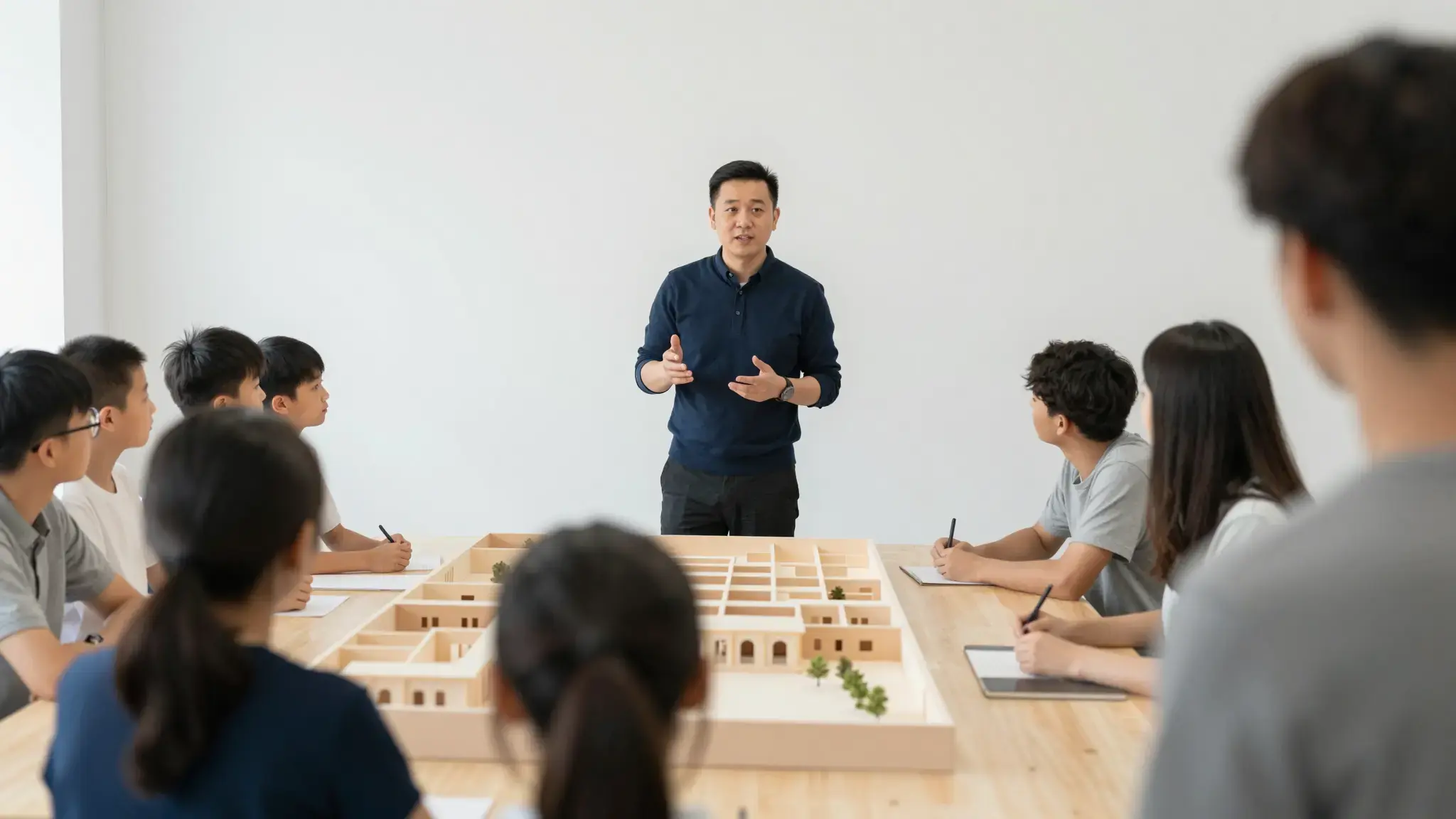
Choose a template in Presentation Video, add your content, and review the settings before generation.

Choose a template in Video Translator, add your content, and review the settings before generation.
Choose a template in Design Generator, add your content, and review the settings before generation.
Choose a template in Product Image Ads, add your content, and review the settings before generation.
Choose a template in Video Background Removal, add your content, and review the settings before generation.

Choose a template in Video Subtitle Removal, add your content, and review the settings before generation.
Choose a template in Talking Avatar, add your content, and review the settings before generation.
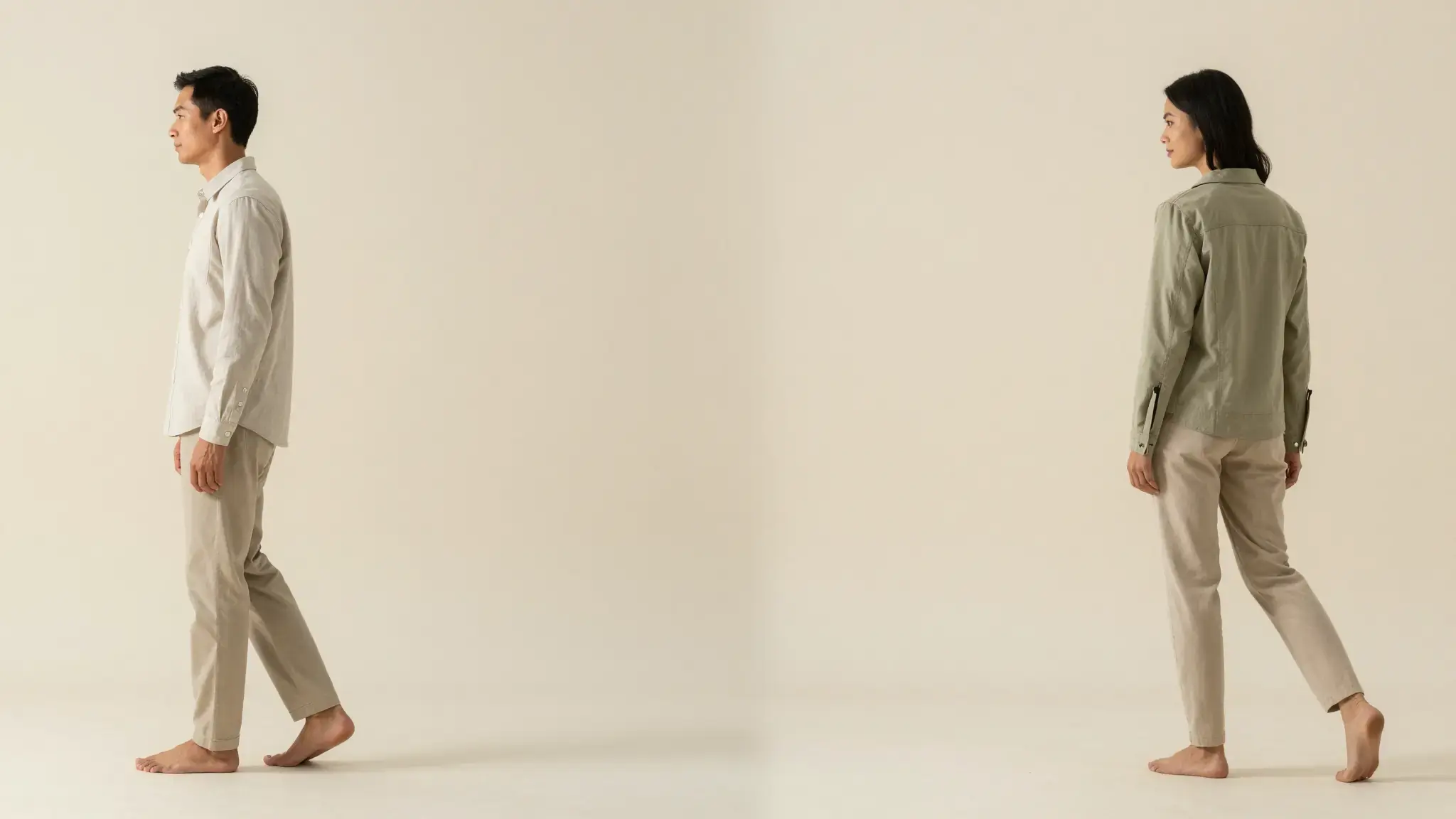
Choose a template in Virtual Try-On Video, add your content, and review the settings before generation.
Choose a template in Video Reframe, add your content, and review the settings before generation.
Choose a template in Video Matting, add your content, and review the settings before generation.
Choose a template in Motion Graphics, add your content, and review the settings before generation.
Choose a template in Image Editor, add your content, and review the settings before generation.
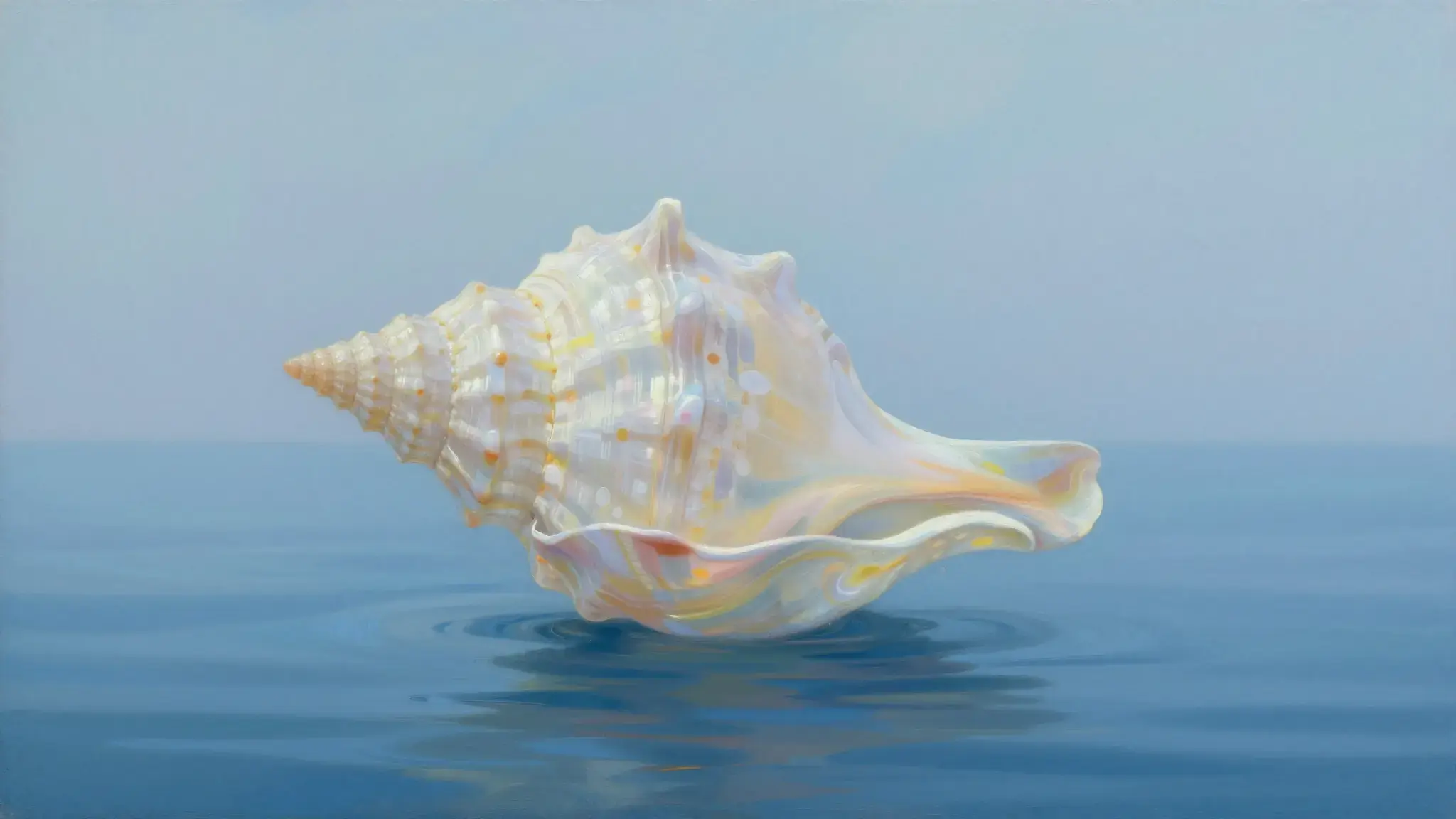
Choose a template in Text to Image, add your content, and review the settings before generation.

Choose a template in Product Content Layout, add your content, and review the settings before generation.
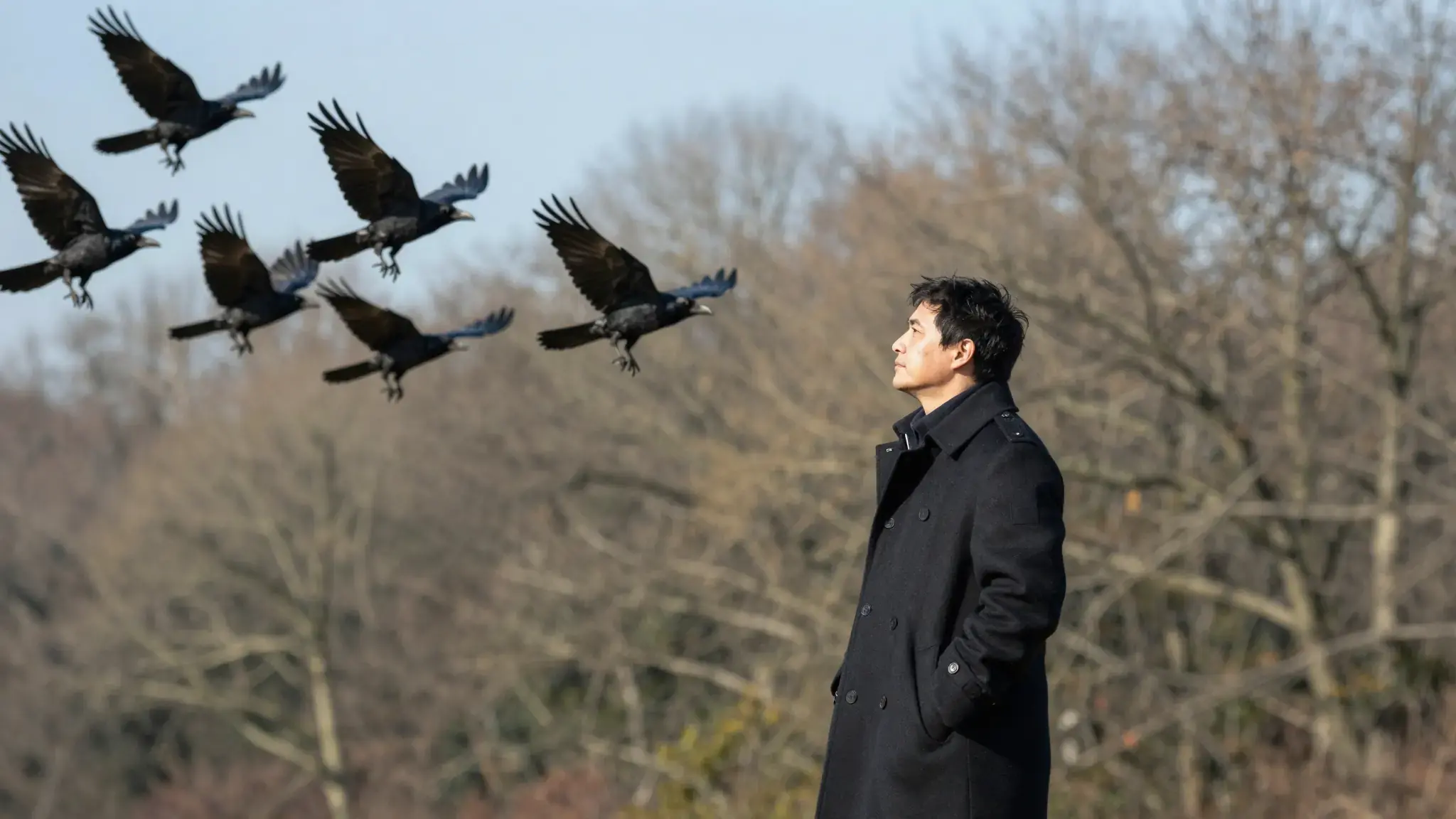
Choose a template in First & Last Frame, add your content, and review the settings before generation.
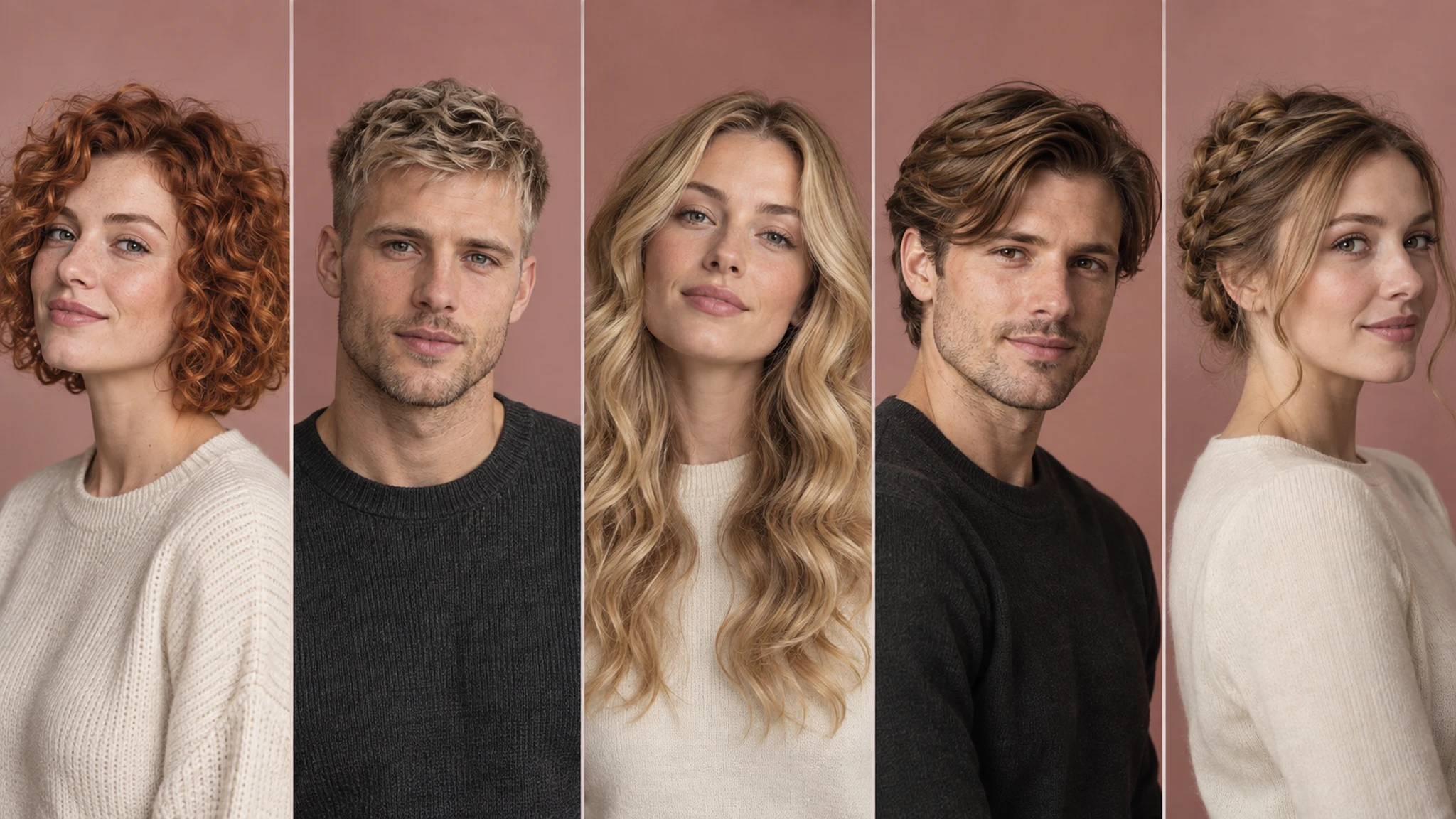
Choose a template in Hairstyle Changer, add your content, and review the settings before generation.
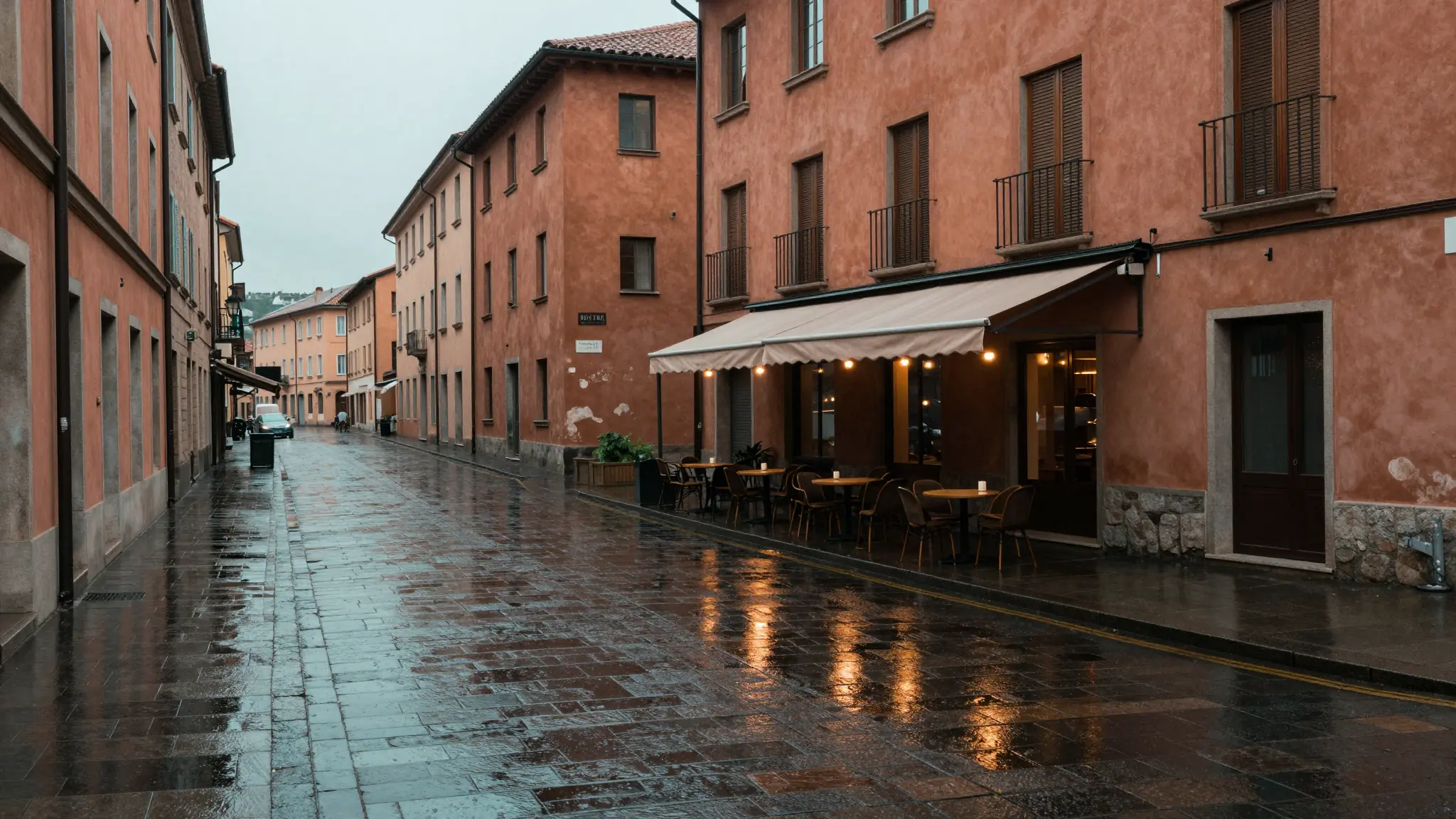
Refine color, light and film texture with instant local previews.
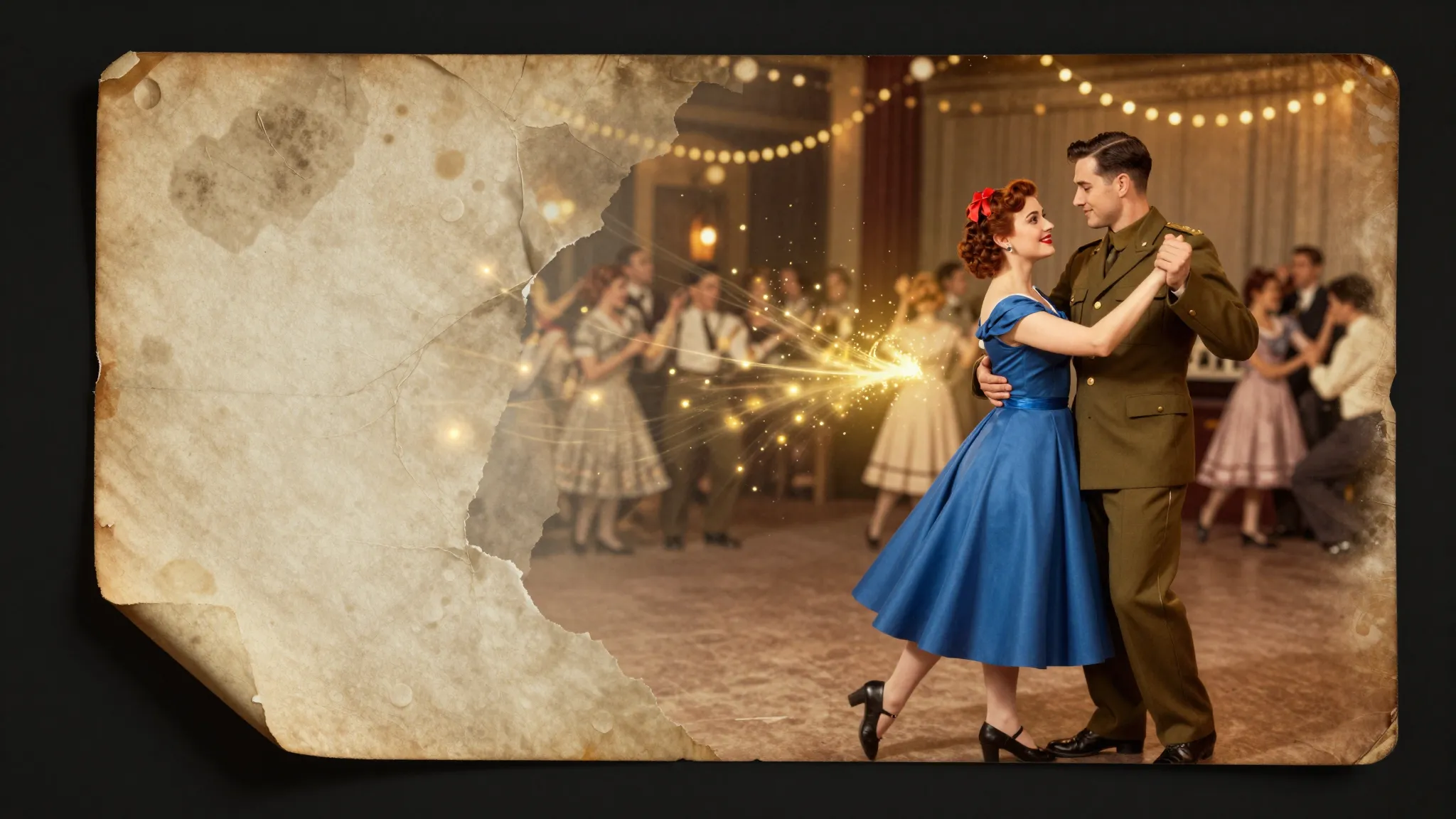
Paint a selection, describe your edit, and transform only that area.
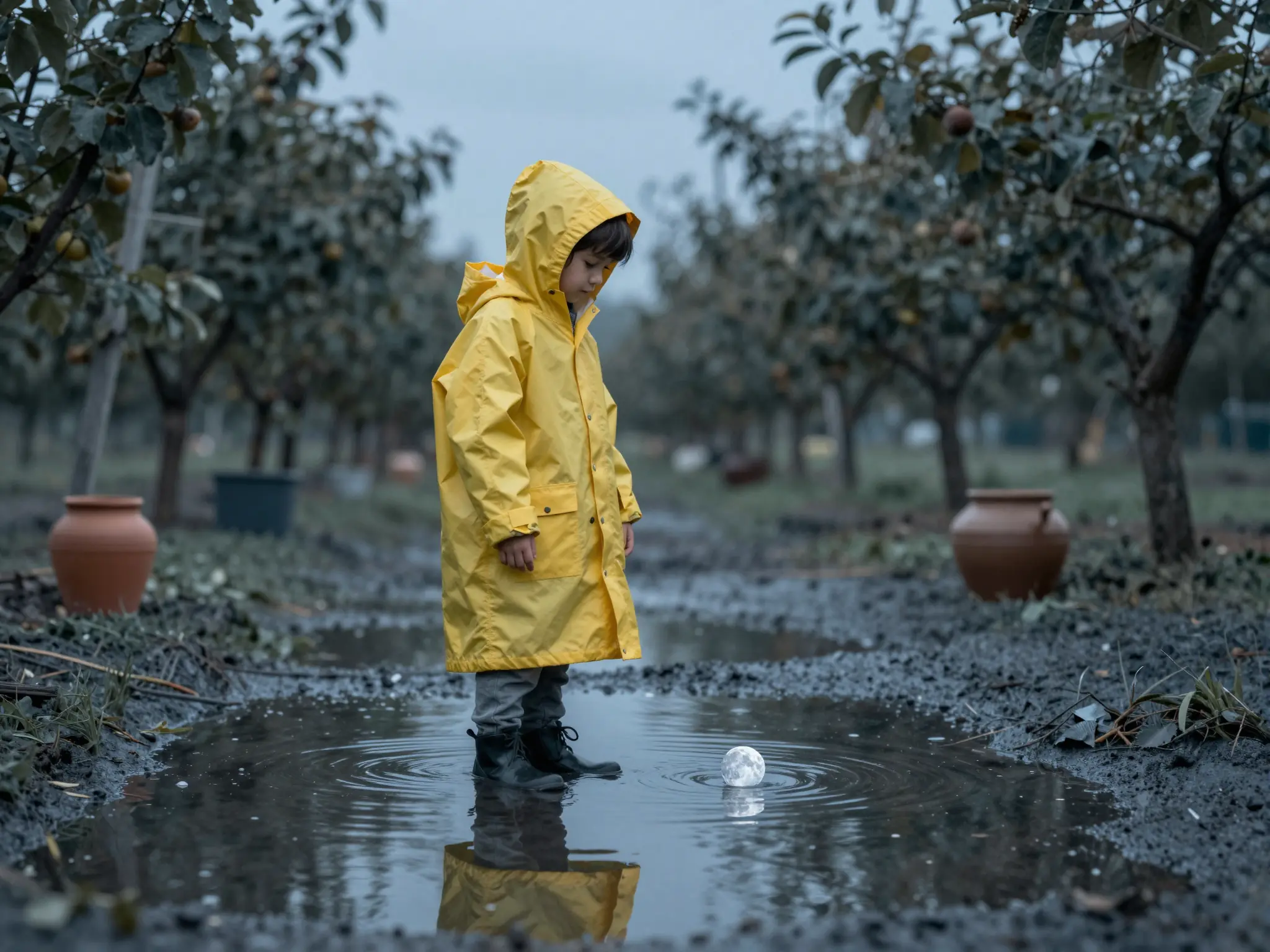
Direct cinematic images and videos with camera, lens, and shot controls.