The details to include
Upload two clear portraits and choose the expression, clothing, and setting for the imagined baby.
Try it now
AI image tools
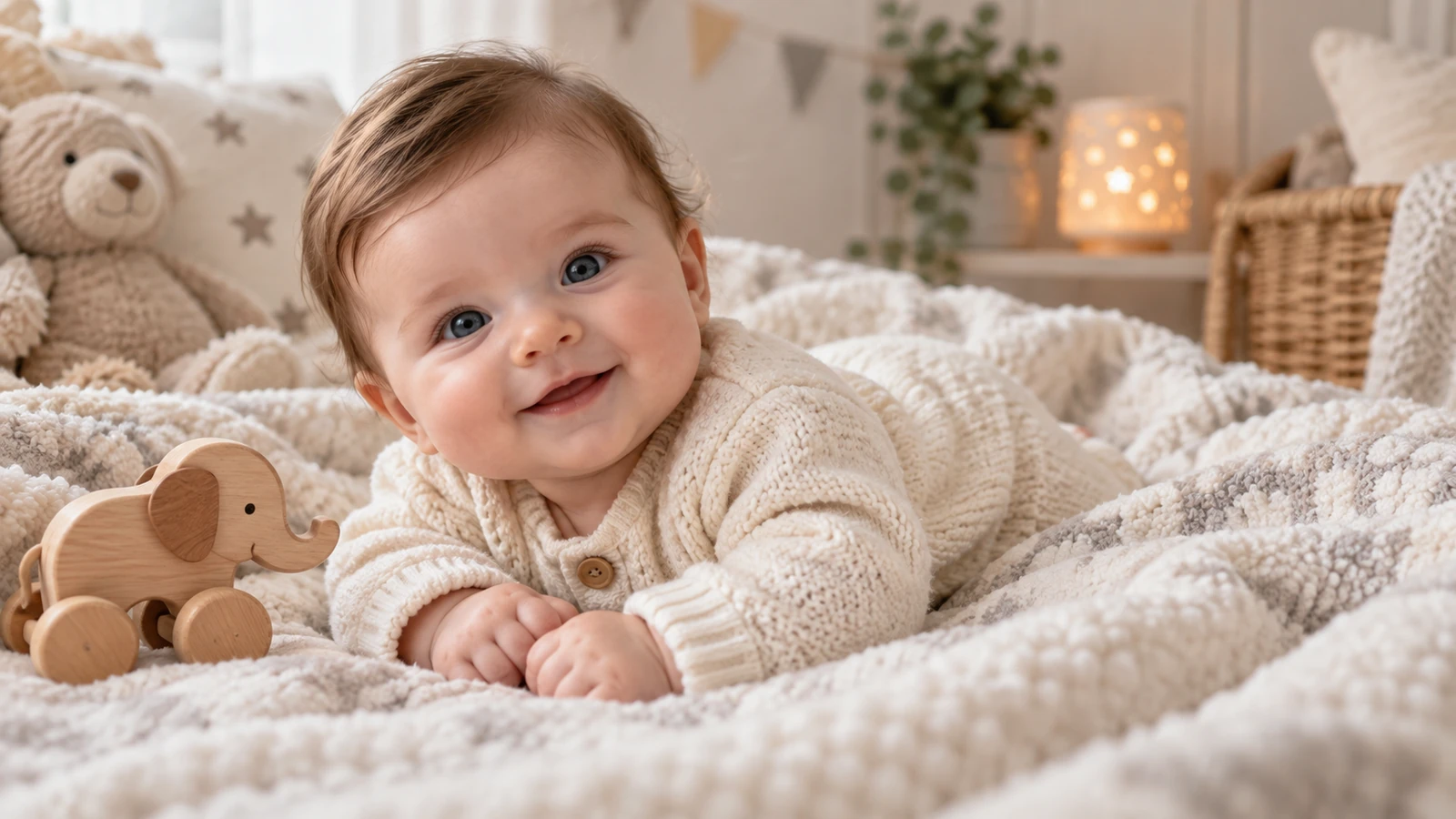
Imagine a baby portrait inspired by two reference photos.
Creative possibilities
Illustrative concepts show framing and visual treatment. Use your own brief and references to create a version for your project.
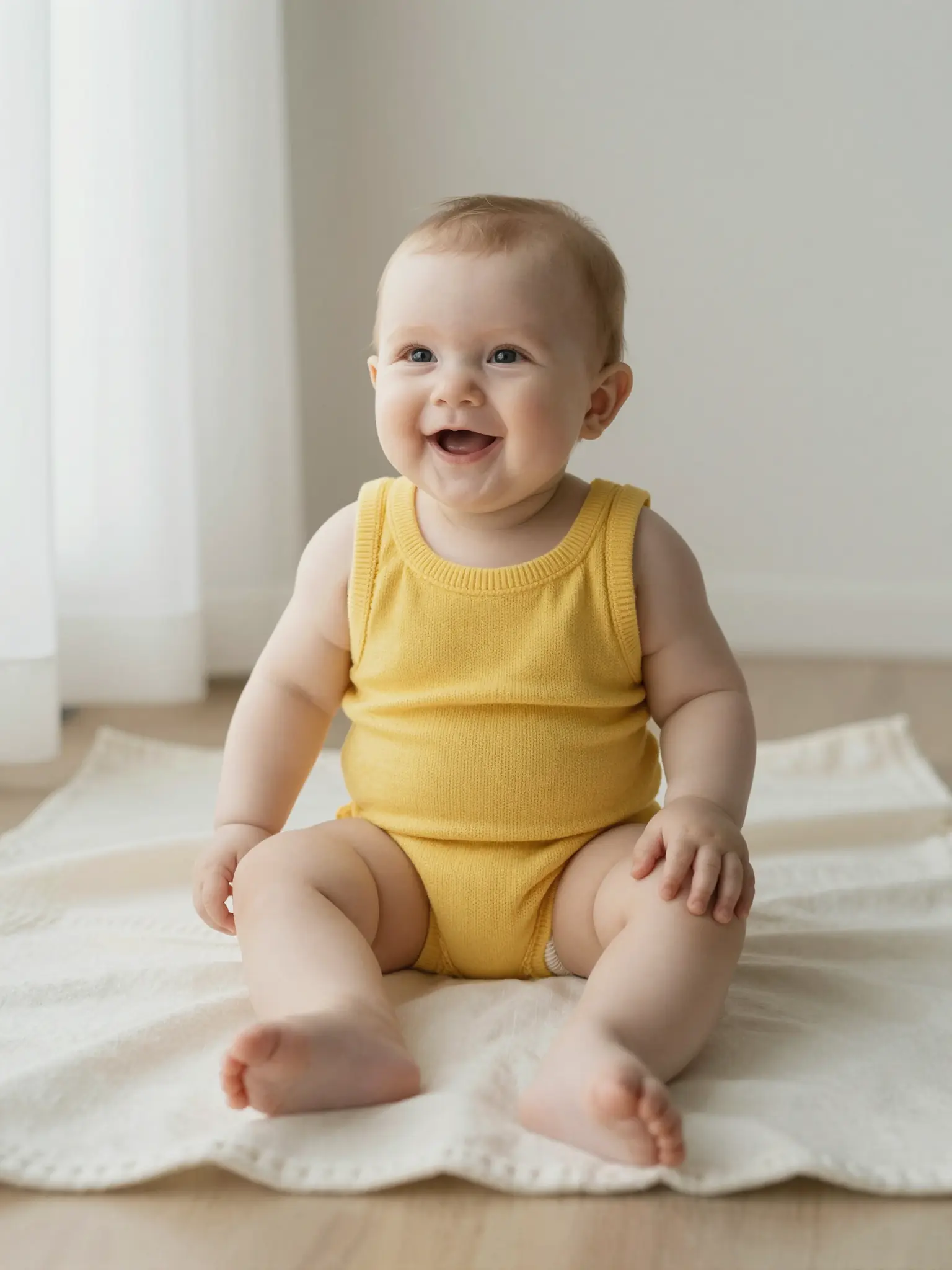
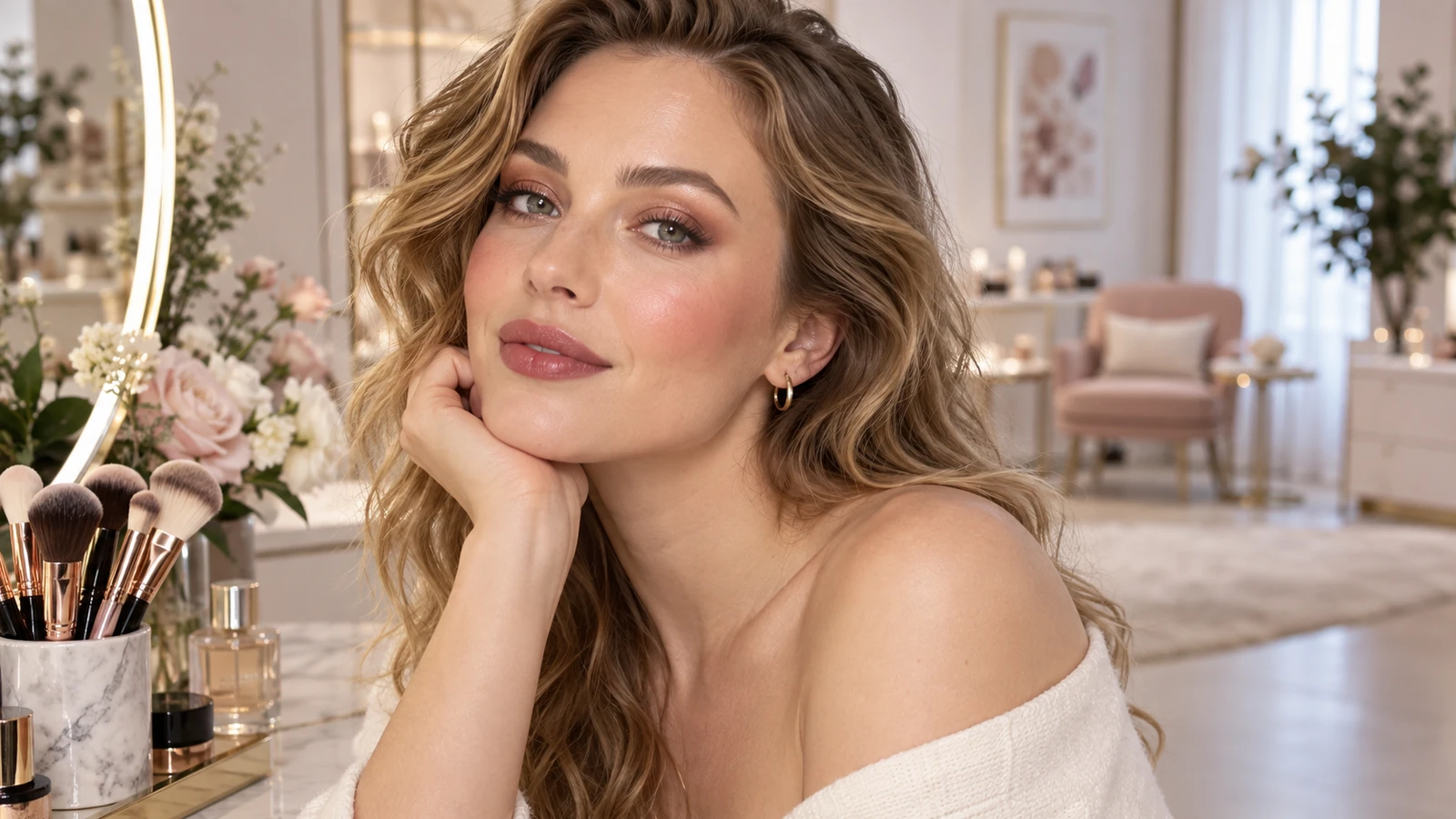
Soft daylight brings out expression and natural skin texture.
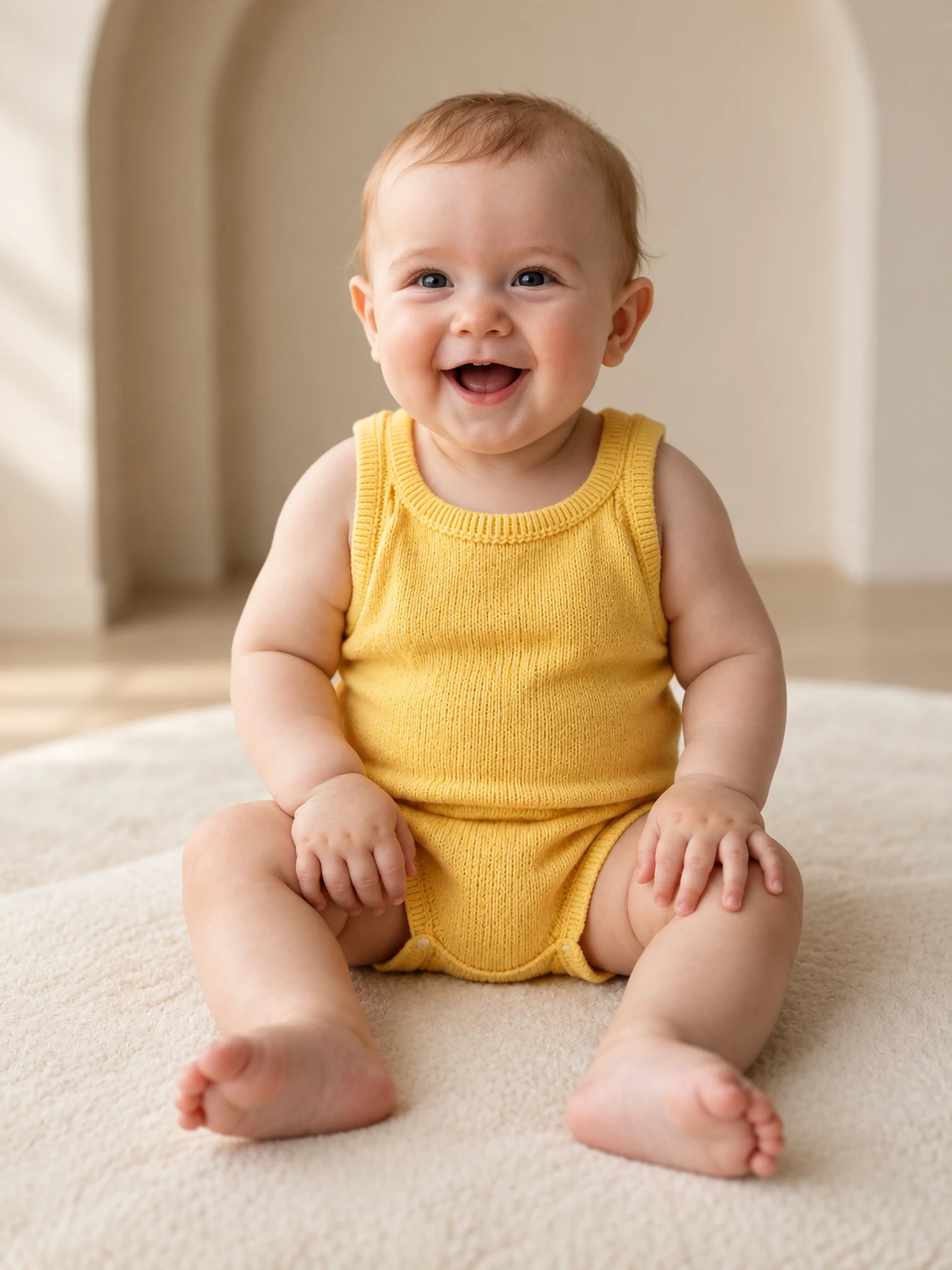
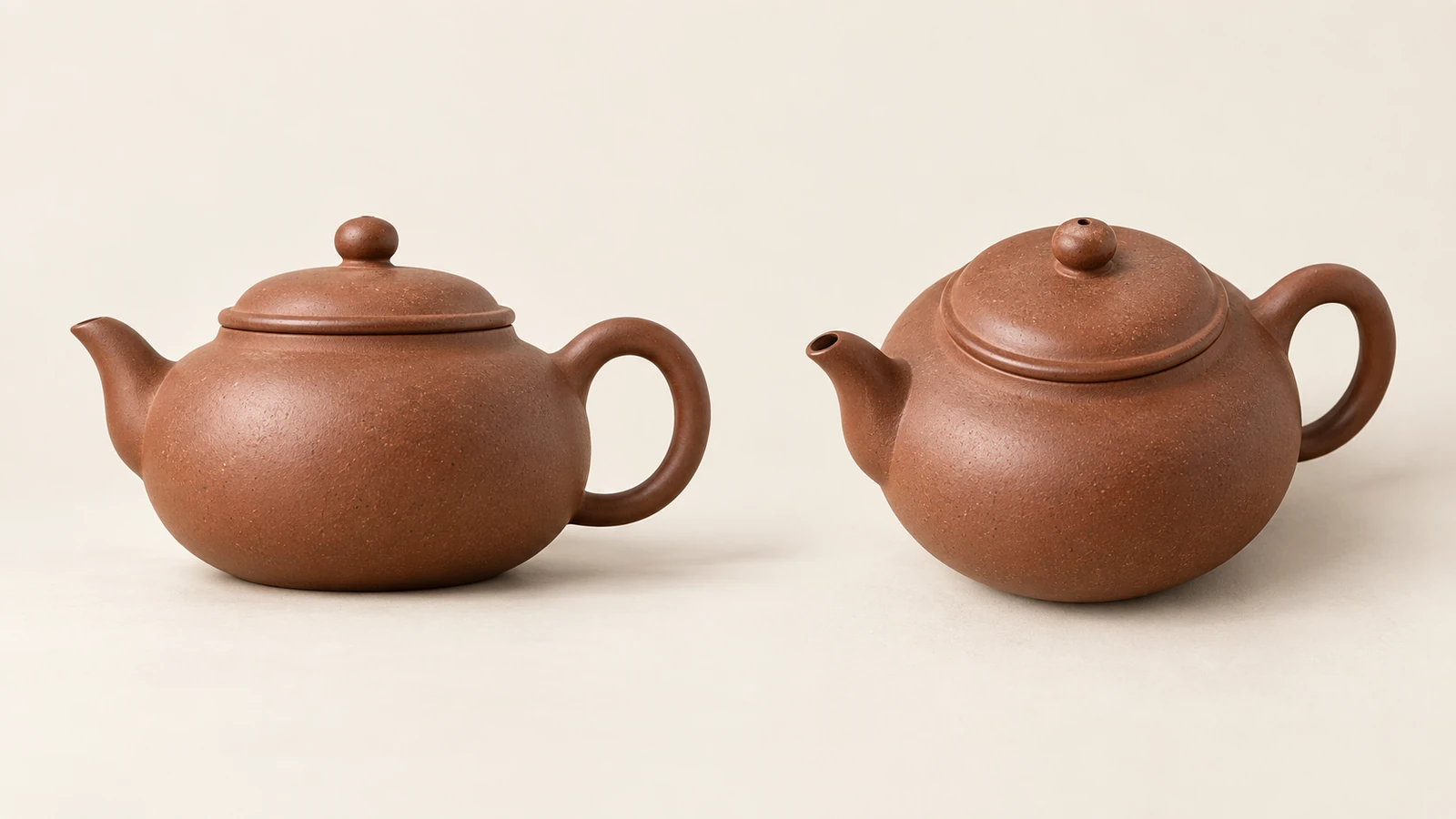
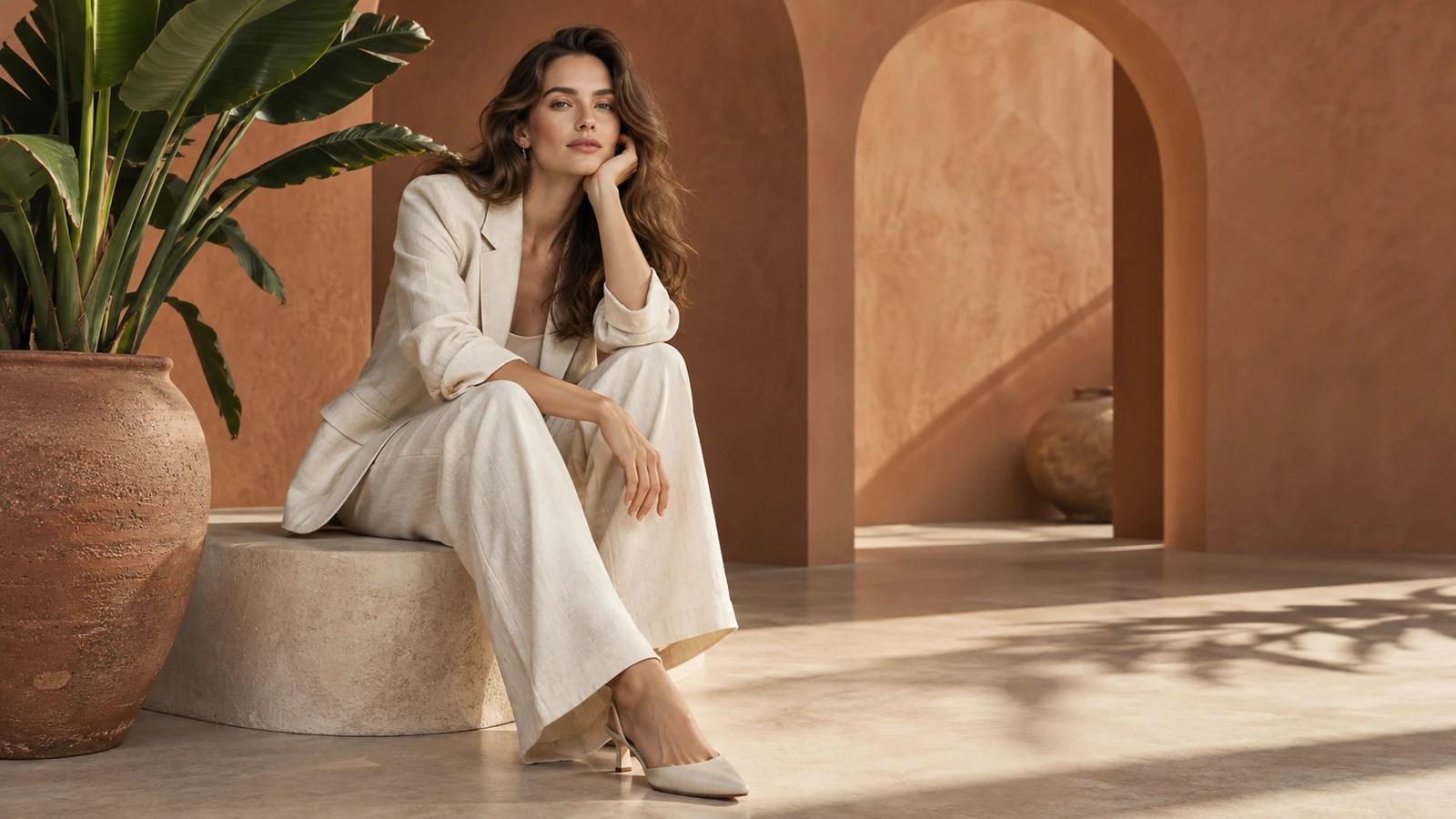
A styled setting gives the portrait a more editorial mood.
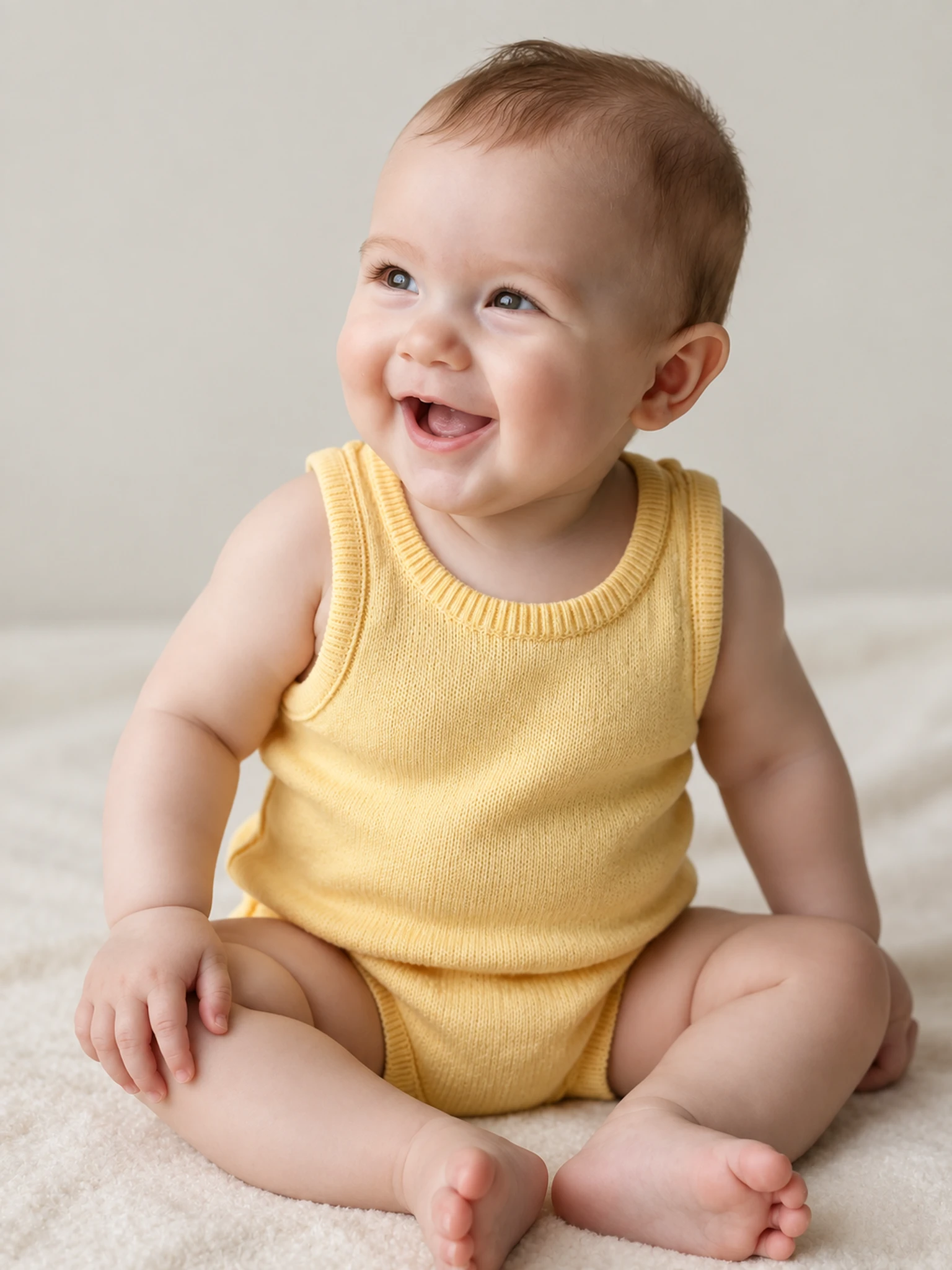
A closer crop puts expression, texture, and light in focus.
Upload two clear portraits and choose the expression, clothing, and setting for the imagined baby.
Try it nowA cheerful baby in a yellow knitted romper, seated on a cream blanket, soft daylight, simple background.
Try it nowFrom idea to creation
Upload both reference images, then describe how their subjects or elements should appear together.
Upload two clear portraits and choose the expression, clothing, and setting for the imagined baby.
This is a fictional portrait for entertainment. It does not predict a future child's appearance or genetics.
This is a fictional portrait for entertainment. It does not predict a future child's appearance or genetics.
Find your next creative tool
Your next creation starts here
Start with your own content in Baby Generator. Review the settings in Studio and create your result.