
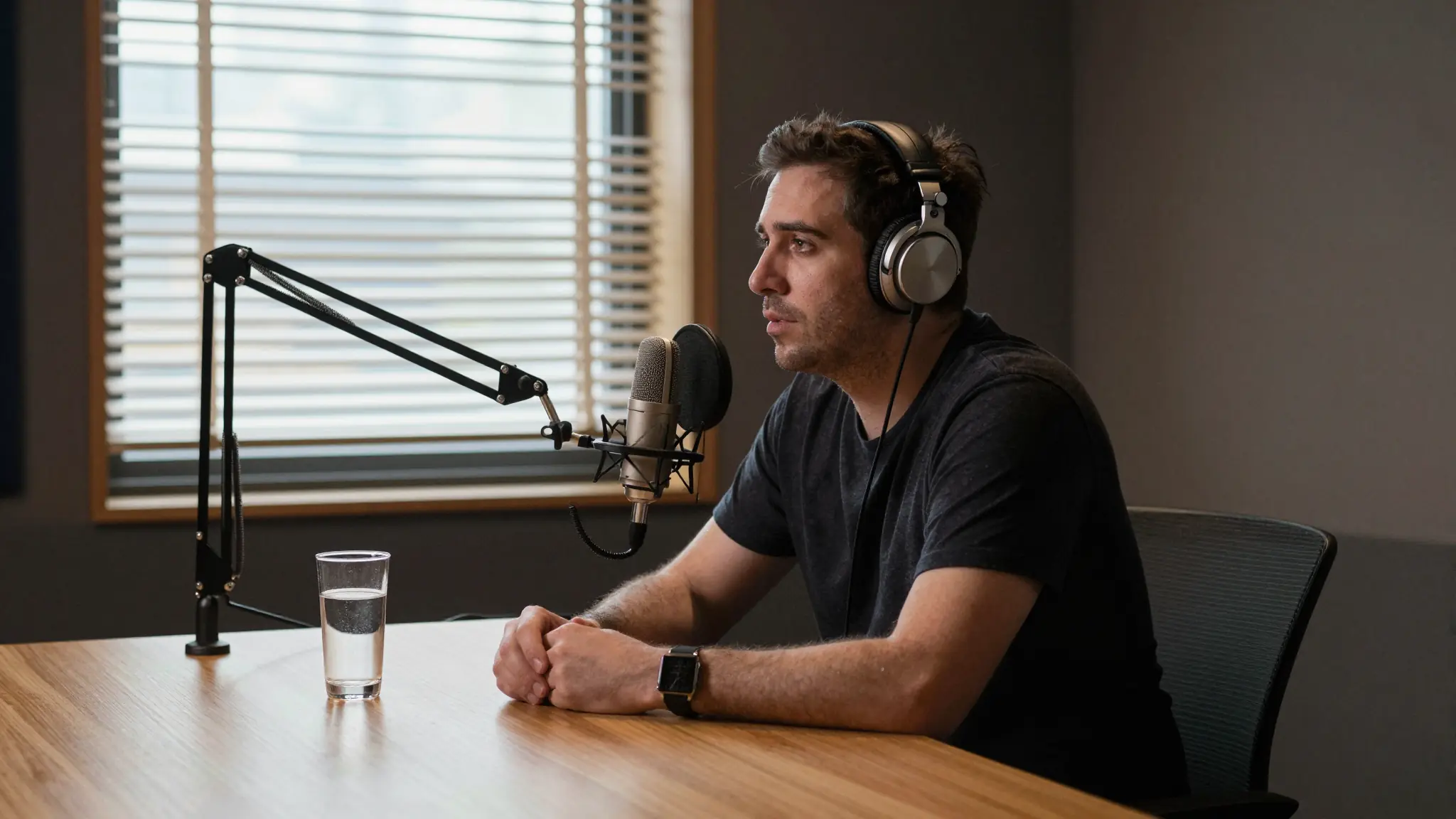
AI Video Model
Veo 3.1 — AI video generator
Veo 3.1 pairs rich, natively synchronized audio with strong prompt adherence—built for bold ideas, fast iterations, and social-ready output.

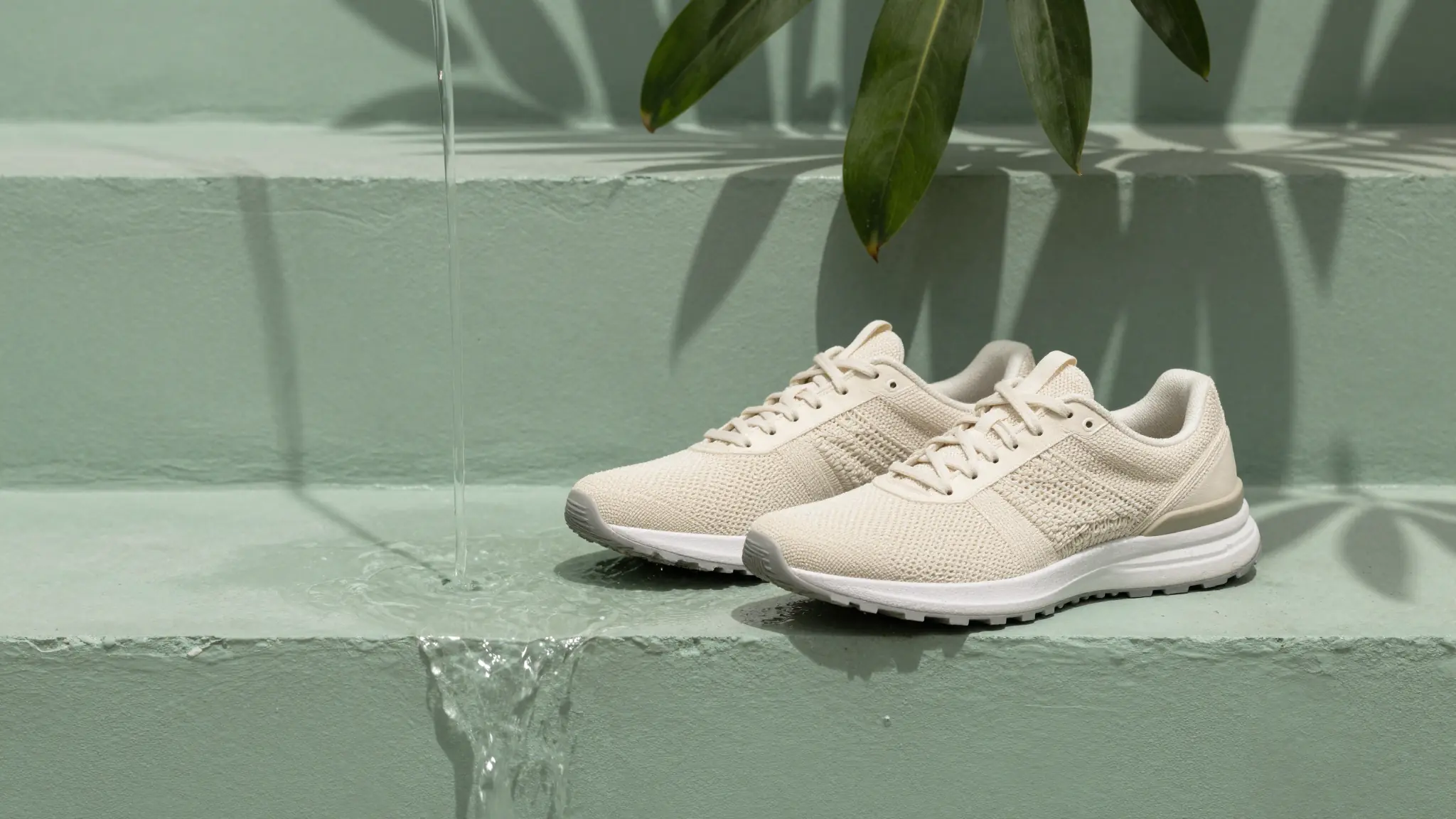
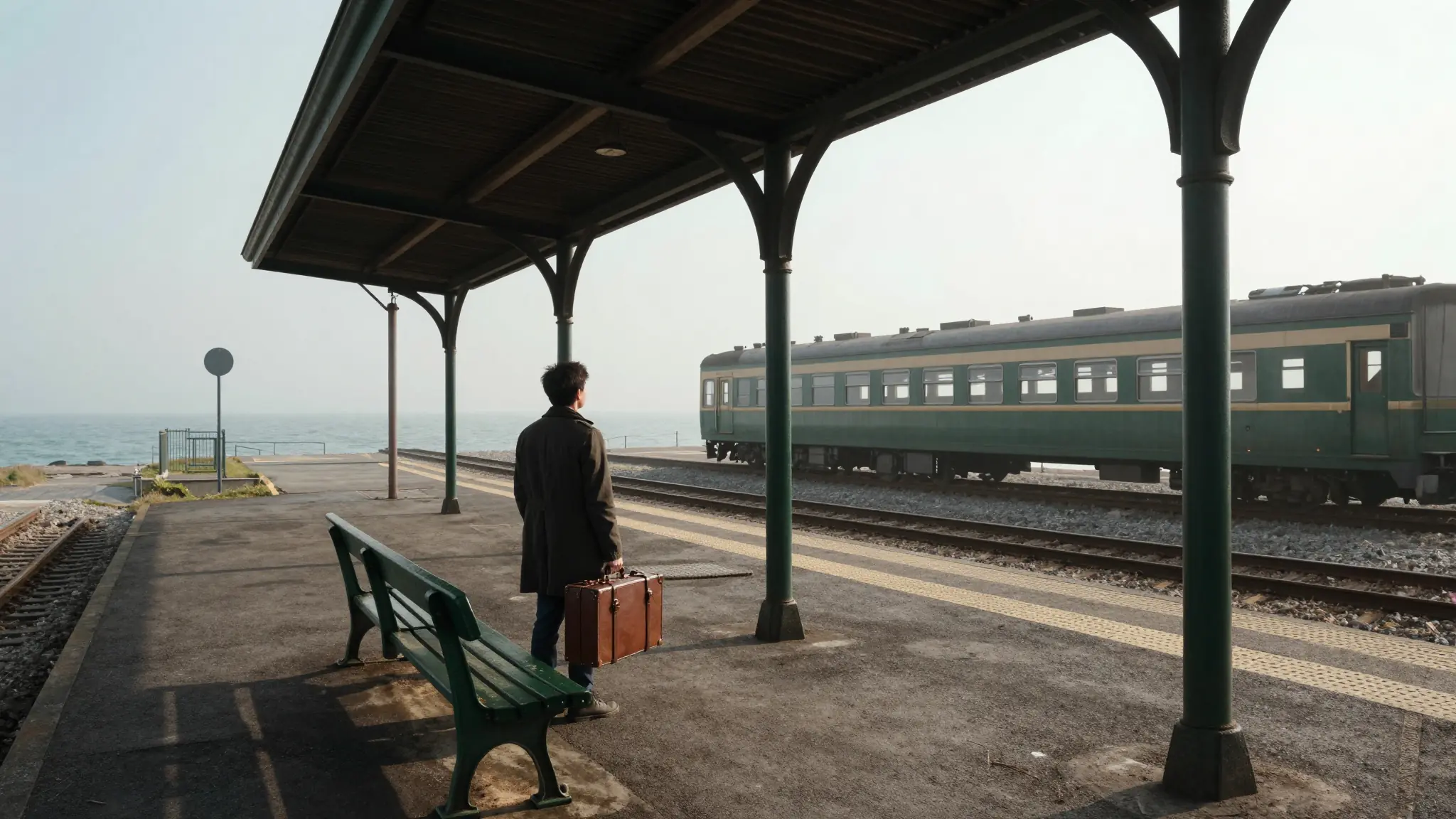
Visual inspiration
Find your next creative direction
Explore visual inspiration for stories, product scenes, and your next video brief.
Capabilities
Create with Veo 3.1
Audio-first, prompt-true, creator-ready.
04
Social + cinema formats
Portrait and landscape formats for social feeds and cinematic cuts
Try Veo 3.1From idea to video
How it works
Step 1 · Set the creative brief
Prompt the story, tone, and audio cues—add a reference when identity matters.
Step 2 · Generate with Veo
Create high-fidelity clips with sound already locked to the picture.
Step 3 · Extend or reshape
Use frame controls and extensions to grow strong clips into fuller sequences.
Best for
Real scenarios you can ship today.
Dialogue-forward creator videos with ambient sound
Brand teasers that stick to the brief
Storyboard-style iterations using references and extensions
Frequently asked
Veo is strong when you want high visual fidelity and native audio in the same generation—great for creator content and brand teasers.
AI models
Explore other models
Different models shine at different jobs. Browse the full lineup or jump to a close alternative.
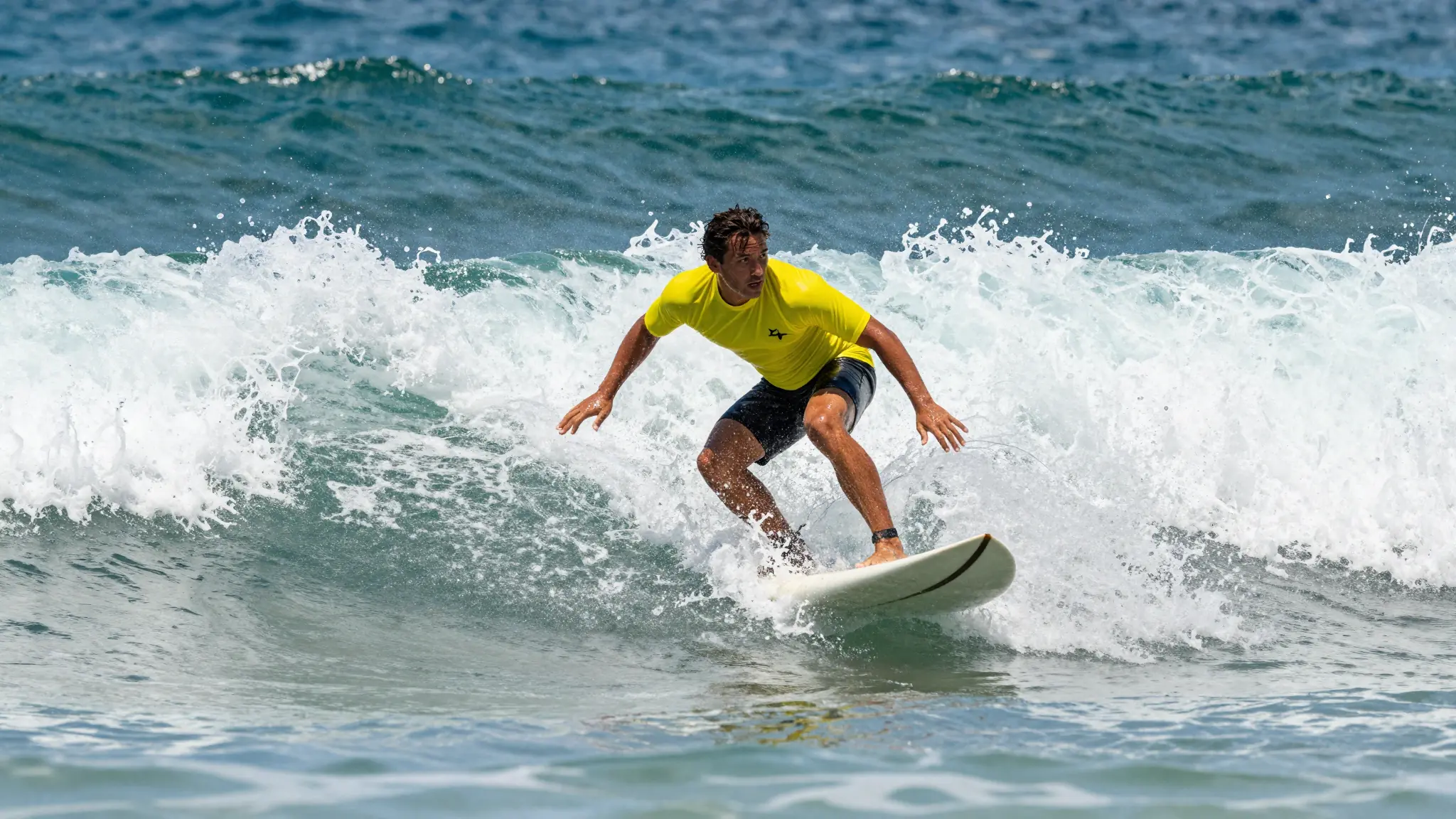

Ship faster
Work with Veo 3.1 like a production copilot.
Move from first draft to final delivery in one flow. Generate, verify, refine, and publish with confidence.