01
Text to video
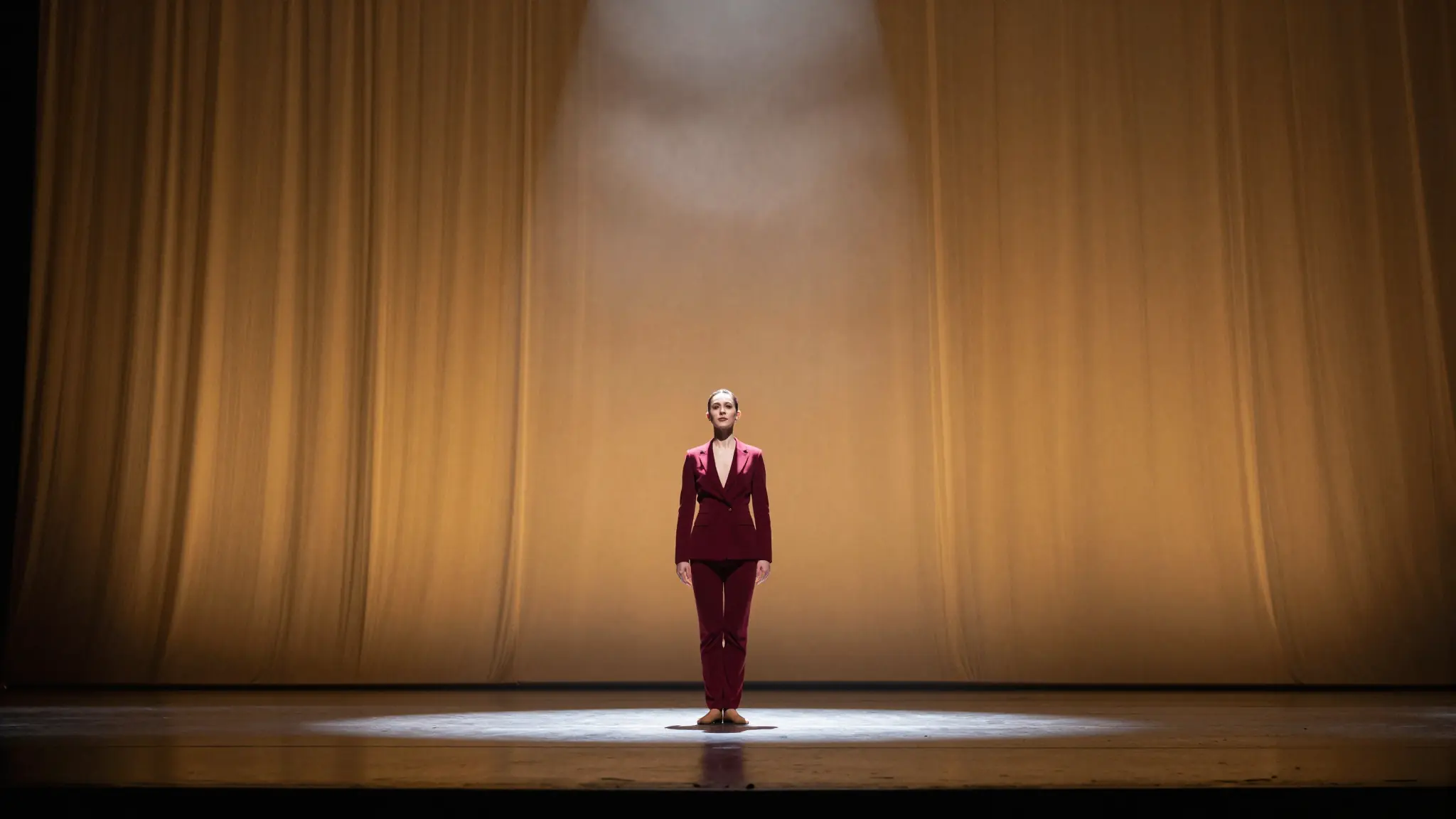
Describe the subject, setting, action, and camera movement in a prompt
Try Grok Imagine
AI Video Model
Grok Imagine lets you start with a written scene or a still image. Describe the movement, choose your output settings, and explore different takes inside Cuta.

Visual inspiration
Explore visual inspiration for stories, product scenes, and your next video brief.

Capabilities
Write a scene. Bring an image to life.
01
Describe the subject, setting, action, and camera movement in a prompt
Try Grok Imagine03
Adjust clip duration, resolution, and aspect ratio in the model workspace
Try Grok ImagineFrom idea to video
Write what should happen, or add an image to set the first visual.
Add subject action, camera direction, and the output settings for your clip.
Review the take, then change one part of the prompt to explore the next version.
Best for
Social hooks built from a single visual
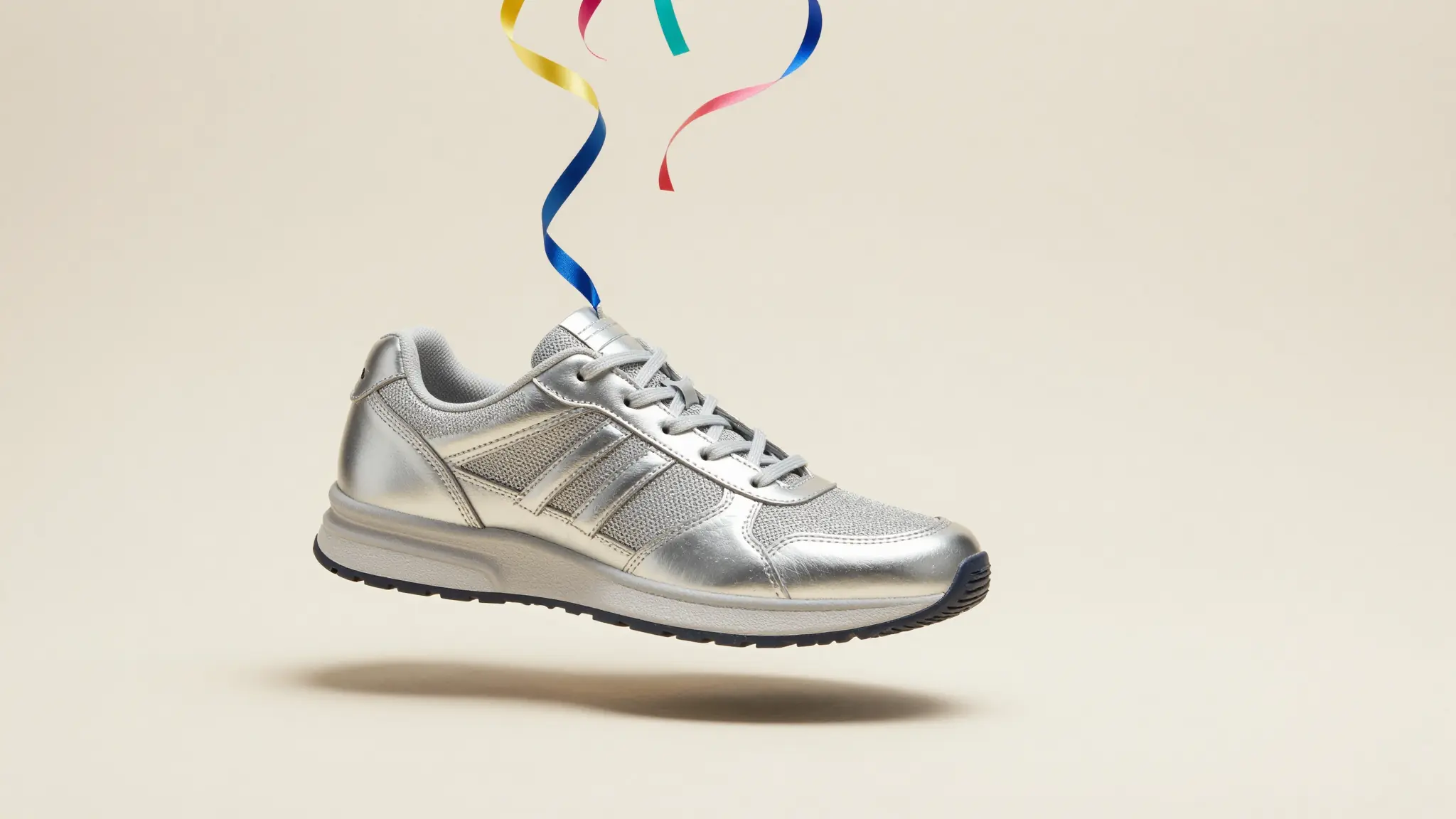
Product images with a new motion direction
Short concept clips for a creative brief
The create button selects Grok Imagine Video 1.5. Other available Grok Imagine variants can be selected in the model workspace.
AI models
Different models shine at different jobs. Browse the full lineup or jump to a close alternative.
Ship faster
Move from first draft to final delivery in one flow. Generate, verify, refine, and publish with confidence.