

AI Video Model
Flux 3 — AI video generator
Flux 3 supports text and starting-image workflows with flexible clip lengths and aspect ratios. Shape a social visual, a product shot, or a widescreen concept in one workspace.

Visual inspiration
Find your next creative direction
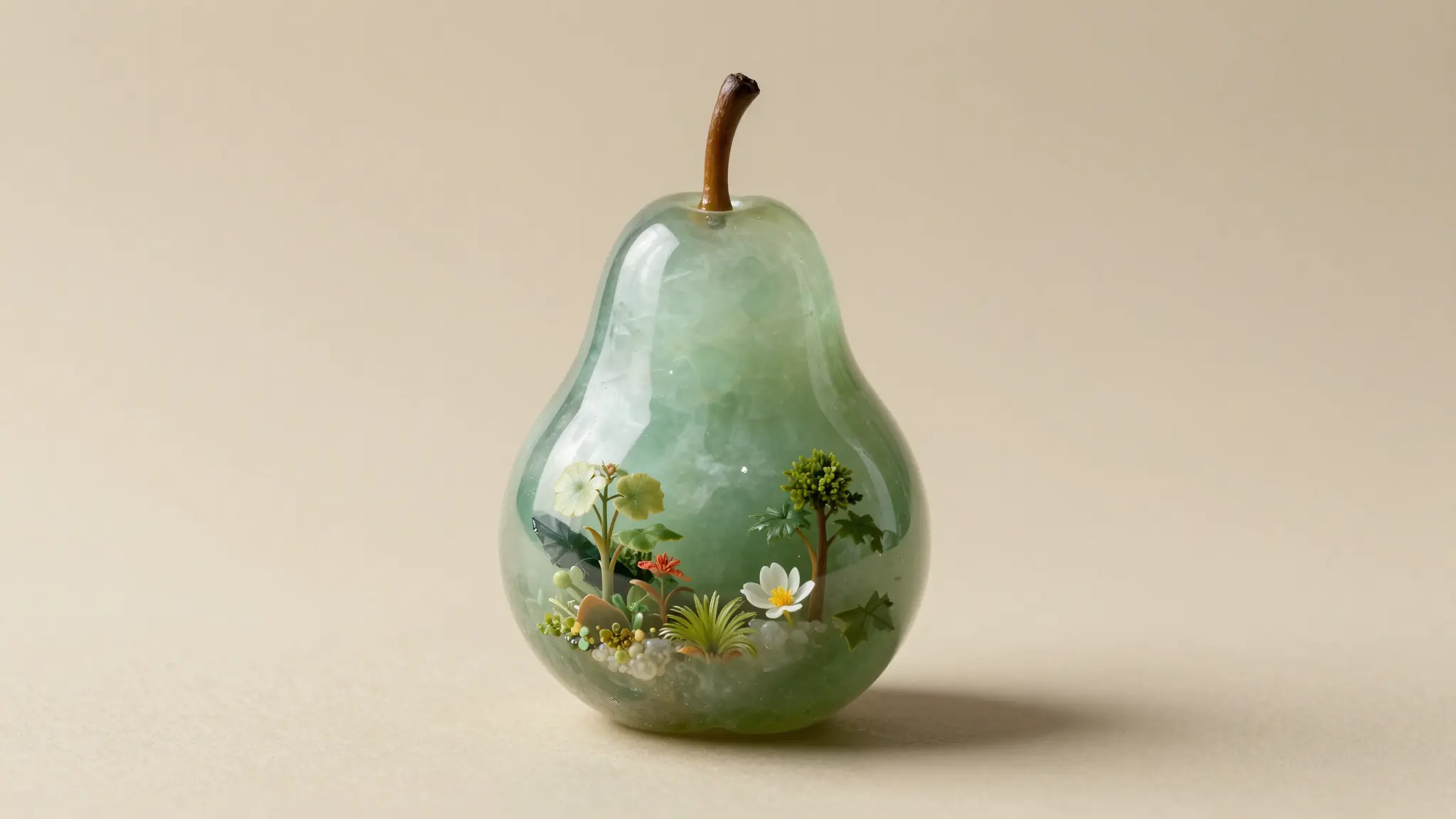
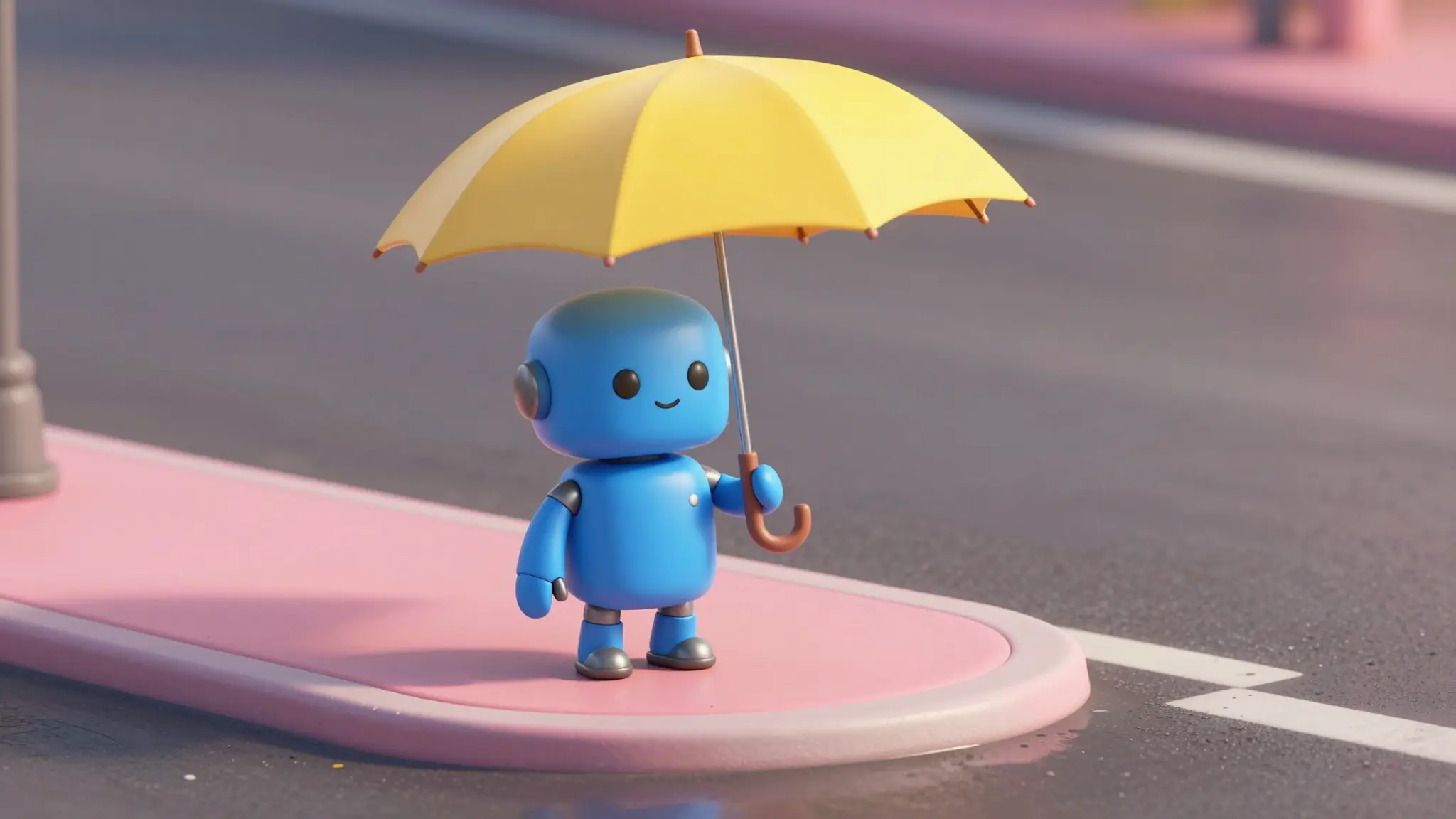
Explore visual inspiration for stories, product scenes, and your next video brief.
Capabilities
Create with Flux 3
Text, images, and room to frame your shot.
03
Flexible framing
Set a duration from 5 to 20 seconds and choose portrait, square, or widescreen framing
Try Flux 3From idea to video
How it works
Step 1 · Define the visual
Write a scene prompt or add the image you want to animate.
Step 2 · Choose the format
Set HD or Full HD, pick an aspect ratio and duration, and decide whether to include audio.
Step 3 · Create your take
Generate the clip, review the motion, and refine the next version around your brief.
Best for
Real scenarios you can ship today.
Product visuals in portrait and landscape formats
Widescreen concepts for a campaign or film
Image-led social clips with optional sound
Frequently asked
This page opens Flux 3, the video model in the Cuta catalog. Flux image models are available separately in the image workspace.
AI models
Explore other models
Different models shine at different jobs. Browse the full lineup or jump to a close alternative.


Ship faster
Work with Flux 3 like a production copilot.
Move from first draft to final delivery in one flow. Generate, verify, refine, and publish with confidence.