01
Make the prompt your starting point
Describe the details that define your visual direction. Continue with Flux 2 Pro selected and your prompt preserved.
Try Flux 2 Pro
AI Image Model
Explore Black Forest Labs' Flux 2 Pro with a written brief or an image reference. Carry your inputs into Cuta's image studio to create.
Visual inspiration
Explore visual inspiration for illustrations, concept art, and your next image brief.

Creative workflow
Explore your next image with Black Forest Labs.
01
Describe the details that define your visual direction. Continue with Flux 2 Pro selected and your prompt preserved.
Try Flux 2 Pro02
Add an optional reference image to this form. Review the model's available image inputs in the studio before starting generation.
Try Flux 2 Pro03
Explore the available width, height, and output format settings in the studio. Review your inputs and the generation cost before creating.
Try Flux 2 ProFrom idea to image
Describe the image you want and add an optional JPG, PNG, or WebP reference up to 10 MB.
Continue to the studio with your prompt and reference preserved. Choose the available output settings and review the cost.
Start generation in the studio, review the result, and refine your inputs for the next version.
Creative possibilities
3D illustration directions
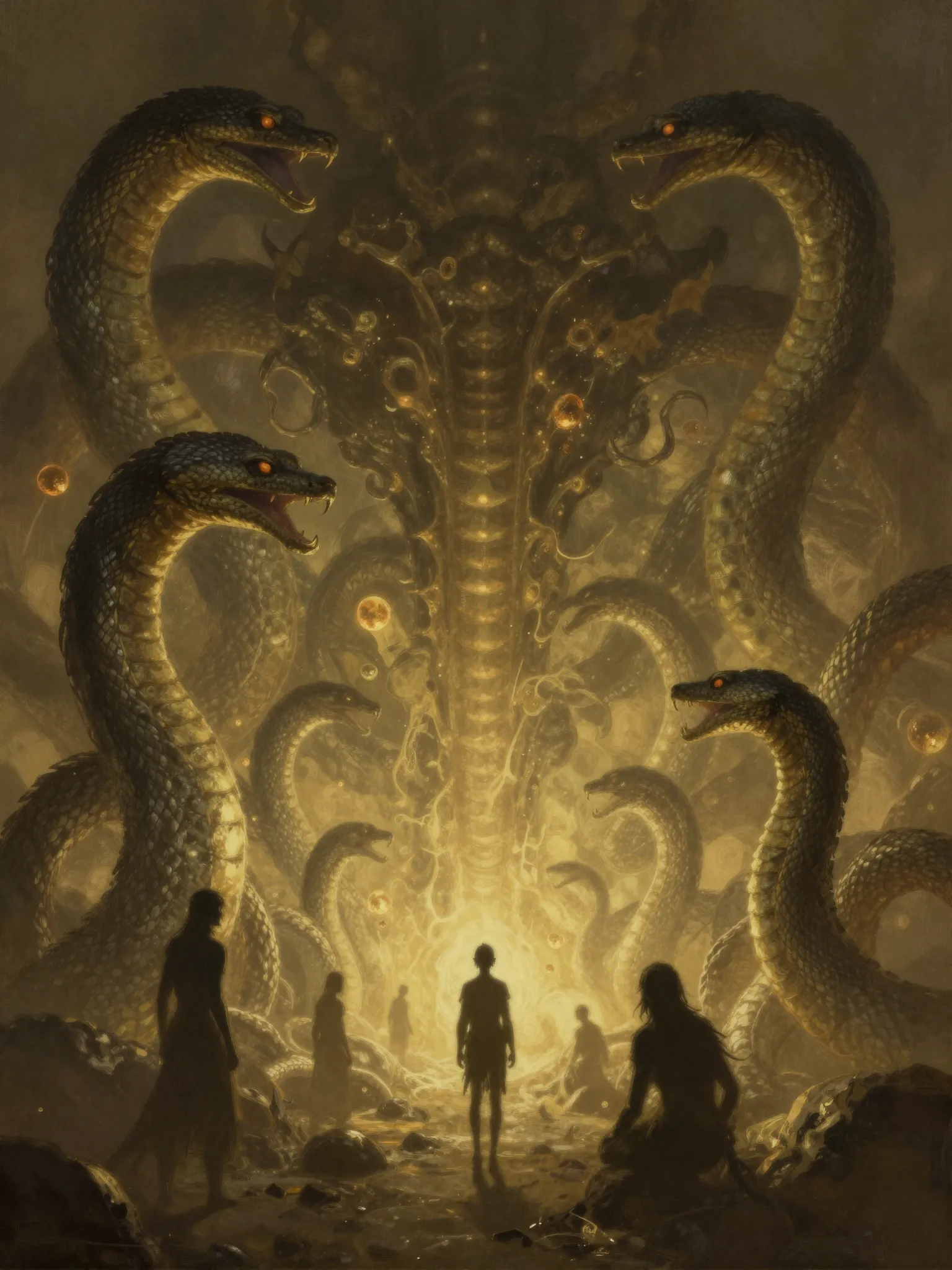
Concept art and imaginary settings
Digital content and campaign visuals
Flux 2 Pro is a Black Forest Labs image model available in Cuta's image studio.
AI image models
Compare different image models for your next creative brief.
Create with Cuta
Start with a prompt, choose your settings, and refine your next visual in the image studio.