
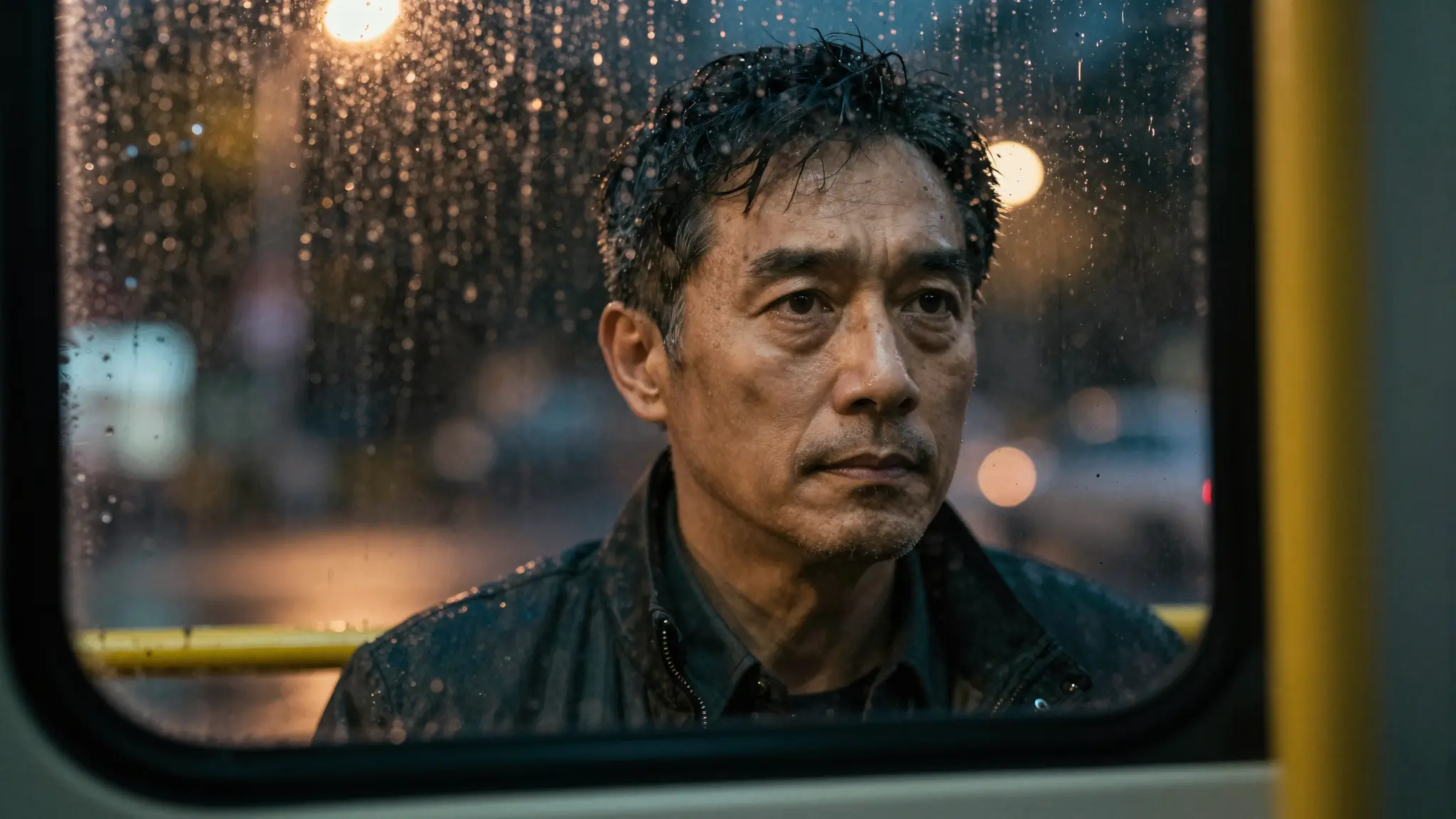
AI Video Model
MiniMax H3 — AI video generator
MiniMax H3 combines a written brief with image, video, and audio references. Bring the material that defines your scene, then choose the format and duration for the result.
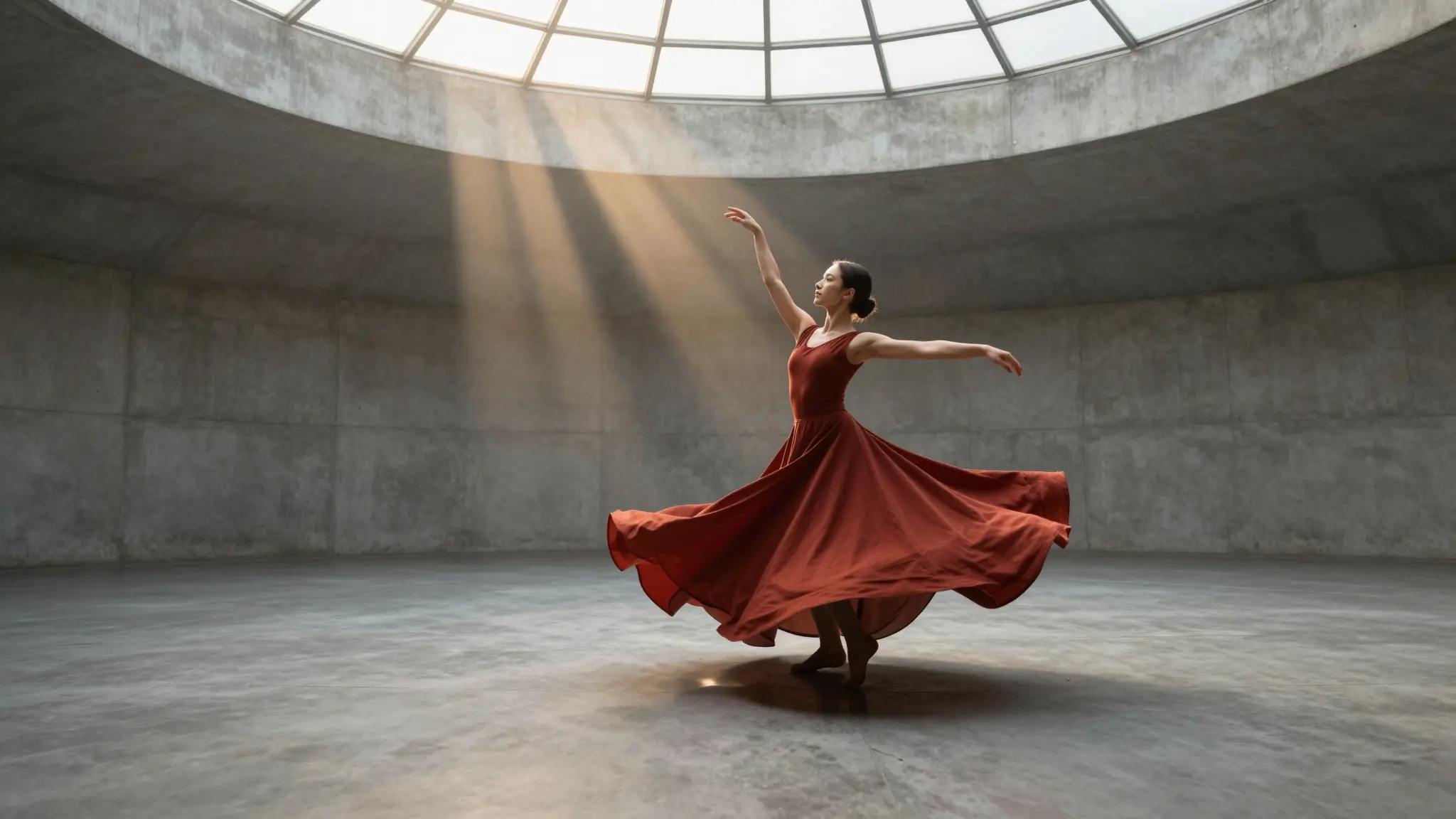
Visual inspiration
Find your next creative direction
Explore visual inspiration for stories, product scenes, and your next video brief.
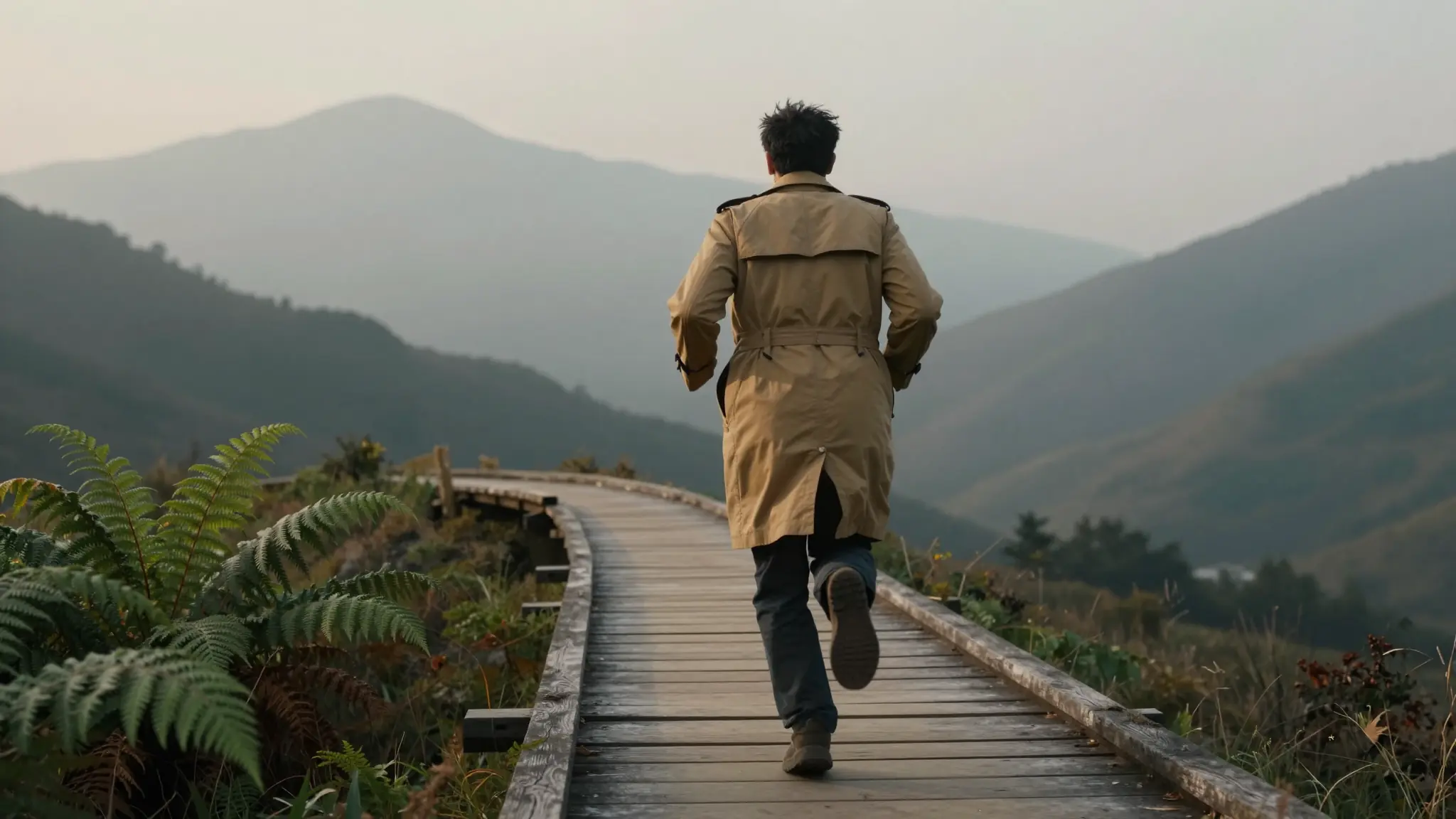

Capabilities
Create with MiniMax H3
Your brief. Your references. Your next shot.
02
Frame & reference roles
Give images a first-frame, last-frame, or reference role to guide the scene
Try MiniMax H303
768P & 2K output
Choose 768P or 2K output with portrait, square, landscape, or adaptive framing
Try MiniMax H3From idea to video
How it works
Step 1 · Prepare your brief
Describe the scene and gather the image, video, or audio references that define it.
Step 2 · Assign the references
Add the inputs and their roles, then choose resolution, duration, and aspect ratio.
Step 3 · Generate the shot
Submit the video task and review the result before refining your brief or references.
Best for
Real scenarios you can ship today.
Creative briefs supported by visual references
Product scenes guided by existing imagery
Shot concepts that combine several kinds of reference
Frequently asked
The create button selects MiniMax H3, the current MiniMax video model in the Cuta catalog.
AI models
Explore other models
Different models shine at different jobs. Browse the full lineup or jump to a close alternative.

Ship faster
Work with MiniMax H3 like a production copilot.
Move from first draft to final delivery in one flow. Generate, verify, refine, and publish with confidence.