01
Shape the image with a text prompt
Describe your subject and the details that matter to your project. Continue with Imagen 4 selected and your prompt preserved.
Try Imagen 4
AI Image Model
Describe the image you want to create with Google's Imagen 4. Bring your subject, setting, and visual style together in a text prompt.
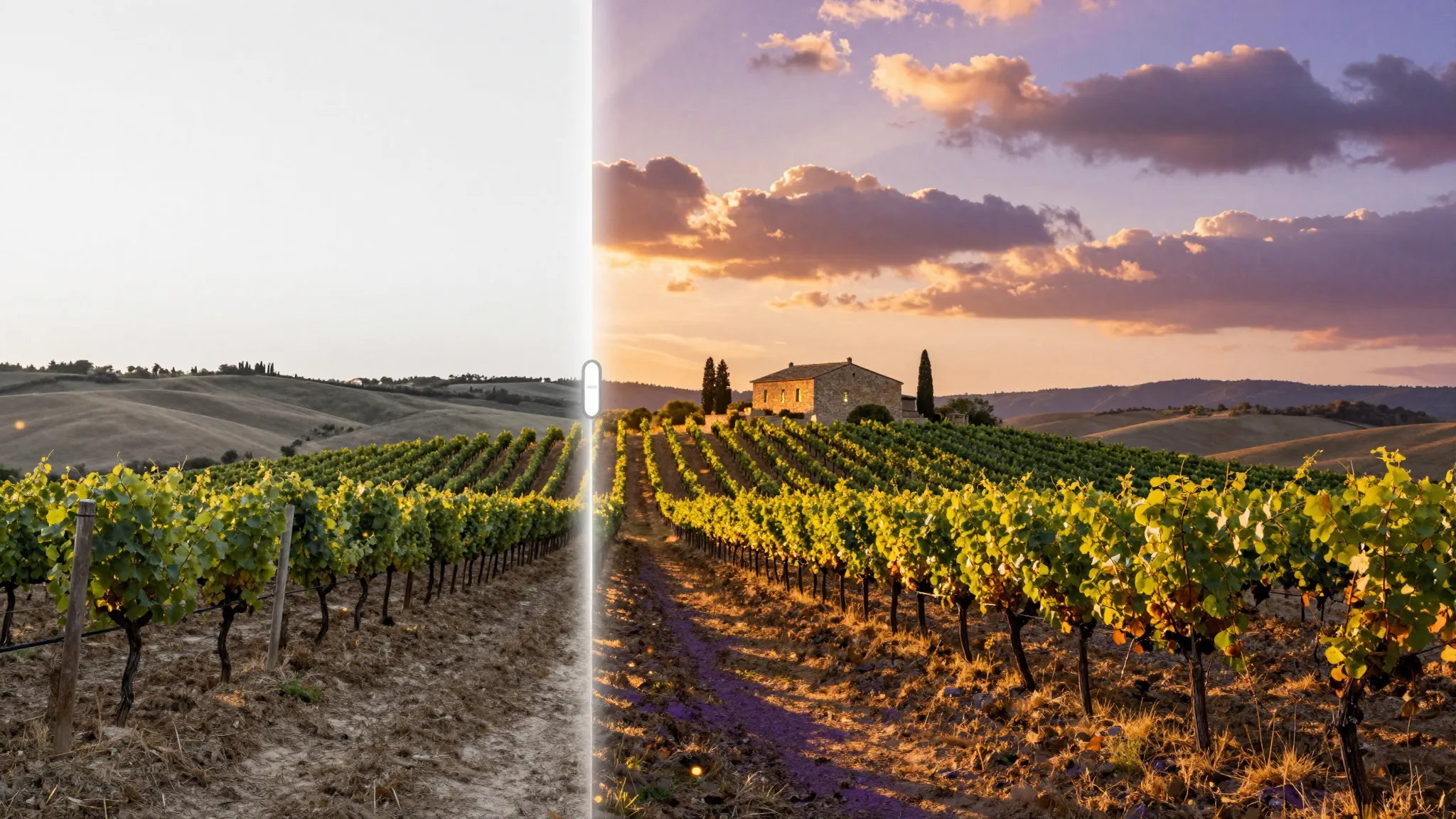
Visual inspiration
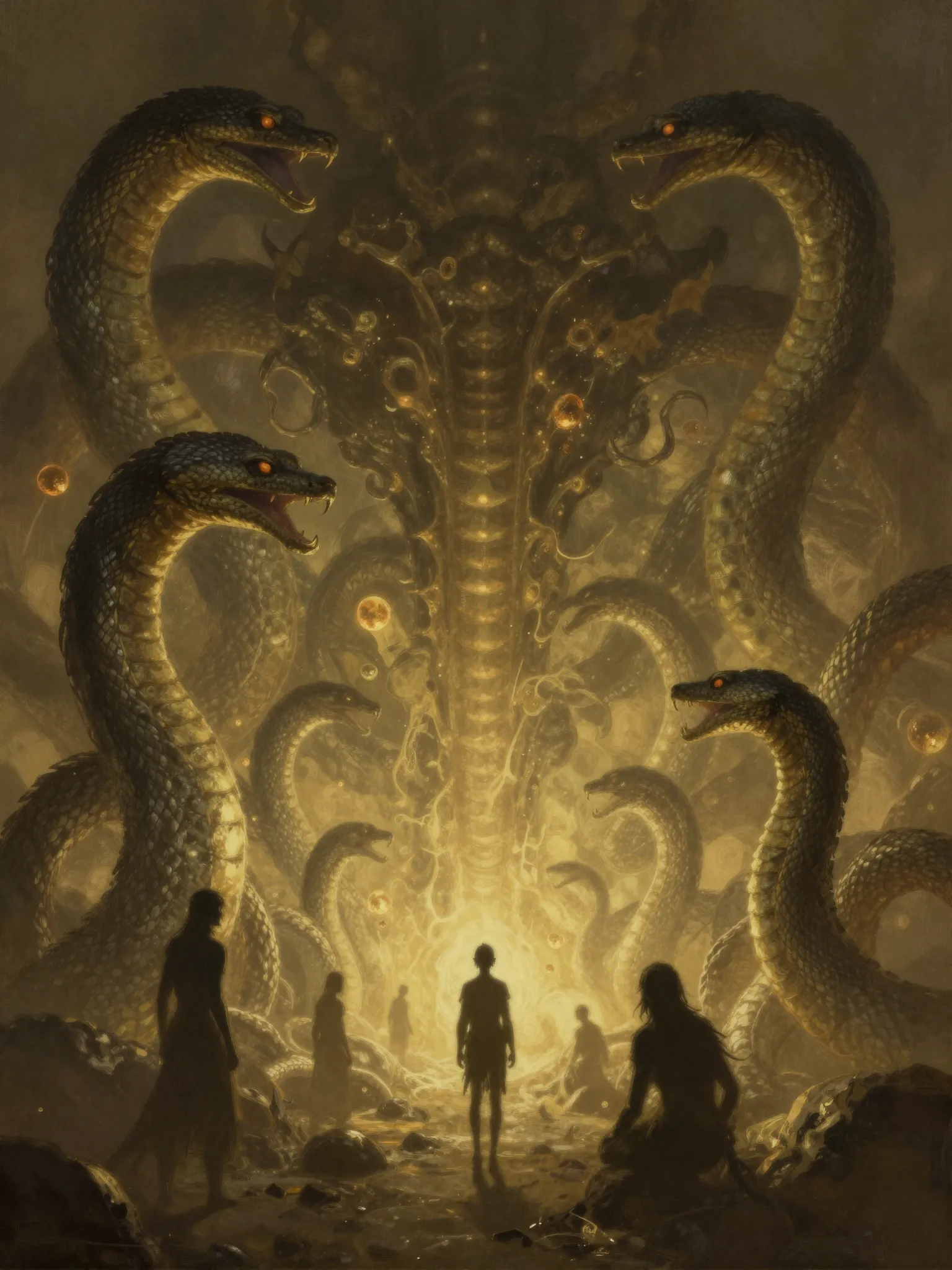
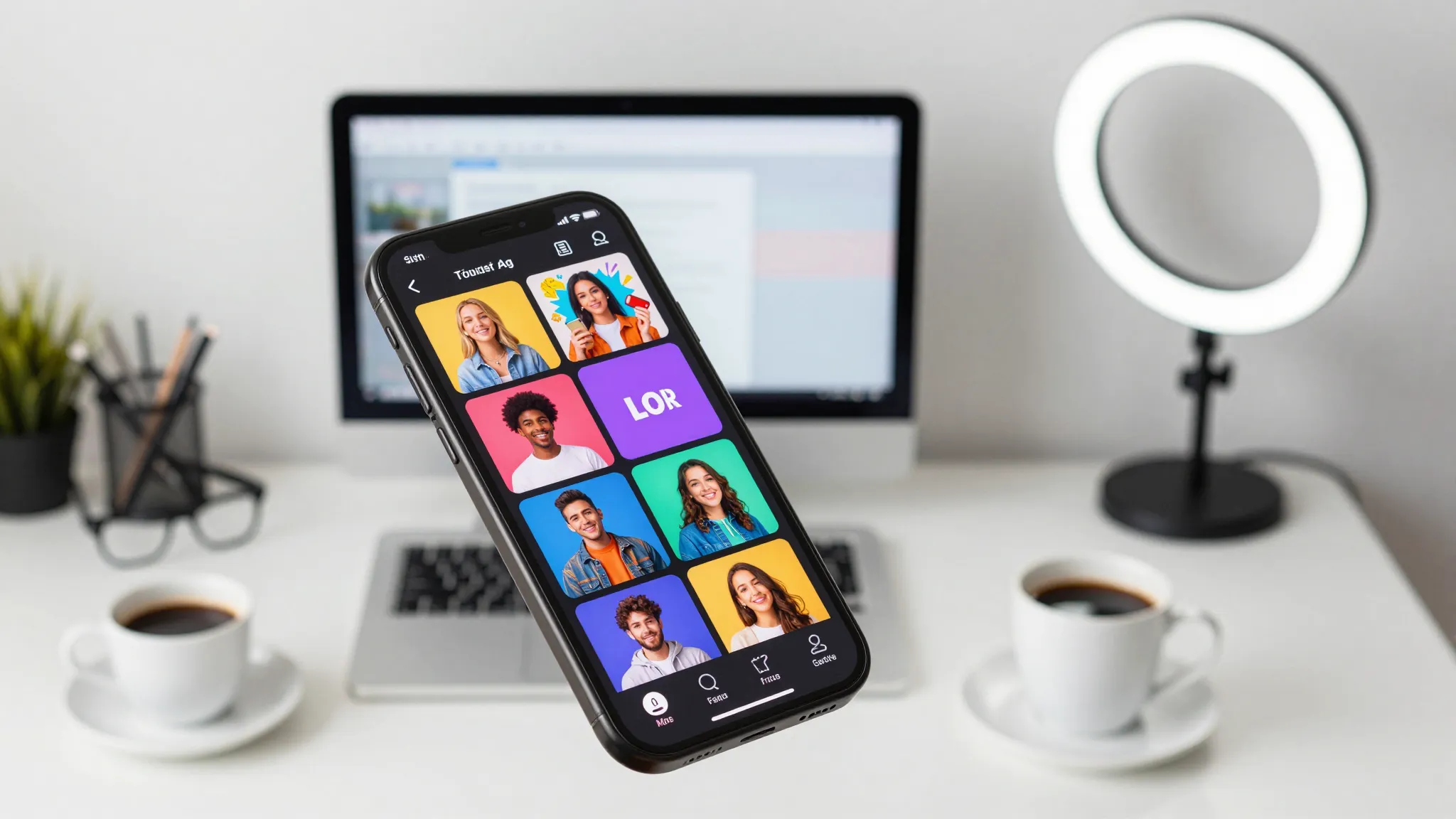
Explore visual inspiration for illustrations, concept art, and your next image brief.
Creative workflow
From a text brief to a new visual with Google.
01
Describe your subject and the details that matter to your project. Continue with Imagen 4 selected and your prompt preserved.
Try Imagen 402
Include the setting, viewpoint, lighting, and visual style in your brief to explain the direction you want to explore.
Try Imagen 403
Review the output settings available in the image studio and the generation cost before creating. Refine the prompt for the next version.
Try Imagen 4From idea to image
Write a text prompt with your subject, setting, composition, and visual style.
Continue to the image studio with Imagen 4 selected. Review the available output options and generation cost.
Create in the studio, review the result, and refine your text prompt for another version.
Creative possibilities
Illustrations for digital products
Imaginary worlds and visual concepts
Social content and campaign ideas
Imagen 4 is Google's text-to-image model available in Cuta's image studio. This page introduces the model and carries your visual brief into the studio.
AI image models
Compare different image models for your next creative brief.
Create with Cuta
Start with a prompt, choose your settings, and refine your next visual in the image studio.