Cuta
Explore the latest AI models
Images and videos — in one creative workspace.
GPT Image 2
Create with OpenAI GPT Image 2 in Cuta. Describe the image you have in mind, add an optional reference, and shape your next visual in one workspace.
Grok Imagine
Start with a scene, a mood, or a new visual direction. Carry your prompt into Cuta's image studio with Grok Imagine selected.
Imagen 4
Describe the image you want to create with Google's Imagen 4. Bring your subject, setting, and visual style together in a text prompt.
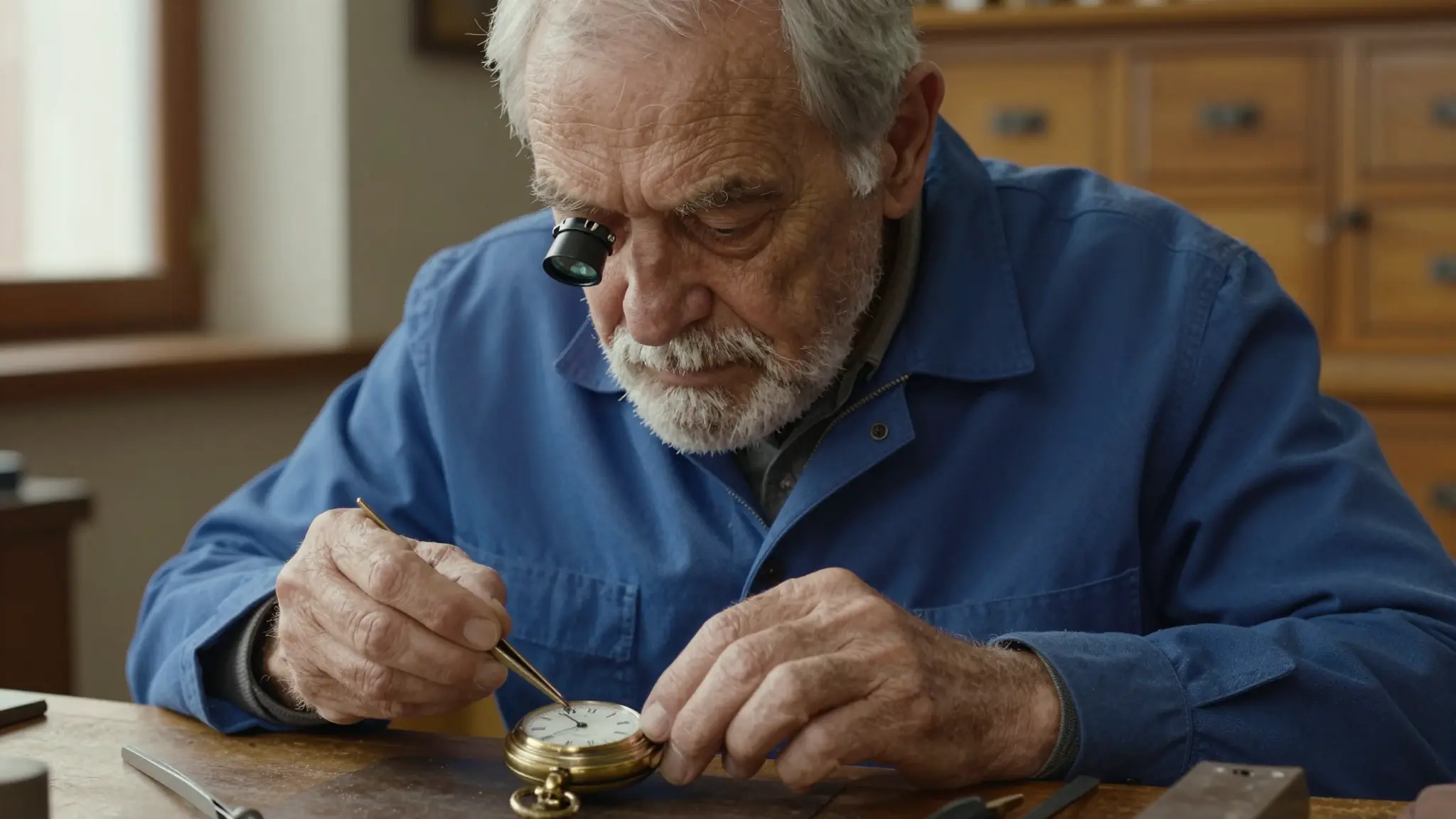
Seedream 5.0 Pro
Create with ByteDance's Seedream 5.0 Pro. Start with a written brief or add a reference image to guide the visual direction.

Flux 2 Pro
Explore Black Forest Labs' Flux 2 Pro with a written brief or an image reference. Carry your inputs into Cuta's image studio to create.
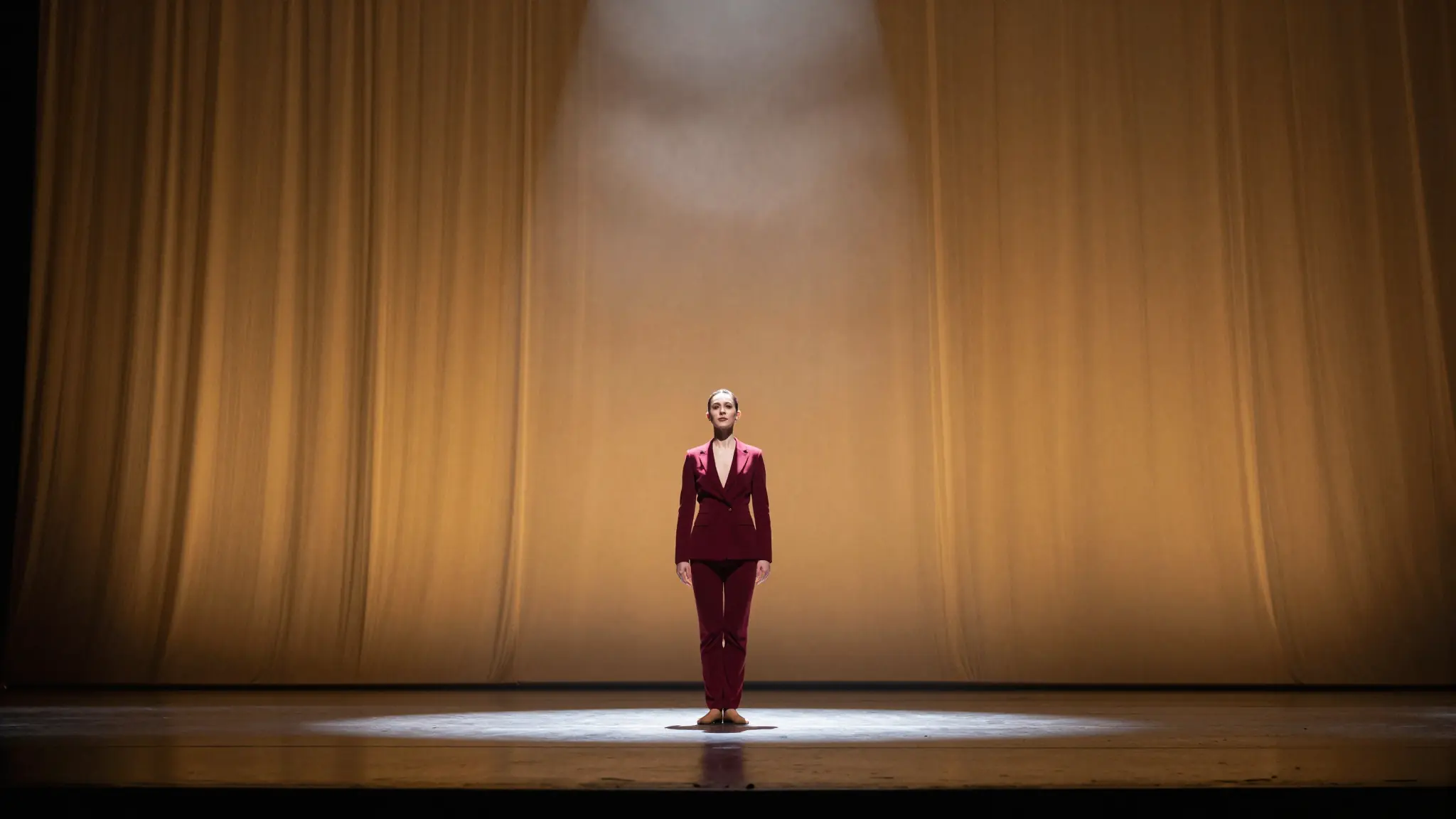
Seedance 2.0
Seedance 2.0 focuses on multi-modal input and synchronized audio—guide characters, style, and choreography with rich references.
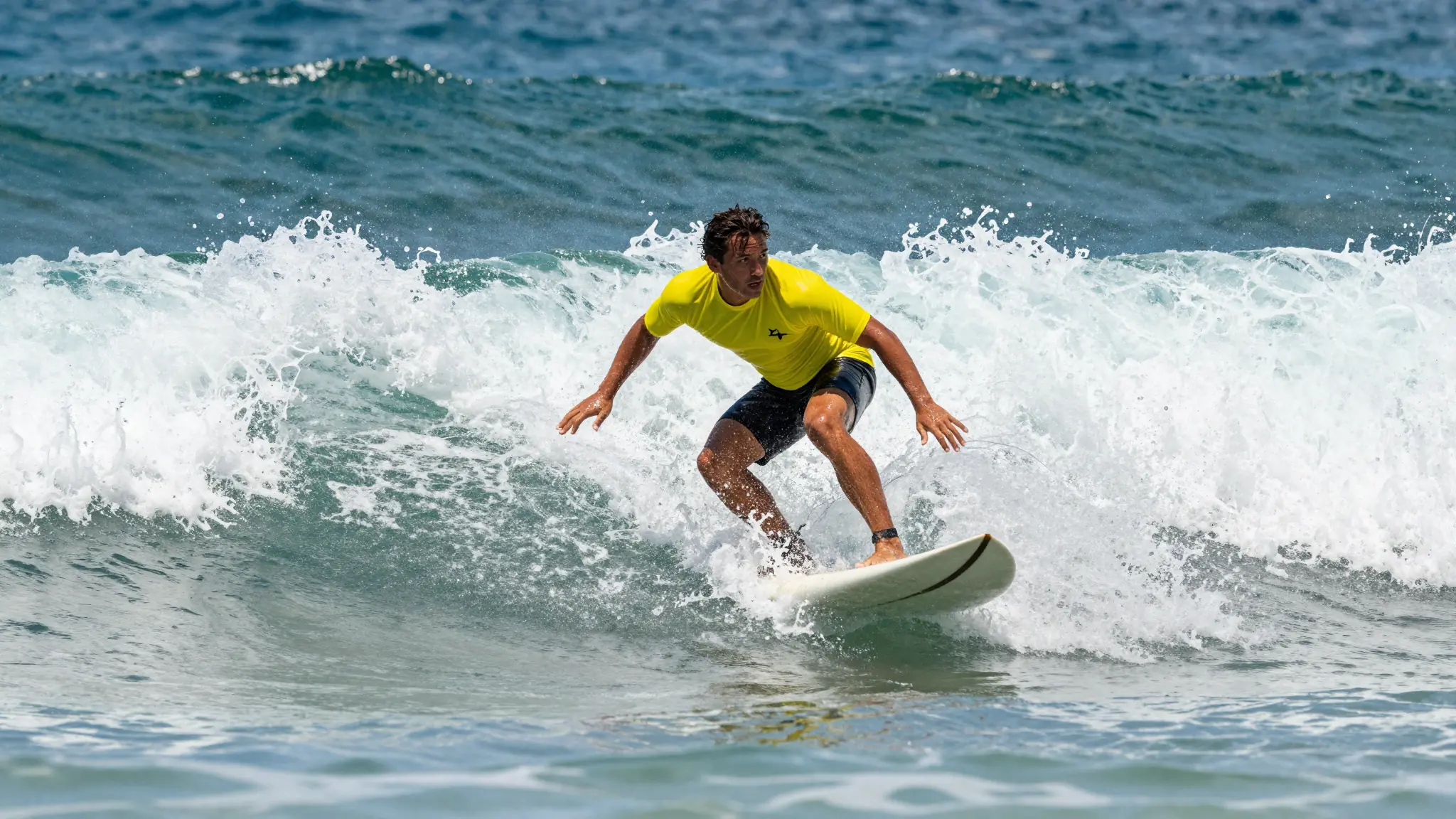
Kling 3.0
Kling emphasizes director-style control, multi-shot structure, and native audio-visual generation—built for narrative clips and polished social ads.
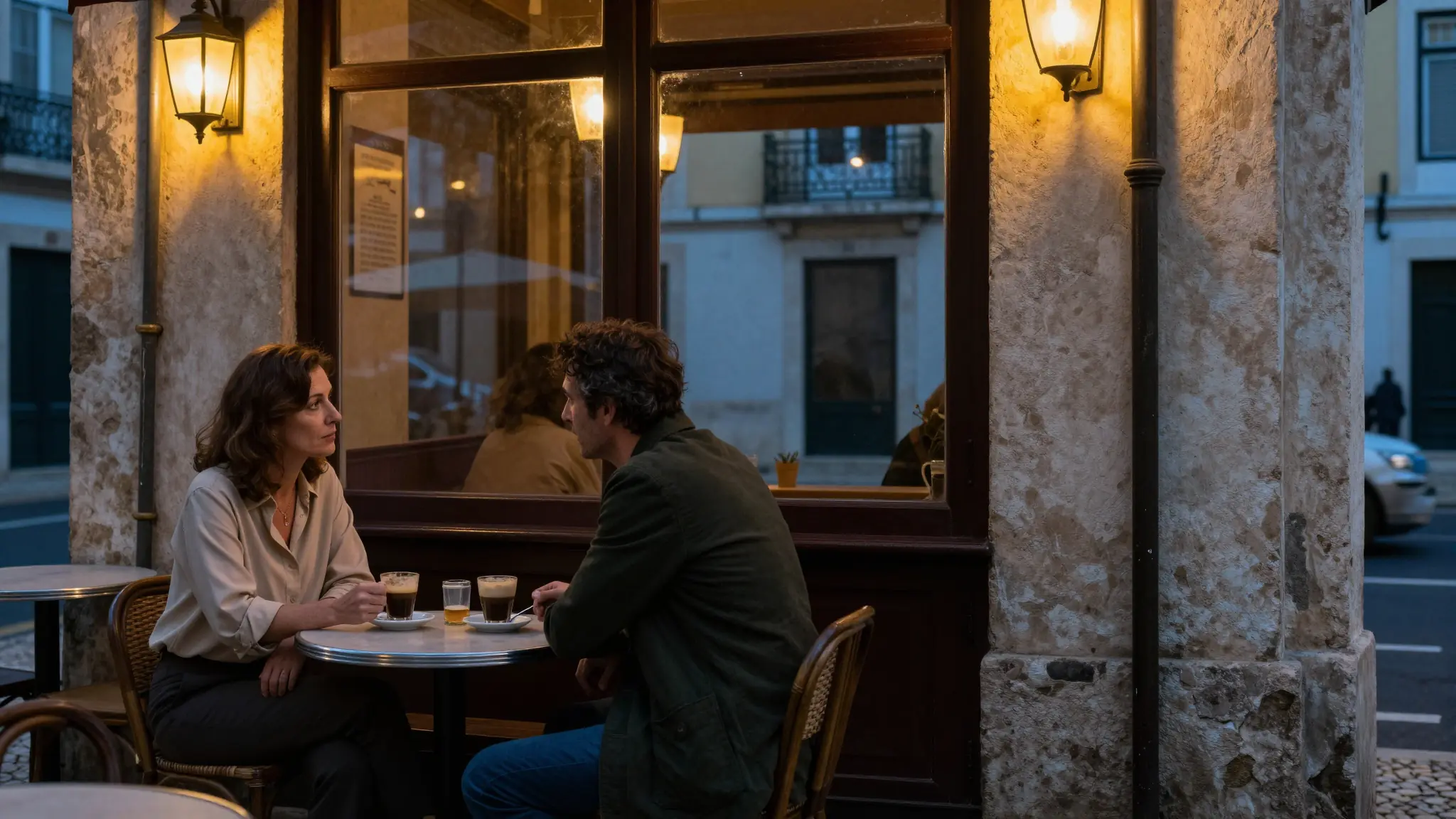
Veo 3.1
Veo 3.1 pairs rich, natively synchronized audio with strong prompt adherence—built for bold ideas, fast iterations, and social-ready output.
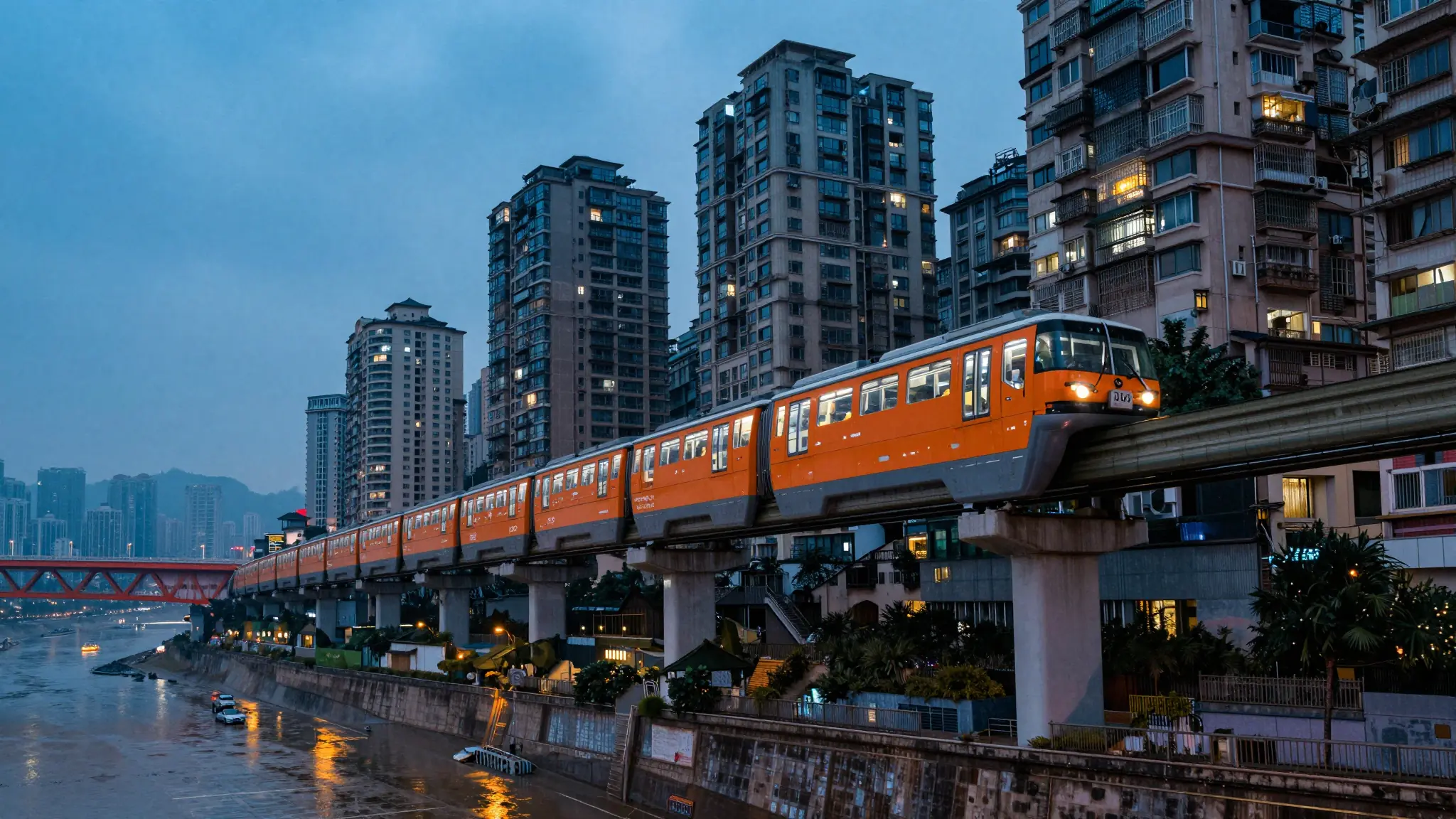
Wan 2.7
Wan 2.7 brings text, starting images, and visual references into your video workflow. Set the duration and format, then explore different motion directions.
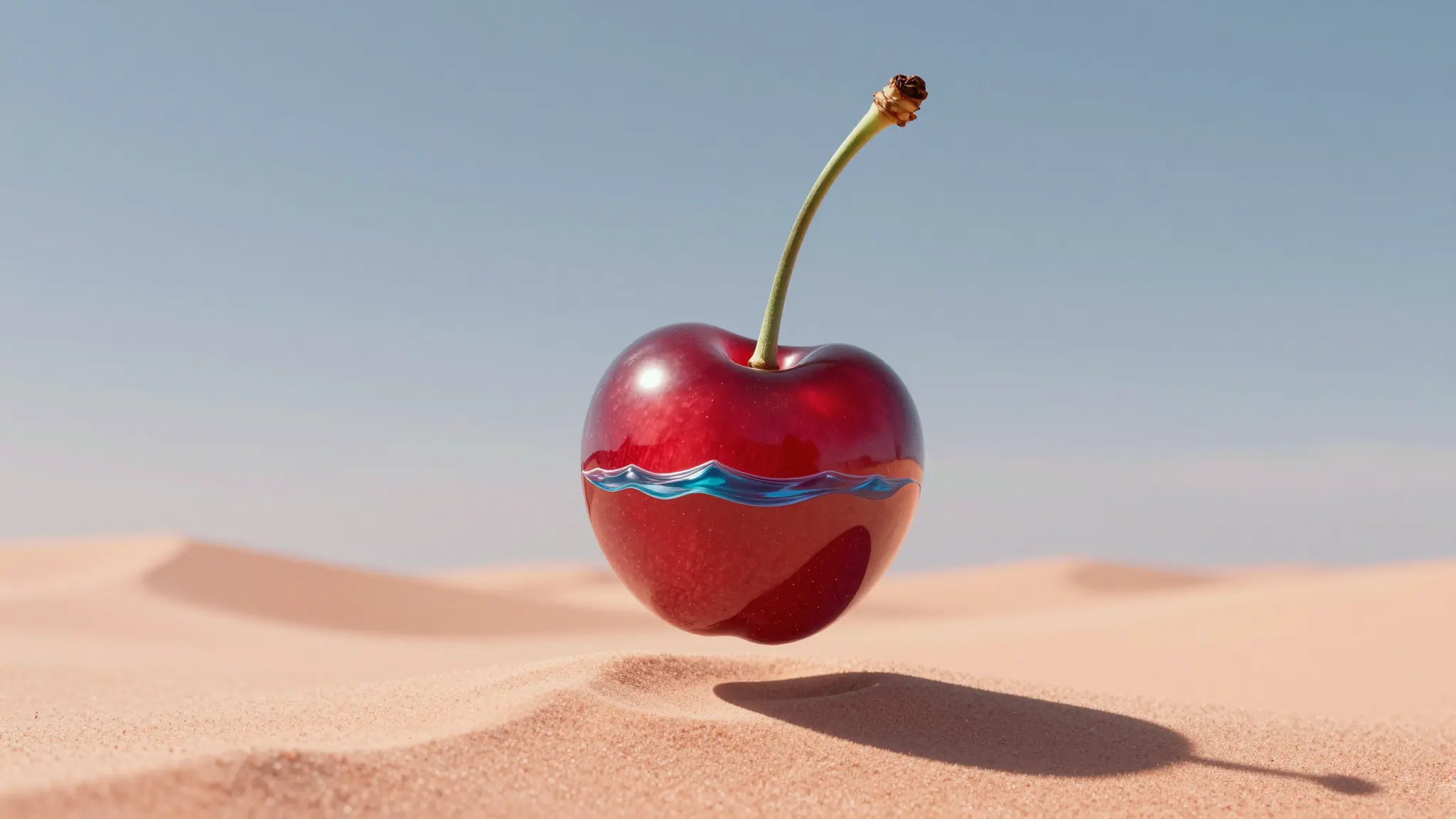
Grok Imagine
Grok Imagine lets you start with a written scene or a still image. Describe the movement, choose your output settings, and explore different takes inside Cuta.
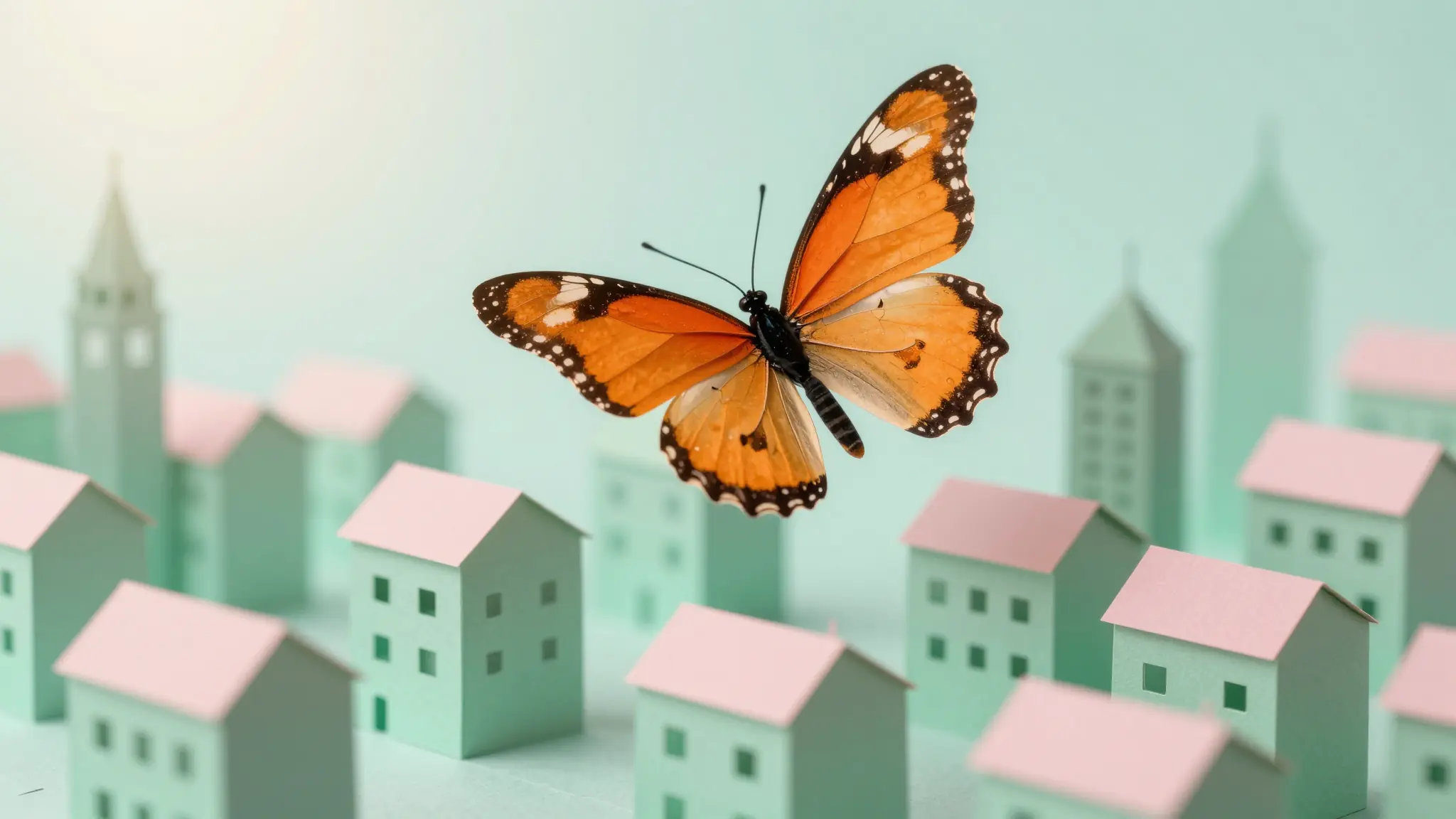
Flux 3
Flux 3 supports text and starting-image workflows with flexible clip lengths and aspect ratios. Shape a social visual, a product shot, or a widescreen concept in one workspace.
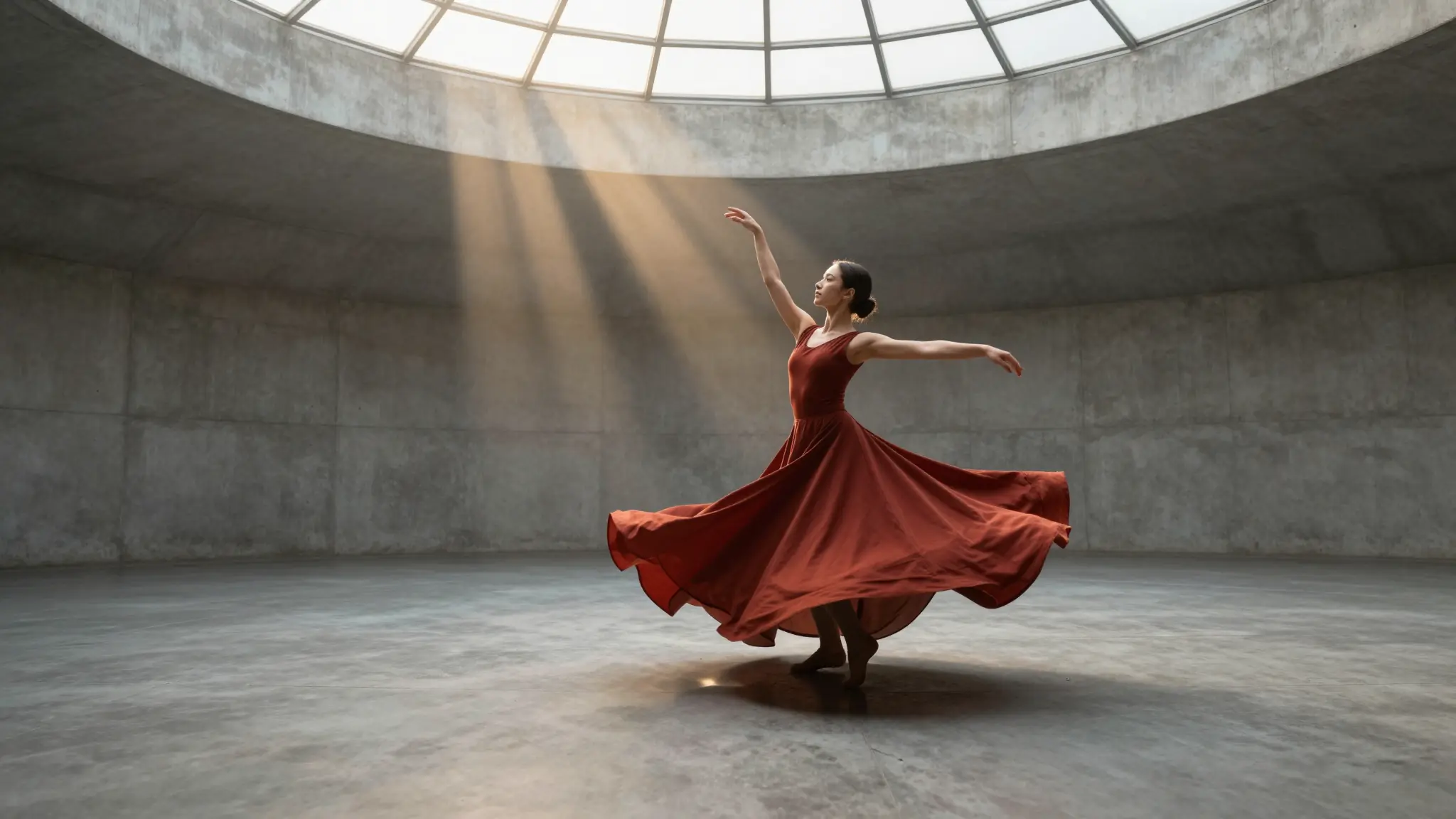
MiniMax H3
MiniMax H3 combines a written brief with image, video, and audio references. Bring the material that defines your scene, then choose the format and duration for the result.