Cuta

Cuta · AI video generator

Picture the scene.Bring it to life.

Turn a prompt or a still image into a moving story. Explore camera movement, visual styles, and video models in one workspace.

Start with your scene. Choose the model and video settings in the workspace.

Try a scene

Explore motion

A new story in every frame

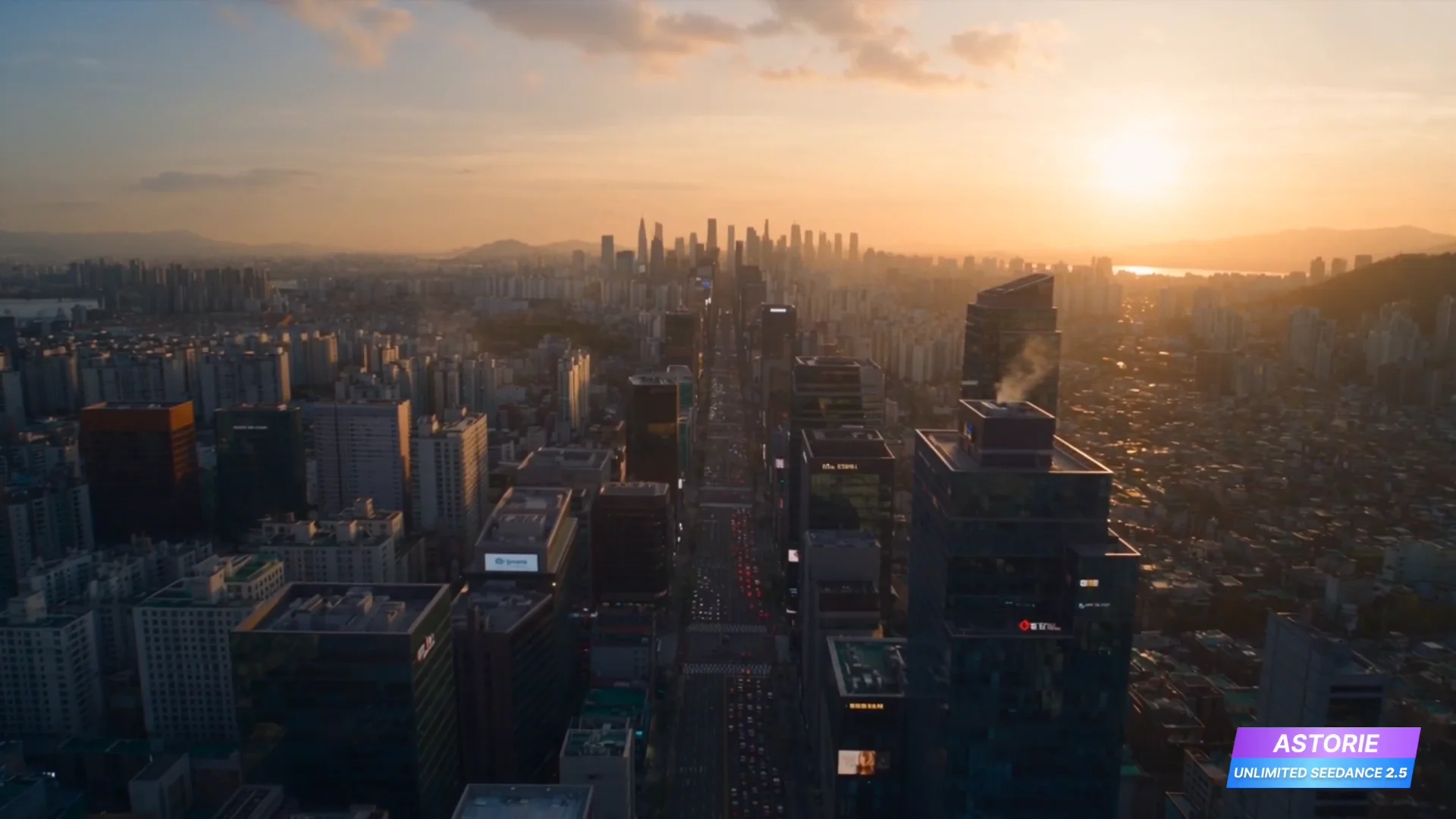
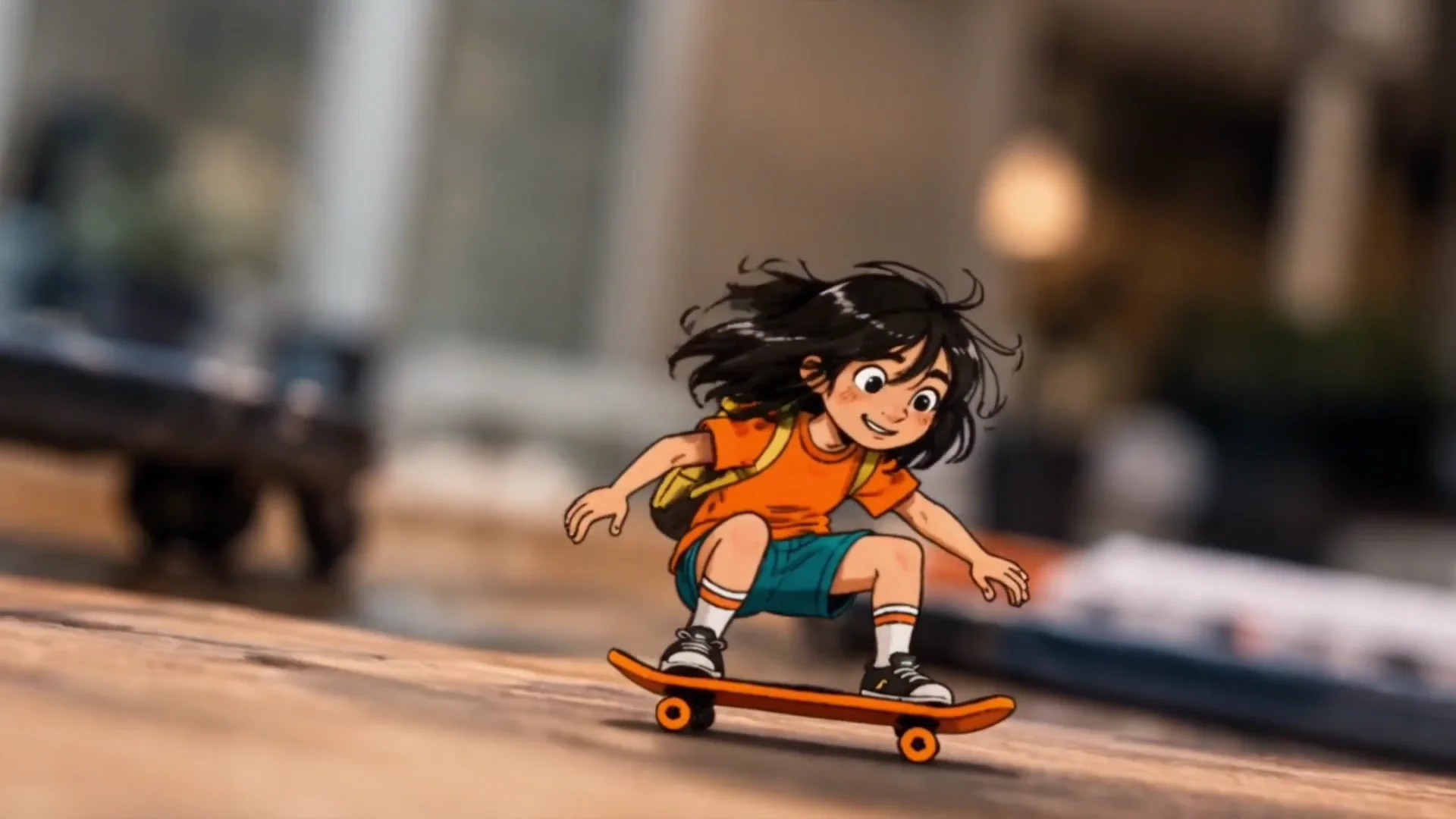
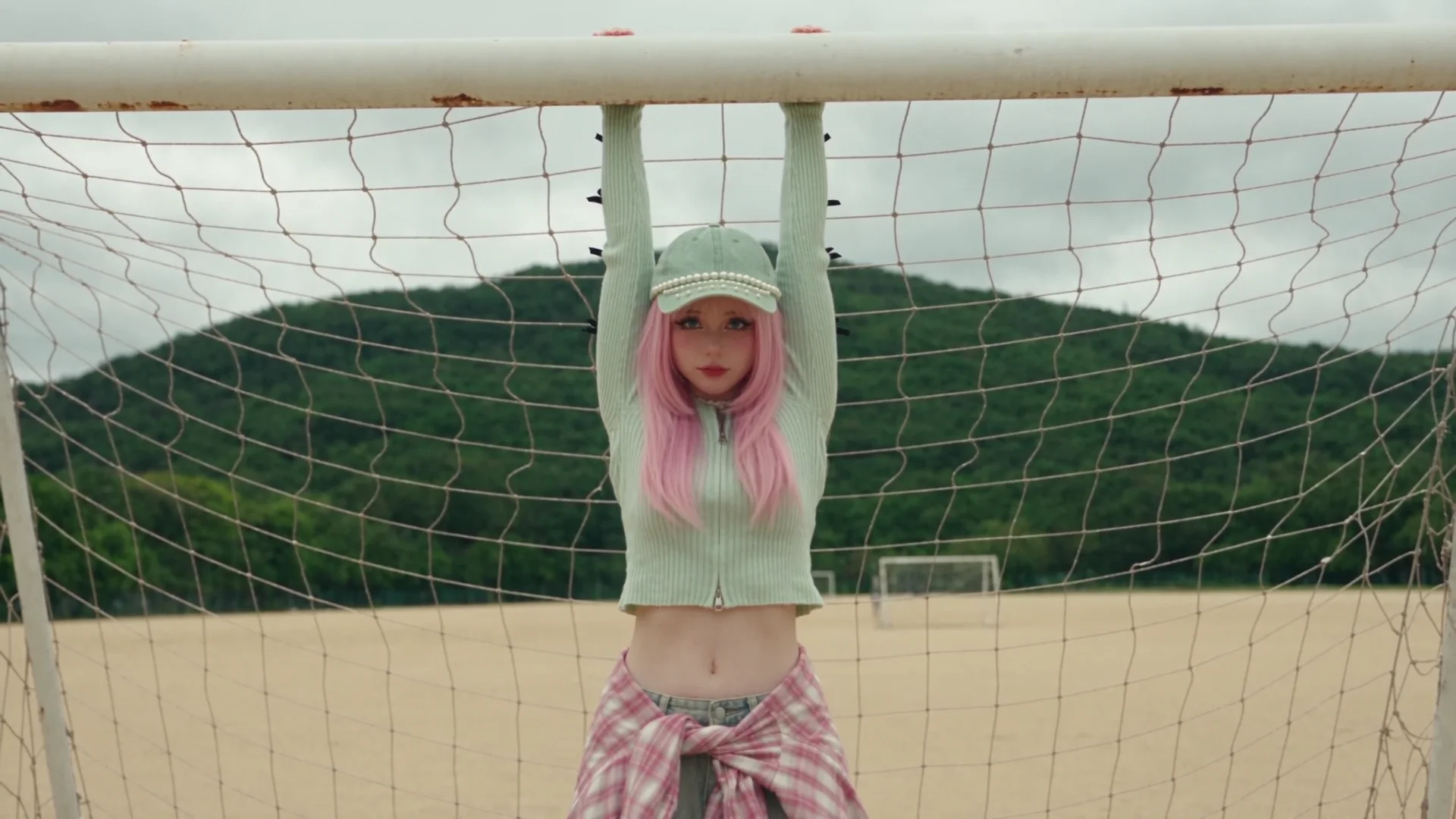
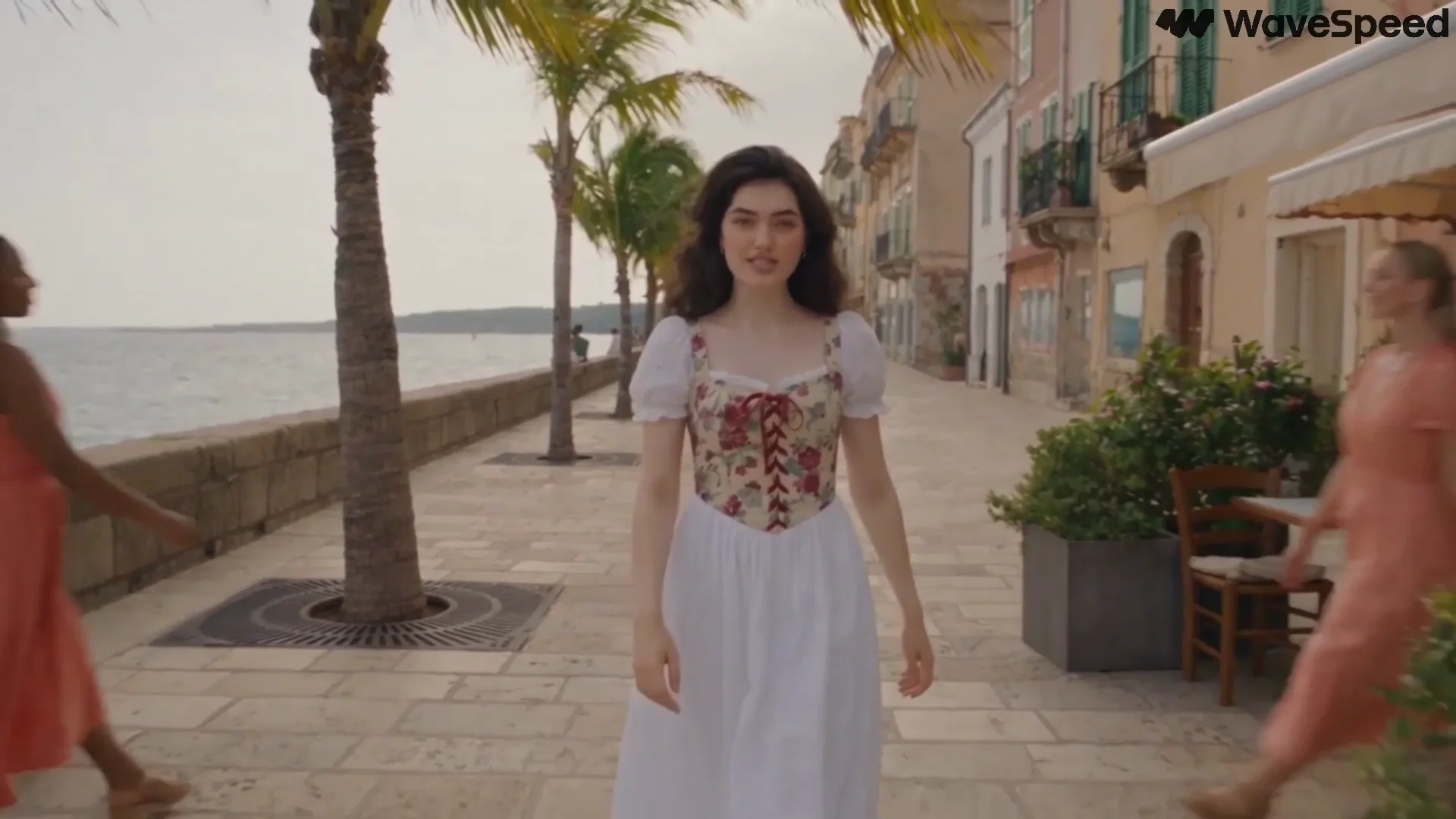
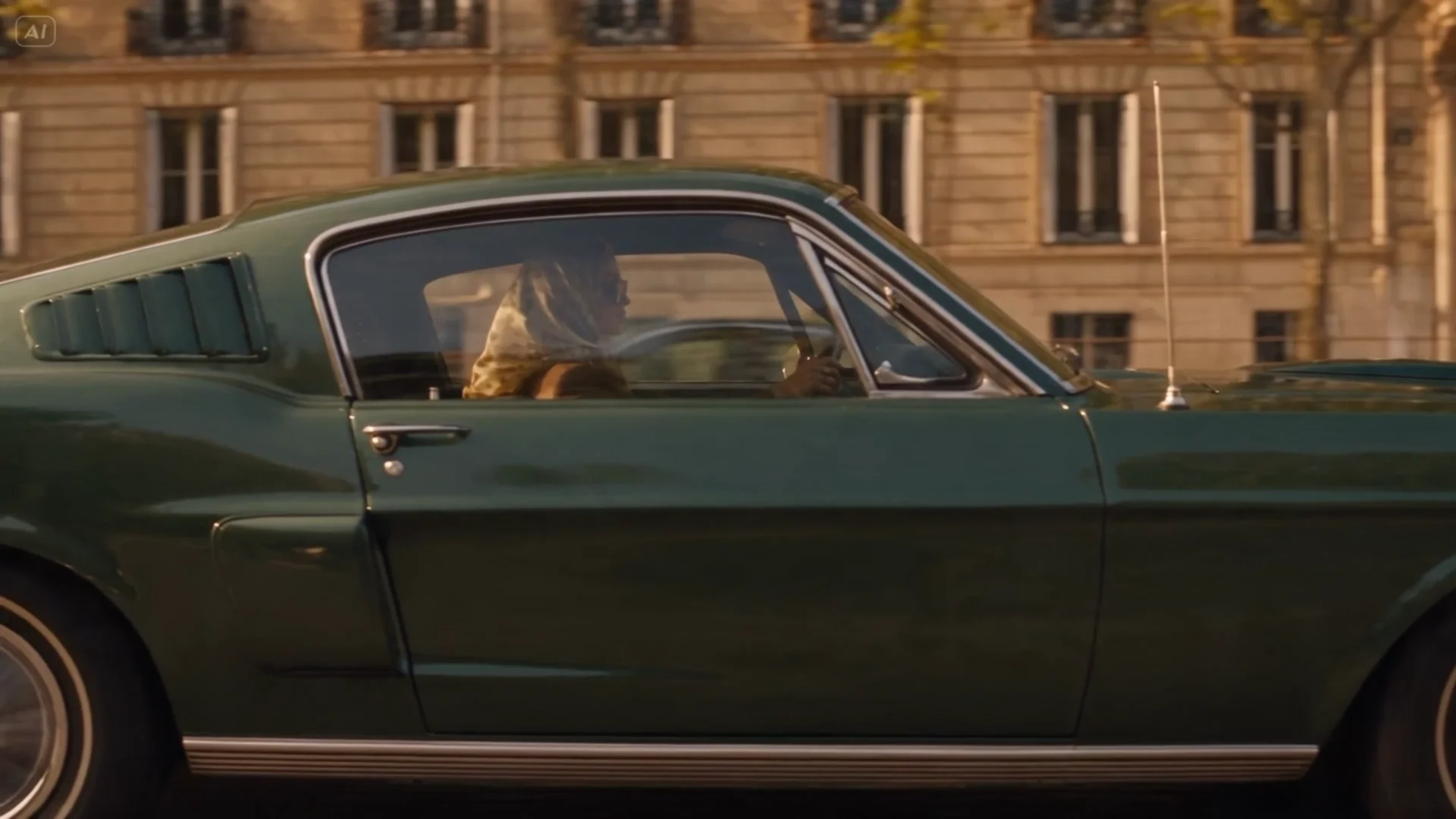
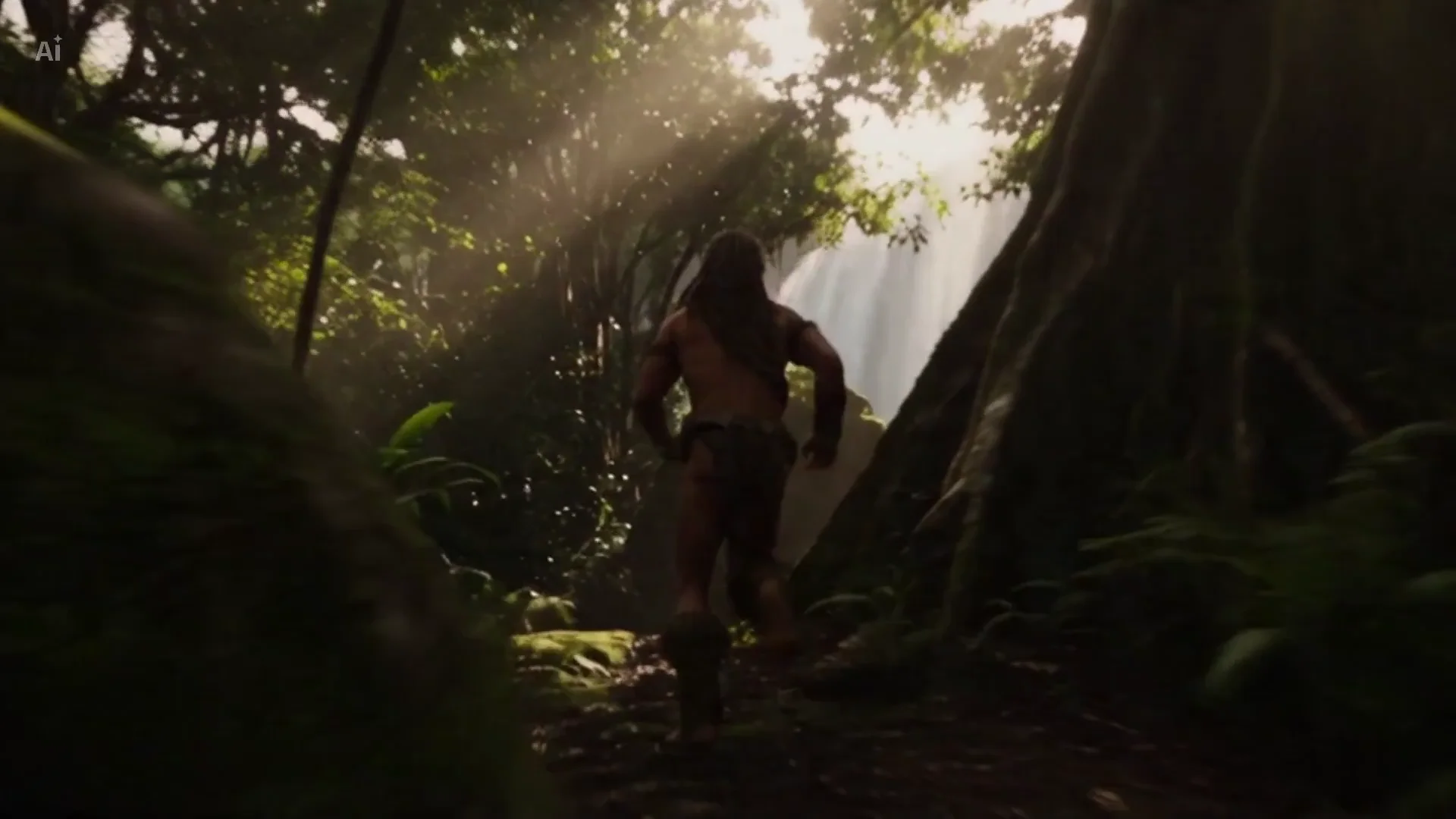
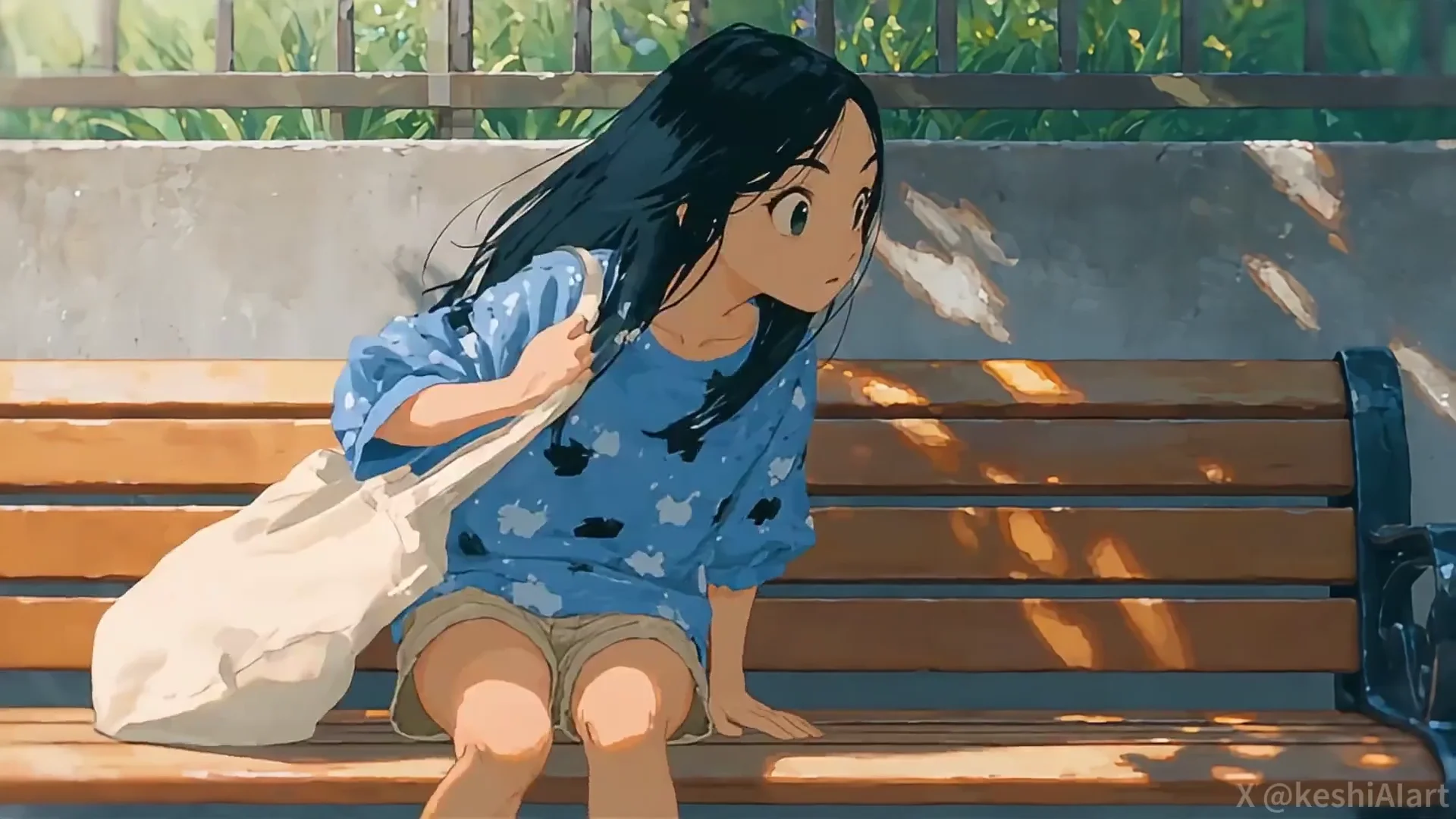
Explore motion and visual references for your next scene. Play a clip, open a starting prompt, and take it in your own direction.

Explore video prompts

Your filmmaking toolkit

From a still idea to a moving story.

Start with a scene, add movement, then explore style and sound. Choose the tools that fit the way you want to create.

01

Describe the scene

Set the subject, action, lighting, and mood with a prompt. Create a video from a scene you can put into words.

Try it Now
02

Give an image movement

Use a photo or an illustration as your starting frame. Describe the motion and camera movement you want to explore.

Try it Now
03

Explore a different style

Bring an existing clip into the restyling tool and try a new visual direction without starting your idea over.

Try it Now
04

Think in shots

Use the cinema workspace to plan scenes, work with references, and develop the visual direction of your story.

Try it Now
05

Guide character movement

Use a reference video with Motion Sync to guide your character’s movement and performance.

Try it Now
06

Connect voice and picture

Use Lip Sync for a speaking character or presenter. Audio capabilities depend on the tool and model you choose.

Try it Now

From idea to motion

Your first scene in three steps

  1. Step 01

    Start with a scene

    Describe the subject and action, or add an image in the workspace to establish your starting frame.

  2. Step 02

    Set the motion

    Choose a model and available video settings. Describe how the camera and subject should move.

  3. Step 03

    Review and refine

    Play your clip, adjust the prompt, and explore another version. Download your chosen result.

Your story, your format

A place for every kind of story

A campaign, a short film, or a scene worth sharing. Shape your video around the story you want to tell.

Campaigns & brand stories

Explore a campaign direction with product scenes, atmospheric clips, and new creative variations.

Social & short-form

Create scenes for social posts, shorts, and reels. Choose a format that fits your channel.

Presenters & explainers

Bring a character and a voice together for an introduction, announcement, or explanation.

Products in motion

Start with a product image and explore camera movement, a new setting, or a short visual story.

Keep the story moving

Take your next scene further

Continue with animation, motion control, lip sync, upscaling, and more tools for your next version.

Frequently Asked Questions

Get to know the creative process before your first scene.

How do I start creating an AI video?

Describe a scene in the prompt box, then open the video workspace. Choose a model and its supported settings, or add an image to guide the starting frame.

Can I animate my own image?

Yes. Use the image-to-video tool and add a photo or illustration. Describe the subject motion, camera movement and atmosphere you want to explore.

Which video model should I choose?

Explore the model pages for their supported inputs and features. Available durations, resolutions and other settings depend on the selected model.

Can I create a video with sound?

Audio support depends on the selected model and tool. Check the workspace for available audio options, or use the lip-sync tool when you want to work with speech.

Can I continue working with an existing video?

Cuta provides tools for video restyling, upscaling, extension and motion sync. Open the relevant tool and check its supported inputs before adding your clip.

Where can I check generation settings and costs?

Open the workspace to review the selected model's parameters and credit estimate before generating. Options and costs vary with the model and settings.

Cuta · AI video generator

The next scene is yours.

Start with the picture in your head or an image you already love. Give it movement in Cuta.

Get Started for Free