01
Describe the world you imagine
Write a brief with the subject, setting, lighting, and style. Your prompt stays with you when you continue to the image studio.
Try Grok Imagine
AI Image Model
Start with a scene, a mood, or a new visual direction. Carry your prompt into Cuta's image studio with Grok Imagine selected.
Visual inspiration
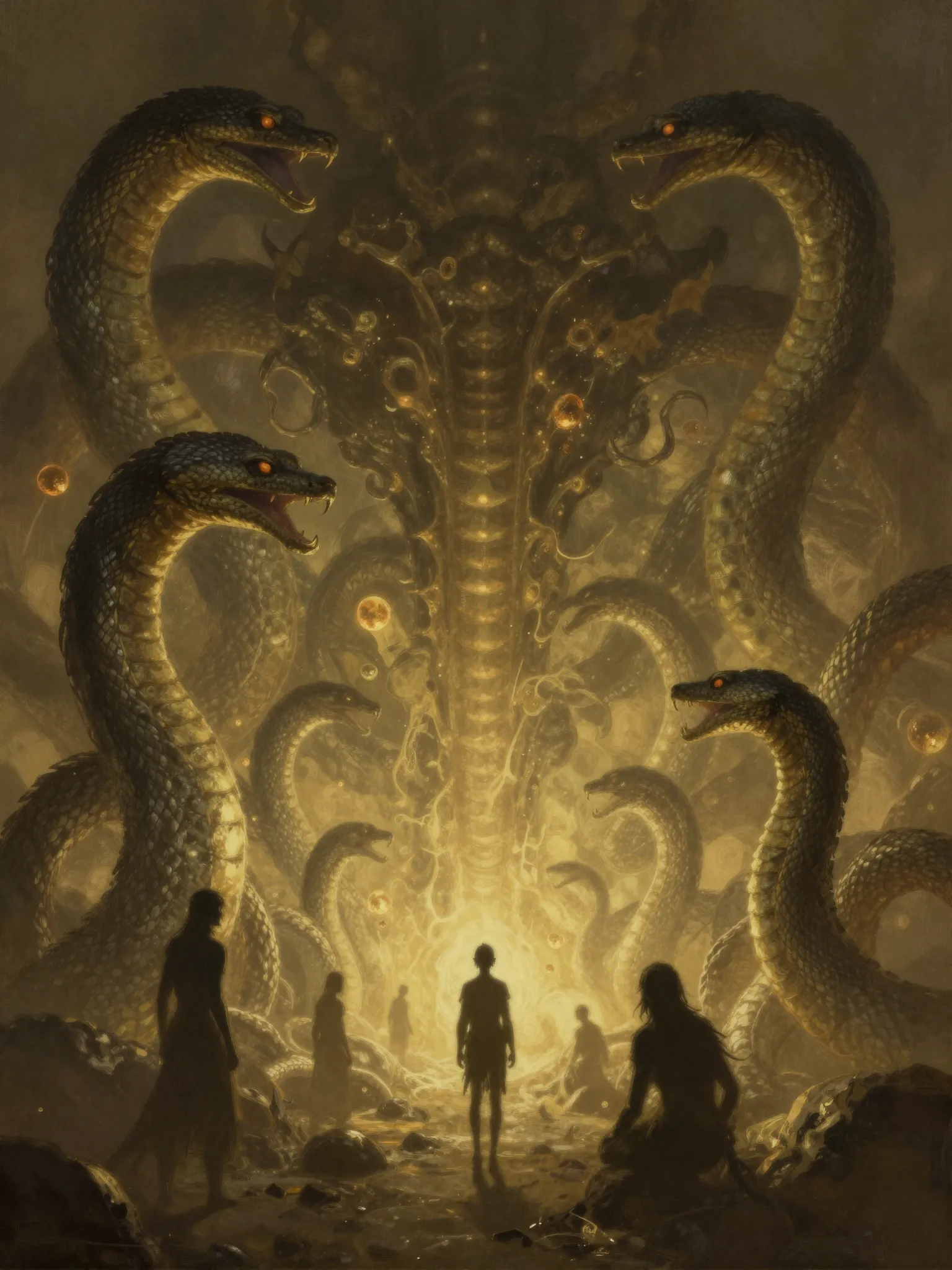
Explore visual inspiration for illustrations, concept art, and your next image brief.

Creative workflow
Explore a new visual direction with xAI.
01
Write a brief with the subject, setting, lighting, and style. Your prompt stays with you when you continue to the image studio.
Try Grok Imagine02
Explore the available aspect ratio, quality, and resolution settings in the studio before you start generation.
Try Grok Imagine03
Review the model's available image inputs and output options in the studio. Adjust your prompt as you develop the next version.
Try Grok ImagineFrom idea to image
Describe the subject, composition, mood, and style you want to explore.
Continue to the image studio with your prompt preserved. Choose the available image settings and review the generation cost.
Generate in the studio, review the image, and adjust your brief for another direction.
Creative possibilities
Illustrations and app visuals
Fantasy settings and concept art
Creative campaign directions
Grok Imagine is xAI's image model in Cuta's image studio. This page helps you prepare a visual brief and explore the model before generating.
AI image models
Compare different image models for your next creative brief.
Create with Cuta
Start with a prompt, choose your settings, and refine your next visual in the image studio.