

Wan 2.7 — AI video generator
Wan 2.7 brings text, starting images, and visual references into your video workflow. Set the duration and format, then explore different motion directions.

Creative examples
Explore visual inspiration for stories, product scenes, and your next video brief.
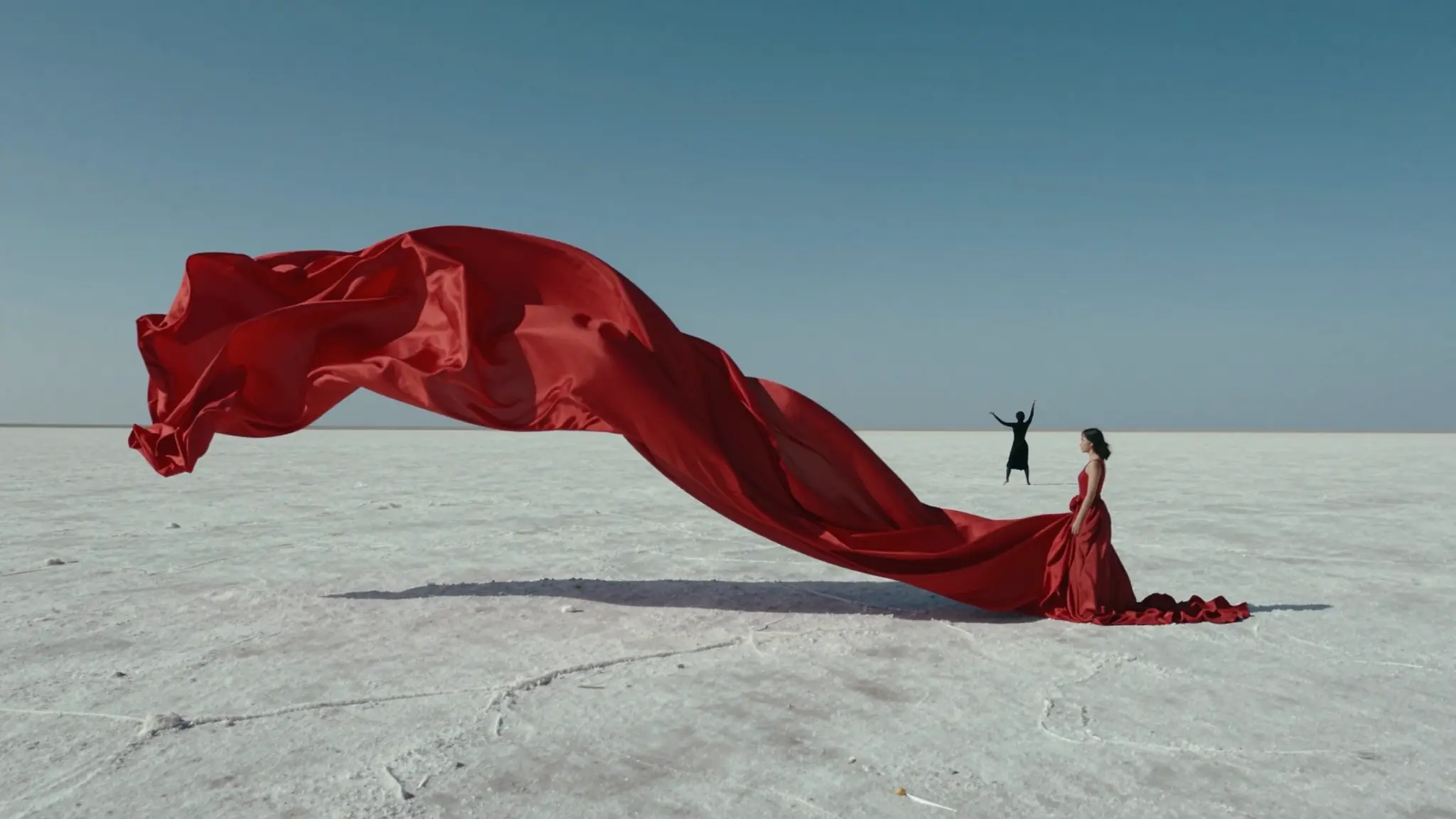
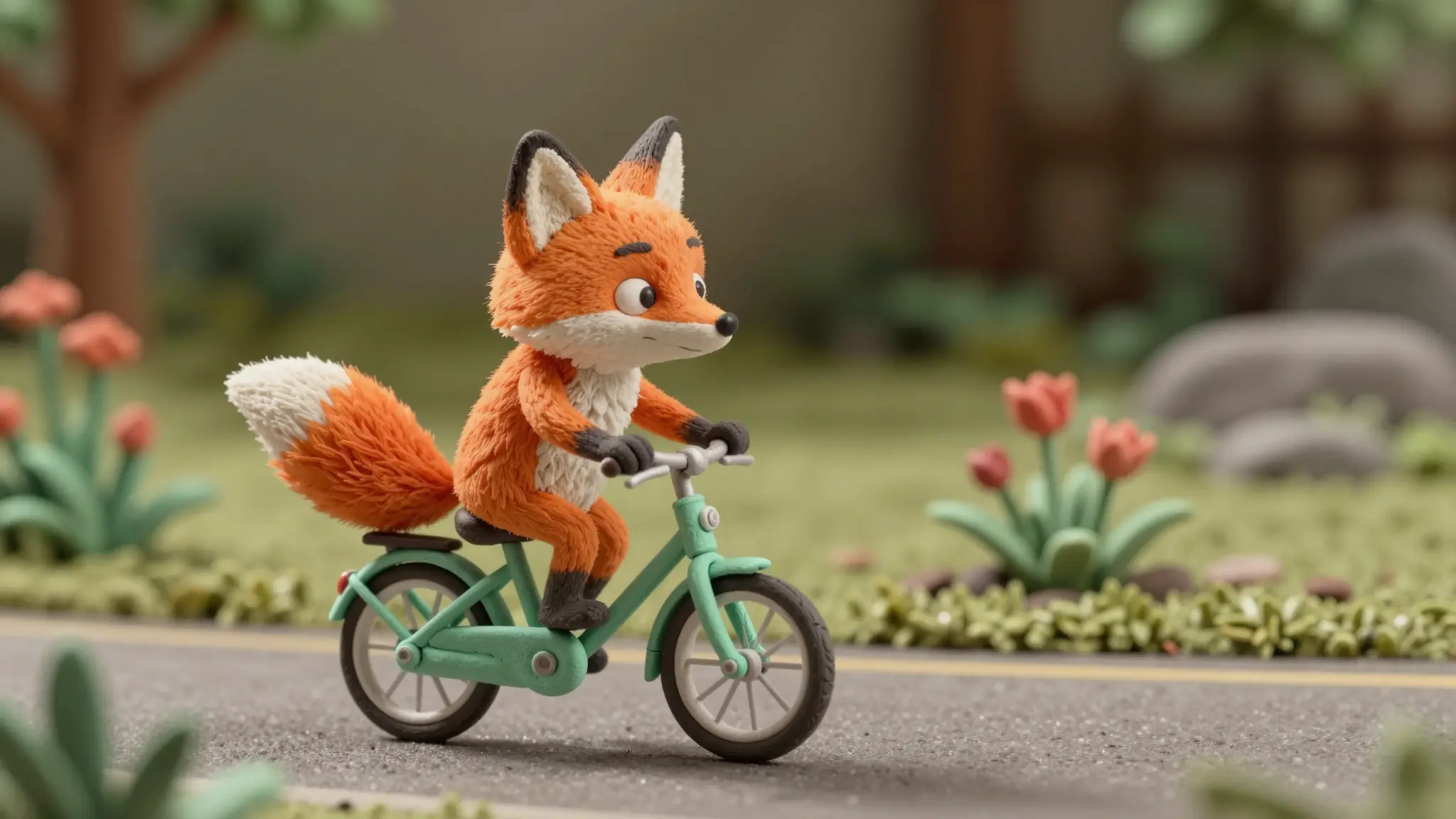
Wan 2.7 features
Flexible duration
Create text-driven clips from 2 to 15 seconds, or reference-driven clips from 2 to 10 seconds
Try Wan 2.7How it works
Step 01
Choose your starting point
Write a prompt, add a starting image, or bring visual references for the scene.
Step 02
Set the shot
Describe the action and camera movement, then choose duration, resolution, and aspect ratio.
Step 03
Compare your takes
Review the generated clip and refine the prompt or references for the next version.
Use cases
Campaign concepts based on a written brief
Try Wan 2.7Product images brought into motion
Try Wan 2.7Social variations guided by visual references
Try Wan 2.7Frequently asked
The create button opens Wan 2.7 in the Cuta model workspace. Other available Wan versions can be selected there.
Explore other models

Grok Imagine
Grok Imagine lets you start with a written scene or a still image. Describe the movement, choose your output settings, and explore different takes inside Cuta.
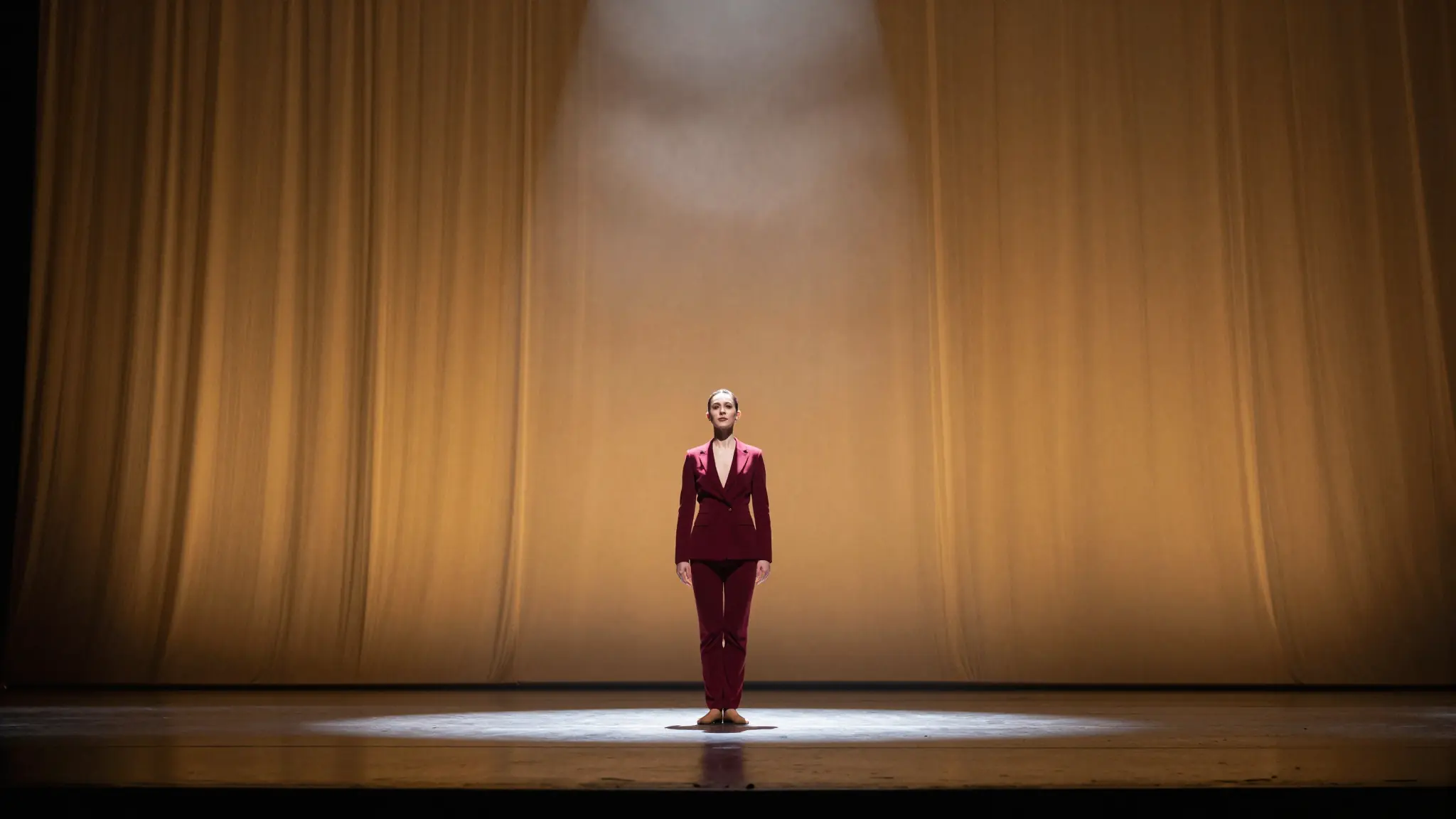
Seedance 2.0
Seedance 2.0 focuses on multi-modal input and synchronized audio—guide characters, style, and choreography with rich references.
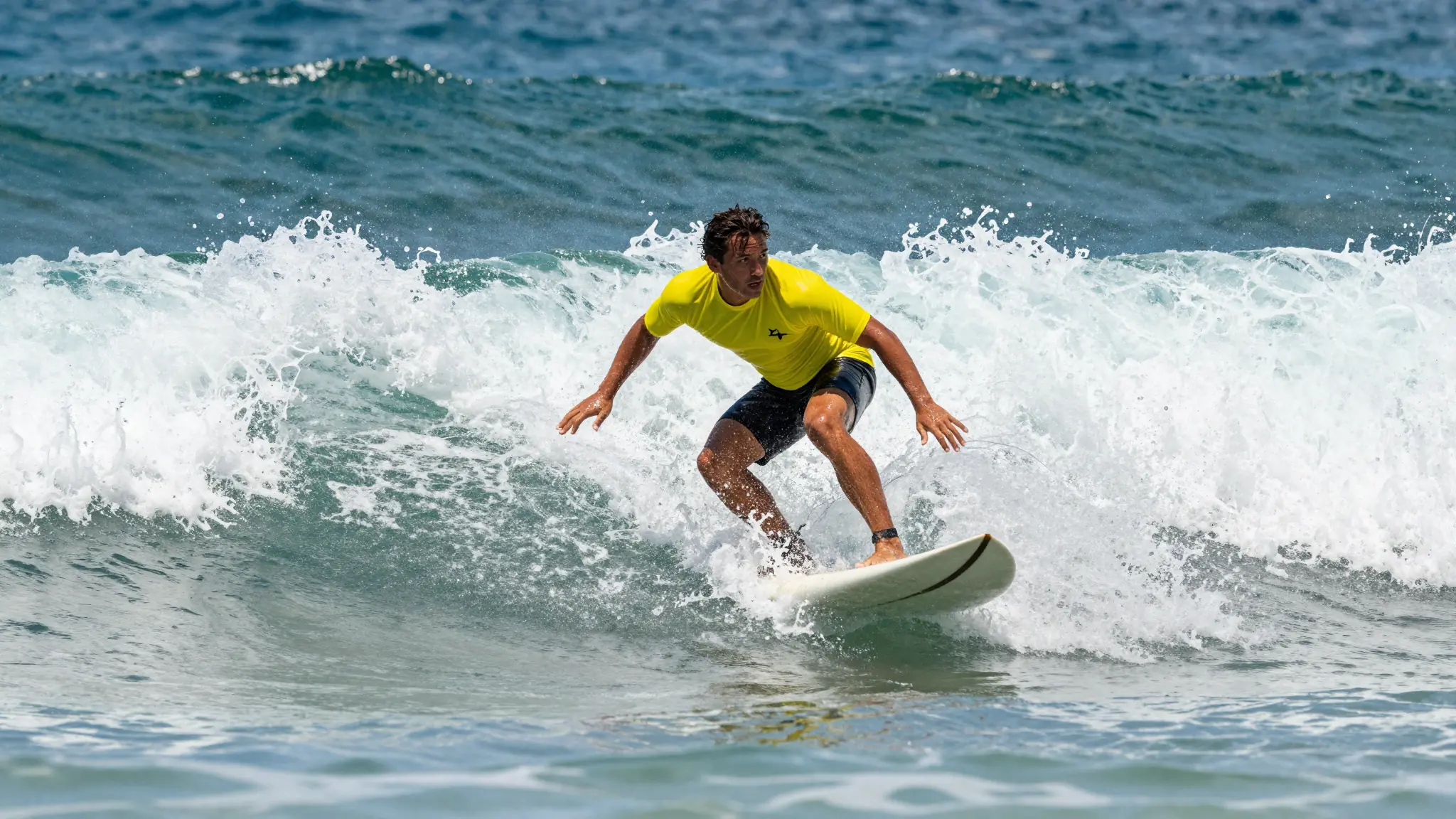
Kling 3.0
Kling emphasizes director-style control, multi-shot structure, and native audio-visual generation—built for narrative clips and polished social ads.