The details to include
Specify eye makeup, lip color, finish, and intensity. A well-lit portrait makes those changes easier to assess.
Try it now
AI image tools
Try a different makeup direction on your photo before choosing a look.
Creative possibilities
Illustrative concepts show framing and visual treatment. Use your own brief and references to create a version for your project.
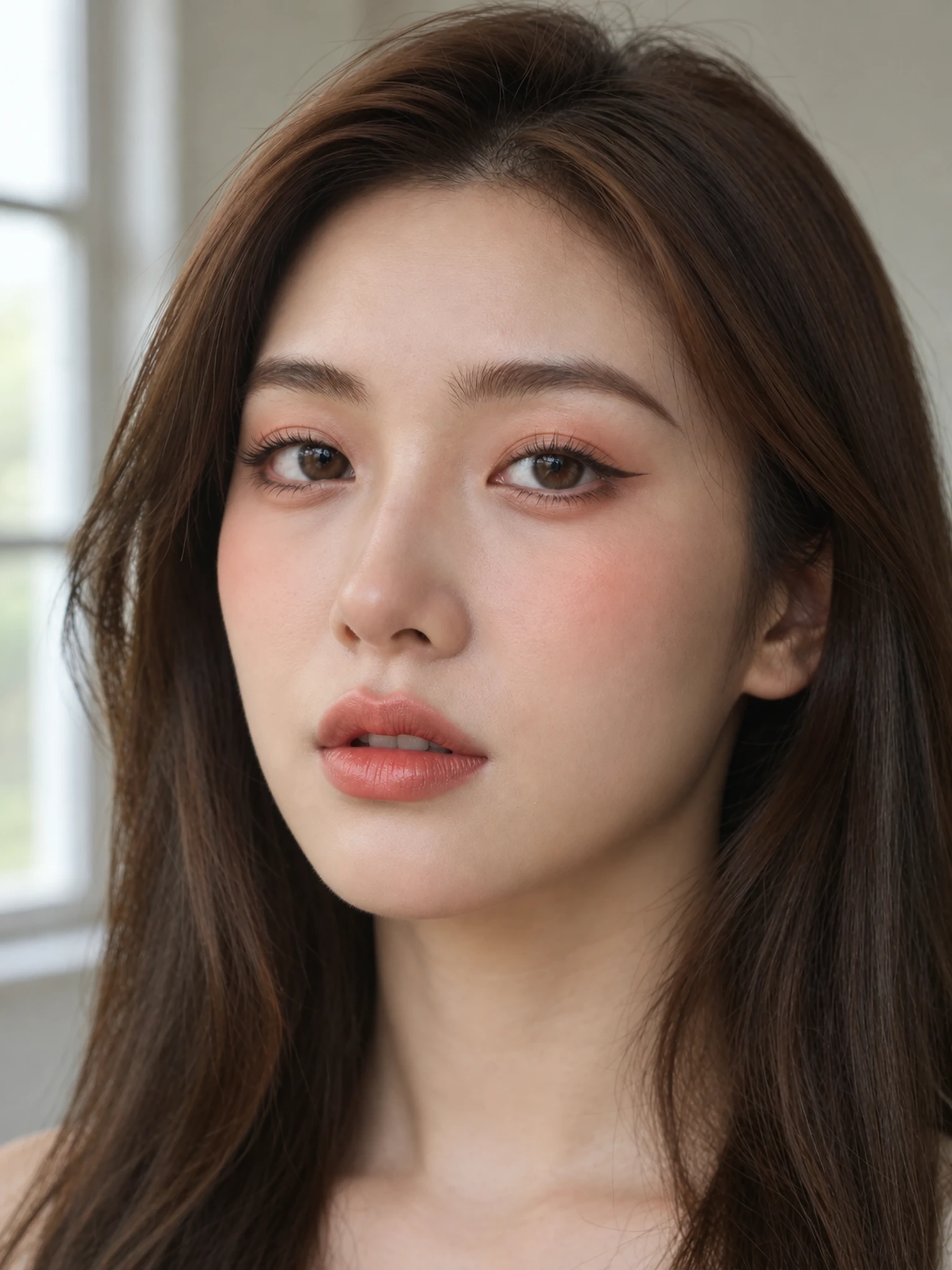
Soft daylight brings out expression and natural skin texture.
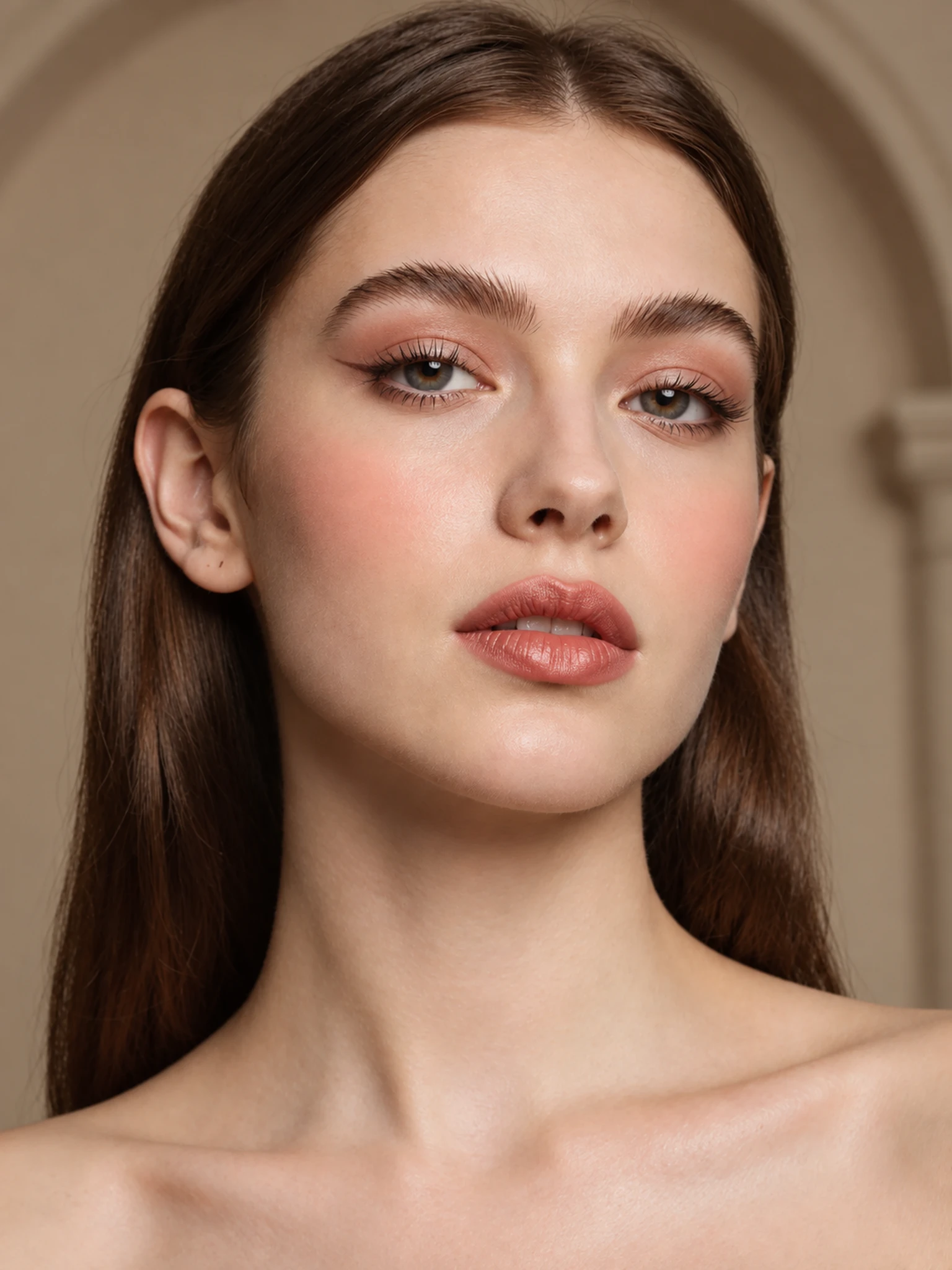
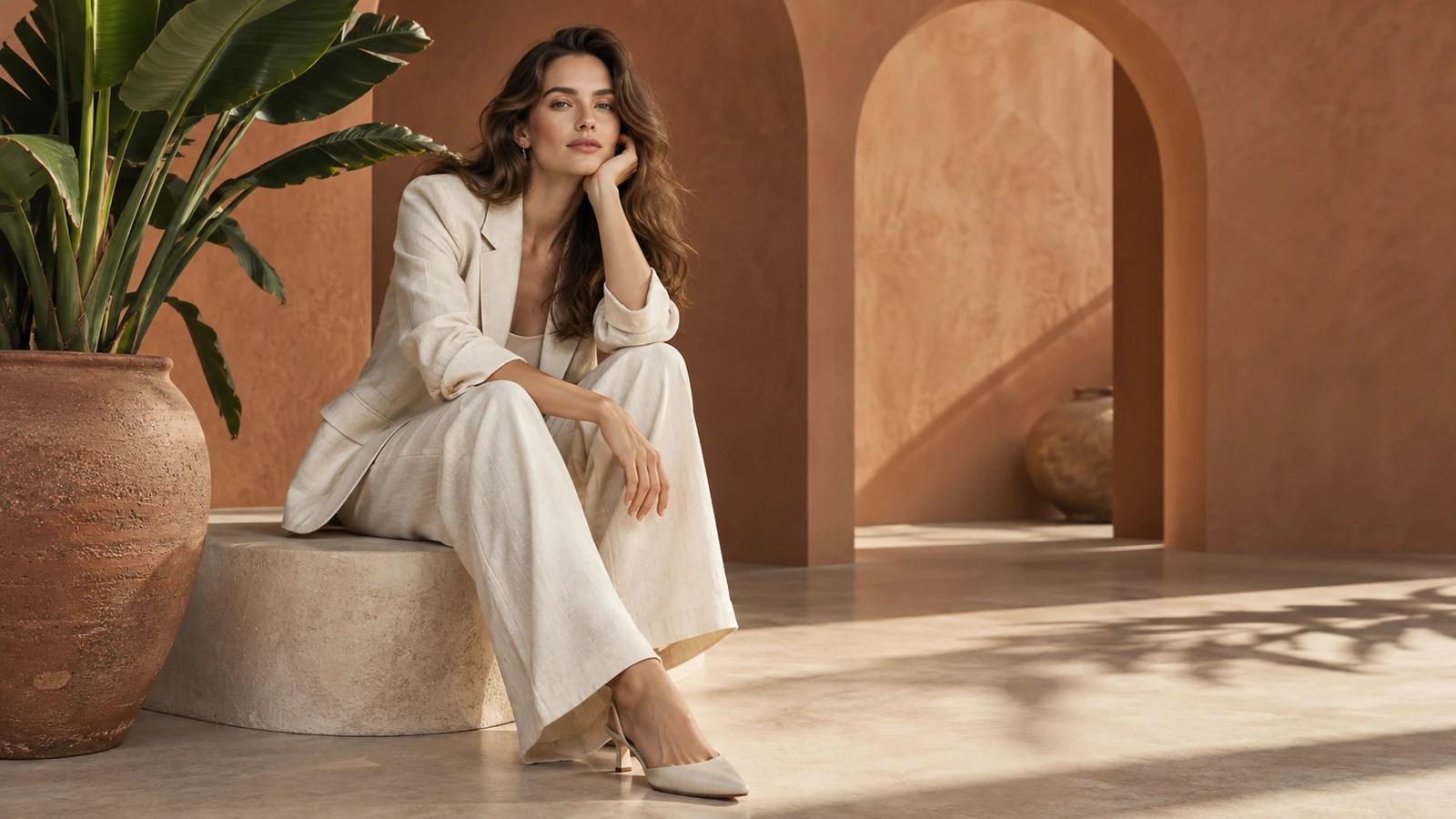
A styled setting gives the portrait a more editorial mood.
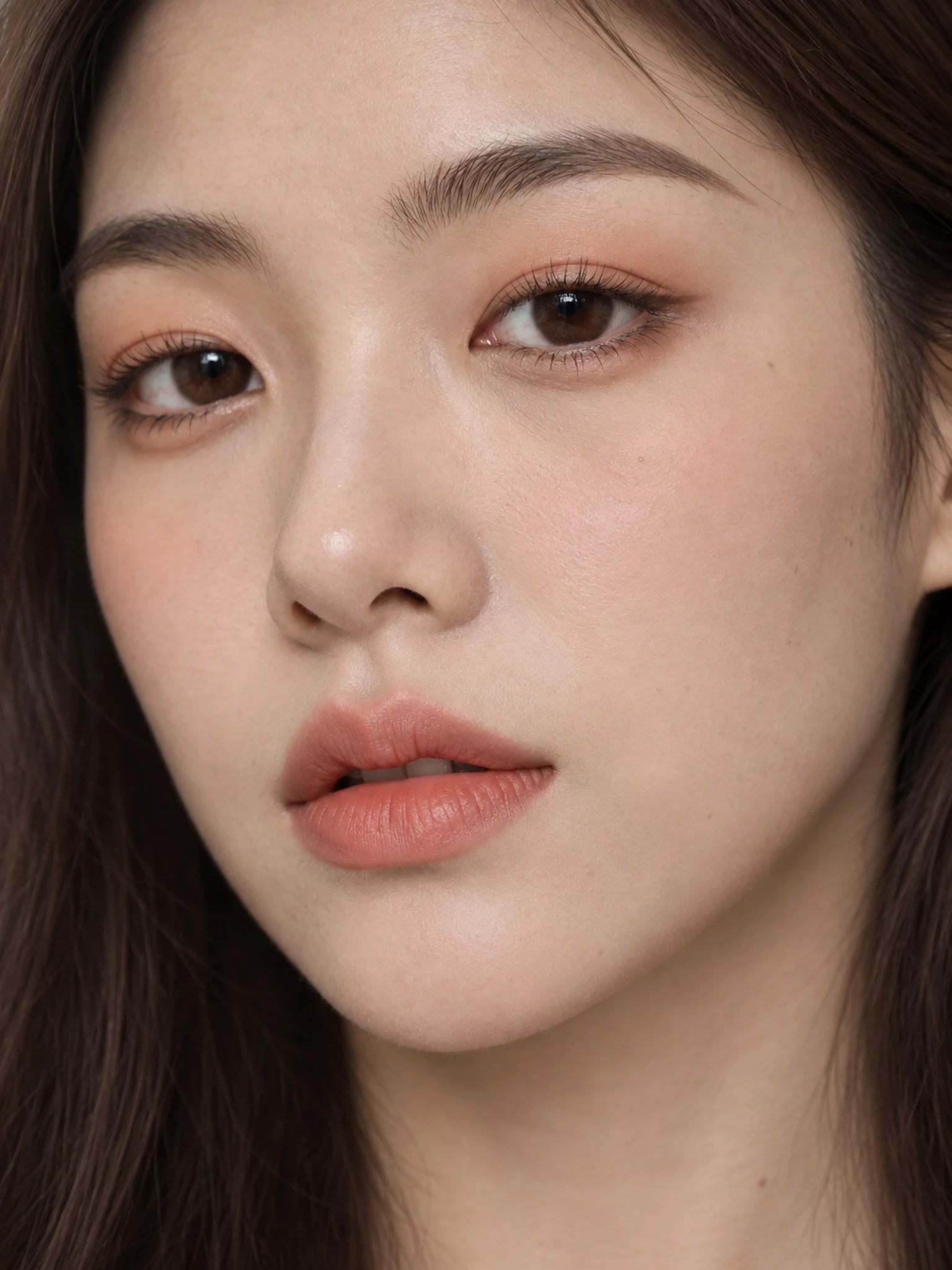
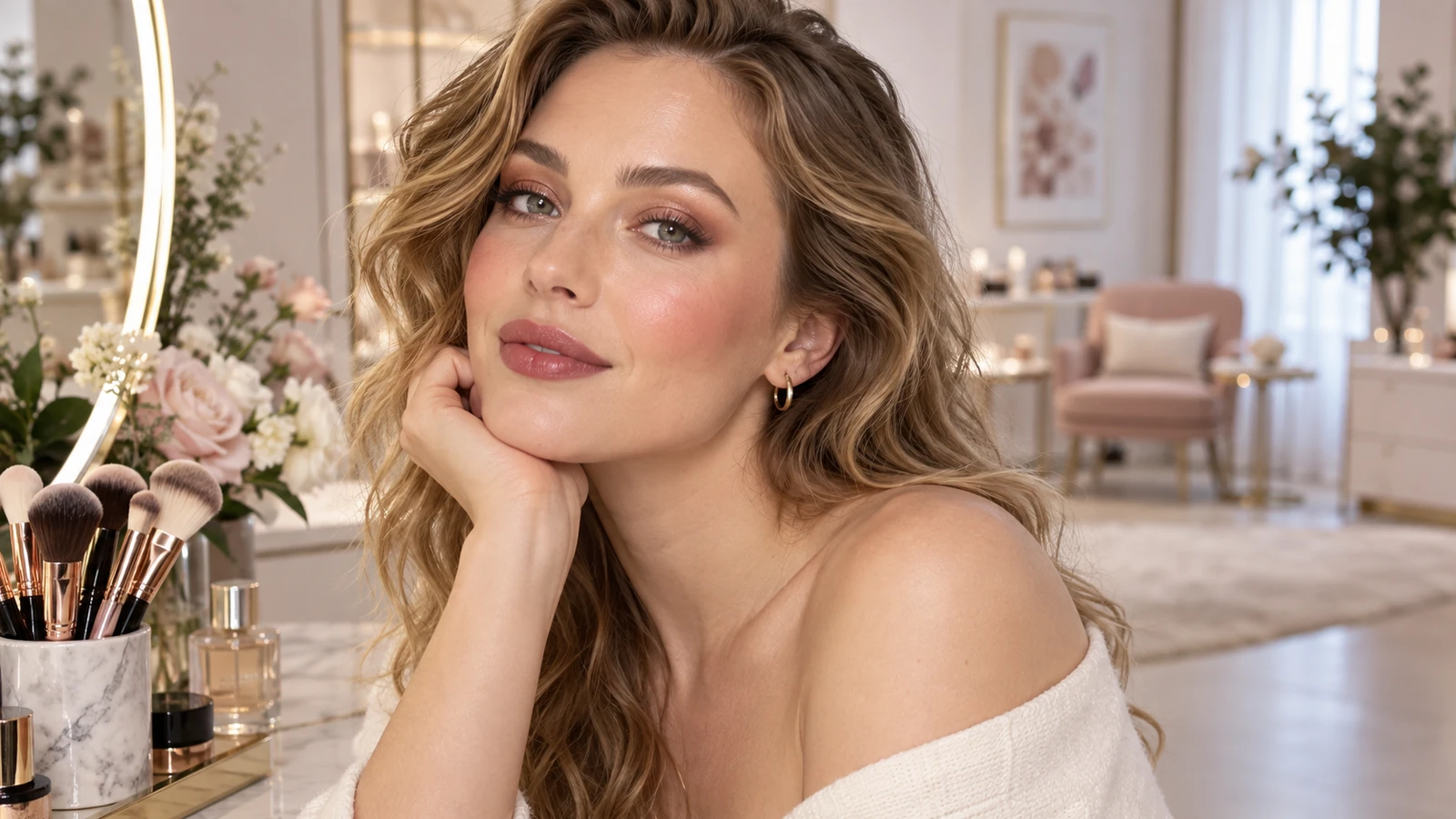
A closer crop puts expression, texture, and light in focus.
Specify eye makeup, lip color, finish, and intensity. A well-lit portrait makes those changes easier to assess.
Try it nowSoft brown eyeliner, peach blush, satin rose lips, natural skin texture. Keep my hairstyle and background.
Try it nowFrom idea to creation
Upload one clear reference image, then add instructions for the result you want.
Specify eye makeup, lip color, finish, and intensity. A well-lit portrait makes those changes easier to assess.
The image is a visual makeup concept; actual shades and finishes depend on products, lighting, and application.
The image is a visual makeup concept; actual shades and finishes depend on products, lighting, and application.
Find your next creative tool
Your next creation starts here
Start with your own content in AI Makeup Generator. Review the settings in Studio and create your result.