Bigger Without the Blur
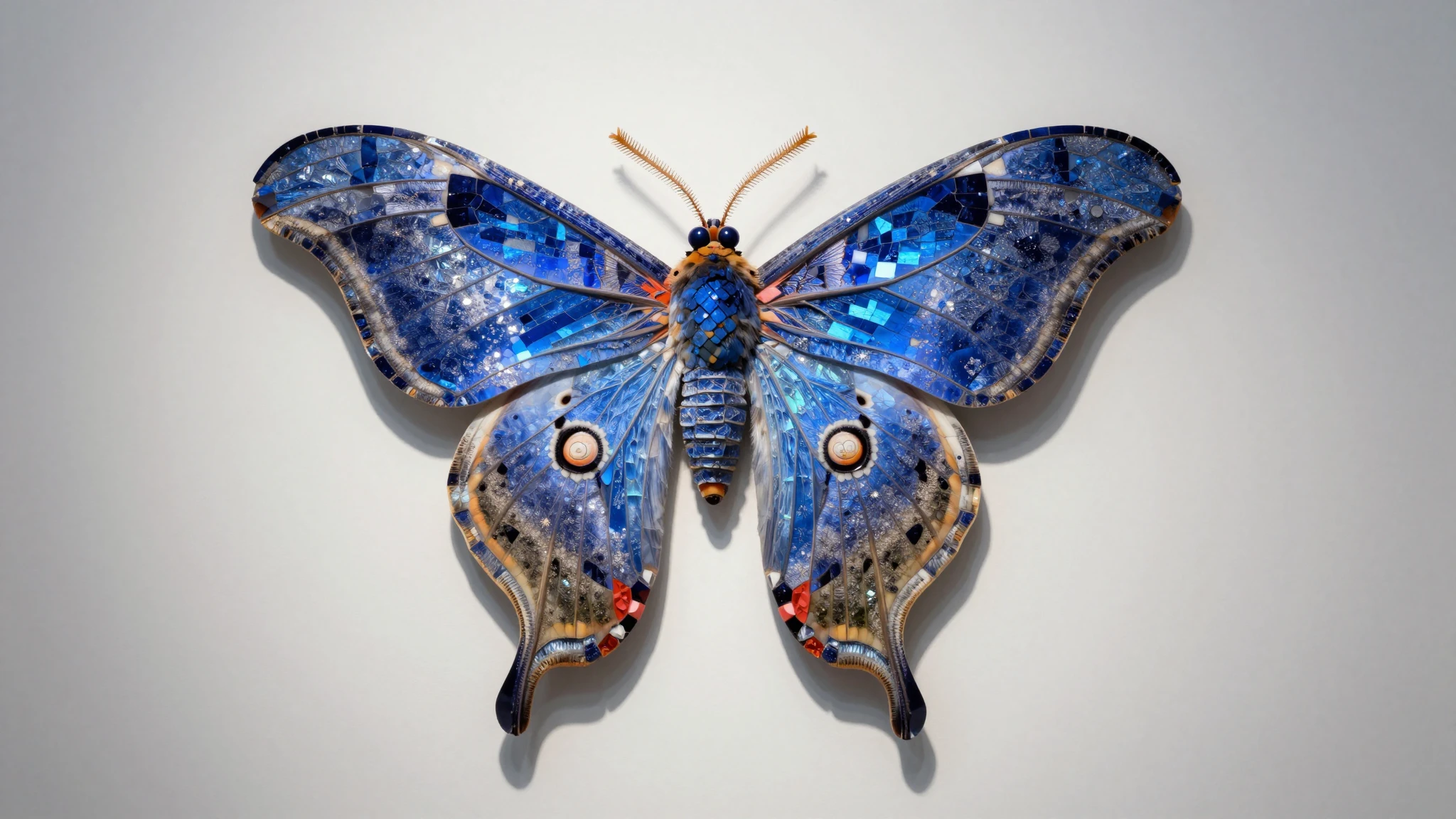
Upload any image and the AI rebuilds it at a higher resolution. It fills in detail across edges, textures, and fine areas. The result holds up when you crop, zoom, or print larger, instead of going soft.

Resolution Increaser online
Increase image resolution with Cuta's free AI resolution increaser. Add real detail, not stretched pixels. Choose Precise, Refined, or Creative mode and download in JPEG, PNG, or WEBP.
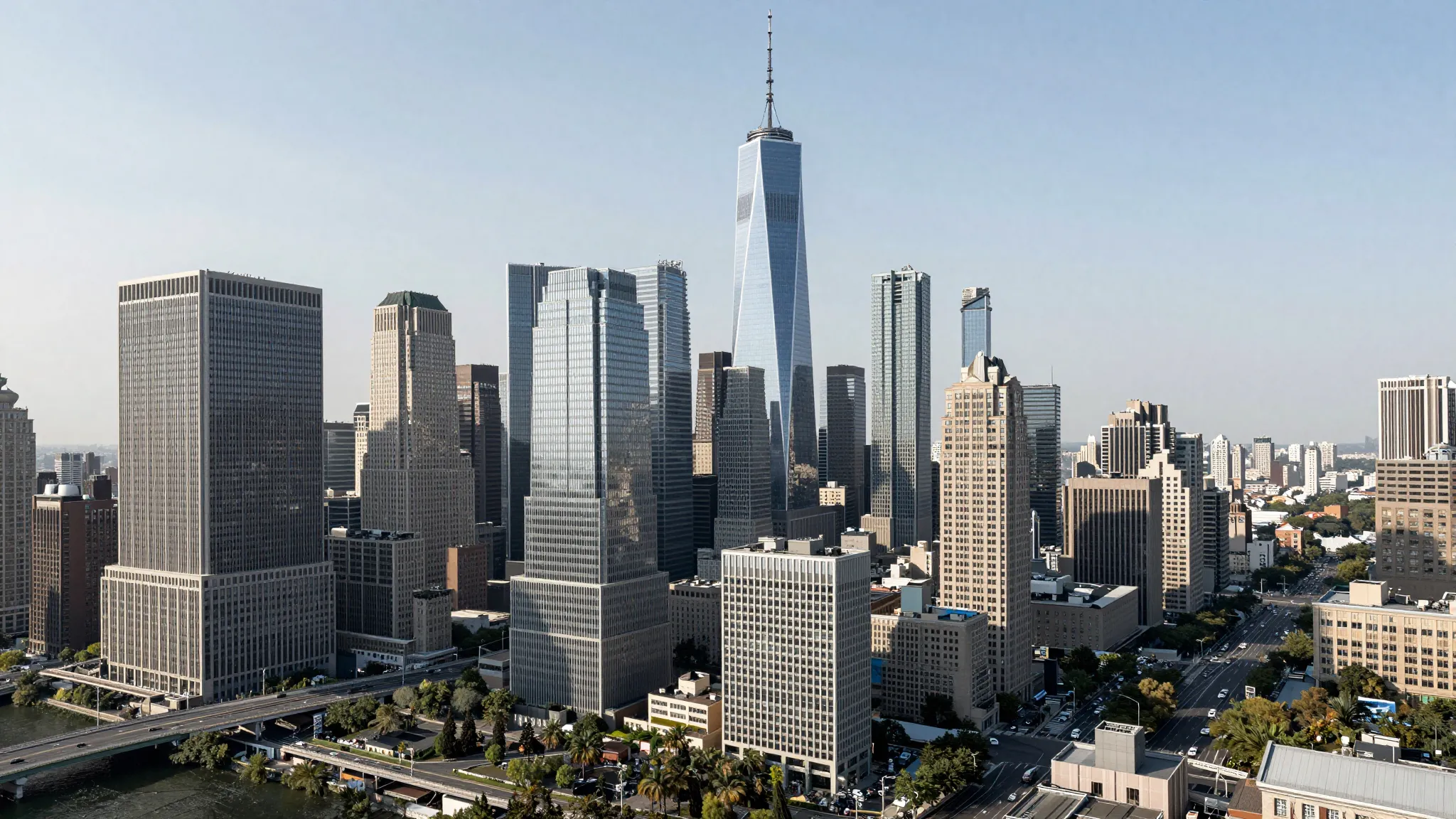
Upload any image and the AI rebuilds it at a higher resolution. It fills in detail across edges, textures, and fine areas. The result holds up when you crop, zoom, or print larger, instead of going soft.
Choose Precise to stay faithful to the original, Refined for a cleaner balanced result, or Creative when you want the AI to add more detail. The mode decides how much the image can change as it scales up.
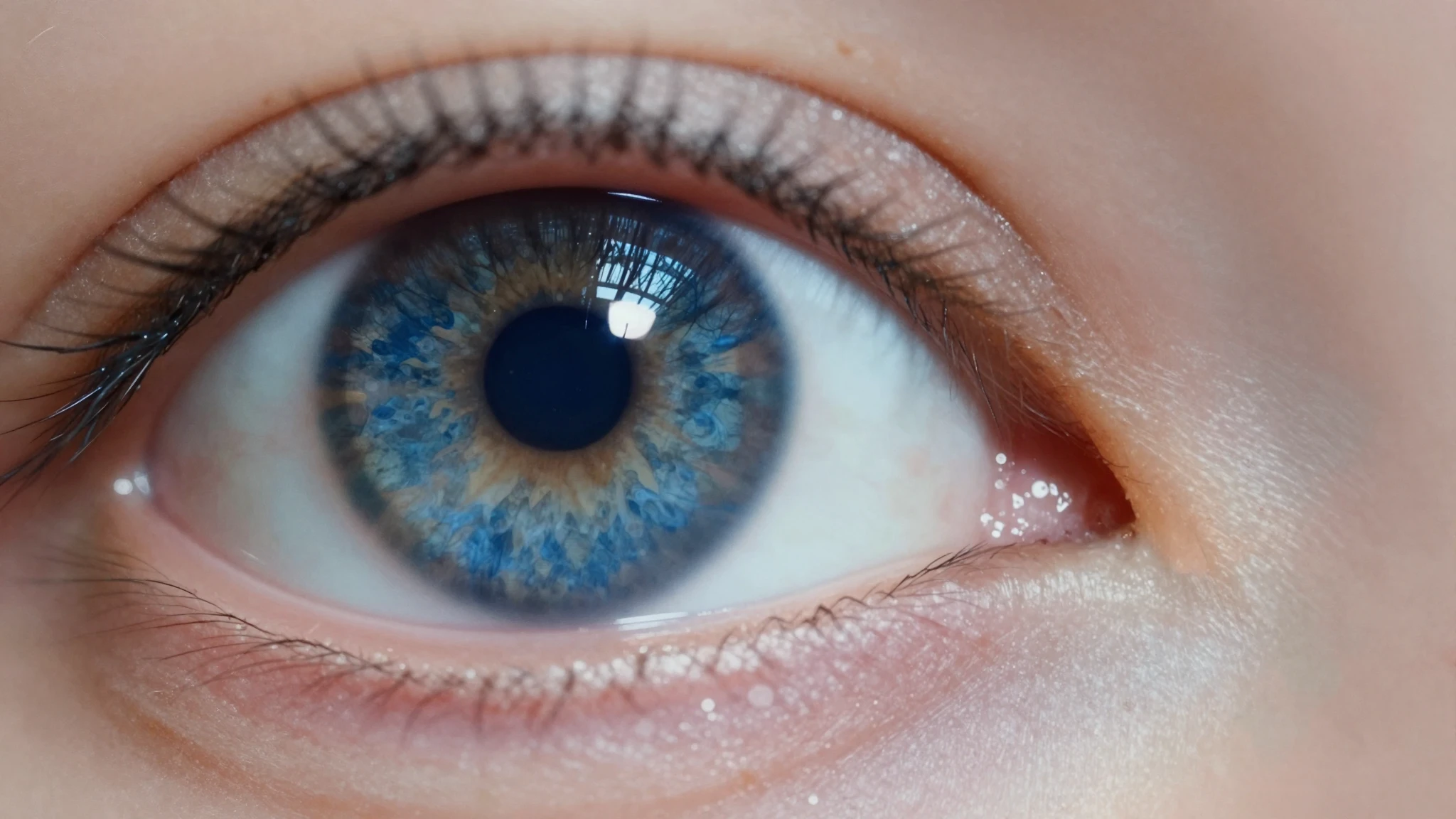
Turn on skin enhancement and faces come out sharp and believable, not smoothed into plastic. Portraits keep real texture while everything else gets cleaner.
From idea to creation
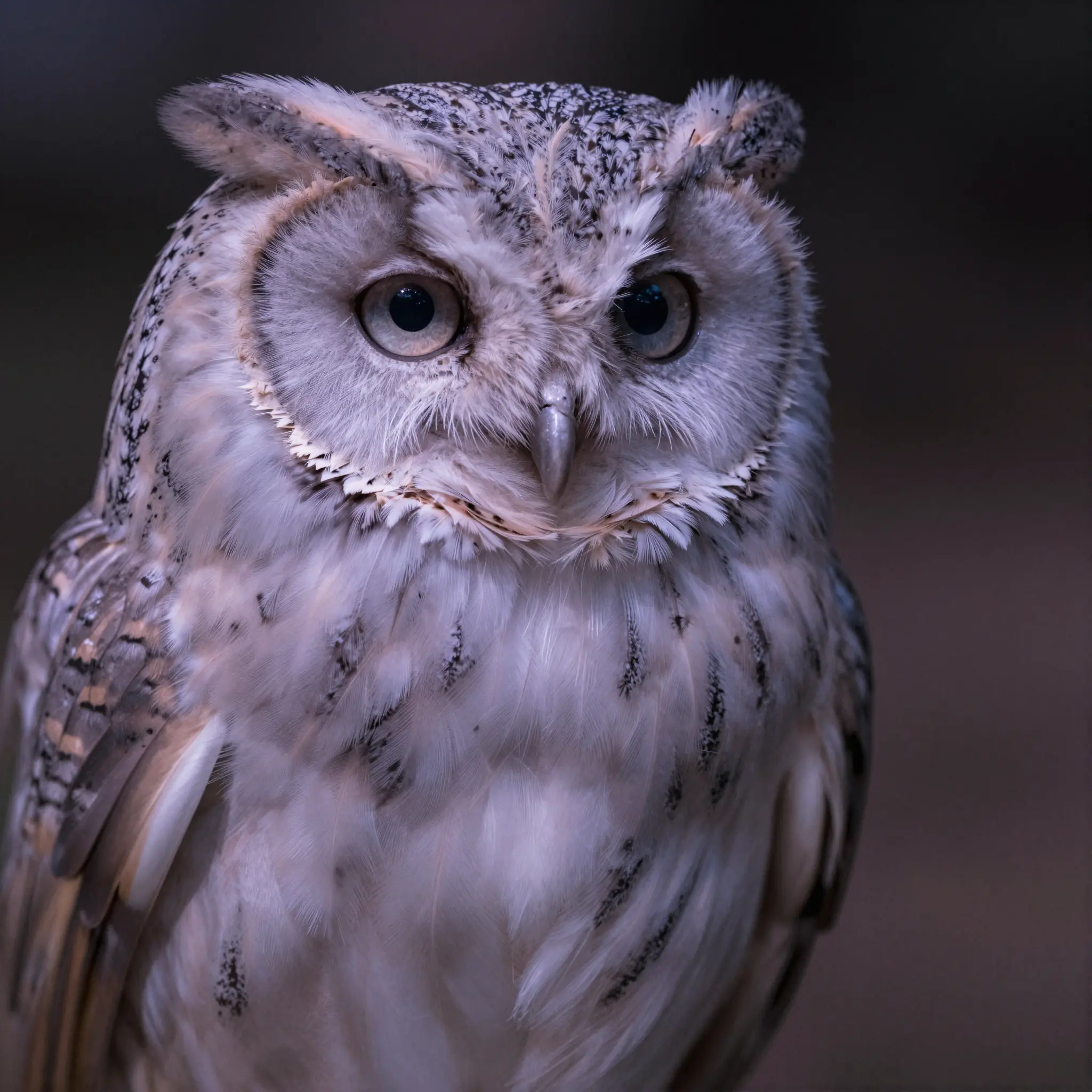
Open Cuta’s Image Upscaler and drop in the photo you want to scale up. Works with JPEG, PNG, and WEBP.
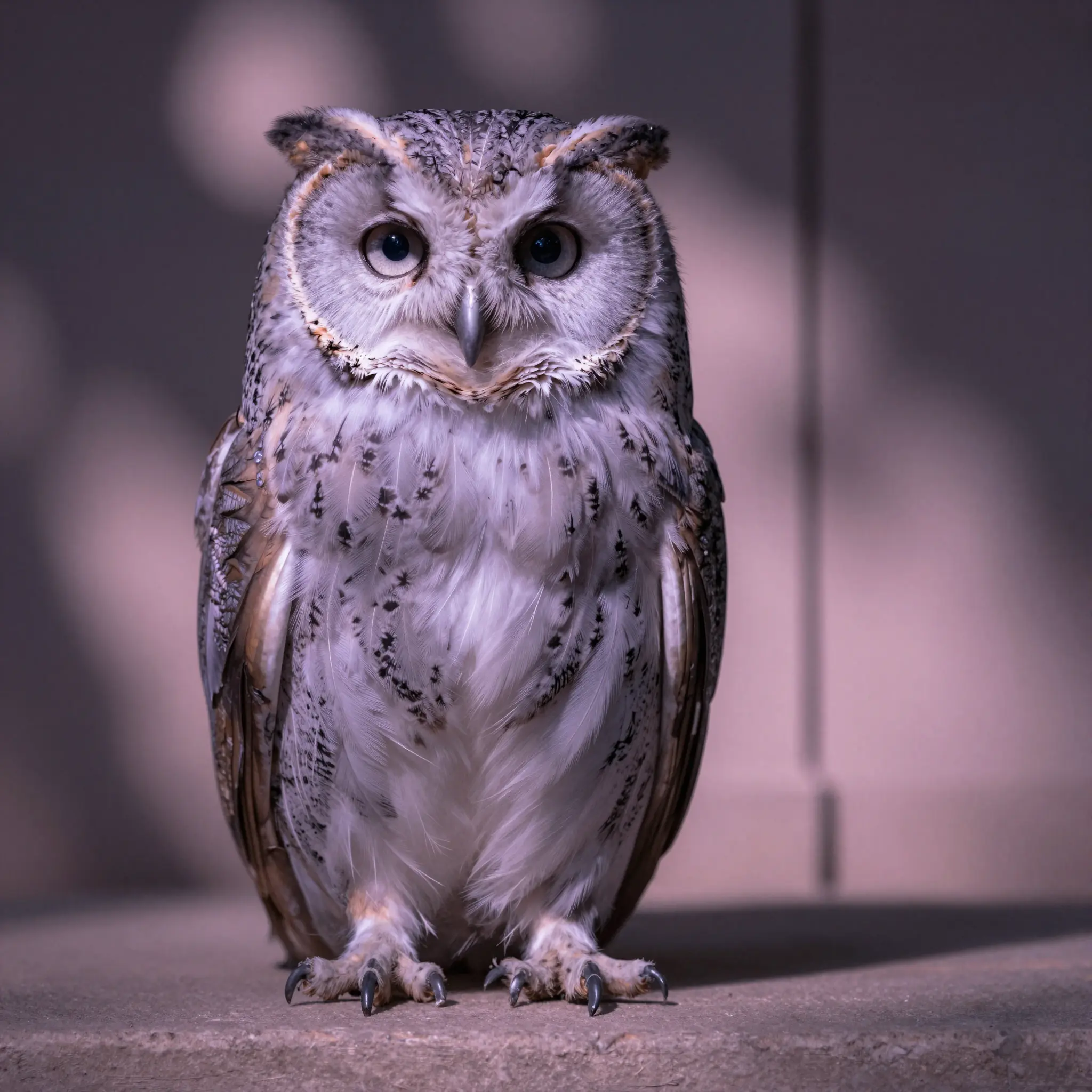
Choose an upscale mode (Precise, Refined, or Creative), set Fast or Ultra quality, and toggle skin enhancement if there are faces in the shot.
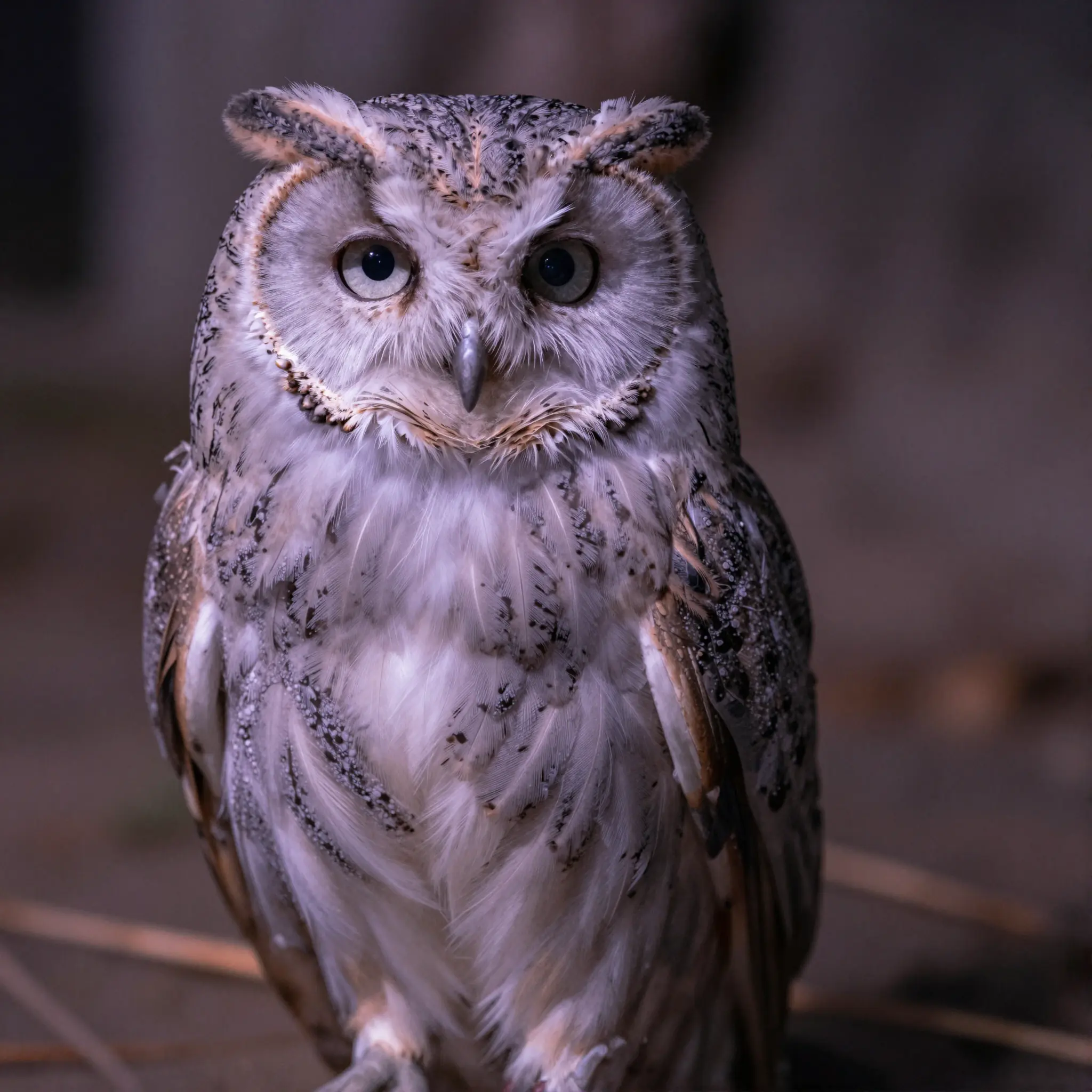
Run it, review the result, and download your higher-resolution image. Compare it to the original and push the mode further if you want more detail.
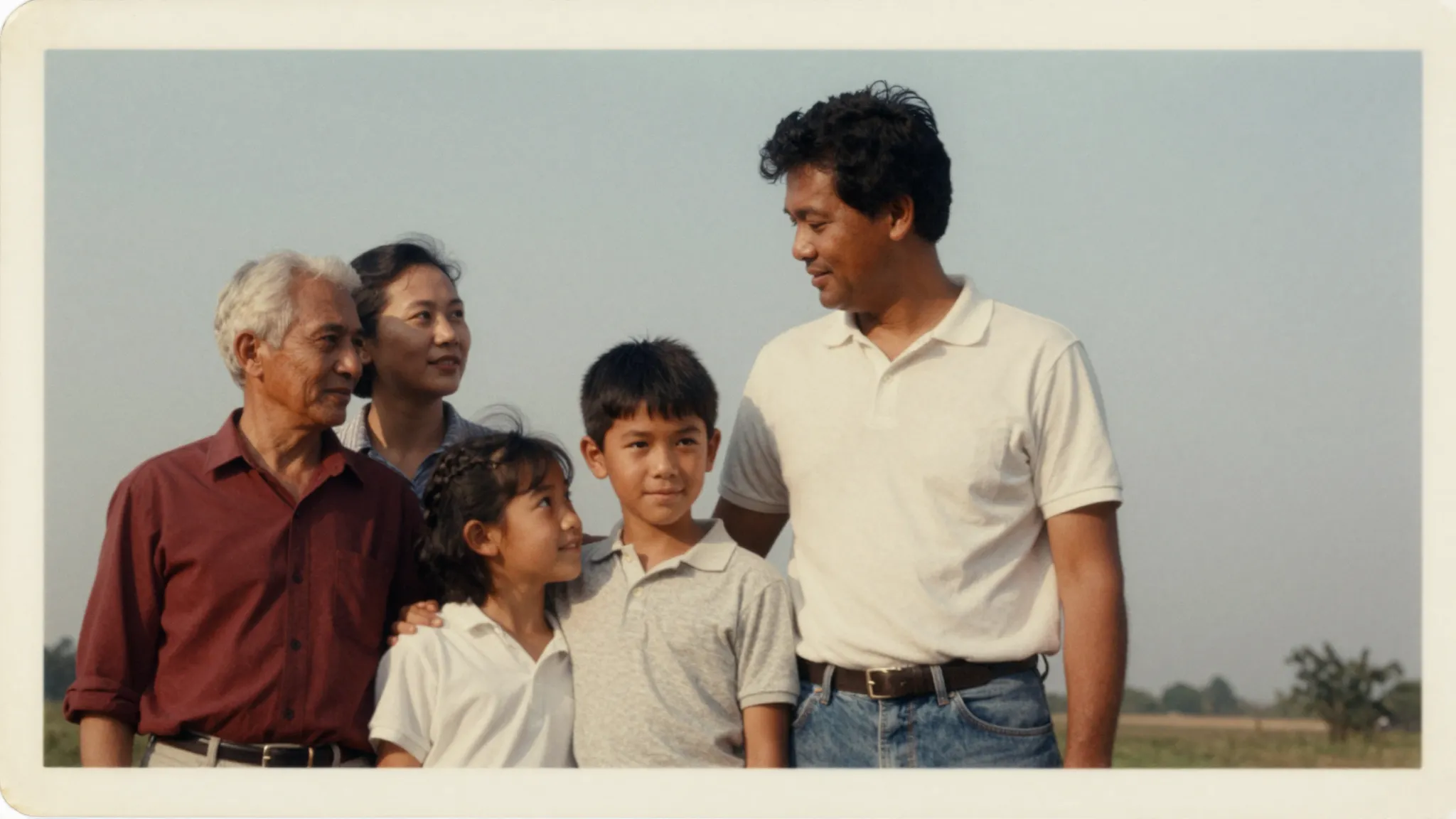
Bring older or low-resolution shots up to a size you can crop, print, or frame. The AI adds detail while keeping the photo looking real, so you spend less time rescuing files or reshooting.
Try it nowProduct shots and graphics often need to be larger and sharper for listings, banners, or print. Increase the resolution and download a clean result that looks professional at any size.
Try it nowReposted images, screenshots, and thumbnails often come out blurry. Scale them up to a crisp version that looks sharp on every screen and stands out in the feed. For YouTube specifically, the YouTube Thumbnail Maker lets you create and upscale thumbnails in one place before you export.
Try it nowLogos, reference images, and handoffs rarely arrive at the right size. Increase their resolution so they hold up in layouts, mockups, and large-format work without looking soft.
Try it nowGenerated an image you love but it came out small? Increase its resolution so it is ready for print-on-demand, large display, or a portfolio. Create the next one directly in the AI Image Generator and upscale it without leaving Cuta.
Try it nowYou can start free. Increasing resolution runs in the Cuta Suite, so you sign in and use your free credits, then move to a paid plan if you need higher volume or Ultra quality on every image.
Find your next creative tool
Your next creation starts here
Start with your own content in Resolution Increaser. Review the settings in Studio and create your result.