
Cuta
4K Image Upscaler online

4K Image Upscaler

Upscale images to 4K with Cuta's AI Image Upscaler. Enlarge photos, AI art, product shots, and portraits online, sharper detail, natural faces, no download needed.

Best Settings for Different Image Types

4K Image Upscaler

4K Image Upscaler

For Portraits

Use Precise or Refined first. Turn on skin enhancement. The goal is to improve sharpness without changing the person's identity or making skin look artificial. If the face still looks soft after the first pass, try Refined before moving to Creative.

Try it now

4K Image Upscaler

4K Image Upscaler

For Product Photos

Use Precise for clean product edges and packaging details. If the original image is noisy or compressed, try Refined to clean it up. Avoid too much creative enhancement if the product must stay accurate. Always check the final output at full size before publishing.

Try it now

4K Image Upscaler

4K Image Upscaler

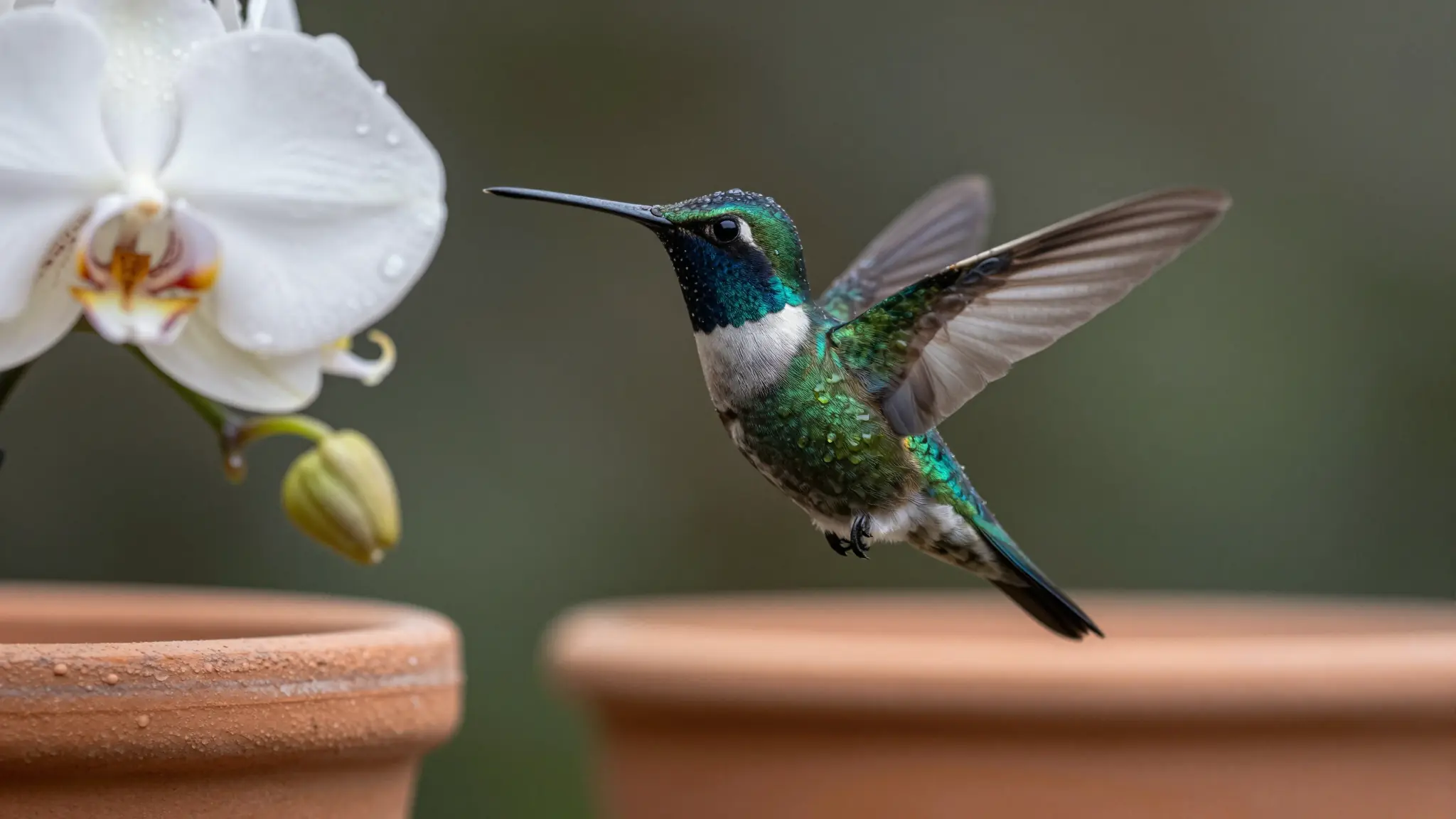
For AI Art

Use Creative when the image can benefit from added detail, richer texture, and stronger line work. AI-generated art usually handles creative upscaling well because the output does not need to match a real-world reference exactly. If the result feels overdone, step back to Refined.

Try it now

4K Image Upscaler

4K Image Upscaler

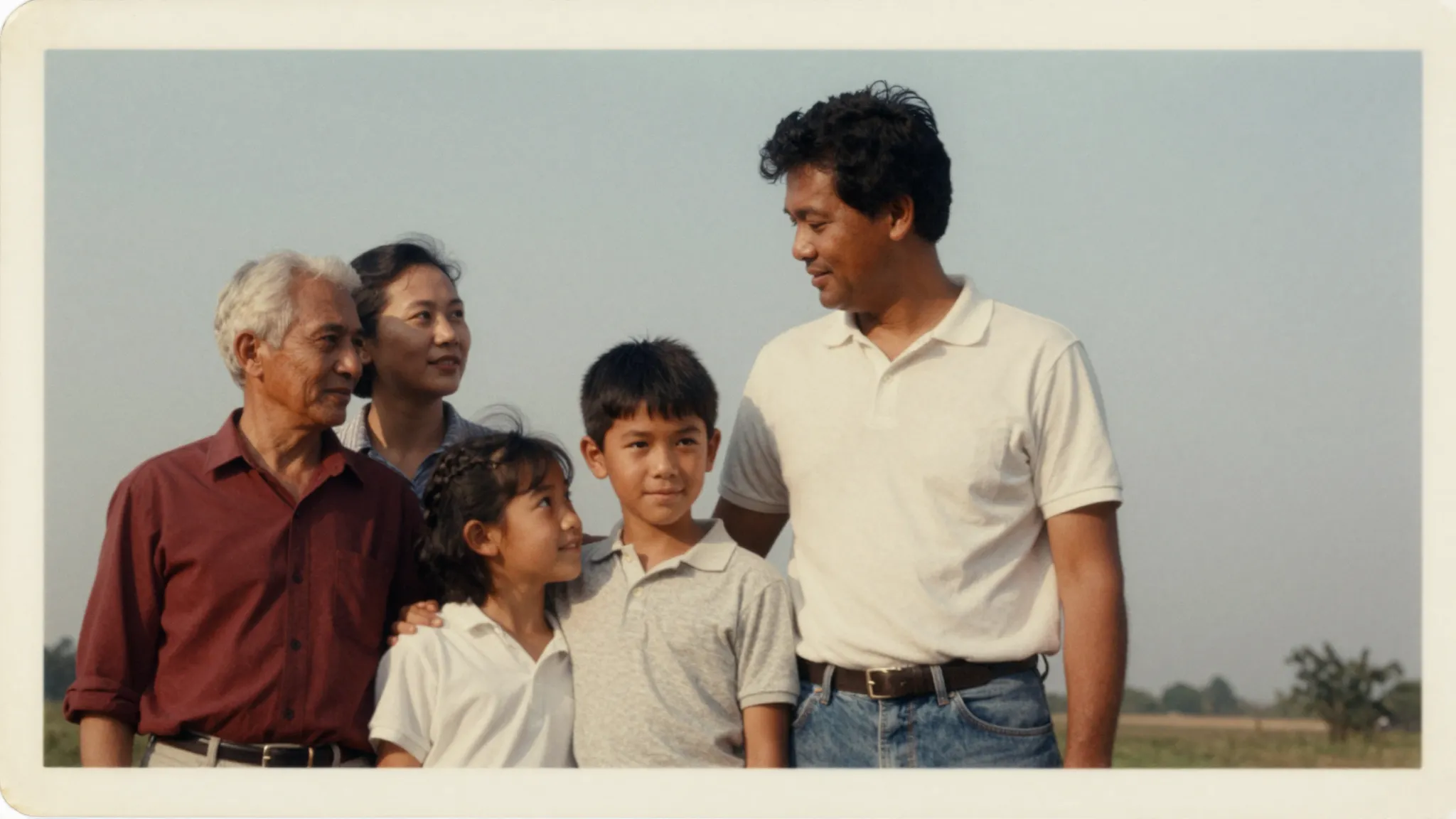
For Old Photos

Start with Precise or Refined. Old photos need clarity, but they also need respect. Too much creative detail can make faces or backgrounds feel invented. If the result looks too changed, reduce the creative setting and run it again.

Try it now

4K Image Upscaler

4K Image Upscaler

For Logos And Text

Use Precise. AI upscalers can improve edges, but small text and logos need careful review. Creative mode can reinterpret fine lines or letterforms in ways that look wrong. Always check the final file at full size before using it in brand or client work.

Try it now

4K Image Upscaler

4K Image Upscaler

For Screenshots And UI Captures

Use Precise. Screenshots rely on sharp edges, readable text, and pixel-accurate layouts. Creative mode can blur interface elements or reinterpret small icons in ways that look wrong. If the screenshot includes fine text or UI components, review the output at full size before use.

Try it now

Built For Every Image Type

BeforeAfter

4K Image Upscaler

4K Image Upscaler

Old Photos And Personal Memories

Old images are often small, scanned, compressed, or blurry. Cuta can enlarge them and rebuild detail so they look cleaner on modern screens. For family photos, vintage prints, and older digital files, use a more faithful mode first so the result still feels like the original memory.

Try it now
BeforeAfter

4K Image Upscaler

4K Image Upscaler

Product Photos And Ecommerce Images

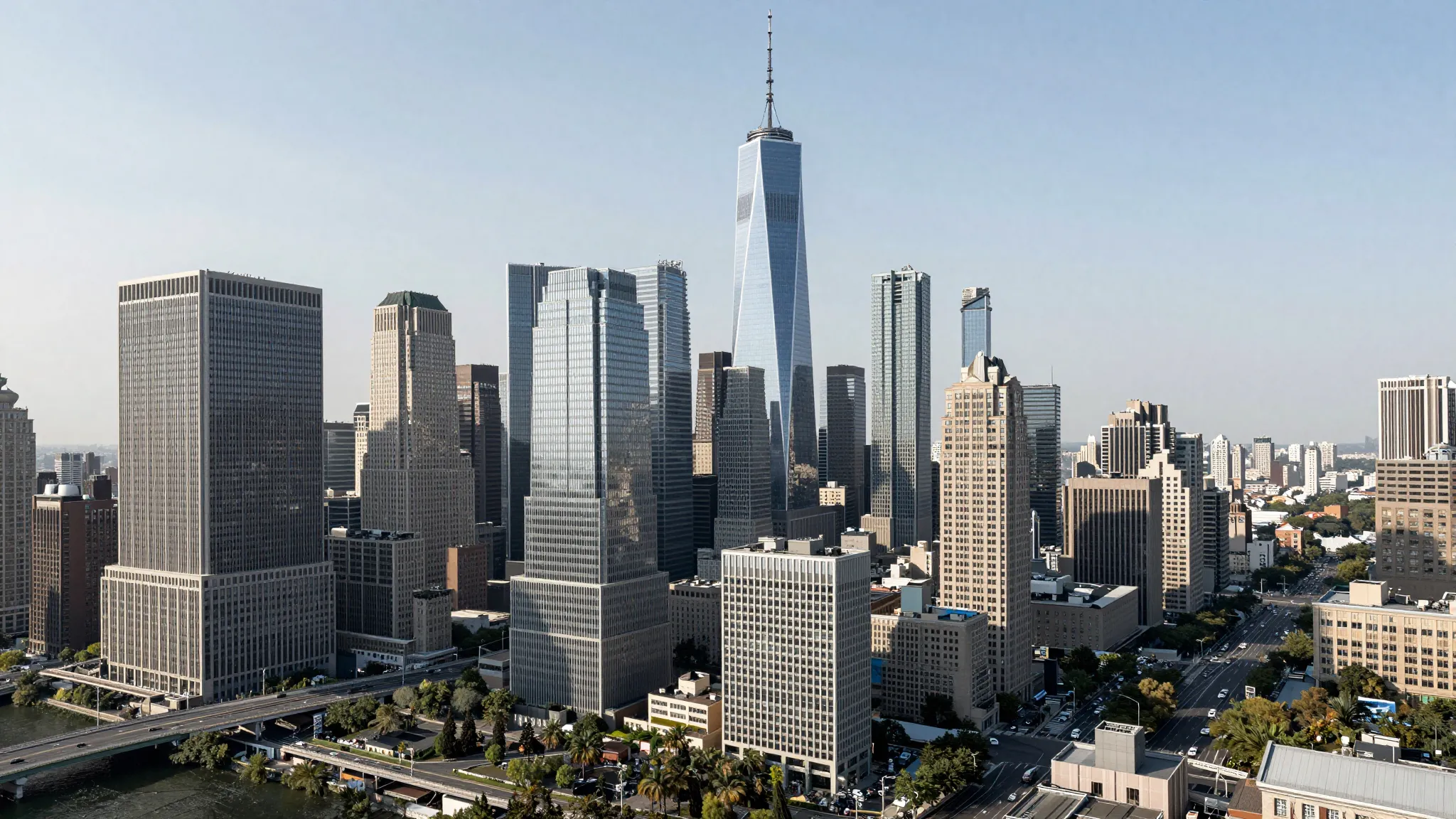
Small product photos make a store feel less trustworthy. Use the 4K image upscaler to sharpen edges, fabric texture, packaging detail, and lifestyle shots before placing them on product pages, marketplace listings, ads, or banners. A clearer image can make the product feel more premium without a reshoot.

Try it now
BeforeAfter

4K Image Upscaler

4K Image Upscaler

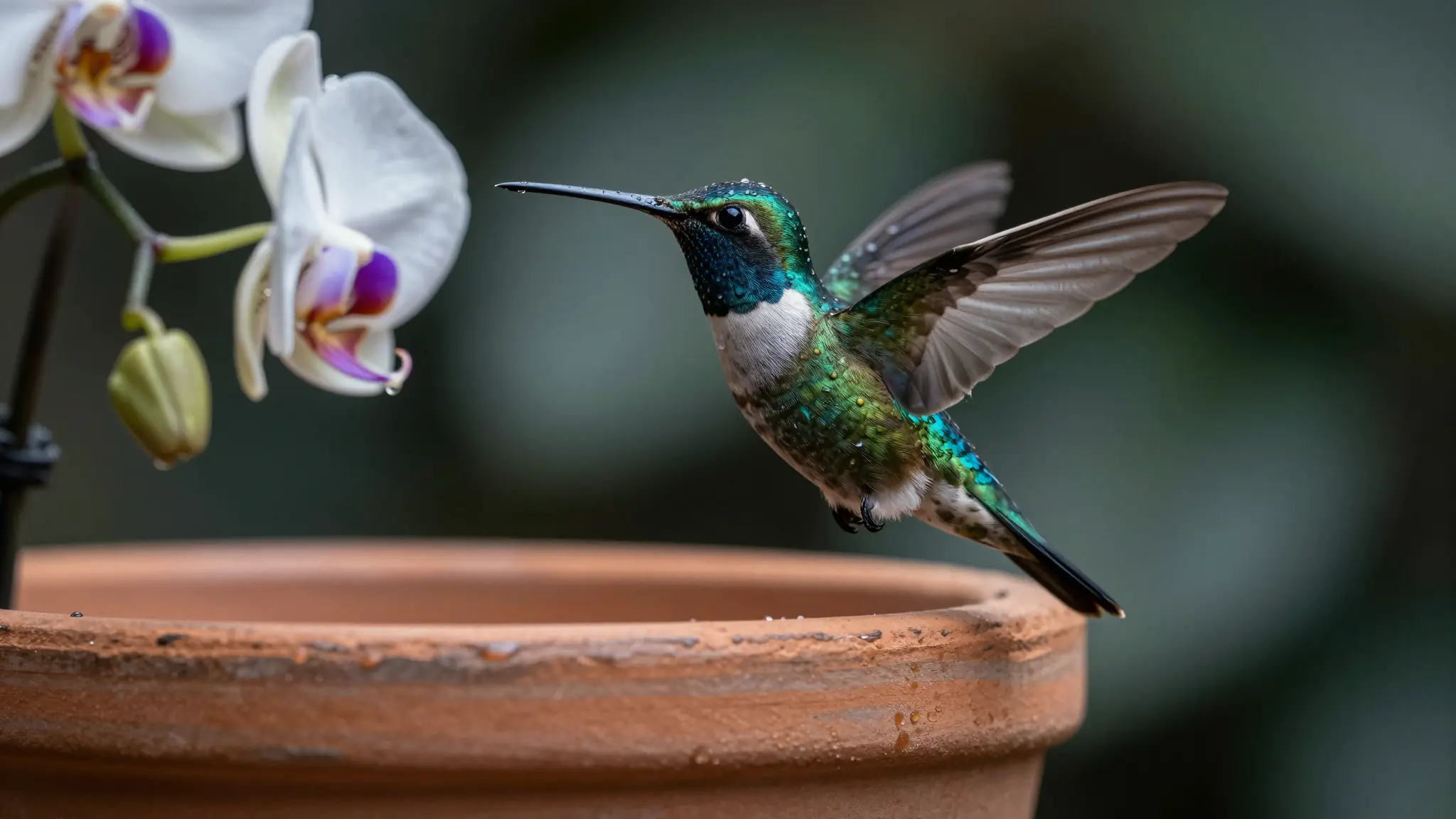
AI-Generated Art And Illustrations

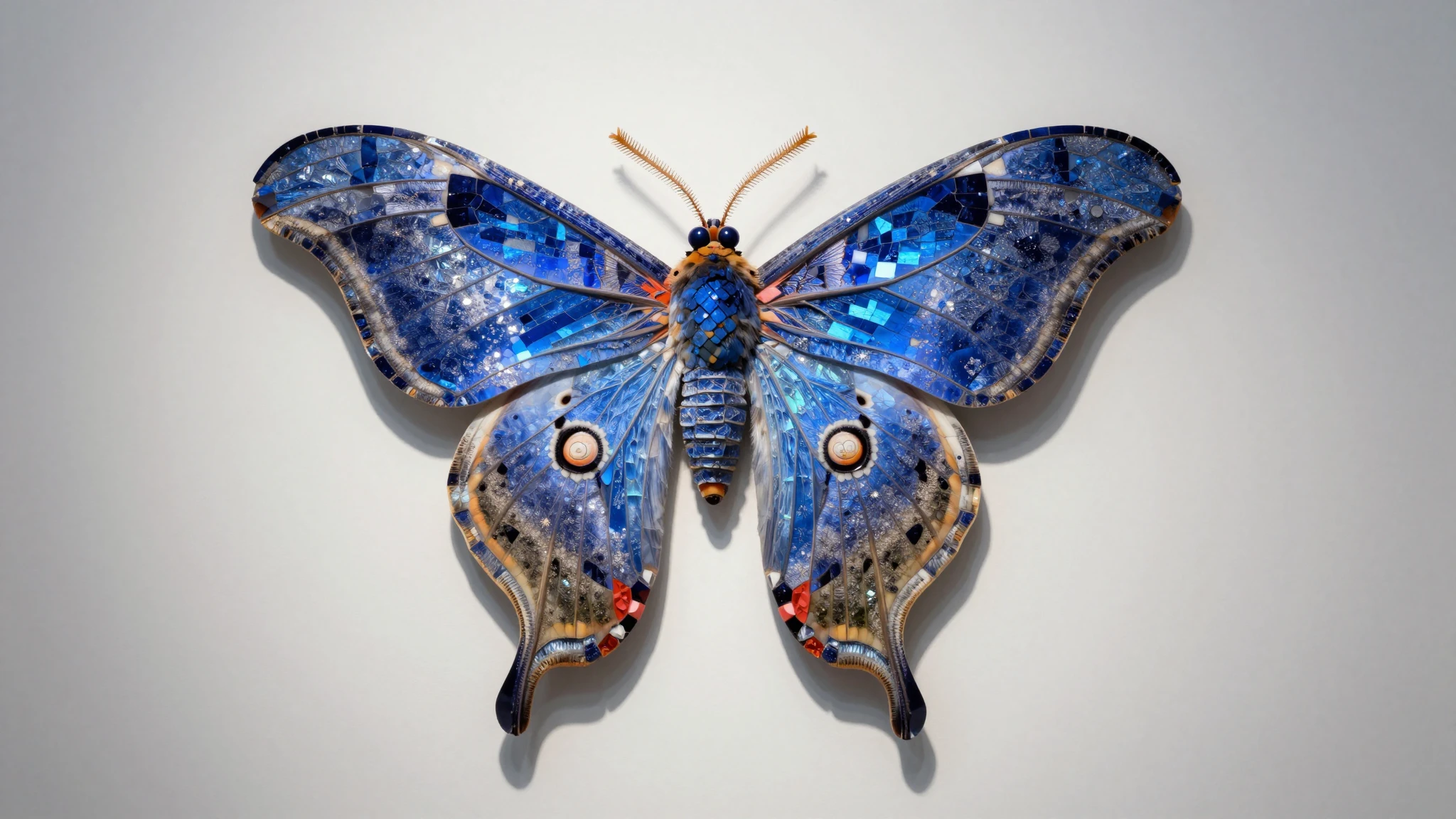
AI art often looks great in preview but too small for publishing. Upscale AI-generated images so they hold up as wallpapers, posters, thumbnails, book covers, social graphics, or print assets. Creative mode is especially useful when you want richer texture, sharper lines, and a more finished look.

Try it now
BeforeAfter

4K Image Upscaler

4K Image Upscaler

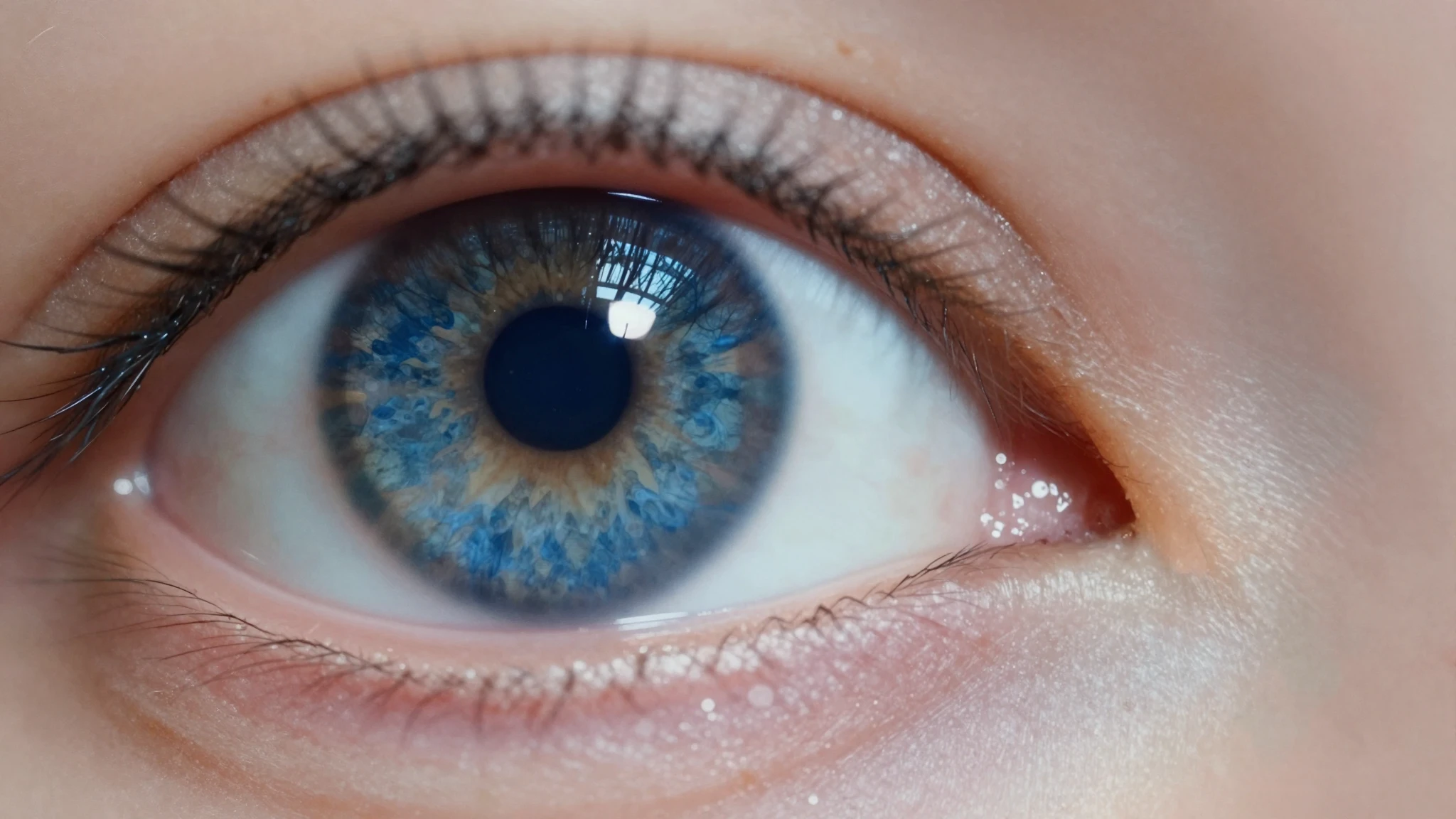
Portraits And Headshots

Use AI upscaling to rescue soft portraits, profile photos, creator headshots, and character images. Skin enhancement helps faces stay natural while adding clarity. This is useful for LinkedIn images, creator profiles, press kits, website bios, and campaign portraits.

Try it now
BeforeAfter

4K Image Upscaler

4K Image Upscaler

Social Posts, Thumbnails, And Banners

Blurry visuals get ignored fast. Upscale images for YouTube thumbnails, TikTok covers, Instagram posts, Pinterest pins, X banners, and blog hero images. A sharper image helps the main subject stand out on mobile, especially when the original file was cropped or downloaded from another source.

Try it now

4K Image Upscaler

4K Image Upscaler

Portrait-ready preview for 4K Image Upscaler

Try it

How To Upscale An Image To 4K Online

4K Image Upscaler

4K Image Upscaler
Step 1

Upload your image

Drop in any photo, AI artwork, product shot, portrait, or graphic. JPG, PNG, and WEBP all work. Start with the cleanest version you have for the best result.

4K Image Upscaler

4K Image Upscaler
Step 2

Choose your settings

Pick your upscale mode: Precise to stay close to the original, Refined for a cleaner balanced result, or Creative to add more texture and detail. If your image includes a face, turn on skin enhancement. Then set the output quality, Fast for a quick result, or Ultra for the highest-quality finish.

4K Image Upscaler

4K Image Upscaler
Step 3

Upscale & download

Run the upscaler and review the output. Switch modes if the result needs adjusting. Once it looks right, download the high-resolution file and use it wherever you need it.

Frequently asked questions

What Is The Best 4K Image Upscaler Online?+

The best 4K image upscaler should do more than enlarge an image. It should rebuild detail, keep faces natural, support common formats, and give you control over how much the AI changes the result. Cuta is built for that workflow: upload an image, choose the upscale mode and quality, then export a sharper high-resolution version.

Can I Upscale An Image To 4K For Free?+

You can start upscaling images for free on Cuta. Free usage may be limited by credits or account settings, so it is best to treat it as free to start rather than unlimited forever.

Will Upscaling Make My Image Blurry?+

A basic resize often makes images blurry. Cuta’s AI upscaler is designed to reduce that problem by rebuilding detail as the image gets larger. The final quality still depends on the source image. A clean original usually gives a better result than a tiny or heavily compressed file.

What Is The Difference Between 2K And 4K Upscaling?+

2K is useful when you need a sharper image for web or social use. 4K is better when the image needs to hold up on large screens, high-resolution layouts, or bigger exports. If file size matters, test both and use the smallest version that still looks sharp.

Can I Upscale AI-Generated Images?+

Yes. Cuta works well for AI-generated images, digital art, character art, concept images, and illustrations. Upscaling is often the final step after generation because the image may look good in preview but need more resolution before publishing.

Can I Upscale Portraits Without Making Skin Look Fake?+

Yes. Use skin enhancement and start with a faithful or balanced upscale mode. Cuta is designed to make faces sharper while keeping skin texture natural, not overly smooth.

Does A 4K Image Upscaler Work For Product Photos?+

Yes. Use it to sharpen product shots, ecommerce images, packaging photos, and marketplace assets. For product accuracy, use a mode that stays close to the original and check the final output at full size.

Do I Need To Download Software?+

No. Cuta’s 4K image upscaler runs online in your browser. Upload the image, choose settings, upscale, and download the result.

Start creating

Create without limits

Join creators using Cuta to generate stunning images, videos, and more — all in one platform.

Get started for free