Sharper, Higher-Resolution Output
Take any photo and bump it up to true HD, clean, detailed, and ready for prints, posts, big screens, or anything in between.

HD Photo Converter online
Turn low-res, blurry, or old photos into crisp HD images with Cuta's HD photo converter. AI-powered upscaling that restores real detail in seconds.
Take any photo and bump it up to true HD, clean, detailed, and ready for prints, posts, big screens, or anything in between.
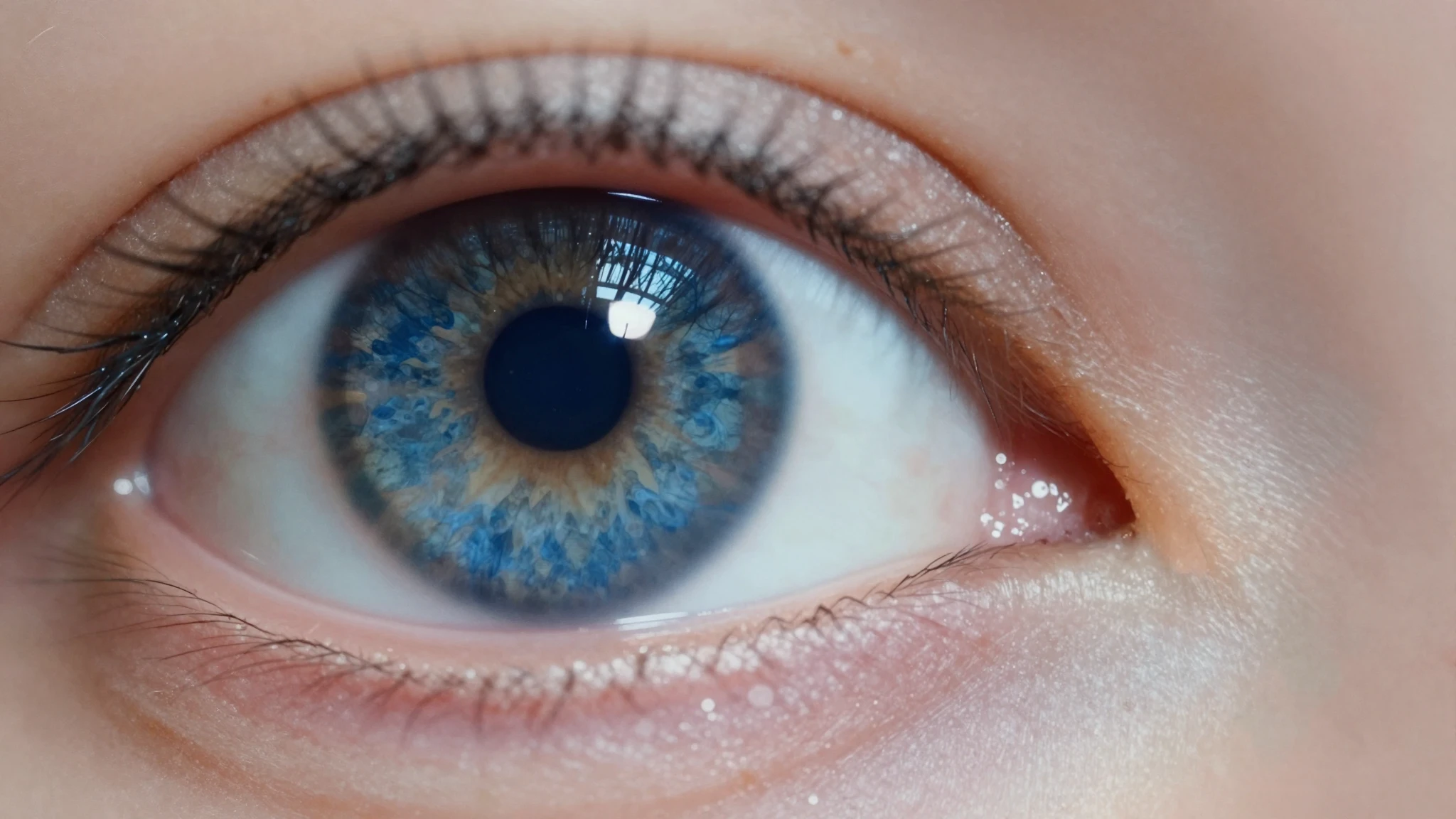
The AI rebuilds detail instead of just stretching what's already there. Hair, skin, fabric, leaves, and tiny features come out sharp, not blurry, smeared, or fake-looking.
Phone shots, screenshots, scanned prints, low-quality social saves, feed it almost any image and it brings the detail back to life.
Creative possibilities
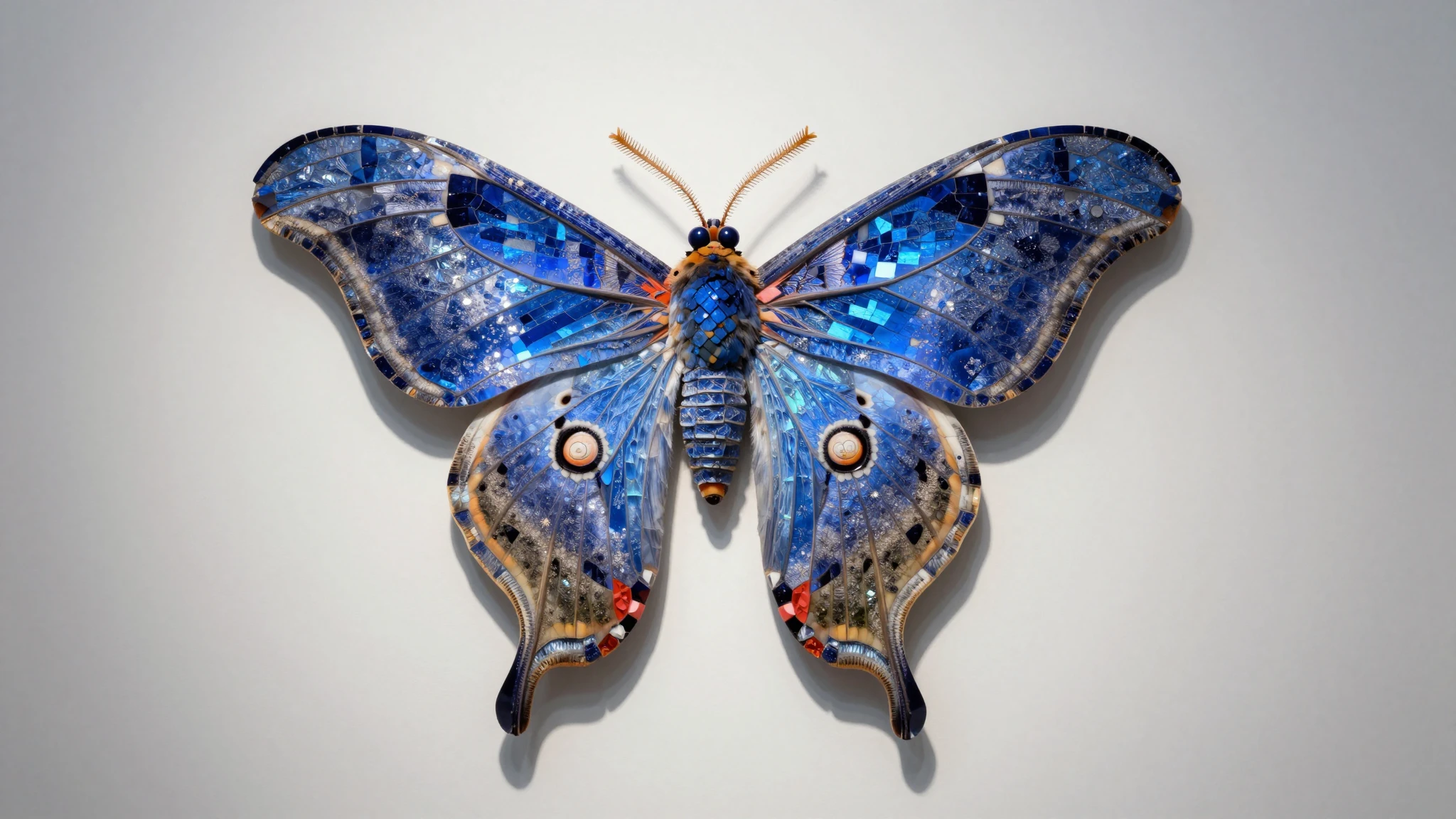
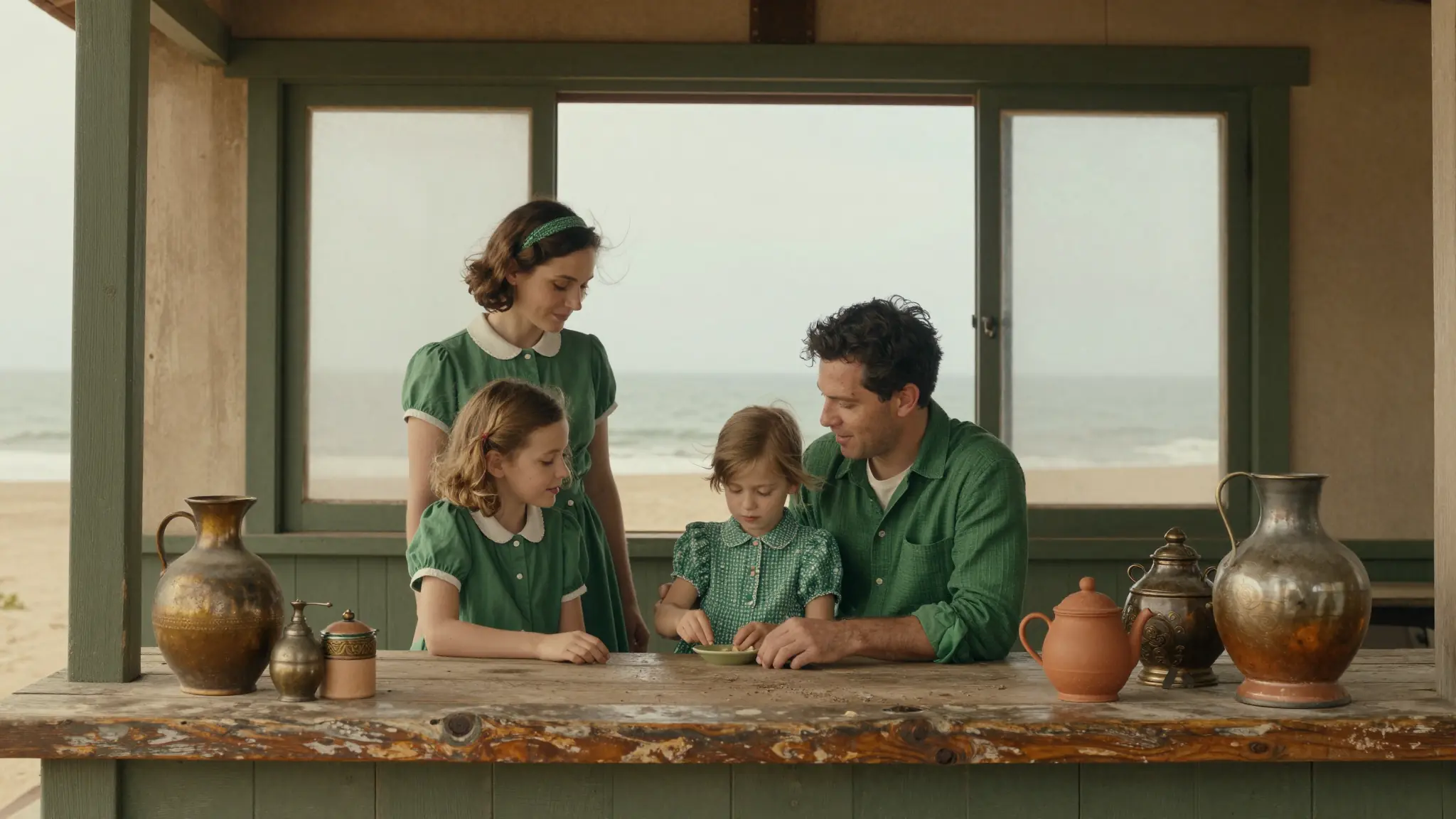
A few visual directions to inspire your next creation. These examples illustrate the styles and ideas you can explore.



Whether you're starting with a tiny phone snap, a heavily compressed social save, or a scanned print, the converter pulls it up to a clean, post-ready HD image. The AI takes in the whole image, recognizing what it's seeing, and rebuilds detail to match. So you don't need a perfect source; you just need a source.
Try it nowA regular resize just makes a small image bigger and blurrier. This is different. The AI rebuilds actual texture and structure, so hair strands stay separate, fabric weaves stay visible, and skin keeps real pores instead of going waxy. The result holds up at full zoom, not just at thumbnail size.
Try it nowOld phone shots speckled with noise, screenshots compressed to mush, motion-blurred candids, low-res scans of printed photos; the converter handles all of them. It separates real detail from grain and compression artifacts, sharpening what should be sharp and leaving smooth areas smooth instead of grainy.
Try it nowThe HD converter sits inside Cuta's wider image editor, so once your photo is upscaled you can keep going in the same window. Smooth out skin with the Vellum enhancer, fix faces, change the background, expand the canvas, or remove distracting objects, no jumping between five different apps to finish a single image.
Try it nowFrom idea to creation

Open Cuta's image tools and upload the photo you want to convert. JPEG, PNG, and WEBP all work — drop one in from your phone, computer, or cloud drive.
Set your target output and any enhancement preferences for the conversion. Stick with the defaults for a quick HD version, or fine-tune for sharper or softer results.

Run the conversion, preview the result, and download your HD version. If you want it sharper, softer, or cleaner, tweak your settings and run it again — it only takes a few seconds.
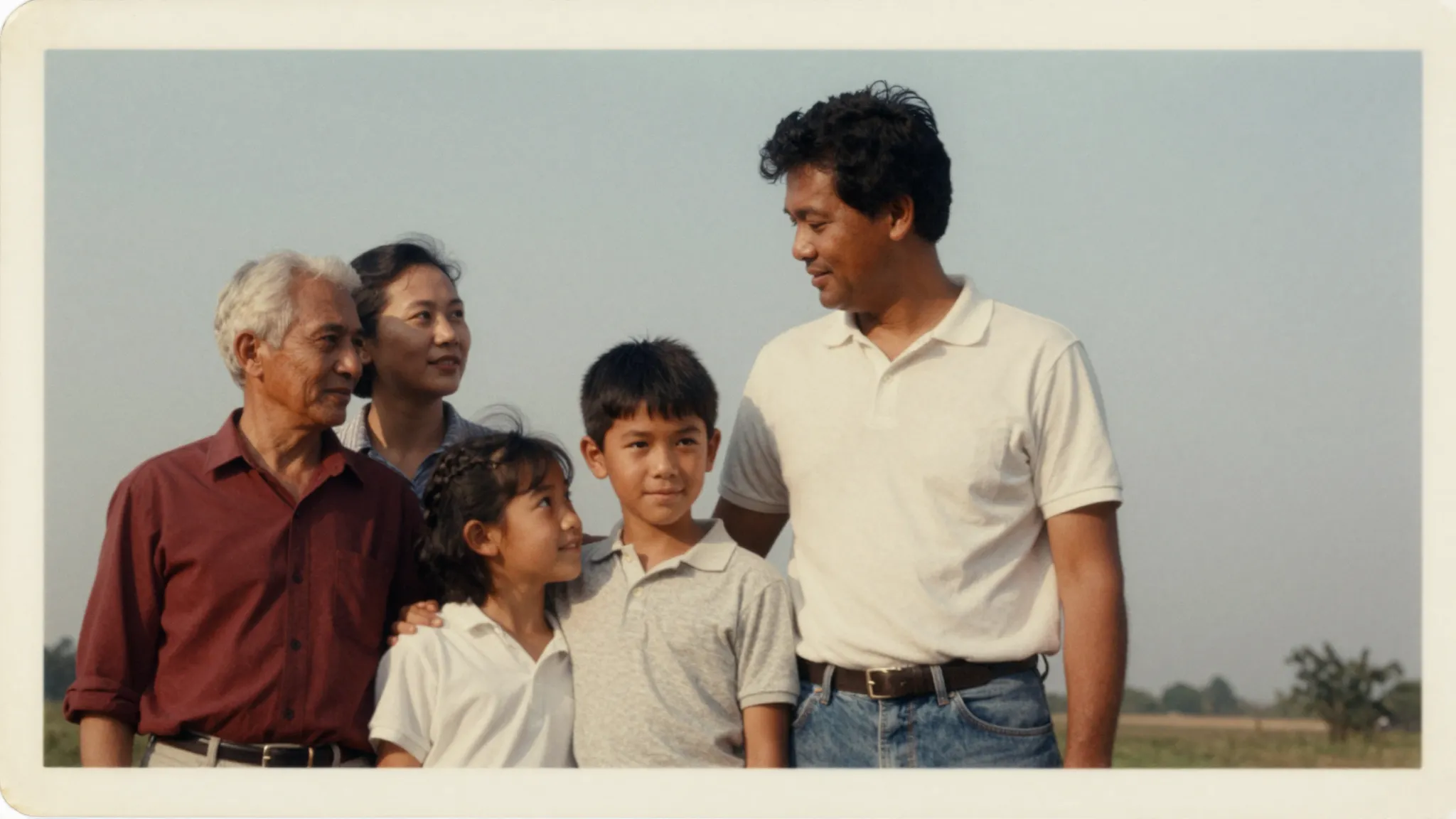
Got faded prints, scanned albums, or photos pulled off ancient phones? Upload them and watch faces, clothing, and backgrounds come back into focus. Shots that used to feel a bit "lost" to time get brought up to a quality that holds up on modern screens, ready to reprint, frame, or share in the family group chat.
Try it nowPhone photos can lose a lot when they're zoomed, cropped, or sent through apps that compress them. The converter pulls them back to a crisp, post-ready quality. Same for screenshots and saved web images , instead of going pixelated when you blow them up, they come out clean enough to use in posts, slide decks, or thumbnails.
Try it nowTiny product shots, cropped supplier images, and low-res catalog photos hurt conversions and make a store look less polished than it should. Upscale them to HD (up to 4K) and you get listings that look professional even when you didn't have the original high-res file. Especially handy for resellers, dropshippers, and small shops working with whatever images they've got.
Try it nowThumbnails, banners, and reposts often start life as small or compressed images. With the HD converter you can take a rough reference and get something sharp enough to feature in a video, repurpose into a carousel, or run as a thumbnail. Less time hunting for higher-res sources, more time making content.
Try it nowIt's an AI tool that takes a low-resolution, blurry, or old photo and turns it into a clean, high-definition version. Instead of just stretching the pixels the way a basic resize does, it rebuilds detail using AI, so the result actually looks sharper rather than just bigger.
Find your next creative tool
Your next creation starts here
Start with your own content in HD Photo Converter. Review the settings in Studio and create your result.