The details to include
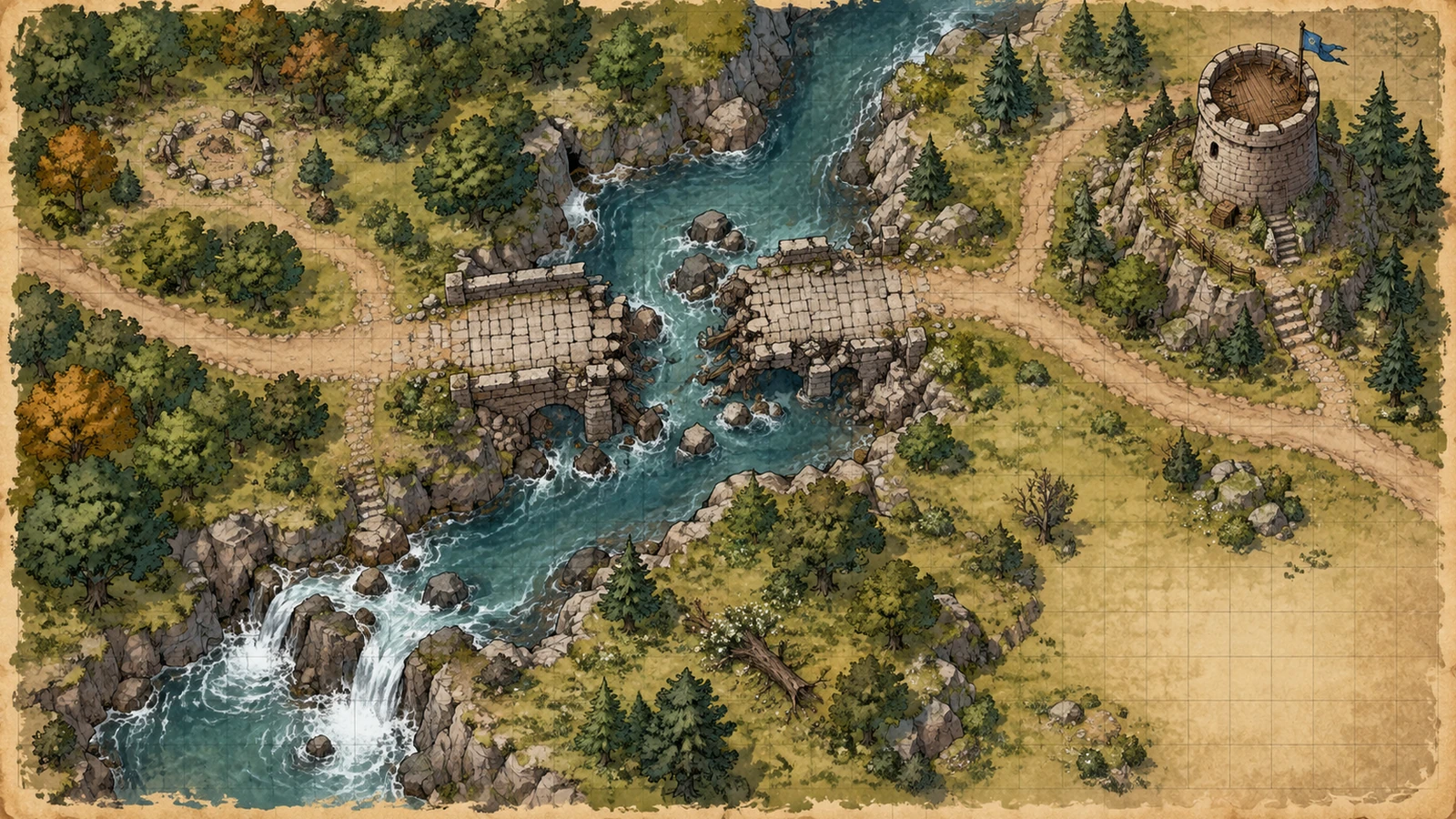
Describe the landforms, settlements, routes, names, and overall map style.
Try it now
AI image tools
Give an imagined world a geography you can build stories around.
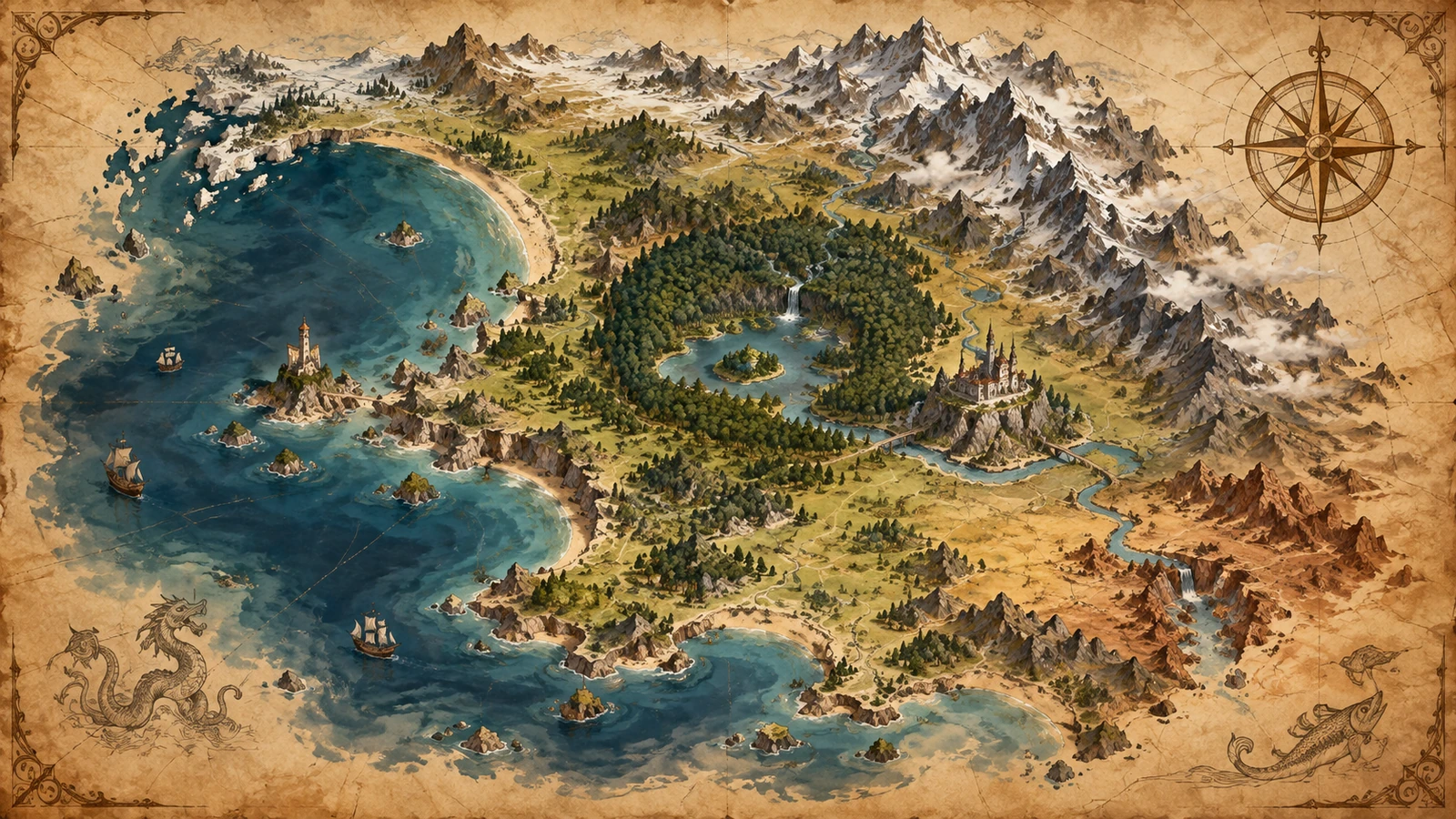
Describe the landforms, settlements, routes, names, and overall map style.
Try it nowA crescent-shaped island with a volcanic north, forested coast, three harbor towns, parchment-style fantasy map.
Try it nowFrom idea to creation
Start with a written brief. This tool uses text input, so include the details you want to appear in the image.
Describe the landforms, settlements, routes, names, and overall map style.
Review place names and geography. Generated labels and distances may need manual correction.
Creative possibilities
Illustrative concepts show framing and visual treatment. Use your own brief and references to create a version for your project.
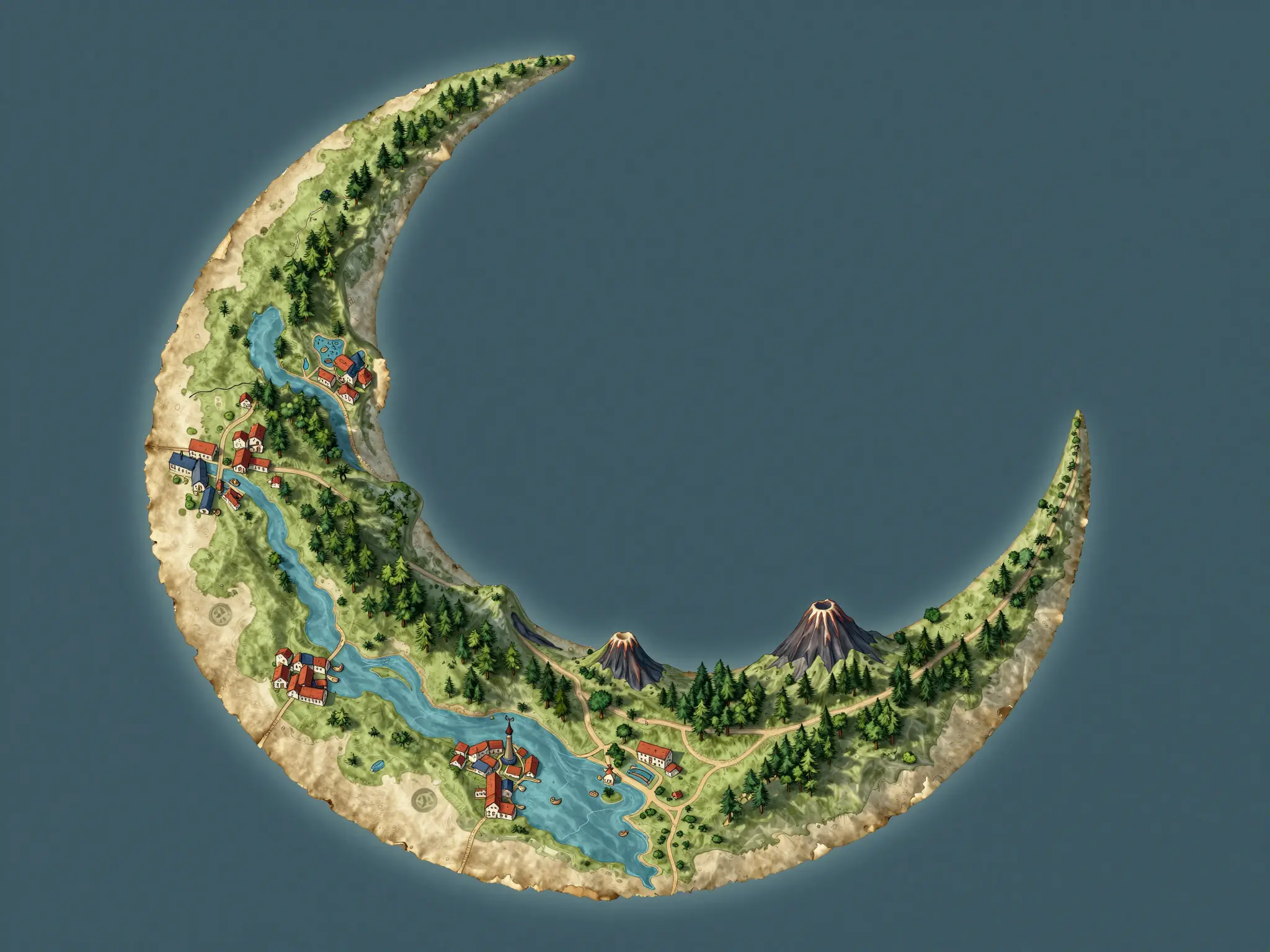
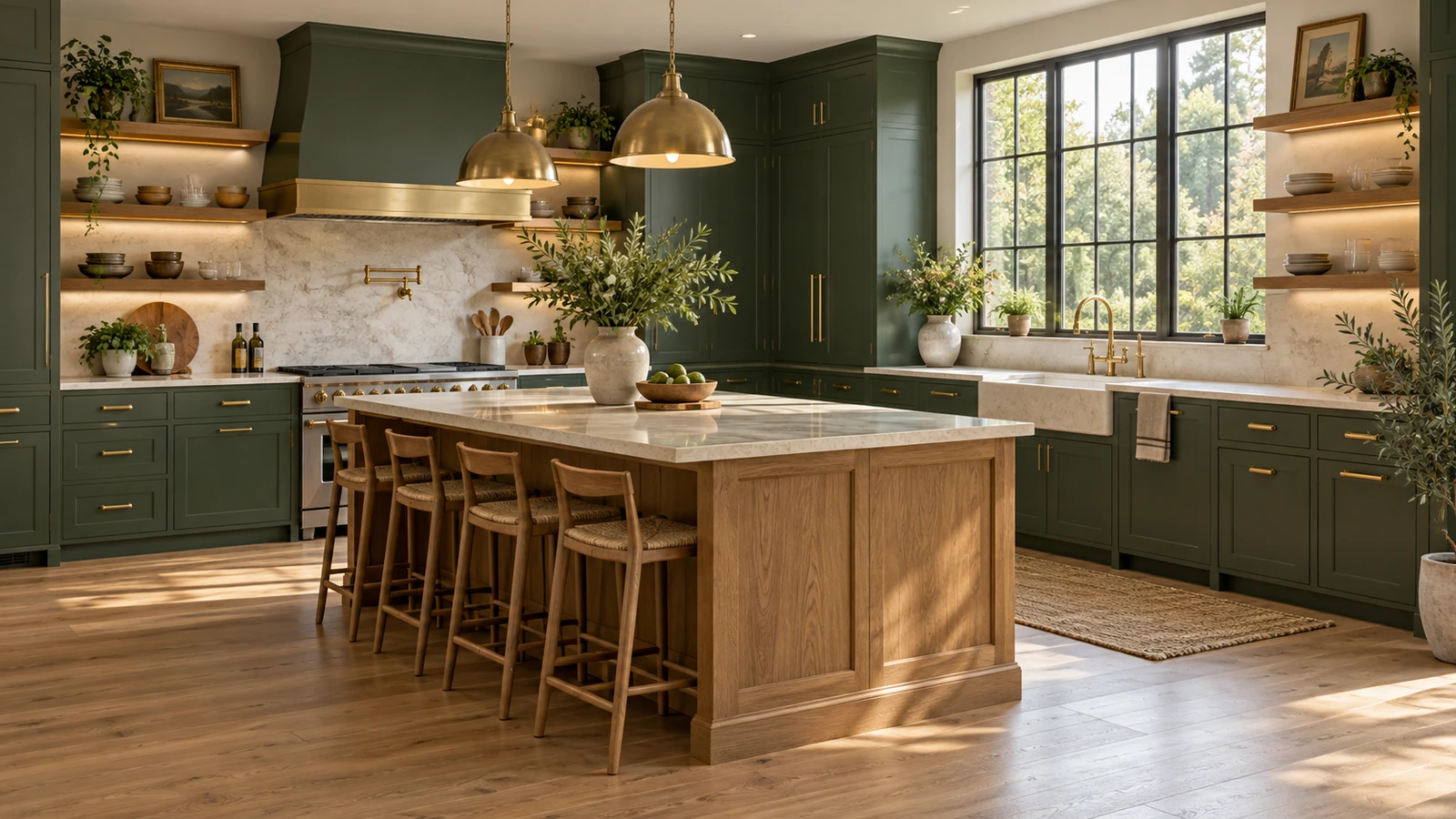
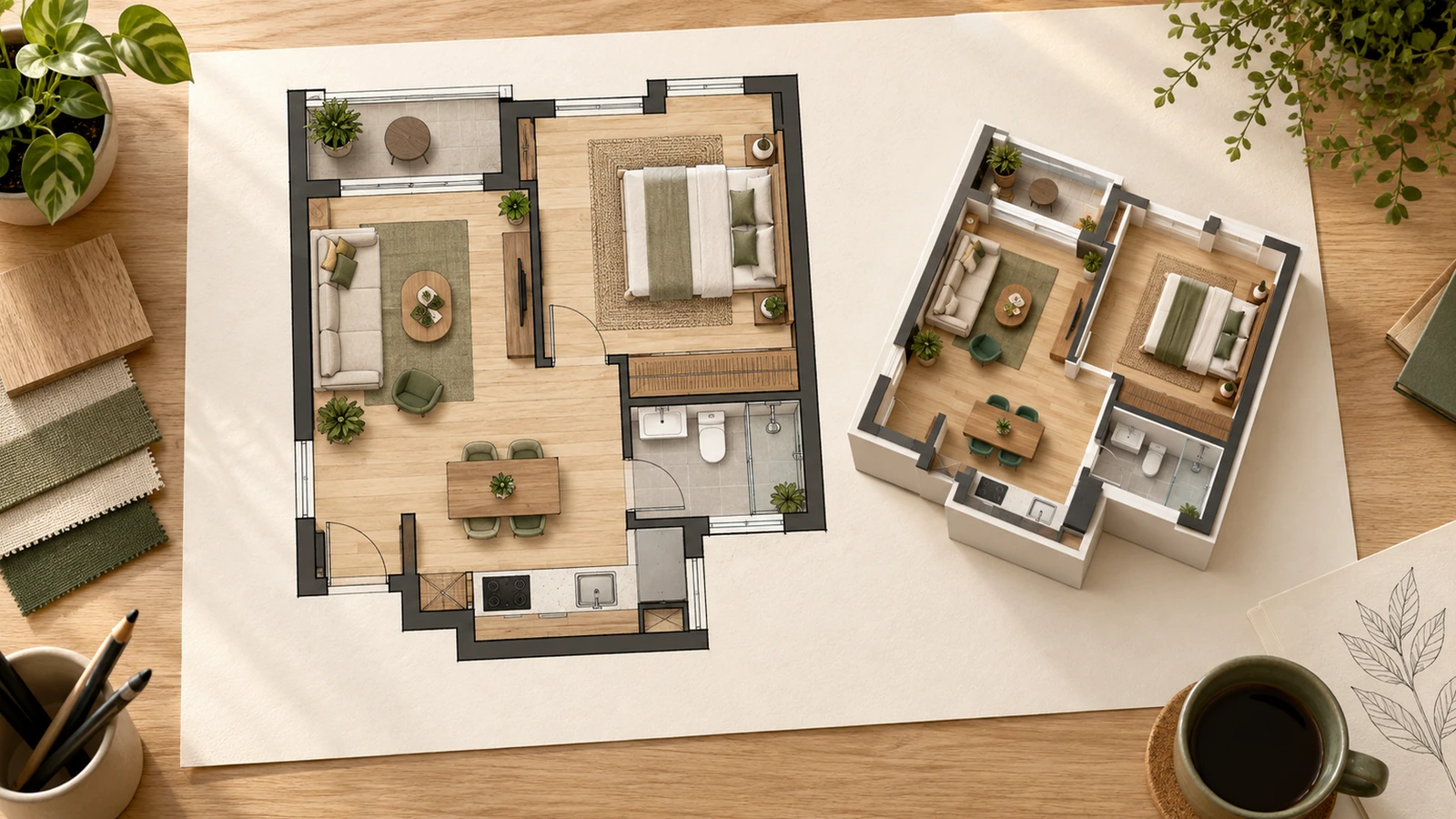
An overall view helps you understand the arrangement.
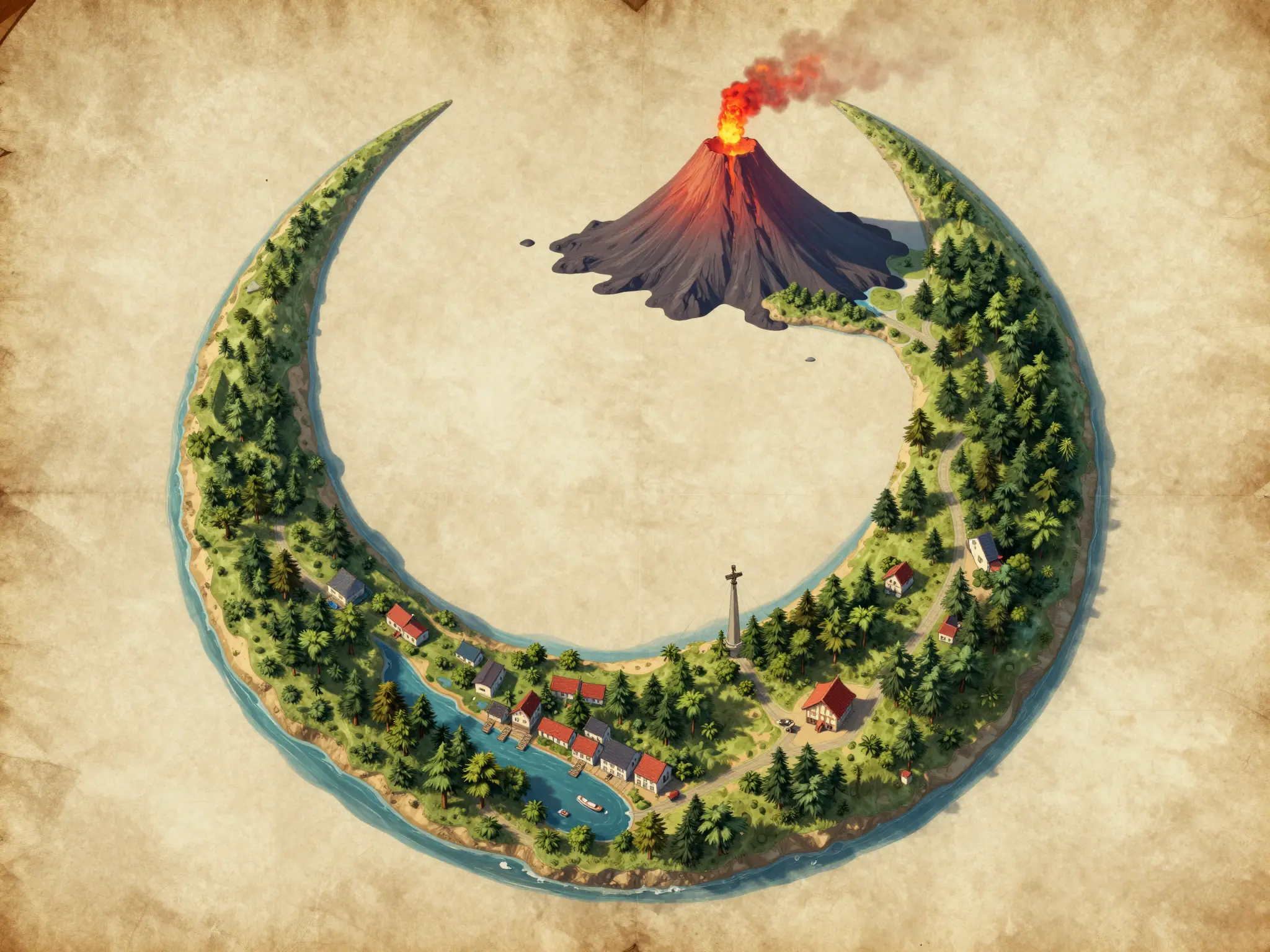
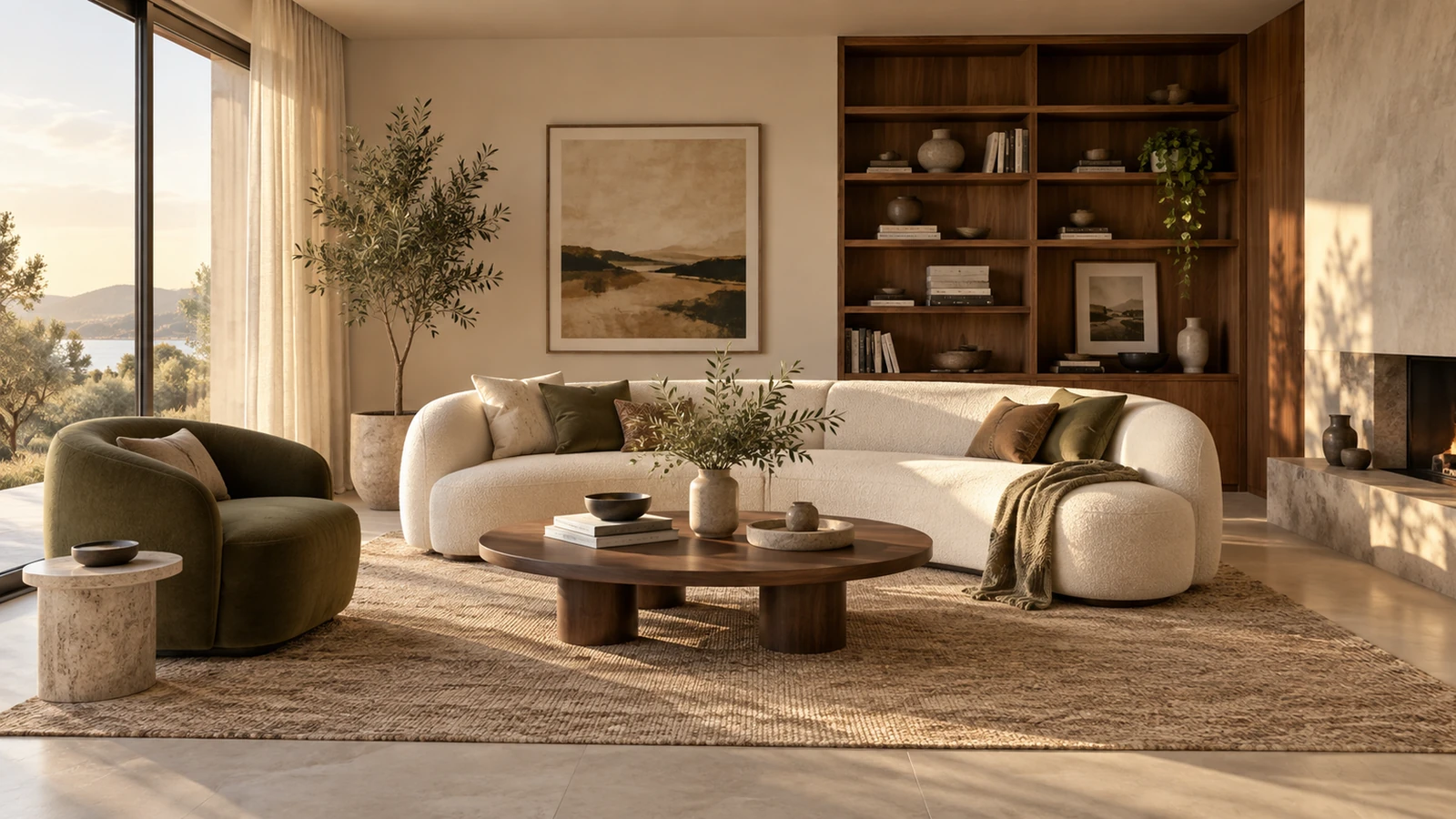
Light and color establish the atmosphere of the space.
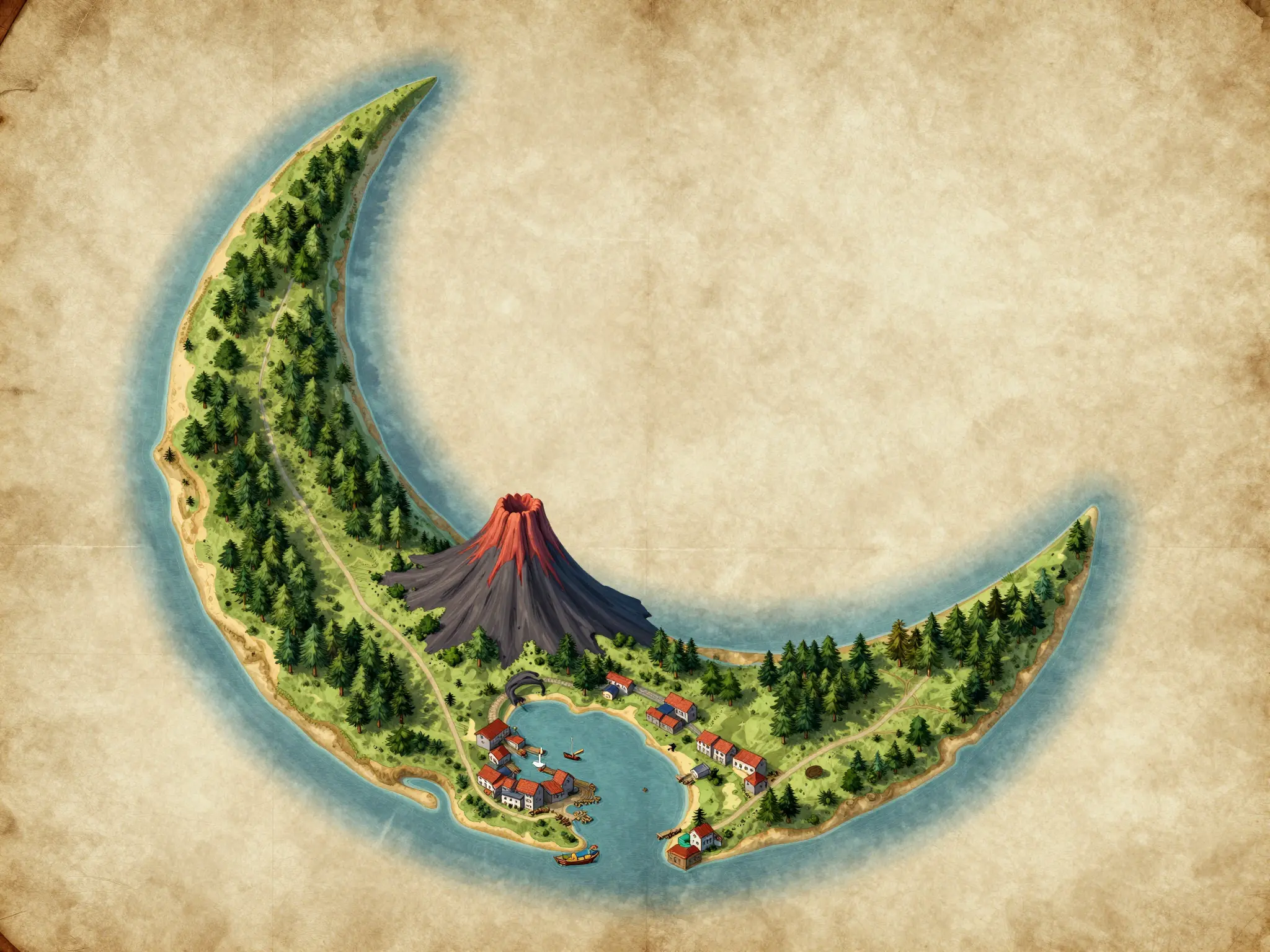
A closer view explores the materials and smaller details.
Review place names and geography. Generated labels and distances may need manual correction.
Find your next creative tool
Your next creation starts here
Start with your own content in Fantasy Map Generator. Review the settings in Studio and create your result.