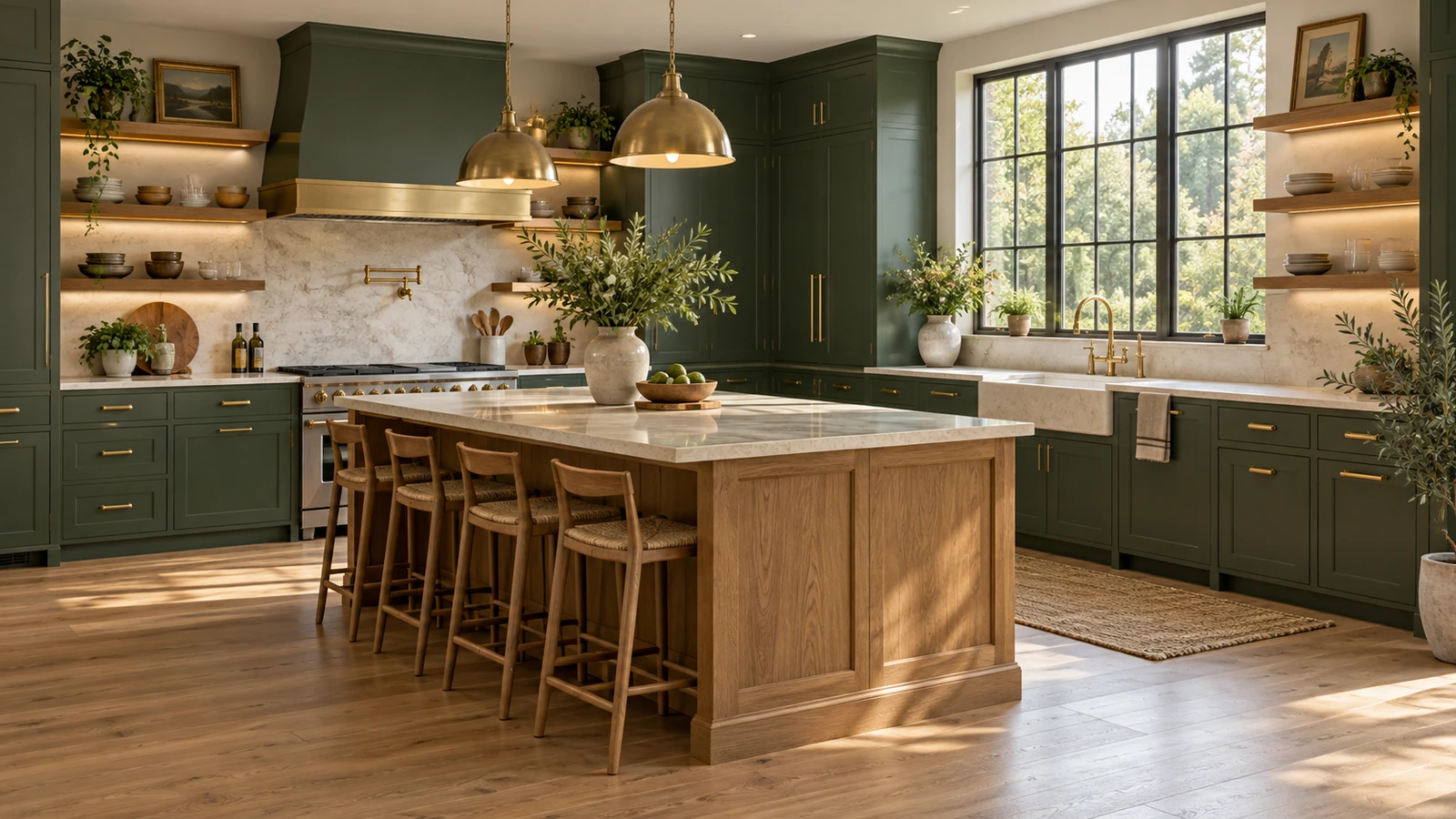
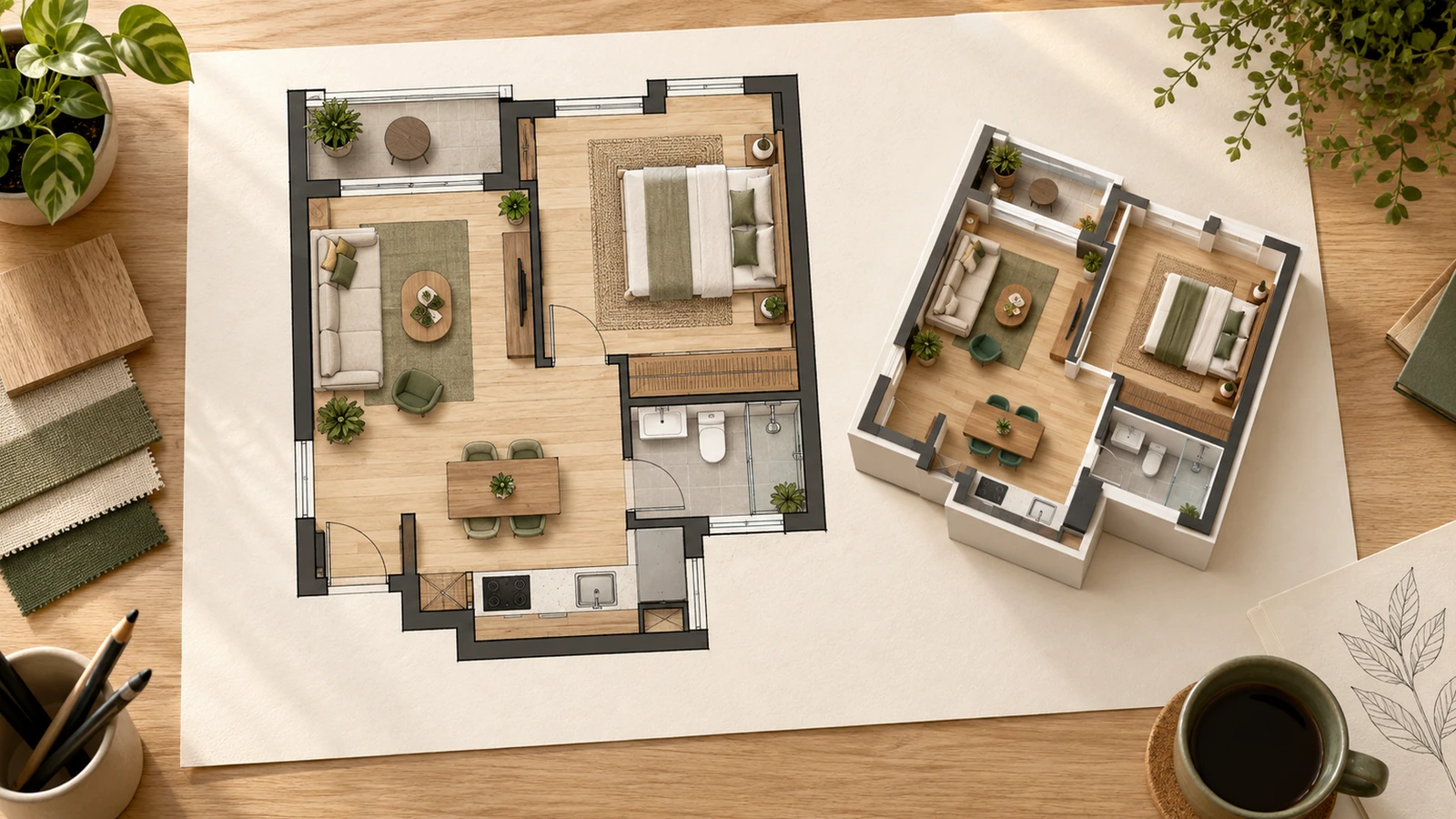
The details to include
State which architectural features should stay and which furniture or materials you want to change.
Try it now
AI image tools
Try a different atmosphere for a room through furniture, finishes, and light.
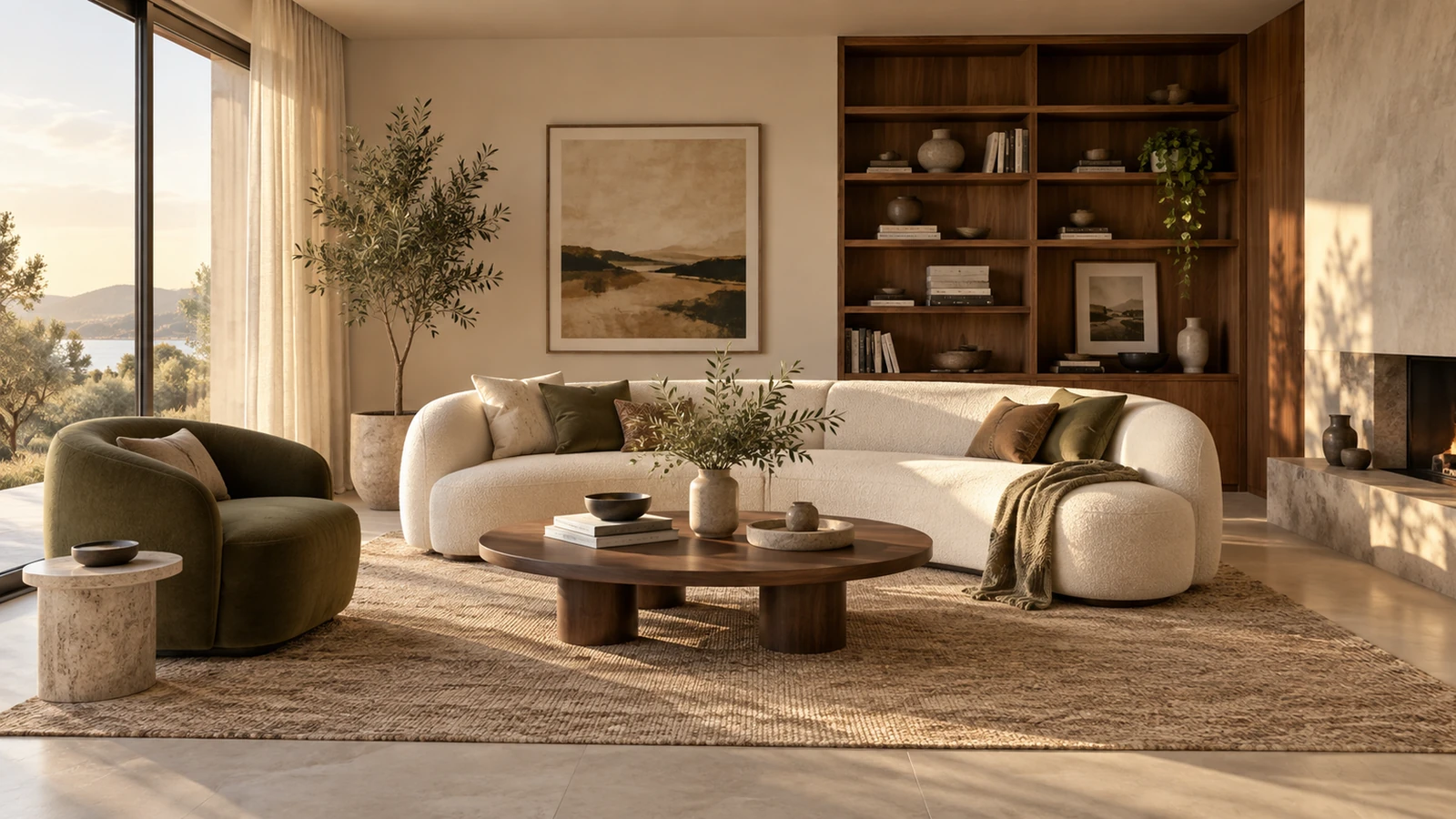
State which architectural features should stay and which furniture or materials you want to change.
Try it nowKeep the windows and doorway. Use low oak shelving, a cream sofa, rust cushions, and warm evening lamps.
Try it nowFrom idea to creation
Start with a written brief, a reference image, or both. A reference helps communicate the appearance you want.
State which architectural features should stay and which furniture or materials you want to change.
The image is an interior concept; it does not provide measured plans or verify whether furniture will fit.
Creative possibilities
Illustrative concepts show framing and visual treatment. Use your own brief and references to create a version for your project.
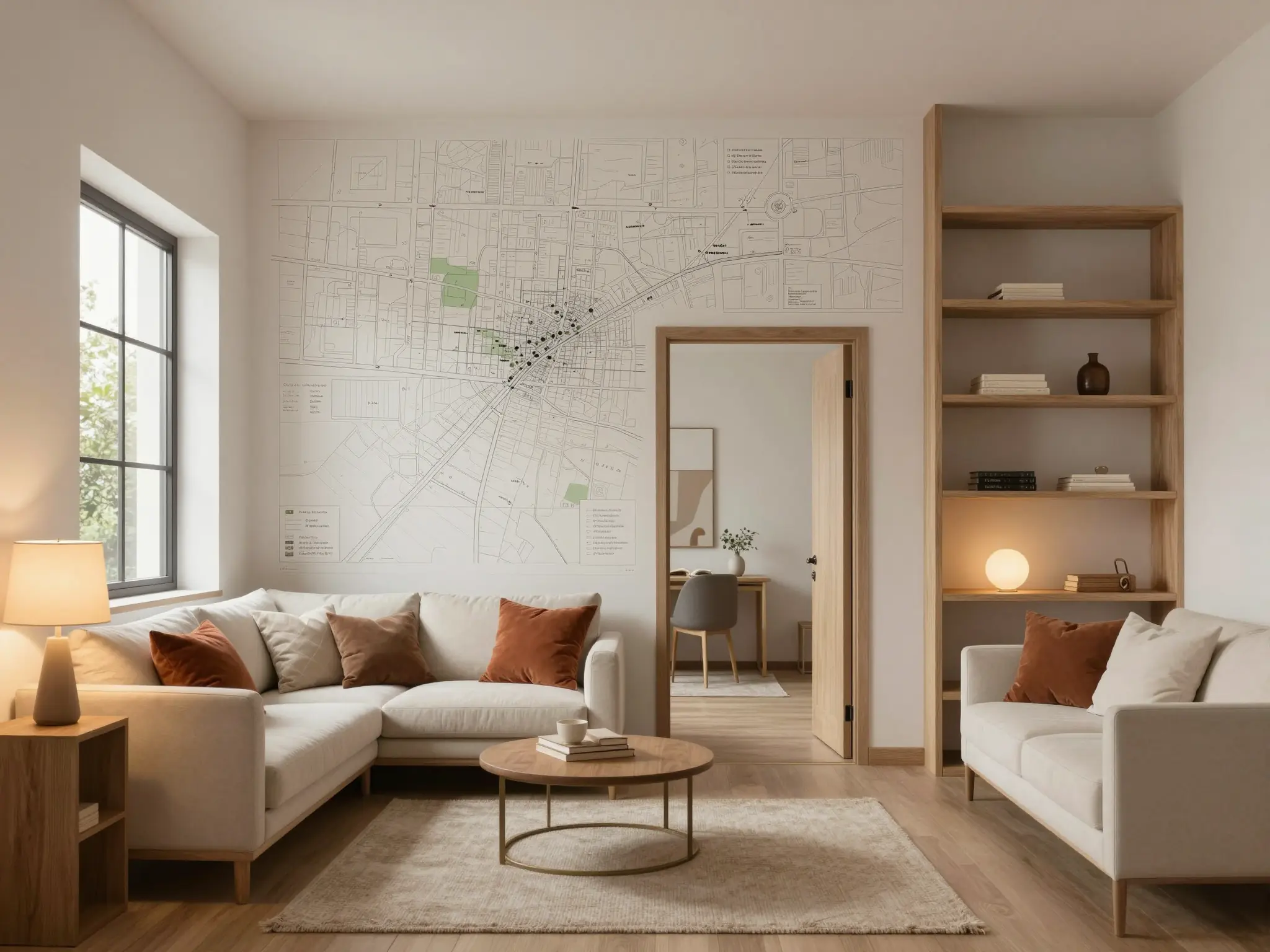
An overall view helps you understand the arrangement.
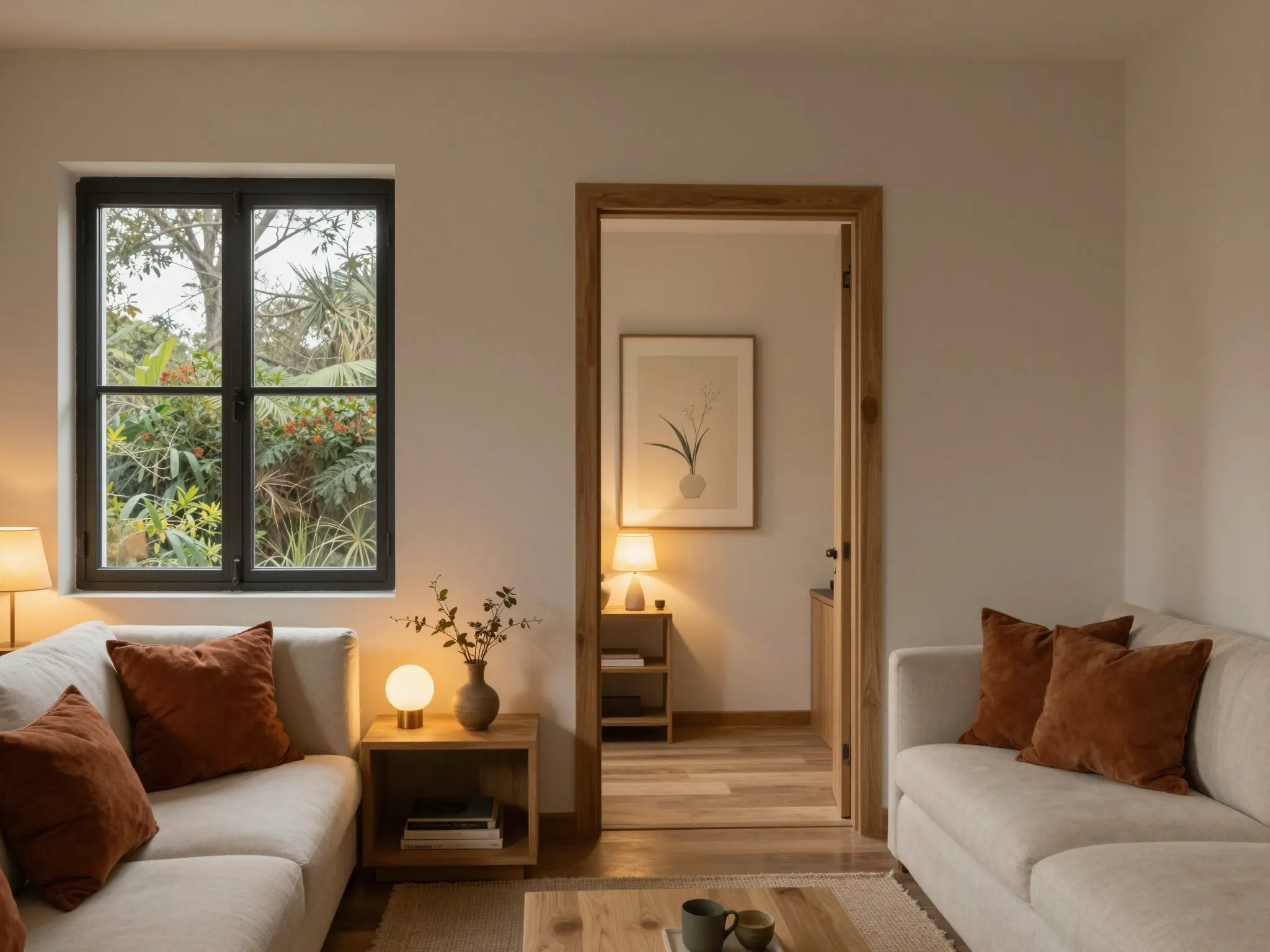
Light and color establish the atmosphere of the space.
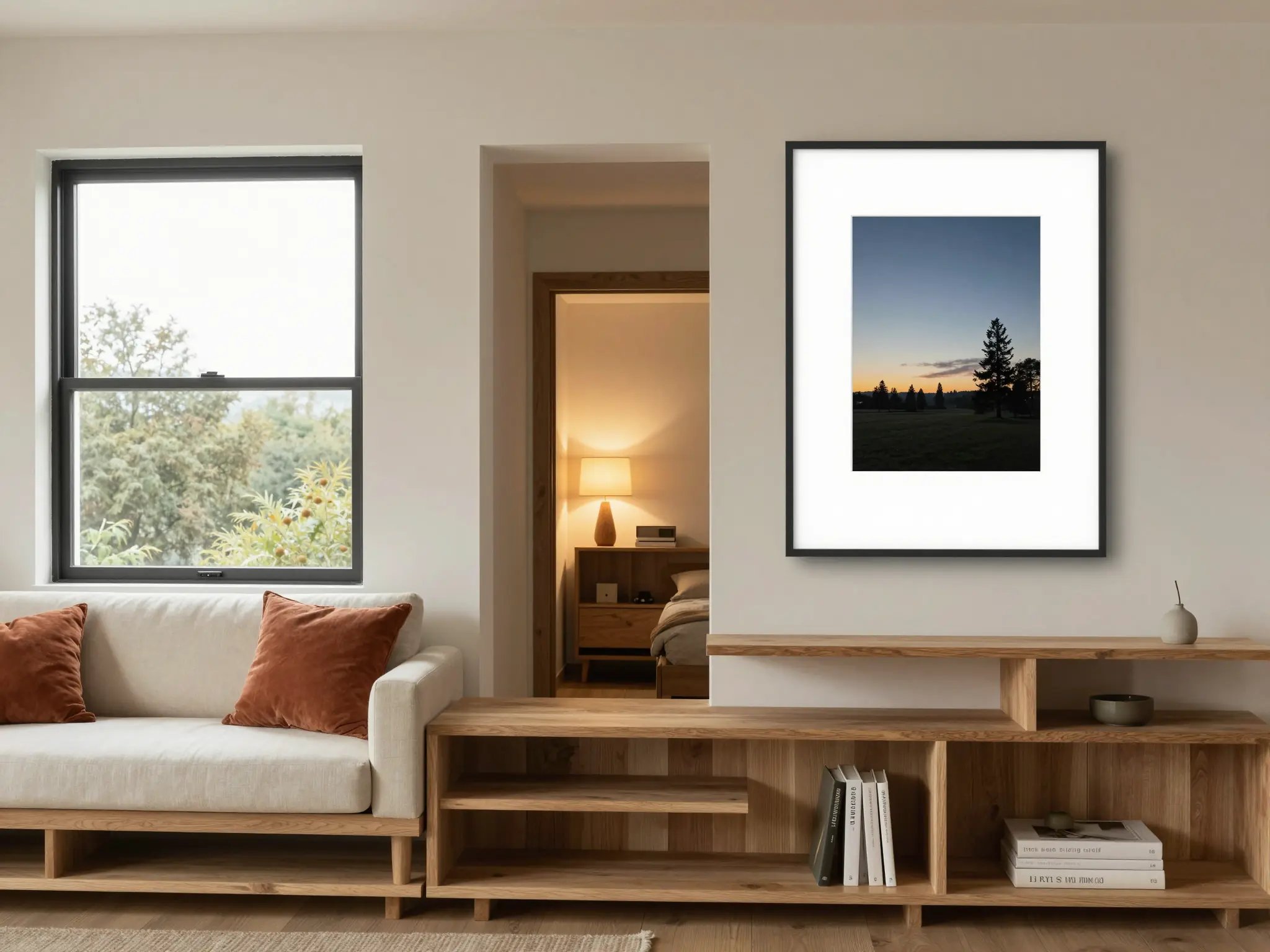
A closer view explores the materials and smaller details.
The image is an interior concept; it does not provide measured plans or verify whether furniture will fit.
Find your next creative tool
Your next creation starts here
Start with your own content in AI Interior Design. Review the settings in Studio and create your result.