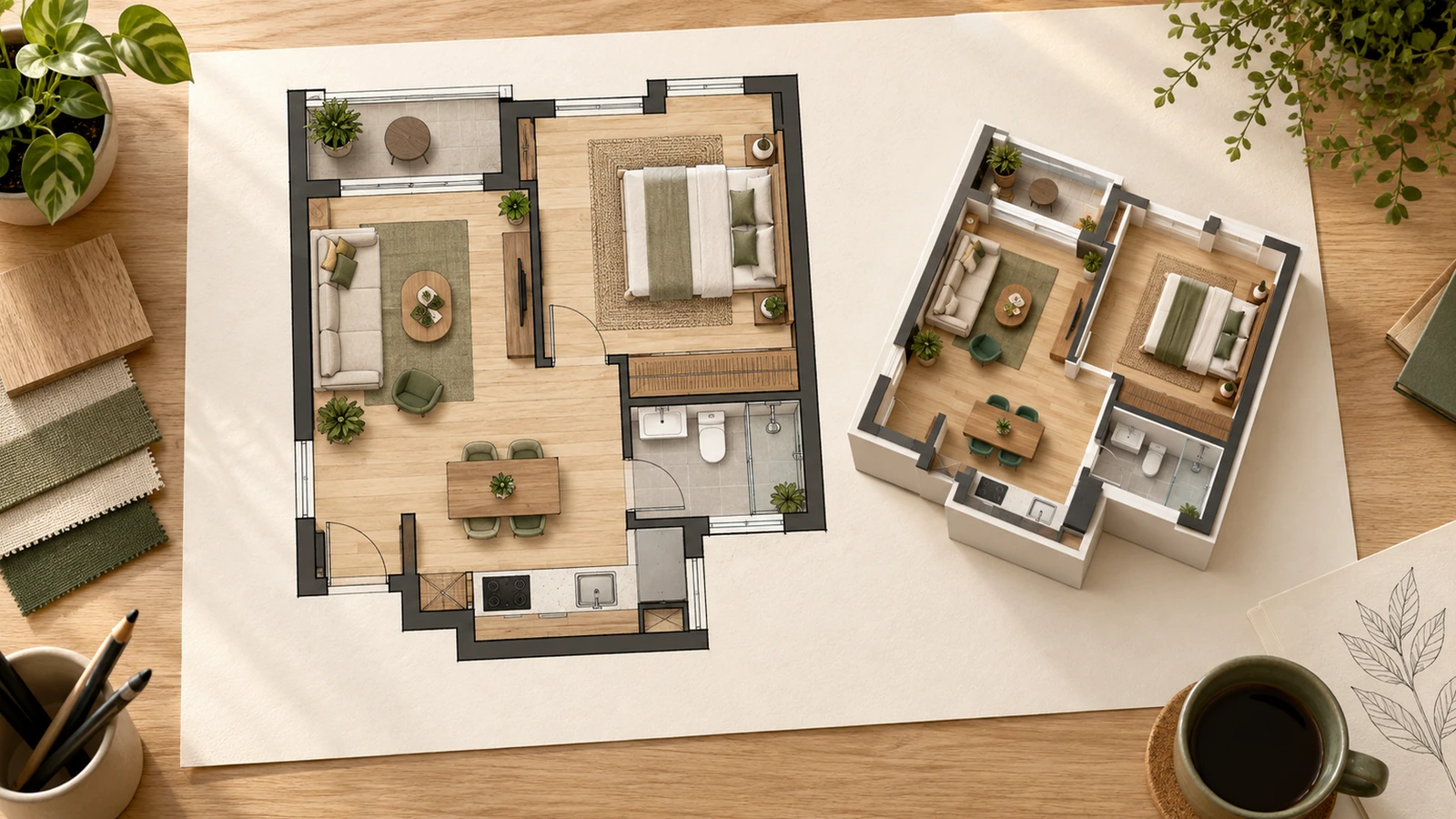
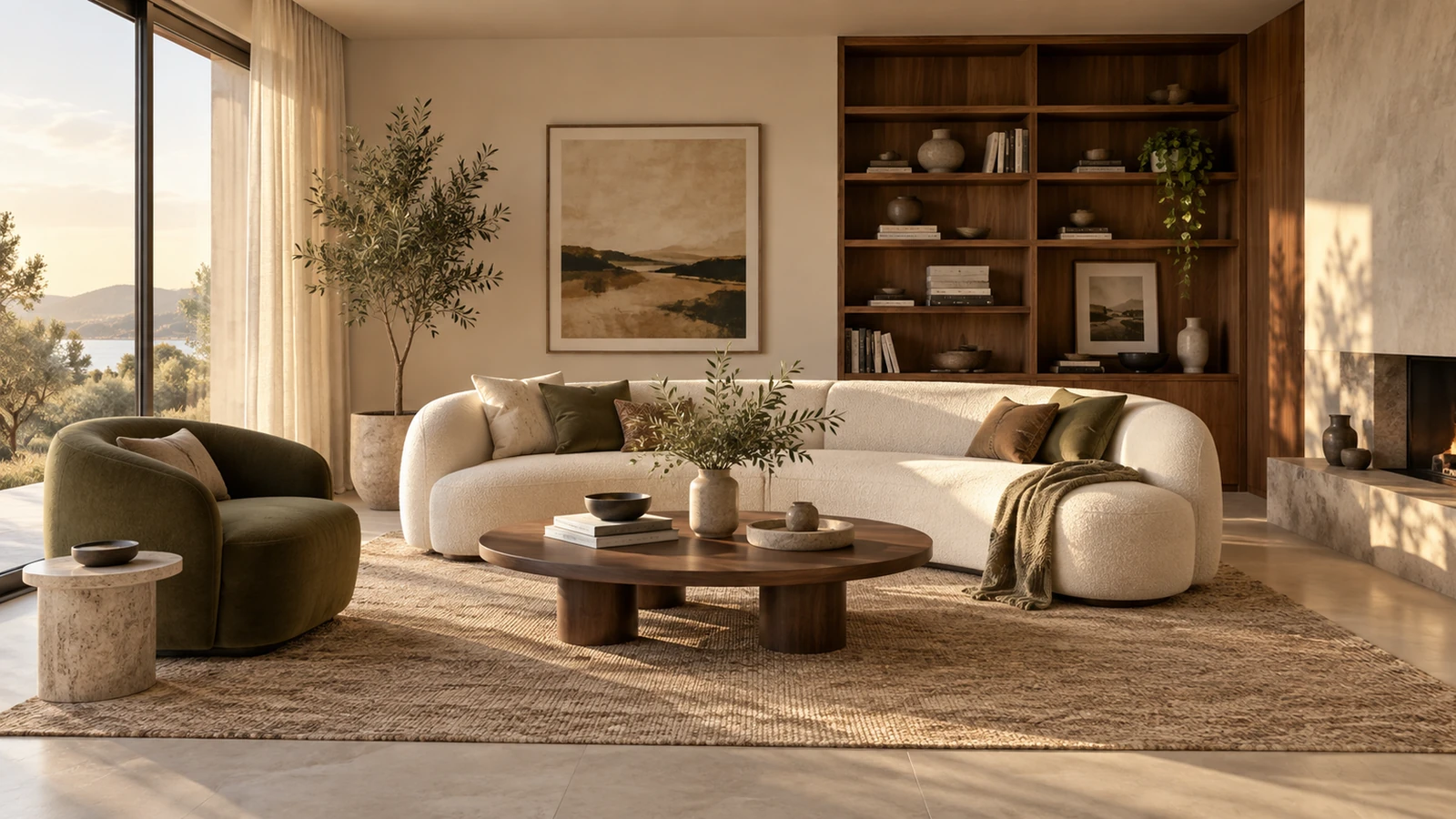
The details to include
Describe the room shape, fixed features, storage needs, and materials you want to compare.
Try it now
AI image tools
Explore a kitchen's mood through cabinet finishes, surfaces, and lighting.
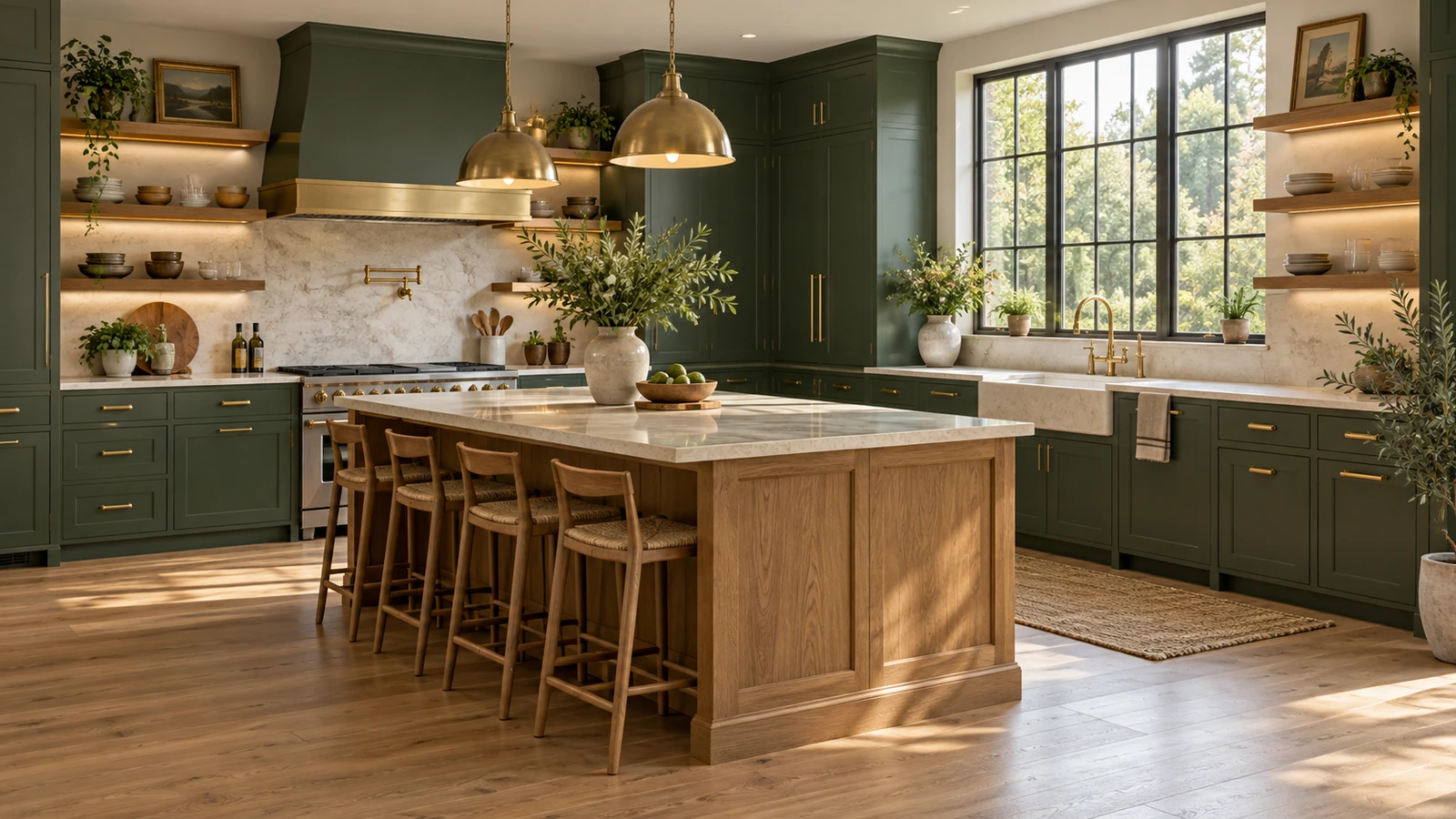
Describe the room shape, fixed features, storage needs, and materials you want to compare.
Try it nowAn L-shaped kitchen, oak lower cabinets, off-white upper cabinets, green tile backsplash, daylight from the left.
Try it nowFrom idea to creation
Start with a written brief, a reference image, or both. A reference helps communicate the appearance you want.
Describe the room shape, fixed features, storage needs, and materials you want to compare.
The result is a design concept. Confirm dimensions, services, and installation details with your project team.
Creative possibilities
Illustrative concepts show framing and visual treatment. Use your own brief and references to create a version for your project.
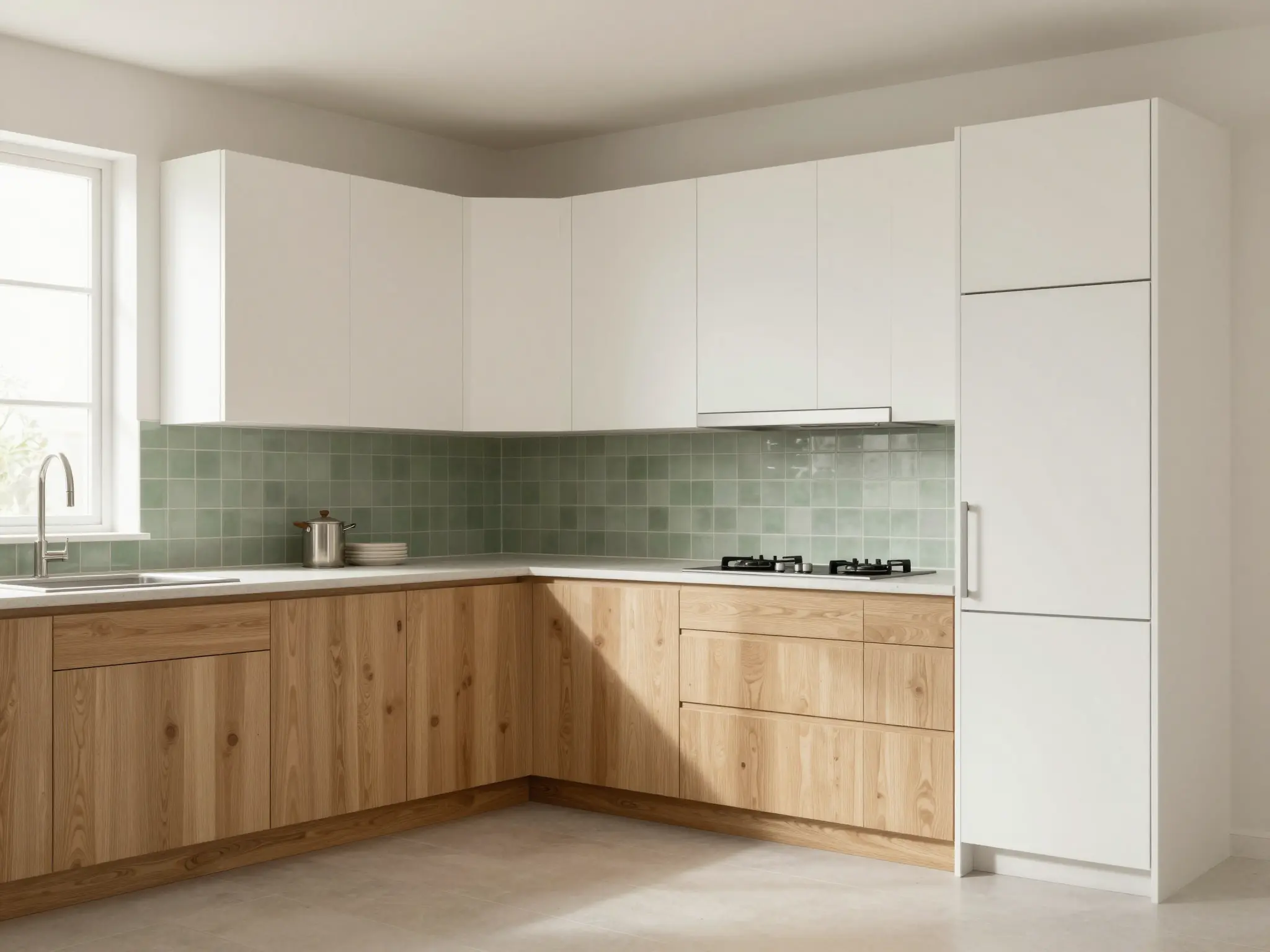
An overall view helps you understand the arrangement.
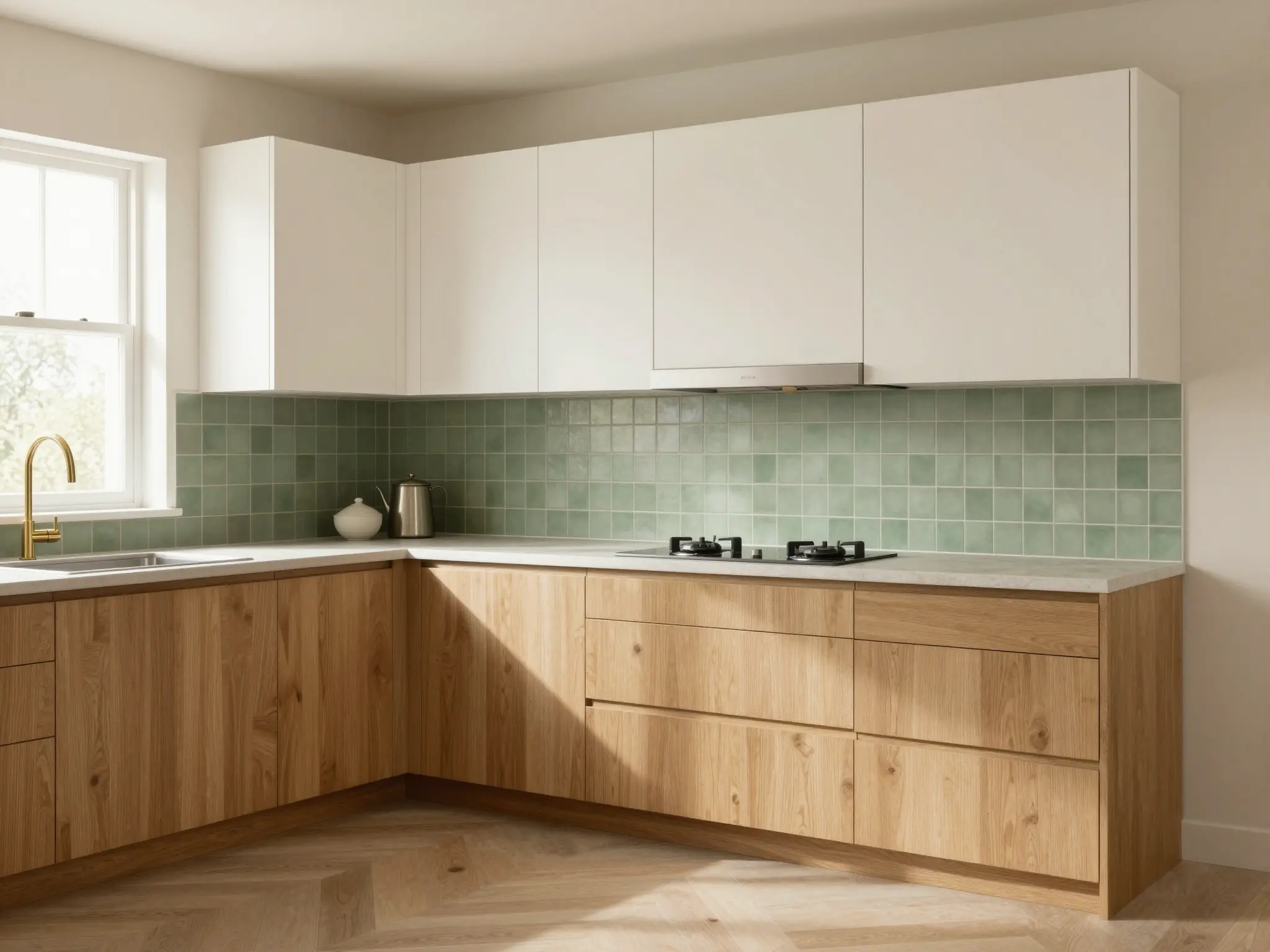
Light and color establish the atmosphere of the space.
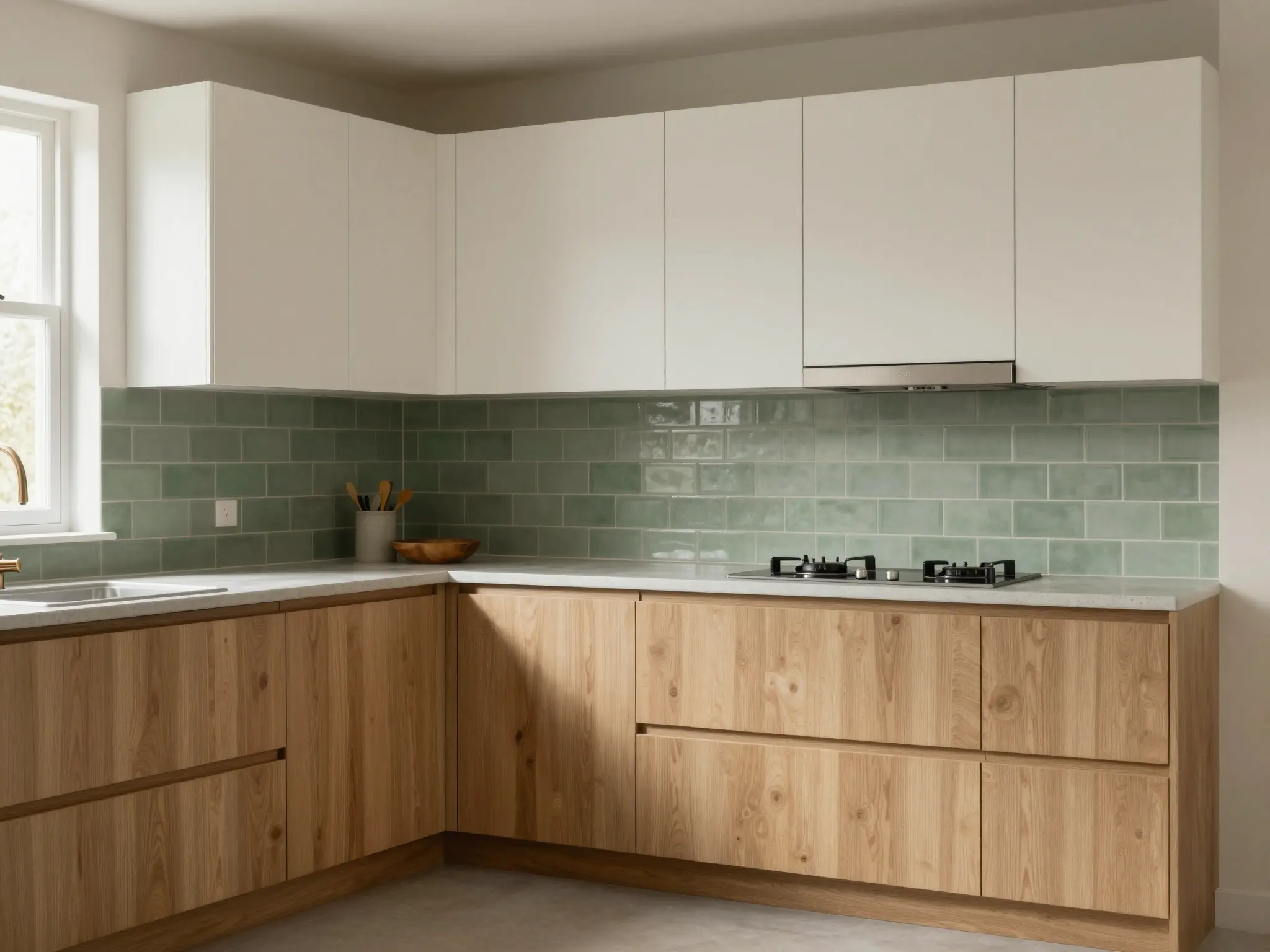
A closer view explores the materials and smaller details.
The result is a design concept. Confirm dimensions, services, and installation details with your project team.
Find your next creative tool
Your next creation starts here
Start with your own content in AI Kitchen Design. Review the settings in Studio and create your result.