The details to include
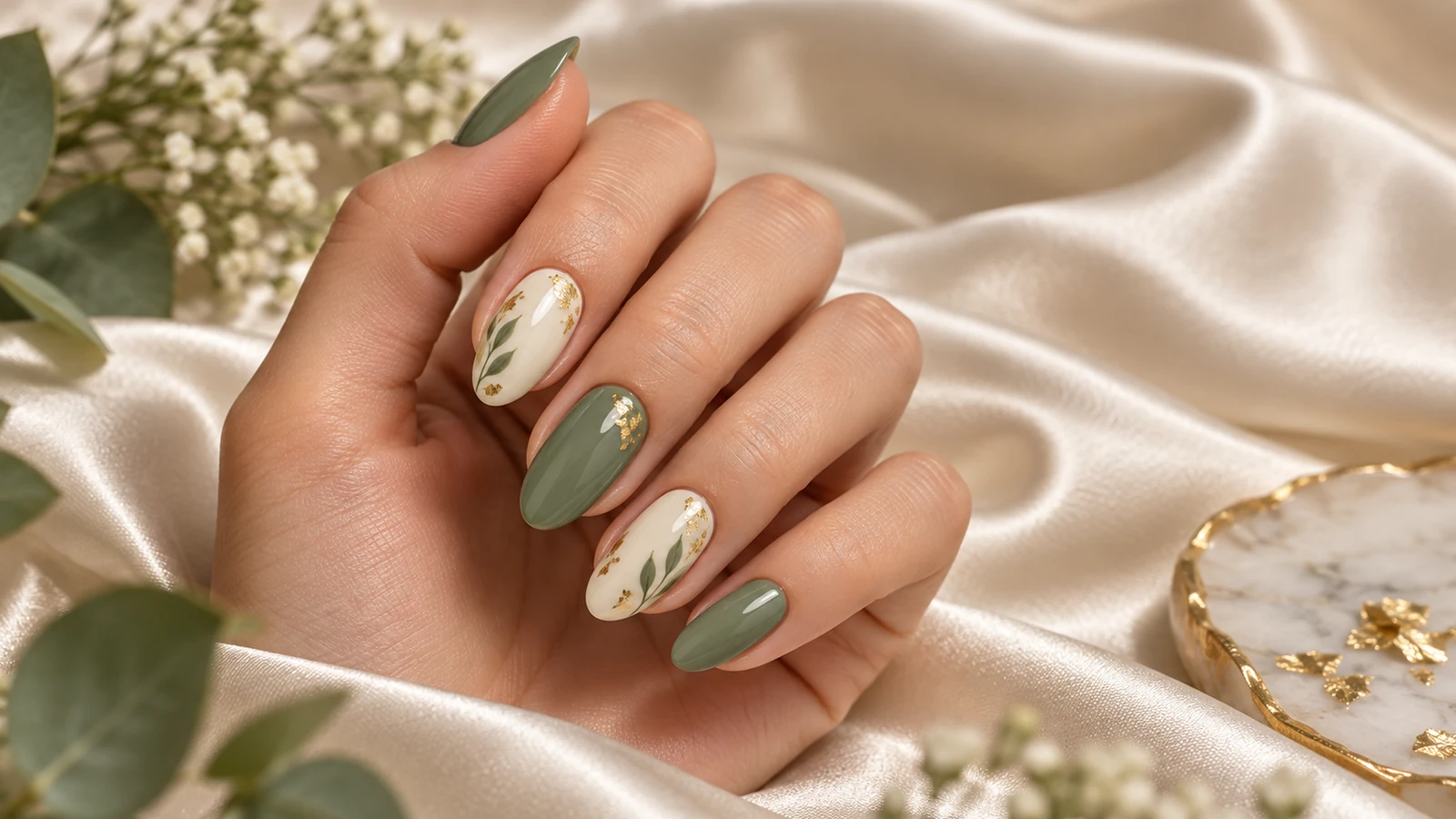
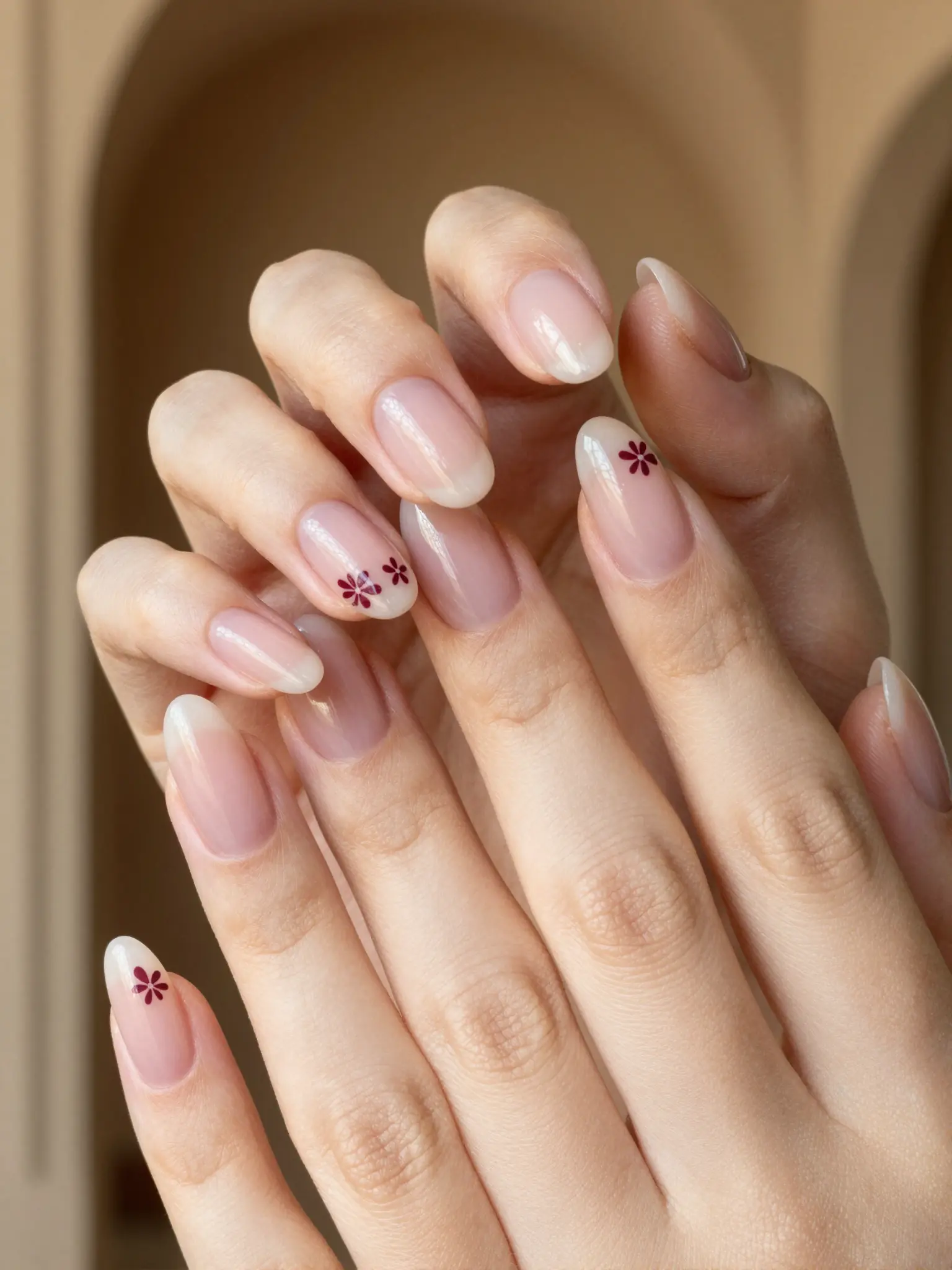
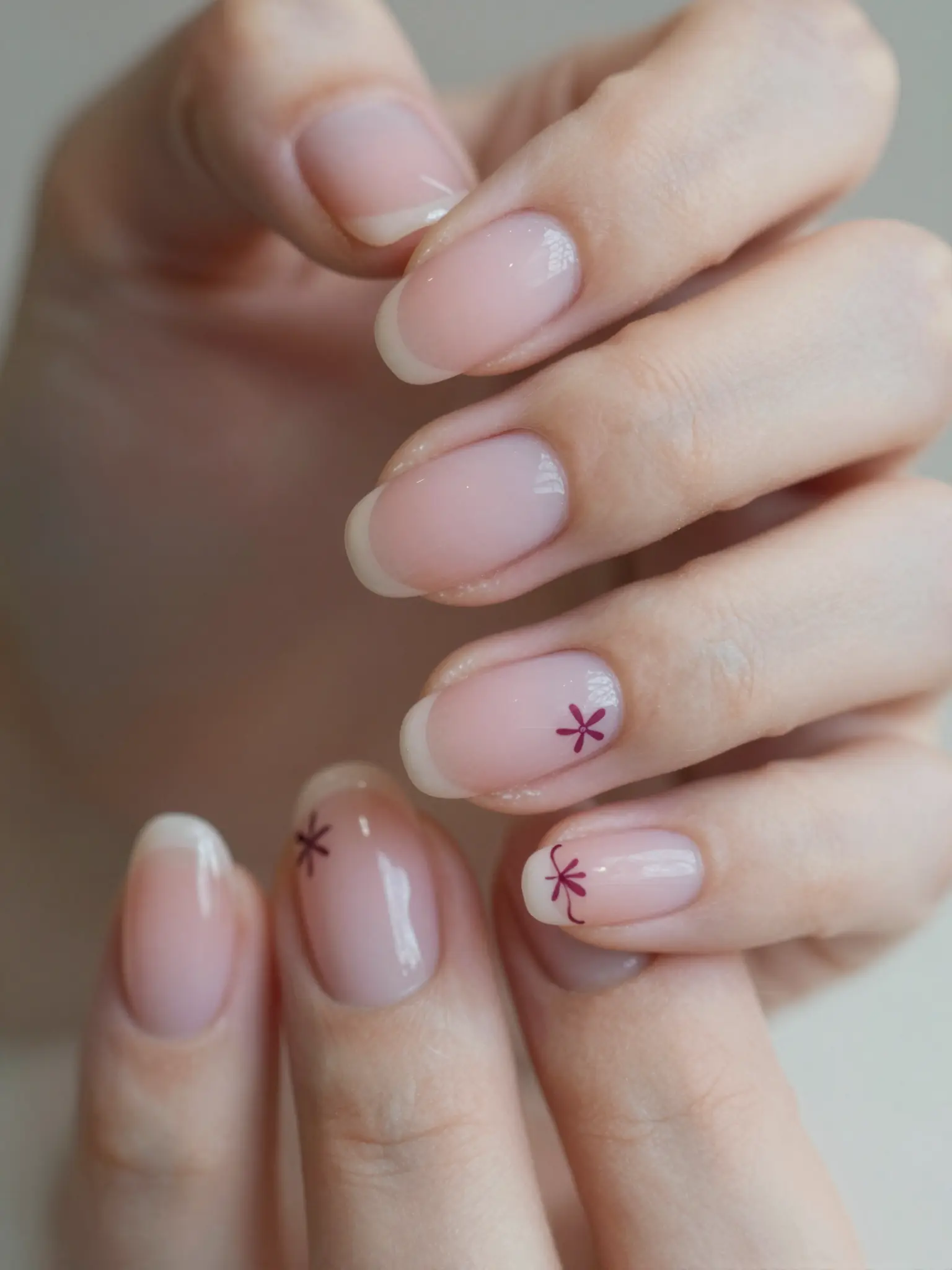
Specify the nail shape, length, finish, palette, and whether each finger should differ.
Try it now
AI image tools
Explore nail art before narrowing down colors, shapes, and decorative details.
Creative possibilities
Illustrative concepts show framing and visual treatment. Use your own brief and references to create a version for your project.
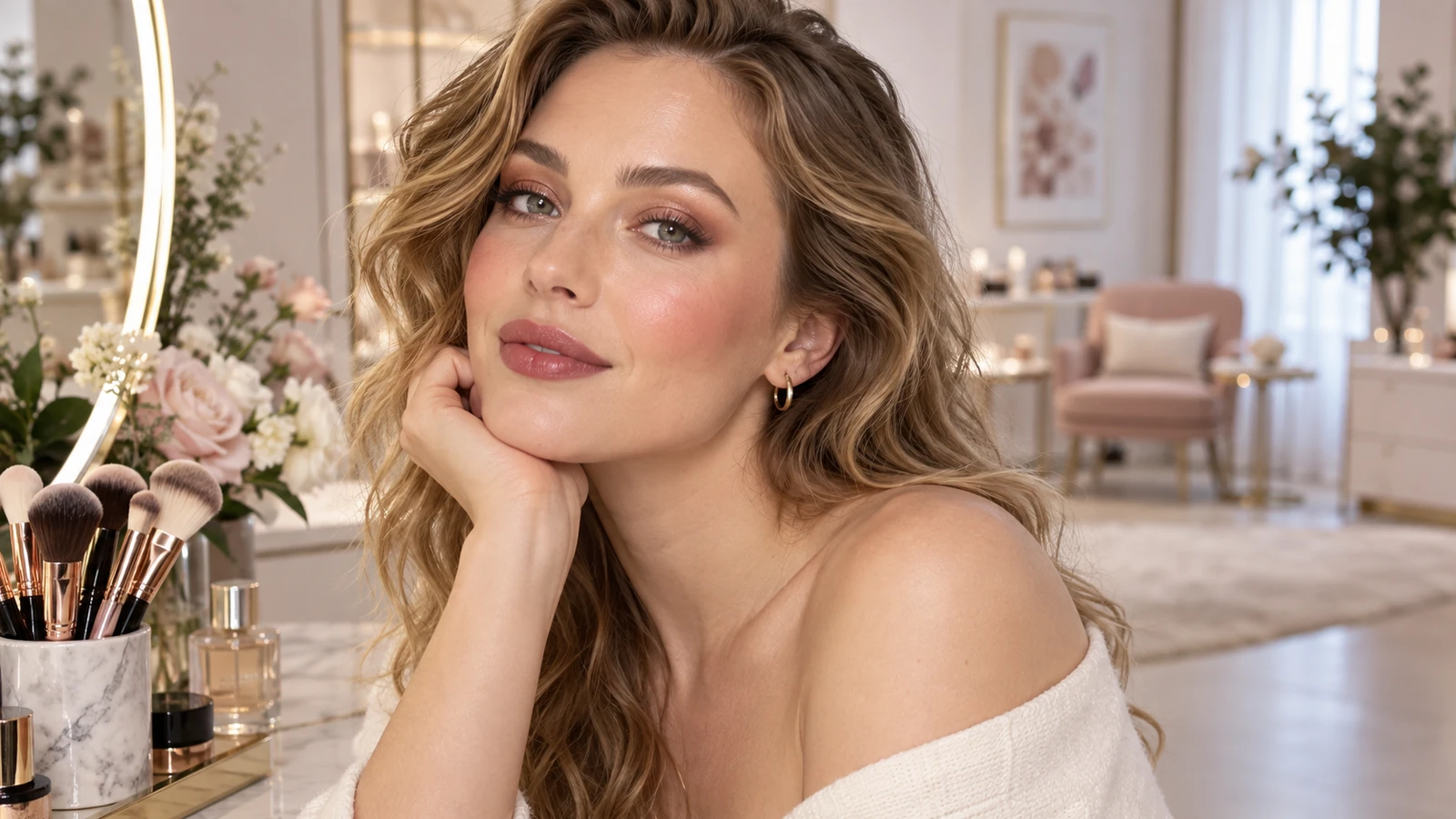
Soft daylight brings out expression and natural skin texture.
A styled setting gives the portrait a more editorial mood.
A closer crop puts expression, texture, and light in focus.
Specify the nail shape, length, finish, palette, and whether each finger should differ.
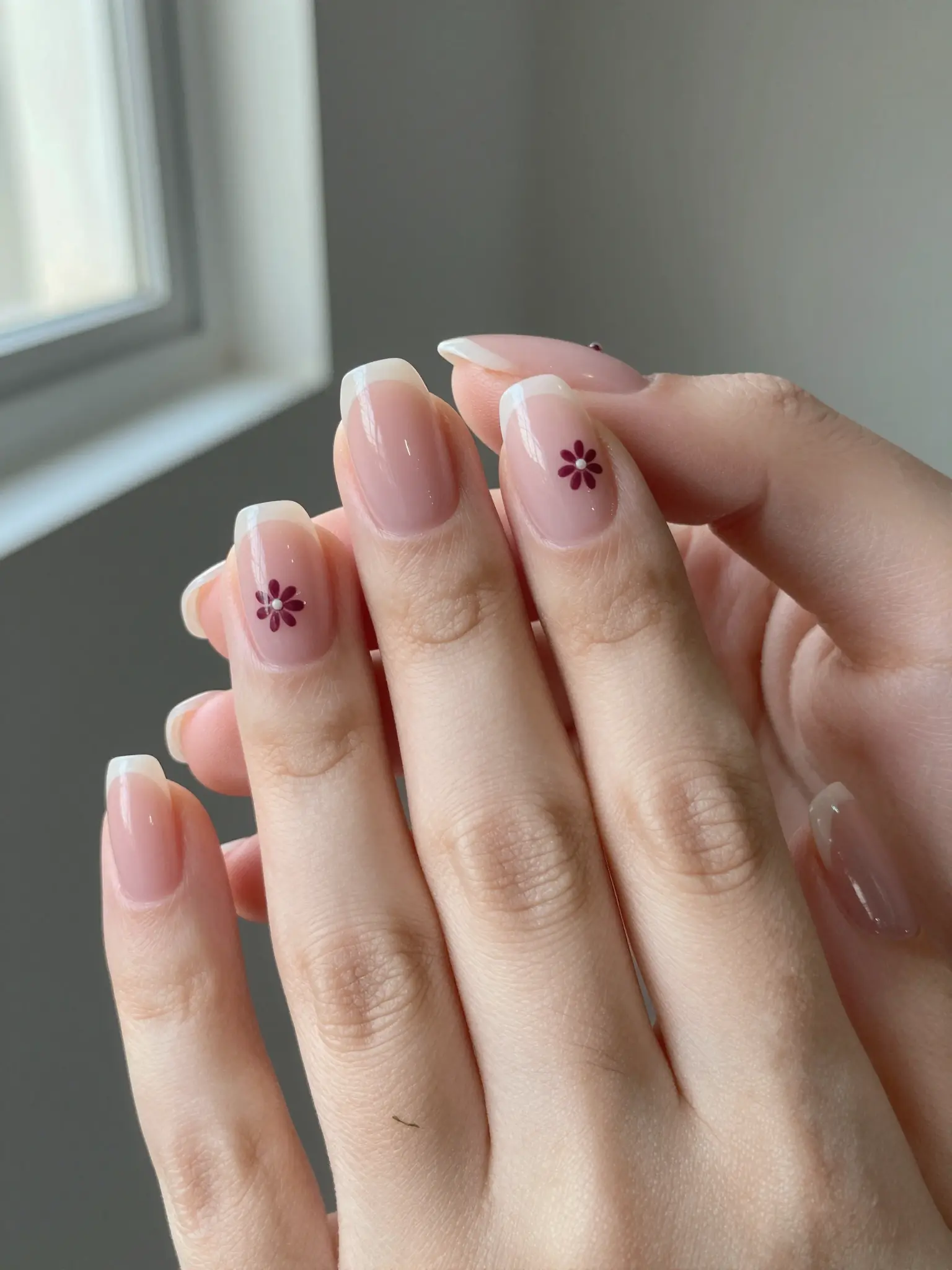
Try it nowShort almond nails, sheer pink base, tiny burgundy flowers on two accent nails, close-up salon reference.
Try it nowFrom idea to creation
Start with a written brief, a reference image, or both. A reference helps communicate the appearance you want.
Specify the nail shape, length, finish, palette, and whether each finger should differ.
Use the image as a style reference. A nail artist can adapt details to your nail shape and available materials.
Use the image as a style reference. A nail artist can adapt details to your nail shape and available materials.
Find your next creative tool
Your next creation starts here
Start with your own content in AI Nail Generator. Review the settings in Studio and create your result.