What is a technical drawing generator?+
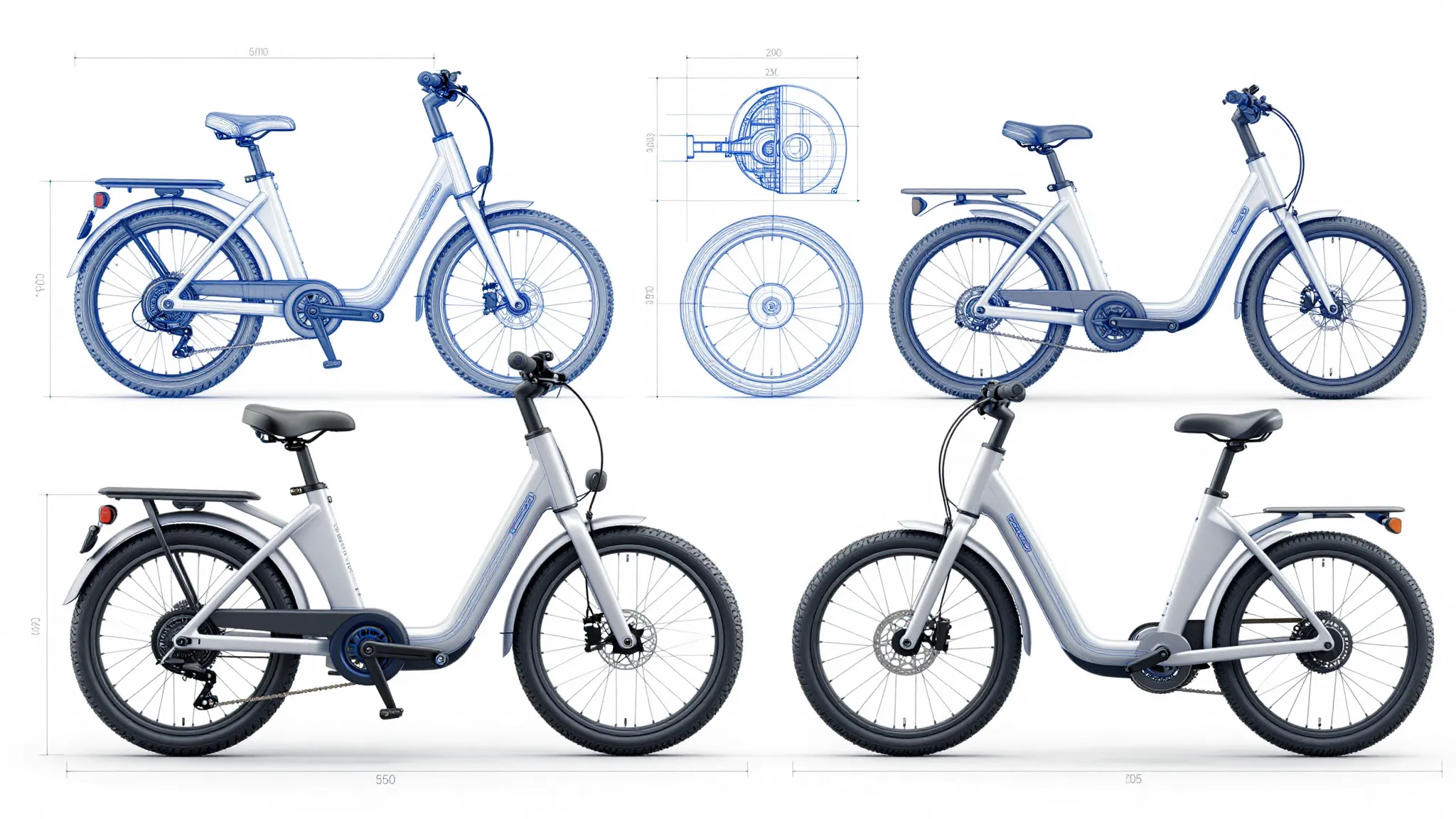
It's an AI tool that turns text prompts into technical drawing-style images — blueprints, schematics, patent-style line art, exploded views, orthographic projections, and isometric illustrations. Describe the subject and pick a style, and the AI generates a polished drawing-style image.
Does this produce CAD files or measurable engineering drawings?+
No. The technical drawing generator produces images in a technical drawing style — finished visuals that look like blueprints, patents, or schematics. They're not CAD files (DWG, STEP, IGES), they're not measurable, and they shouldn't be used as the source of truth for manufacturing or construction. They're concept renders, illustrations, and marketing visuals — not engineering deliverables. For functional engineering work, you'll want a real CAD tool.
What drawing styles can I generate?+
Blueprint (white-on-blue), engineering schematic, patent-style line art, exploded view, orthographic projection (top/front/side), isometric technical illustration, cross-section, architectural elevation, hand-drafted technical sketch, and modern minimalist line work. Describe the style in your prompt and the AI matches it.
Can the AI add labels, callouts, and numbered parts?+
Yes. Models like Nano Banana Pro, GPT Image 2.0, and Ideogram V3 handle text labels, callouts, and numbered parts well. Describe the labels you want in the prompt — "labeled callouts numbered 1 through 6," "labels in small caps drafting font," etc. Some refinement may be needed for long or technical text strings.
Can I generate multiple views of the same object on one sheet?+
Yes. Prompt for it explicitly — "patent-style sheet with top view, front view, side view, and isometric of a folding chair." The AI lays out the multi-view sheet in one image. For exact precision across views, you'll still want a CAD tool.
Can I use this for patent filings?+
The output is patent-style illustration — perfect for invention decks, blog posts, and provisional concepts. For an actual filing, patent offices typically require precise figures that match the written claims, prepared by a patent illustrator or via CAD-export. Use the AI tool for concepting and the formal illustrator for filing.
What models power the generator?+
The technical drawing generator runs on Cuta's image stack — GPT Image 2.0, Nano Banana Pro, Seedream 4.0, FLUX.2, FLUX Kontext, and Ideogram V3 — chosen for clean line work, legible callouts, and consistent multi-view layouts.
Can I use the generated drawings commercially?+
Commercial use is included on Advanced and higher Cuta plans. If you're using the drawings for marketing, decks, products, books, or branded content, the Advanced, Infinite, or Wonder tier covers you.
Is it free to generate technical drawings?+
Cuta offers a free trial with limited credits, so you can generate a few technical drawings before upgrading.
How do I get the best results?+
Be specific about the subject, the style ("blueprint," "patent line art," "isometric technical illustration"), the views you want (top/front/side, exploded, cross-section), and the level of detail (labeled callouts, numbered parts, hatching). If the first generation is close but not quite right, tweak the prompt, swap models, or change the line weight cue — the same subject can land very differently across drawing styles.