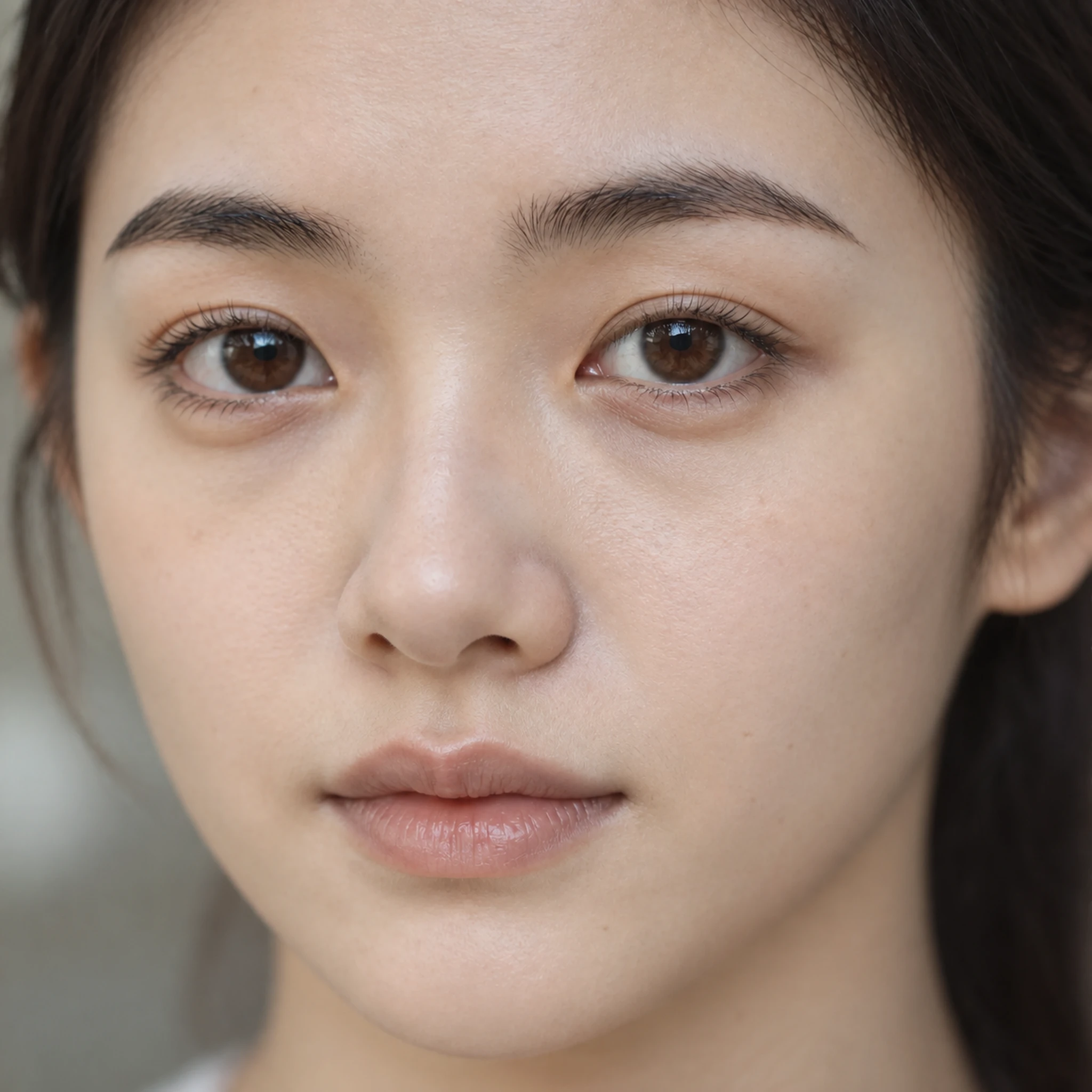
Explore more natural-looking facial texture
Use a portrait with a visible face and describe the level of texture, light and detail you want to retain.
Try it now
Use a portrait with a visible face and describe the level of texture, light and detail you want to retain.
Try it nowSubtle natural skin texture, soft window light, preserve freckles, expression and hairstyle.
Try it nowCompare likeness, pores, hair and eyes with the source. Avoid judging success only by a sharper thumbnail.
Try it nowFrom idea to creation
Use a portrait with a visible face and describe the level of texture, light and detail you want to retain.
Subtle natural skin texture, soft window light, preserve freckles, expression and hairstyle.
Compare likeness, pores, hair and eyes with the source. Avoid judging success only by a sharper thumbnail.
Use a portrait with a visible face and describe the level of texture, light and detail you want to retain.
Find your next creative tool
Your next creation starts here
Start with your own content in Face Realism. Review the settings in Studio and create your result.