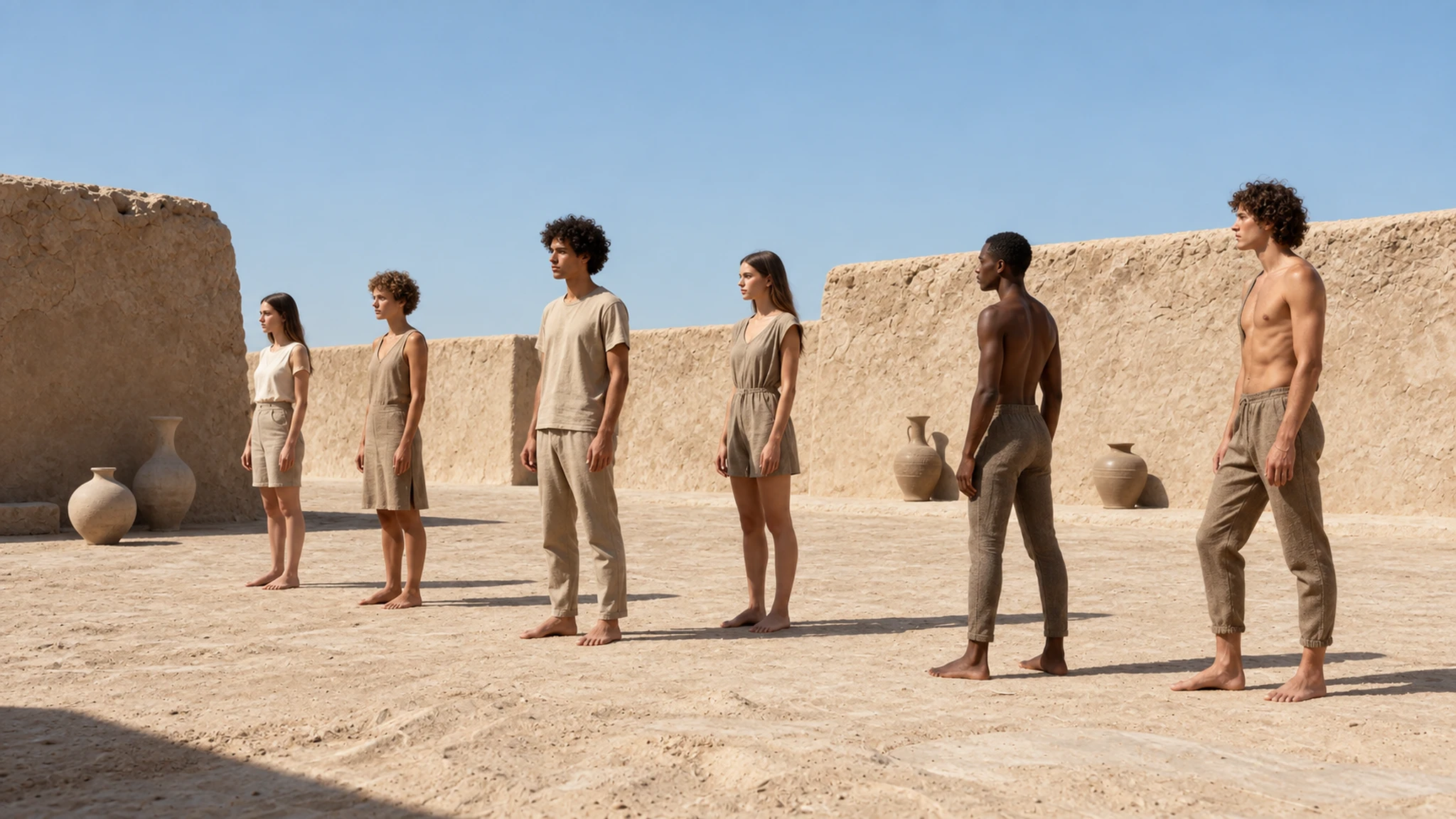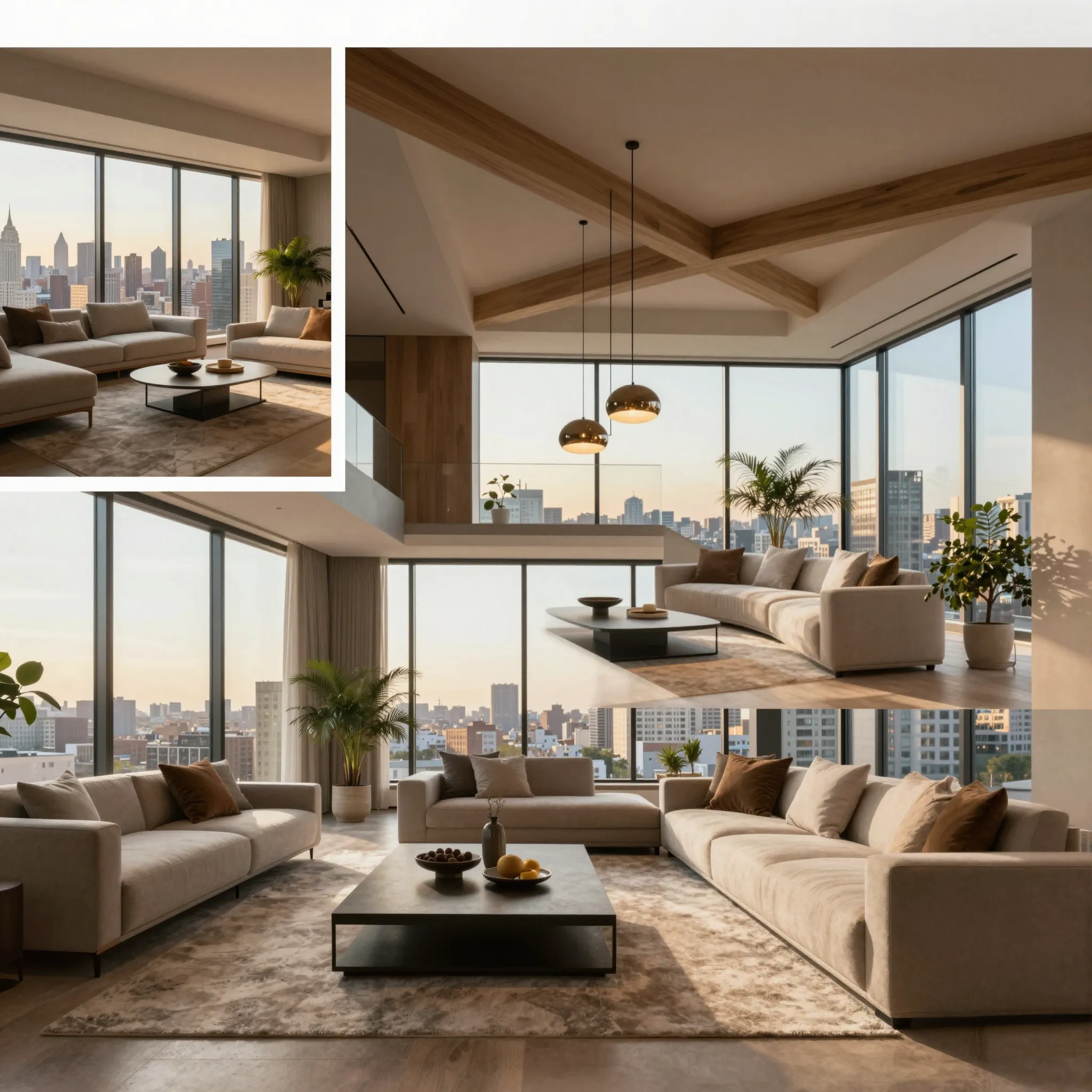
Explore another viewpoint of your subject
Upload the image, then use the camera-direction controls to set the viewing angle. Keep important parts of the subject inside the reference frame.
Try it now
Upload the image, then use the camera-direction controls to set the viewing angle. Keep important parts of the subject inside the reference frame.
Try it nowA low three-quarter view of the chair, preserving the curved wooden frame and cream upholstery.
Try it nowUnseen surfaces are inferred from the source. Compare shape and proportions; the result is not a measured 3D reconstruction.
Try it nowFrom idea to creation
Upload the image, then use the camera-direction controls to set the viewing angle. Keep important parts of the subject inside the reference frame.
A low three-quarter view of the chair, preserving the curved wooden frame and cream upholstery.
Unseen surfaces are inferred from the source. Compare shape and proportions; the result is not a measured 3D reconstruction.
Upload the image, then use the camera-direction controls to set the viewing angle. Keep important parts of the subject inside the reference frame.
Find your next creative tool
Your next creation starts here
Start with your own content in Camera Angles. Review the settings in Studio and create your result.