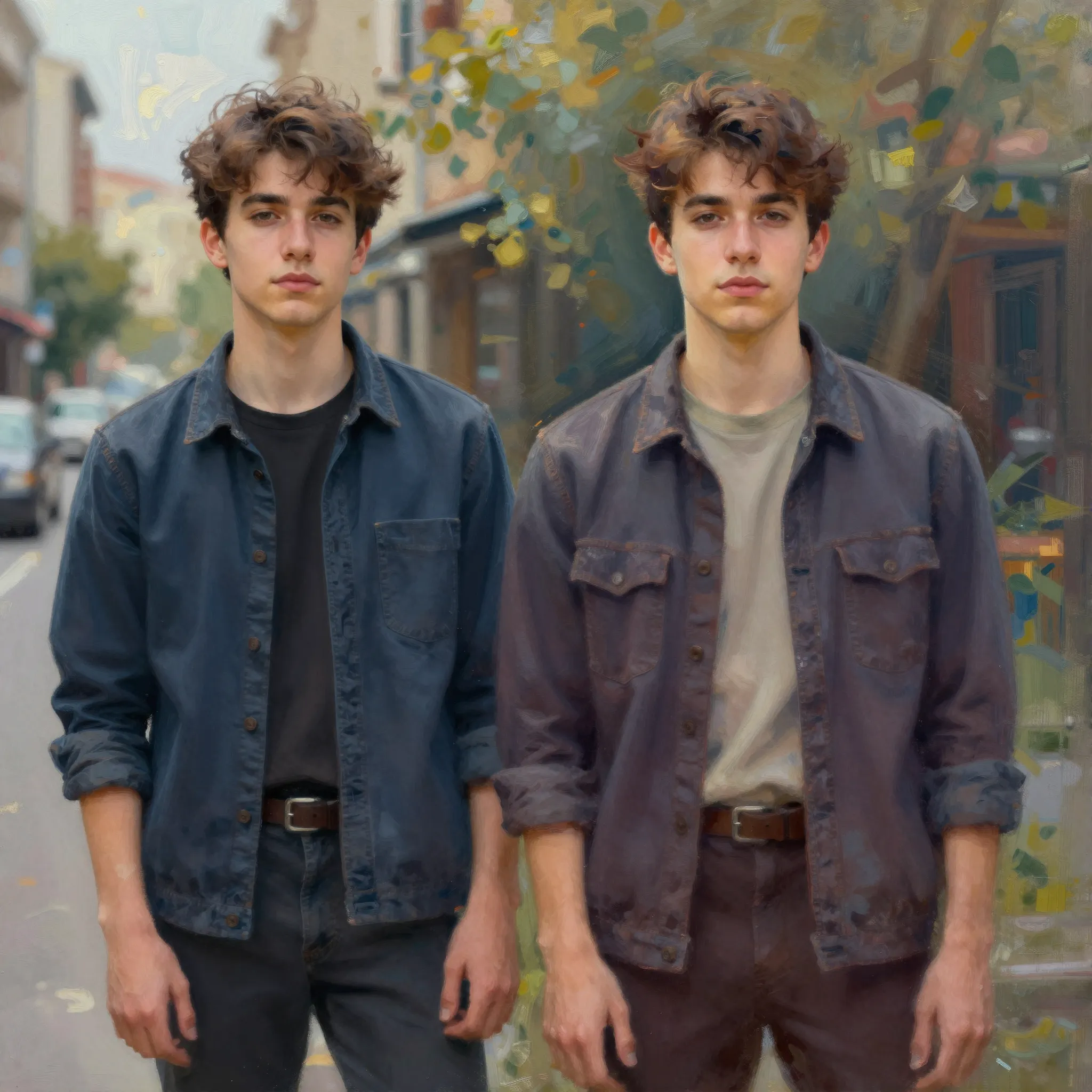
Change the medium while keeping a recognizable subject
Upload a reference and choose the style direction. Name the silhouette, pose or colors that should carry into the reinterpretation.
Try it now
Upload a reference and choose the style direction. Name the silhouette, pose or colors that should carry into the reinterpretation.
Try it nowA hand-painted gouache look, simple warm palette, preserve the dog's pose and distinctive white paws.
Try it nowCompare the subject's defining features with the source, especially faces, accessories and small text.
Try it nowFrom idea to creation
Upload a reference and choose the style direction. Name the silhouette, pose or colors that should carry into the reinterpretation.
A hand-painted gouache look, simple warm palette, preserve the dog's pose and distinctive white paws.
Compare the subject's defining features with the source, especially faces, accessories and small text.
Upload a reference and choose the style direction. Name the silhouette, pose or colors that should carry into the reinterpretation.
Find your next creative tool
Your next creation starts here
Start with your own content in Stylize. Review the settings in Studio and create your result.



