

Cuta
Smart Shot – One Prompt. Multiple Cuts. Cinematic Video. online

Smart Shot – One Prompt. Multiple Cuts. Cinematic Video.

Smart Shot by Cuta – Generate cinematic multi-cut videos with AI. One prompt creates multiple shots with professional camera movements, angles, and cuts. Try free today!

How to Use Smart Shot

Smart Shot – One Prompt. Multiple Cuts. Cinematic Video.

Smart Shot – One Prompt. Multiple Cuts. Cinematic Video.
Step 1

Describe Your Video Idea

Enter a prompt describing your scene, including subject, action, and environment. You can also select characters saved in your Cuta account or use environments from Cuta Worlds.

Smart Shot – One Prompt. Multiple Cuts. Cinematic Video.

Smart Shot – One Prompt. Multiple Cuts. Cinematic Video.
Step 2

Review the Shot Plan

Smart Shot generates a production sheet with storyboard panels, camera setups, and shot breakdowns. Preview and refine the plan before generating.

Smart Shot – One Prompt. Multiple Cuts. Cinematic Video.

Smart Shot – One Prompt. Multiple Cuts. Cinematic Video.
Step 3

Generate and Export

Generate your final video with multiple cuts. You can export the full sequence or download individual frames from any shot.

Built for Cinematic Content Creation and Fast Video Production

Smart Shot – One Prompt. Multiple Cuts. Cinematic Video.

Smart Shot – One Prompt. Multiple Cuts. Cinematic Video.

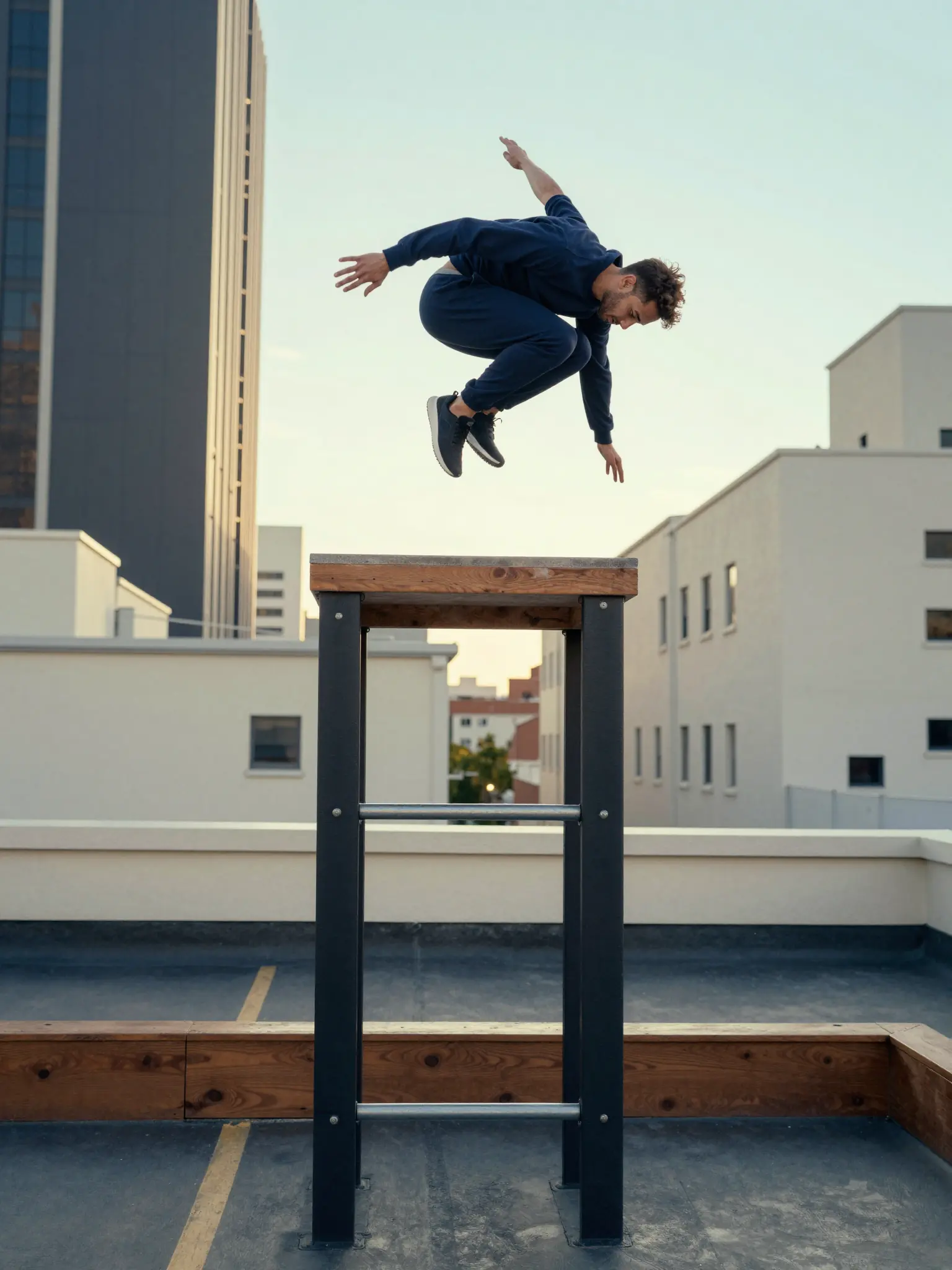
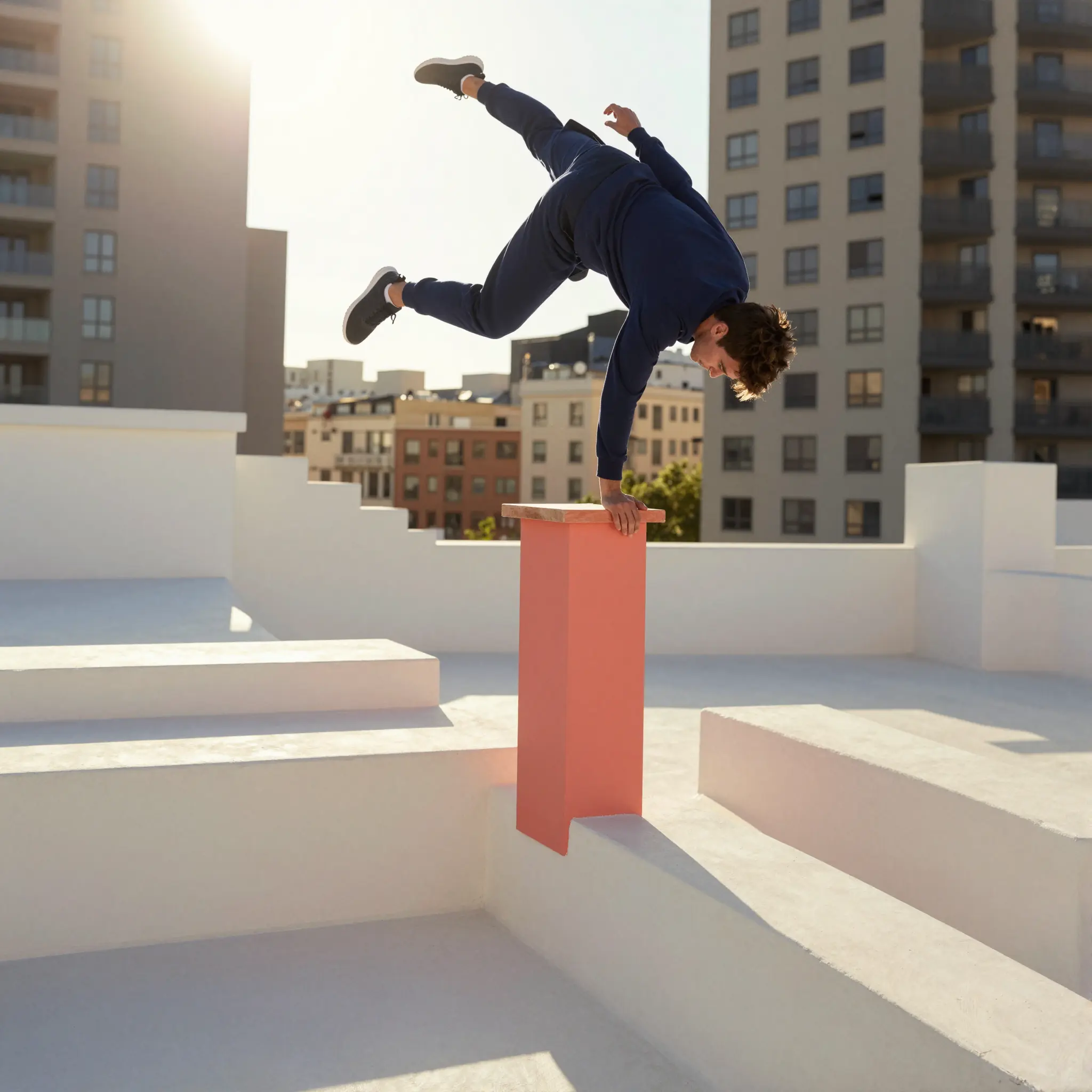
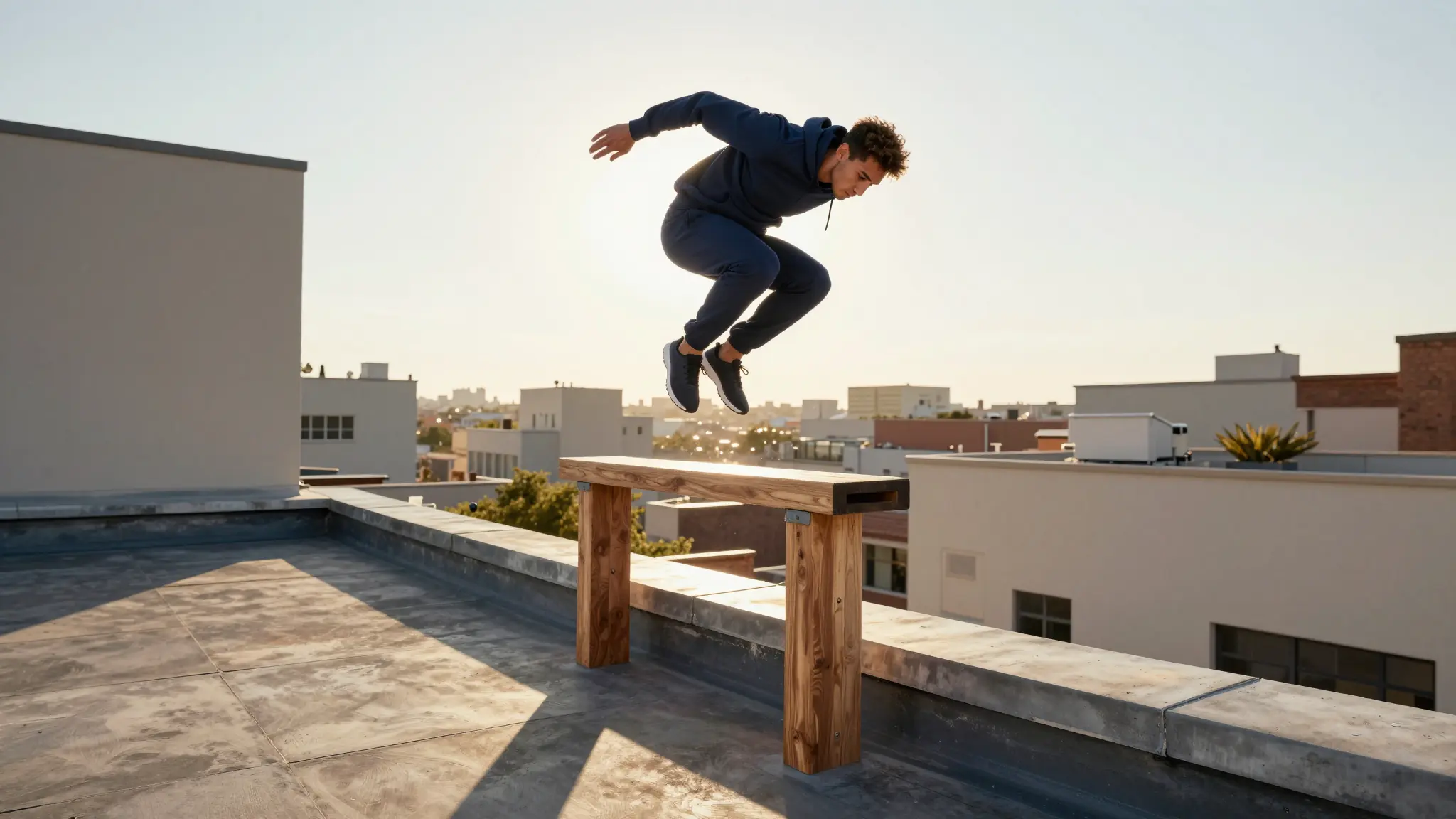
Content Creators Making Engaging Videos

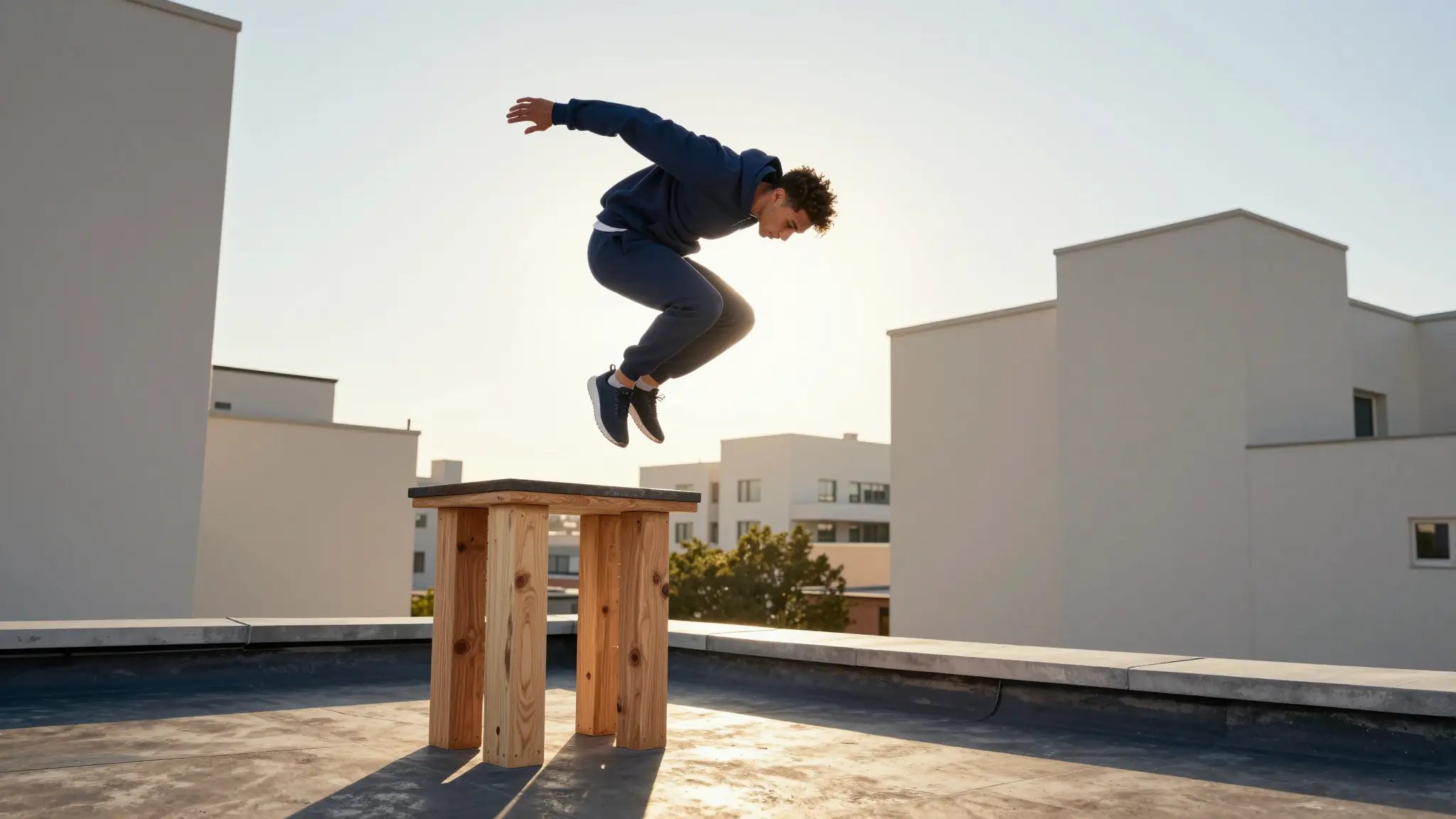
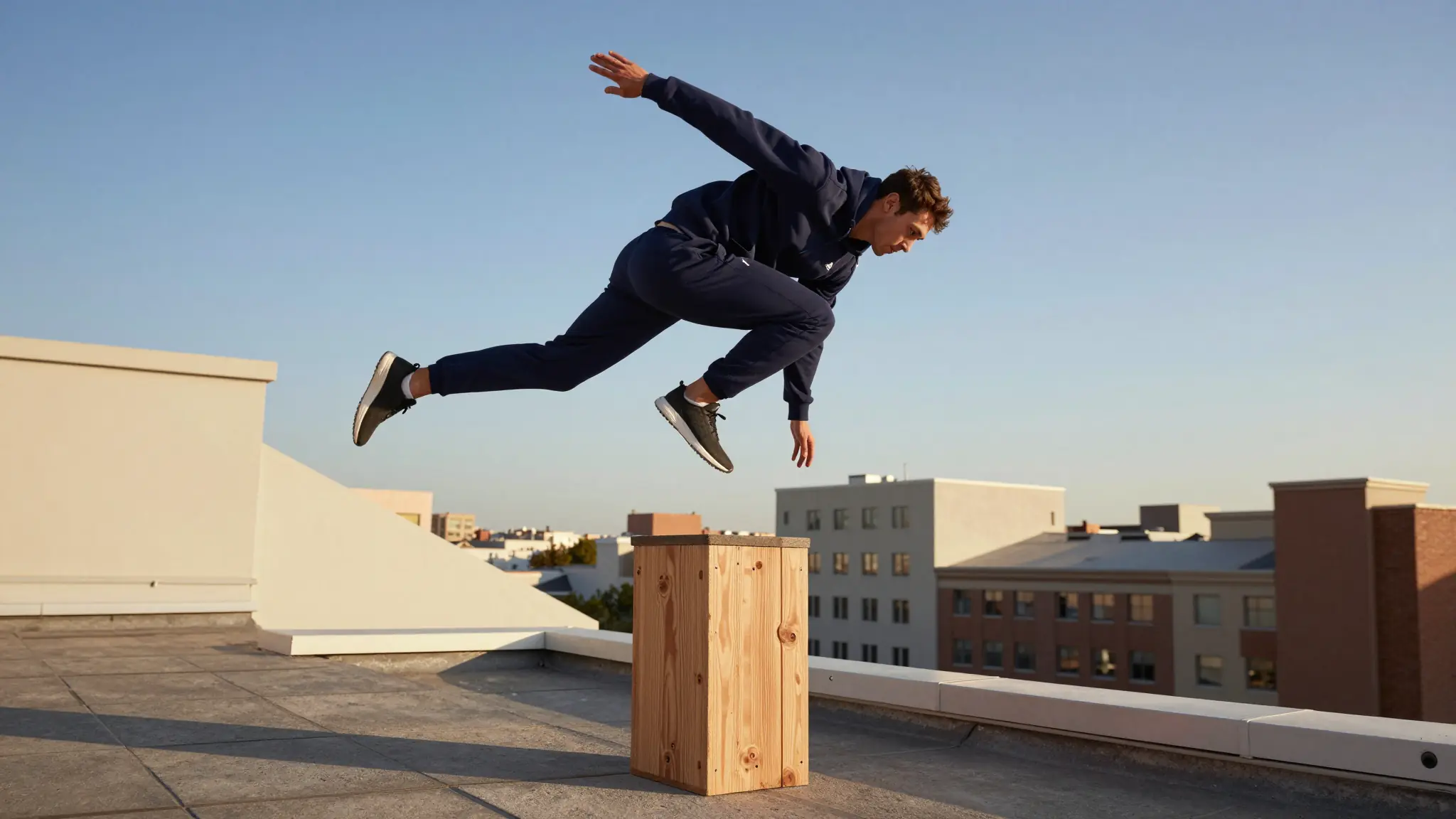
Create videos that feel dynamic instead of static. With multiple cuts and camera movements, your content looks more like edited footage rather than a single generated clip. This is especially useful for social media, where pacing and variation keep viewers engaged.

Try it now


Smart Shot – One Prompt. Multiple Cuts. Cinematic Video.

Smart Shot – One Prompt. Multiple Cuts. Cinematic Video.

Filmmakers and Pre-Visualization

Use Smart Shot to quickly visualize scenes before production. Generate shot sequences, explore camera angles, and understand how a scene plays out without setting up a real shoot. This helps with planning and creative direction.

Try it now

Smart Shot – One Prompt. Multiple Cuts. Cinematic Video.

Smart Shot – One Prompt. Multiple Cuts. Cinematic Video.

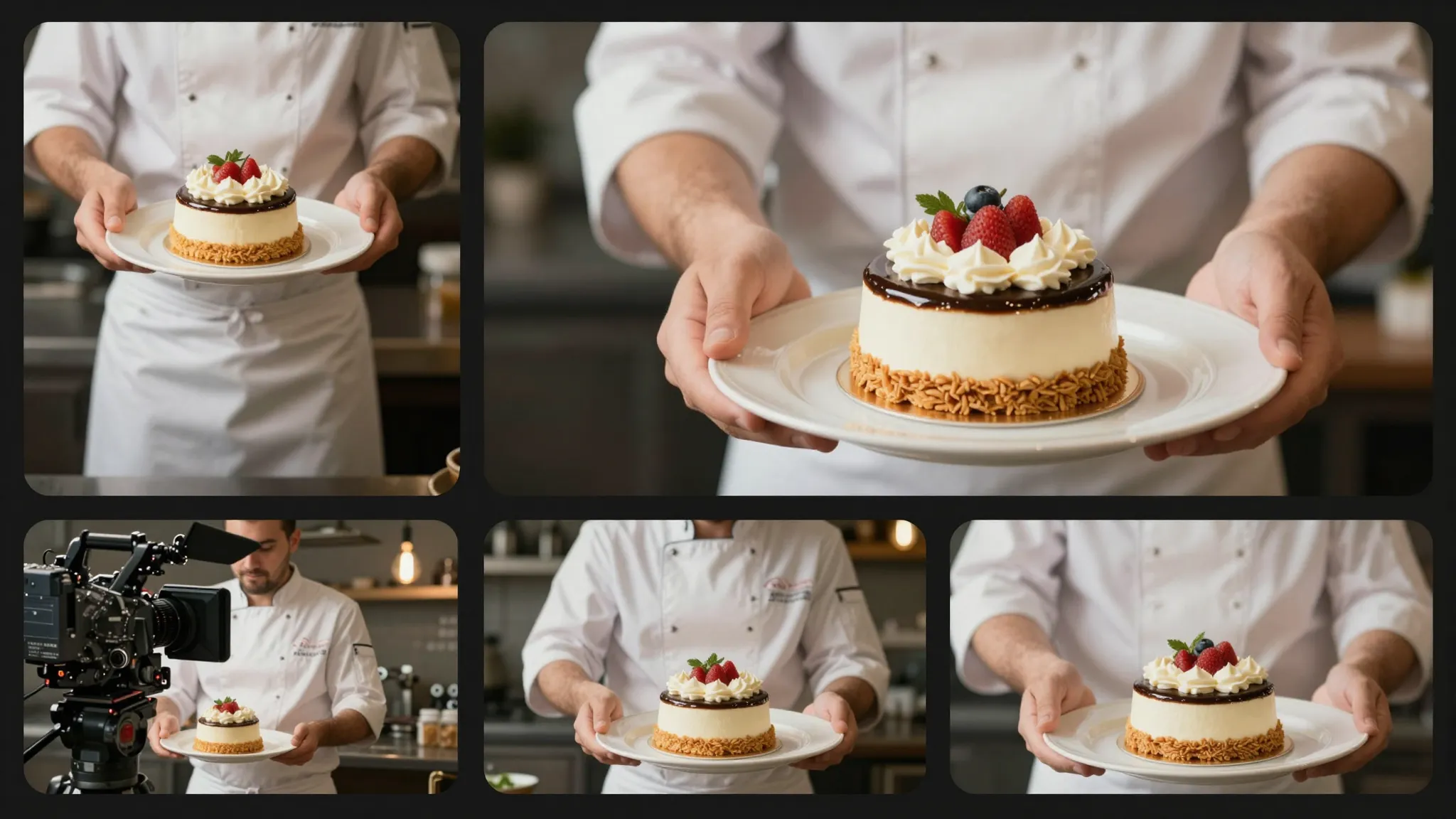
Marketing and Product Videos

Create product videos with multiple angles and structured shots from a single prompt. Showcase products from different perspectives without filming or editing, making it easier to produce content for ads and campaigns.

Try it now

Smart Shot – One Prompt. Multiple Cuts. Cinematic Video.

Smart Shot – One Prompt. Multiple Cuts. Cinematic Video.

AI Influencers and Character Content

Maintain consistent characters across multiple shots in a single video. Use saved characters from your Cuta account and place them in different scenes while keeping identity stable, making it ideal for AI influencers and recurring content.

Try it now

Smart Shot – One Prompt. Multiple Cuts. Cinematic Video.

Smart Shot – One Prompt. Multiple Cuts. Cinematic Video.

Storytelling and Narrative Content

Generate short story sequences with a clear progression of shots. Instead of a single scene, you get a structured flow between moments, making it easier to tell a story visually within a short format.

Try it now

Community creations

See how creators and teams are using Smart Shot – One Prompt. Multiple Cuts. Cinematic Video. inside Cuta.

Try now

Smart Shot – One Prompt. Multiple Cuts. Cinematic Video.

Smart Shot – One Prompt. Multiple Cuts. Cinematic Video.

Portrait-ready preview for Smart Shot – One Prompt. Multiple Cuts. Cinematic Video.

Try it

Frequently asked questions

What is the Smart Shot feature?+

Smart Shot is an AI video generation feature that creates multi-cut cinematic videos from a single prompt. It generates a Shot Plan with storyboards and camera movements, then produces a video with 3–5 distinct shots.

How is Smart Shot different from other AI video generators?+

Most AI video tools generate a single continuous clip. Smart Shot creates multiple cuts with different camera angles, framing, and movement, making the output feel like a directed and edited video.

What is a Shot Plan?+

A Shot Plan is an AI-generated production sheet that includes storyboard panels, camera setups, subject references, and shot sequences. You can preview and edit it before generating the final video.

Can I use my own characters and environments?+

Yes, you can use characters saved in your Cuta account and environments from Cuta Worlds to maintain consistency across your videos.

Do I need video editing skills to use Smart Shot?+

No. Smart Shot handles shot planning, camera direction, and editing automatically. You only need to describe your idea, and the system generates the rest.

How long are Smart Shot videos?+

Smart Shot videos are typically 10–20 seconds long and include 3–5 distinct cuts.

Can I edit the Shot Plan before generating?+

Yes, you can preview the Shot Plan and make adjustments to shot types, camera movements, or sequence structure before generating the final video.

How do I get the best results?+

Write clear prompts describing the subject, setting, and action. Use saved characters or environments for consistency, and review the Shot Plan to refine your video before generation.

Start creating

Create without limits

Join creators using Cuta to generate stunning images, videos, and more — all in one platform.

Get started for free

