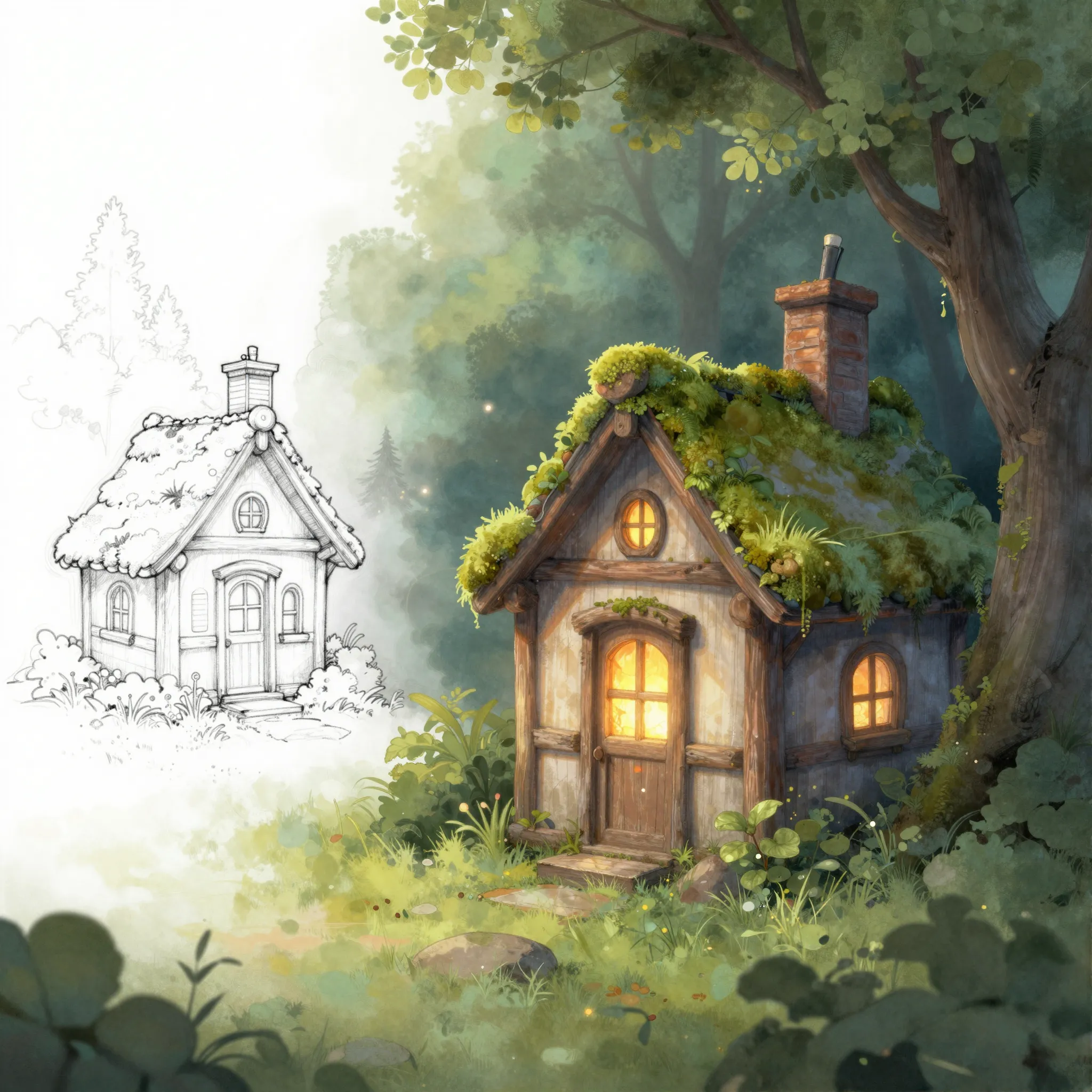
Develop a finished-looking image from a sketch
Use a clear drawing and describe the materials, colors, setting and lighting that should build on its shapes.
Try it now
Use a clear drawing and describe the materials, colors, setting and lighting that should build on its shapes.
Try it nowRender this chair sketch in warm oak and cream fabric, keeping the curved back and slender legs.
Try it nowCompare the result with the sketch's proportions and intended structure; details can be inferred or reinterpreted.
Try it nowFrom idea to creation
Use a clear drawing and describe the materials, colors, setting and lighting that should build on its shapes.
Render this chair sketch in warm oak and cream fabric, keeping the curved back and slender legs.
Compare the result with the sketch's proportions and intended structure; details can be inferred or reinterpreted.
Use a clear drawing and describe the materials, colors, setting and lighting that should build on its shapes.
Find your next creative tool
Your next creation starts here
Start with your own content in Sketch to Image. Review the settings in Studio and create your result.



