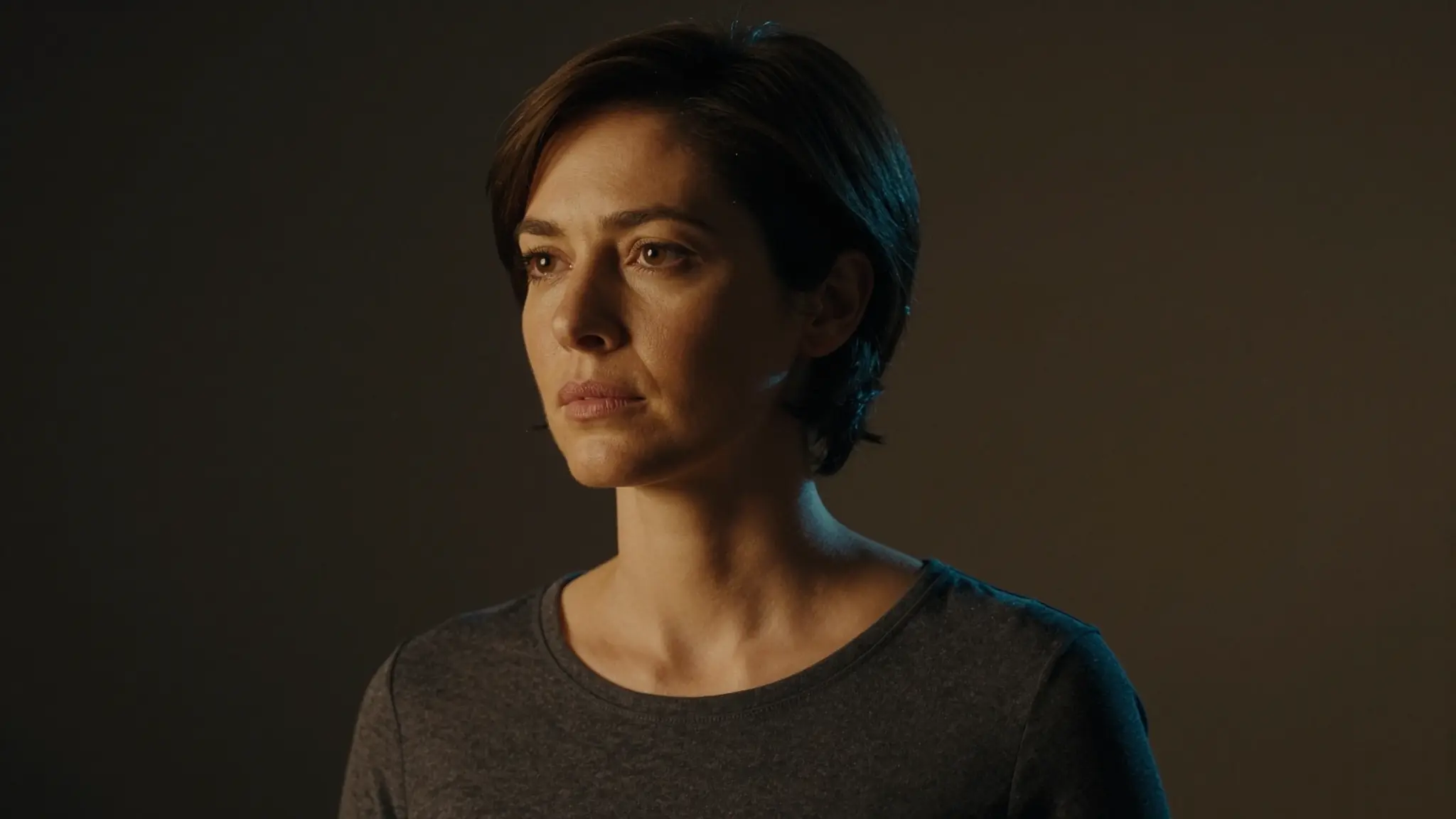
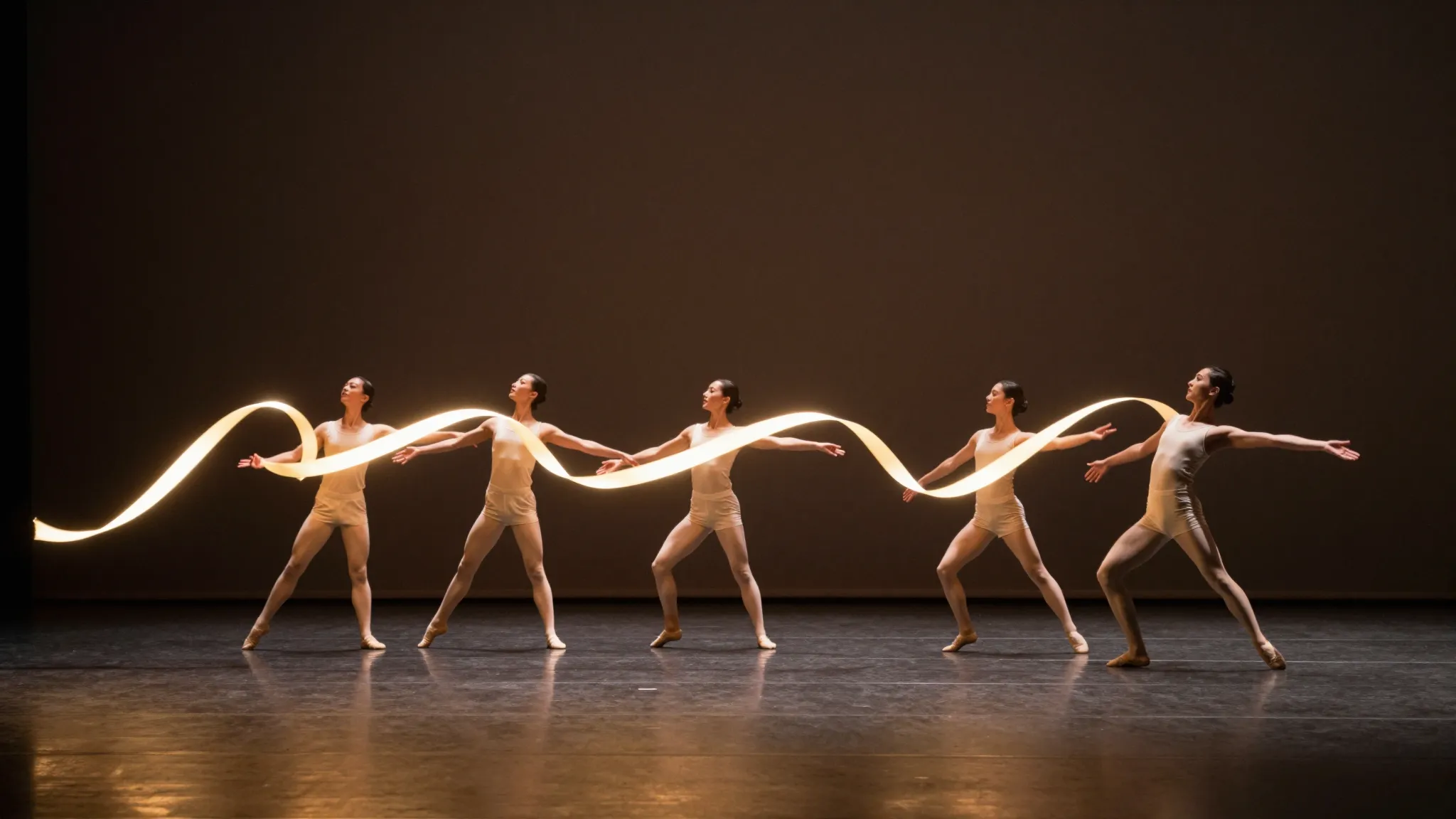
Reimagine the subject while retaining the scene
Provide the scene and replacement character references. Specify the appearance, outfit and silhouette to carry into the existing pose.
Try it now
Provide the scene and replacement character references. Specify the appearance, outfit and silhouette to carry into the existing pose.
Try it nowReplace the figure with the character reference, keeping the seated pose, desk and evening light.
Try it nowCompare limbs, face, contact with objects and lighting with the source composition.
Try it nowFrom idea to creation
Provide the scene and replacement character references. Specify the appearance, outfit and silhouette to carry into the existing pose.
Replace the figure with the character reference, keeping the seated pose, desk and evening light.
Compare limbs, face, contact with objects and lighting with the source composition.
Provide the scene and replacement character references. Specify the appearance, outfit and silhouette to carry into the existing pose.
Find your next creative tool
Your next creation starts here
Start with your own content in Replace Character. Review the settings in Studio and create your result.