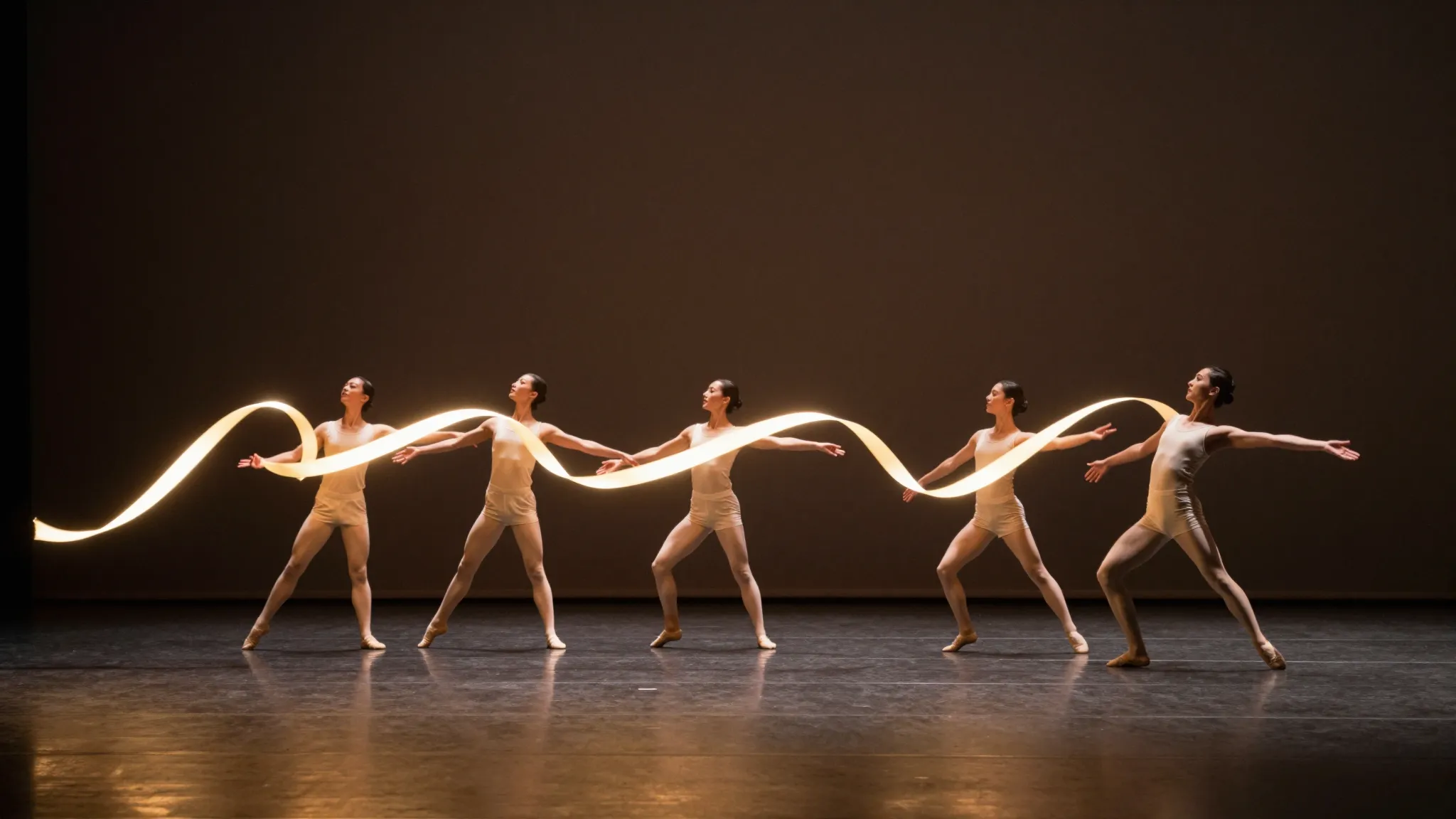
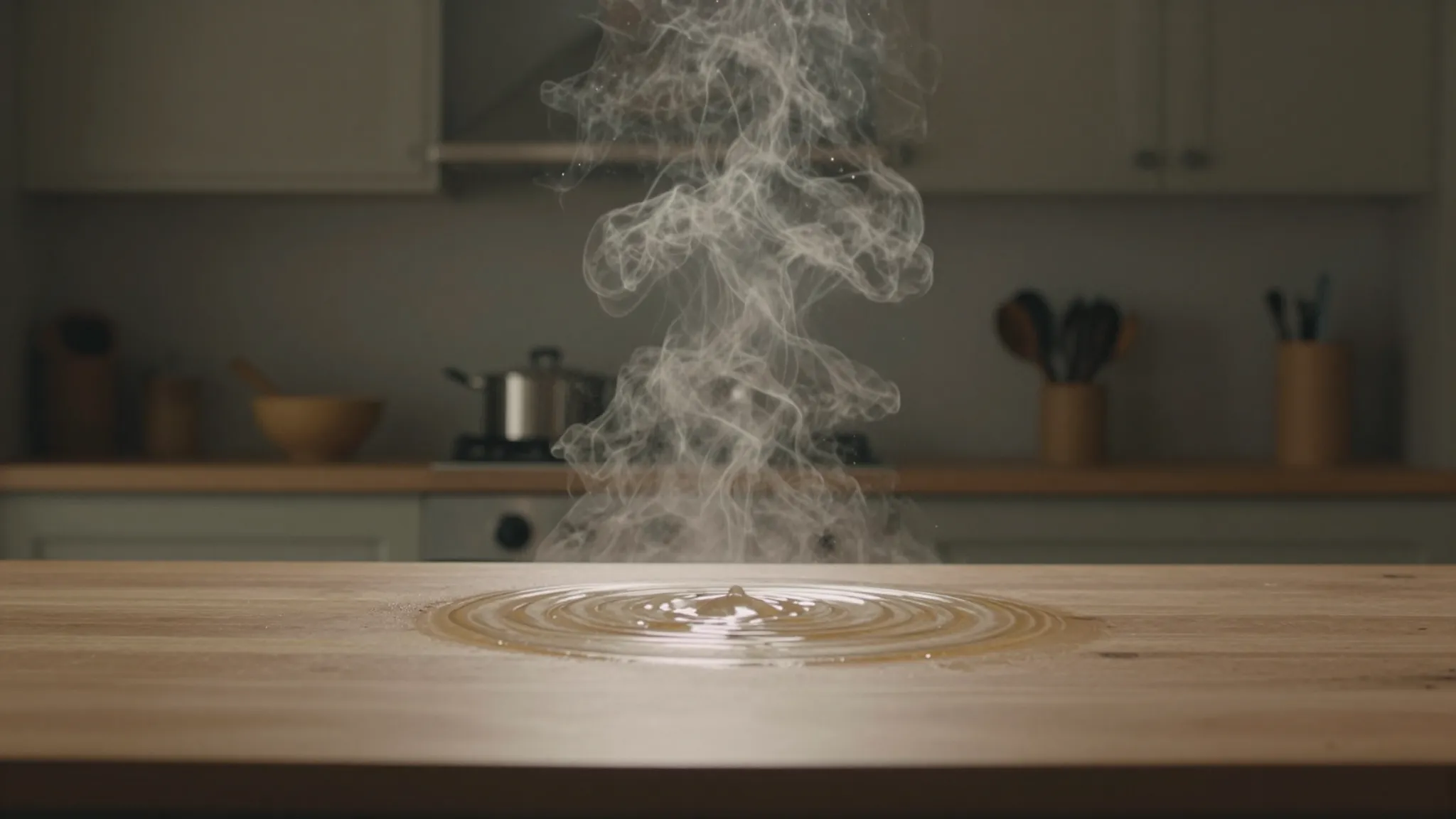
Explore another lighting direction on a clip
Provide the source video and describe the position, color and softness of the desired light using the available relighting controls.
Try it now
Provide the source video and describe the position, color and softness of the desired light using the available relighting controls.
Try it nowSoft window light from the left, neutral skin tones and a subdued background, without changing the action.
Try it nowWatch shadows, highlights and skin tones throughout movement. Check that the treatment stays coherent between frames.
Try it nowFrom idea to creation
Provide the source video and describe the position, color and softness of the desired light using the available relighting controls.
Soft window light from the left, neutral skin tones and a subdued background, without changing the action.
Watch shadows, highlights and skin tones throughout movement. Check that the treatment stays coherent between frames.
Provide the source video and describe the position, color and softness of the desired light using the available relighting controls.
Find your next creative tool
Your next creation starts here
Start with your own content in Video Relight. Review the settings in Studio and create your result.