Give the character a movement reference
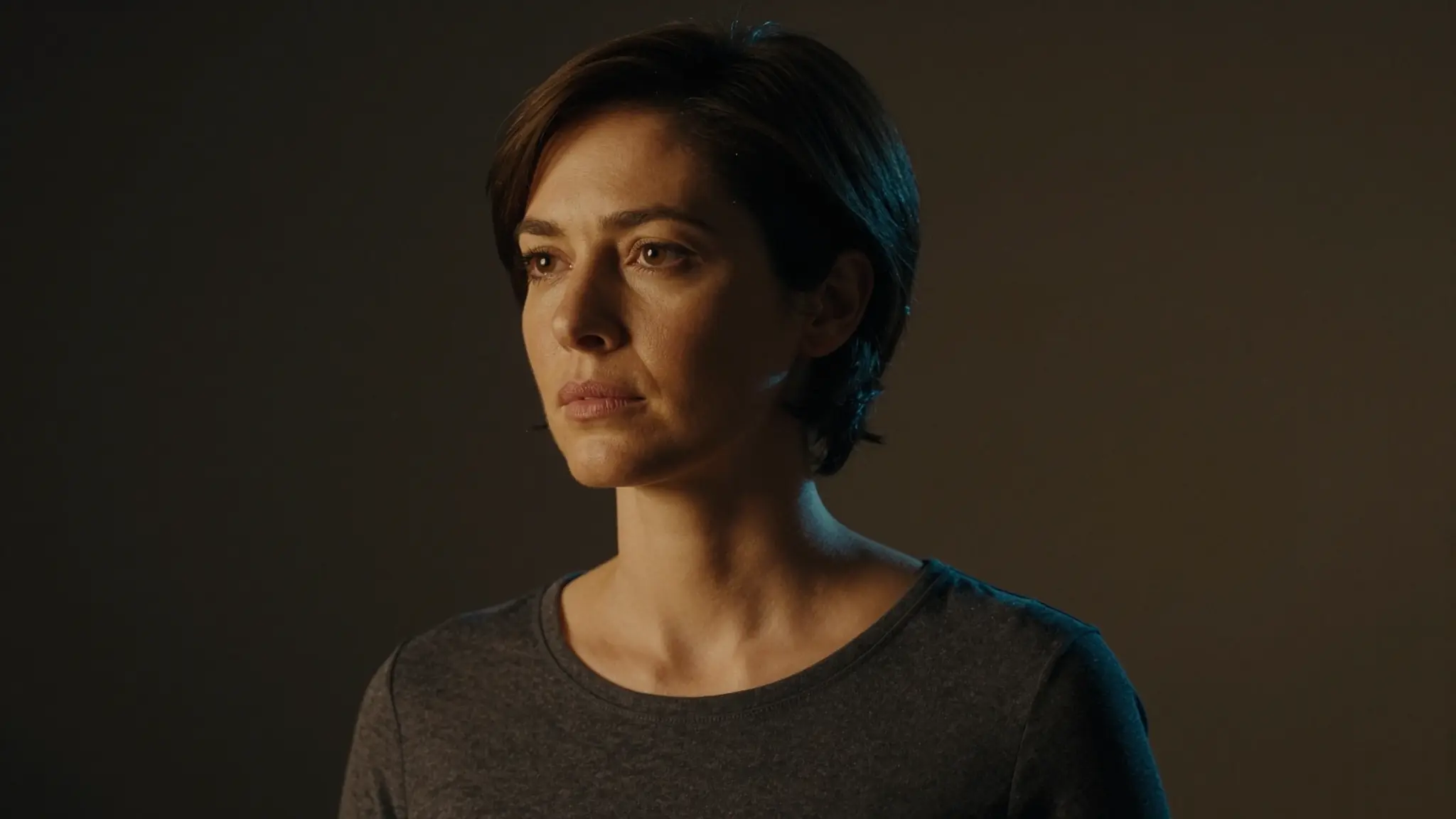
Provide the character image and motion clip in their respective inputs. Prefer a visible body and motion that fits the intended framing.
Try it now
Provide the character image and motion clip in their respective inputs. Prefer a visible body and motion that fits the intended framing.
Try it nowA character follows a gentle wave and a small side step from the motion reference.
Try it nowReview anatomy, hands, feet and occlusion throughout the result rather than judging a single frame.
Try it nowFrom idea to creation
Provide the character image and motion clip in their respective inputs. Prefer a visible body and motion that fits the intended framing.
A character follows a gentle wave and a small side step from the motion reference.
Review anatomy, hands, feet and occlusion throughout the result rather than judging a single frame.
Provide the character image and motion clip in their respective inputs. Prefer a visible body and motion that fits the intended framing.
Find your next creative tool
Your next creation starts here
Start with your own content in Motion-Sync Video. Review the settings in Studio and create your result.