Smart Object Removal
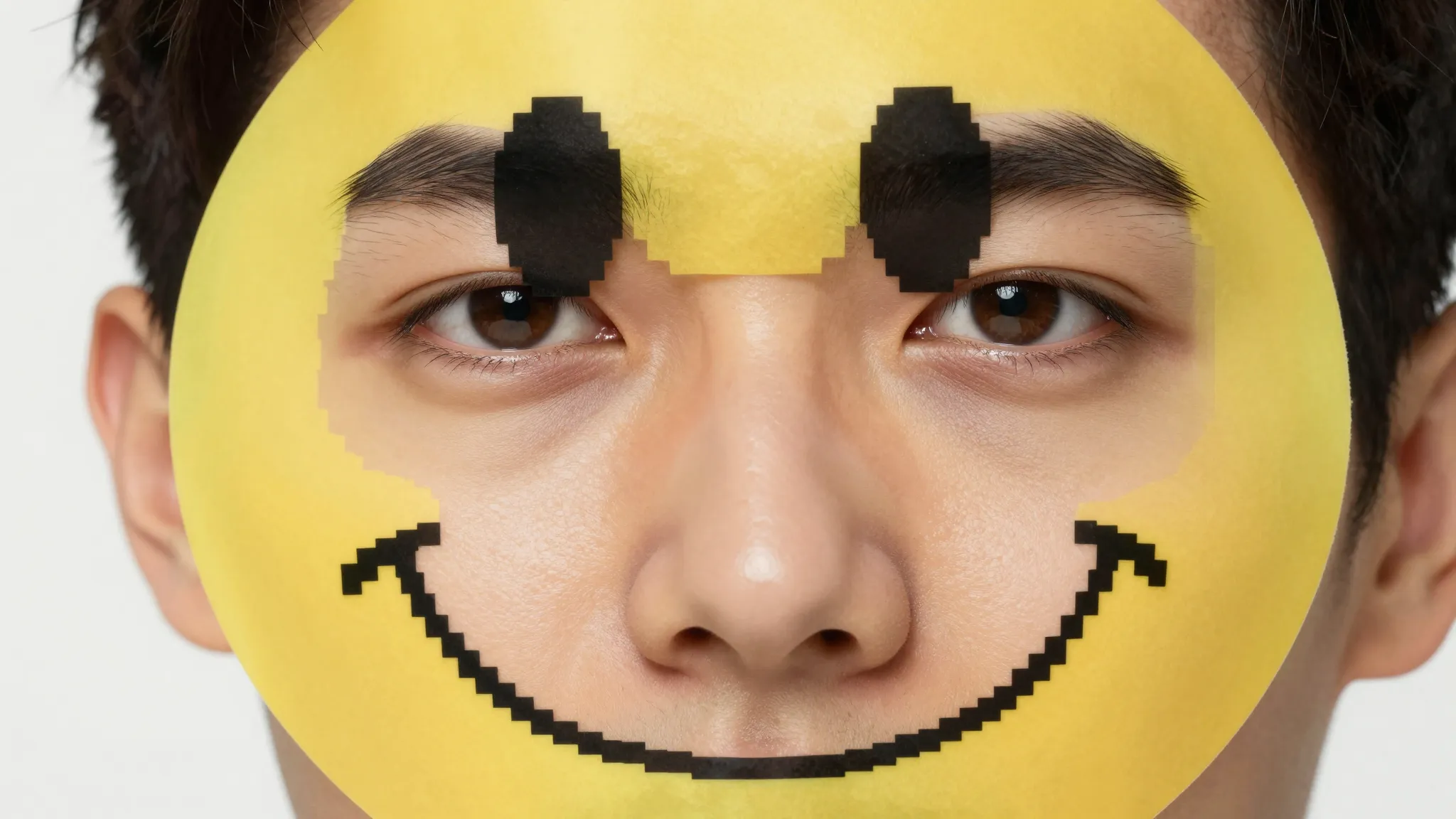
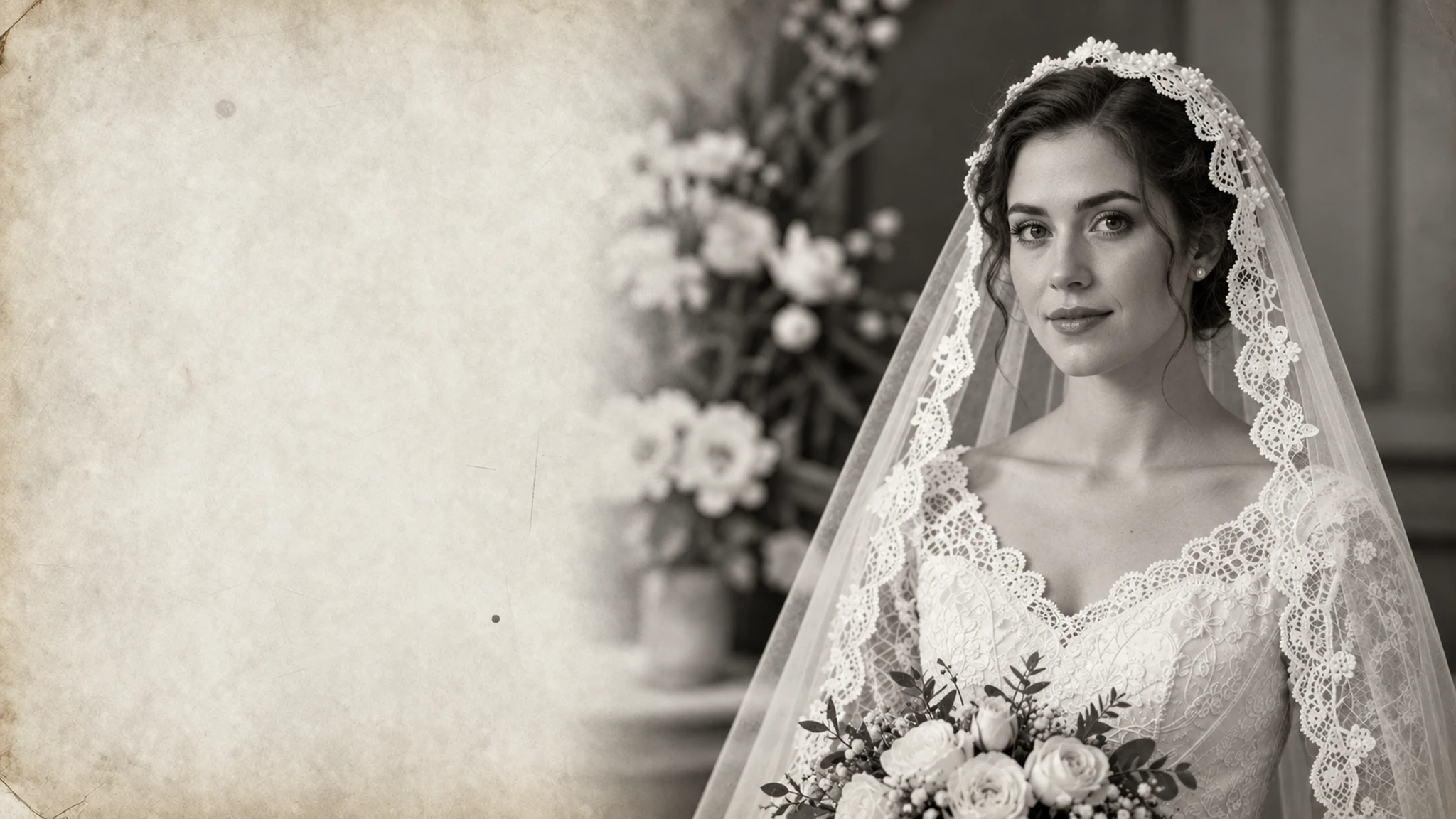
Select the emoji area and remove it in one step. The AI understands the surrounding context and fills in the missing part so the image looks complete.
Try it now
Remove Emoji from Photo online
Remove emojis from photos instantly with Cuta’s AI tool. Clean up faces and images while keeping details natural and realistic.

Creative possibilities
A few visual directions to inspire your next creation. These examples illustrate the styles and ideas you can explore.




Select the emoji area and remove it in one step. The AI understands the surrounding context and fills in the missing part so the image looks complete.
Try it nowIf an emoji is covering a face, the AI attempts to restore facial features like eyes, skin texture, and expressions based on surrounding information. This helps recover a more natural-looking portrait.
Try it nowFor emojis placed on backgrounds, the tool rebuilds textures like walls, skies, or surfaces so there are no visible edits or distortions.
Try it nowYou can reapply or refine the edit if needed, making small adjustments to get a cleaner and more accurate result.
Try it nowFrom idea to creation

Go to Cuta’s Image tools and select the “edit image” mode. Upload your image.

Highlight the emoji or covered area you want to remove.

Apply the edit and review the result. Refine the selection if needed to improve accuracy.
Remove emojis added for privacy or fun and restore the original image. This is useful if you want a cleaner version for reposting or personal use.
Bring back photos where emojis were used to cover parts of the image. The tool helps rebuild those missing areas so the photo looks complete again.
Clean up images for profile pictures or personal use by removing overlays that distract from the subject.
Quickly clean up images for thumbnails, posts, or visual content. This saves time compared to manual editing and produces more natural results.
Upload your image, select the emoji area, and let the AI remove and fill in the missing part automatically.
Find your next creative tool
Your next creation starts here
Start with your own content in Remove Emoji from Photo. Review the settings in Studio and create your result.