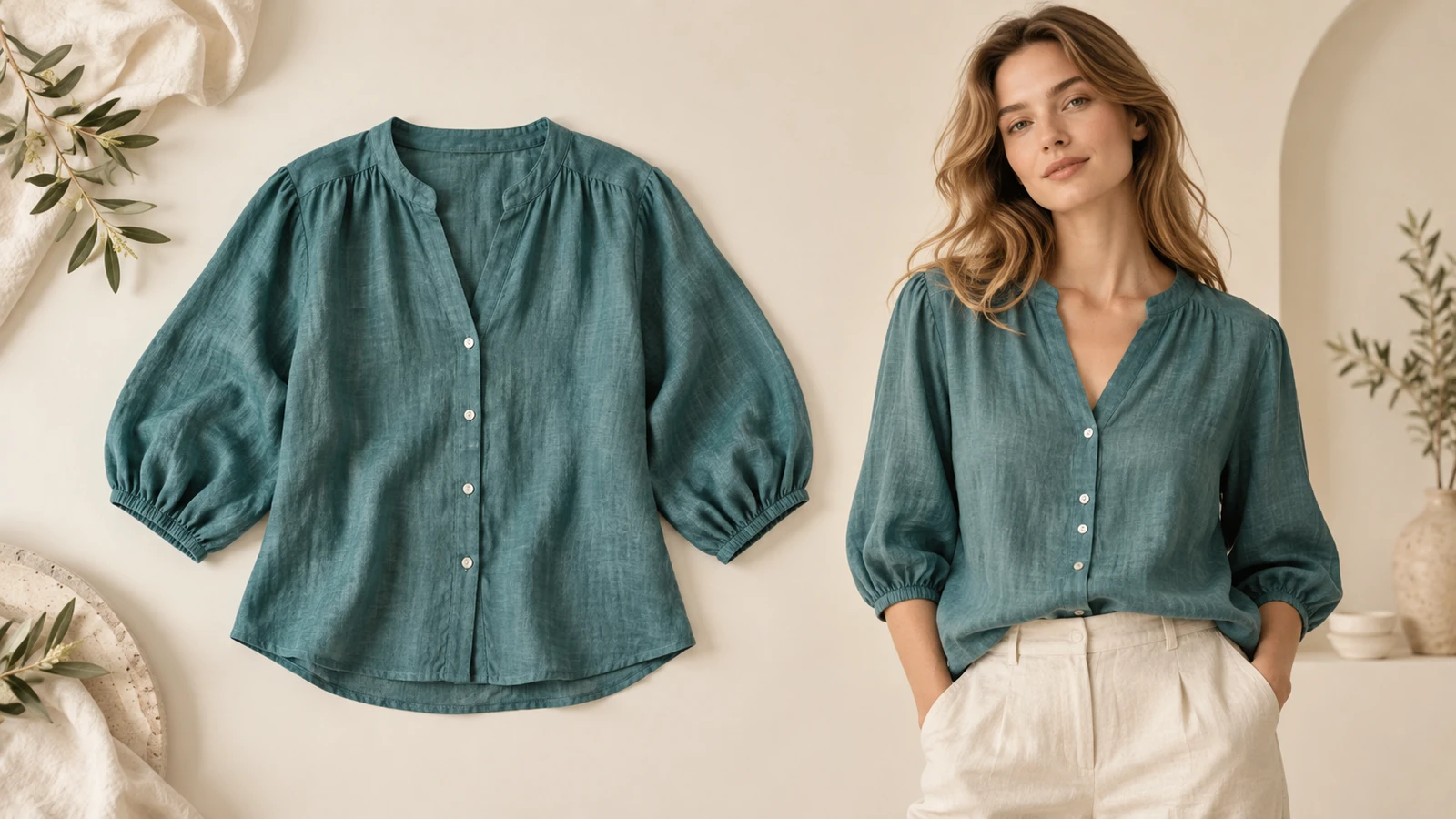
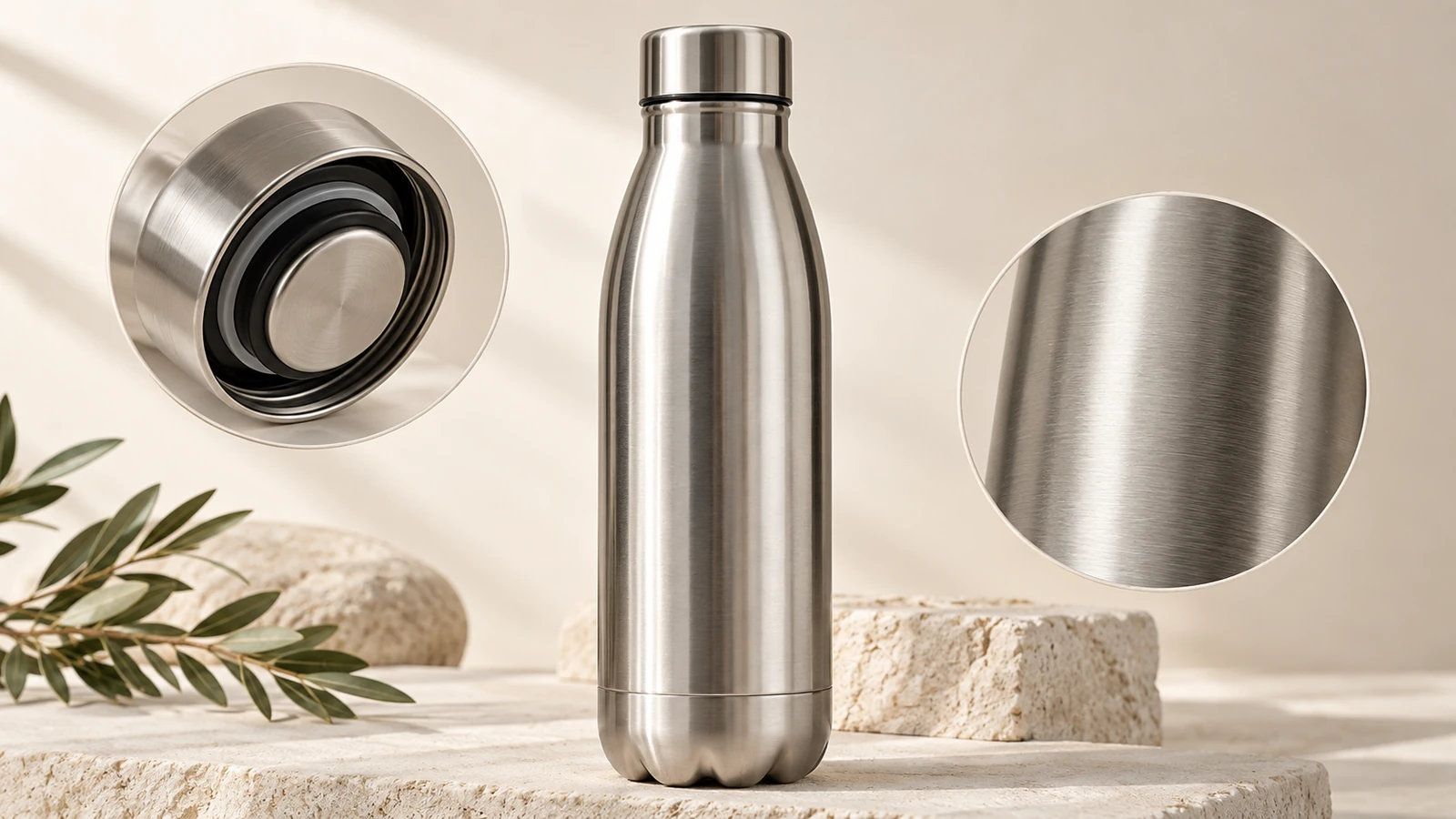
The details to include
Paste the exact review and any approved attribution, then describe the layout and product context.
Try it now
AI image tools
Turn feedback you already have into a product review graphic.
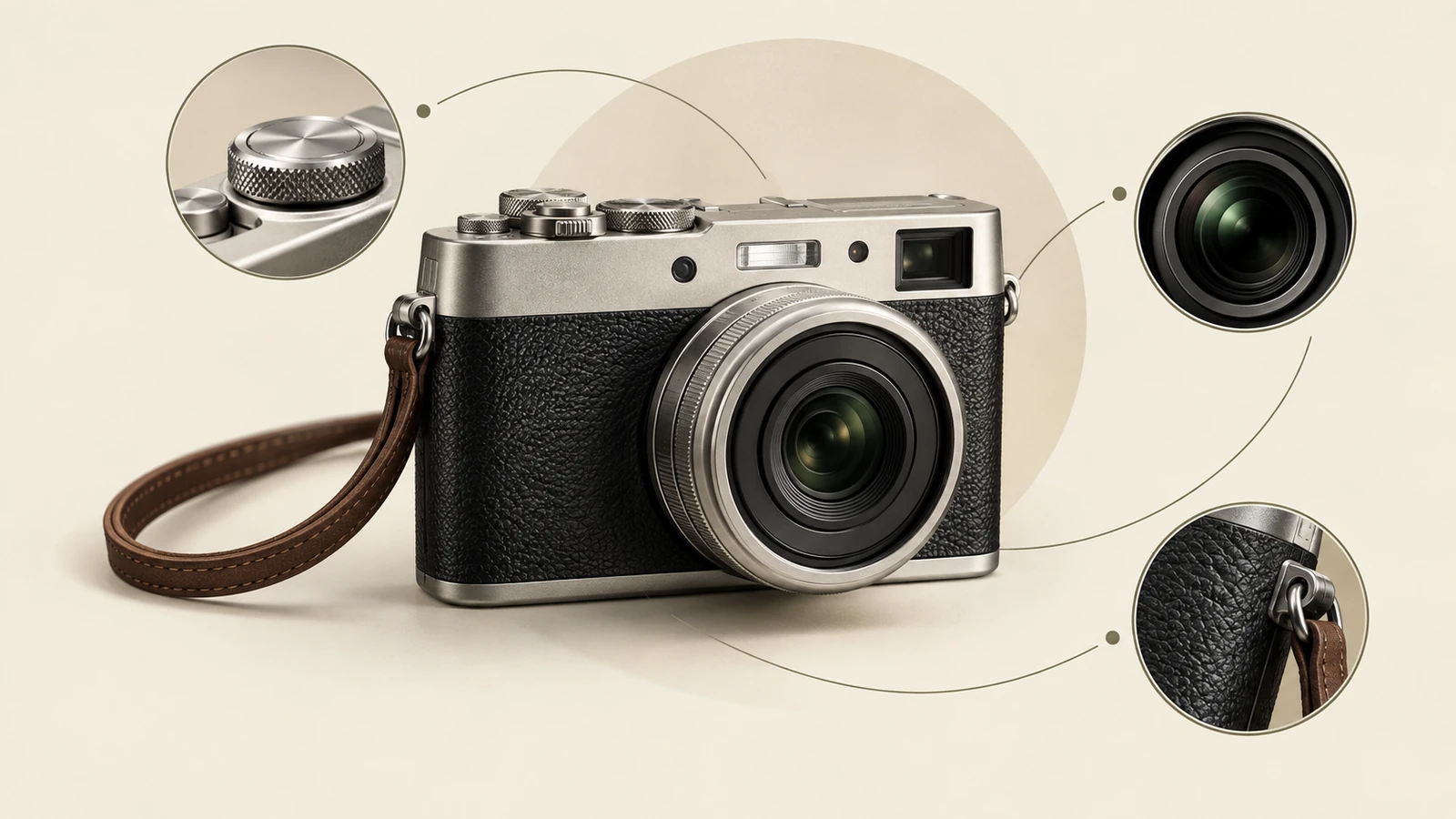
Customer feedback
Lightweight and easy to carry.
Sam · Illustrative review layout
Paste the exact review and any approved attribution, then describe the layout and product context.
Try it nowUse this supplied review: Lightweight and easy to carry. Reviewer: Sam. Minimal quote card with room for a product photo.
Try it nowFrom idea to creation
Start with a written brief. This tool uses text input, so include the details you want to appear in the image.
Paste the exact review and any approved attribution, then describe the layout and product context.
Use genuine feedback and verify the wording. The tool produces an image rather than collecting or verifying reviews.
Creative possibilities
Illustrative concepts show framing and visual treatment. Use your own brief and references to create a version for your project.
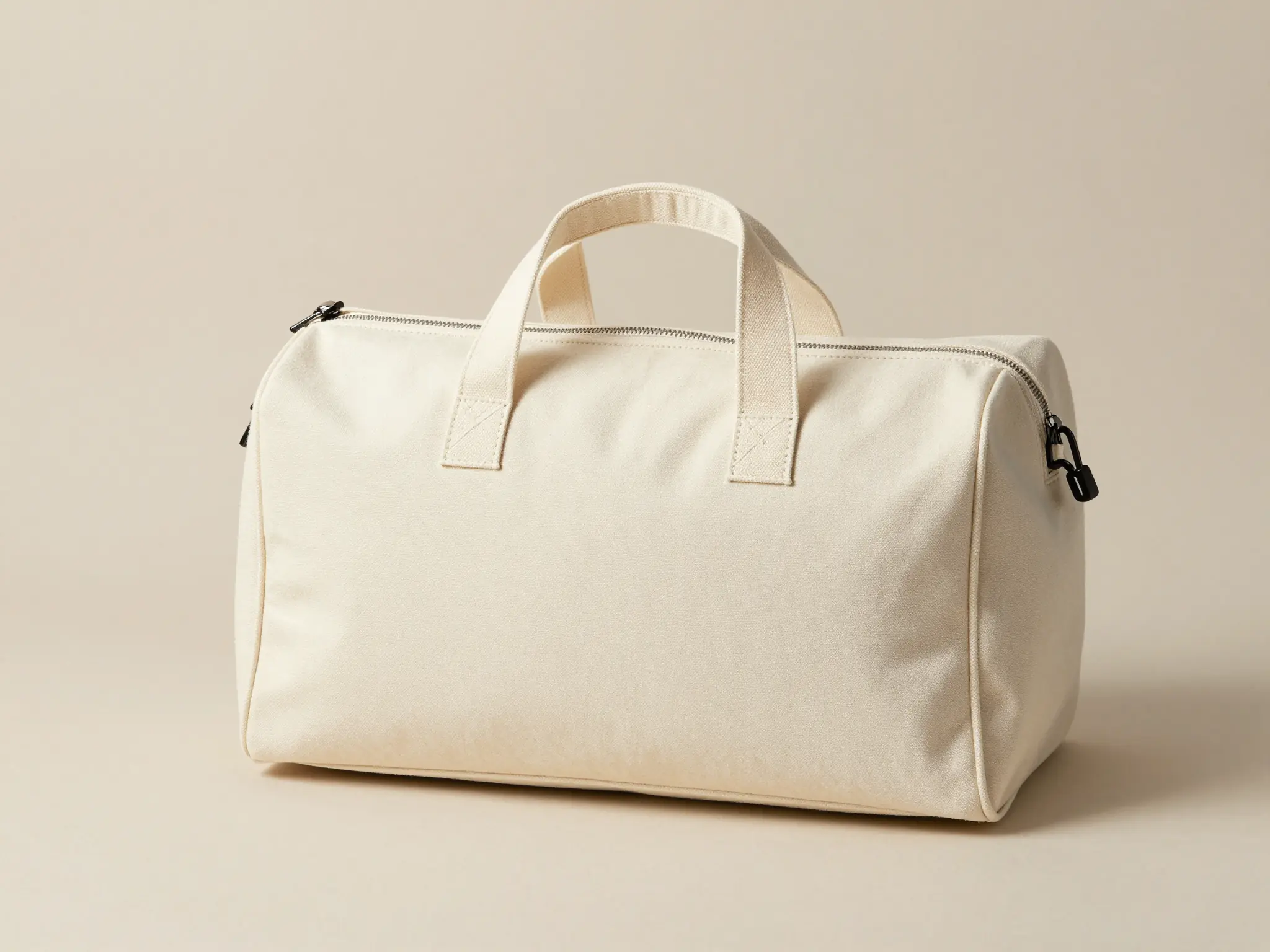
Customer feedback
Lightweight and easy to carry.
Sam · Illustrative review layout
A simple studio setting keeps attention on the product.
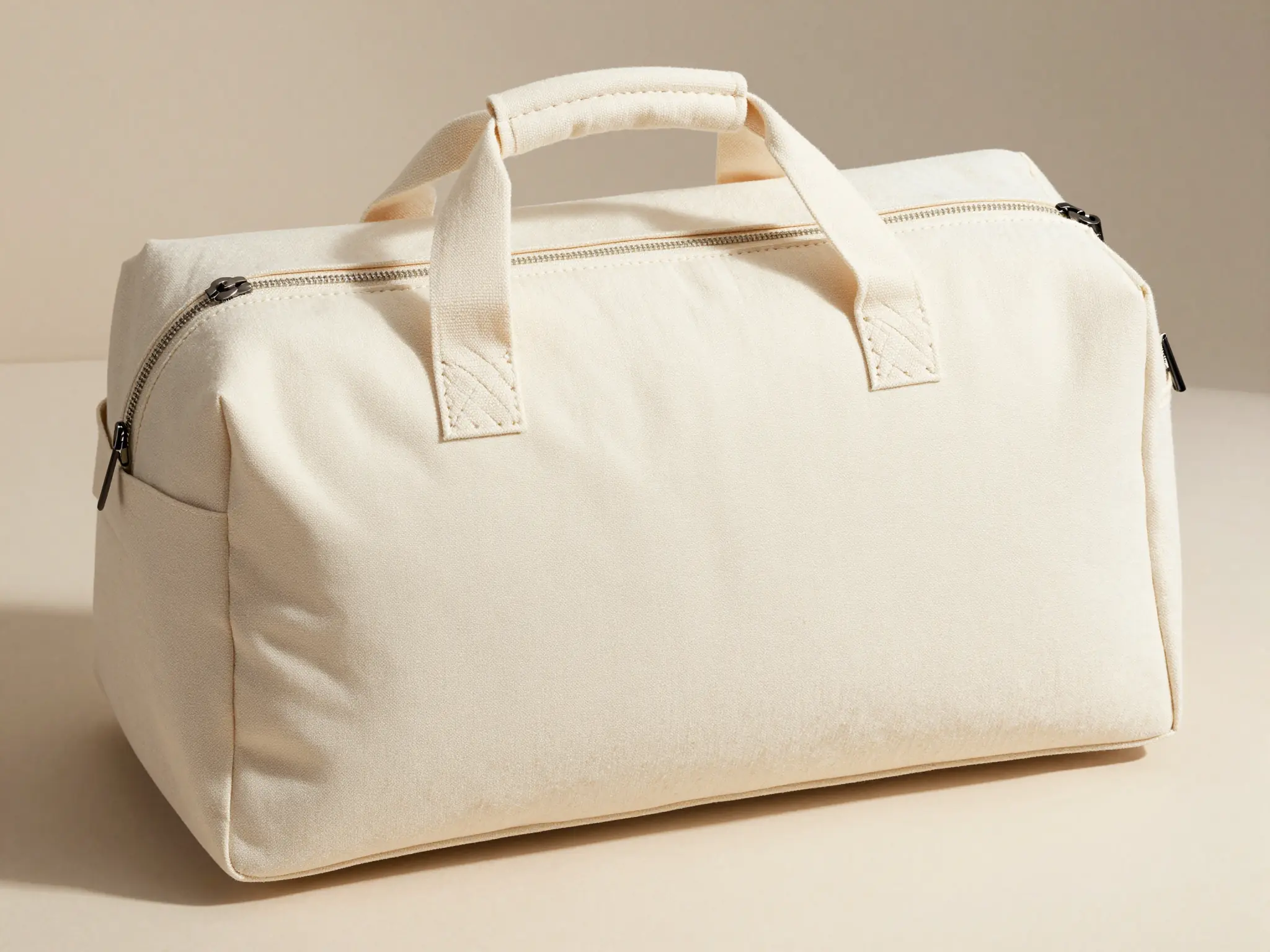
Customer feedback
Lightweight and easy to carry.
Sam · Illustrative review layout
A lived-in setting shows how the product fits its surroundings.
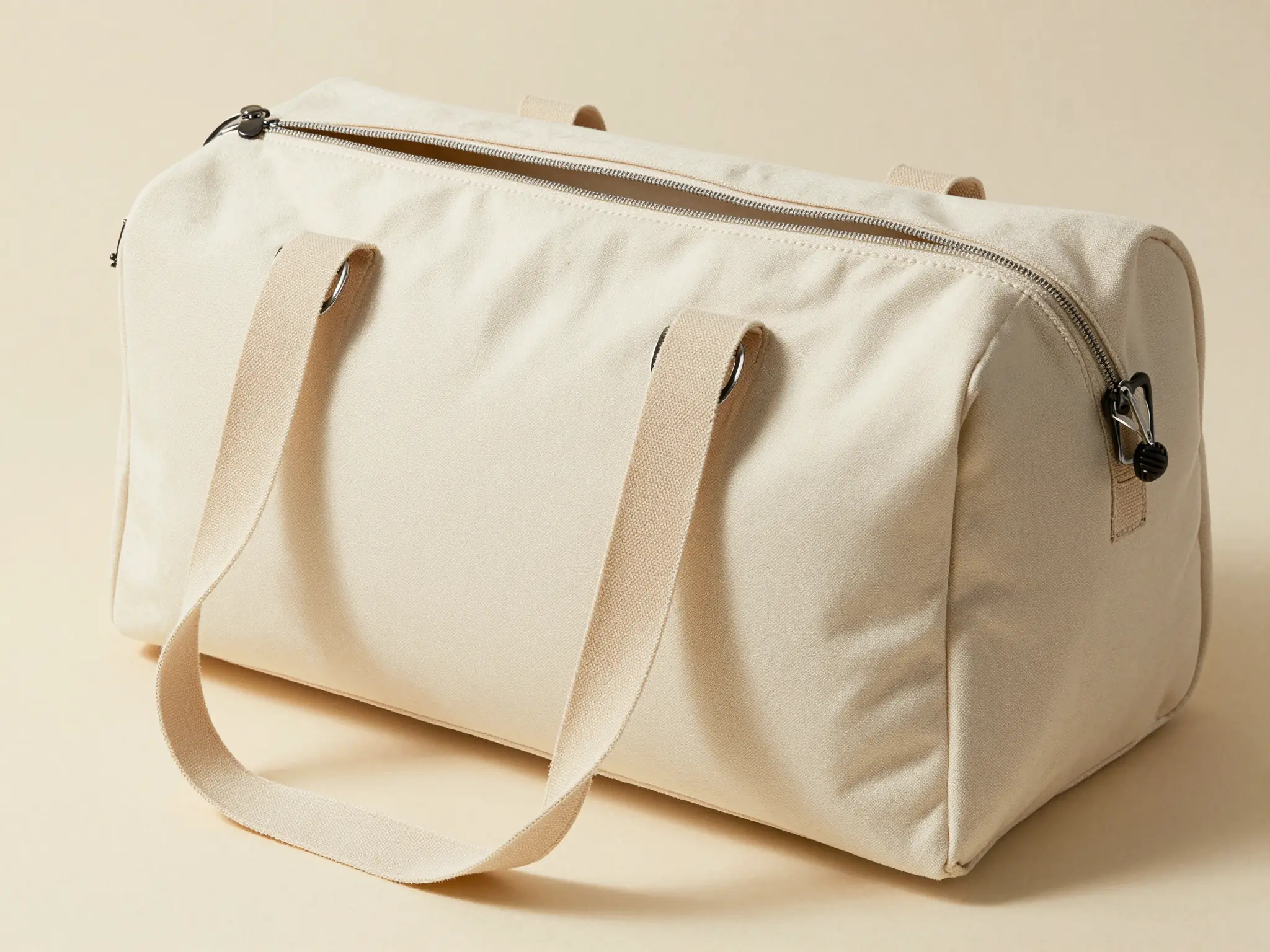
Customer feedback
Lightweight and easy to carry.
Sam · Illustrative review layout
A closer view highlights surface, shape, and material.
Use genuine feedback and verify the wording. The tool produces an image rather than collecting or verifying reviews.
Find your next creative tool
Your next creation starts here
Start with your own content in Product Review Template. Review the settings in Studio and create your result.