The details to include
Use a clear garment photo and describe the model's pose, styling, and background.
Try it now
AI image tools
See how a flat-lay garment could look when worn by a model.
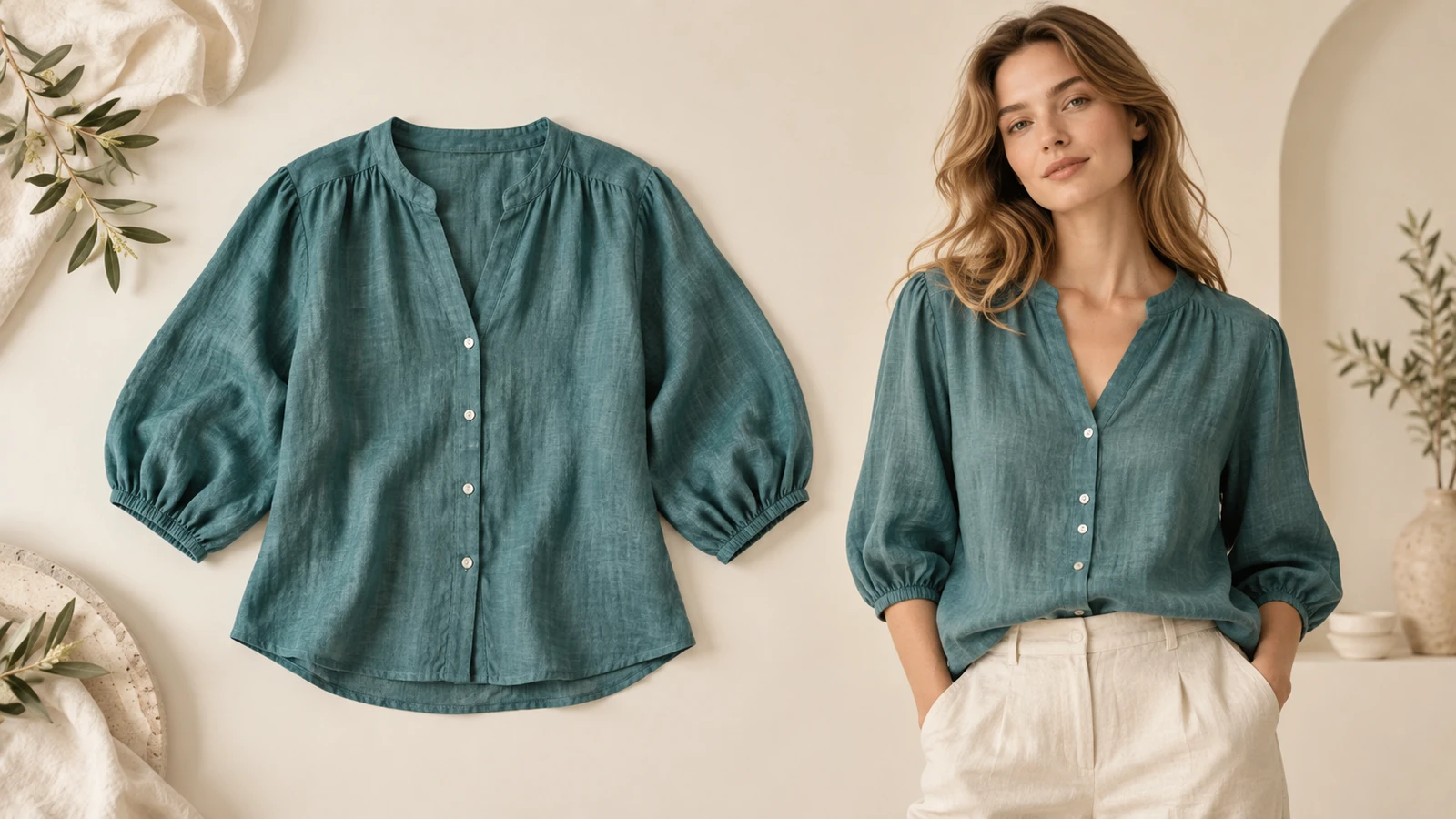
Use a clear garment photo and describe the model's pose, styling, and background.
Try it nowShow this linen shirt on an adult model standing casually, neutral trousers, pale studio backdrop.
Try it nowFrom idea to creation
Upload one clear reference image, then add instructions for the result you want.
Use a clear garment photo and describe the model's pose, styling, and background.
Check seams, buttons, prints, and proportions against the garment. The image does not measure fit.
Creative possibilities
Illustrative concepts show framing and visual treatment. Use your own brief and references to create a version for your project.
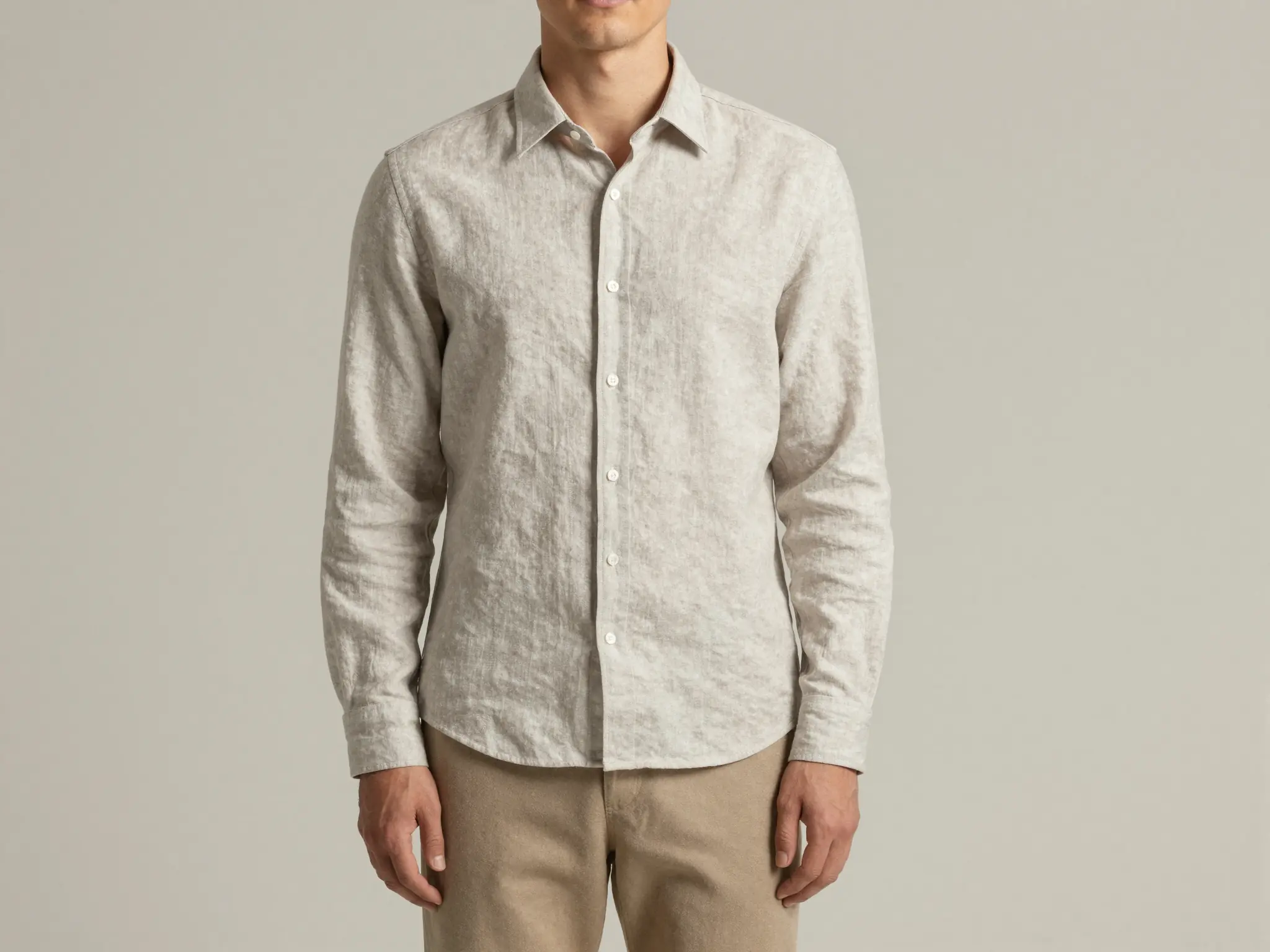
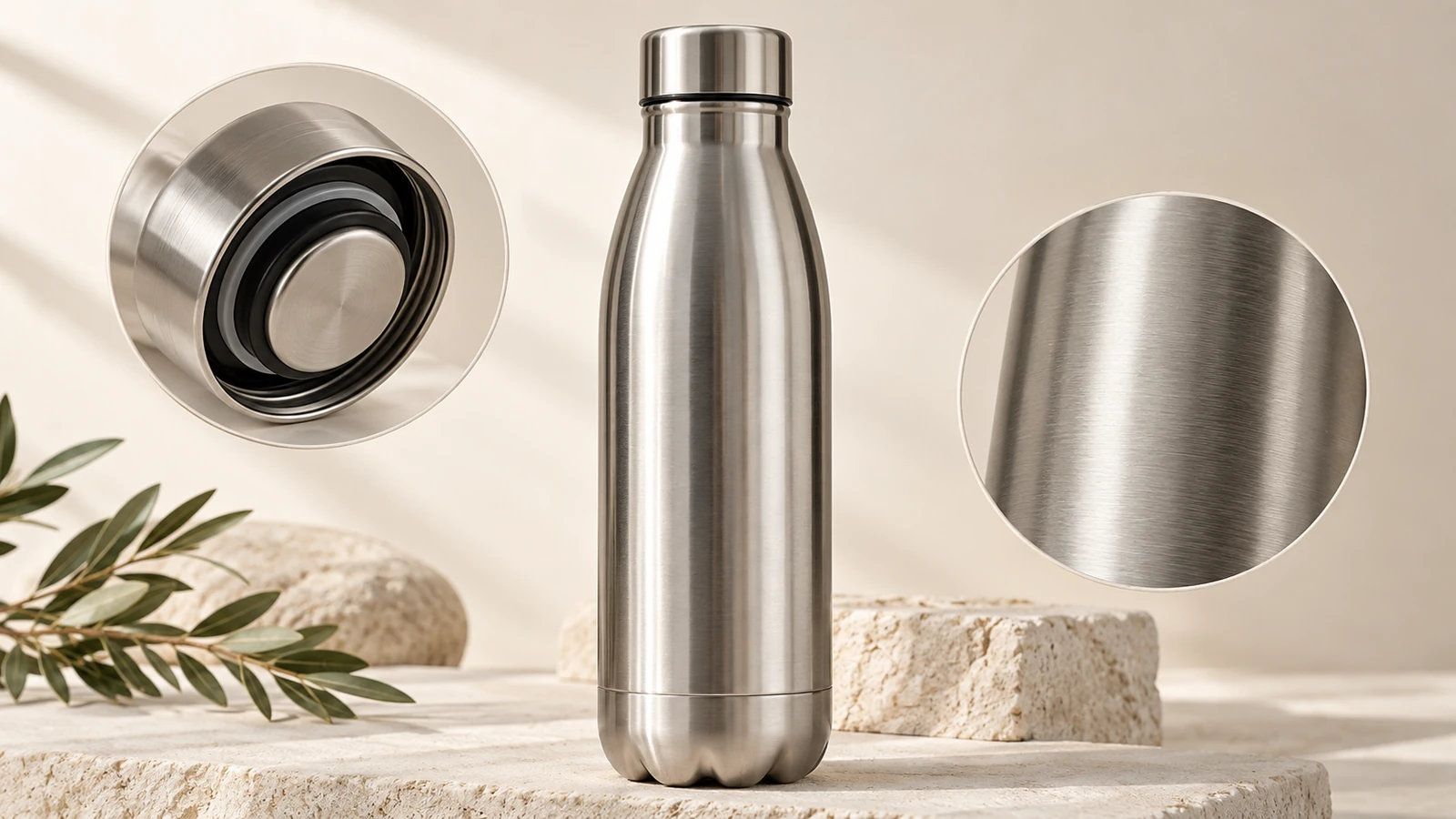
A simple studio setting keeps attention on the product.
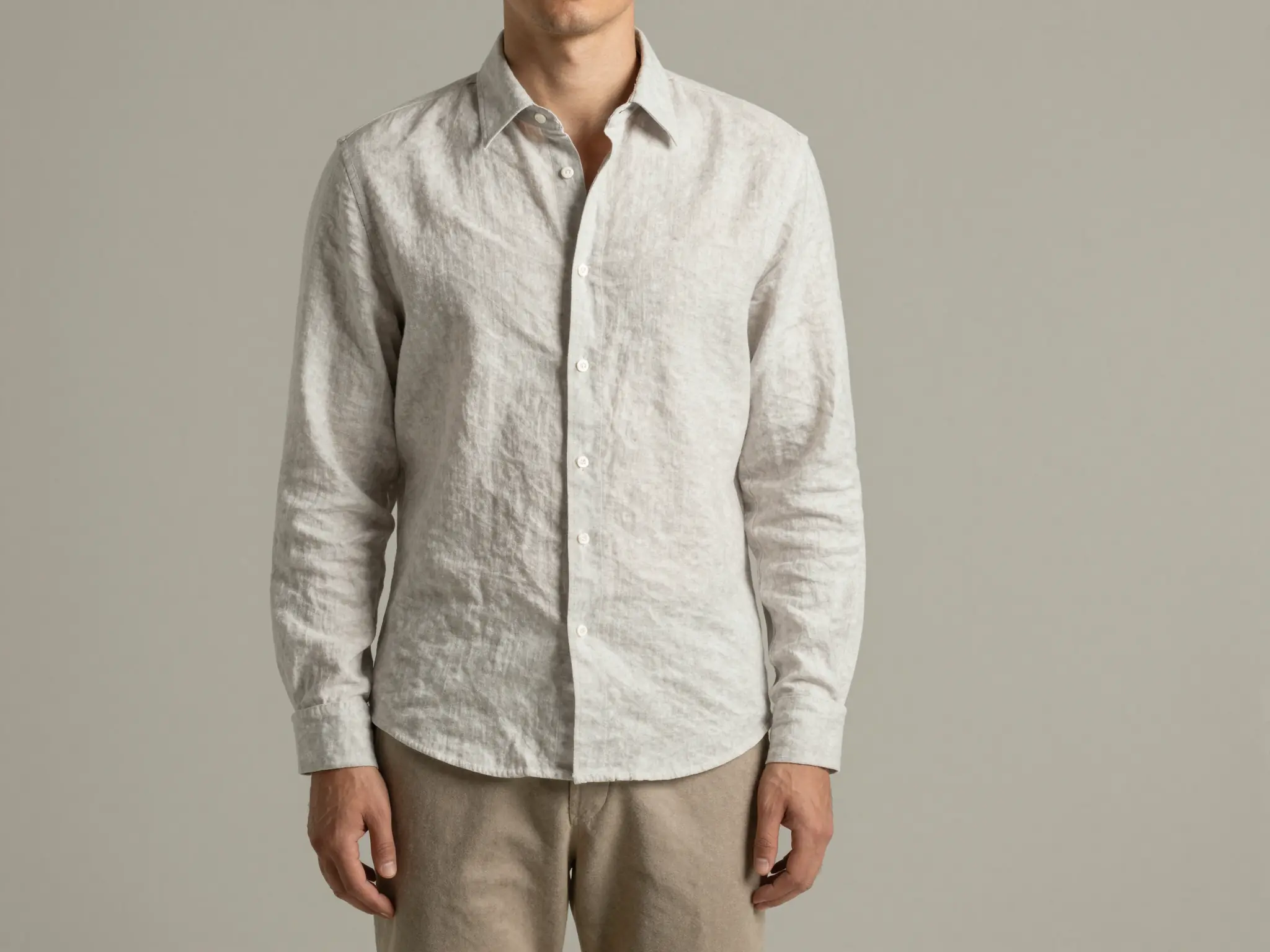
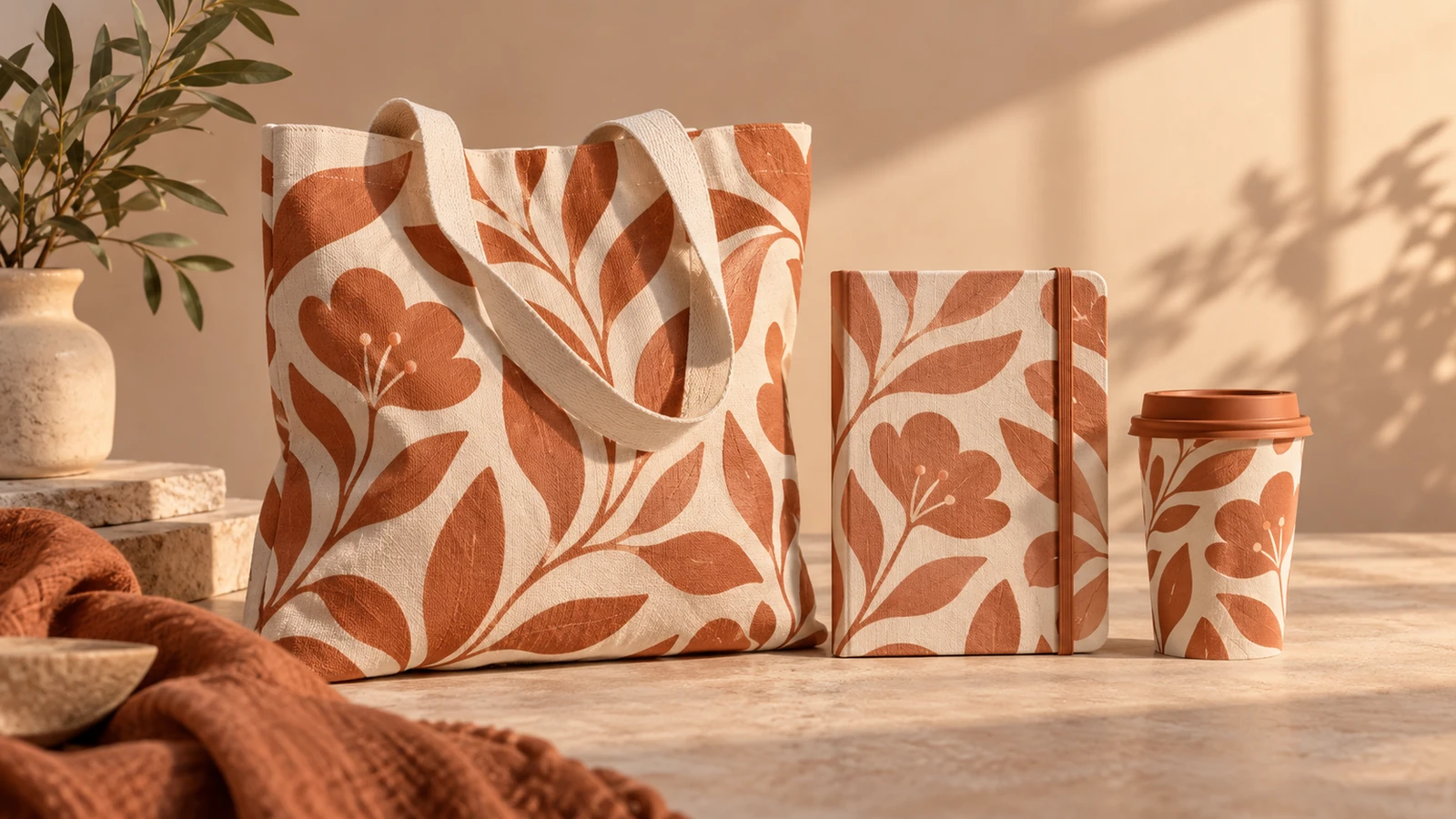
A lived-in setting shows how the product fits its surroundings.
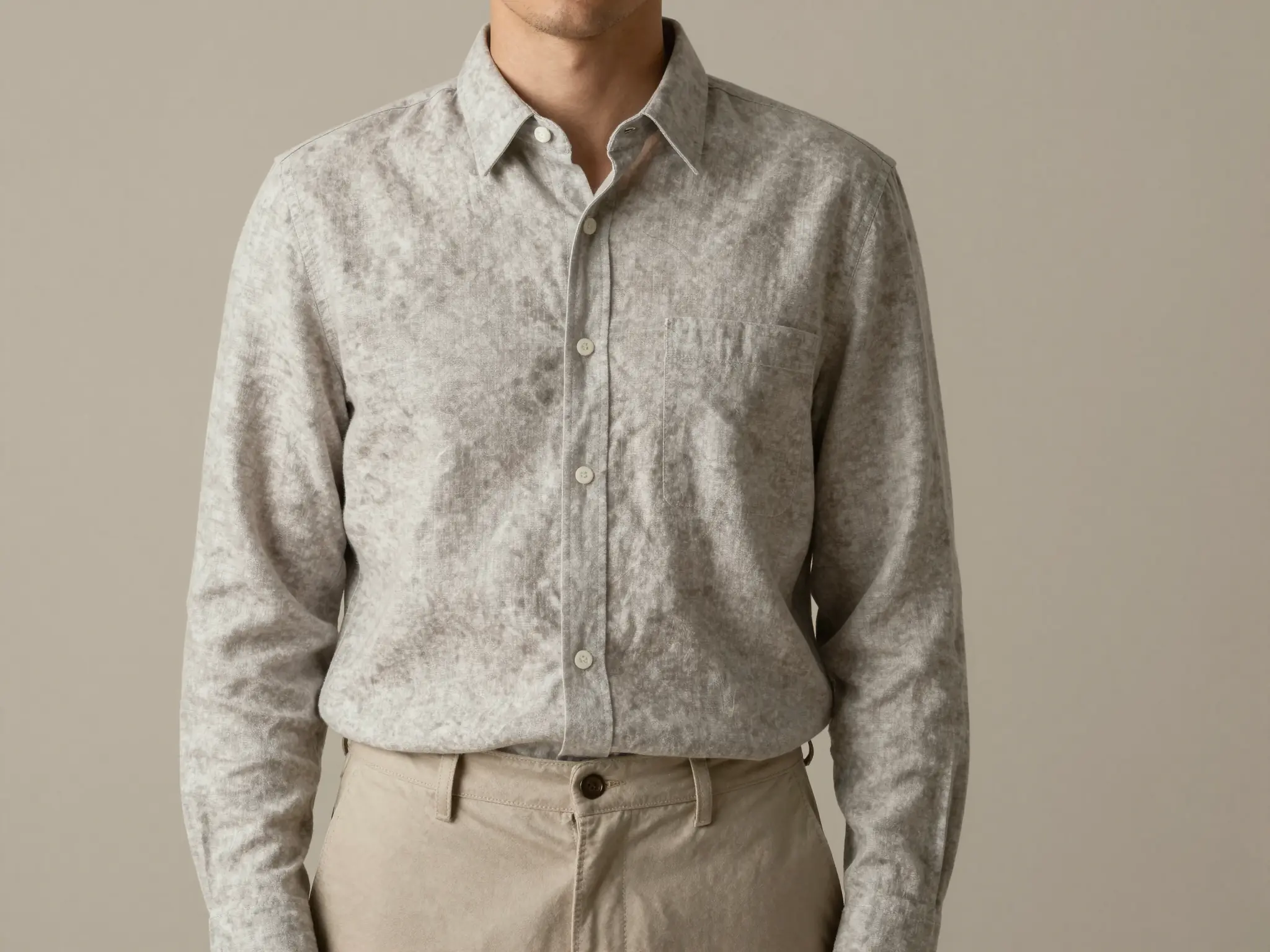
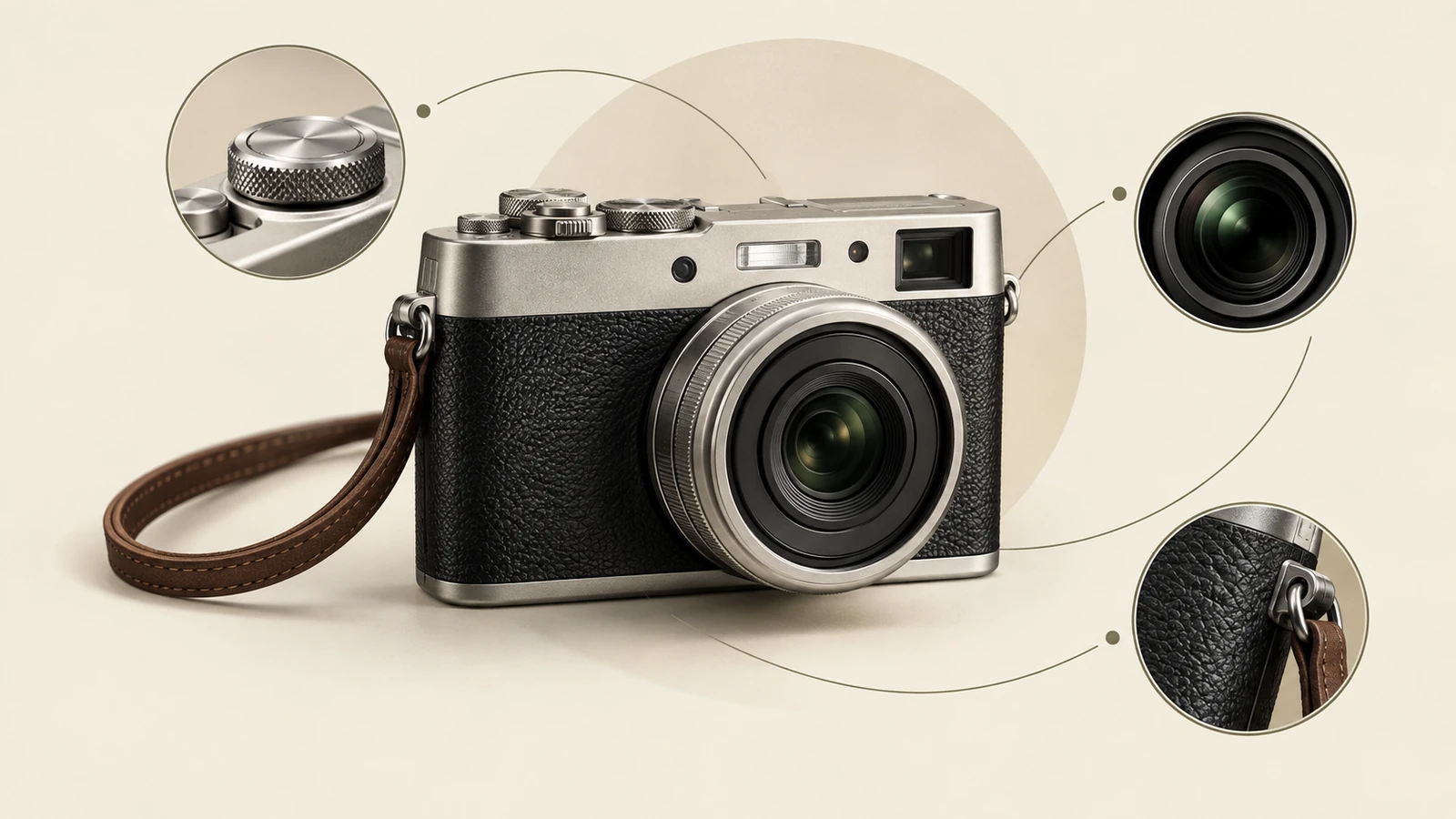
A closer view highlights surface, shape, and material.
Check seams, buttons, prints, and proportions against the garment. The image does not measure fit.
Find your next creative tool
Your next creation starts here
Start with your own content in Flatlay to Model. Review the settings in Studio and create your result.