The details to include
Upload the item and describe the surface, light direction, props, and framing.
Try it now
AI image tools
Explore a different backdrop or lighting treatment for your product photo.
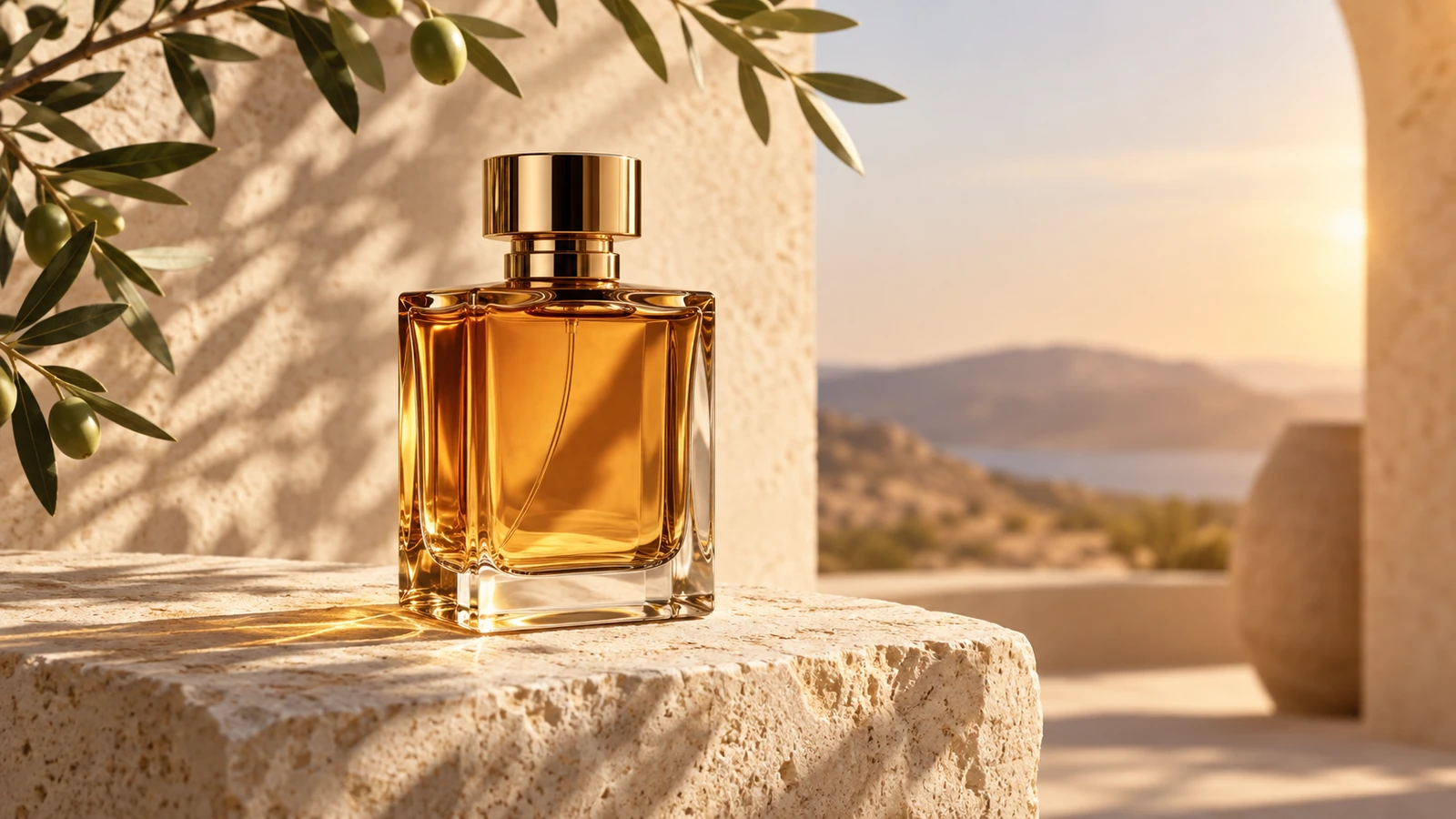
Upload the item and describe the surface, light direction, props, and framing.
Try it nowPlace this perfume bottle on pale limestone, soft side light, one olive branch behind it, no added lettering.
Try it nowFrom idea to creation
Upload one clear reference image, then add instructions for the result you want.
Upload the item and describe the surface, light direction, props, and framing.
Check labels, materials, and product shape against the original before using the image commercially.
Creative possibilities
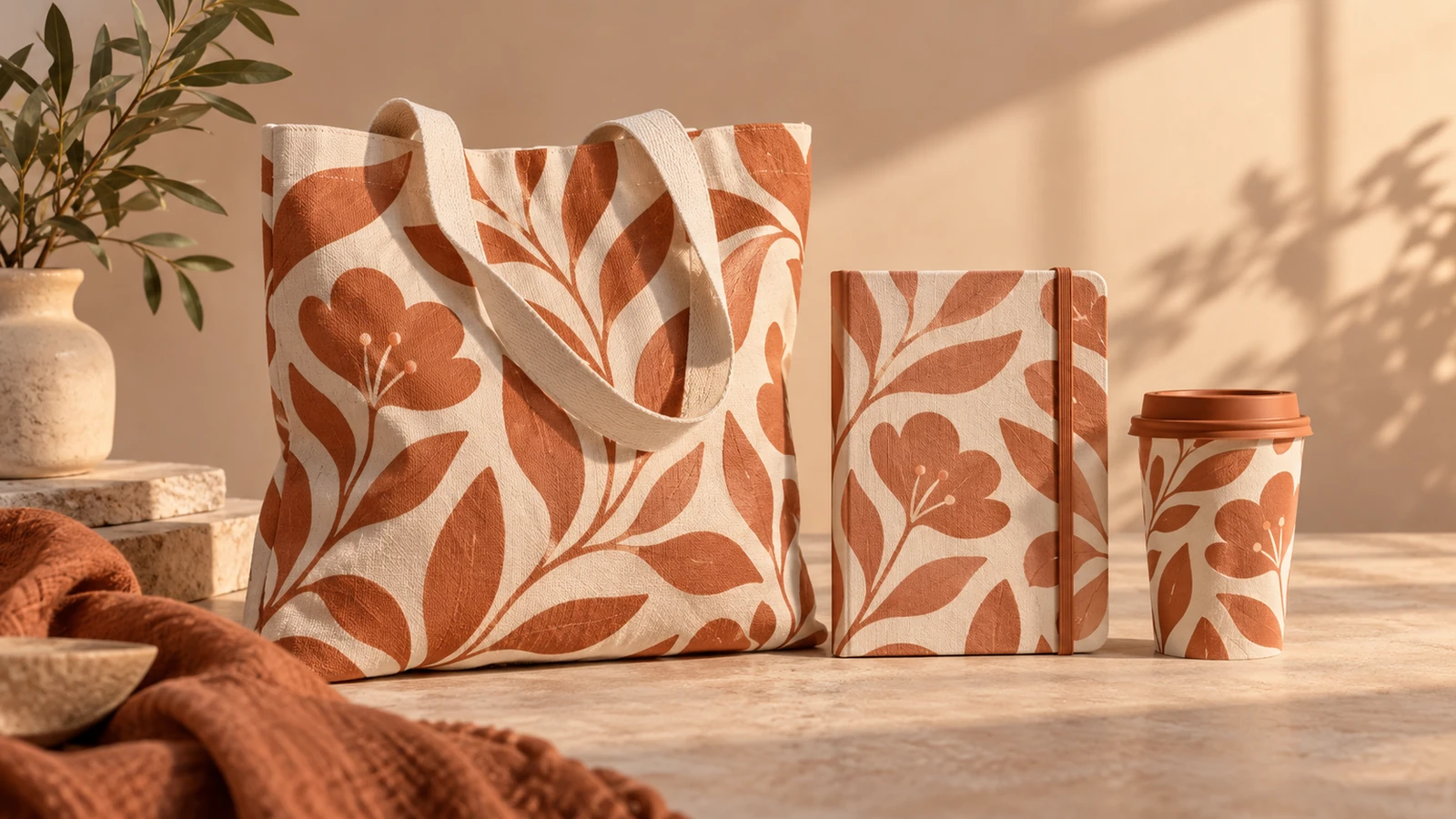
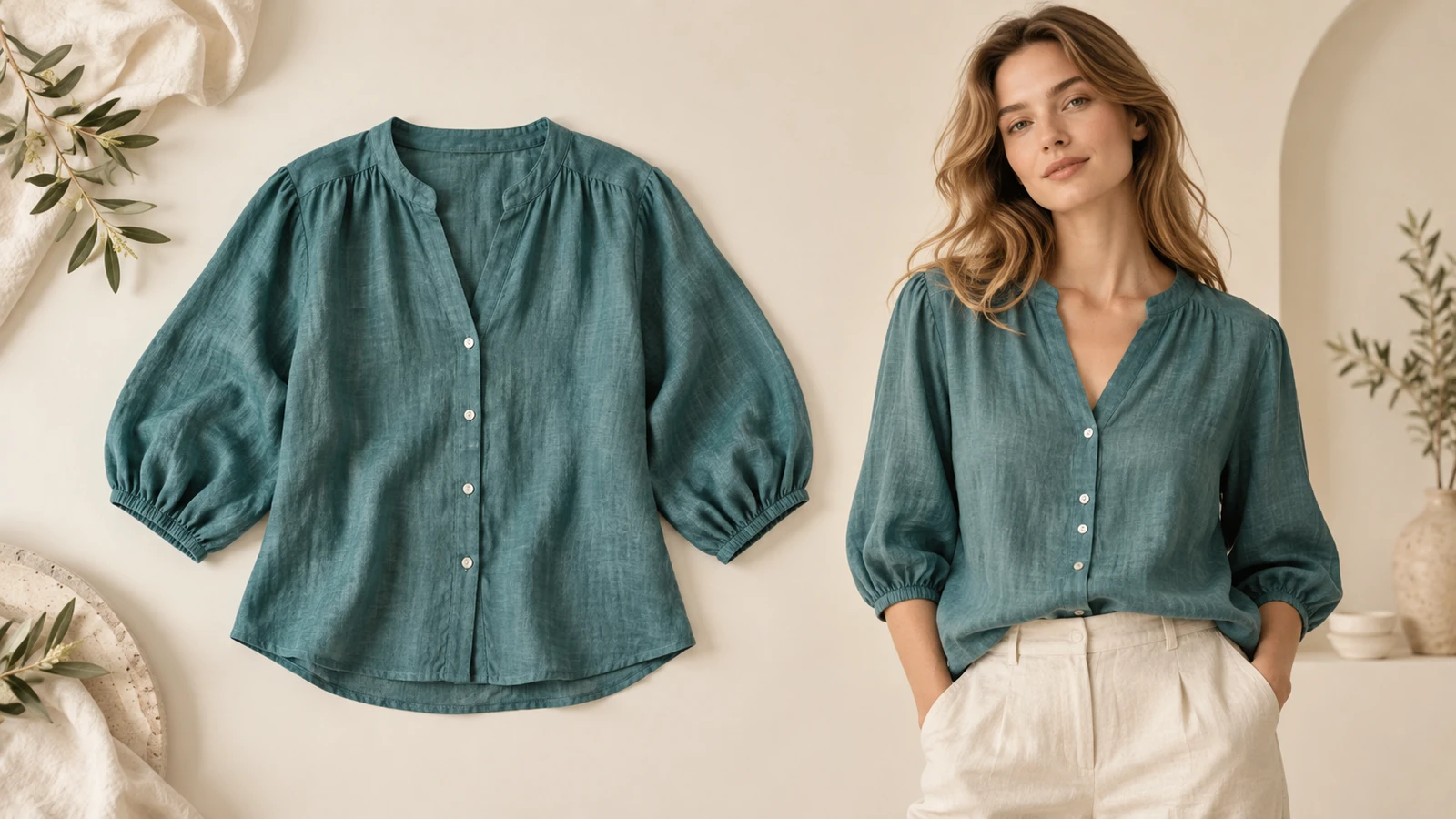
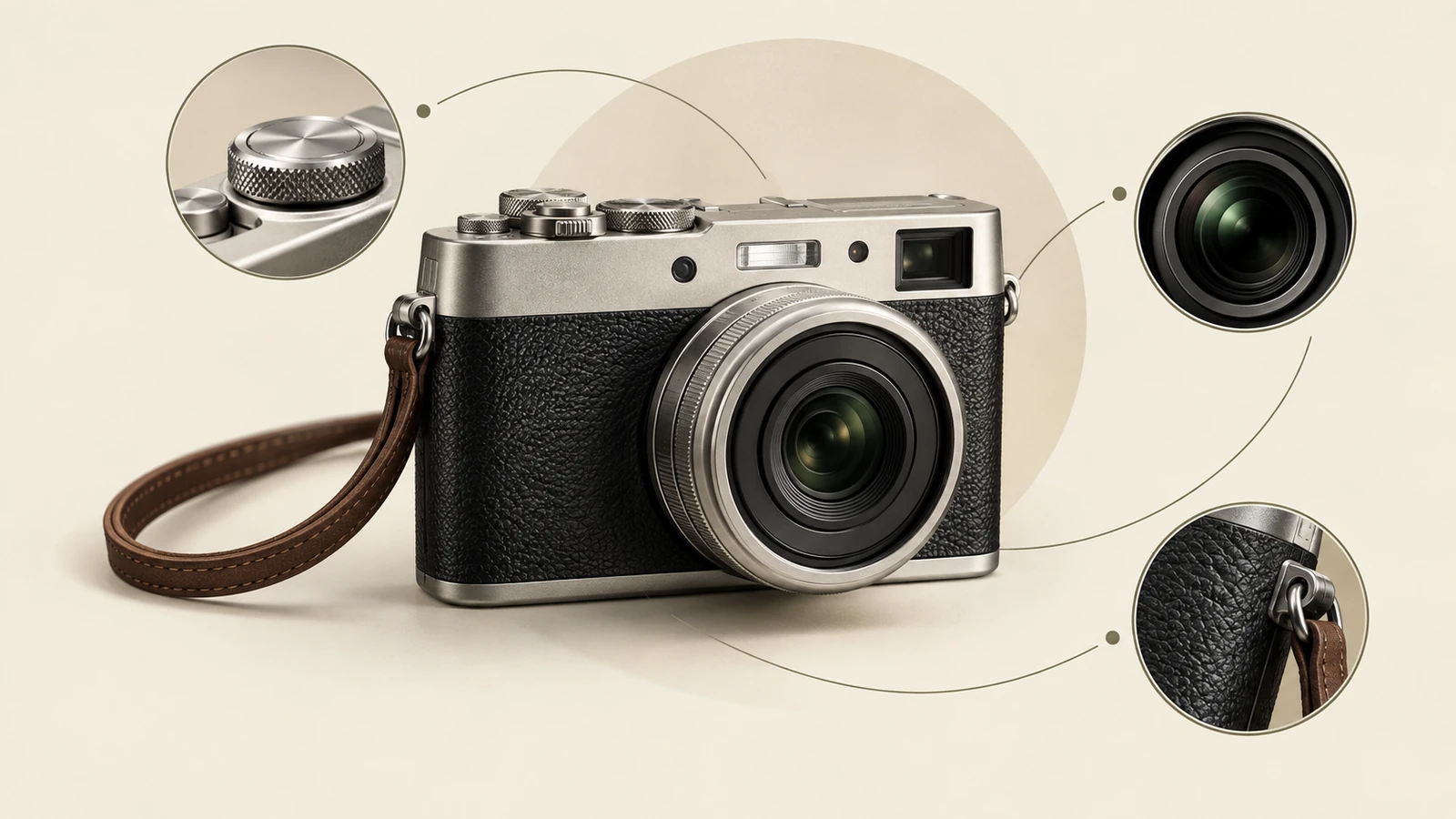
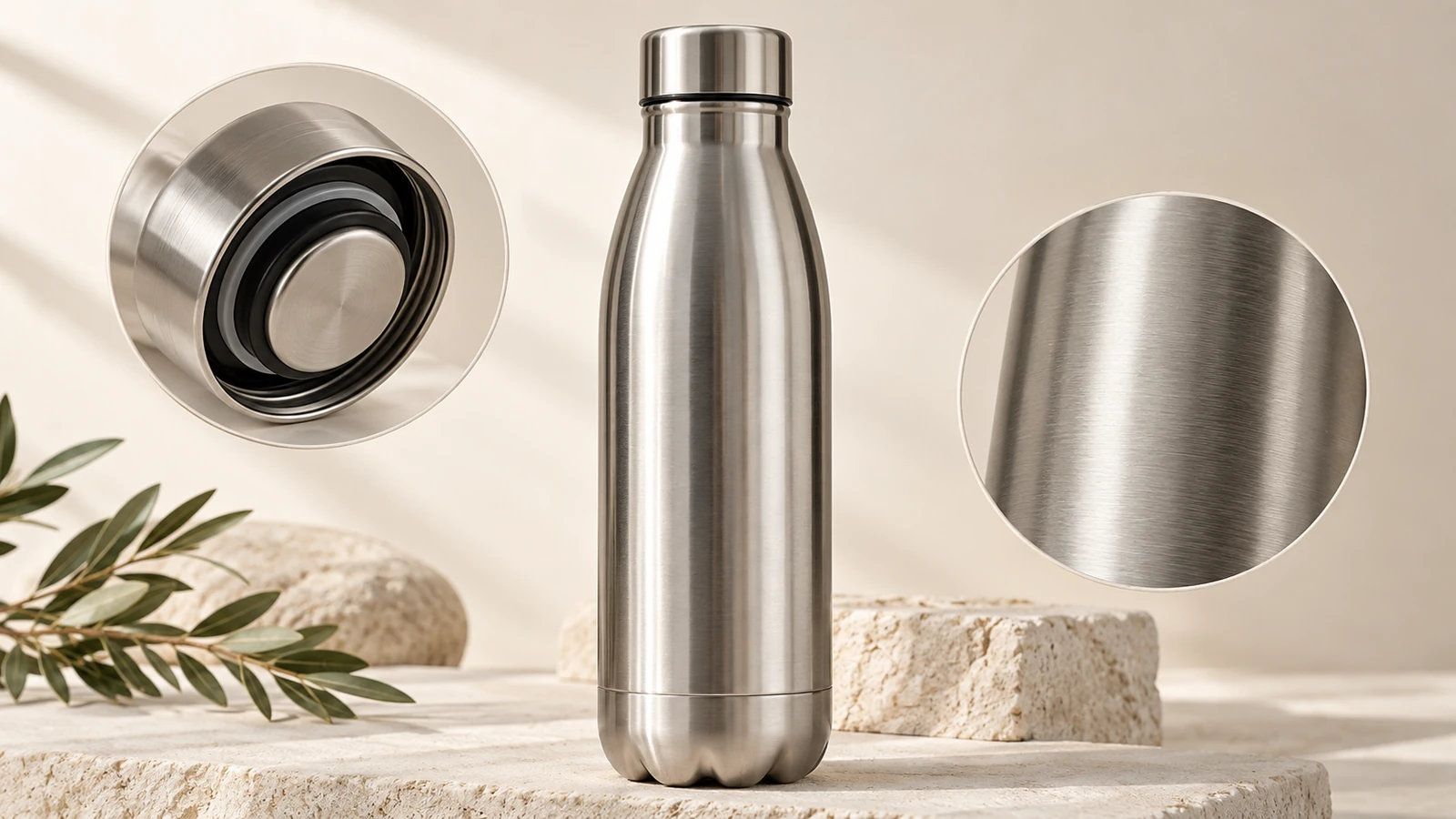
Illustrative concepts show framing and visual treatment. Use your own brief and references to create a version for your project.
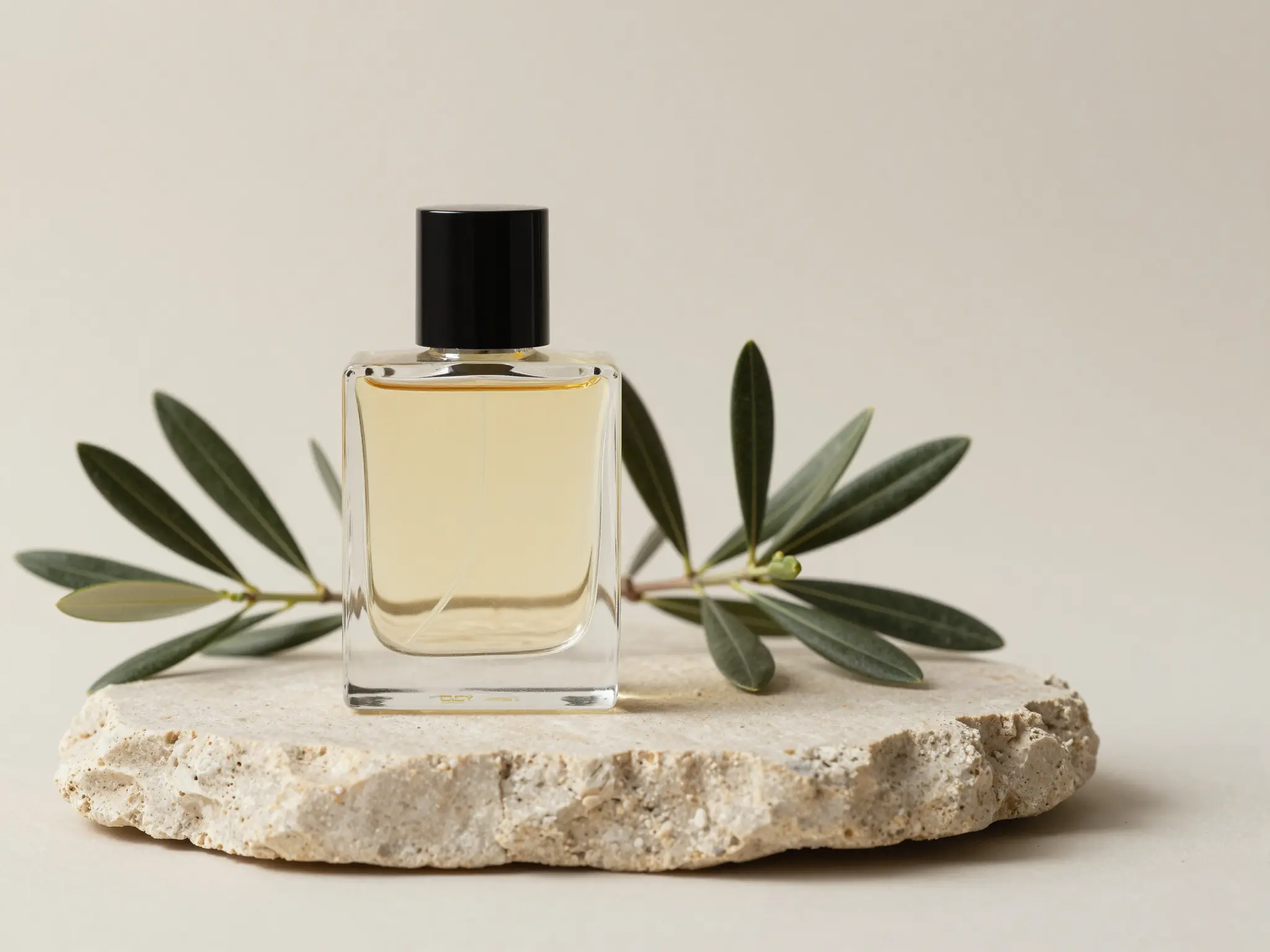
A simple studio setting keeps attention on the product.
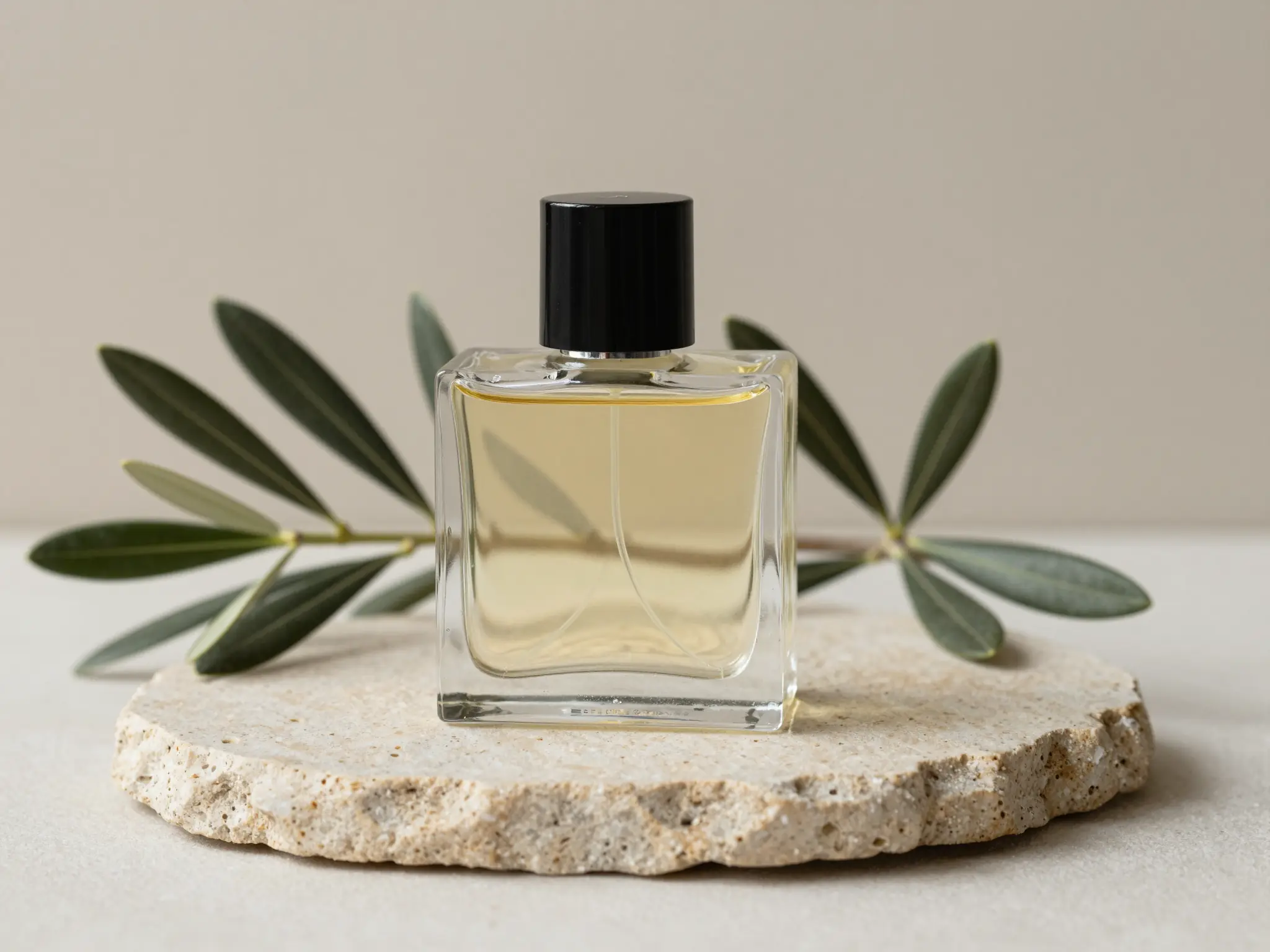
A lived-in setting shows how the product fits its surroundings.
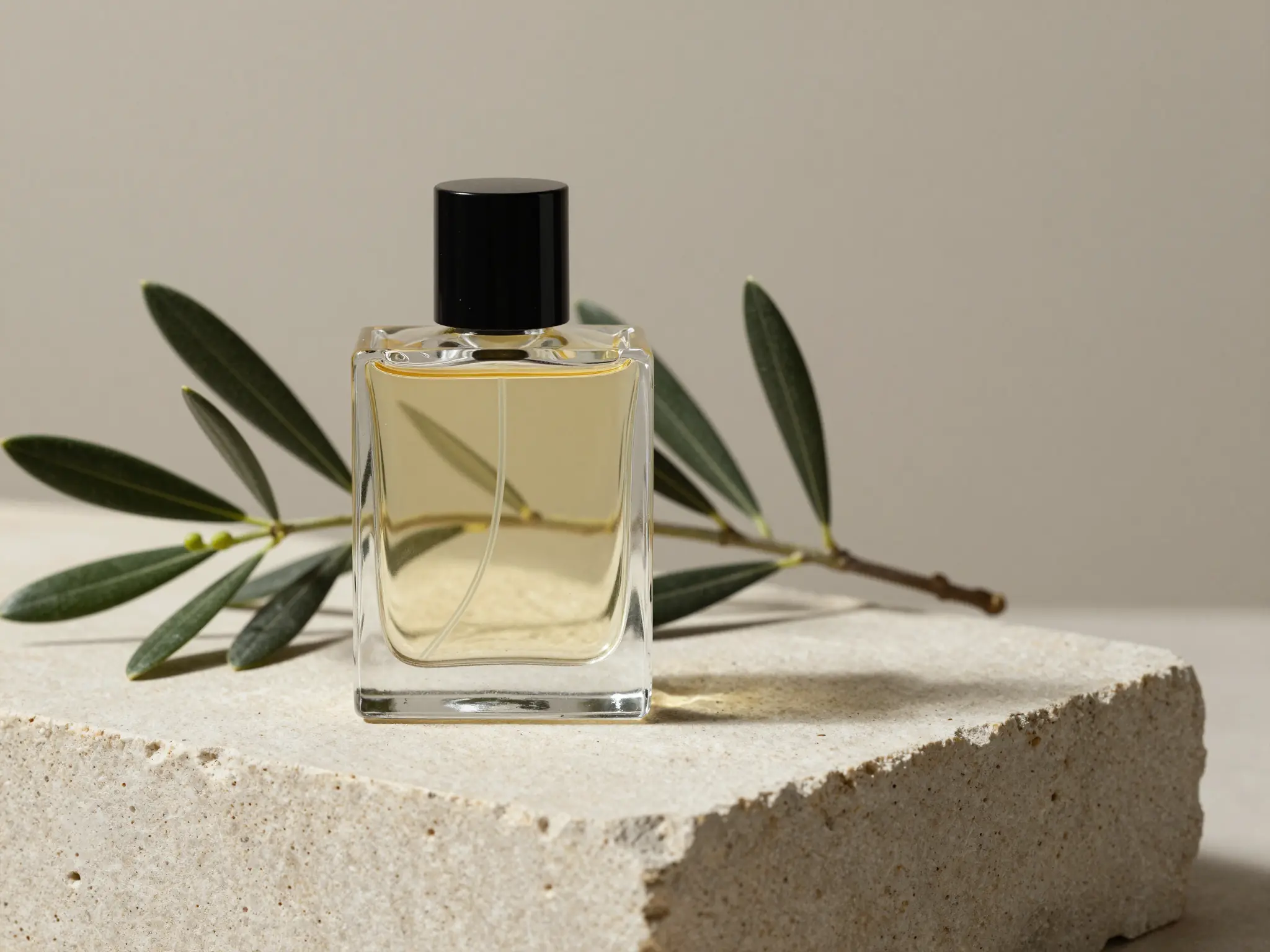
A closer view highlights surface, shape, and material.
Check labels, materials, and product shape against the original before using the image commercially.
Find your next creative tool
Your next creation starts here
Start with your own content in AI Product Image Generator. Review the settings in Studio and create your result.