Custom Emoji from Any Photo
Upload yourself, a friend, your pet, or any subject and get a personal emoji that actually looks like them. Works for faces, full characters, and even more creative subjects.

Photo to Emoji online
Turn any photo into a custom emoji or sticker with Cuta's AI photo to emoji tool. Pick your style, upload your image, and get your own emoji in seconds.
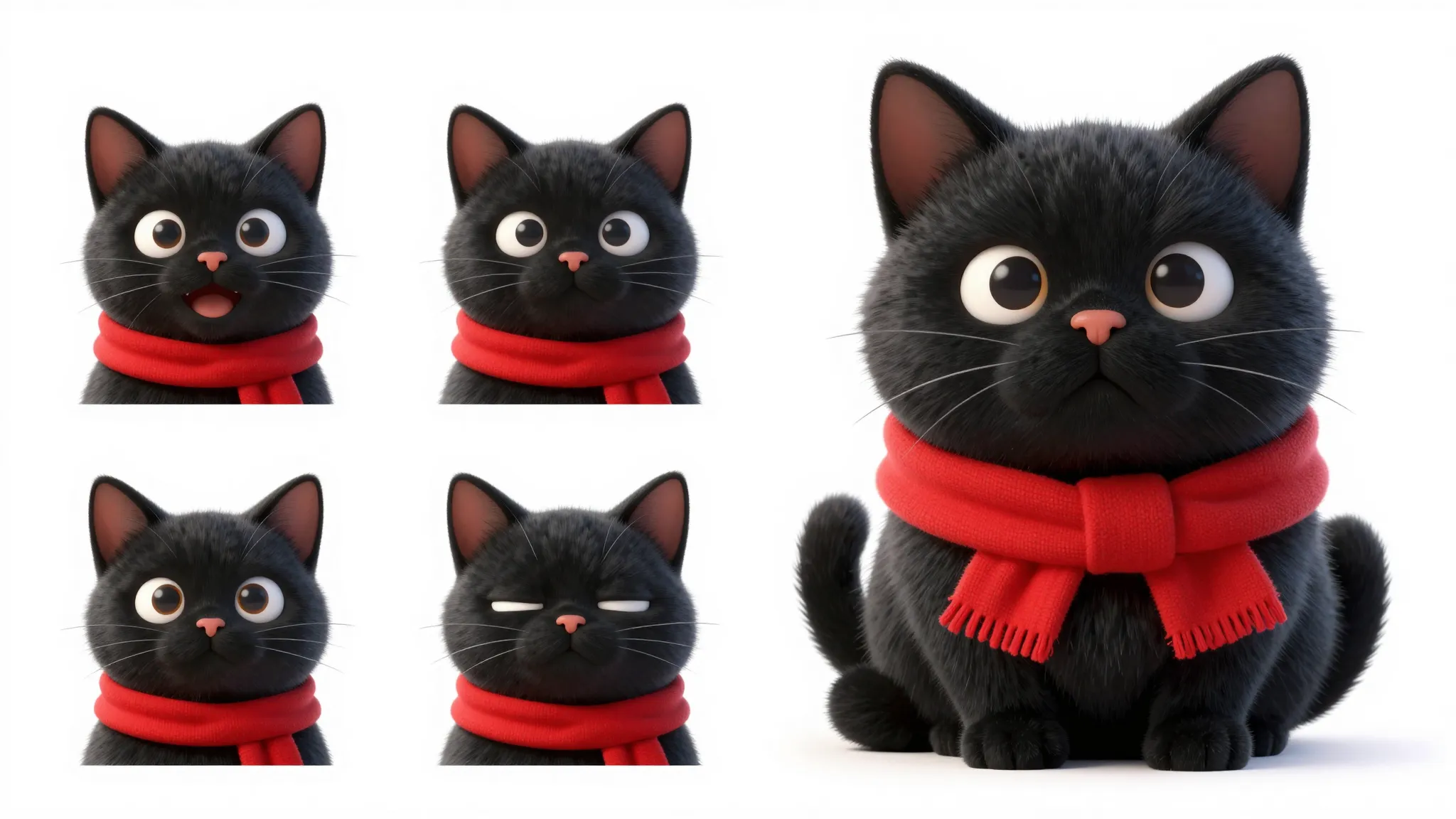
Upload yourself, a friend, your pet, or any subject and get a personal emoji that actually looks like them. Works for faces, full characters, and even more creative subjects.
Round Apple-style, flat 2D, 3D Animoji-like, sticker, hand-drawn, pixel. Describe the look you want and the AI adapts to it. Switch styles whenever you feel like trying a new vibe.
Save your emoji as a clean PNG and drop them into chats, group threads, social posts, slide decks, or anywhere else you'd use a regular emoji or sticker.
Creative possibilities
A few visual directions to inspire your next creation. These examples illustrate the styles and ideas you can explore.
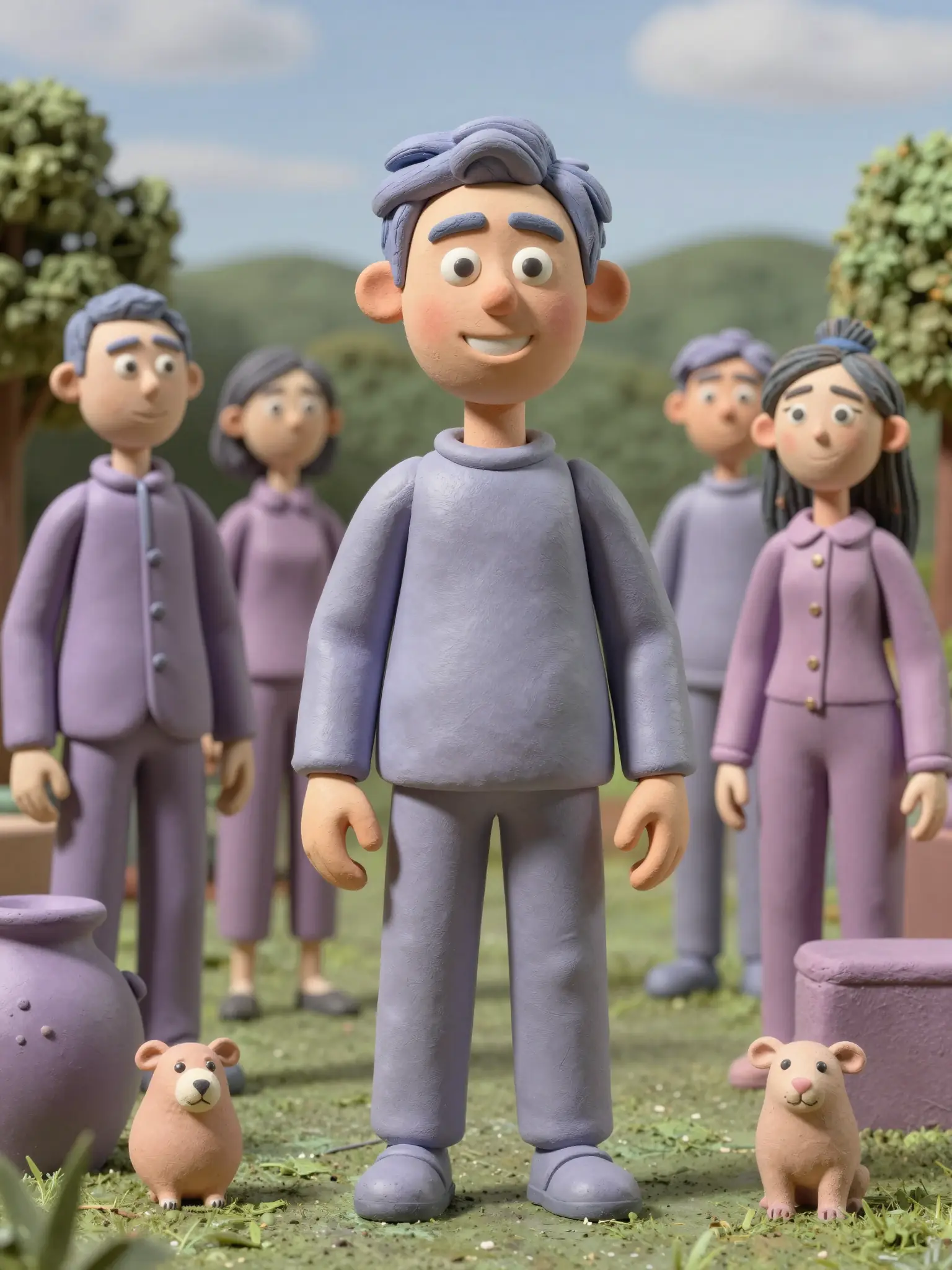
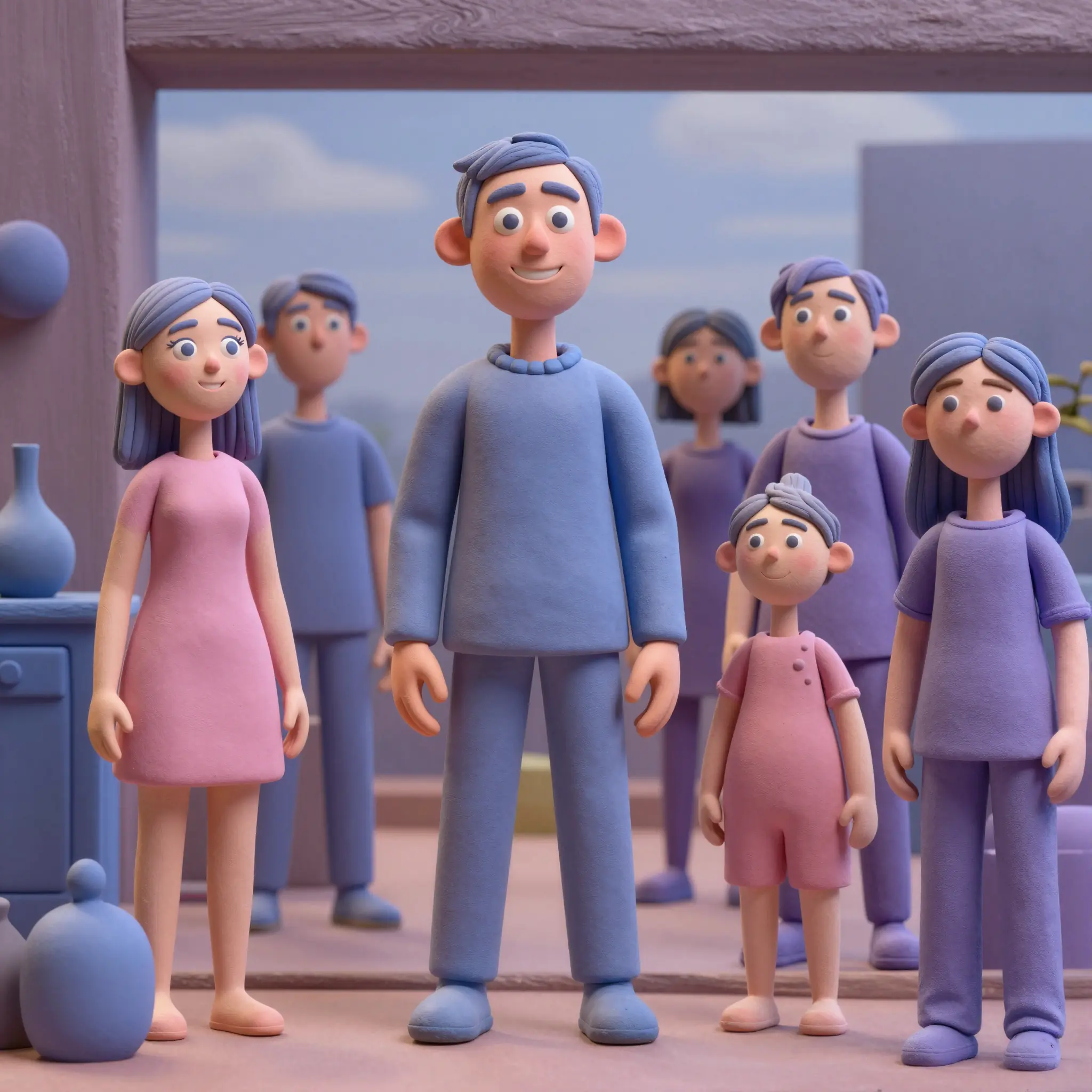
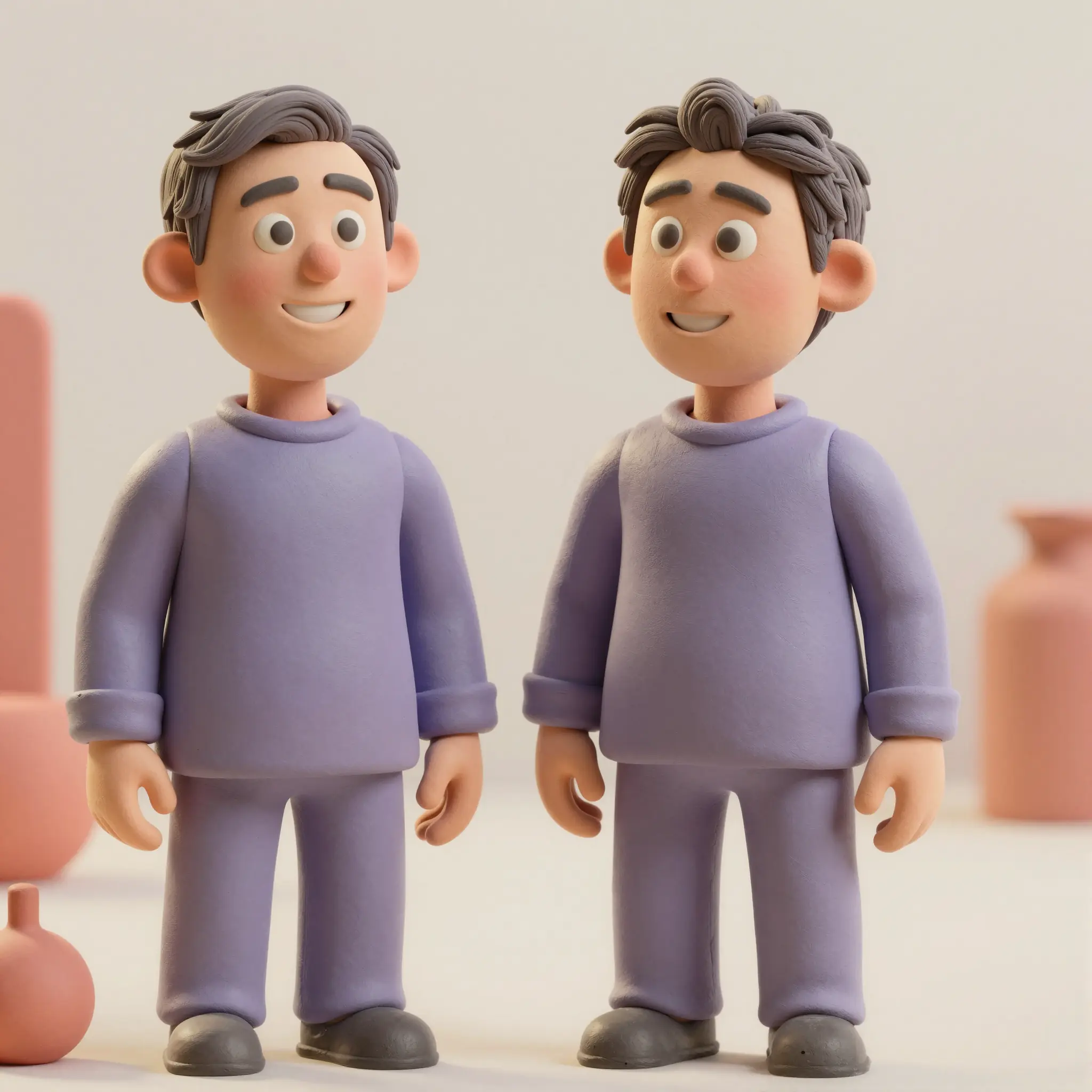
Upload any photo and the AI generates an emoji version that captures the face, expression, and overall vibe. It's not a basic filter. The system rebuilds the subject in emoji form, keeping what makes them recognizable while leaning into the proportions and energy of a real emoji icon. So an emoji of you actually feels like you.
Try it nowPick the style you want and the AI adapts. Round and glossy like Apple emoji, flat and graphic like Twemoji, sticker-style with bold outlines, 3D Animoji-like, retro pixel, hand-drawn. Describe the look in your prompt and the model leans into it. You can switch styles anytime to see how the same photo translates across different aesthetics.
Try it nowEven with all the stylization, the AI preserves the features that make a face actually recognizable, like eye shape, hair, expressions, the small details that read as "you." So when you send a custom emoji of yourself, your friends, or your pet, people instantly know who it is rather than seeing a random cartoon stand-in.
Try it nowThe photo to emoji tool is part of Cuta's wider editing workspace, so you can keep refining the result without switching tools. Tweak the expression, swap the background, expand a single emoji into a full sticker, or generate variations at different angles - all in the same window. If you want something more exaggerated and artistic, the Photo to Caricature tool is right next door.
Try it nowFrom idea to creation
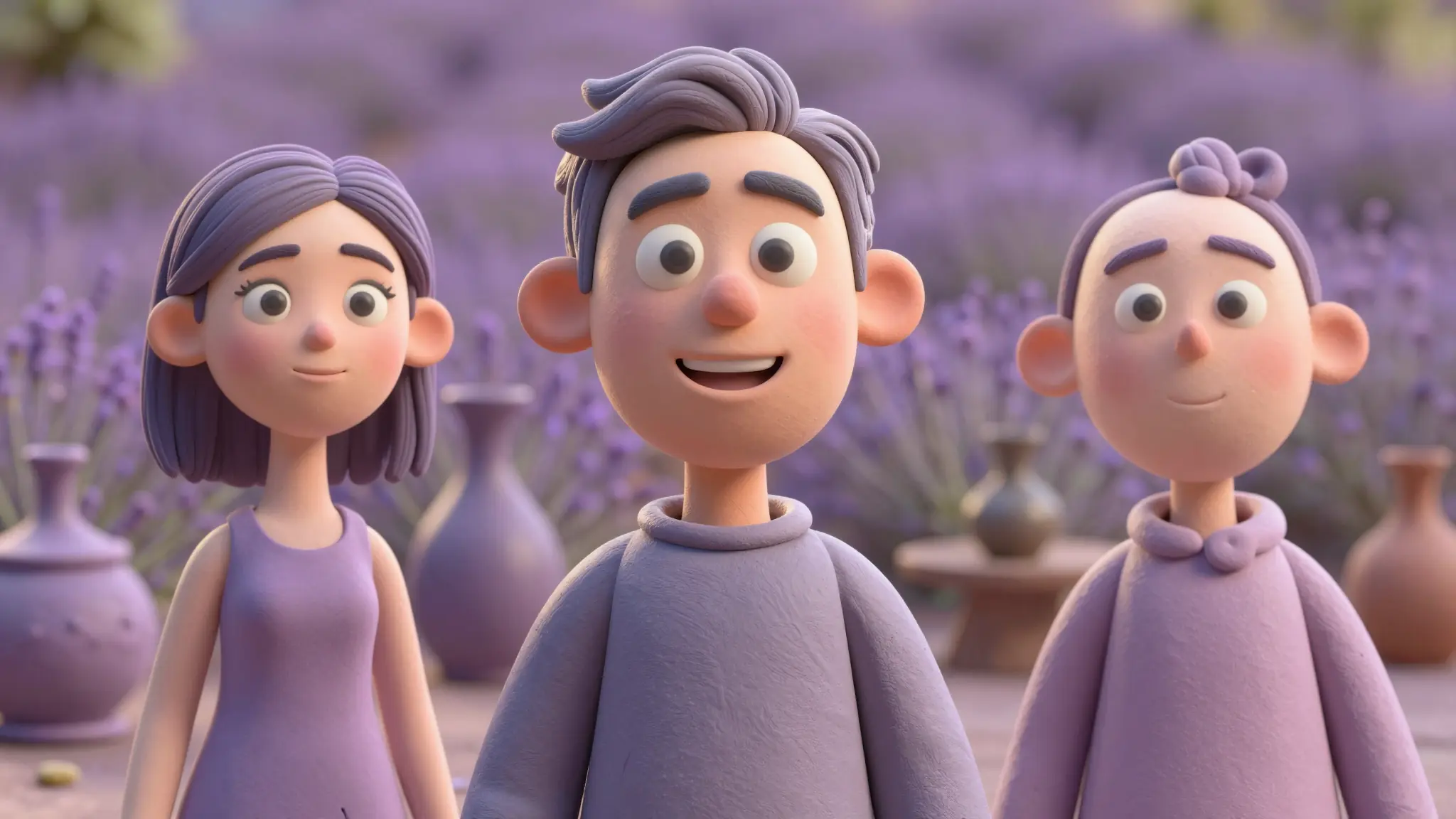
Open Cuta's image tools and upload a photo of whatever you want to emoji-fy — your face, a friend, a pet, even a fictional character.

Type in the style you're going for — "round Apple emoji style," "flat 2D sticker with bold outline," "3D Animoji look," "hand-drawn pixel emoji." Be as specific or loose as you want.
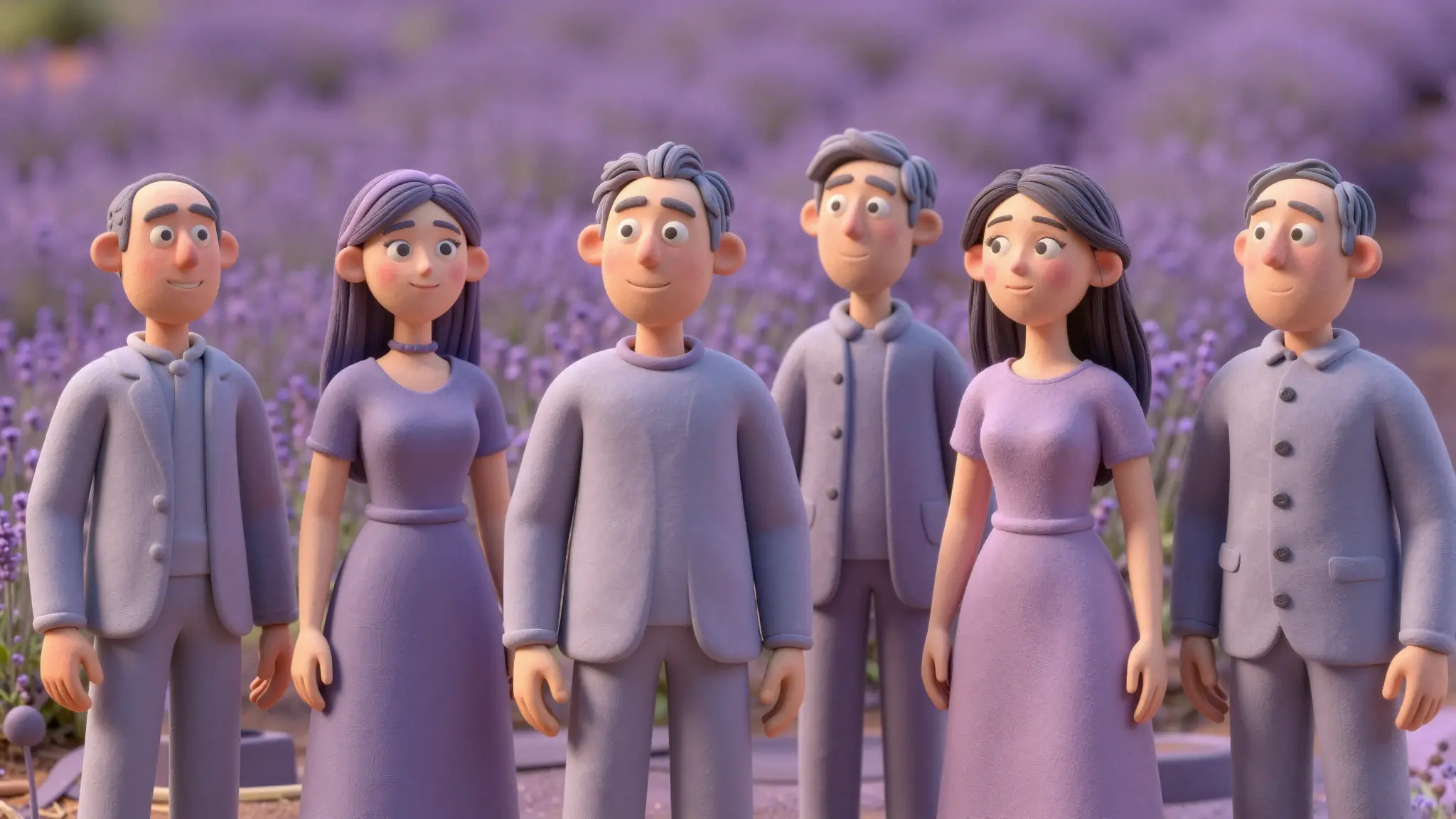
Run it, preview the result, and refine if needed. Tweak the prompt, try a new style, or generate a few variations until you land on the version you like.
Make your group chats actually fun. Turn your face, or your friend's, into a set of expressive reaction emoji that drop into iMessage, Discord, Telegram, Slack, or wherever else you hang out online. Way more entertaining than the same handful of default reactions everyone has been stuck on for years.
Try it nowUse your custom emoji as a profile picture across social media, gaming, or work apps. Because it's stylized, it works as a fun, expressive identity that still looks like you, without putting your full face on every single platform you sign up for.
Try it nowBuild a custom emoji pack for your company Slack, your friend group, your fan community, or your D&D party. Use a consistent style across multiple subjects so the whole set feels like it belongs together, then keep adding new ones whenever your group grows or a new in-joke appears.
Try it nowCustom emoji are a low-effort way to give your audience something to actually use. Streamers, podcasters, creators, and Discord moderators can generate emoji of themselves, their guests, or their mascots, then drop them into chats, sub badges, channel reactions, or merch.
Try it nowIt's an AI tool that takes a photo and turns it into a stylized emoji or sticker version. You upload an image, pick the style you want, and the AI generates an emoji based on what (or who) is in the photo. Think of it as a custom-made emoji of yourself, your friends, your pet, or anything else you can photograph.
Find your next creative tool
Your next creation starts here
Start with your own content in Photo to Emoji. Review the settings in Studio and create your result.



