Cuta

Photo to Caricature online

Photo to Caricature

Turn your photo into a caricature instantly with Cuta’s AI photo to caricature tool. Create funny, exaggerated portraits in seconds.

Director
Photo to Caricature
Example

Why Choose Cuta's Photo to Caricature Generator

Create Unique Caricature Styles

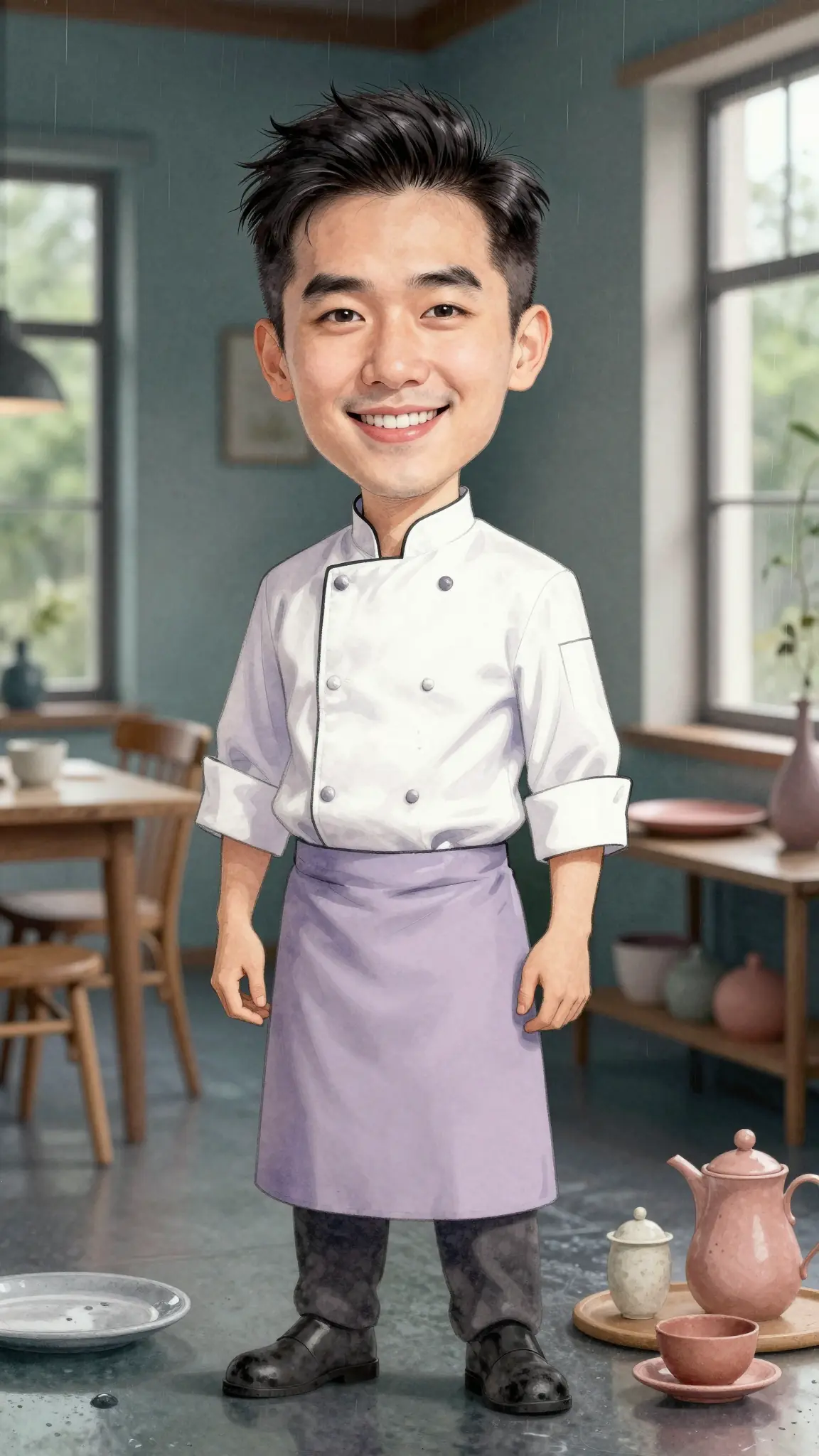
Try different caricature styles, from subtle exaggerations to bold, cartoon-like transformations. You can experiment with how features like your smile, eyes, or face shape are emphasized to create a look that feels playful and distinct.

Try it now


Face-Aware Transformations

The AI analyzes your facial structure and exaggerates features in a way that still looks recognizable. Instead of random distortion, the caricature keeps your identity intact while enhancing key details that define your face.

Try it now

Natural and Artistic Results

Caricatures are generated with attention to lighting, shading, and proportions, so they look like illustrated artwork rather than simple filters. The final image blends style and realism for a clean, polished result.

Try it now

Creative possibilities

Community Creations

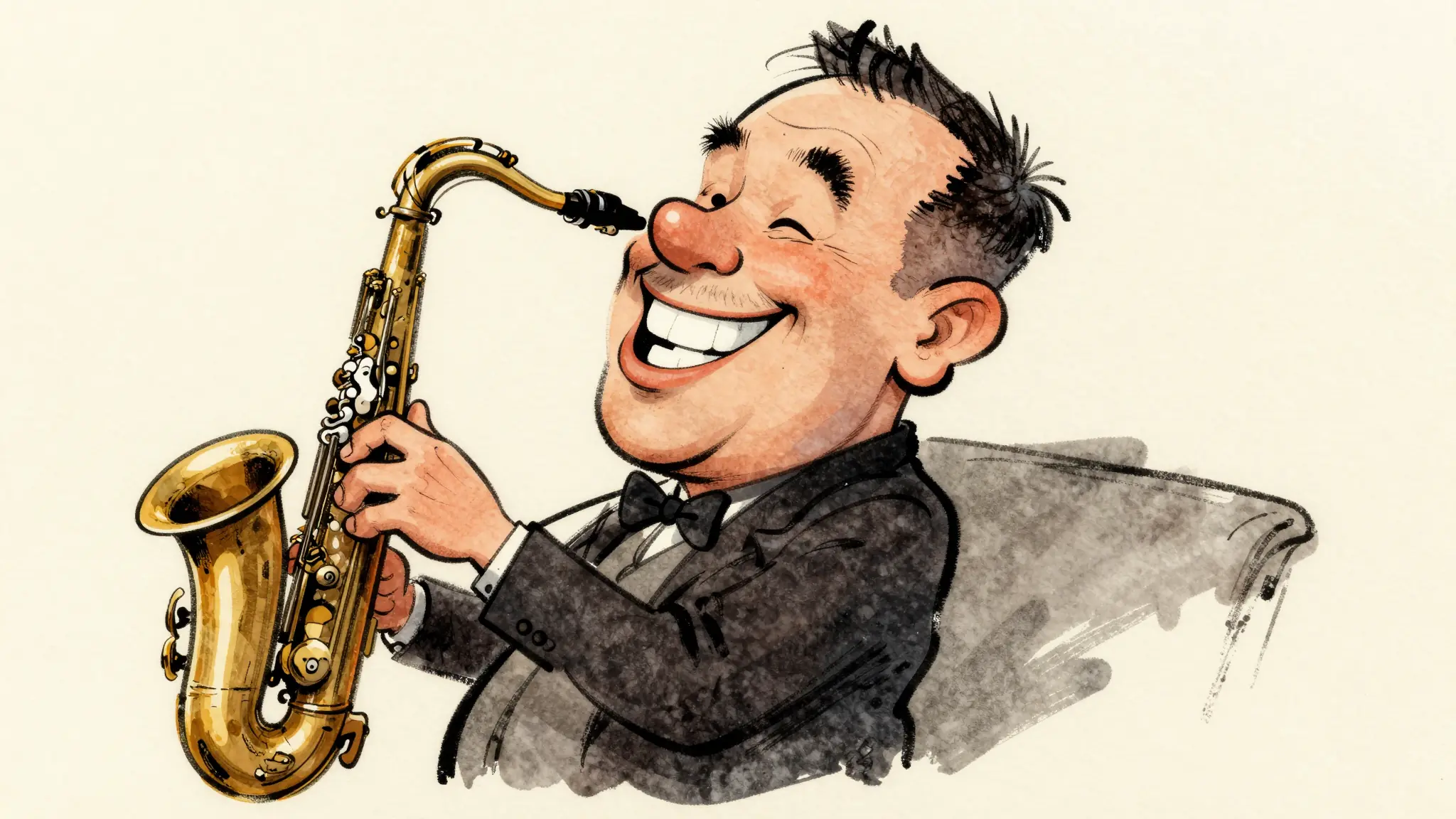
A few visual directions to inspire your next creation. These examples illustrate the styles and ideas you can explore.

Photo to Caricature
Photo to Caricature
Photo to Caricature
Photo to Caricature

Key Features of AI Photo to Caricature

Exaggerate Features with Control

Not all caricatures need to be extreme. You can guide how strong the exaggeration is, whether you want a subtle artistic version or a more playful, exaggerated look. This helps you find a style that matches your preference.

Try it now

Multiple Art Styles and Looks

You can create caricatures in different styles, such as cartoon, sketch, or painterly looks. This gives you flexibility to match the tone you want, whether it’s humorous, creative, or more refined.

Try it now

Preserves Identity While Stylizing

Even with exaggeration, the AI keeps your core facial features recognizable. This ensures the caricature still looks like you, just in a more expressive and stylized way.

Try it now

Instant Before-and-After Comparison

Quickly compare your original photo with the caricature version to see how features have been transformed. This makes it easier to refine the style and choose the version you like best.

Try it now

From idea to creation

How to Use the Photo to Caricature Tool

  1. Upload Your Photo

    Upload Your Photo

    Go to Cuta’s Image tools and select the “edit image” mode. Upload a clear image of yourself.

  2. Describe the Caricature Style

    Describe the Caricature Style

    Select the face area and describe the style you want, such as “funny caricature,” “cartoon exaggeration,” or “subtle stylized portrait.”

  3. Generate and Refine

    Generate and Refine

    Apply the transformation and review the result. Adjust the exaggeration or style to explore different variations until you get the look you want.

Built for Creative Portrait Transformations

Fun and Personalized Avatars

Create unique profile pictures or avatars that stand out. A caricature adds personality and makes your image more memorable compared to a regular photo.

Social Media and Content Creation

Generate eye-catching visuals for posts, thumbnails, or creative content. Caricatures are naturally engaging and can help your content feel more playful and distinctive.

Gifts and Creative Projects

Turn photos into caricatures for gifts, birthdays, illustrations, or personal projects. This is a simple way to create something custom and visually interesting without hiring an artist.

AI Influencers and Character Design

Use caricatures to design stylized characters or digital personas. You can create consistent, recognizable looks that feel more expressive than standard portraits.

Frequently asked questions

A photo to caricature tool is an AI-powered feature that turns your photo into a stylized portrait by exaggerating facial features in a creative and artistic way.

Find your next creative tool

Explore more creative tools

Your next creation starts here

Make something worth sharing.

Start with your own content in Photo to Caricature. Review the settings in Studio and create your result.

Start creating