Custom Avatar from Any Photo
Upload your face and get a stylized avatar version of you in moments. Works for selfies, headshots, full-body photos, and even pet pics if you want an avatar for your dog.

Photo to Avatar online
Turn your photo into a custom avatar with Cuta's AI photo to avatar tool. Pick any style, keep your likeness, and get a profile-ready avatar in seconds.
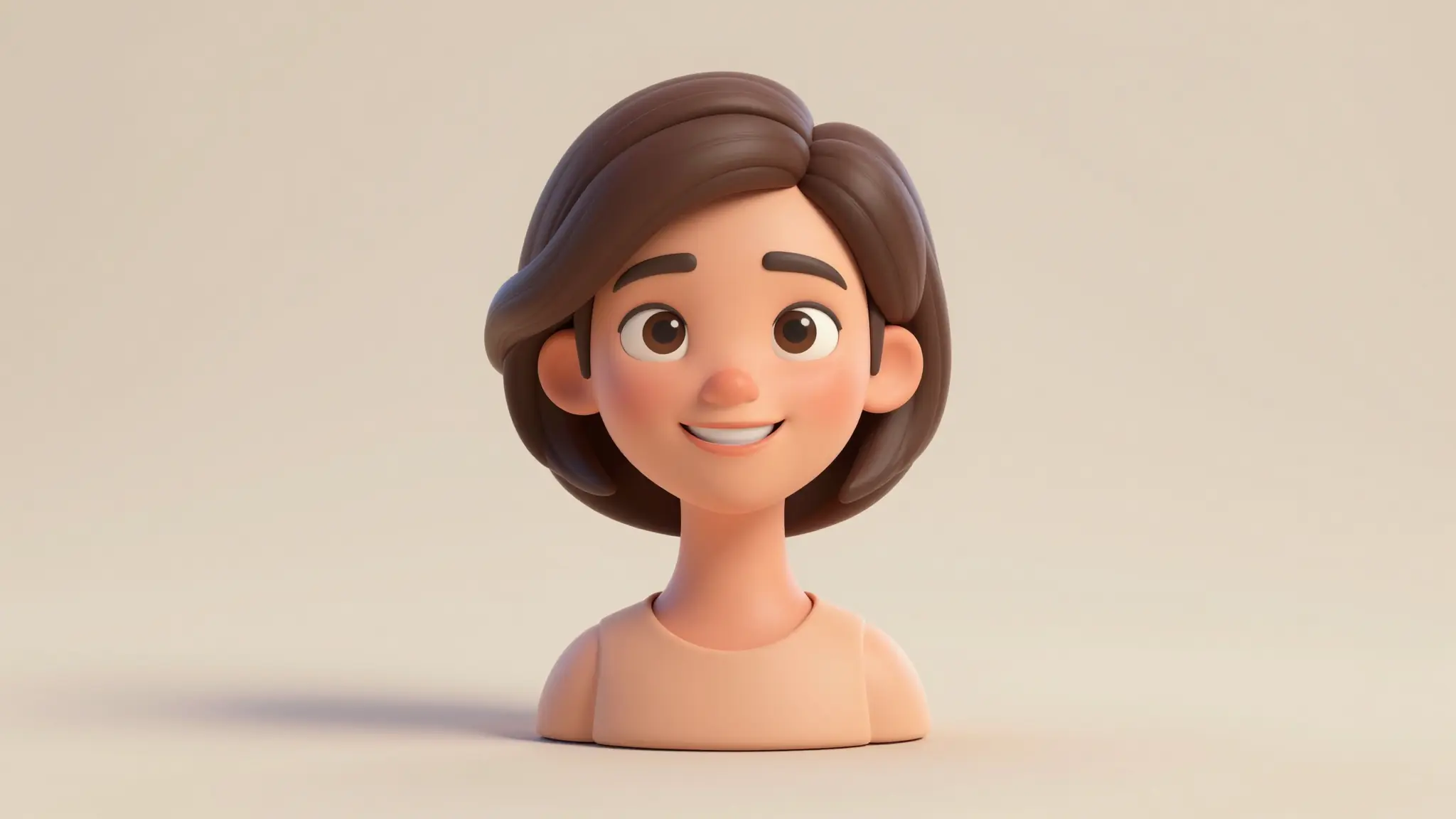
Upload your face and get a stylized avatar version of you in moments. Works for selfies, headshots, full-body photos, and even pet pics if you want an avatar for your dog.
Anime, 3D rendered, illustrated, retro pixel, fantasy hero, polished headshot, comic book. Describe the look you want and the AI matches your photo to it.
Even with the stylization, the AI preserves what makes you, you. Your face shape, hair, expression cues, everything is maintained.
Creative possibilities
A few visual directions to inspire your next creation. These examples illustrate the styles and ideas you can explore.
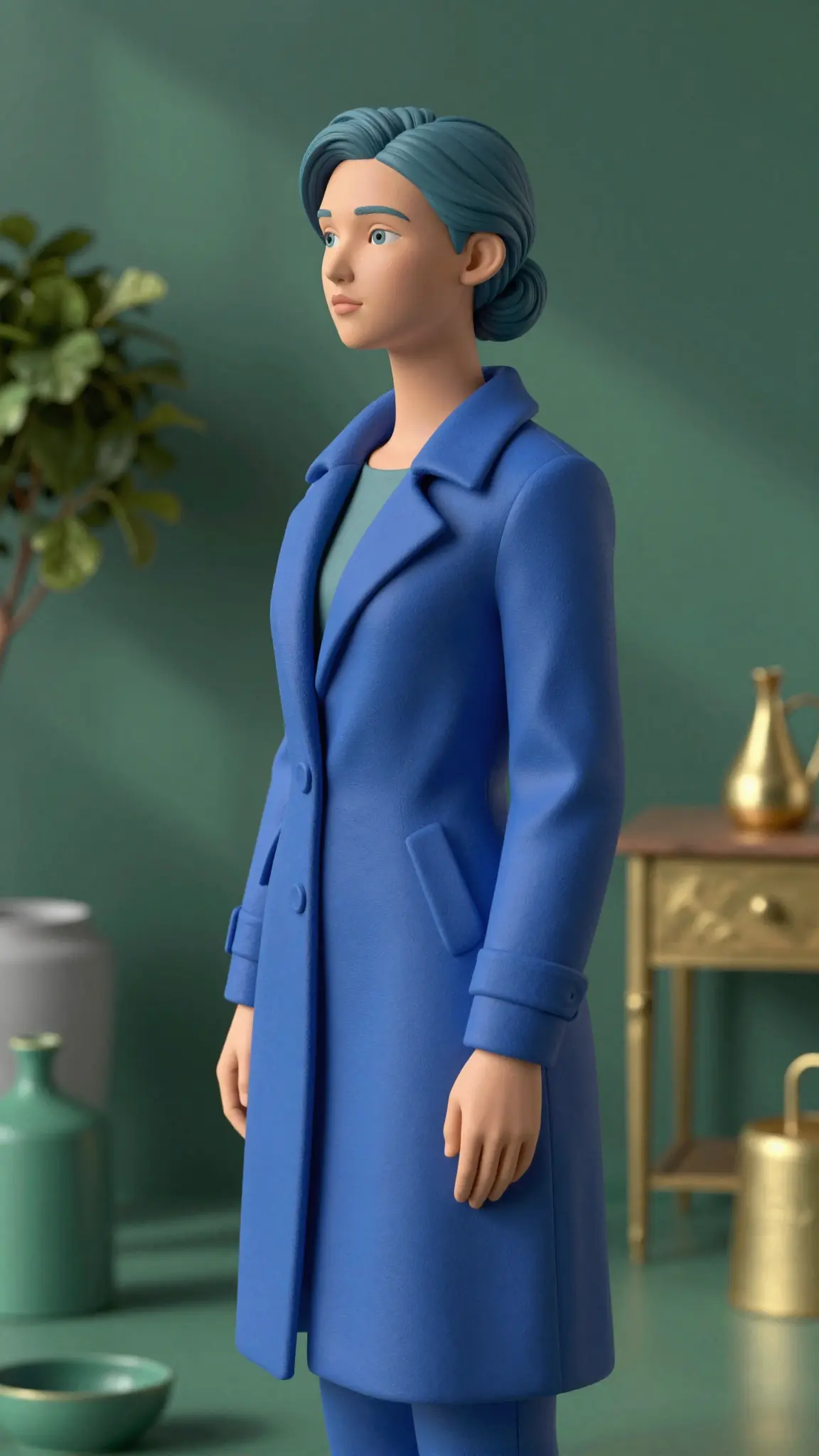
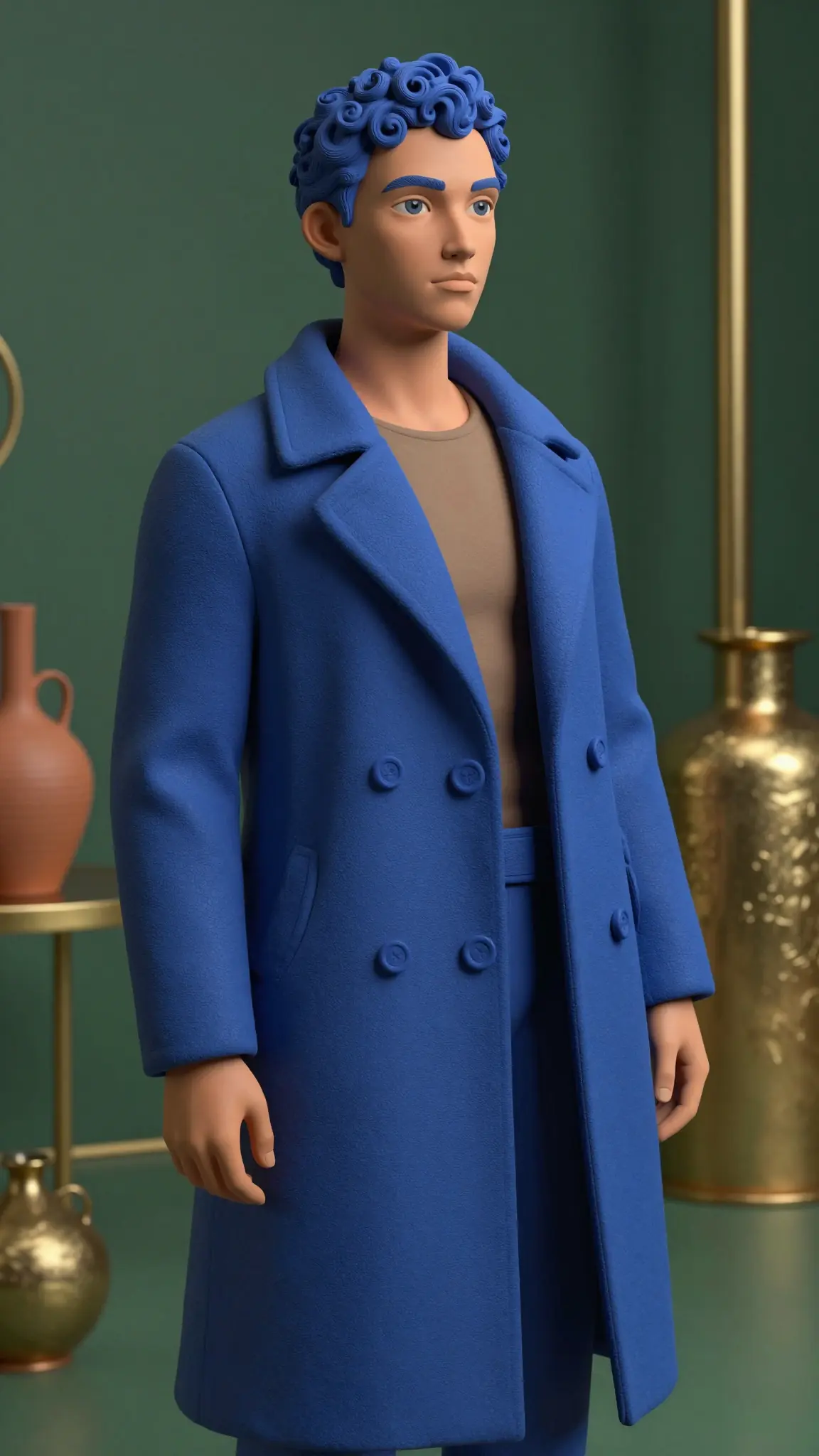
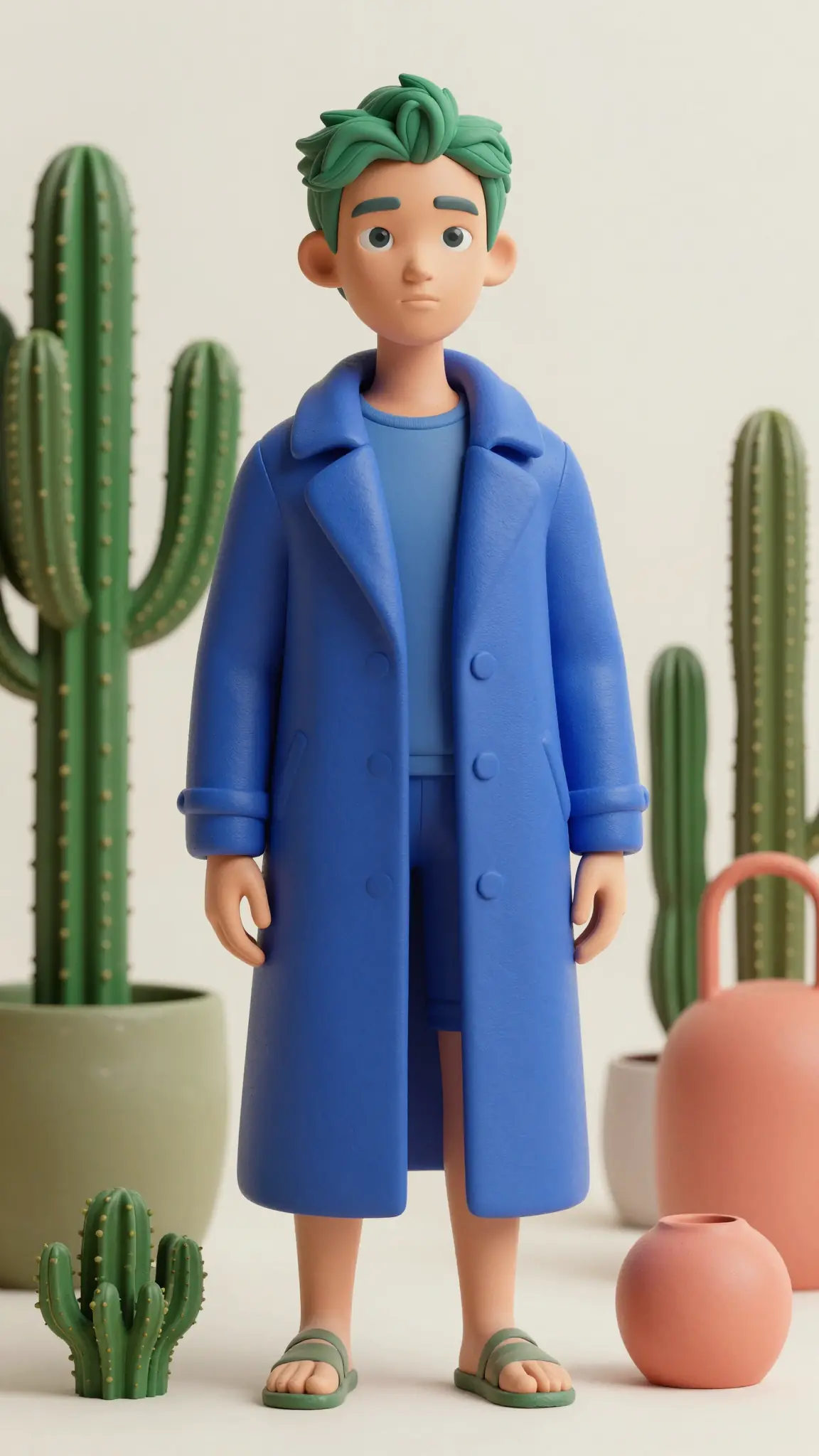
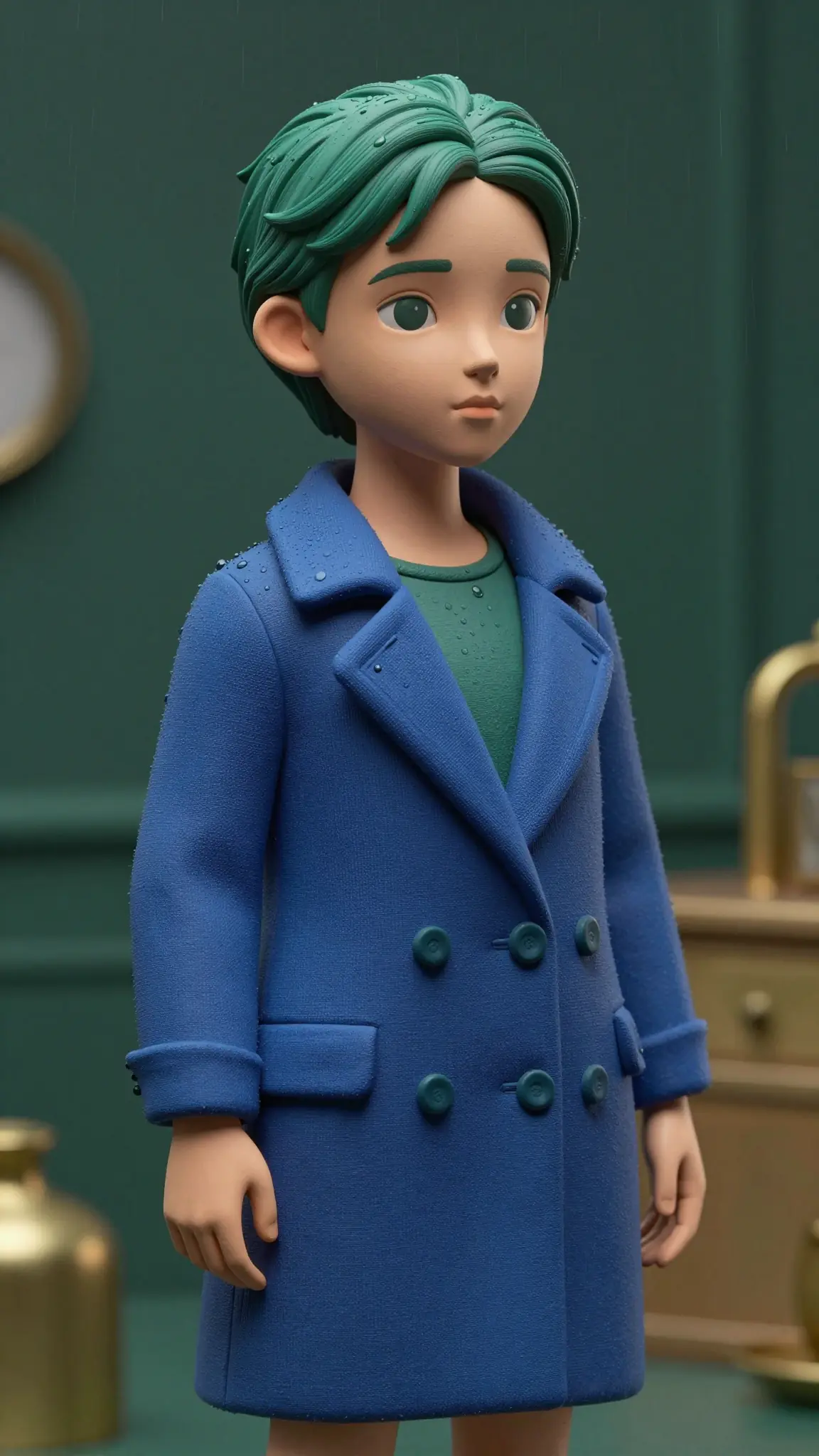
Upload any photo and the AI generates an avatar that captures your face, expression, and overall vibe. It's not a quick filter; the system rebuilds your features in the chosen style, keeping the details that make you recognizable while taking on the look of a designed avatar. So it's clearly you, just rendered.
Try it nowPick whatever look fits the vibe: anime, 3D rendered, hand-drawn illustration, retro pixel, fantasy hero, comic book, photoreal portrait, watercolor. The AI adapts to the style you describe, so the avatar lands in the world you're aiming for instead of feeling generic. Try a few styles on the same photo and see which one clicks.
Try it nowEven with all the stylization layered on top, the AI preserves the features that make a face actually recognizable, like eye shape, hair, jawline, expression. So when people see your avatar, they instantly think "that's you" rather than "that's some random anime character."
Try it nowAfter your avatar is generated, you can keep refining it in the same window. Adjust the background, swap the outfit, change the framing, generate variations at different angles, or run a few styles side by side. If you want a smaller, more iconic version of yourself, the Photo to Emoji tool is right there too.
Try it nowFrom idea to creation
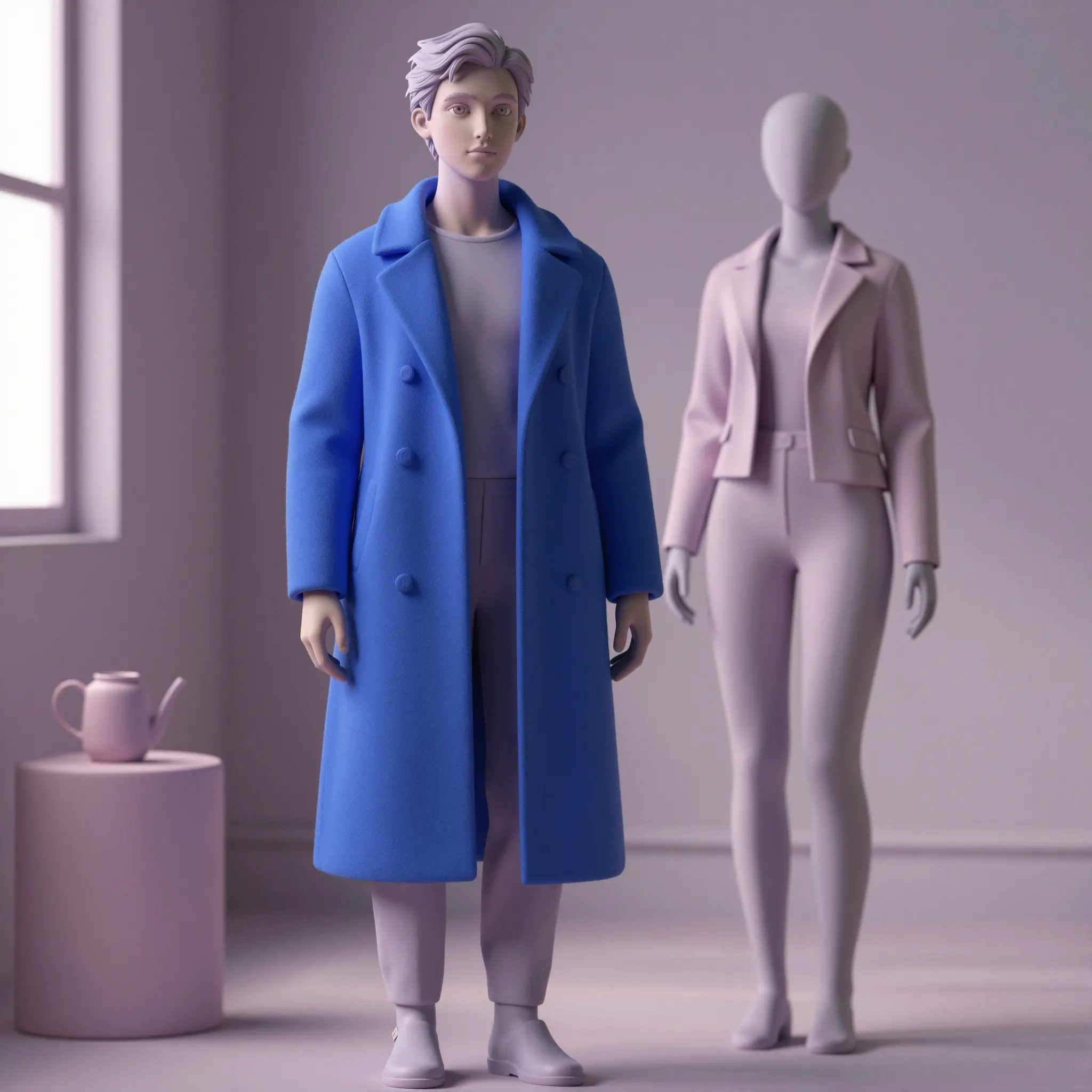
Open Cuta's image tools and upload a clear photo of yourself. A well-lit headshot or upper-body shot works best, but the AI handles full-body and side angles too.
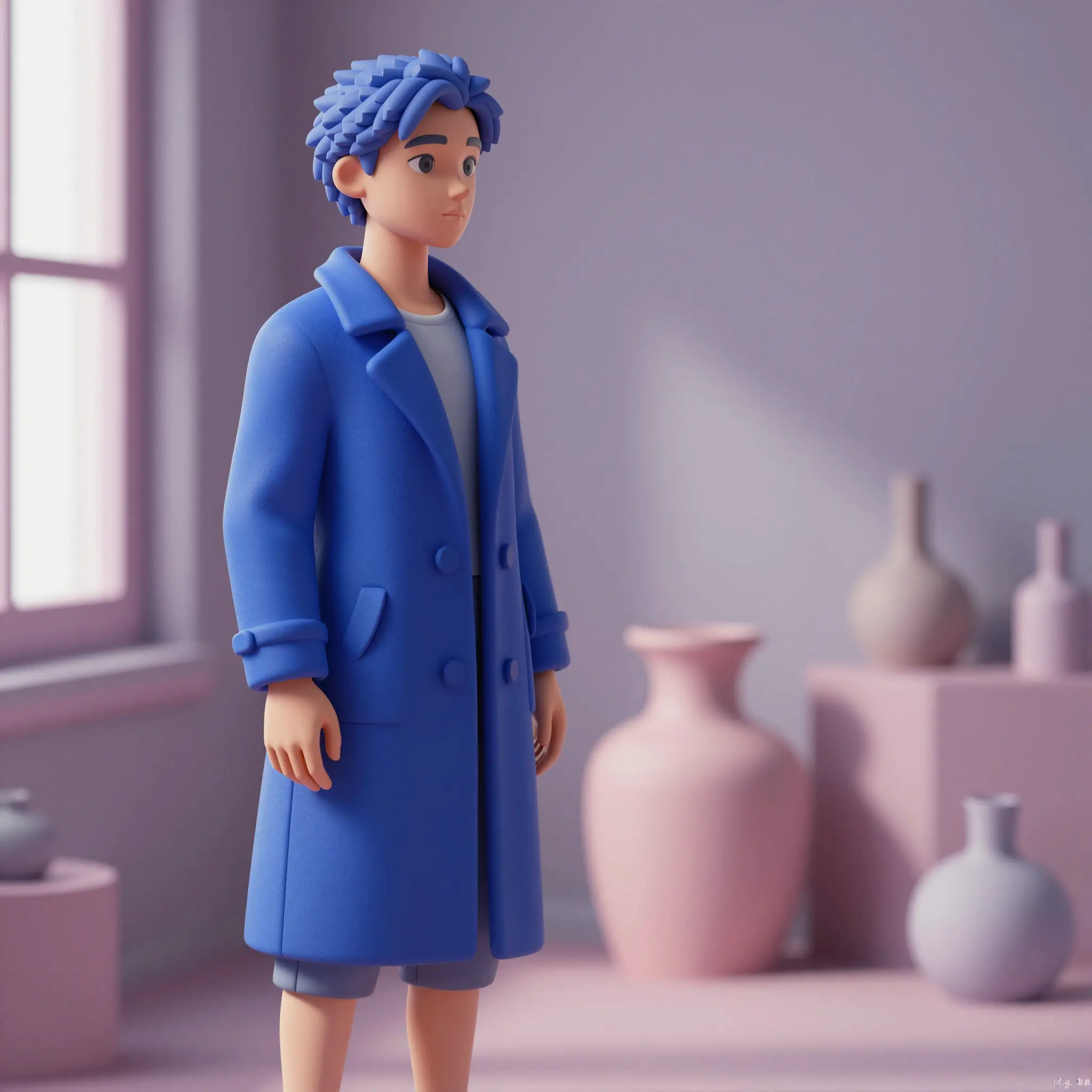
Type in the look you want: "anime hero," "3D rendered avatar," "polished illustrated headshot," "fantasy character with armor," "retro pixel adventurer." Be as specific or generic as you want.
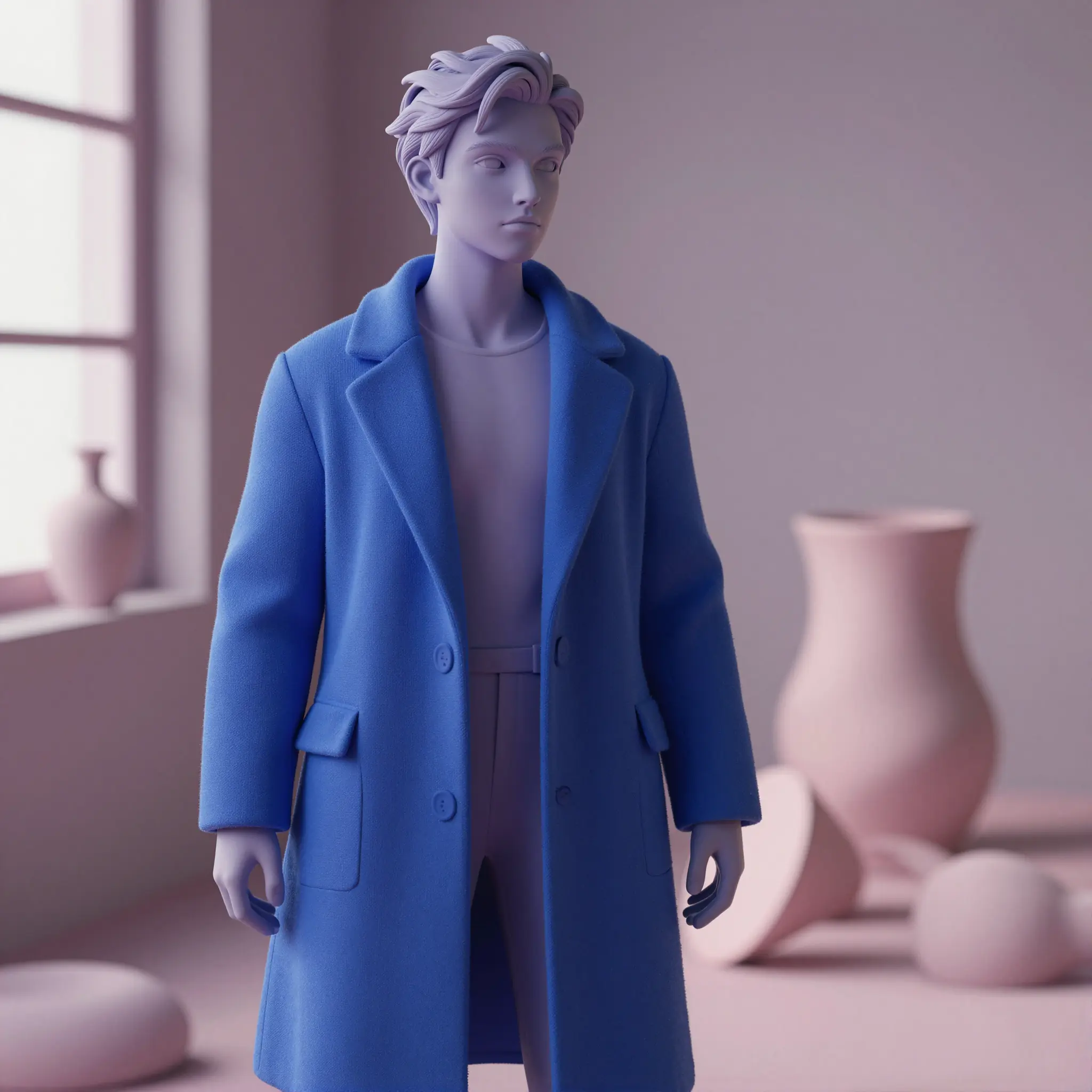
Run it, preview the avatar, and refine if needed. Try a different style, adjust the prompt, or generate a few variations until you find one that feels right.
Use a stylized avatar as your profile pic on Instagram, X, Discord, LinkedIn, or anywhere else you have an identity online. It works as a fun, expressive version of you that still reads as you, without putting your full face on every single platform you sign up for.
Generate avatars for your gaming profile, Discord server, or virtual hangouts. Pick a style that fits your gaming personality, like anime hero, fantasy character, sci-fi pilot, retro pixel adventurer, and you've got an identity that actually feels like you instead of a default placeholder.
Need a polished but stylized headshot for Slack, Notion, your portfolio, or a personal site? Generate an illustrated or realistic avatar that looks put-together without being a stiff corporate headshot. Especially useful for remote workers, freelancers, and creators who want a consistent visual identity across tools.
Build a recurring avatar that becomes part of your brand, for your YouTube channel, podcast cover art, newsletter header, or merch. Use it consistently across platforms and you start building visual recognition without having to redo a photoshoot every time you rebrand.
It's an AI tool that takes your photo and turns it into a stylized avatar version of you. You upload an image, pick the style, and the AI generates an avatar that looks like you in that style — useful as a profile picture, gaming character, or visual identity online.
Find your next creative tool
Your next creation starts here
Start with your own content in Photo to Avatar. Review the settings in Studio and create your result.



