3D-Style Render from Any Photo
Upload a photo and the AI re-renders it in a polished 3D style — soft volumetric lighting, smooth surfaces, that "animated movie still" feel — without you touching a 3D tool.
Try it now
Photo to 3D online
Turn any photo into a 3D-style render with Cuta's AI photo to 3D tool. Pixar-style, Disney 3D, claymation, figurine looks.
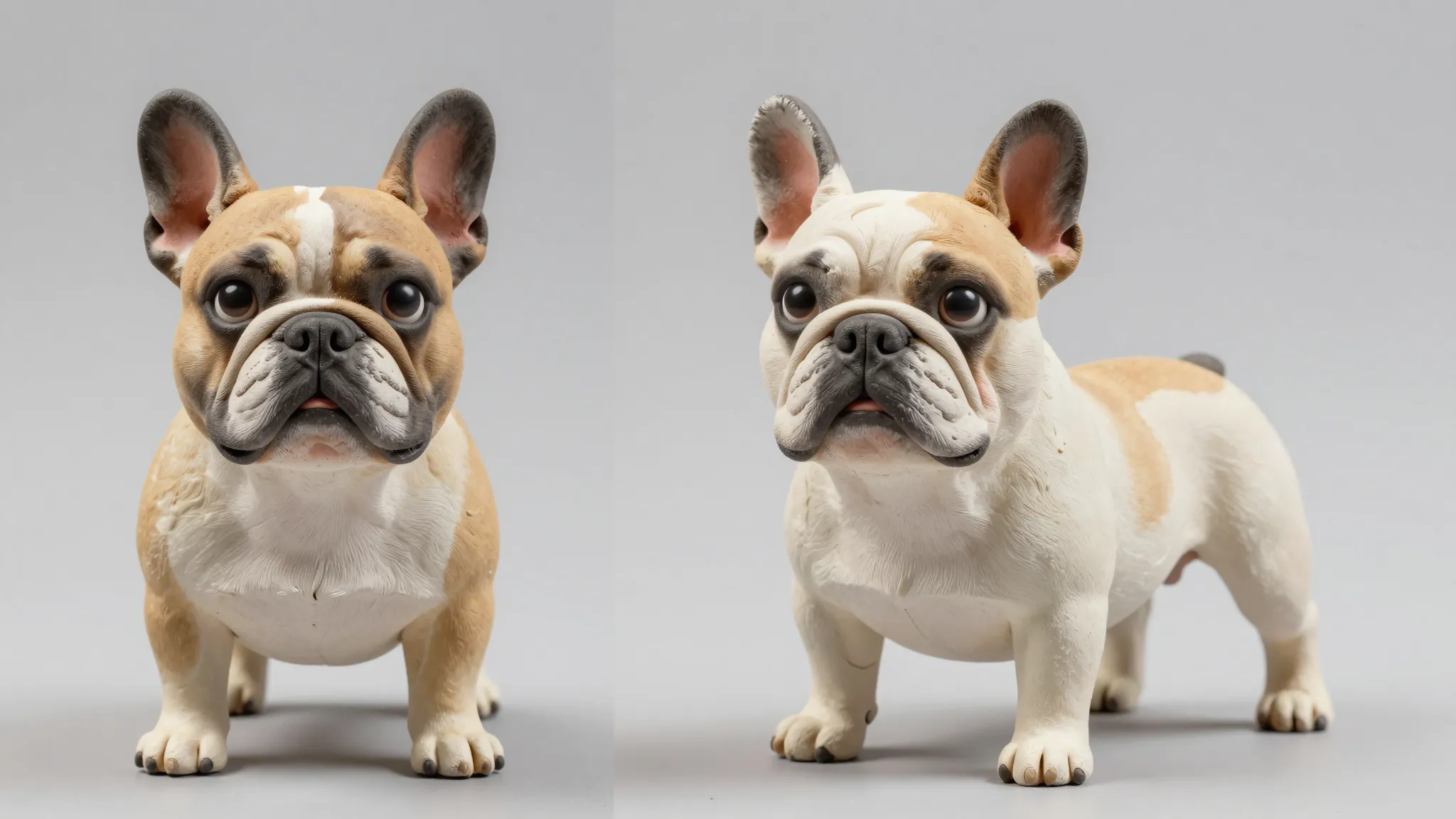
Upload a photo and the AI re-renders it in a polished 3D style — soft volumetric lighting, smooth surfaces, that "animated movie still" feel — without you touching a 3D tool.
Try it nowPixar-style, Disney 3D, claymation, plastic figurine, vinyl toy, video game CGI, low-poly, hyperreal CGI — describe the style and the AI matches your photo to it.
Try it nowYour subject still reads as your subject. The AI preserves face shape, expression, pose, and outfit details, then renders them in the 3D style you picked instead of inventing a random character.
Try it nowUpload any photo and the AI re-renders the subject as a Pixar/Disney-style 3D character. Big expressive eyes, soft shading, cinematic lighting, that animated-movie polish. Your face, expression, and pose are preserved, then translated into the 3D look.
Try it nowPixar/Disney 3D, claymation, plastic figurine, vinyl toy, low-poly game character, hyperreal CGI, sculpted statue, or miniature diorama. The AI adapts to the style you describe, so the new image lands in the world you're aiming for instead of feeling like a generic filter.
Try it nowEven with all the stylization, the AI preserves the features that make a face recognizable: eye shape, hairstyle, jawline, expression cues, and the details that make a scene feel like yours, like outfit and pose.
Try it nowOnce your 3D-style image is generated, you can keep refining it in the same window. Adjust the background, swap the outfit, tweak the lighting, generate variations at different angles, or run multiple 3D styles side by side.
Try it nowFrom idea to creation
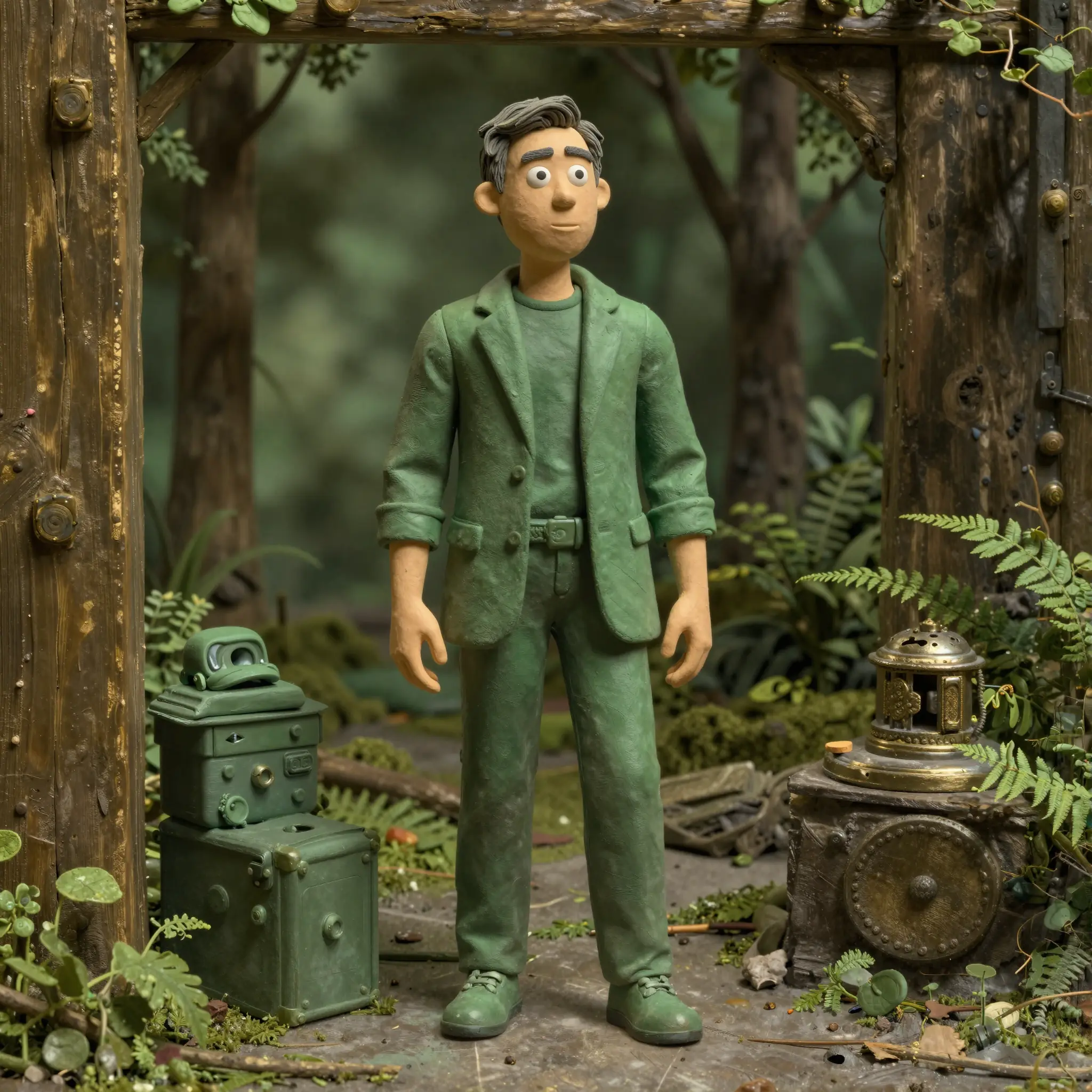
Open Cuta's image tools and upload a clear photo of your subject. A well-lit shot with the face or main subject clearly visible works best, but the AI handles full-body, side angles, group shots, and pet pics too.
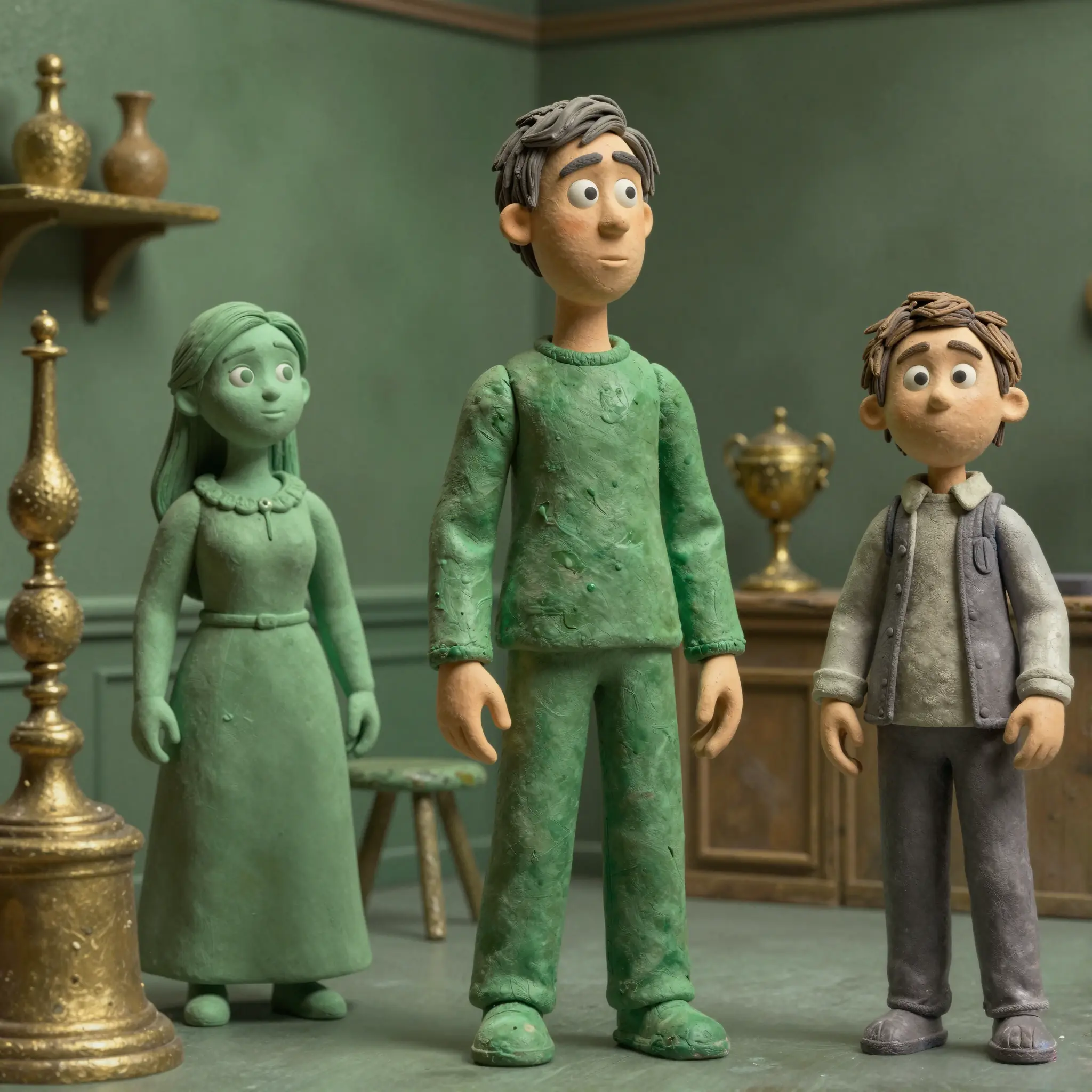
Type in the 3D look you want — "Pixar-style 3D portrait," "Disney 3D animated character," "claymation figure," "vinyl toy version of me," "low-poly game character," "hyperreal CGI close-up." Be as specific or loose as you want.
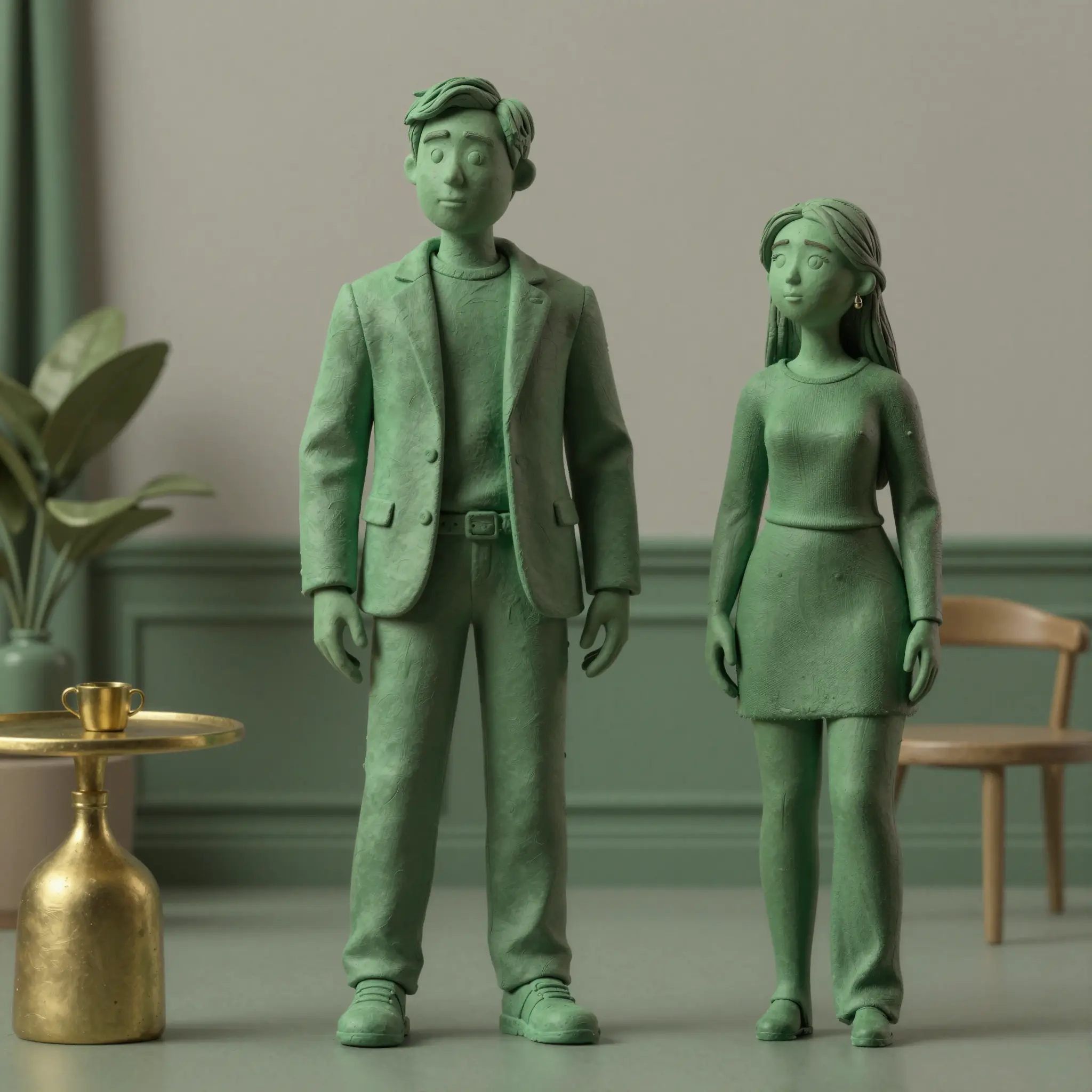
Run it, preview the render, and refine if needed. Try a different 3D style, tweak the lighting, change the background, or generate a few variations until you land on the one that feels right.
Use a Pixar-style 3D portrait as your profile pic on Instagram, X, Discord, or LinkedIn, or post it as standalone content. It's an instantly recognizable look that performs well on social and still reads as you.
Turn a photo of a partner, parent, kid, or pet into a 3D-style image. Pick any style such as Pixar-style portrait, claymation figure, vinyl toy version, and use it on a print, a mug, a t-shirt, or a card.
Generate 3D-style versions of yourself for YouTube thumbnails, podcast covers, TikTok content, or stream overlays. The polished CGI look pops in a feed full of regular photos, and you can build a consistent 3D version of yourself to use across every piece of content you make.
Turn product shots, team photos, or mascot references into 3D-style images for marketing graphics, ad creative, or branded social posts. It's a fast way to get a CGI look. Get that exact Pixar polish, claymation charm, or toy figurine cuteness.
It's an AI tool that takes your photo and re-renders it in a 3D style — Pixar/Disney 3D, claymation, vinyl toy, CGI, and more. You upload an image, describe the 3D style, and the AI generates a polished 3D-style render of your subject. It's a stylized image output, not a 3D model file.
Find your next creative tool
Your next creation starts here
Start with your own content in Photo to 3D. Review the settings in Studio and create your result.



