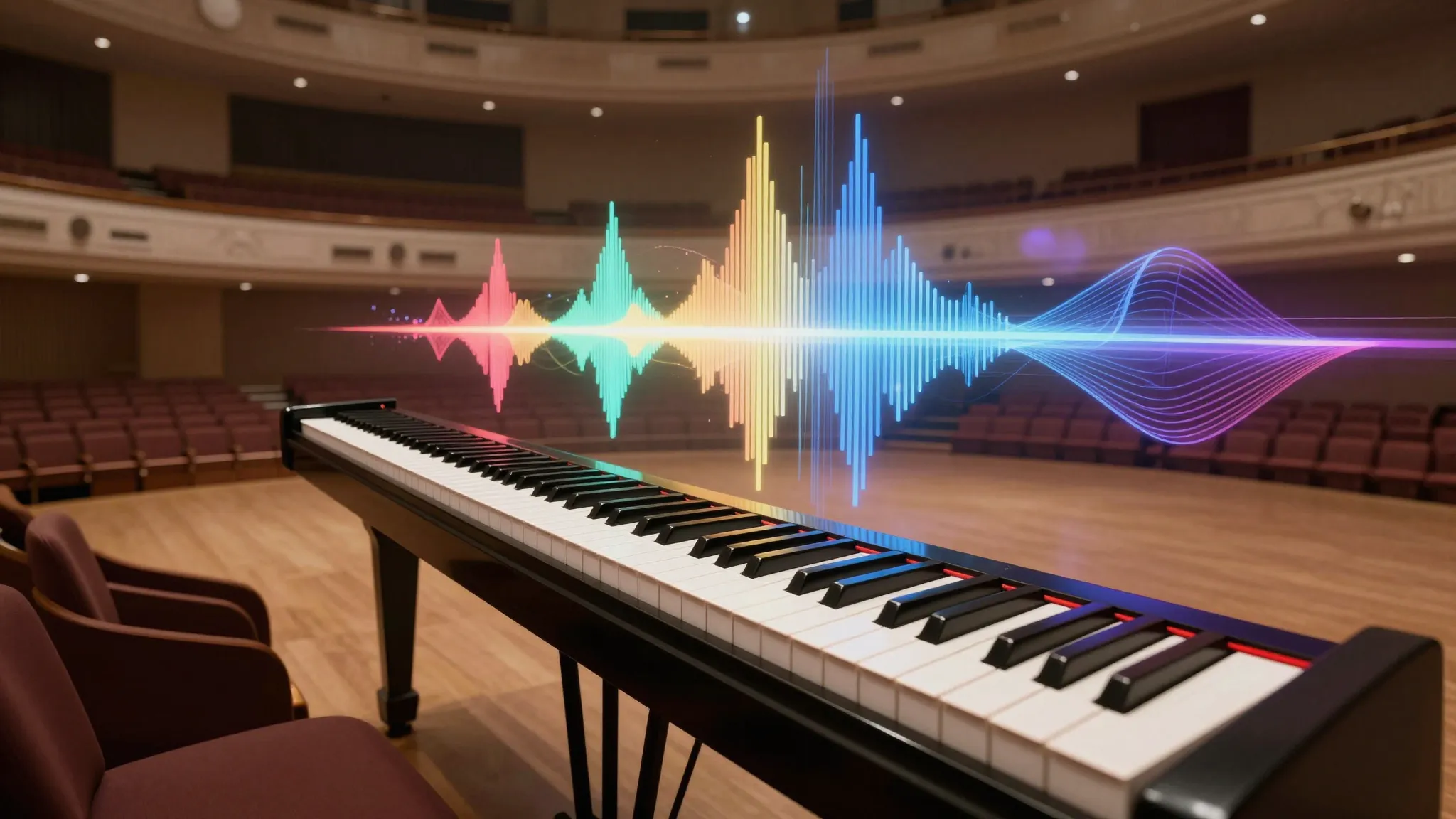
Develop a track around mood and arrangement
Describe genre, instruments, energy and progression. Use the available lyric or vocal options when the project calls for words.
Try it now
Studio tools
Develop a track around mood and arrangement.
Describe genre, instruments, energy and progression. Use the available lyric or vocal options when the project calls for words.
Try it nowA warm instrumental track with brushed drums, mellow electric piano and a quiet closing phrase.
Try it nowListen from beginning to end for structure, transitions and the ending; review any generated lyrics before sharing.
Try it nowFrom idea to creation
Describe genre, instruments, energy and progression. Use the available lyric or vocal options when the project calls for words.
A warm instrumental track with brushed drums, mellow electric piano and a quiet closing phrase.
Listen from beginning to end for structure, transitions and the ending; review any generated lyrics before sharing.
Describe genre, instruments, energy and progression. Use the available lyric or vocal options when the project calls for words.
Find your next creative tool
Your next creation starts here
Start with your own content in Music. Review the settings in Studio and create your result.