Cuta
AI Music Generator from Image online

AI Music Generator from Image

Generate music and songs from images with Cuta. Turn visuals into matching soundtracks up to 3 minutes long using Google Lyria 3.

Key Features of AI Music Generator from Image

AI Music Generator from Image

AI Music Generator from Image

Smooth Image-to-Music Generation

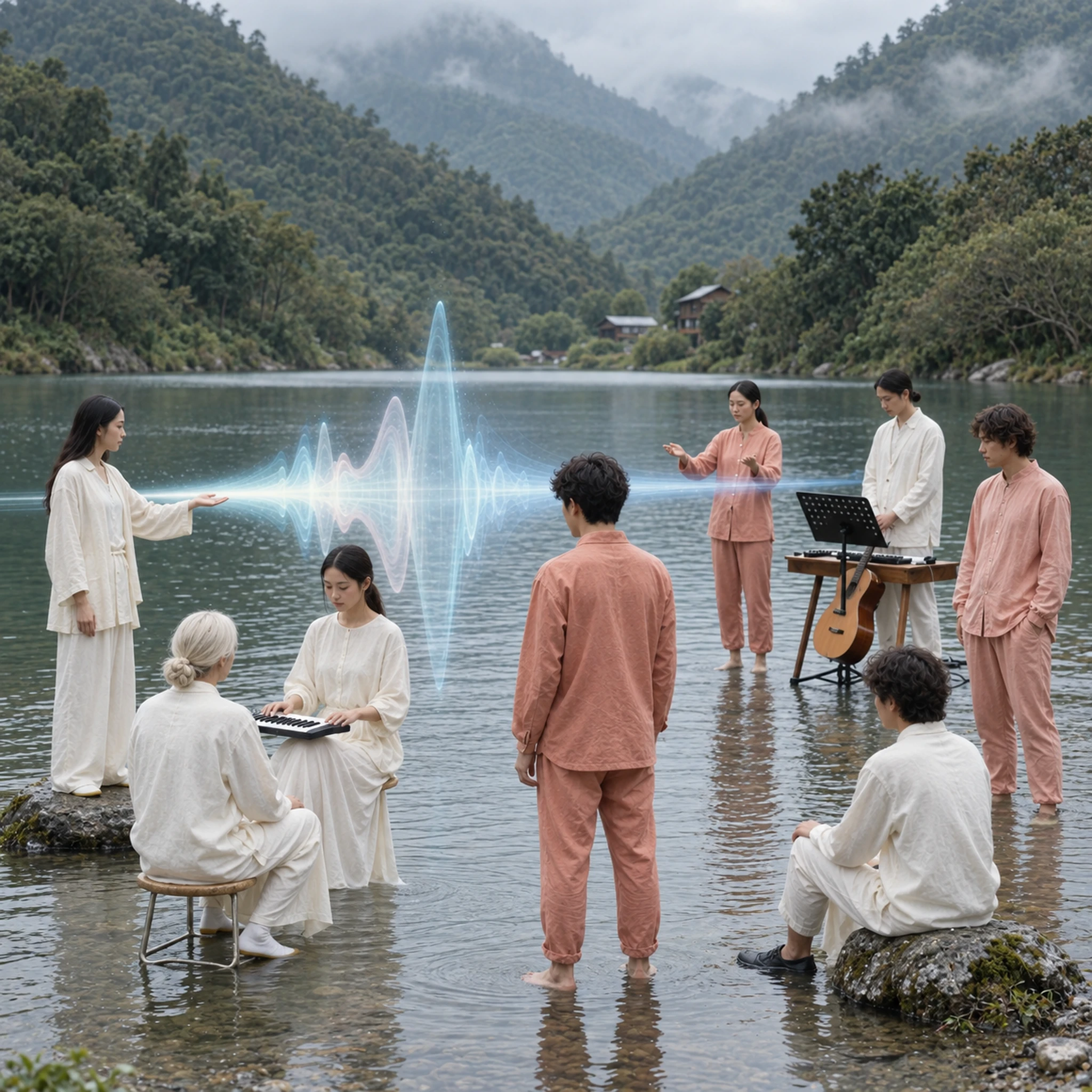
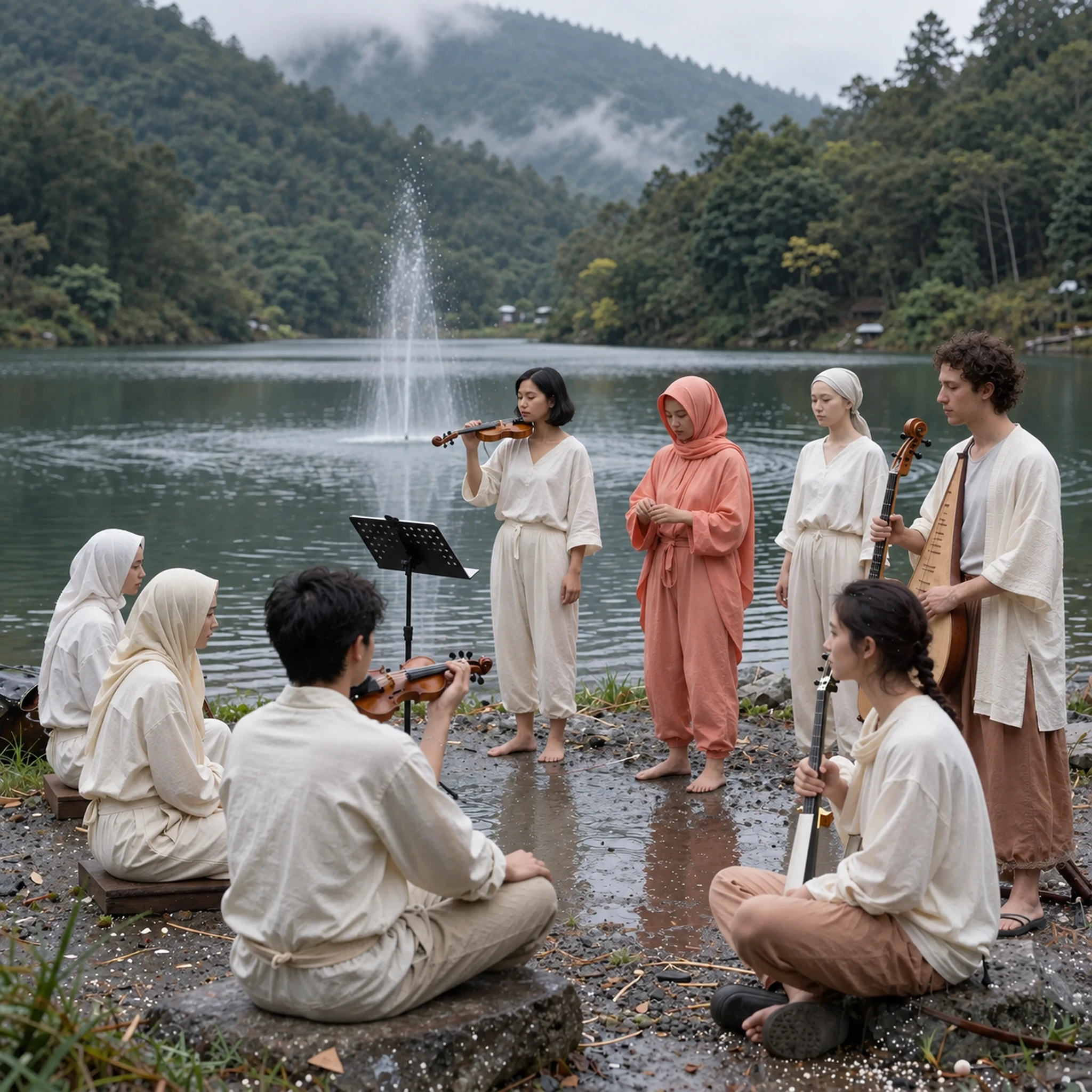
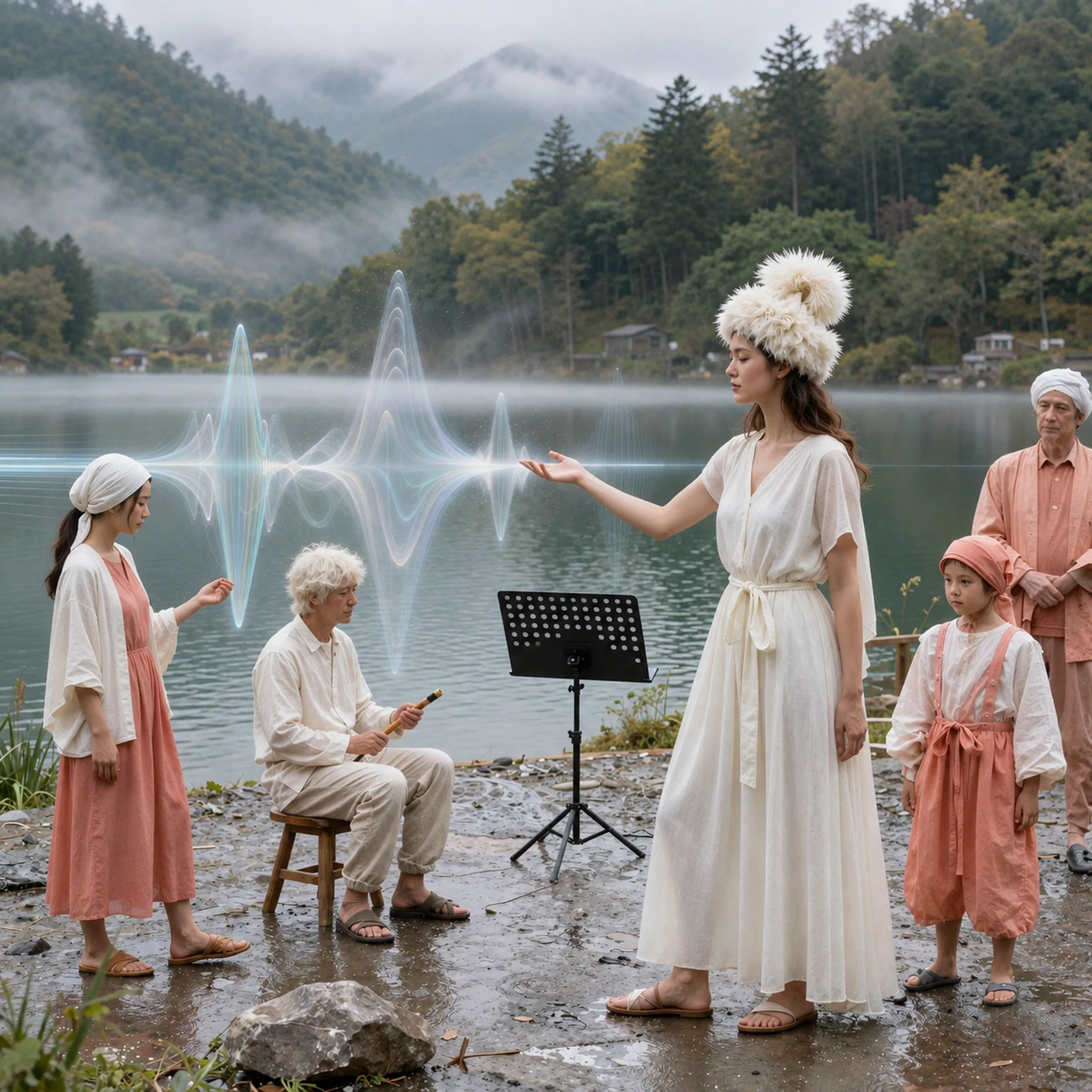
Upload any image, whether it’s a character, landscape, or scene, and the AI reads its mood to generate matching music. It looks at things like color, lighting, and subject to decide how the track should feel. A dark, moody scene might result in slower, heavier tones, while a bright outdoor image can lead to lighter, more upbeat music. This makes the output feel directly tied to your visual instead of something random.

Try it now
AI Music Generator from Image

AI Music Generator from Image

Any Style, Mood, Ambience, or Energy

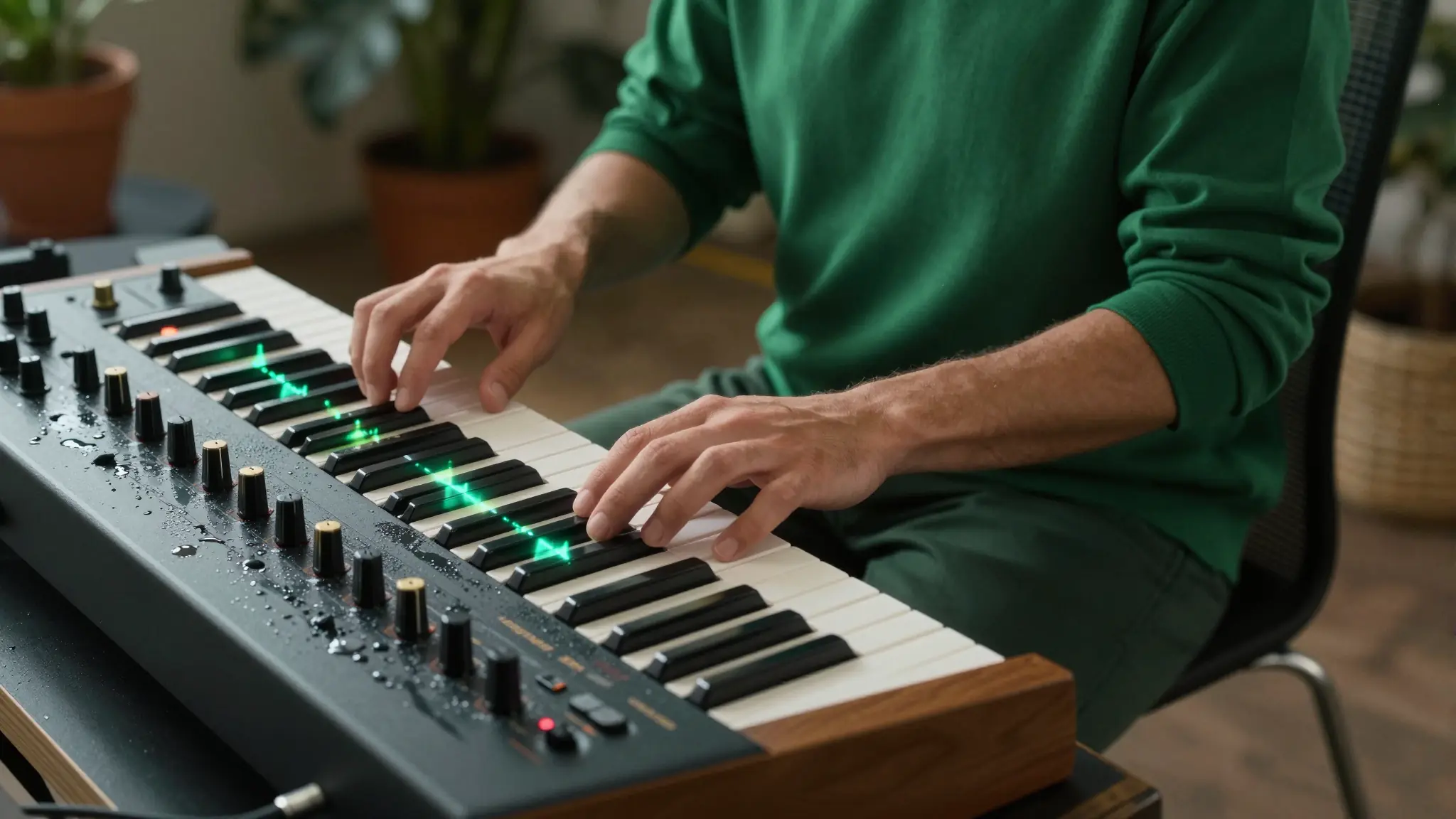
You’re not locked into one type of sound. You can generate music in a wide range of styles like ambient, cinematic, upbeat, dramatic, or lo-fi. The AI adjusts tempo, instruments, and intensity based on what you choose. Whether you want something soft in the background or a more energetic track, you can guide the direction while the system handles the composition.

Try it now

AI Music Generator from Image

AI Music Generator from Image

Text Prompt Control

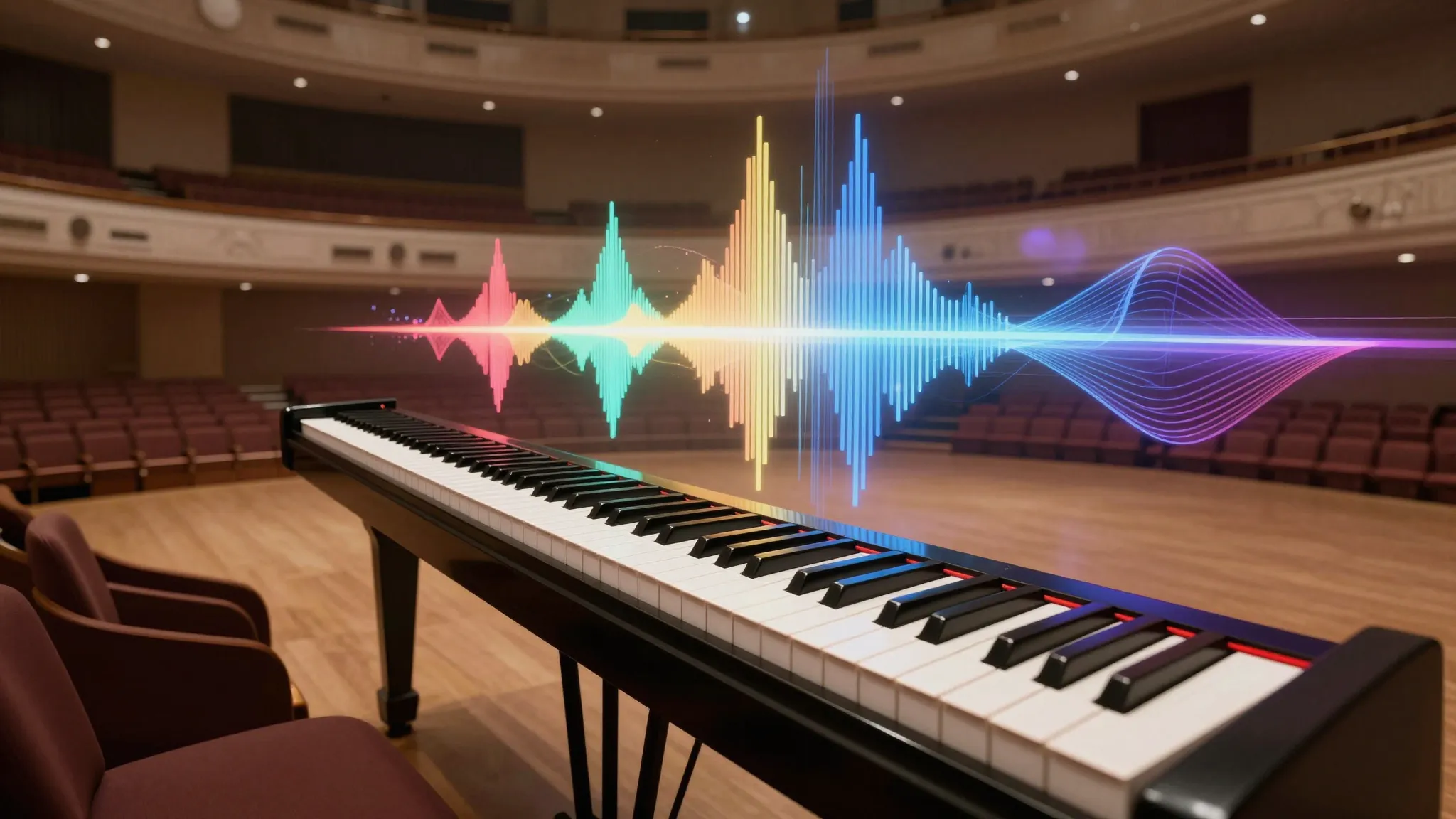
You can describe your track the same way you describe a scene. For example, you might write “slow cinematic build with piano and strings” or something more detailed with genre, era, or vocals. The more specific you are, the more control you get. This makes it easy to shape the final output without needing technical knowledge about music production.

Try it now

AI Music Generator from Image

AI Music Generator from Image

Ready-to-Use Music Output

The tracks generated are ready to use in your content right away. You don’t need to export your video and search through stock libraries or edit audio separately. The music is created alongside your visuals, so everything stays in one place. This saves time and keeps your workflow simple, especially if you’re creating content regularly.

Try it now
Approach
Manual
Cuta
Speed
Hours
Minutes
Consistency
Varies
Locked
Cost
High
Credits

How to Use the AI Music Generator from Image

AI Music Generator from Image

AI Music Generator from Image
Step 01

Upload Your Image

Go to Cuta’s Audio tools and upload your image or artwork.

AI Music Generator from Image

AI Music Generator from Image
Step 02

Choose Style and Mood

Describe the type of music you want or select a style like cinematic, ambient, or upbeat.

AI Music Generator from Image

AI Music Generator from Image
Step 03

Generate and Download

Generate the track, preview it, and download the result for your content.

AI Music From Image – Custom Soundtracks Across Every Genre and Every Occassion

AI Music Generator from Image

AI Music Generator from Image

Content Creators and Video Producers

If you’re creating videos, finding the right music is often the slowest part. With this tool, you can generate a track that fits your video directly from your visuals. Instead of browsing stock libraries or editing separately, you get music that matches your scene from the start. This helps your content feel more complete and saves time when producing multiple videos.

Try it now

AI Music Generator from Image

AI Music Generator from Image

Visual Artists and Photographers

You can turn a single image into a full audio experience. Whether it’s a portrait, landscape, or digital artwork, the AI generates music that reflects the mood of your piece. This adds another layer to your work, making it more immersive when shared online or presented as part of a project.

Try it now

AI Music Generator from Image

AI Music Generator from Image

Social Media Creators

Using the same trending audio as everyone else makes content feel repetitive. With this tool, you can generate short music clips that match your visuals and stand out. Whether you’re posting reels, shorts, or quick edits, having unique audio helps your content feel more original and tailored.

Try it now

AI Music Generator from Image

AI Music Generator from Image

Filmmakers and Game Designers

When building scenes or environments, having matching audio helps bring everything together. You can generate background music that fits the mood of your concept without building it from scratch. This is useful for early-stage ideas, prototypes, or even final content where you need a quick and fitting soundtrack.

Try it now

Frequently asked questions

What is an AI music generator from image?+

It’s a tool that creates music based on your input. You can describe the track using text, upload an image, or use both. The AI then generates an original audio track that matches the mood and details of your input.

How is this different from other AI music tools?+

Most tools only use text prompts. Cuta also lets you generate music from images, which helps the output match your visuals more closely. This is especially useful if you’re already creating images or videos in the same workflow.

Is the music royalty-free / usable for content?+

The music is generated from scratch using AI and can be downloaded and used in your projects. For the latest details on licensing and usage, check Cuta’s official guidelines.

Can creators use their own images from outside Cuta?+

Yes, you can upload your own images in formats like JPEG, PNG, or WEBP (up to 20MB). You can also use images you’ve already created inside Cuta.

Does the image literally dictate the music, or is it a hint?+

The image works as a mood guide. It influences the tone, tempo, and instruments in the track rather than translating visuals directly into sound. For example, a bright beach scene may lead to lighter, tropical music, while a darker image can result in slower, more intense audio.

What happens if someone leaves all Song Controls on Auto?+

If everything is left on Auto, the AI reads your prompt and image and selects the best settings for you. This includes tempo, key, intensity, and structure. It’s the easiest way to get good results without manual adjustments.

Is Full Song available on all plans?+

Full Song generation is available based on credits. As long as you have enough credits, you can generate longer tracks.

What AI model powers this music generator?+

This feature is powered by Google Lyria 3, a high-quality music generation model developed by Google DeepMind. It can generate full tracks with structure, vocals, and different styles based on text and image input.

How many credits does it cost to generate music?+

A 30-second clip (Quick Clip) costs 25 credits, while a full-length track (around 3 minutes) costs 50 credits. You can choose the format based on the type of content you’re creating.

Start creating

Create without limits

Join creators using Cuta to generate stunning images, videos, and more — all in one platform.

Get started for free