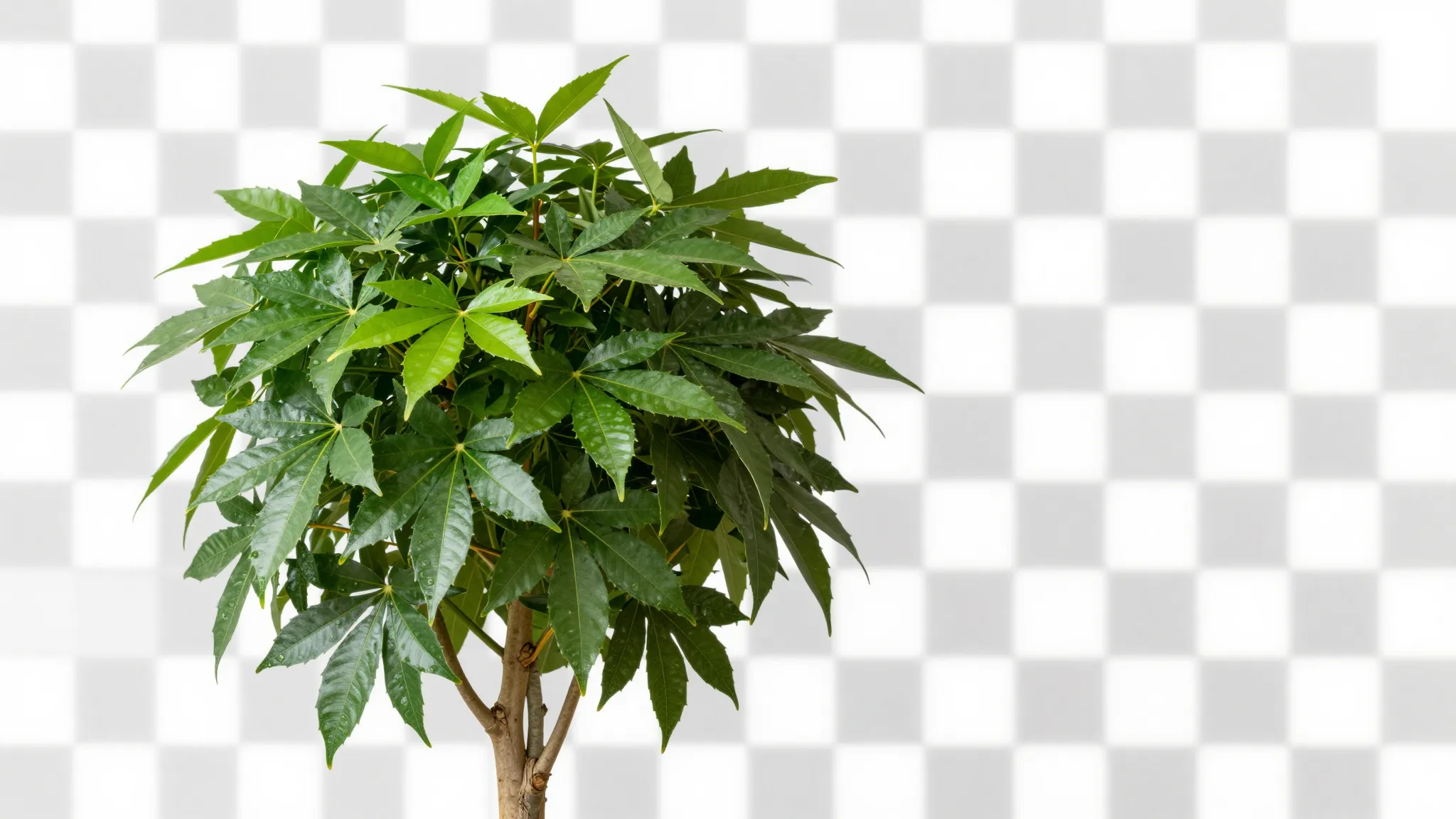
Separate the subject from the background
Upload a photograph with a clearly visible subject. Keep hair, thin edges, handles and transparent parts inside the frame.

Logo Background Remover
Remove the background from a logo image with Cuta. Isolate the mark to prepare it for new compositions, product mockups and brand presentation materials.
Upload a photograph with a clearly visible subject. Keep hair, thin edges, handles and transparent parts inside the frame.
Add the materials to their named inputs. Original image: one image.
Illustrative artwork shows the intended visual direction. Your result depends on your source materials and settings.
An original teal geometric leaf emblem isolated with sharp edges on a pure white background, clean flat graphic without letters or any real brand. gentle side lighting, warm cream and natural neutral tones
Try it nowFrom idea to creation
Add the materials to their named inputs. Original image: one image.
Upload a photograph with a clearly visible subject. Keep hair, thin edges, handles and transparent parts inside the frame.
Inspect the cutout against both light and dark backgrounds. Fine strands, reflections and translucent edges may need another pass.
Prepare an isolated item for a product layout, keeping holes, handles and fine edges visible.
Bring a person, logo or object into a new layout after checking the silhouette and edge quality.
Add the materials to their named inputs. Original image: one image.
Keep exploring
Your next creation starts here
Start with your own content in Logo Background Remover. Review the settings in Studio and create your result.