Cuta
AI Background Remover online

AI Background Remover

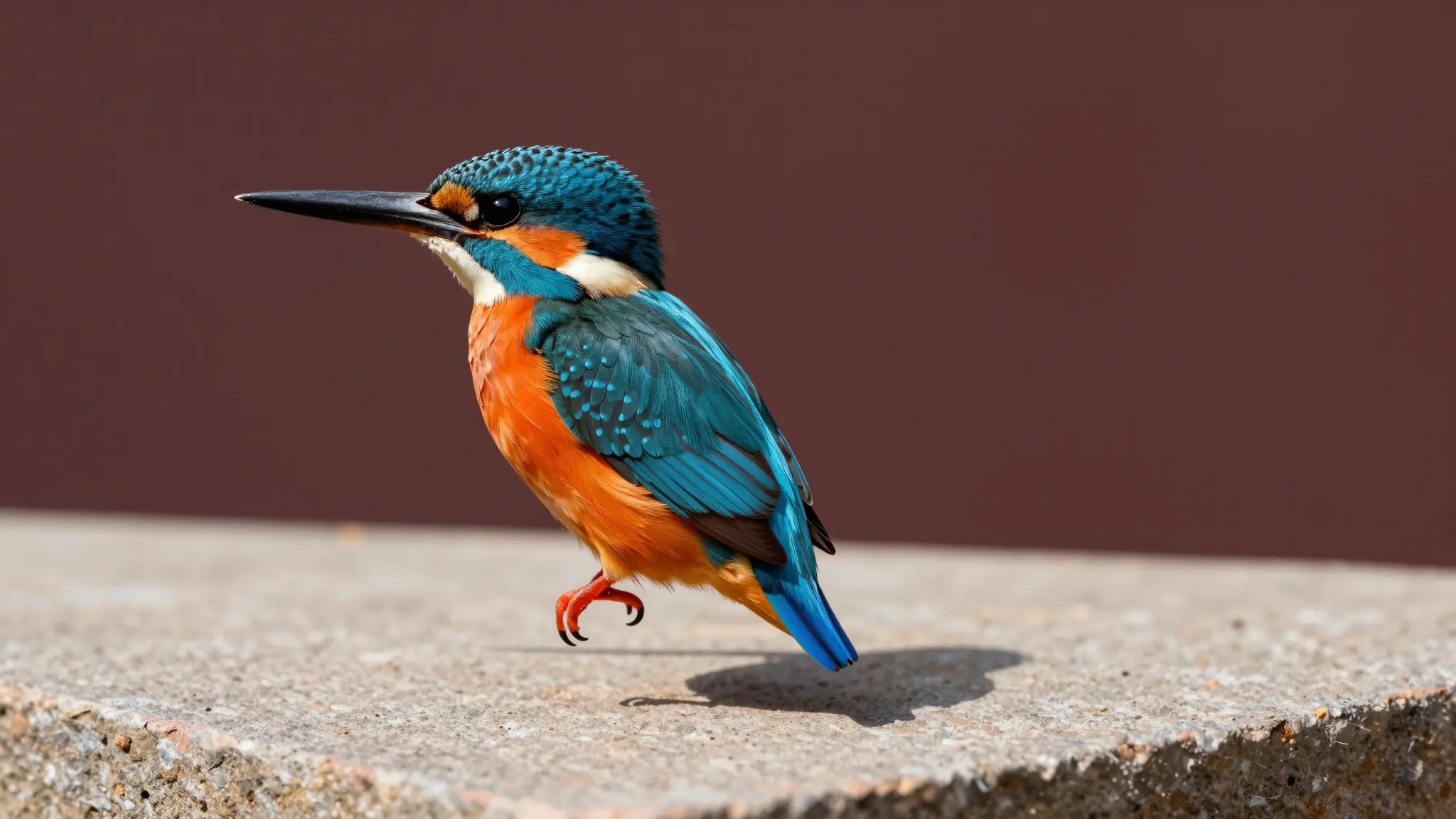
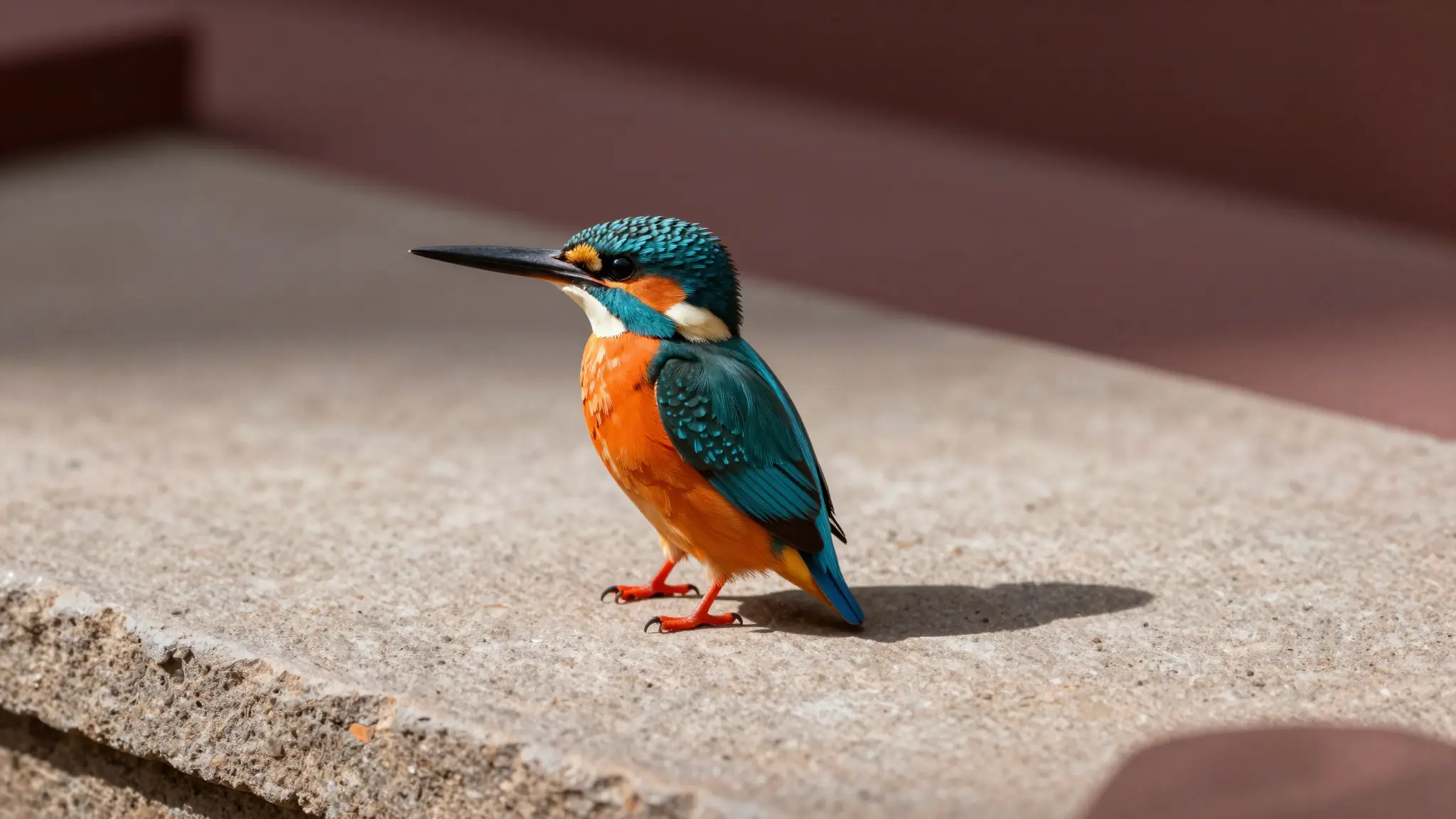
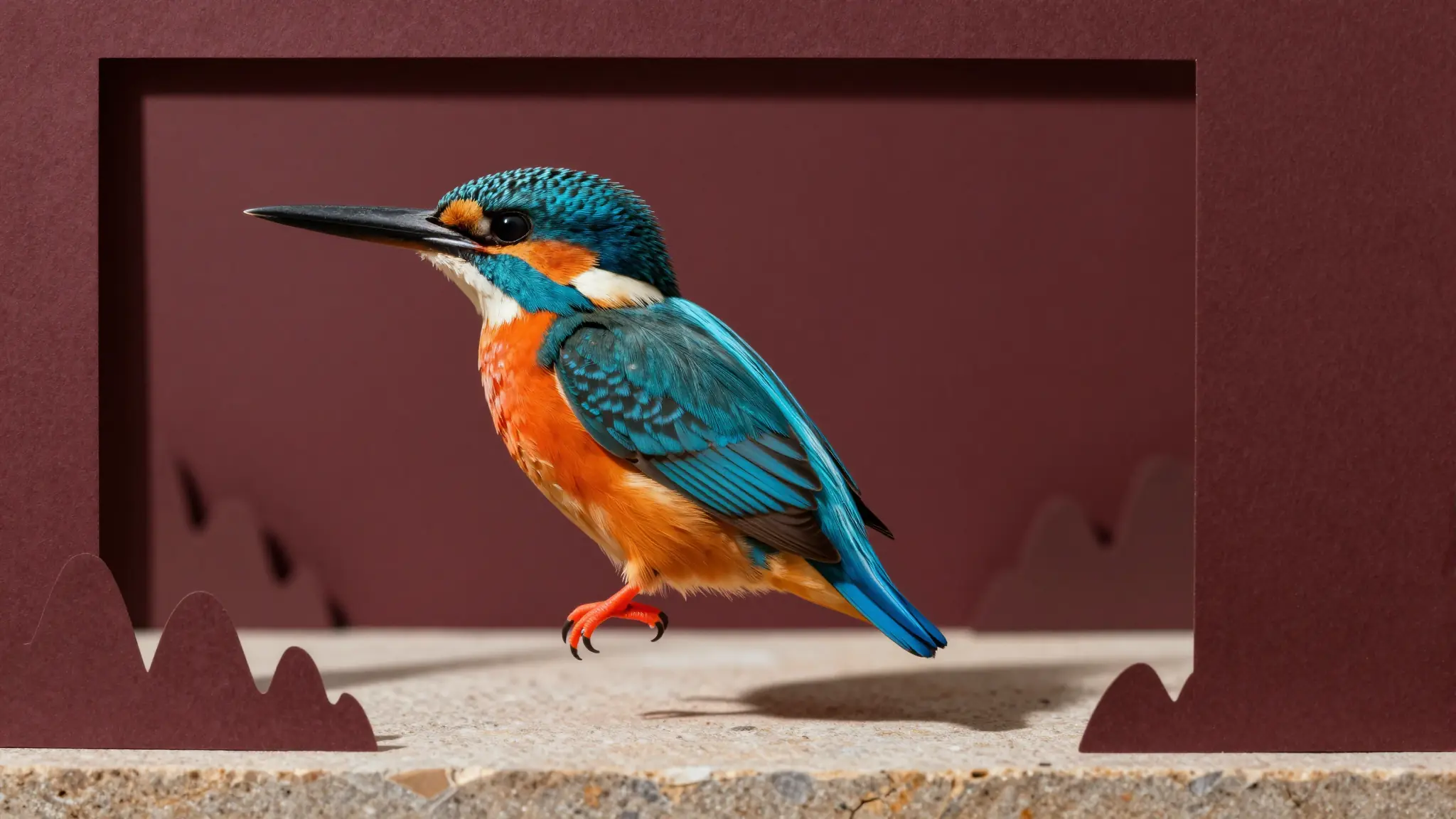
Remove backgrounds from any photo with Cuta’s AI background remover. Get a clean cutout or transparent PNG in one click.

Why Choose Cuta AI Background Remover

AI Background Remover

AI Background Remover

Pixel-Perfect Edge Detection

Remove backgrounds while preserving clean edges around hair, fur, products, and fine details.

Try it now

AI Background Remover

AI Background Remover

Transparent or Custom Background

Export a transparent PNG or continue editing with a clean color, branded design, or new visual background.

Try it now

AI Background Remover

AI Background Remover

Up to 4K Resolution

Create high-resolution cutouts for stores, design assets, profile photos, marketing materials, and social content.

Try it now

Who Needs an AI Background Remover?

AI Background Remover

AI Background Remover

E-Commerce and Brand Sellers

Clean product photos on white backgrounds are required by Amazon, Shopify, and eBay. Automate what used to take hours in Photoshop.

Try it now

AI Background Remover

AI Background Remover

Graphic Designers

Isolate subjects for composites, collages, ads, and marketing materials without manual pen-tool tracing.

Try it now

AI Background Remover

AI Background Remover

Social Media Creators

Create consistent branded content by removing cluttered backgrounds before adding on-brand visuals, templates, and layouts.

Try it now

AI Background Remover

AI Background Remover

Photographers Delivering Cutouts

Portrait and headshot photographers can offer background-removed versions as an upsell with minimal extra editing effort.

Try it now

AI Background Remover

AI Background Remover

HR, Professionals, and Corporate

Standardize employee headshots with clean, consistent backgrounds for company directories, profile pages, and LinkedIn.

Try it now

Brand palette stays locked in AI Background Remover

What Can You Do with an AI Background Remover?

AI Background Remover

AI Background Remover

Create Product Photos on Clean Backgrounds

Remove distracting backgrounds and place products on clean white or simple studio backgrounds for Amazon, Shopify, eBay, and ads.

Try it now

AI Background Remover

AI Background Remover

Make Transparent PNGs for Design

Export subjects as transparent PNGs so they can be dropped into posters, thumbnails, collages, presentations, and brand assets.

Try it now

AI Background Remover

AI Background Remover

Prepare Headshots for Professional Use

Turn portraits into clean profile-ready headshots by removing cluttered backgrounds and keeping people sharply isolated.

Try it now

AI Background Remover

AI Background Remover

Isolate Objects for Creative Projects

Cut out objects, pets, vehicles, food, and characters for composites, stickers, marketing designs, and social media visuals.

Try it now

How to Remove a Background with AI

AI Background Remover

AI Background Remover
Step 1

Upload Your Photo

Upload the image you want to edit. Cuta detects the subject automatically so you can remove the background without manual tracing.

AI Background Remover

AI Background Remover
Step 2

AI Removes the Background

The AI separates the subject from the background, preserving clean edges around hair, fur, products, clothing, and small details.

AI Background Remover

AI Background Remover
Step 3

Download or Edit Further

Download a transparent PNG cutout or keep editing by adding a new color, image, or generated background in Cuta.

Frequently asked questions

What’s the best free AI background remover?+

Cuta provides a free online AI background remover that lets you upload a photo, remove the background automatically, and create a clean cutout or transparent PNG in seconds.

How do I remove the background of an image perfectly without Photoshop?+

Upload your image to Cuta, let AI detect the subject and remove the background, then download the transparent PNG or continue editing with a new background.

How do I remove the background from an image?+

Choose your photo, upload it, run the AI background remover, preview the clean cutout, and download the final image.

Can AI handle complex edges like hair and fur?+

Yes. Cuta’s AI background remover is designed to preserve fine details such as hair, fur, product edges, clothing, and other complex outlines.

What is the difference between background removal and background changing?+

Background removal deletes the existing background and often creates a transparent PNG. Background changing replaces the removed background with a new color, image, or generated scene.

Can I remove backgrounds from video?+

This page focuses on removing backgrounds from images. If you need video background editing, use Cuta’s video background changer tools, which are part of Cuta VFX.

How does this compare to the remove.bg web app?+

Cuta combines background removal with creative editing, so after making a clean cutout you can continue designing, replacing backgrounds, and generating new visuals on the same platform.

Start creating

Create without limits

Join creators using Cuta to generate stunning images, videos, and more — all in one platform.

Get started for free