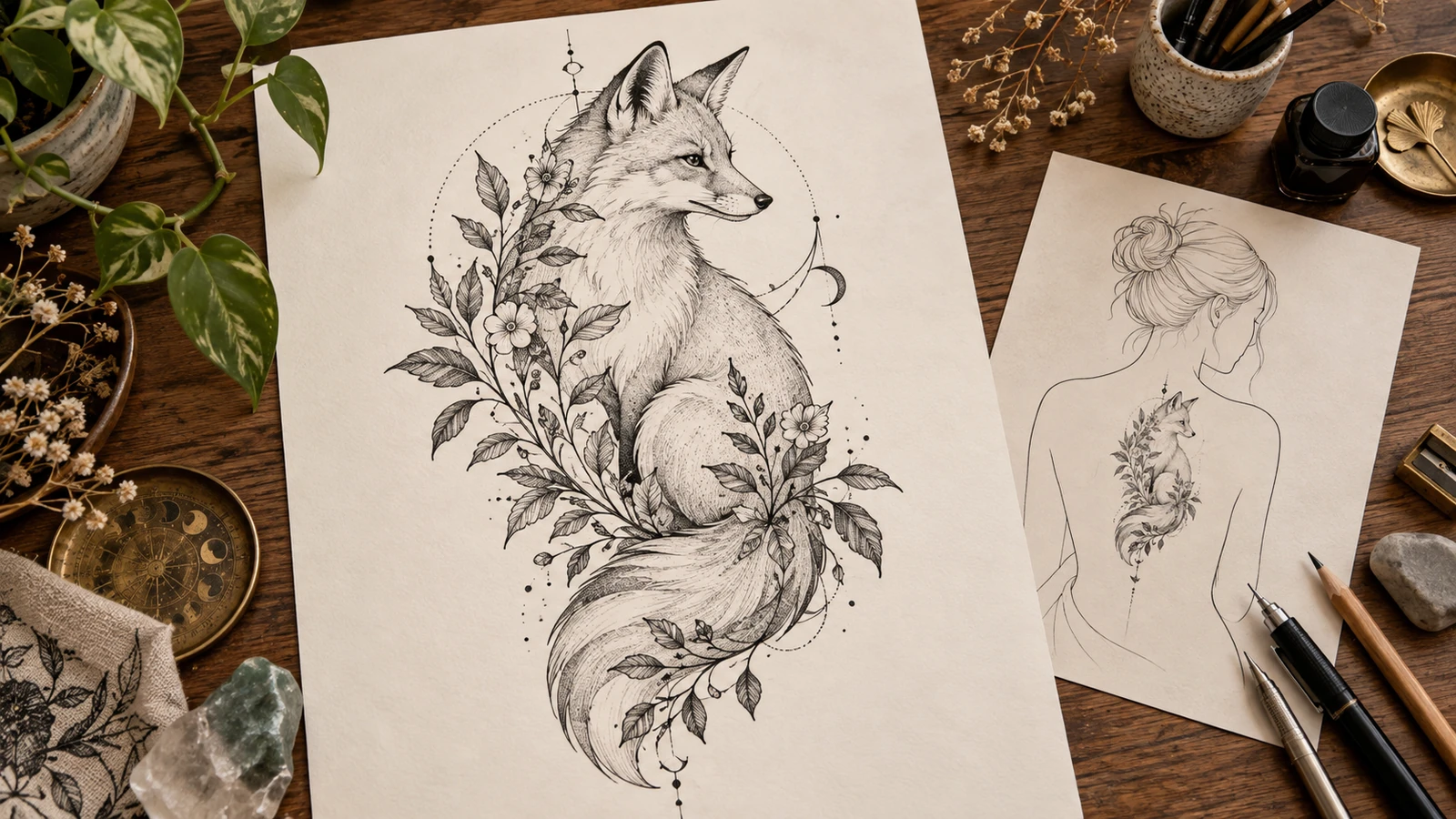
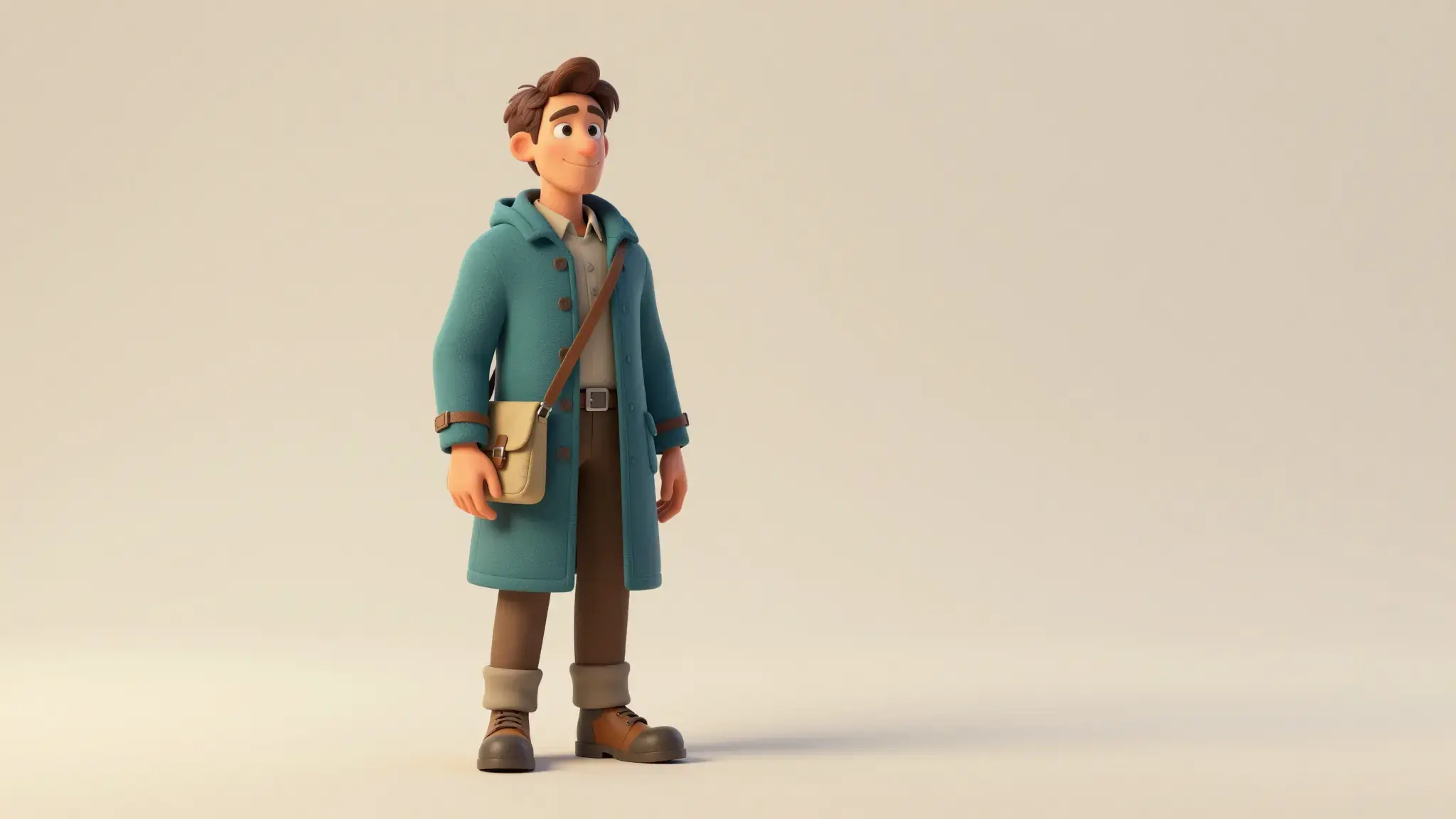
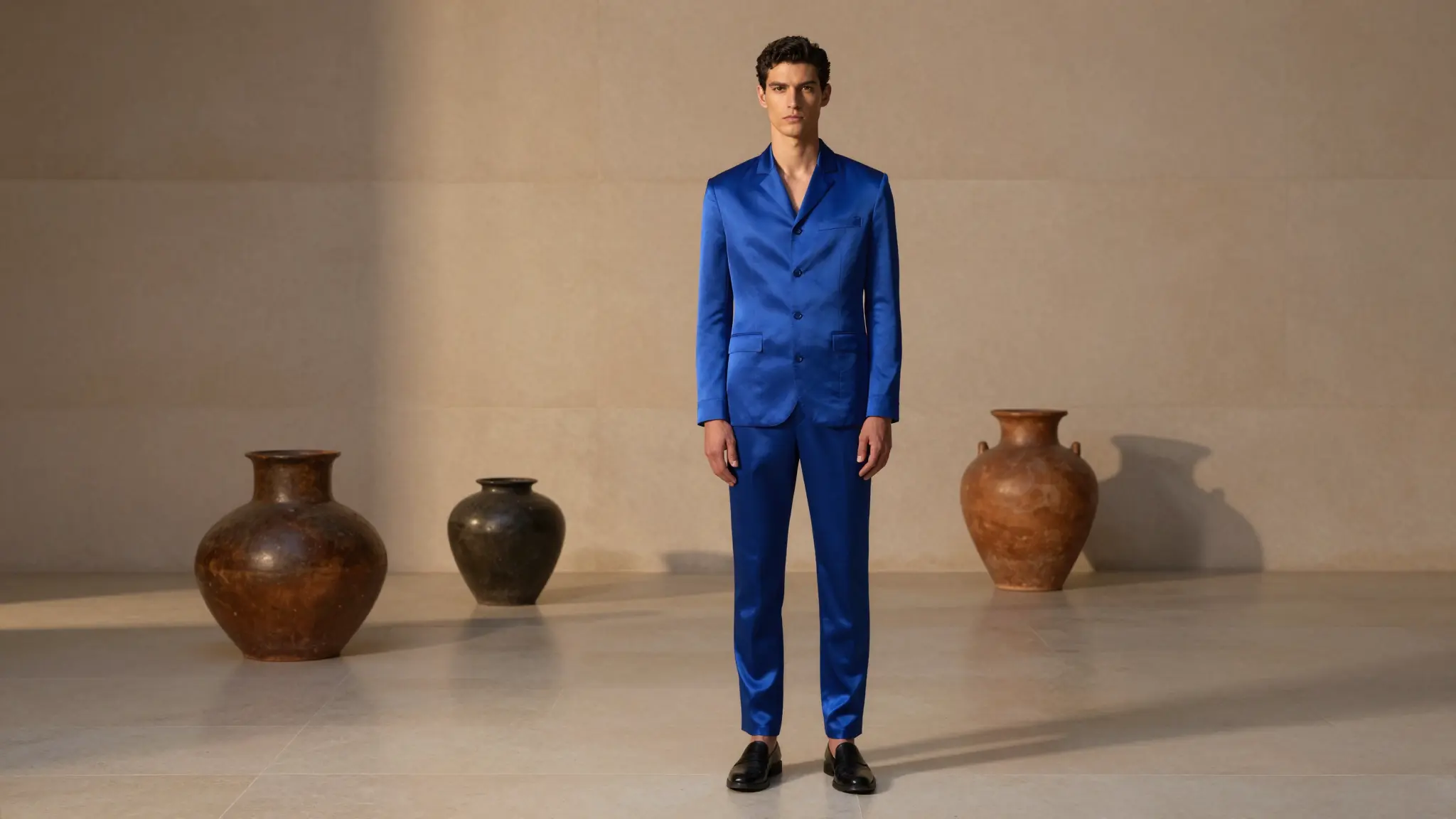
Make the subject and medium explicit
Begin with the subject, then specify the visual medium, composition and lighting. Add the details that distinguish this image from a general illustration.

AI Art Generator
Turn a text description into AI artwork with Cuta. Explore characters, landscapes, colors and artistic styles for illustrations and personal creative projects.
Begin with the subject, then specify the visual medium, composition and lighting. Add the details that distinguish this image from a general illustration.
Start with a written brief. Include the subject, the intended result and any details that must appear accurately.
Available settings include Image style. Review the full options in Studio before generation.
Illustrative artwork shows the intended visual direction. Your result depends on your source materials and settings.
An original surreal fine-art painting of a large translucent seashell hovering above a calm blue sea, painterly detail and luminous morning atmosphere, artwork filling the frame. luminous diffuse lighting, understated background and distinct subject colors
Try it nowFrom idea to creation
Start with a written brief. Include the subject, the intended result and any details that must appear accurately.
Available settings include Image style. Review the full options in Studio before generation.
Inspect small shapes, lettering and repeated elements. Refine one part of the brief when the first image misses the intended direction.
Develop a distinct illustration around your own subject, palette and visual references.
Explore the appearance of an image before preparing the final format for your project.
Start with a written brief. Include the subject, the intended result and any details that must appear accurately.
Keep exploring
Your next creation starts here
Start with your own content in AI Art Generator. Review the settings in Studio and create your result.