Plan a speaking scene around the supplied audio
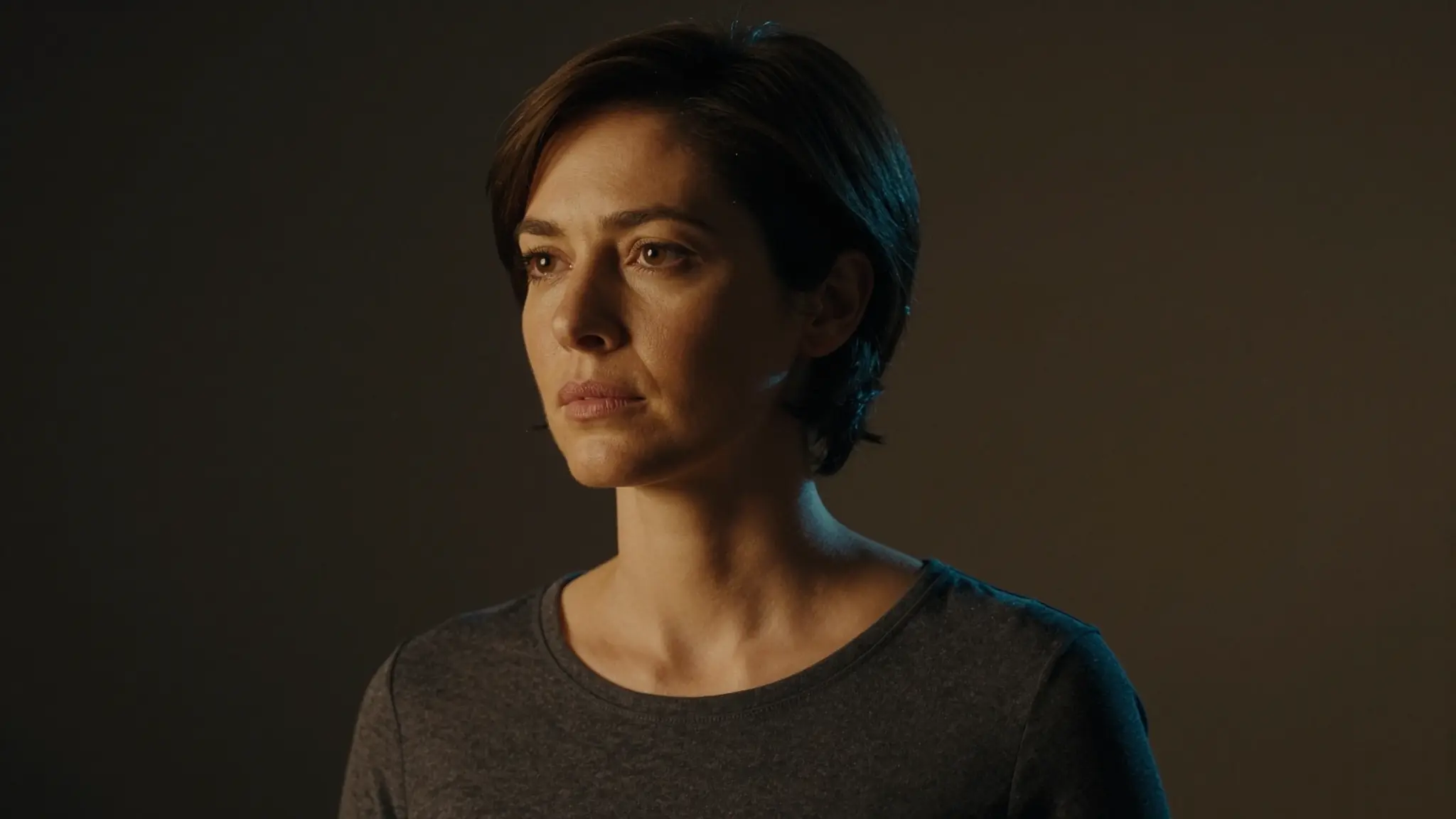
Add the supported portrait or video and audio references. Choose a clear face view and keep the intended delivery easy to assess.
Try it now
Add the supported portrait or video and audio references. Choose a clear face view and keep the intended delivery easy to assess.
Try it nowA front-facing character reading a brief introduction with a relaxed expression.
Try it nowInspect lips, expression and timing across the complete result, including silent moments.
Try it nowFrom idea to creation
Add the supported portrait or video and audio references. Choose a clear face view and keep the intended delivery easy to assess.
A front-facing character reading a brief introduction with a relaxed expression.
Inspect lips, expression and timing across the complete result, including silent moments.
Add the supported portrait or video and audio references. Choose a clear face view and keep the intended delivery easy to assess.
Find your next creative tool
Your next creation starts here
Start with your own content in Lipsync Studio. Review the settings in Studio and create your result.