Cuta
AI Hair Color Changer online

AI Hair Color Changer

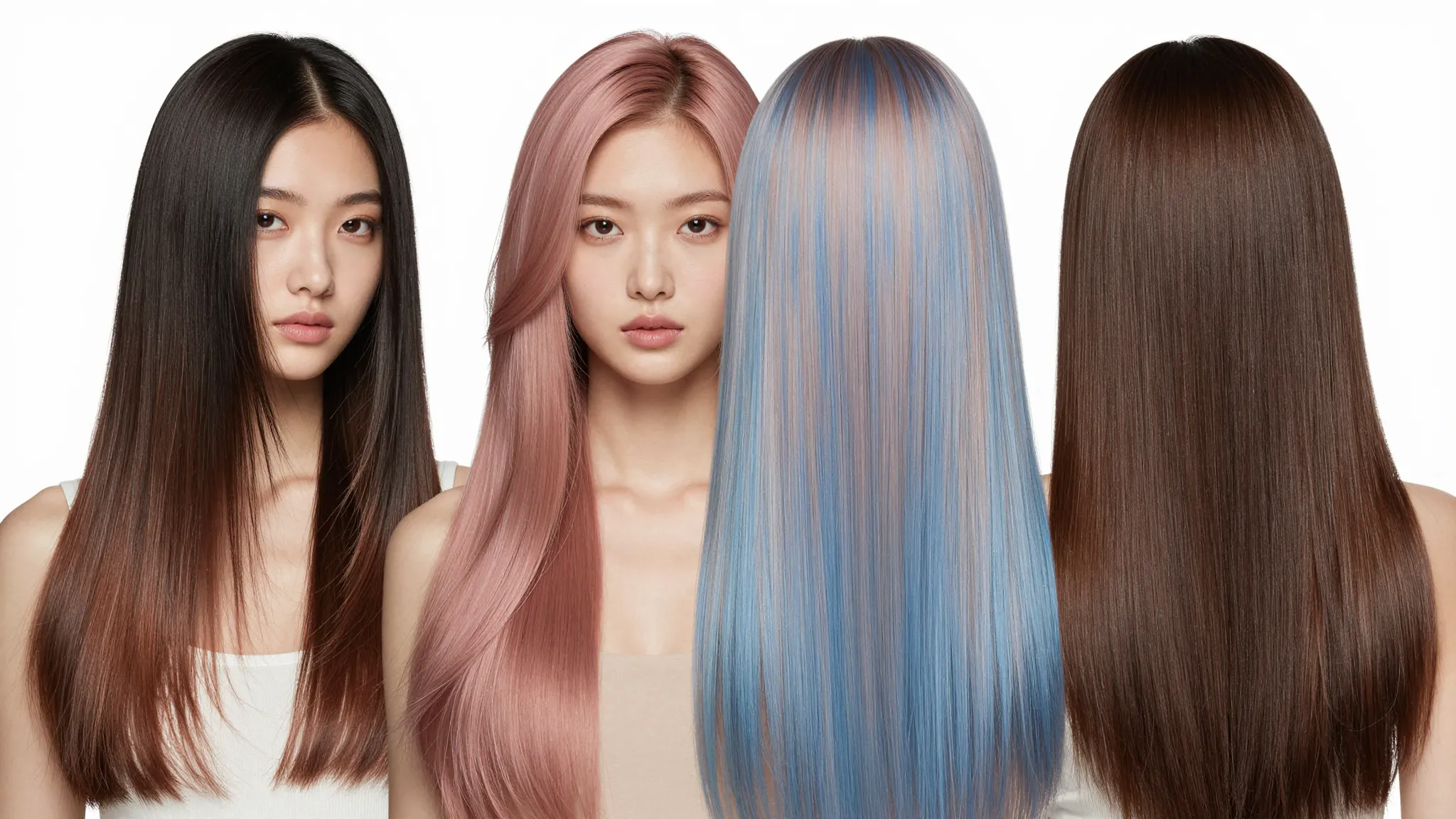
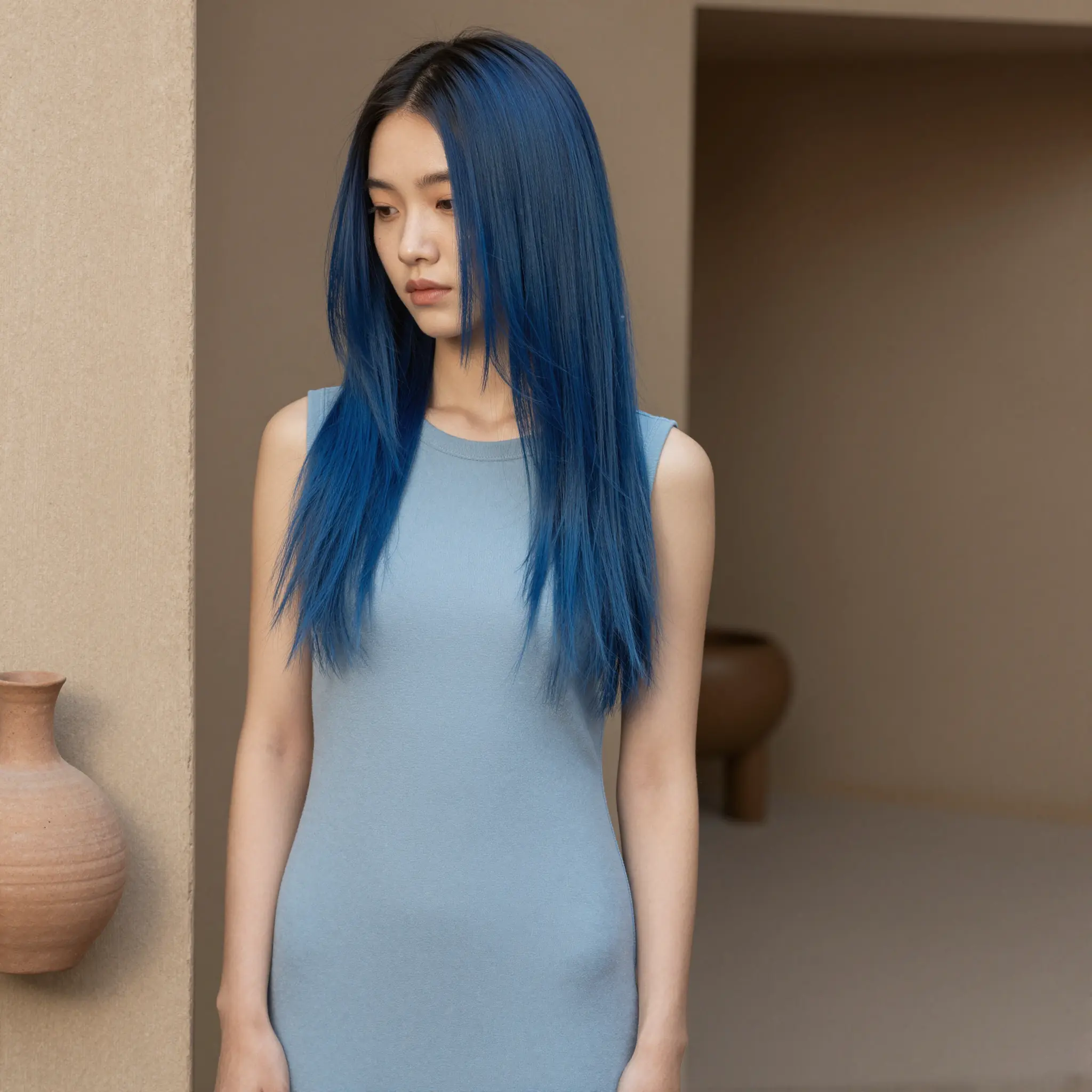
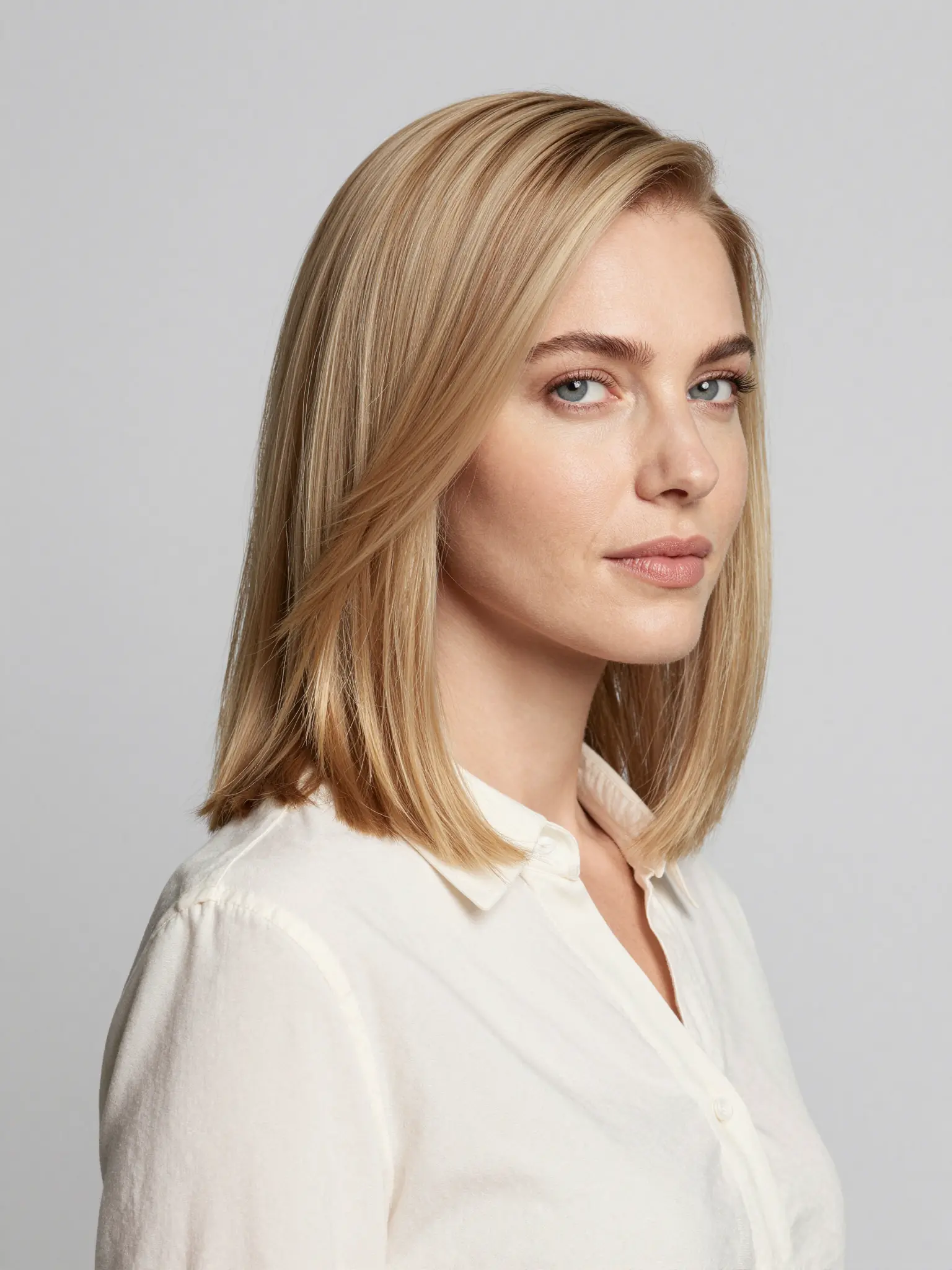
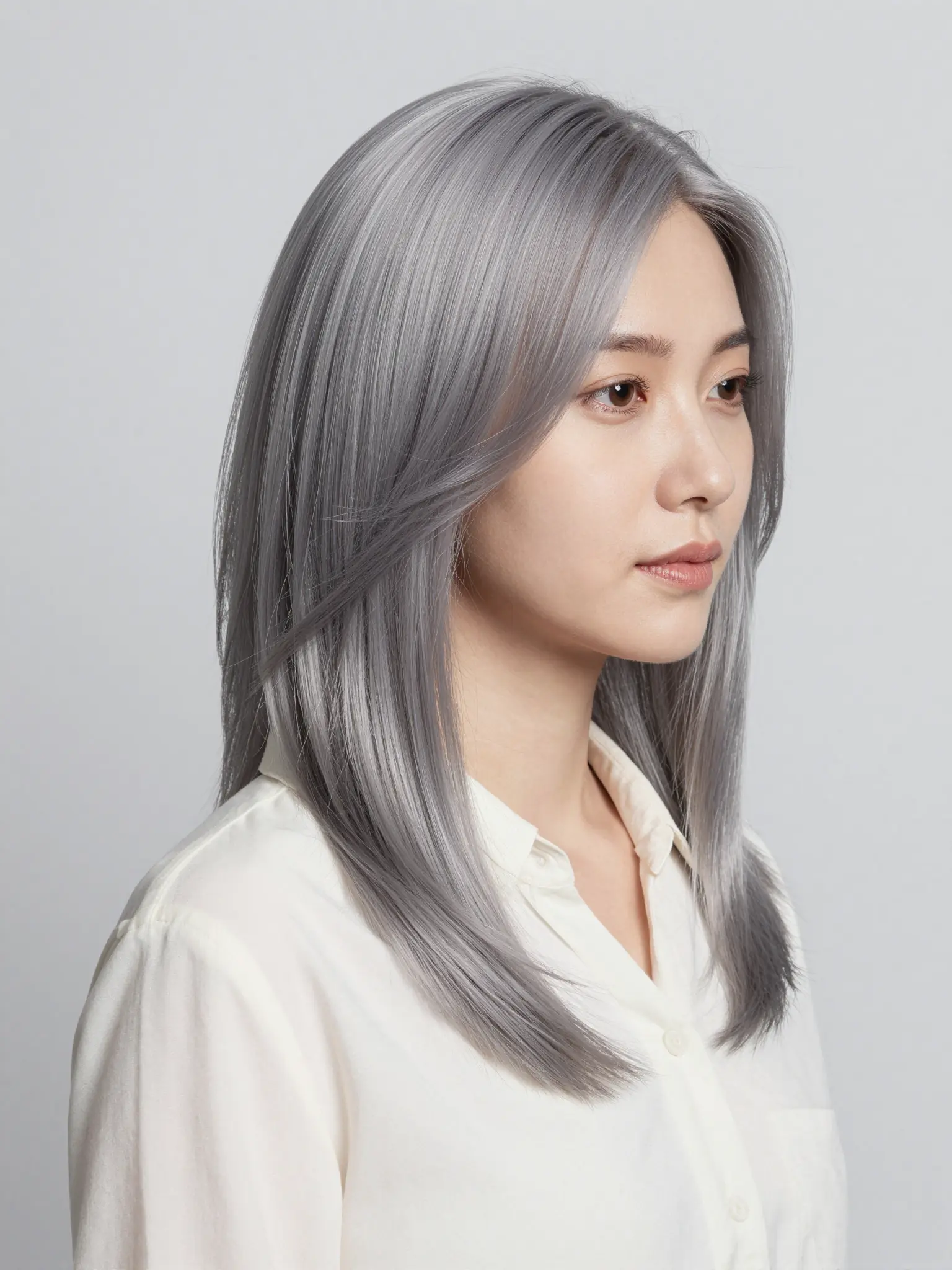
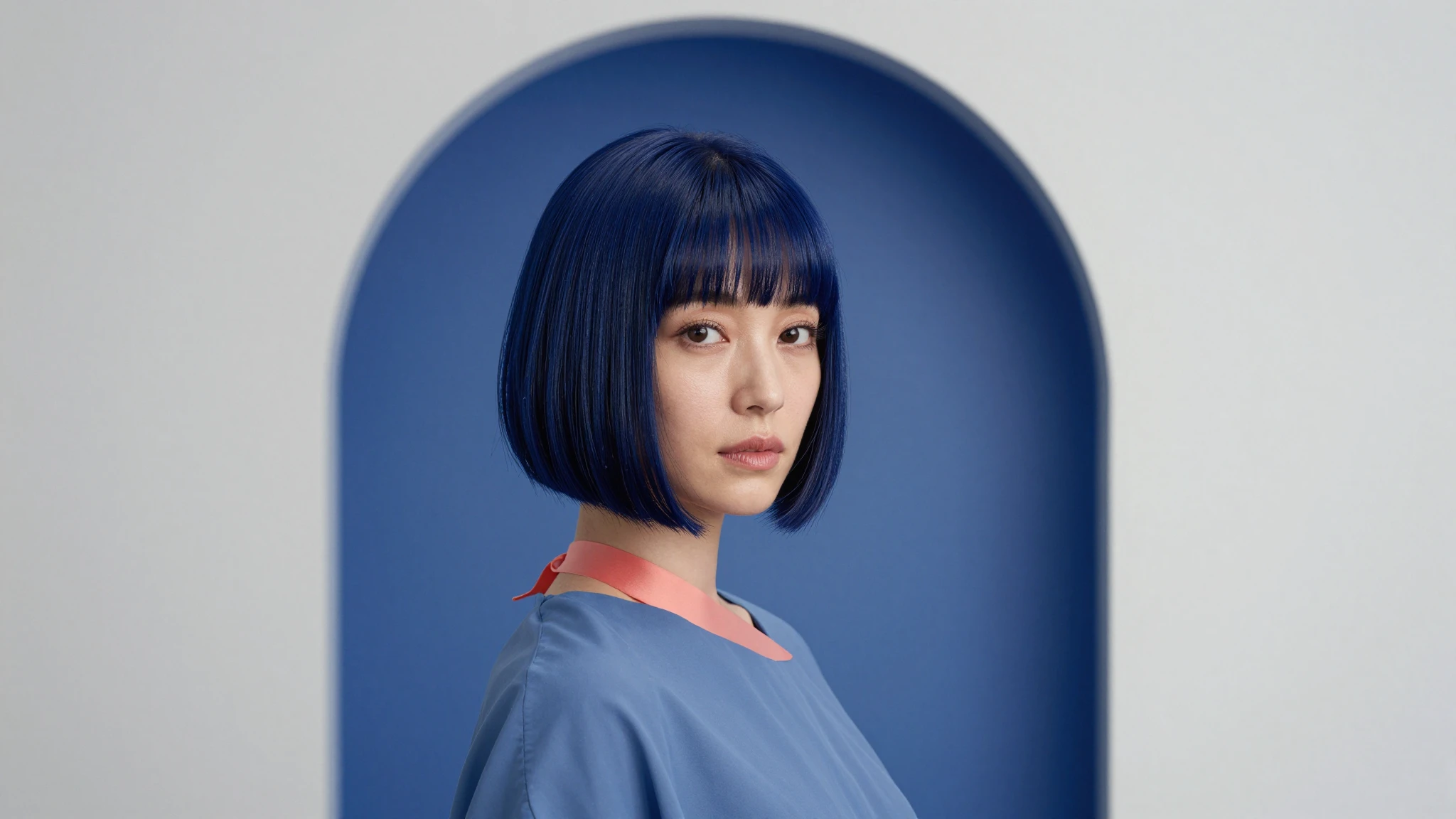
Try any hair color instantly with Cuta's free AI hair color changer. Upload a photo and preview new shades online in seconds, no download needed.

Built for Anyone Curious About a New Look

Pre-Salon Previews

Show your stylist exactly what you want with a photoreal mockup. Cuts down the "I wanted ash, not honey" miscommunication.

Try it now

Social Media Creation

Create before-and-after posts, color transformation reels, or styled photos for your feed without touching your real hair.

Try it now

Hair and Beauty Businesses

Salons, stylists, and hair color brands can show clients or customers a realistic preview of shades before a service or purchase.

Try it now
Approach
Manual
Cuta
Speed
Hours
Minutes
Consistency
Varies
Locked
Cost
High
Credits

How to Change Hair Color on a Photo

AI Hair Color Changer

AI Hair Color Changer
Step 01

Upload Your Selfie

Drop in a clear, front-facing or three-quarter photo as JPG, PNG, or HEIC. Good lighting helps.
AI Hair Color Changer

AI Hair Color Changer
Step 02

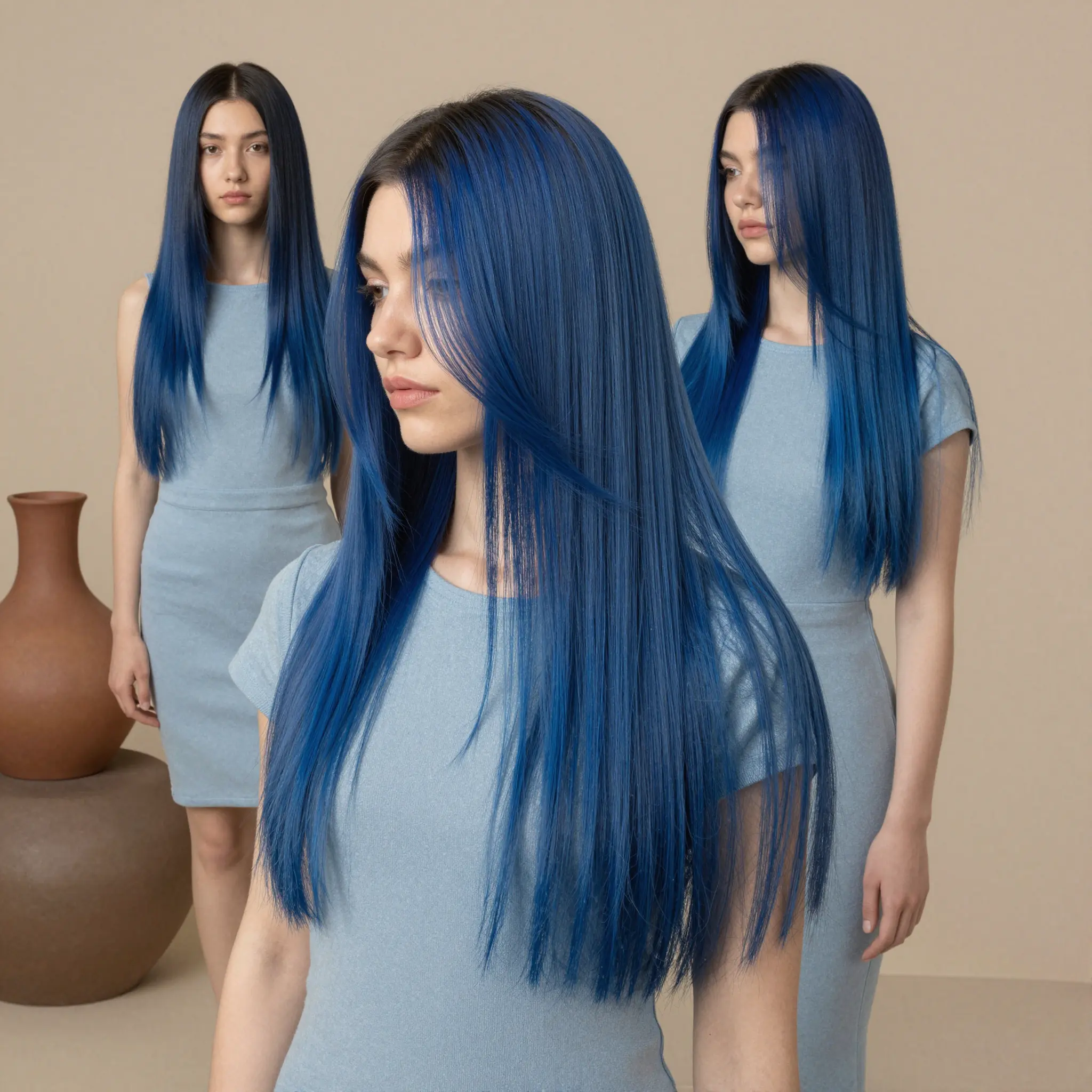
Describe the Hair Color You Want

Enter the shade you're after, from natural tones like ash blonde to bold colors like pastel pink.
AI Hair Color Changer

AI Hair Color Changer
Step 03

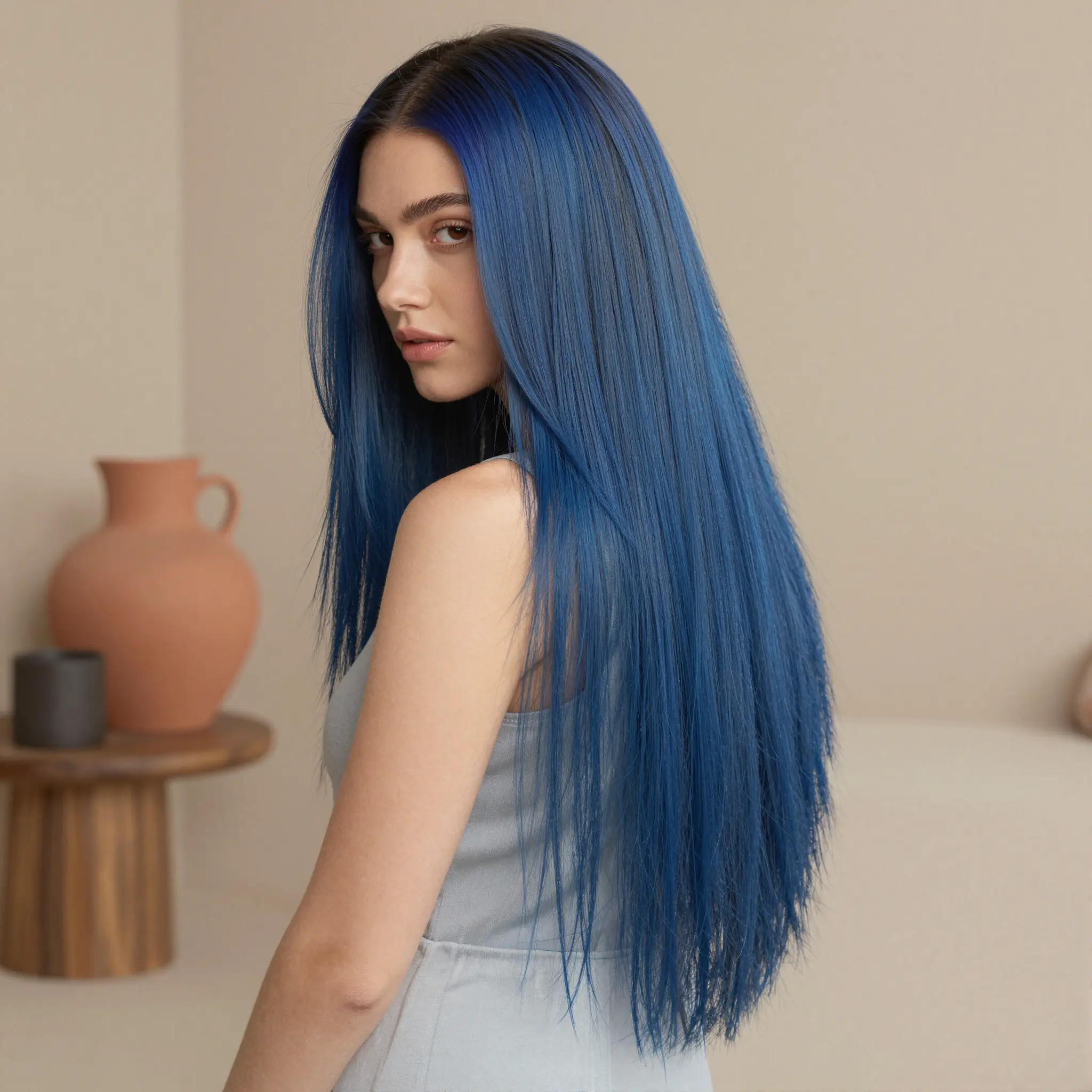
Generate and Download

Get your result in seconds and download it, or try another shade right away.

Frequently asked questions

How do I change my hair color in a photo?+

Upload a clear selfie, pick a color preset or type a custom shade, and Cuta generates a photoreal preview in seconds.

Will my hair color look natural?+

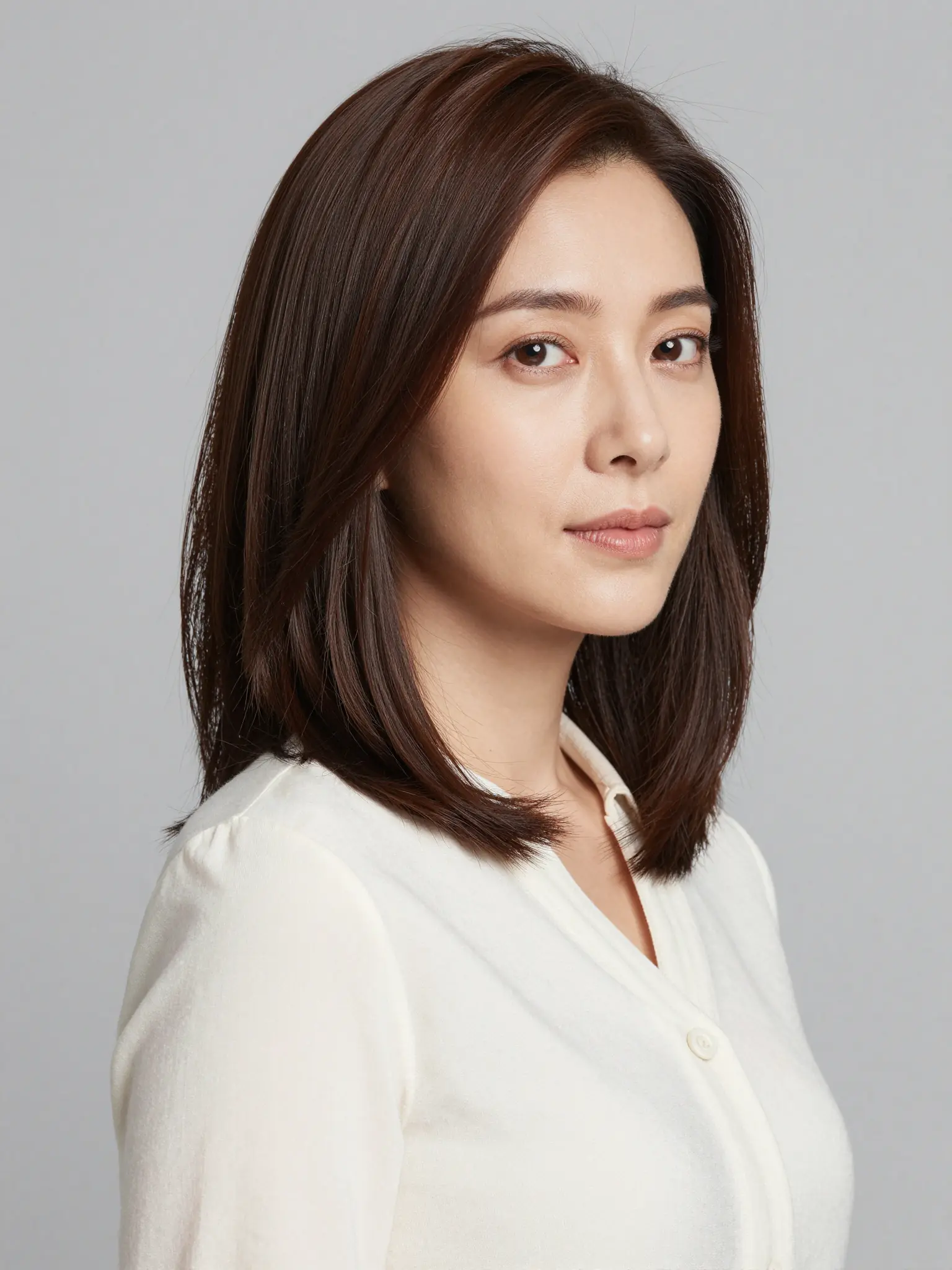
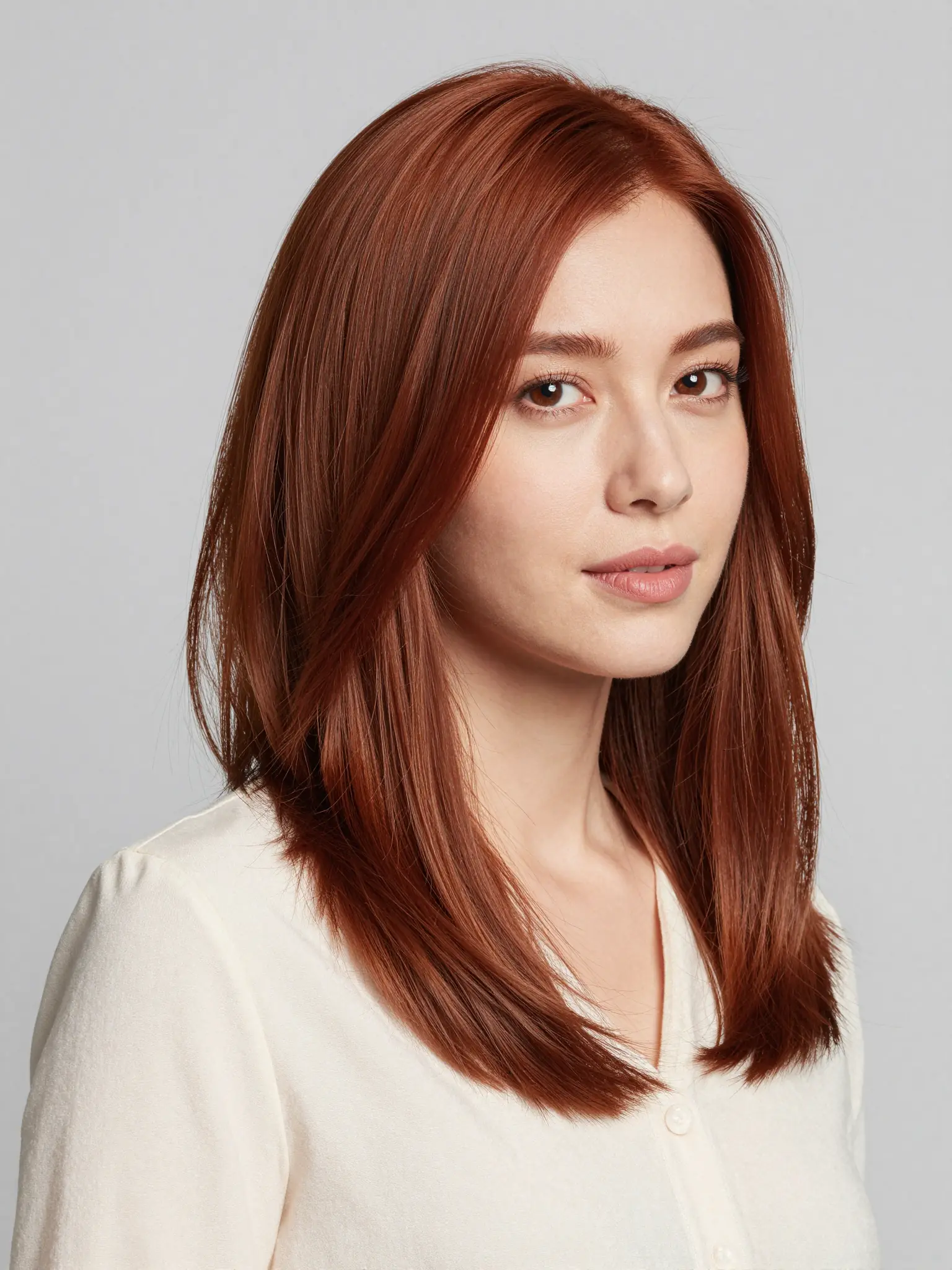
Yes. Highlights, shadows, root fade, and strand texture stay realistic against your photo's existing lighting. Roots also blend naturally to the new color.

Can I keep my face the same?+

Yes. Only hair color changes. Face, skin, makeup, expression, and background stay intact.

What colors are supported?+

All natural shades (blonde, brown, black, red), bold fashion colors (lavender, mint, fire red), and complex looks (balayage, ombre, money piece, split color, sombre, highlights).

Can I also try a new cut or style?+

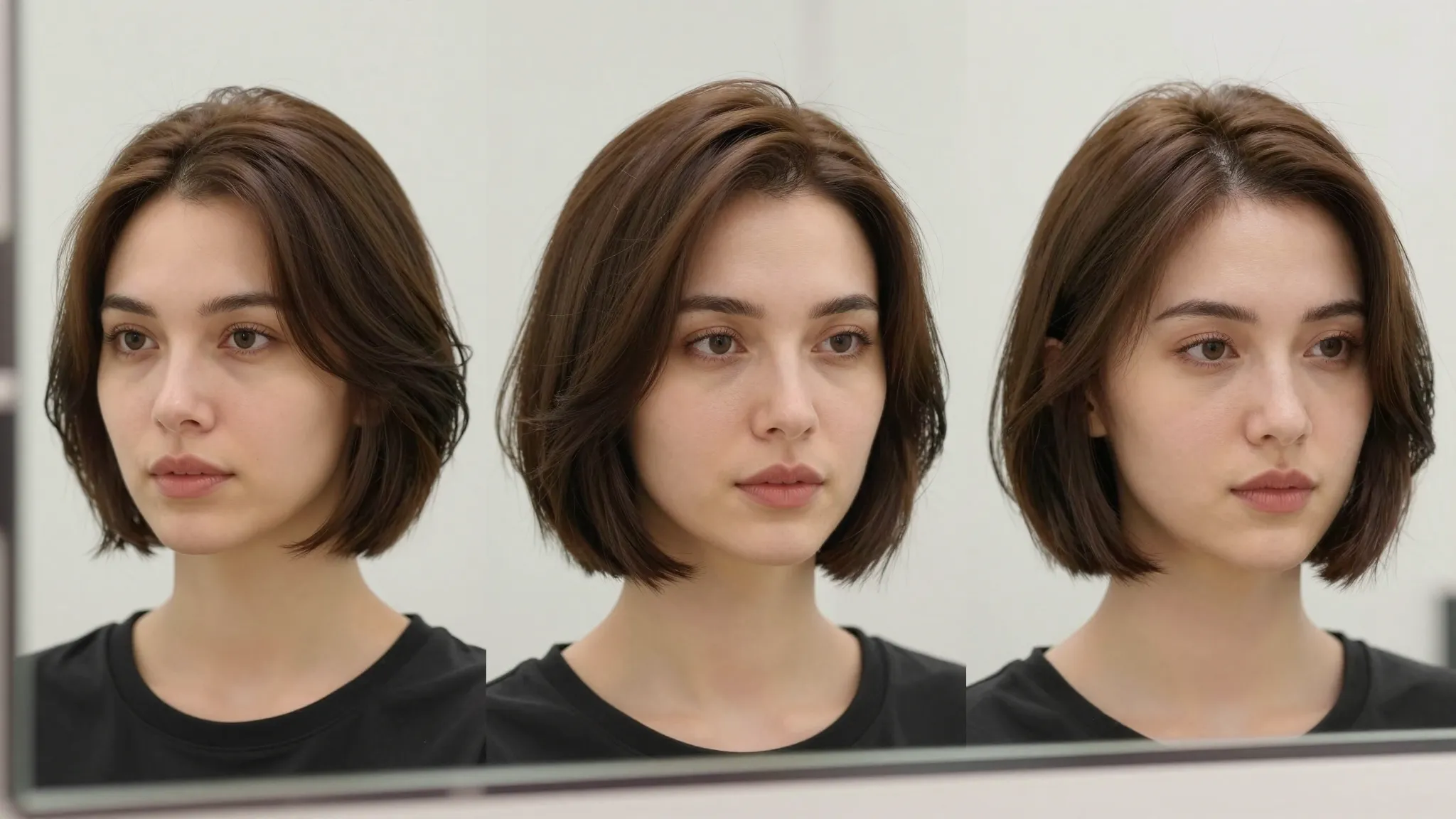
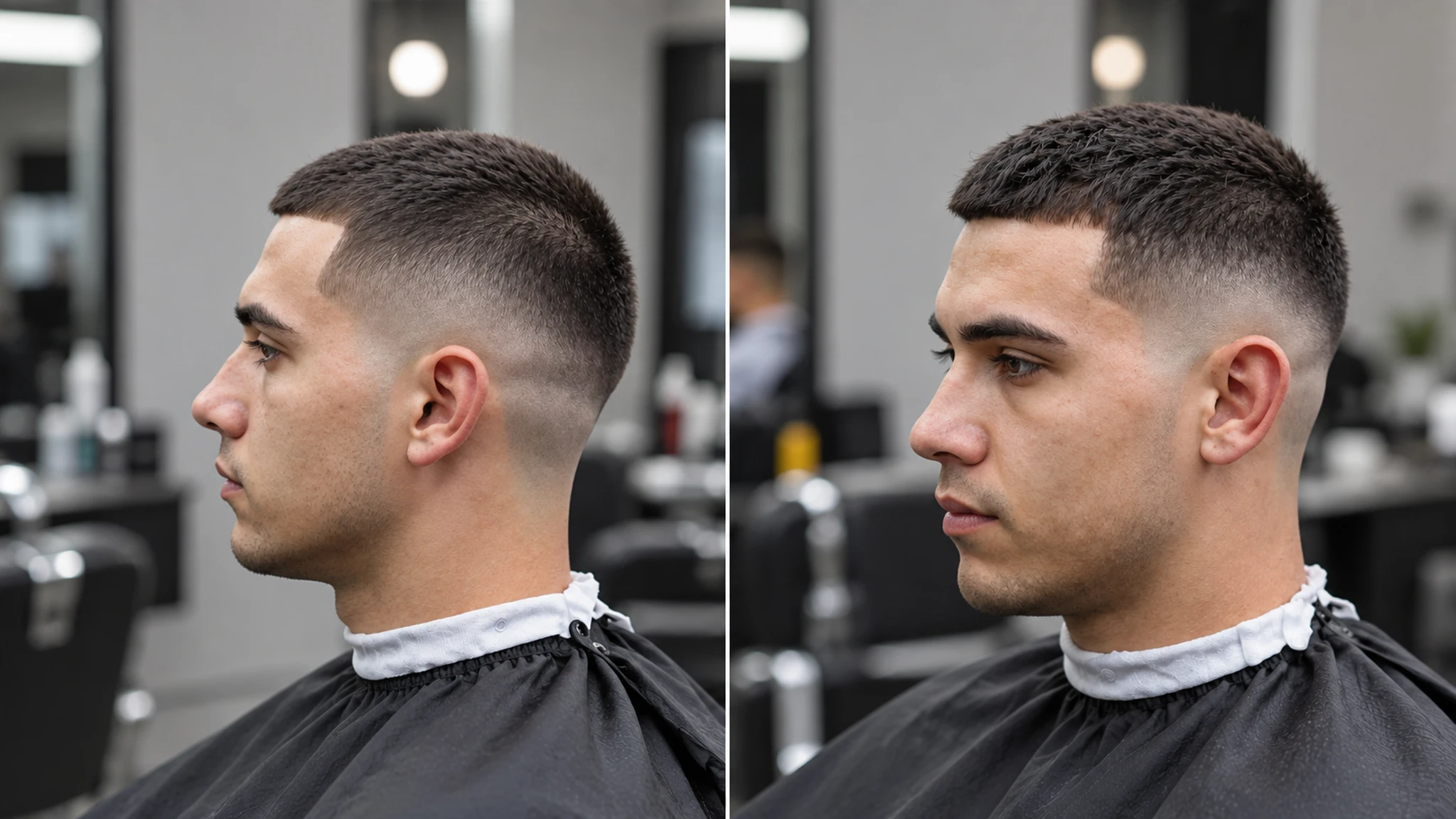
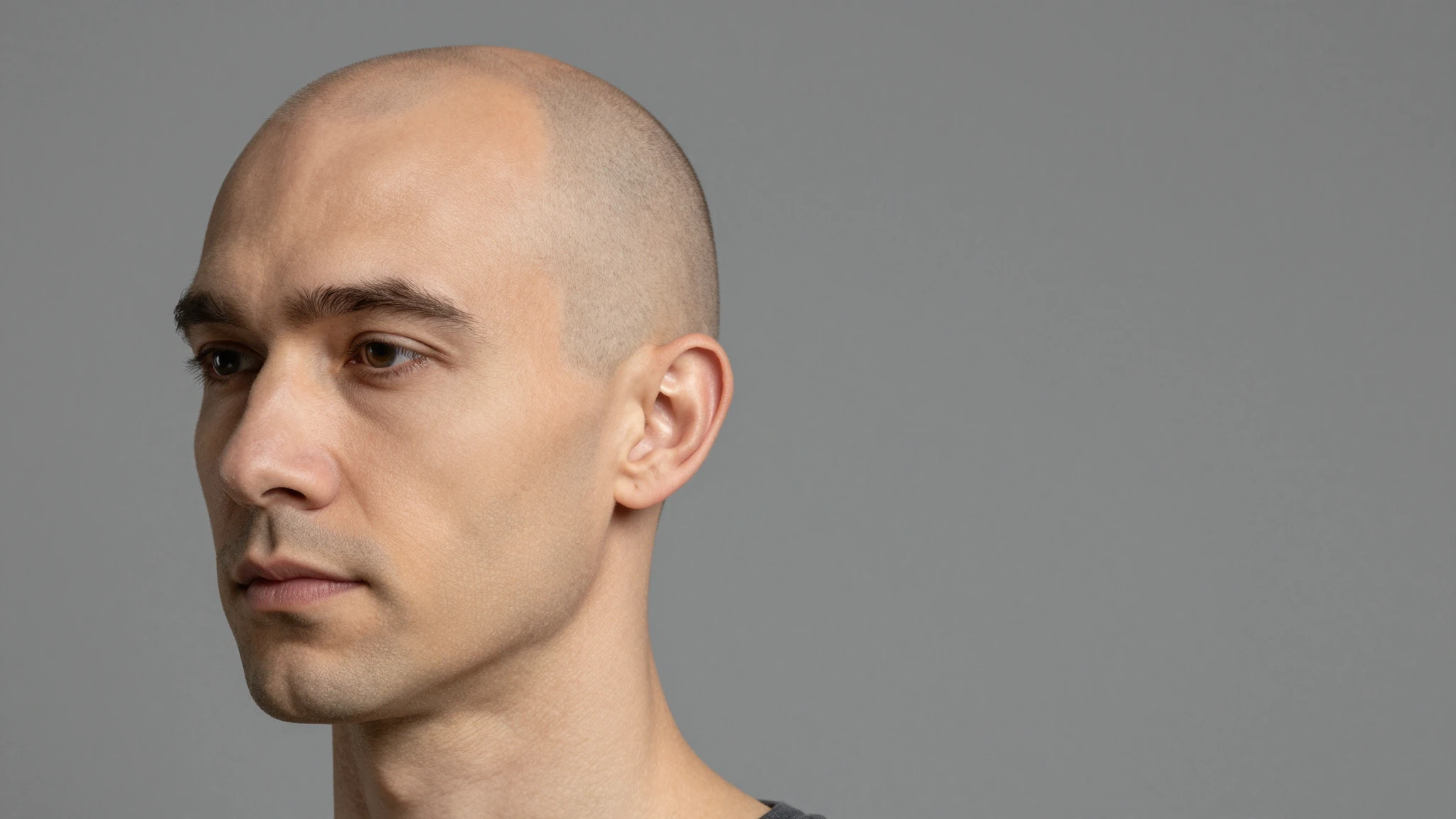
Yes. Use text prompts to test cut length, bangs, curls, buzz cuts, or specific cuts ("French bob, blunt ends") on the same selfie.

Will it work on curly or coily hair?+

Yes. Works on straight, wavy, curly, coily, locs, braids, and natural styles. Specify your texture in the prompt for best results.

What if the hair color doesn't look right?+

Refine through text prompts ("less warm, more ash") or pick a different preset. Most adjustments resolve in one follow-up prompt.

Can I use this for client consultations?+

Yes, on the Advanced plan and above. Salons can use it in consultations and in marketing assets.

Start creating

Create without limits

Join creators using Cuta to generate stunning images, videos, and more — all in one platform.

Get started for free