Cuta

Buzz Cut Hair Filter hero

Buzz Cut Hair Filter hero
Buzz Cut Hair Filter online

Buzz Cut Hair Filter

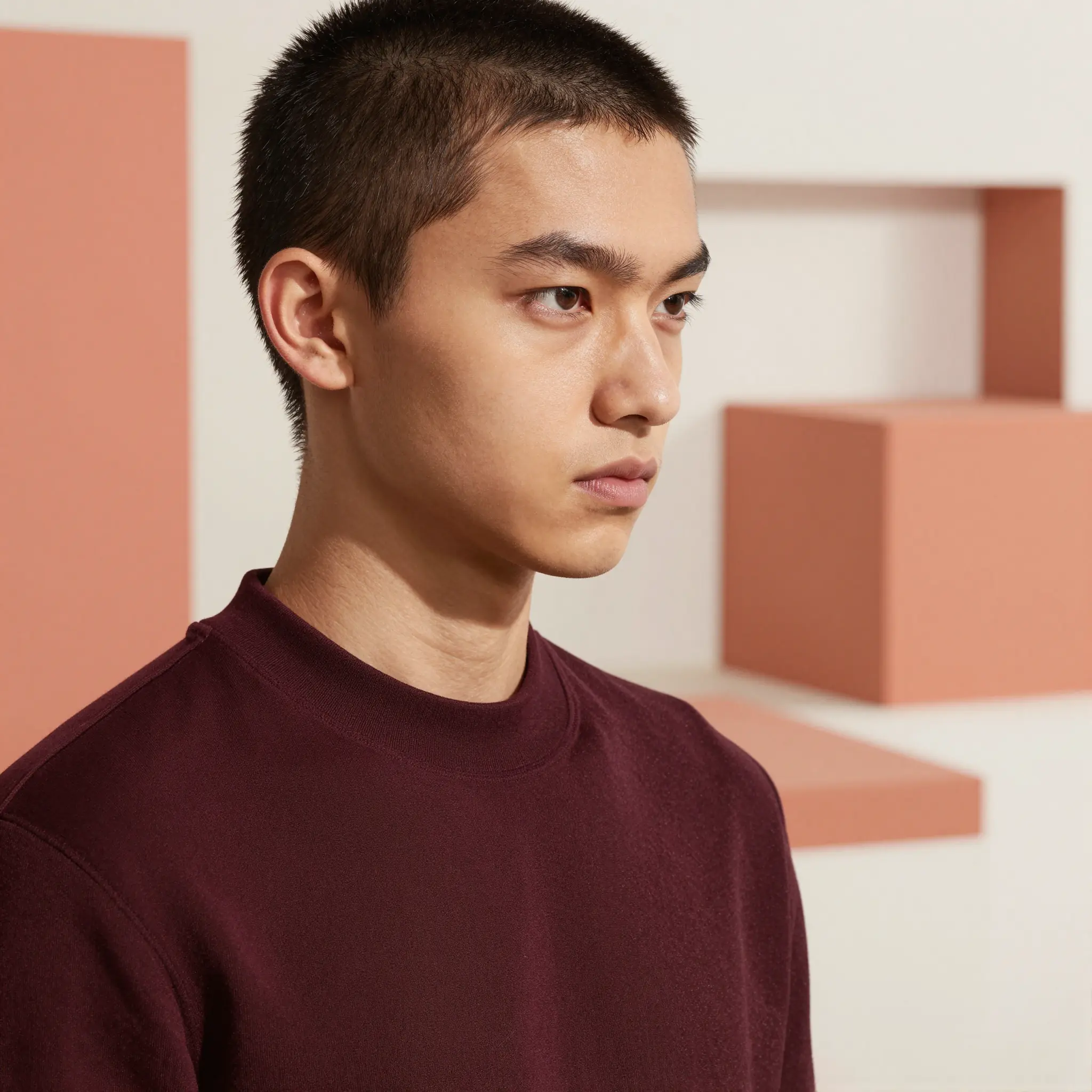
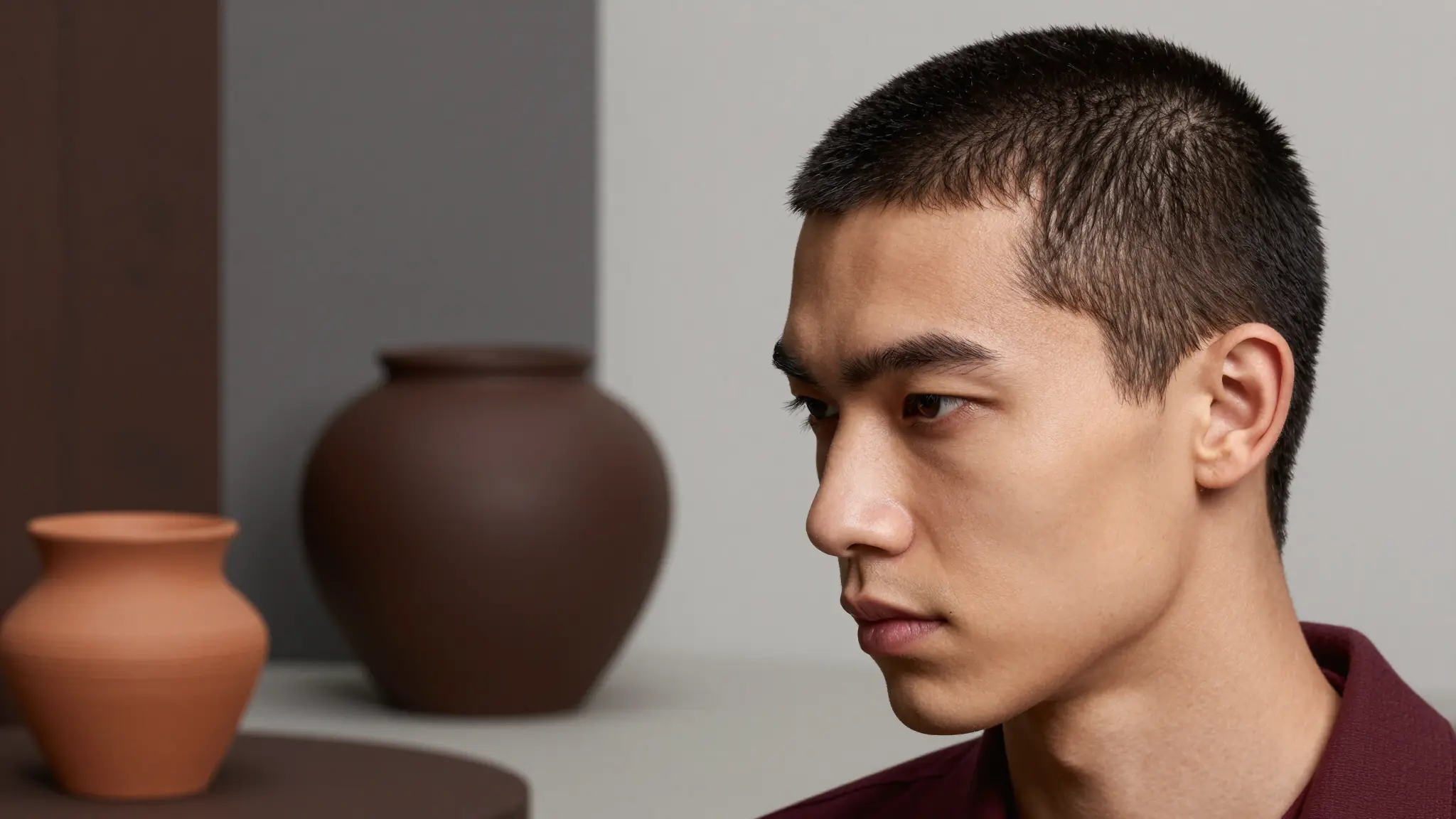
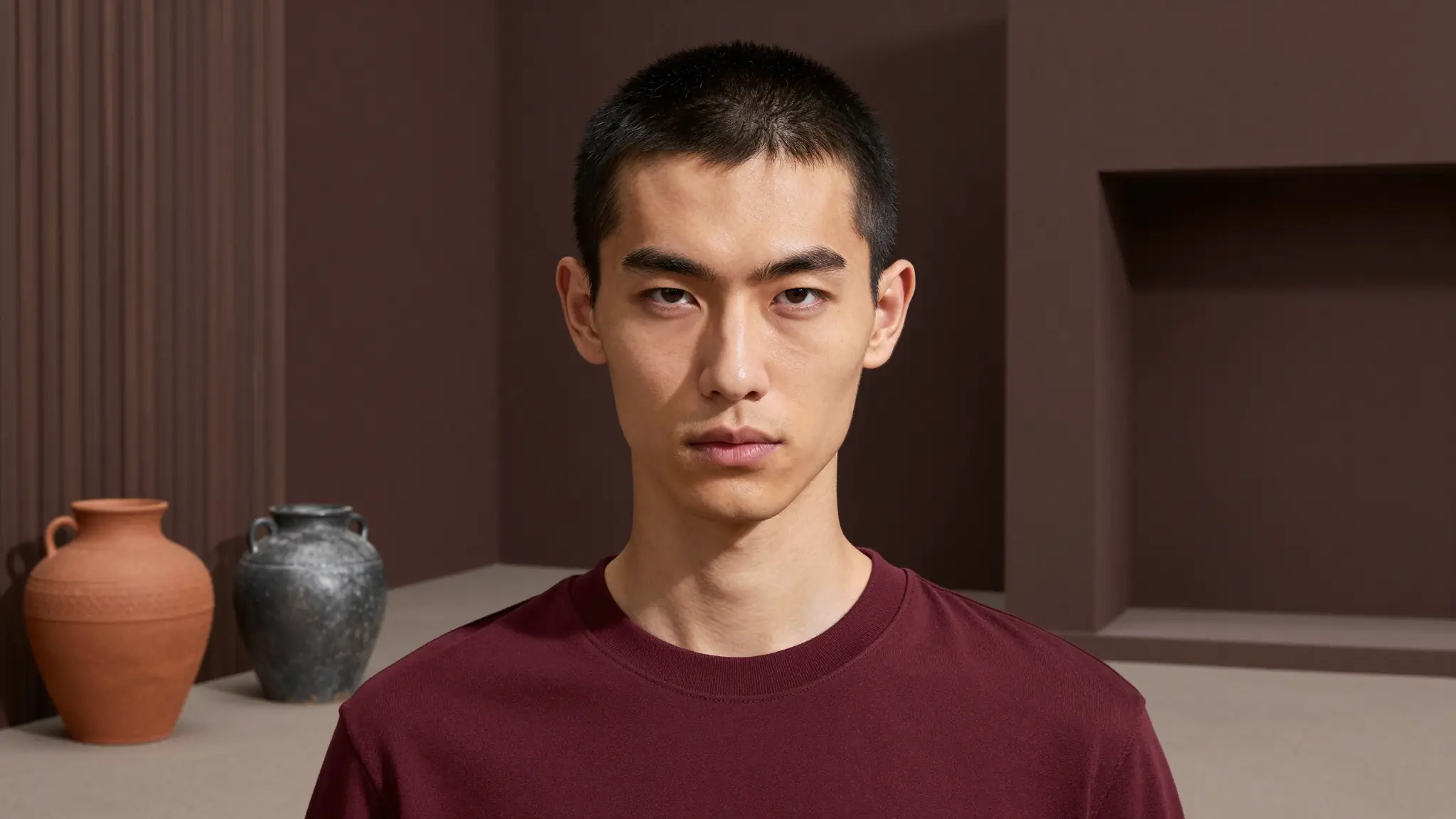
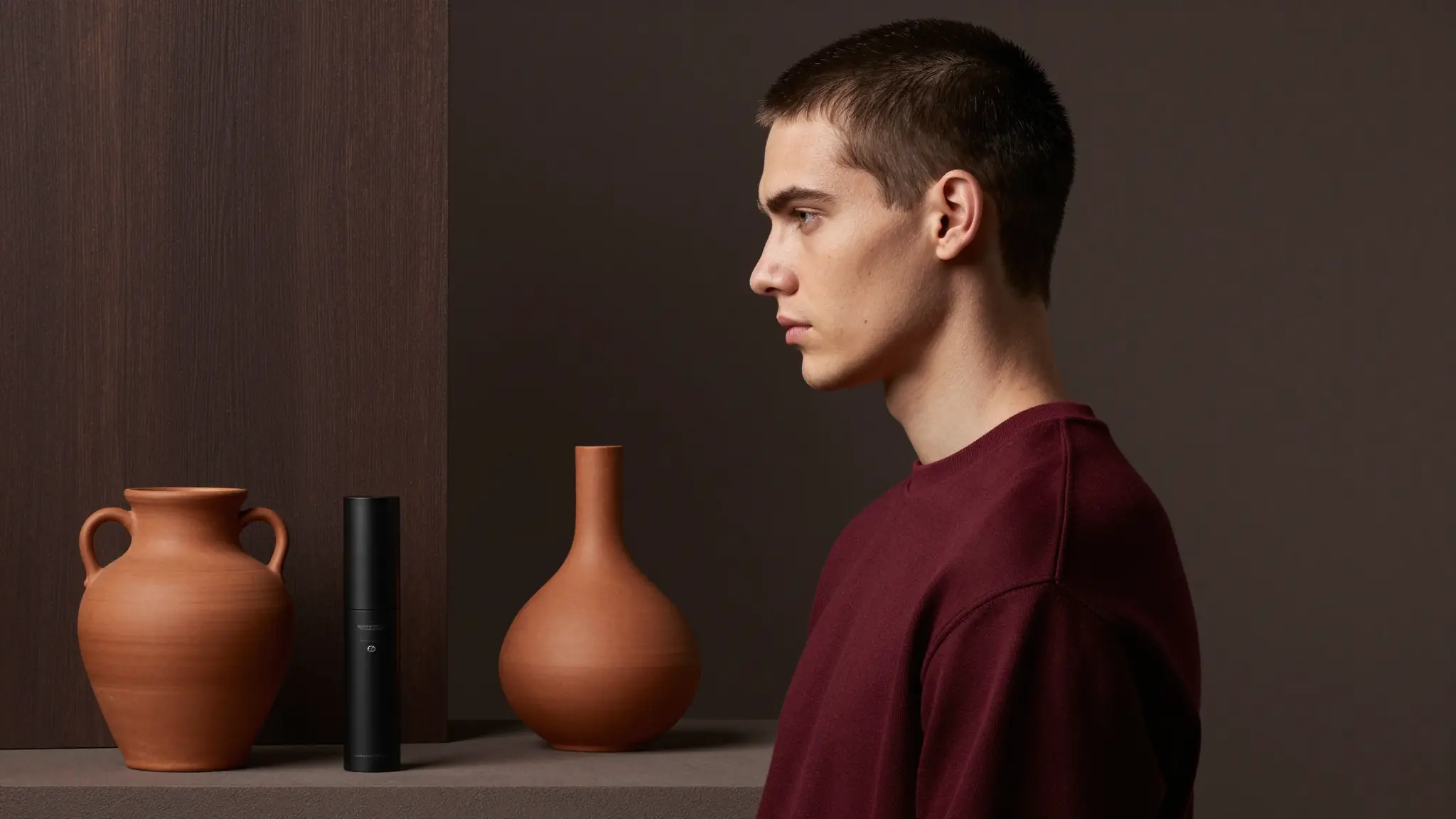
Try a buzz cut instantly with Cuta’s AI buzz cut hair filter. See how shaved heads, low fades, high-and-tights, and textured buzz cut hairstyles look on your face in seconds.

Buzz Cut Hair Filter

Buzz Cut Hair Filter

Portrait-ready preview for Buzz Cut Hair Filter

Try it

How to Use the AI Buzz Cut Hair Filter

Buzz Cut Hair Filter

Buzz Cut Hair Filter
Step 1

Upload Your Photo

Go to Cuta’s Image tools and select the “edit image” mode. Upload a clear image of yourself.

Buzz Cut Hair Filter

Buzz Cut Hair Filter
Step 2

Describe the Buzz Cut Style

Select the hair area and describe the buzz cut you want, such as “clean shaved head,” “short buzz with fade,” or “even buzz cut.” You can also upload another image as reference.

Buzz Cut Hair Filter

Buzz Cut Hair Filter
Step 3

Generate and Refine

Apply the transformation and review the result. Adjust length or style details to explore different variations until you find the right look.

Built for Trying Bold Hair Transformations

BeforeAfter

Buzz Cut Hair Filter

Buzz Cut Hair Filter

Men and Women Considering a Buzz Cut

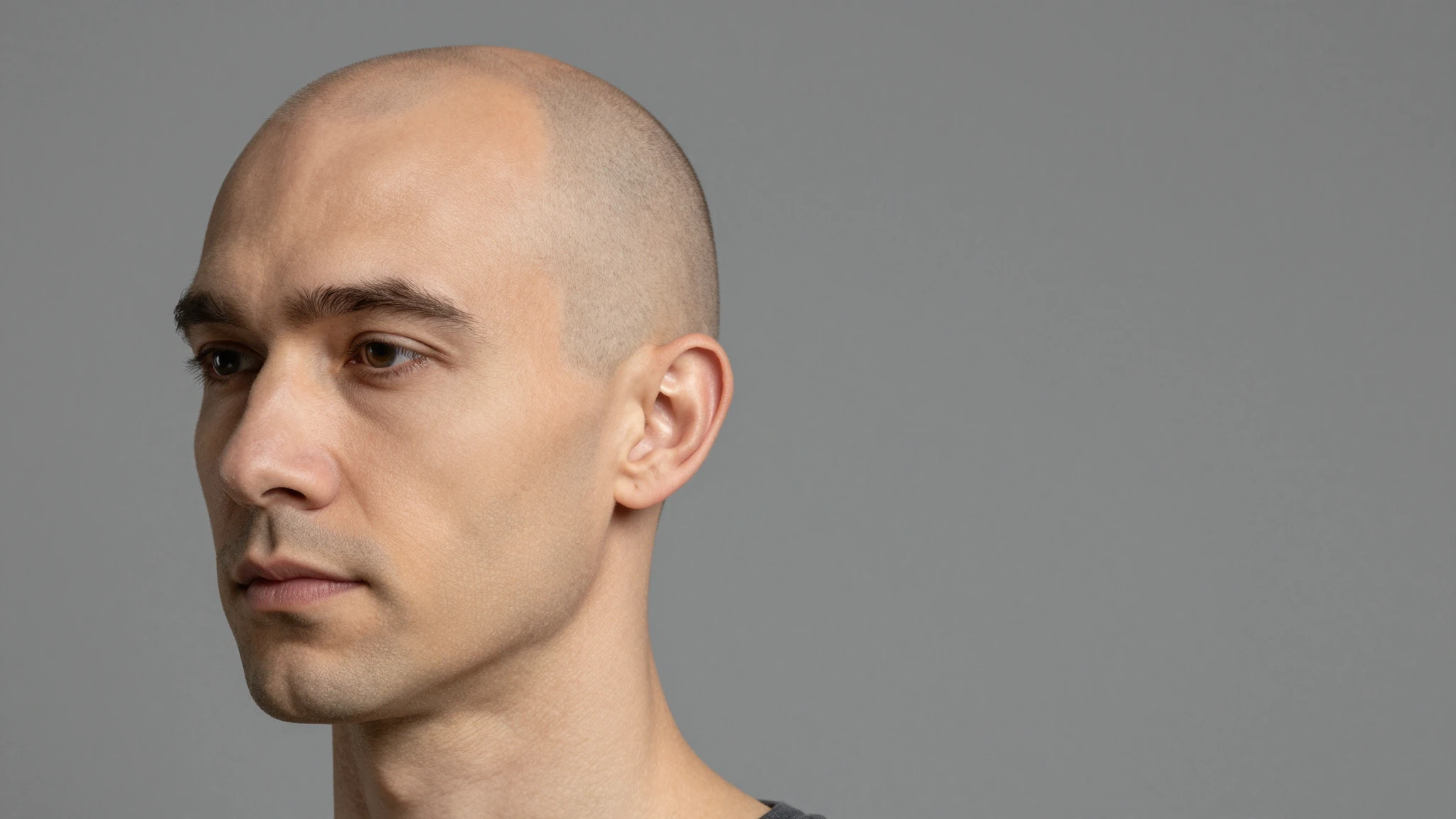
See how a buzz cut will actually look on you before making the change, whether you’re going for a sharp, clean shave or a softer, slightly longer buzz. This works for both men and women looking to explore a bold, minimal style. The AI helps you understand how shorter hair highlights your facial features, jawline, and overall structure. It’s especially useful if you’ve never tried a buzz cut before and want a realistic preview before committing.

Try it now
BeforeAfter

Buzz Cut Hair Filter

Buzz Cut Hair Filter

First-Time Short Hair Experimentation

If you’ve always had longer hair, a buzz cut can feel like a big step. This tool lets you explore that change safely by showing you realistic previews. You can understand how your face shape, jawline, and features stand out with shorter hair, helping you decide whether the style fits your look and personality.

Try it now
BeforeAfter

Buzz Cut Hair Filter

Buzz Cut Hair Filter

Pre-Barber Decision Making

Use the generated images as a reference before visiting a barber. Instead of explaining your desired cut vaguely, you can show exactly what you want. This helps avoid miscommunication and ensures a more accurate final result, especially when choosing between subtle variations like fades or different lengths.

Try it now
BeforeAfter

Buzz Cut Hair Filter

Buzz Cut Hair Filter

AI Influencers and Character Creation

Use the buzz cut filter to design distinct looks for AI influencers, avatars, or digital characters. A buzz cut can instantly change the tone of a character, making them appear sharper, more minimal, or more edgy. You can generate multiple variations from a single base image and maintain consistency while exploring different styles. This is especially useful for building recognizable digital identities or experimenting with character design without creating new assets from scratch.

Try it now
BeforeAfter

Buzz Cut Hair Filter

Buzz Cut Hair Filter

Content Creators & Style Experiments

Create bold visual transformations for content by switching from longer hairstyles to a buzz cut instantly. This is useful for experimenting with different looks, trends, or character styles without needing multiple photoshoots.

Try it now
Try now

Why it matters

Why Use Cuta's AI Buzz Cut Filter

Try Different Buzz Cut Styles

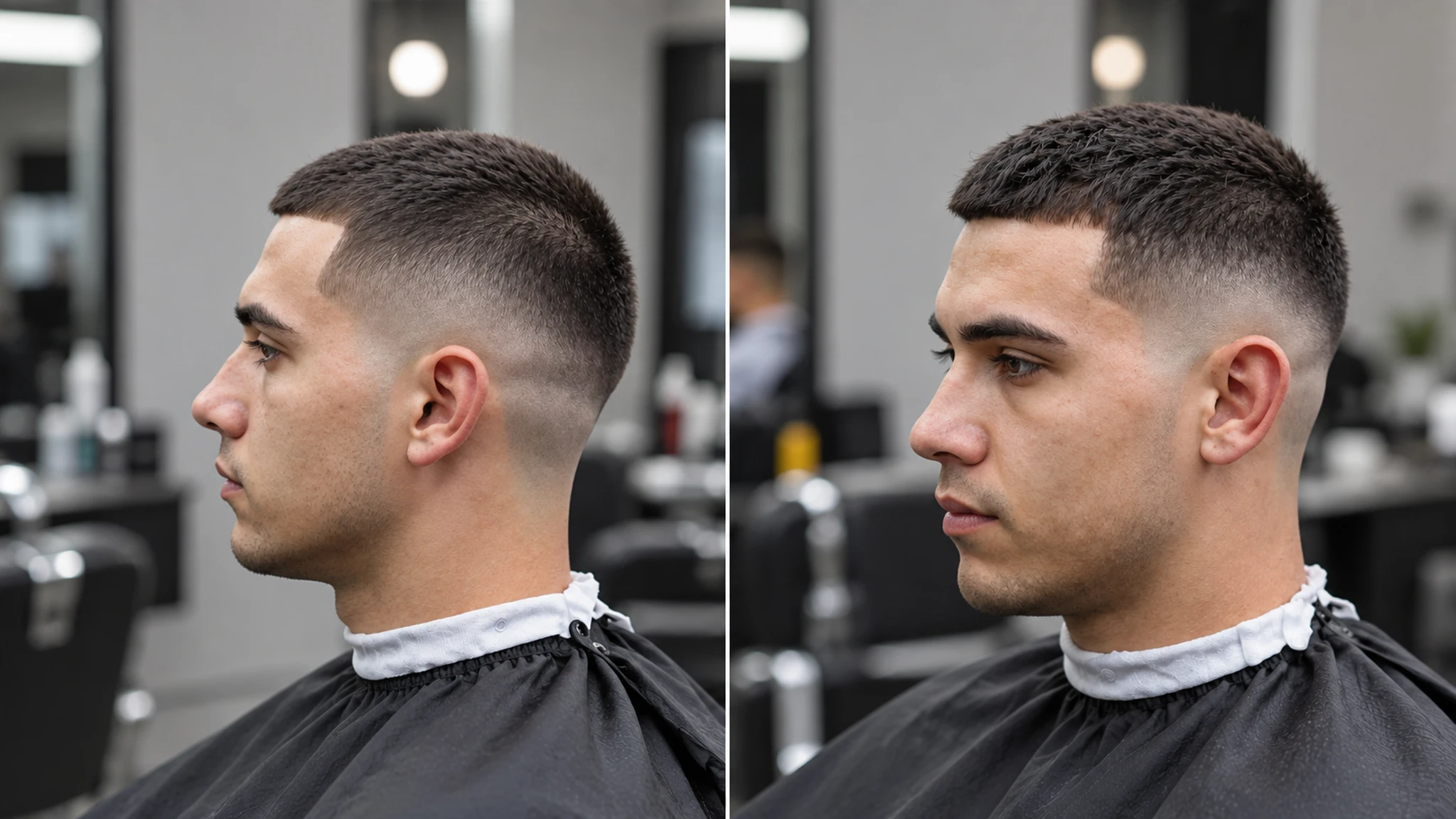
Explore variations of the buzz cut, from ultra-short shaved looks to slightly longer textured buzz styles. You can experiment with clean fades, tapered sides, or uniform cuts to see what suits your style. This makes it easy to compare subtle differences that can completely change your overall appearance.
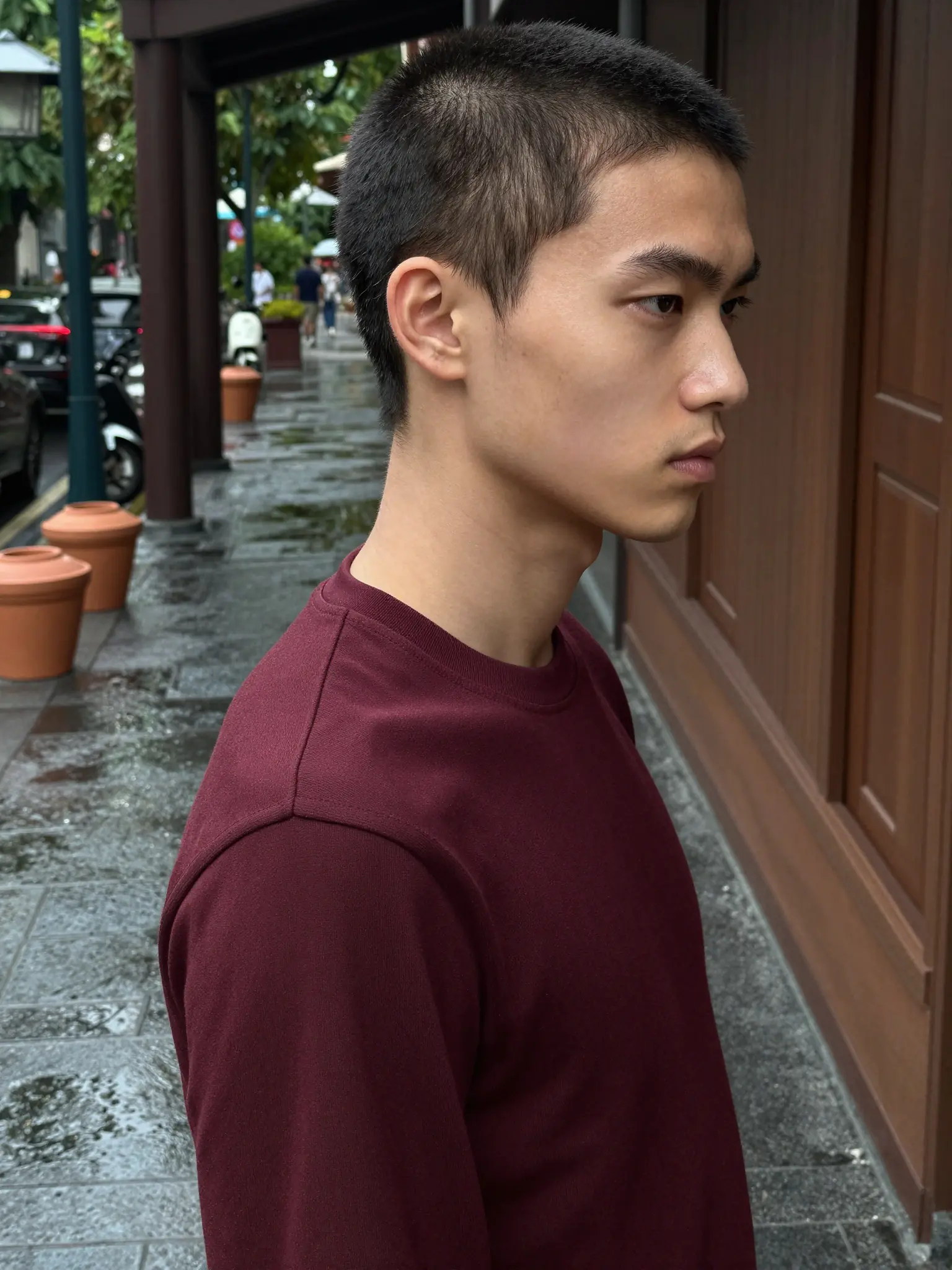
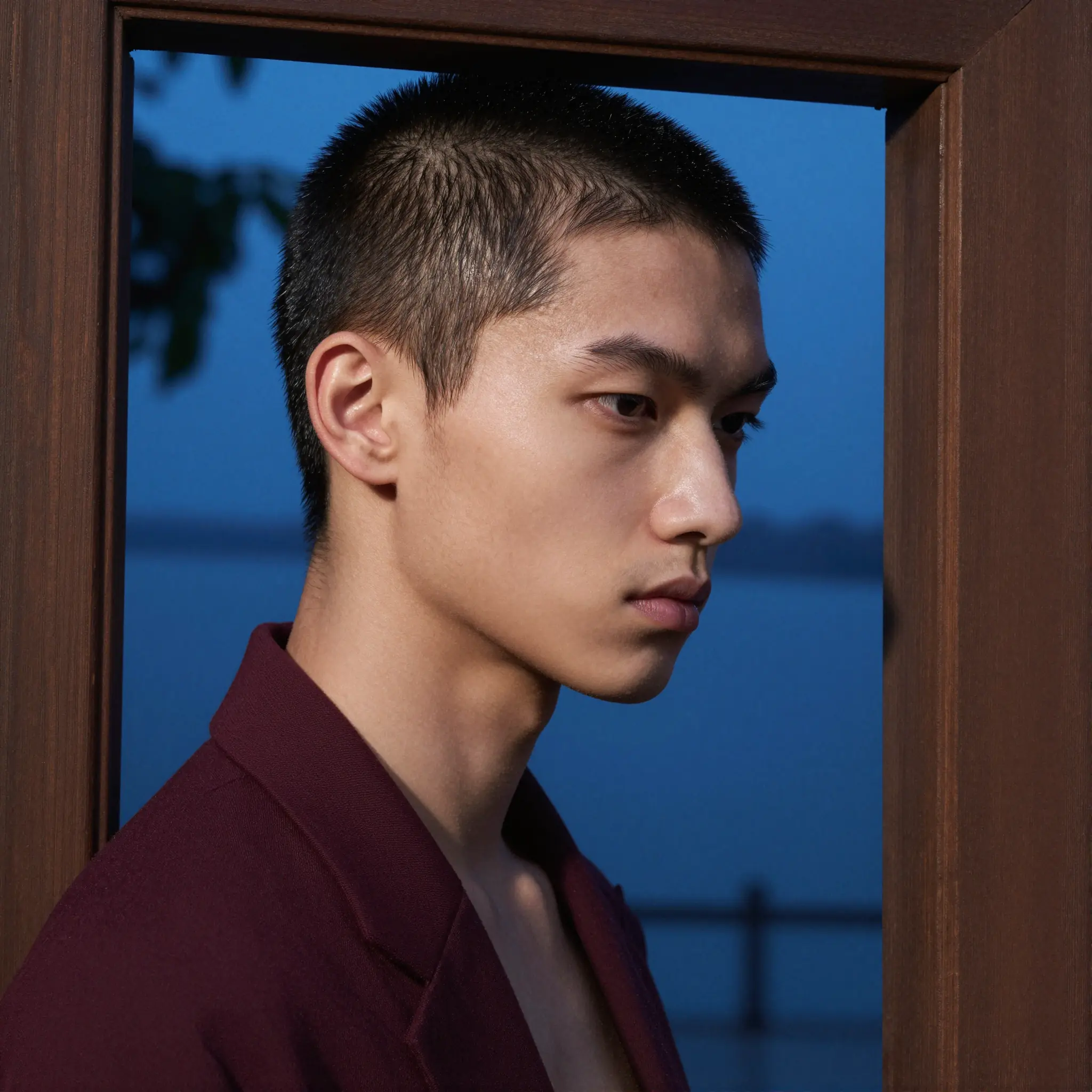
Face Shape-Aware Results

Get results that are adapted to your facial structure instead of generic overlays. The AI adjusts the buzz cut to match your head shape, jawline, and proportions, helping you understand how a shorter hairstyle will actually frame your face. This makes the preview more realistic and useful for decision-making.

Natural, Realistic Transformations

The buzz cut is applied with attention to lighting, shadows, and scalp detail, so it blends naturally into your photo. Instead of looking like a pasted edit, the result reflects how a real buzz cut would appear, including hair density and texture.

Community creations

See how creators and teams are using Buzz Cut Hair Filter inside Cuta.

Try now

Key Features of AI Buzz Cut Hair Filter

BeforeAfter

Buzz Cut Hair Filter

Buzz Cut Hair Filter

Find the Right Buzz Cut for Your Face

Not all buzz cuts look the same on every face. The AI evaluates your facial structure and adapts the cut accordingly, helping you visualize whether a close shave, a slightly longer buzz, or a faded style suits you best. This removes the guesswork and gives you a clearer idea of what works before making a real change.

Try it now
BeforeAfter

Buzz Cut Hair Filter

Buzz Cut Hair Filter

Adjust Length, Fade, and Style

You can go beyond a single look by trying different variations, such as a fully shaved head, a short even buzz, or subtle fades on the sides. Even small changes in length or blending can noticeably affect your overall appearance, and the tool makes it easy to compare these options visually.

Try it now
BeforeAfter

Buzz Cut Hair Filter

Buzz Cut Hair Filter

Works Across Hair Types and Colors

Whether you have thick, thin, straight, or textured hair, the AI adapts the buzz cut to match your natural characteristics. It also accounts for your existing hair color and adjusts the result so the transformation looks consistent and realistic.

Try it now
BeforeAfter

Buzz Cut Hair Filter

Buzz Cut Hair Filter

Instant Before-and-After Comparison

Quickly compare your original look with the buzz cut version to see the difference clearly. This helps you understand how much your appearance changes with shorter hair and makes it easier to decide whether to go ahead with the style.

Try it now

Frequently asked questions

What is a buzz cut hair filter?+

A buzz cut hair filter is an AI-powered tool that lets you see how you would look with a shaved or very short hairstyle. It works like a short hair simulator by applying a realistic buzz cut transformation to your photo, helping you preview the look before getting an actual haircut.

Will a buzz cut suit me?+

Whether a buzz cut suits you depends on your face shape, head structure, and personal style. Using a buzz cut simulator or shaved head filter allows you to visualize the transformation on your own face, making it easier to decide if the look works for you.

Can I try different buzz cut styles?+

Yes, you can experiment with different buzz cut variations, including clean shaved looks, short even cuts, and faded styles. This works like a short hair simulator, letting you compare multiple buzz cut transformations to find the one that suits you best.

Is the buzz cut transformation realistic?+

Yes, the AI creates highly realistic buzz cut transformations by preserving lighting, shadows, and scalp details. The shaved head filter blends naturally with your image, so the result looks like a real haircut rather than a simple overlay.

Do I need to upload my own photo?+

Yes, uploading your own photo allows the buzz cut filter or short hair simulator to generate accurate, personalized results based on your face shape and features.

Is the buzz cut hair filter free to use?+

Cuta offers a free trial with limited credits, so you can try the buzz cut transformation tool and explore different shaved or short hair looks before upgrading.

Can I try other hairstyles besides a buzz cut?+

Yes, in addition to the buzz cut simulator, you can try other hairstyles and hair colors. This includes longer styles, textured cuts, and different transformations beyond a shaved head filter.

How do I get the best results with a buzz cut simulator?+

For the best results, upload a clear, well-lit photo where your face and hair are visible. Be specific when describing the buzz cut transformation, such as “clean shaved head” or “short fade,” to get more accurate and realistic outputs.

Start creating

Create without limits

Join creators using Cuta to generate stunning images, videos, and more — all in one platform.

Get started for free