Realistic Hair Removal
The AI removes hair while preserving scalp shape, lighting, and texture. This helps the result look like a real shaved head instead of a simple overlay.
Try it now
Bald Filter online
Try a bald look instantly with Cuta’s AI bald filter. See how a shaved head looks on your face in seconds.
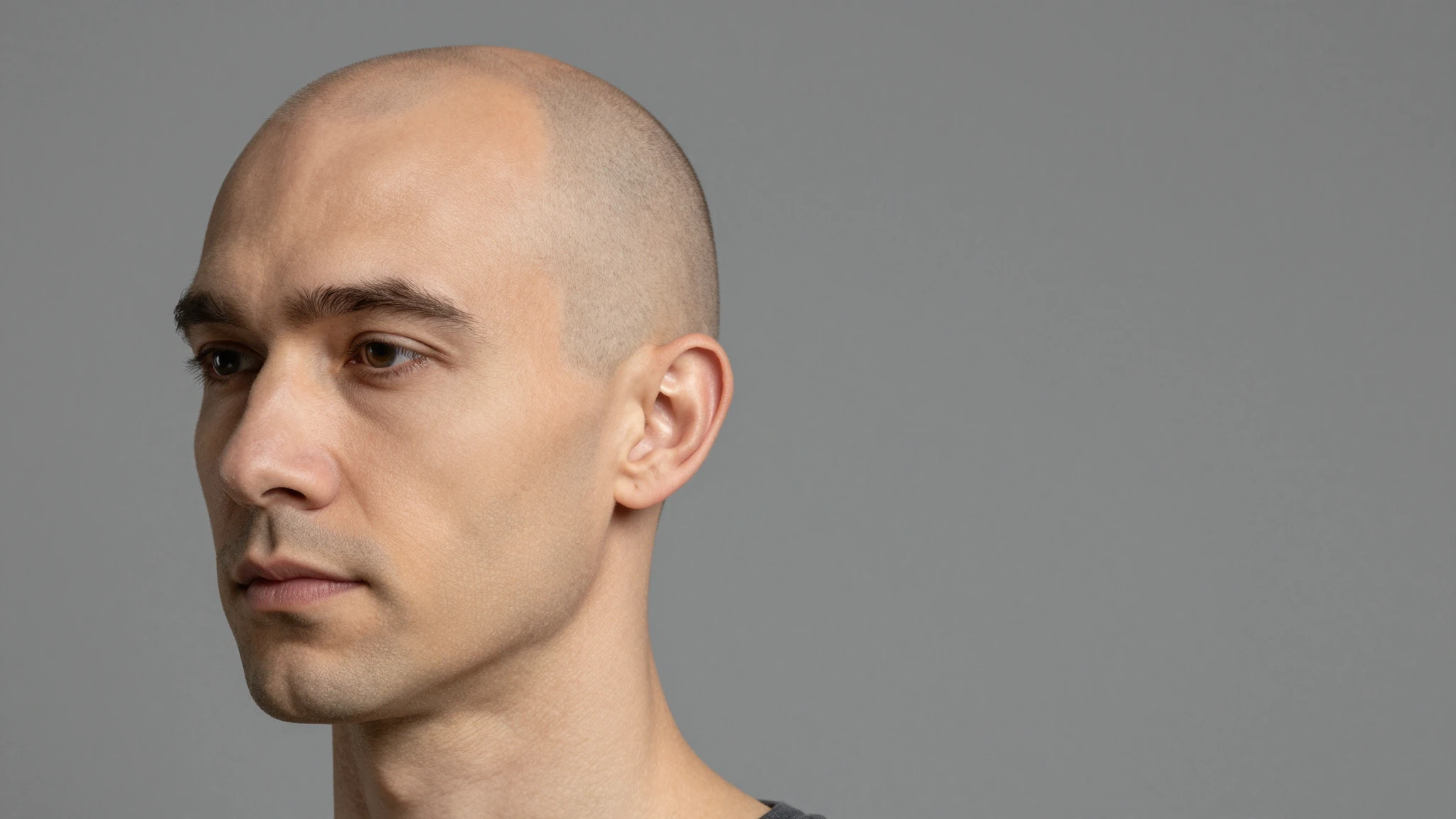
Creative possibilities
A few visual directions to inspire your next creation. These examples illustrate the styles and ideas you can explore.
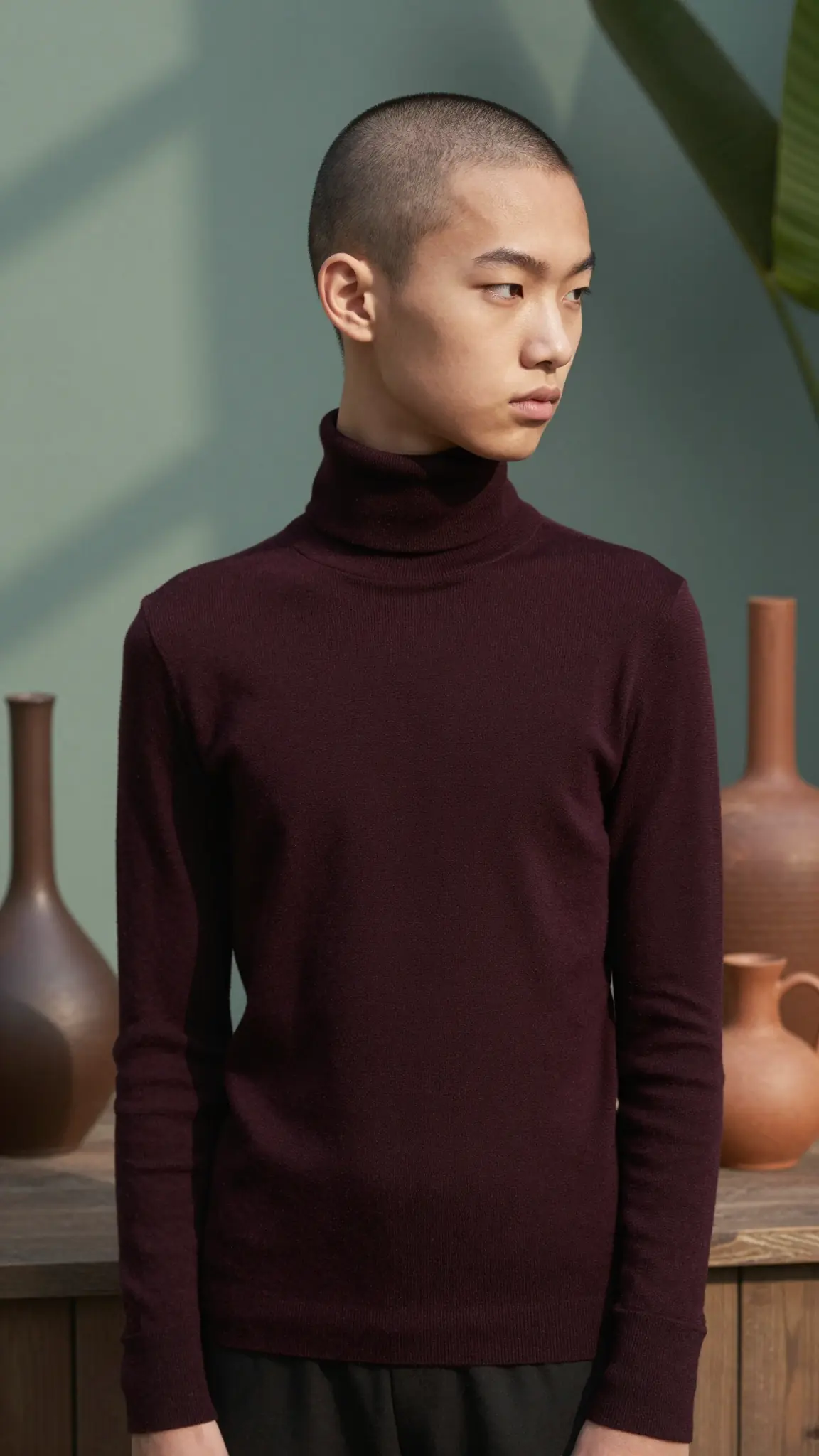

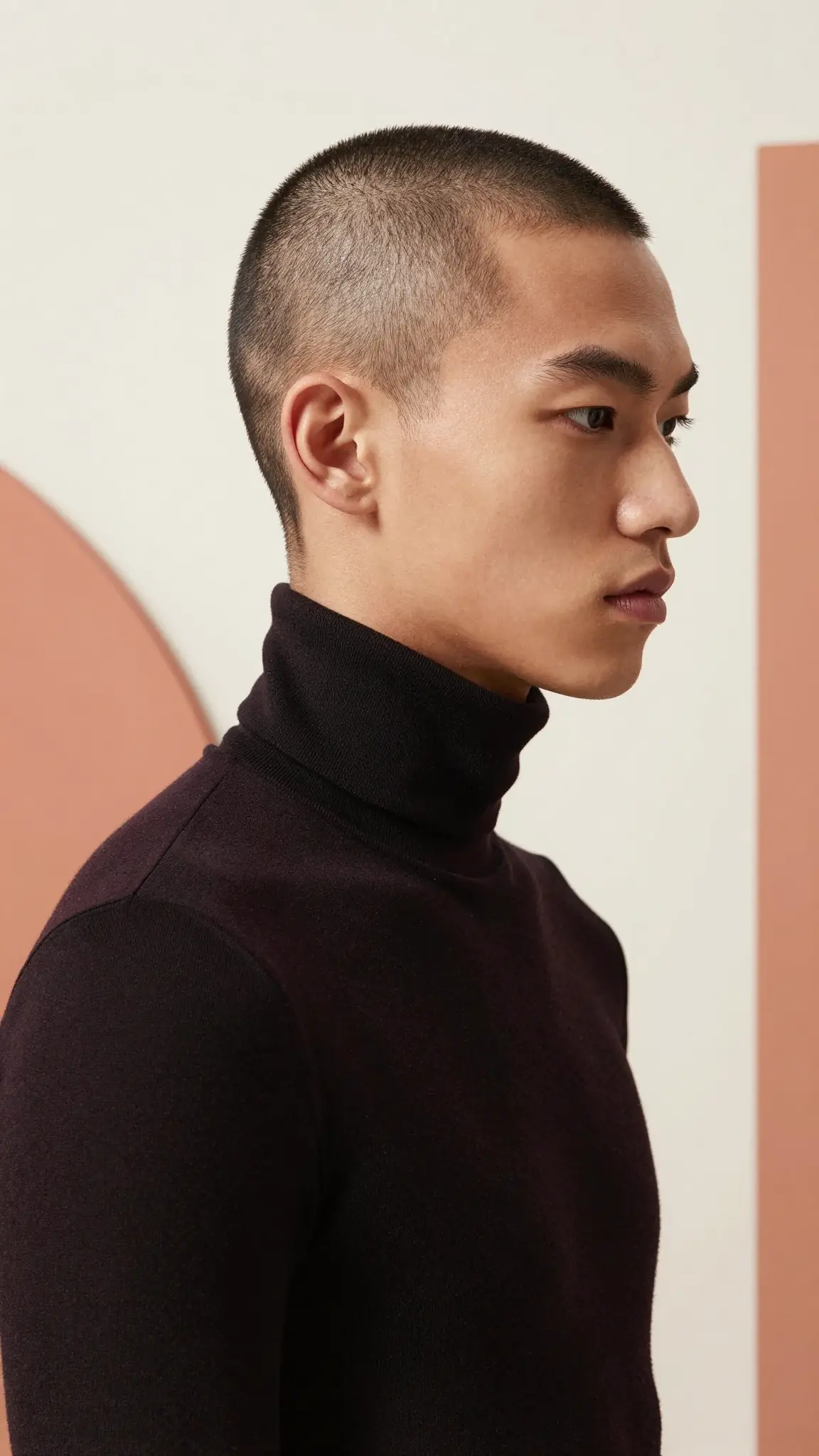
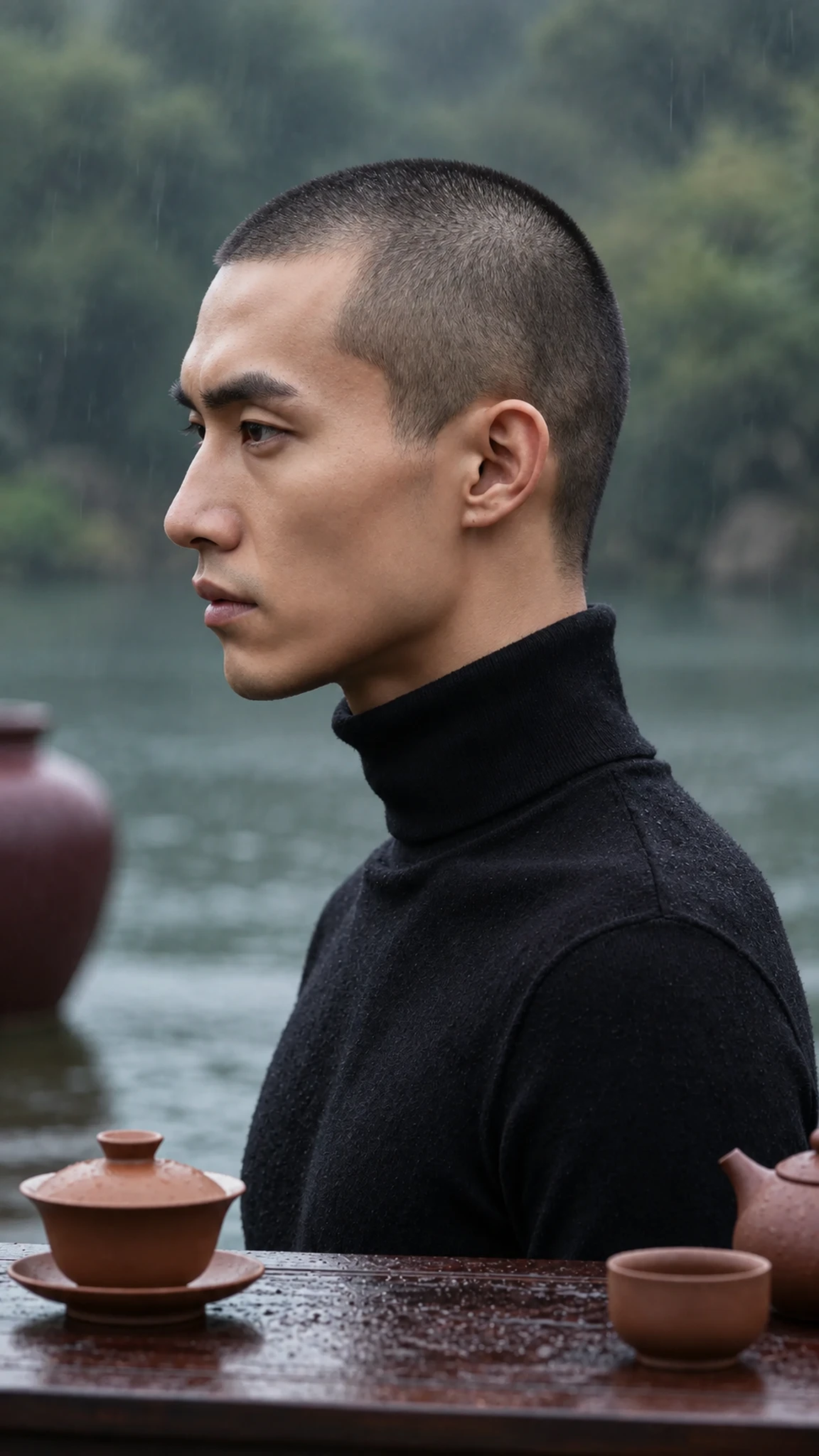
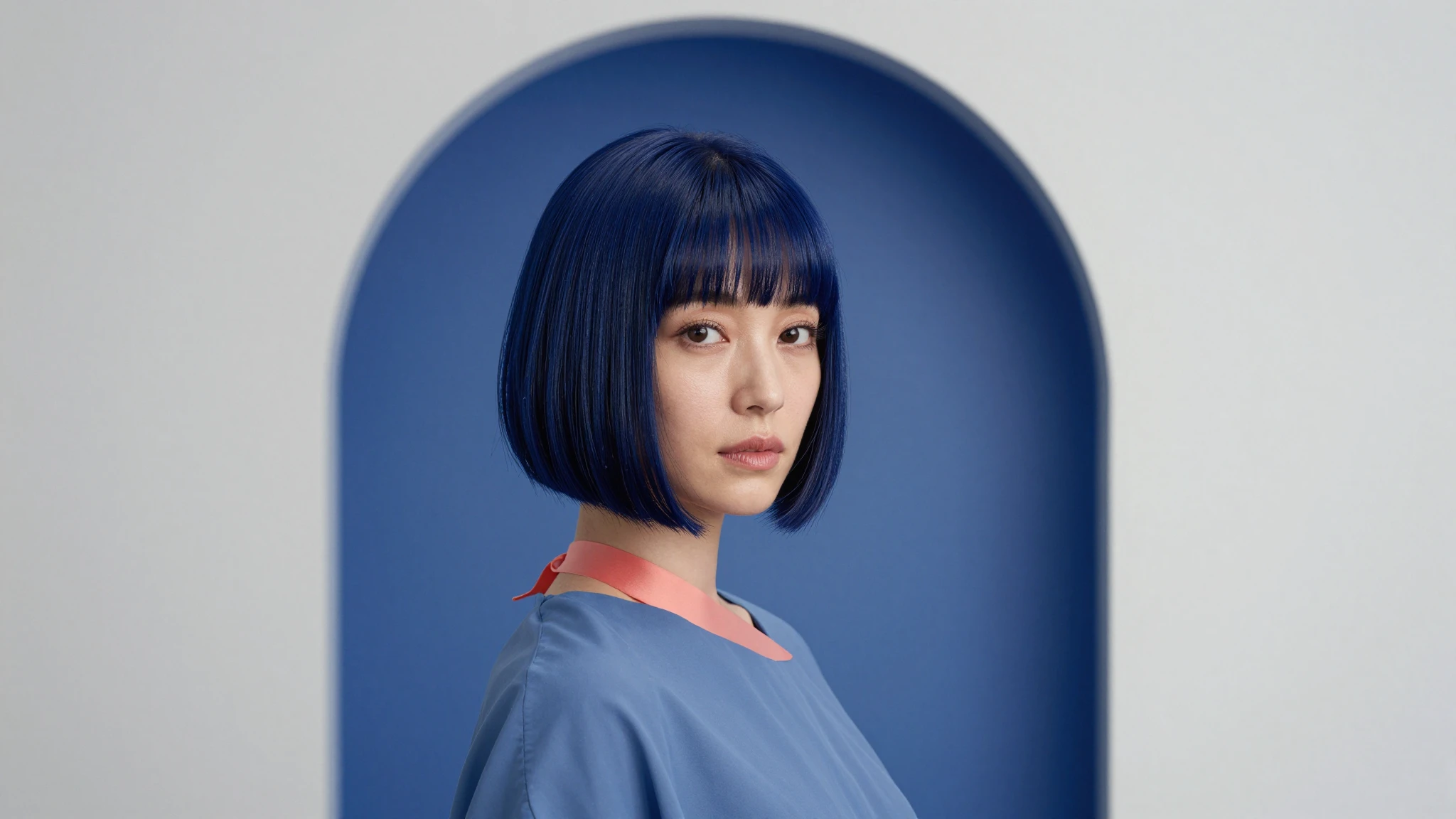
The AI removes hair while preserving scalp shape, lighting, and texture. This helps the result look like a real shaved head instead of a simple overlay.
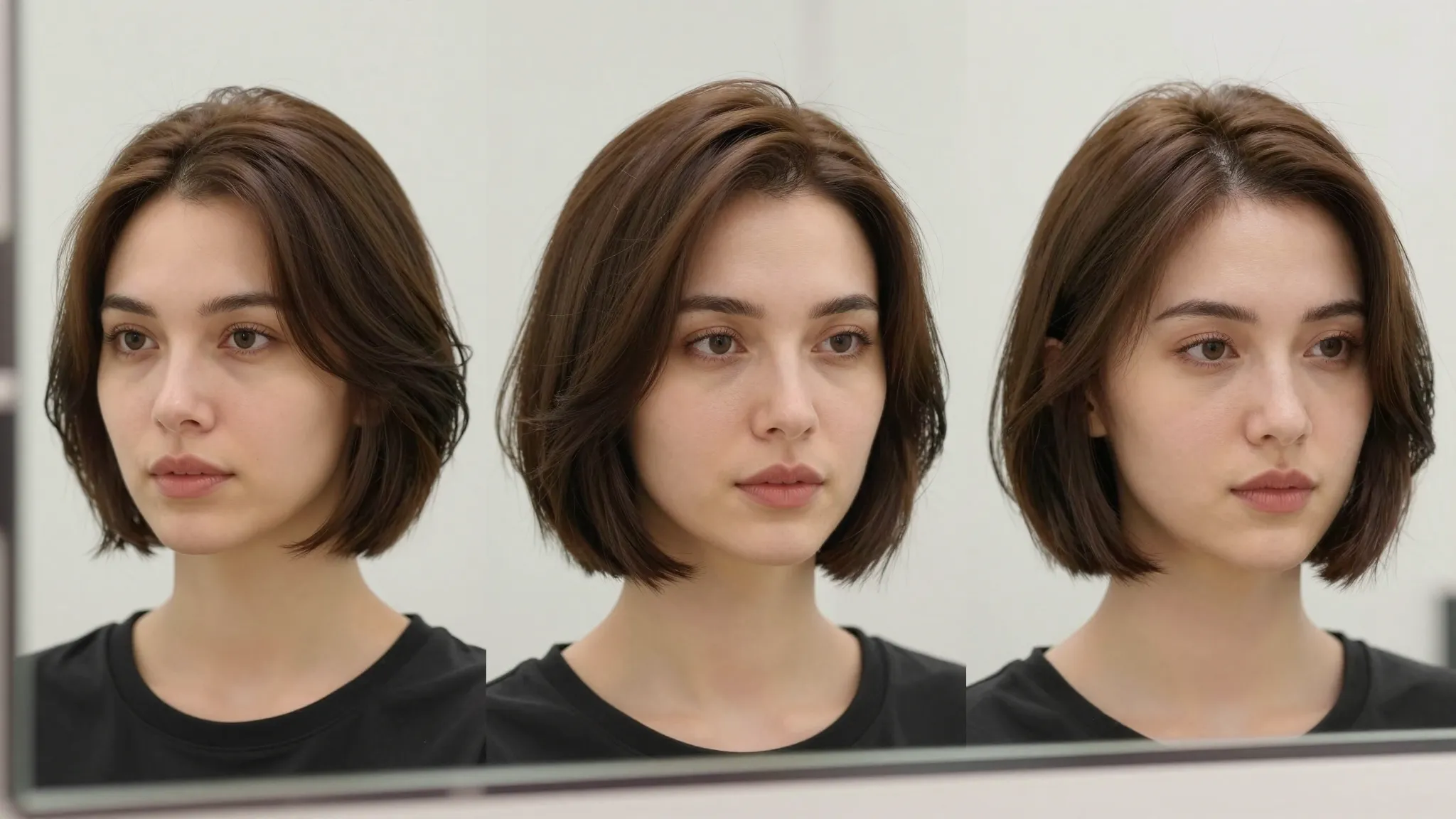
Try it nowThe bald look is adjusted based on your face structure, ensuring proportions look correct and balanced.
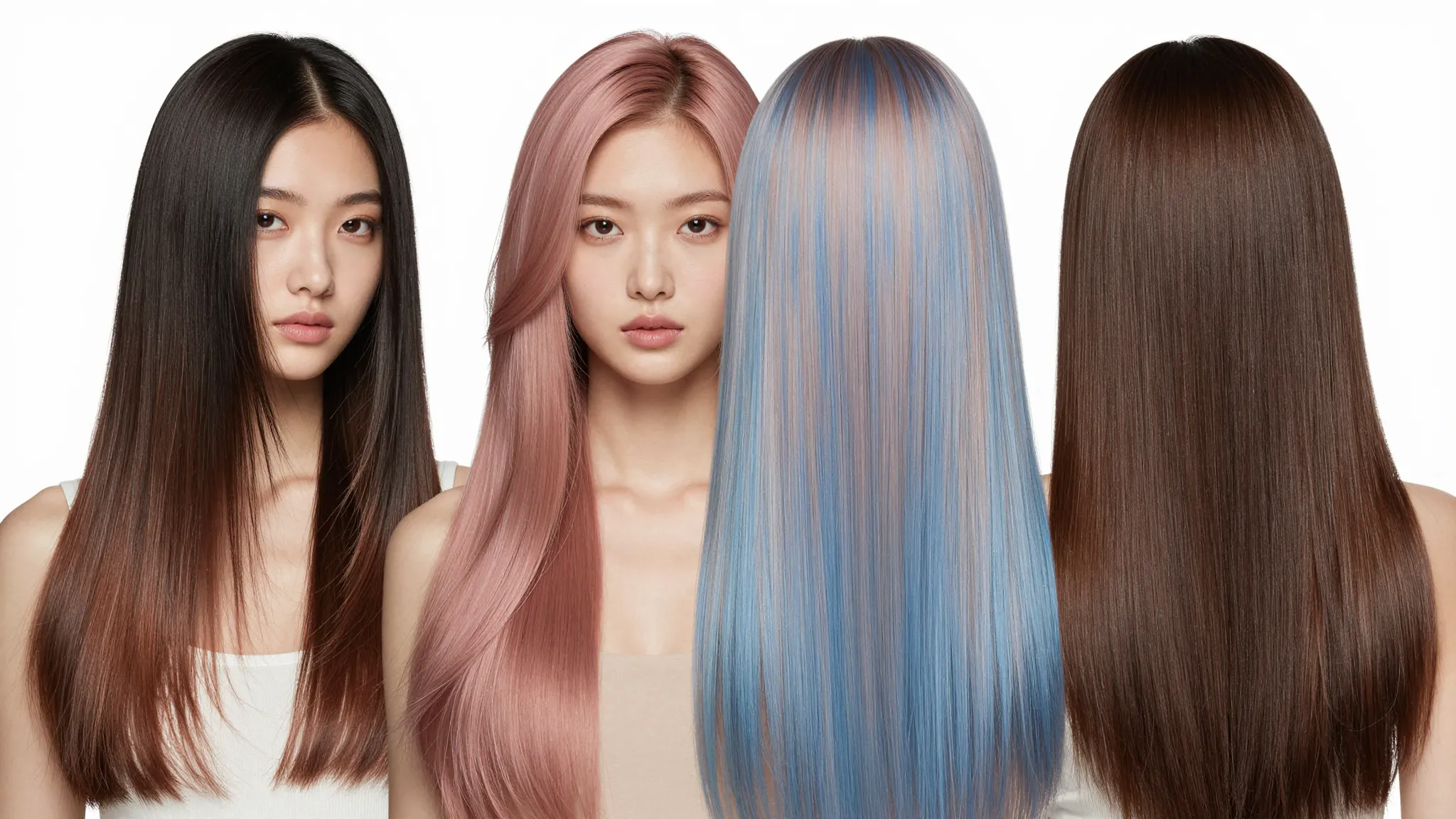
Try it nowWhether your hair is long, short, curly, or straight, the AI removes it cleanly and produces a consistent result.
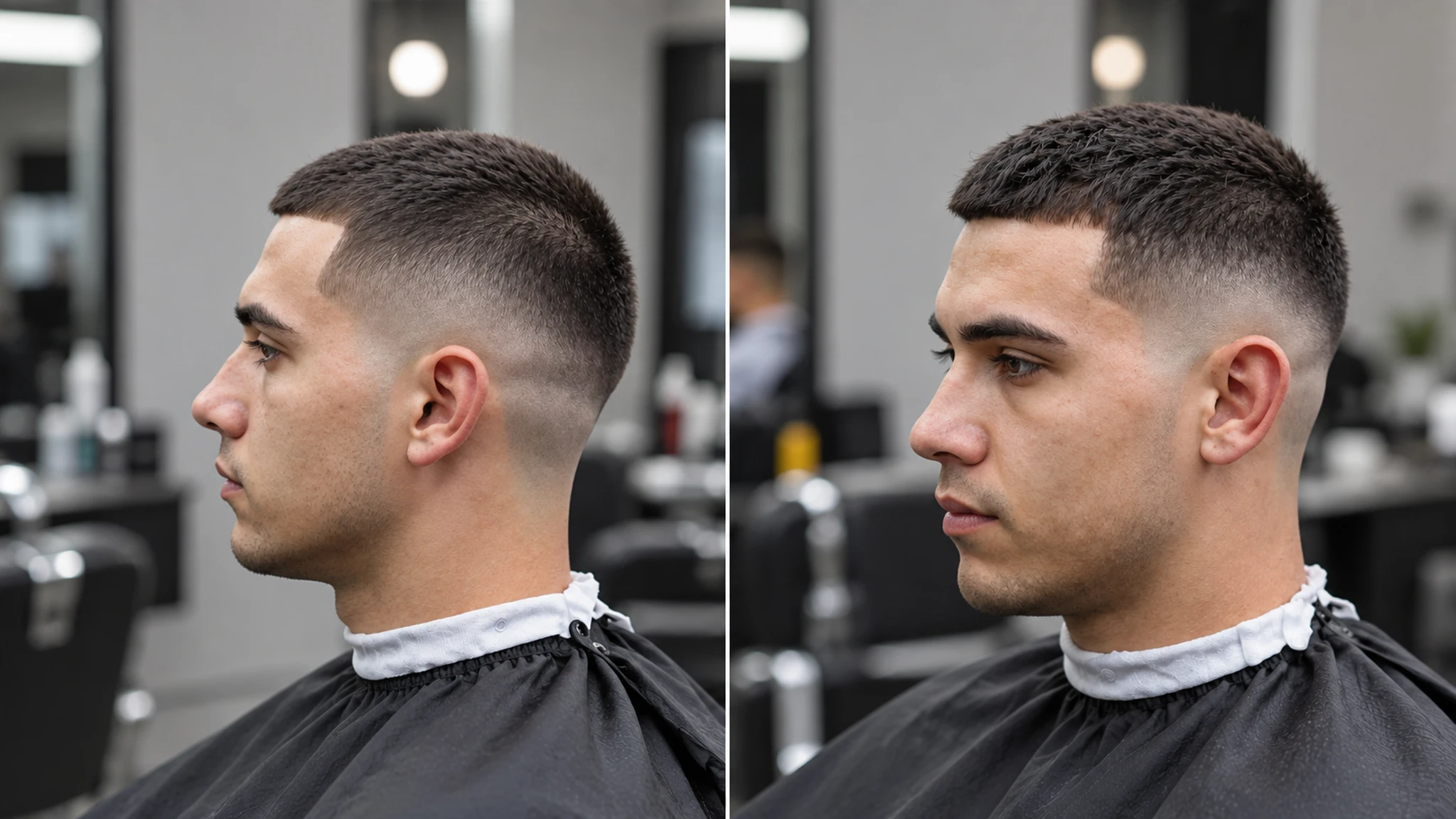
Try it nowCompare your original photo with the bald version to clearly see the difference and decide if the look suits you.
Try it nowFrom idea to creation
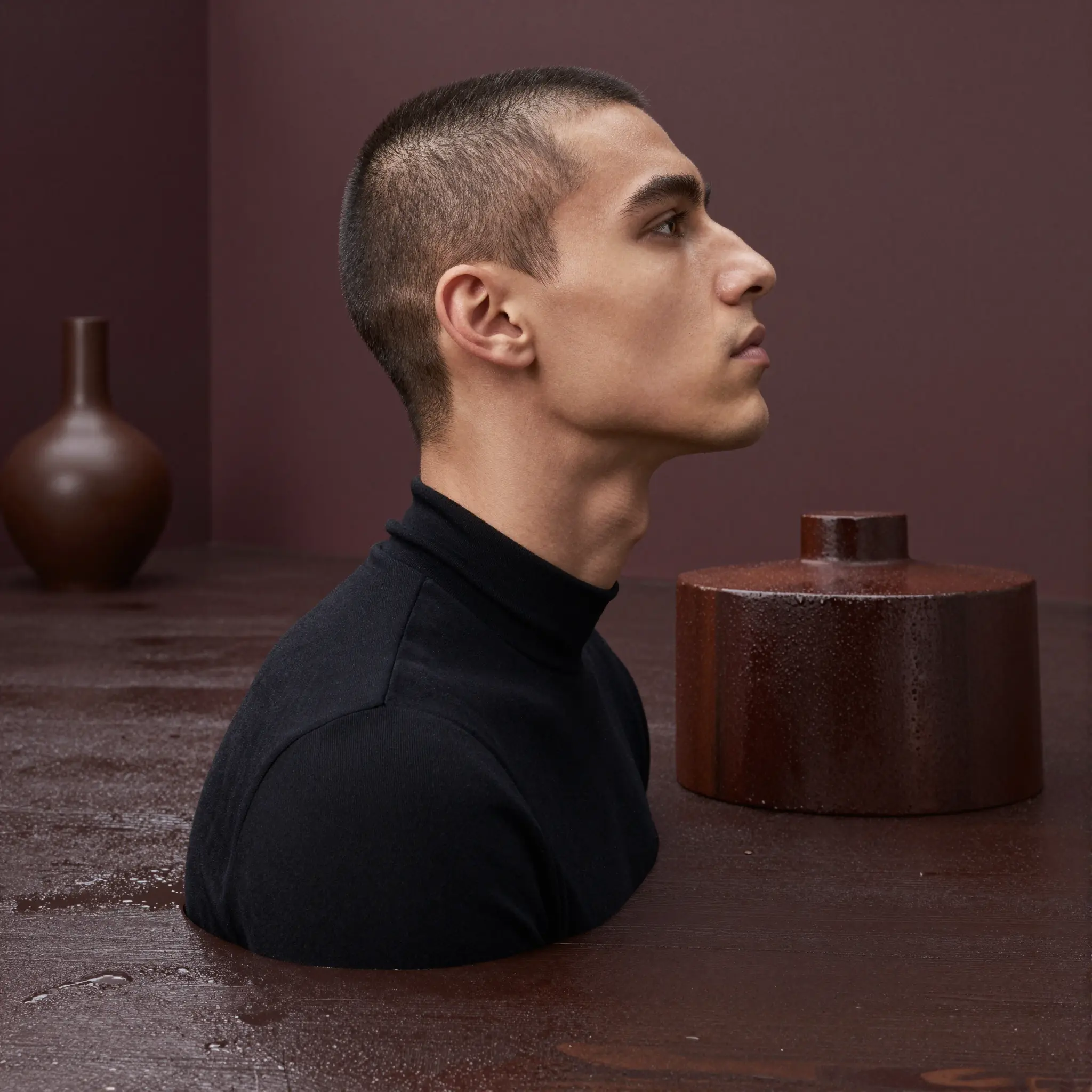
Go to Cuta’s Image tools and select the “edit image” mode. Upload a clear image of yourself.
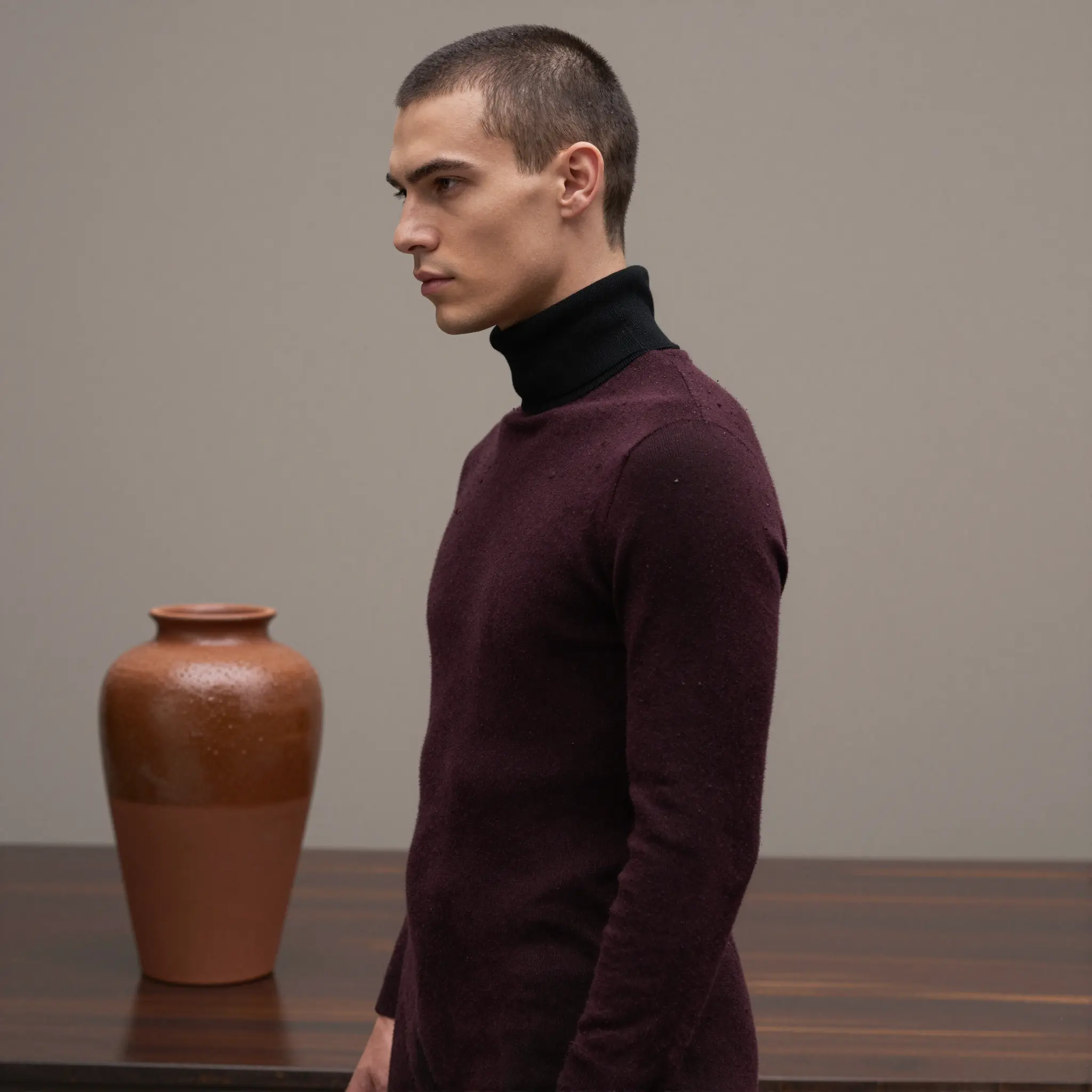
Select the hair area and describe the look, such as “fully shaved head” or “clean bald look.”
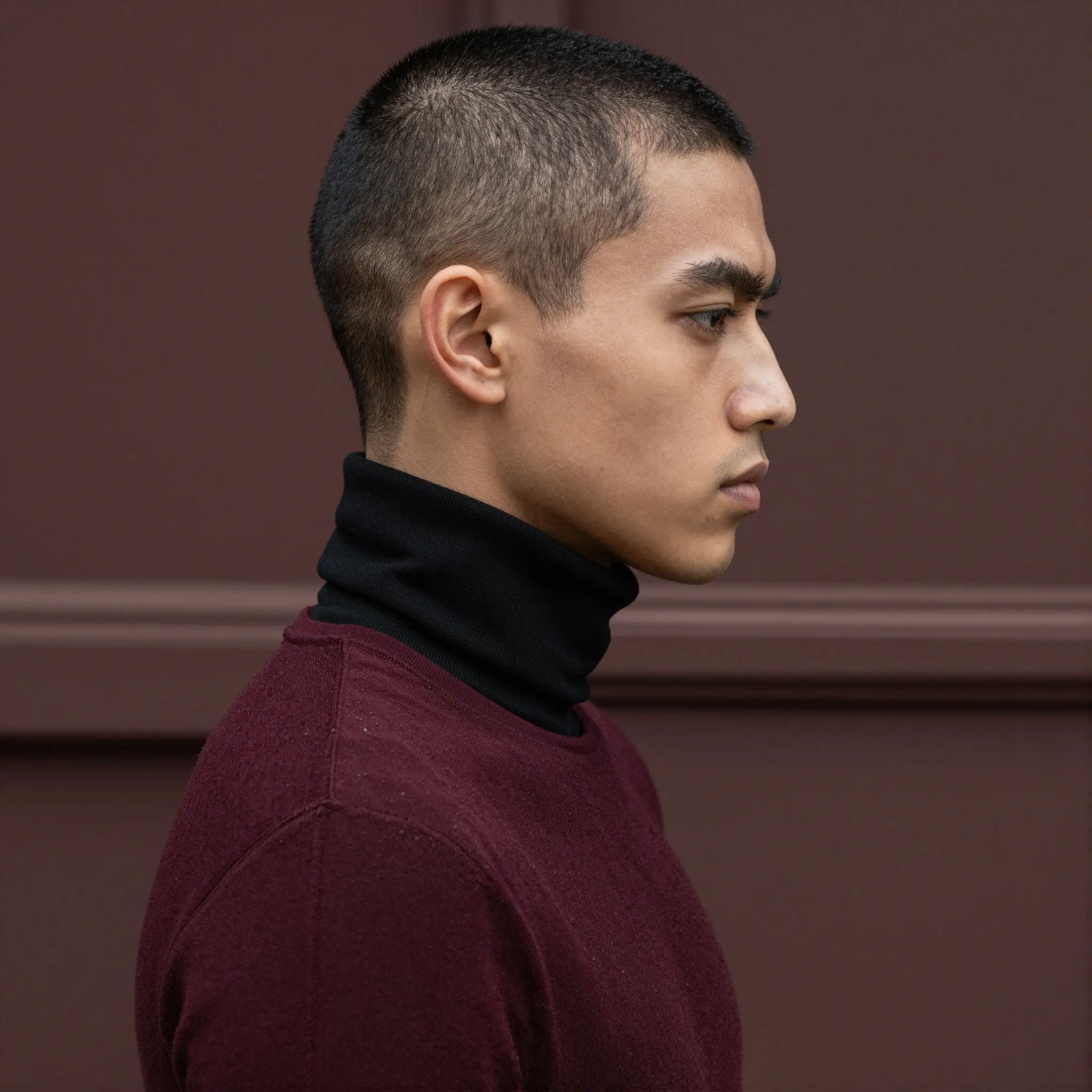
Apply the edit and review the result. Adjust if needed to improve realism.
See how a shaved head will look on you before committing. This works for both men and women who want to try a bold, minimal style. The AI helps you understand how your features stand out without hair.
If you’ve never gone bald before, this tool helps you preview the result safely. You can see how your face shape and head structure change your overall appearance.
Use the generated image as a reference before shaving your head. This helps reduce uncertainty and gives you confidence in your decision.
Create different looks for content by switching to a bald style instantly. This is useful for testing styles or creating visual variations without new photos.
A bald filter is an AI tool that lets you see how you would look with a shaved head by removing hair from your photo.
Find your next creative tool
Your next creation starts here
Start with your own content in Bald Filter. Review the settings in Studio and create your result.