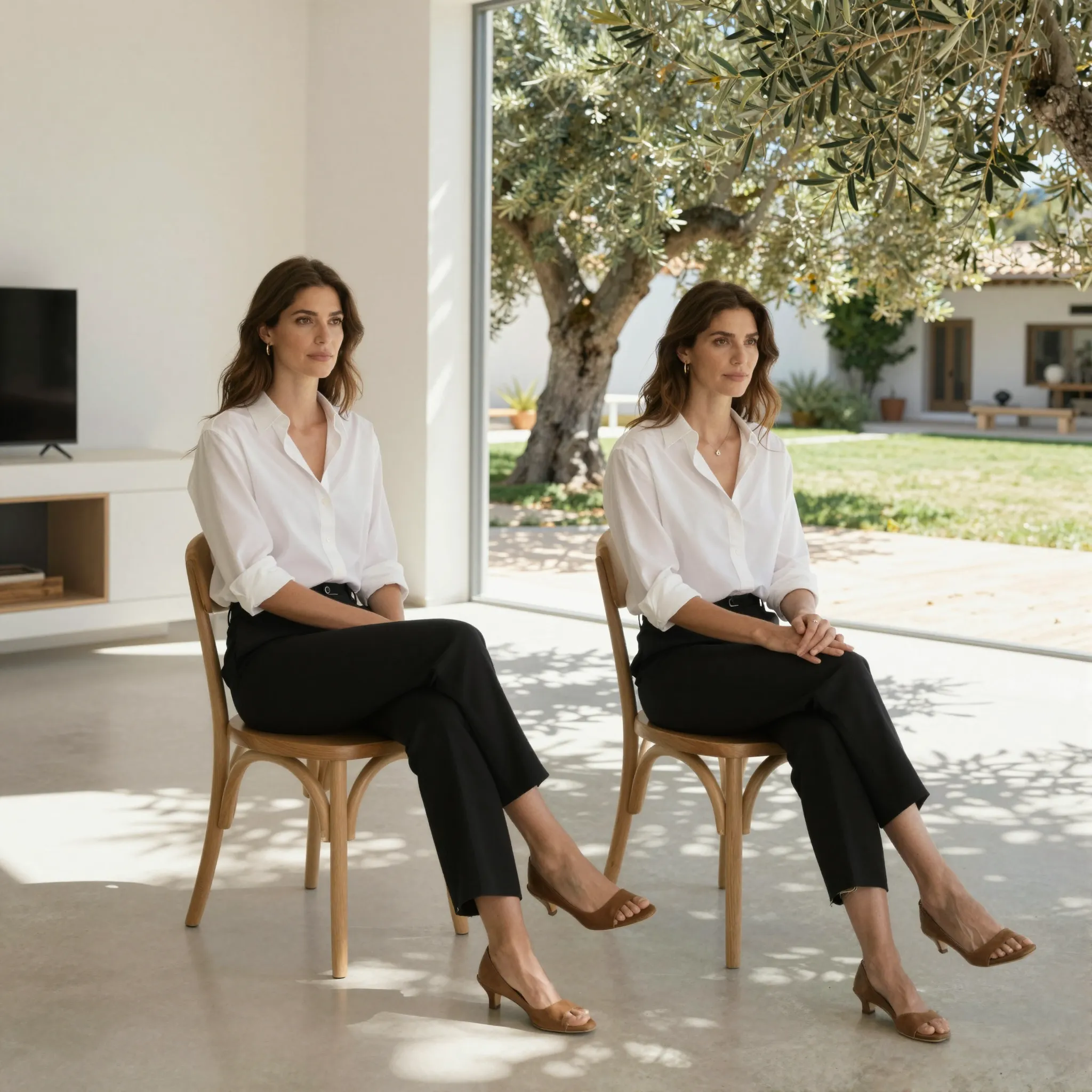
Give the subject a new setting
Upload the subject image and describe the replacement background, light direction and perspective. Name details that should stay recognizable.
Try it now
Upload the subject image and describe the replacement background, light direction and perspective. Name details that should stay recognizable.
Try it nowKeep the bottle and label; place it on pale limestone beside a window with soft side lighting.
Try it nowReview hair, transparent edges, shadows and contact with surfaces against the new setting.
Try it nowFrom idea to creation
Upload the subject image and describe the replacement background, light direction and perspective. Name details that should stay recognizable.
Keep the bottle and label; place it on pale limestone beside a window with soft side lighting.
Review hair, transparent edges, shadows and contact with surfaces against the new setting.
Upload the subject image and describe the replacement background, light direction and perspective. Name details that should stay recognizable.
Find your next creative tool
Your next creation starts here
Start with your own content in Change Background. Review the settings in Studio and create your result.



